01
Reply without returning to your desk
Open the conversation to see what has already been discussed. Reply through the connected channel, such as SMS or WhatsApp.


Mobile Access
Reply to messages, look up customer details and manage appointments on your phone, in the same account as your team.
Three examples show how you can use Mobile Access.
Open the conversation to see what has already been discussed. Reply through the connected channel, such as SMS or WhatsApp.
Find a contact and review their details, notes and past activity. Get the context you need before your next conversation.

Open an appointment to see its time, contact and location. Check the booking status or add an internal note without opening your laptop.

The practical benefits of Mobile Access.
Start a call from a customer profile or conversation. With telephony configured, use your account's numbers and call history.
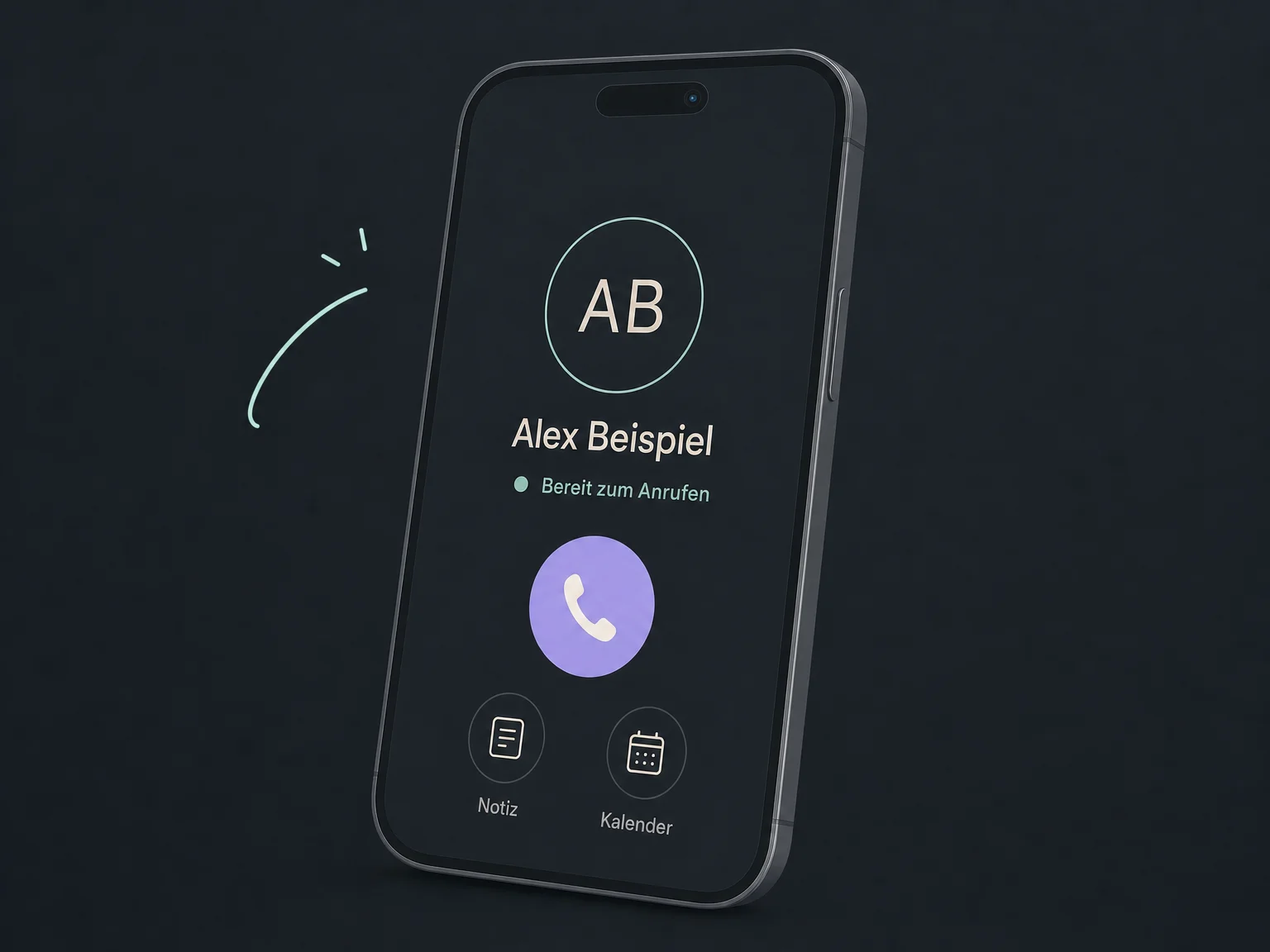
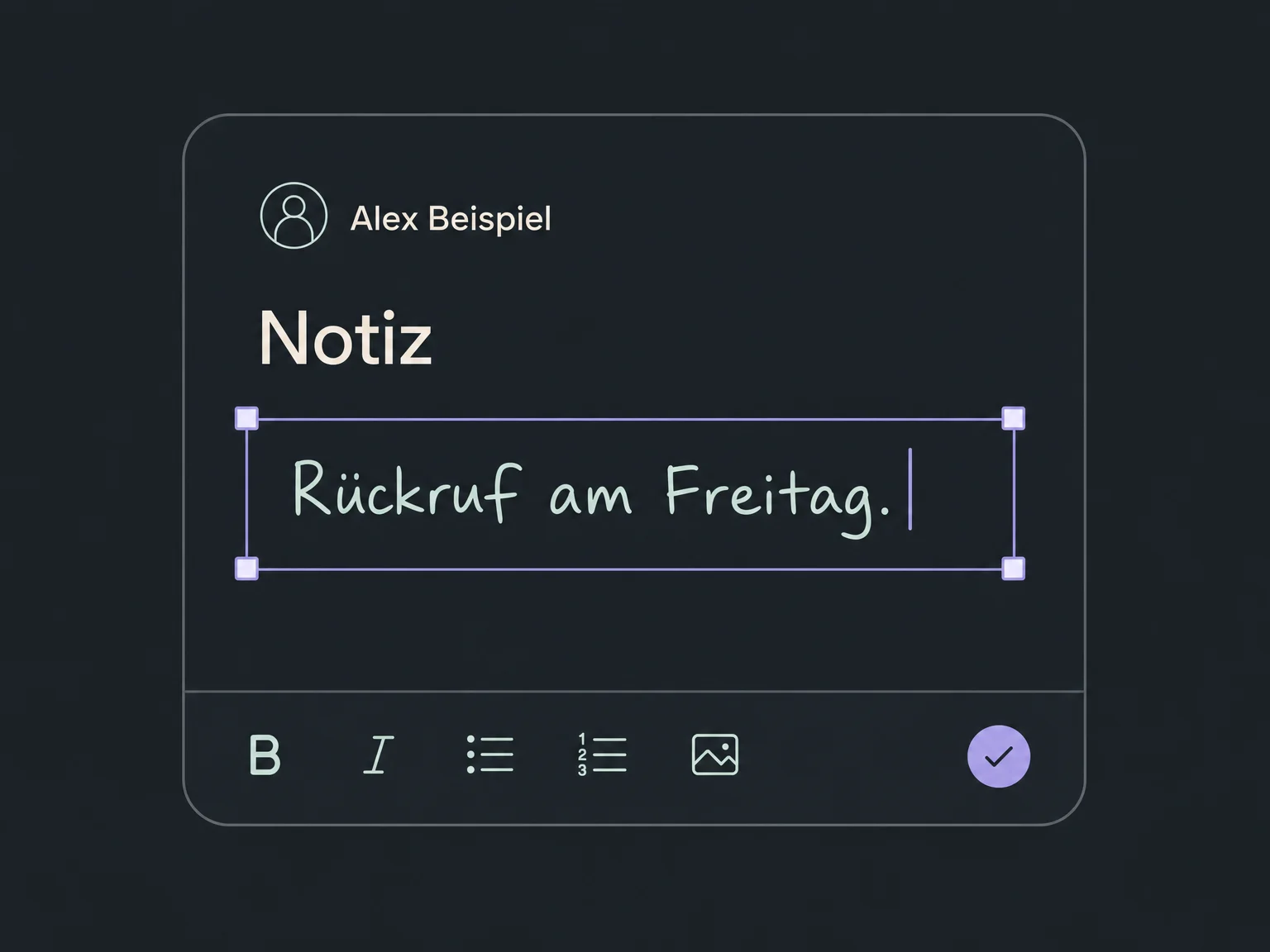
Save what you agreed directly on the contact. Teammates with the right access can read the note later.
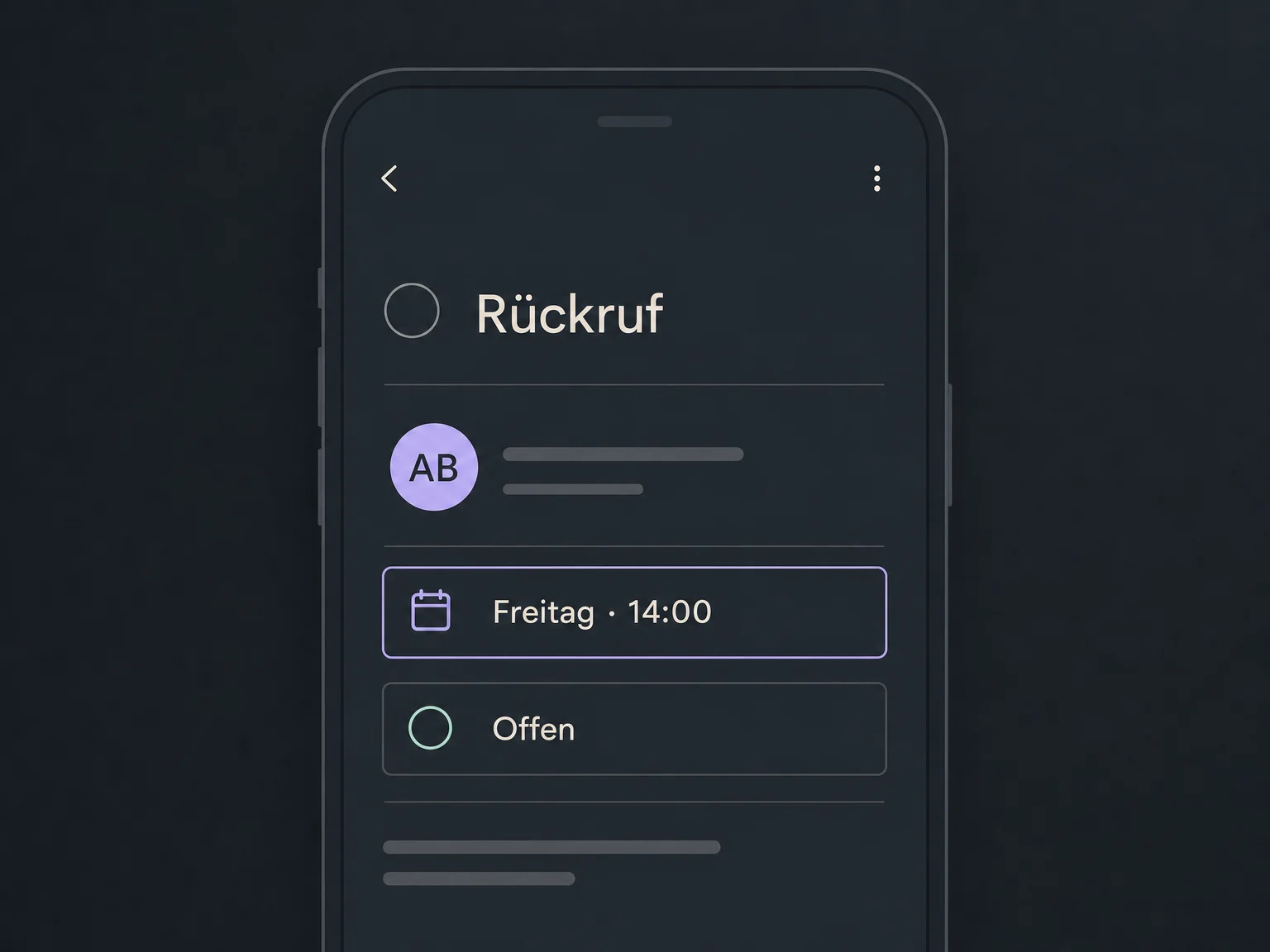
Create a callback task on the contact and set a due date. Keep the next step recorded instead of relying on memory.
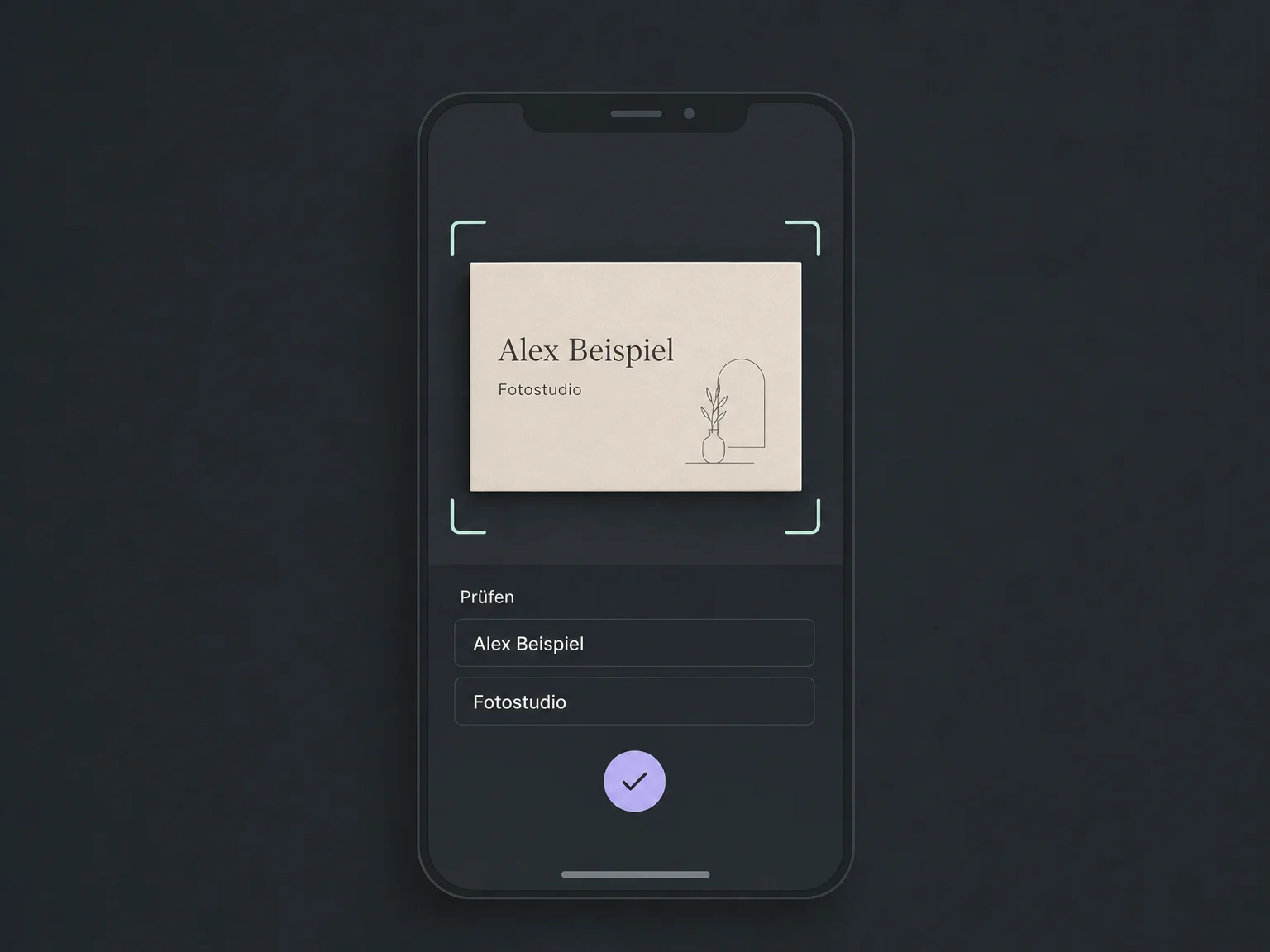
Photograph a business card, check the extracted details and save the contact. AI scanning needs camera access and may incur usage charges.
Get alerts for assigned conversations or upcoming tasks. Your profile and phone settings control which notifications you receive.
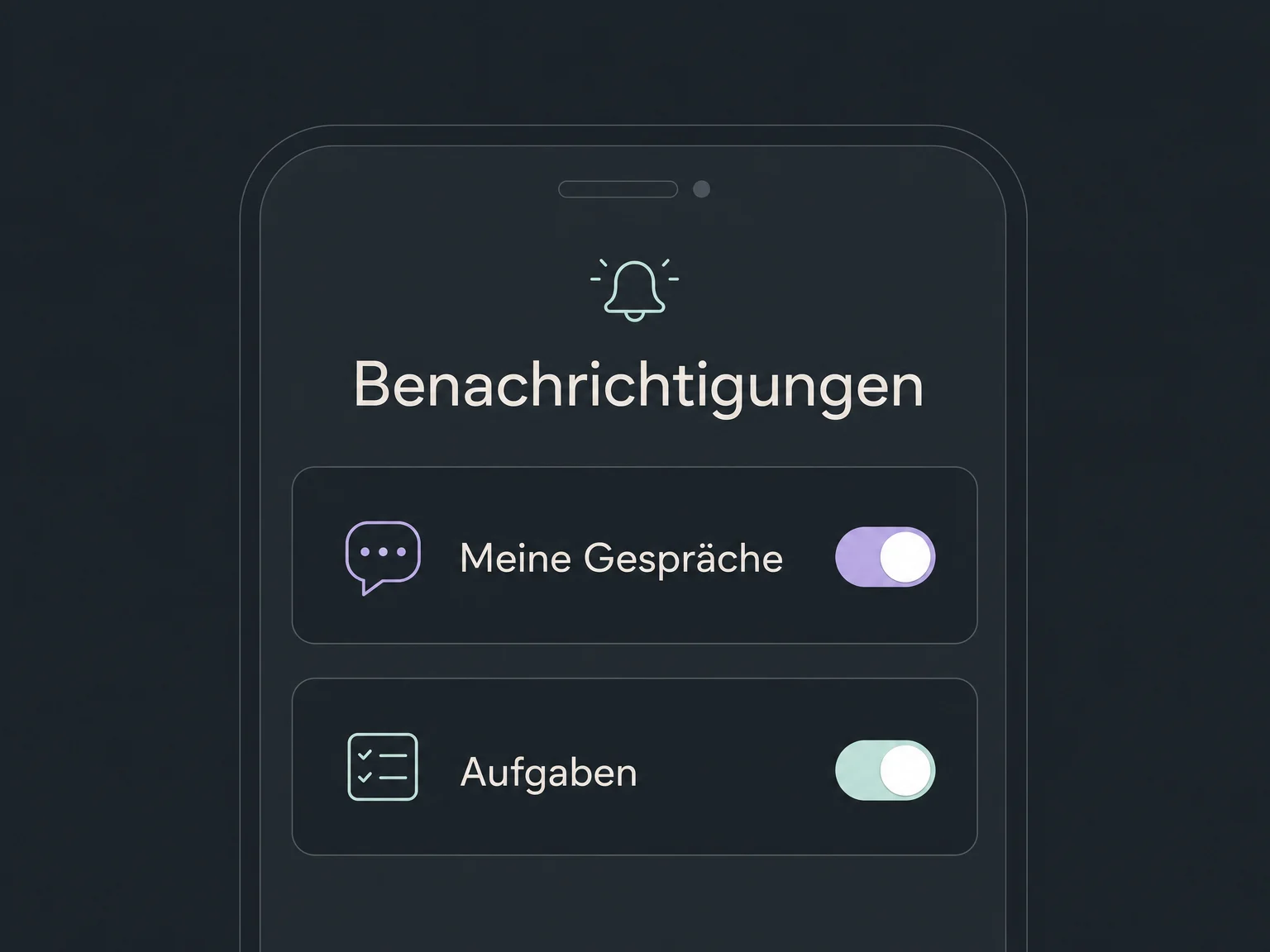
Simplified examples, not live account data.
We check the right iOS or Android app, account access, permissions and notifications. Messaging channels and telephony need to be configured. We confirm your plan, app version and any AI usage charges before setup.
Mobile access uses the contacts, conversations and appointments you can access in your existing account. Your team does not need to maintain a second customer database.
Availability and any add-on or usage costs are confirmed for your ONE LOOP account before implementation.
Mobile apps are available for iOS and Android. During setup, we confirm the app edition and features available for your ONE LOOP account. An app under your own company name is not automatically included.
No. The app supports day-to-day work with contacts, conversations and appointments. Complex setup and some modules remain in the browser. Available features also depend on the app version, account configuration and your permissions.
That depends on the calling method. Calls through configured account telephony use its numbers and billing. SIM-based calls use your mobile carrier number instead. We check the intended calling method and costs with you.
Check the notification preferences in your user profile and the app permissions on your phone. You need access to the relevant account and records. Focus mode, lack of connectivity or restricted background activity can also affect alerts.
Let’s explore your use case and what the setup requires.
Book a demo