
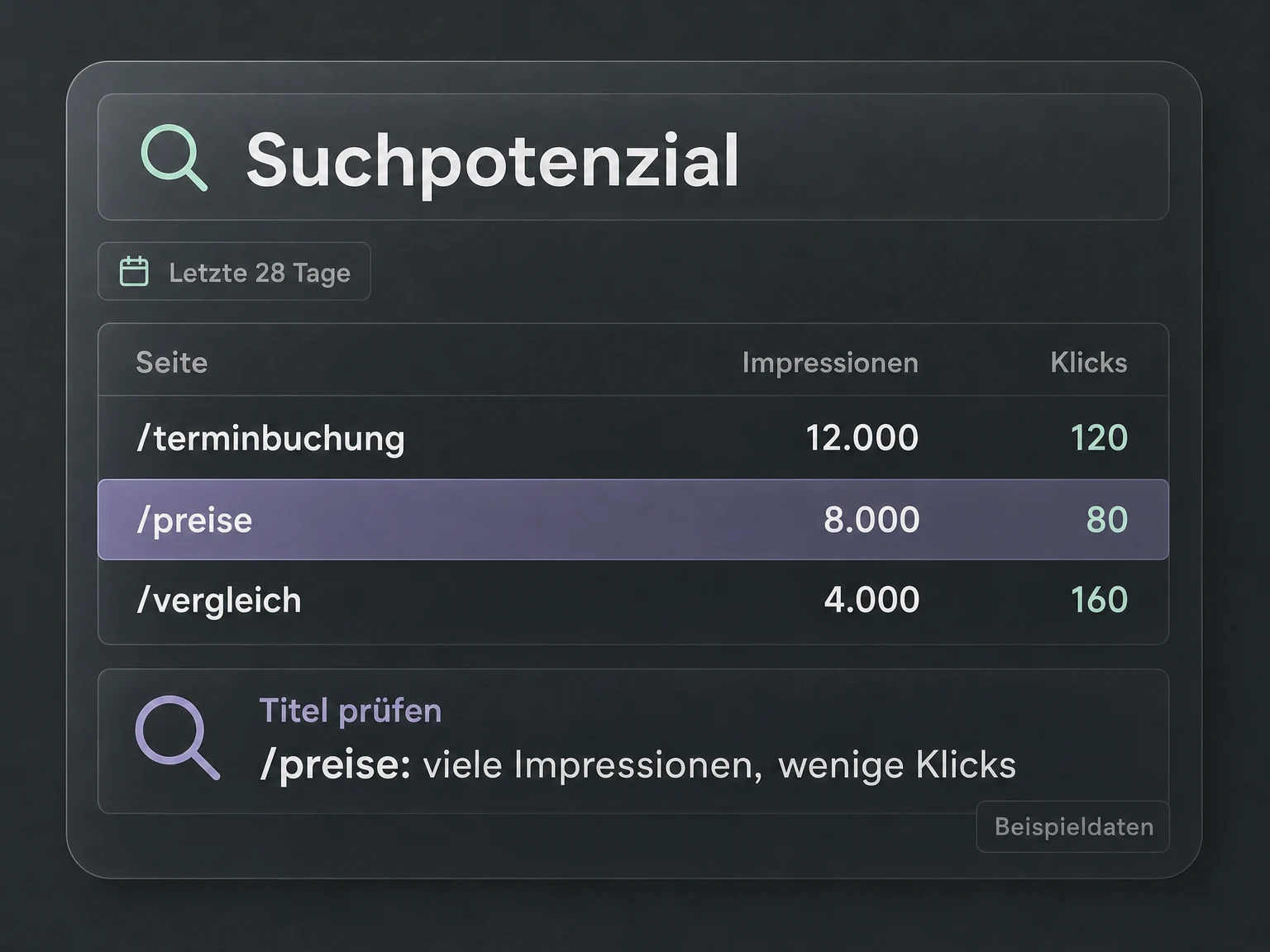
Your prompt in Codex or Claude Code
“Which pages had many impressions but few clicks in the last 28 days?”
A page report helps identify candidates for a review of titles and content.
MCP · 19 € / month
Find queries and pages with potential. Google Search Console MCP brings clicks, impressions and index status into your AI chat.
Your connection to AI
Find search queries and pages with SEO potential. Analyse clicks, impressions and indexing status from your Google Search Console directly with Codex or Claude Code.
See what this server can doGoogle Search Console MCP
19 €/ month
Excluding VAT. Requires a compatible AI assistant and access to the relevant Google account. The AI assistant is not included.
Examples for your everyday work
Ask Codex or Claude Code where your SEO opportunities are. Understand search performance and index status in your AI chat instead of copying data between tools.
Your prompt in Codex or Claude Code
“Which pages had many impressions but few clicks in the last 28 days?”
A page report helps identify candidates for a review of titles and content.
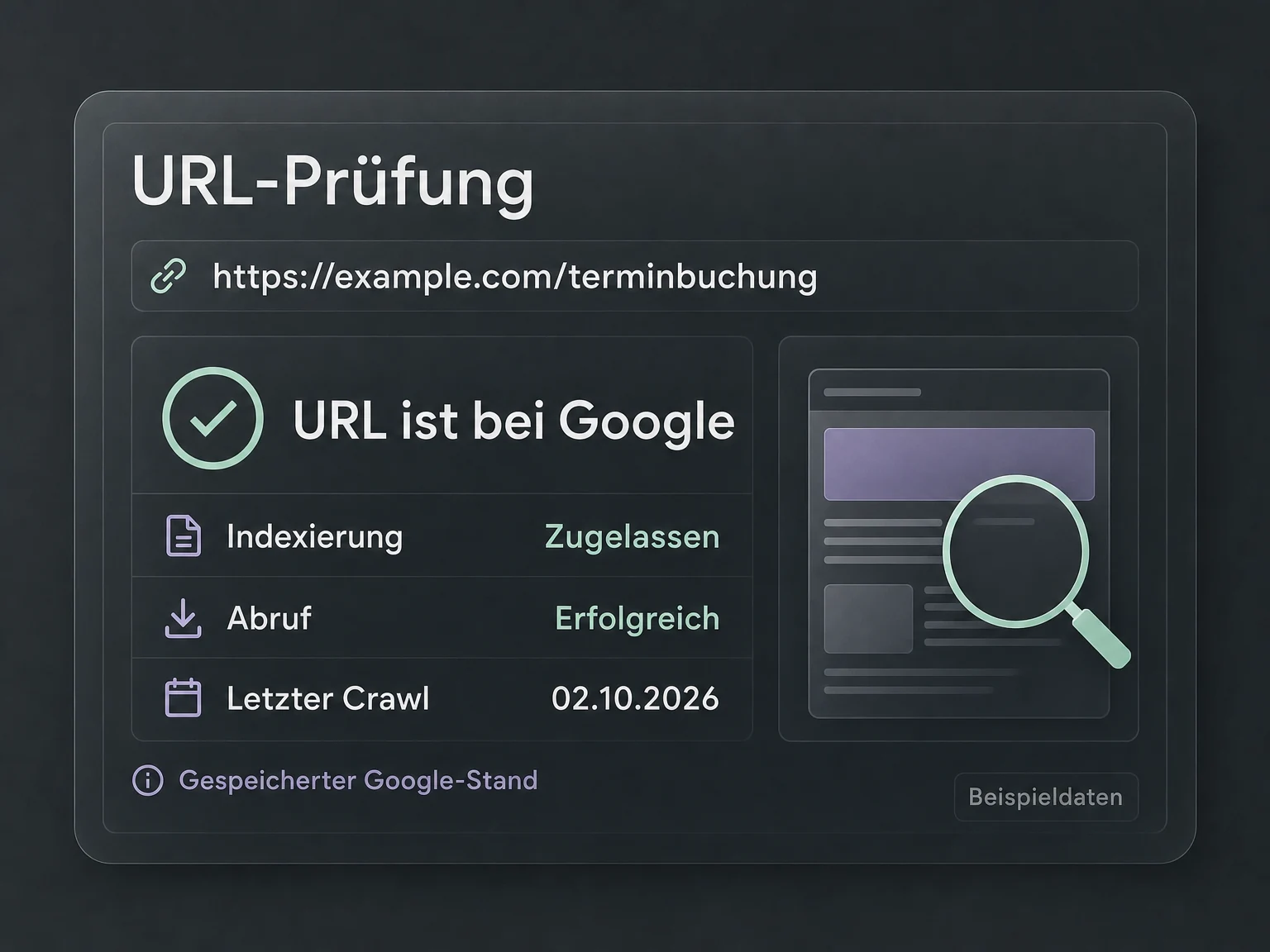
Your prompt in Codex or Claude Code
“Check the stored indexing status of my new product page.”
URL inspection provides Google's existing record to inform your next steps.
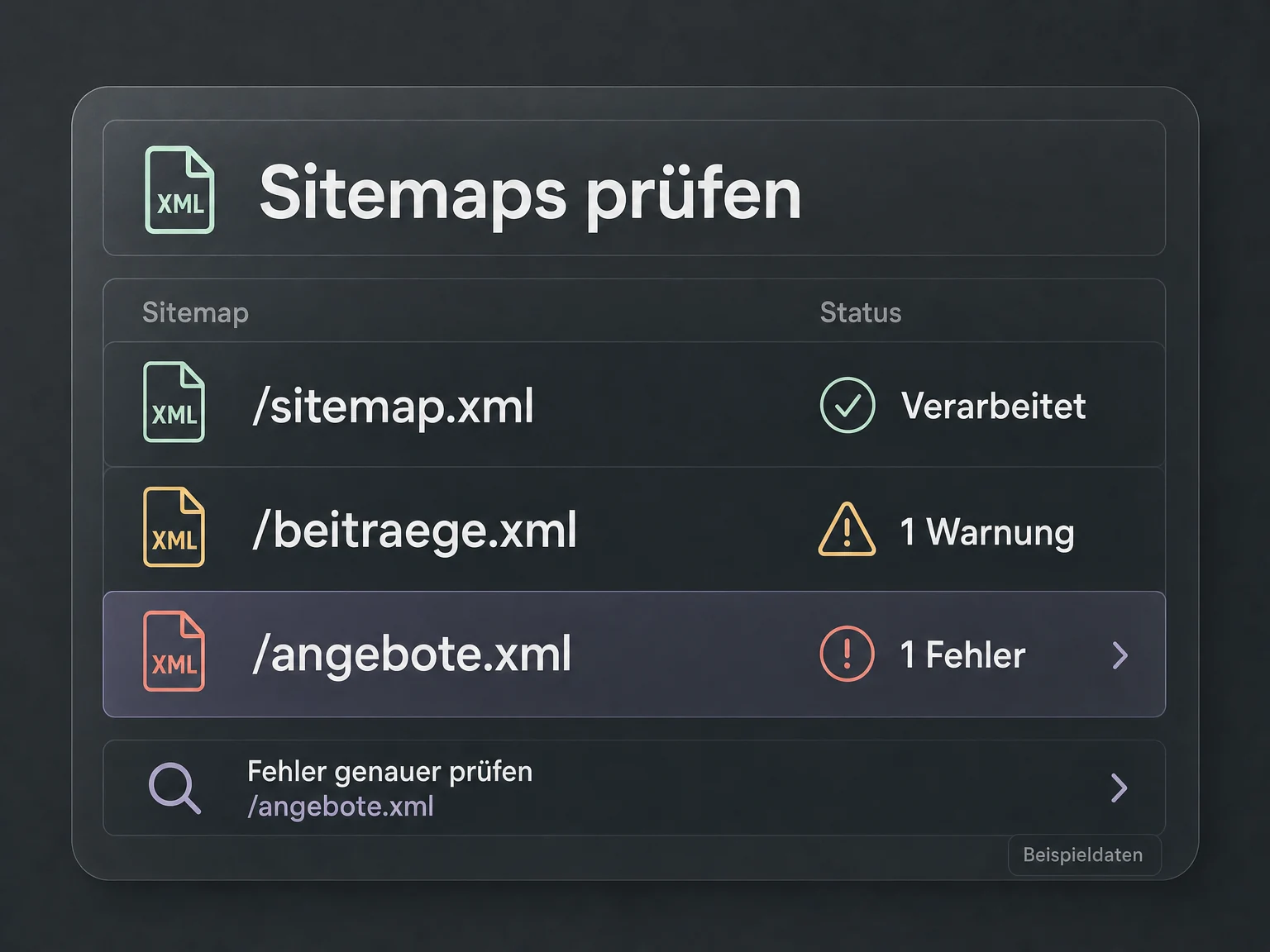
Your prompt in Codex or Claude Code
“Which of my submitted sitemaps have warnings or errors?”
Sitemap status data shows which submissions need a closer look.
Illustrative examples. No live data.
Your connection in three steps
 Codex
Codex Claude Code
Buy, sign in, ask your question. Use the AI agent you already work with.
Get your MCP connection for €19 per month. Your licence is assigned to you personally. Connect your Google account and select the permitted data in the billing portal.
Add the fixed URL of your module as an MCP connection and sign in. Your personal licence and permissions determine your access.
Work with your data right in chat. Your agent retrieves the answers; you decide the next step.

Google Search Console MCP
Benefits & features
The ONE LOOP Google Search Console MCP server connects your AI assistant to your website's search data. Ask about visibility, individual URLs or sitemaps in chat, without first exporting reports.
Explore the queries and pages behind your clicks and visibility.
Retrieve clicks, impressions, click-through rate and average position. Break down the data by query, page, country, device and date range.
Discuss Google's stored indexing status for a page with your assistant.
Retrieve Google's stored URL inspection result for a page in your selected property. Discuss the indexing information with your assistant.
Review your sitemaps' processing status, warnings and errors.
List submitted sitemaps and retrieve processing status, warnings and errors to identify items that need attention.
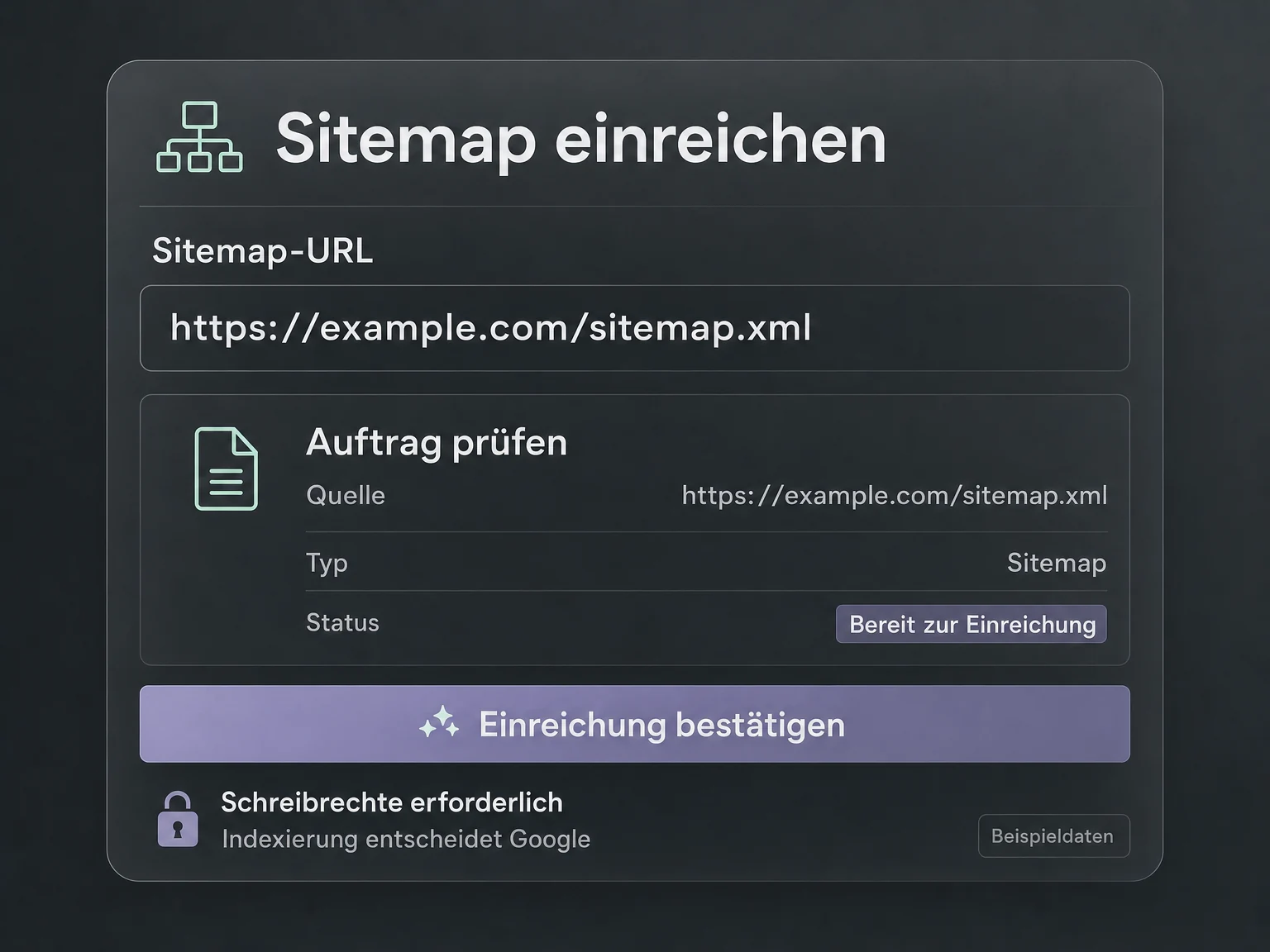
Manage sitemap submissions with write access and an explicit request.
With write access enabled, submit a sitemap URL or remove its Search Console submission. Changes require your explicit request.
Illustrative feature examples. No live data.
Your next step
Get your MCP connection, add the URL in Codex or Claude Code and work with your data directly in chat.
Tools & actions
8 documented tool calls: 6 read data, 2 can make changes with the required access.
Technical documentationquery_search_analyticsQuery search performance
inspect_urlInspect indexed URL
list_sitemapsList submitted sitemaps
submit_sitemapSubmit sitemap
FAQ
