01
See the details that matter
Open a contact to review their interests, owner and latest note. Know what the call is about before you pick up the phone, without piecing together several lists.


CRM
See who your contact is, what you discussed and what comes next. Keep contact details, notes and tasks together so your team can start each conversation prepared.
Three examples show how you can use CRM.
Open a contact to review their interests, owner and latest note. Know what the call is about before you pick up the phone, without piecing together several lists.
Save contacts interested in a consultation as a Smart List. The list changes as saved contact data starts or stops matching your filters.

Add a task to the contact with an assignee and due date. Your team can see what is still open. Creating a task does not itself send a message or book a customer appointment.

The practical benefits of CRM.
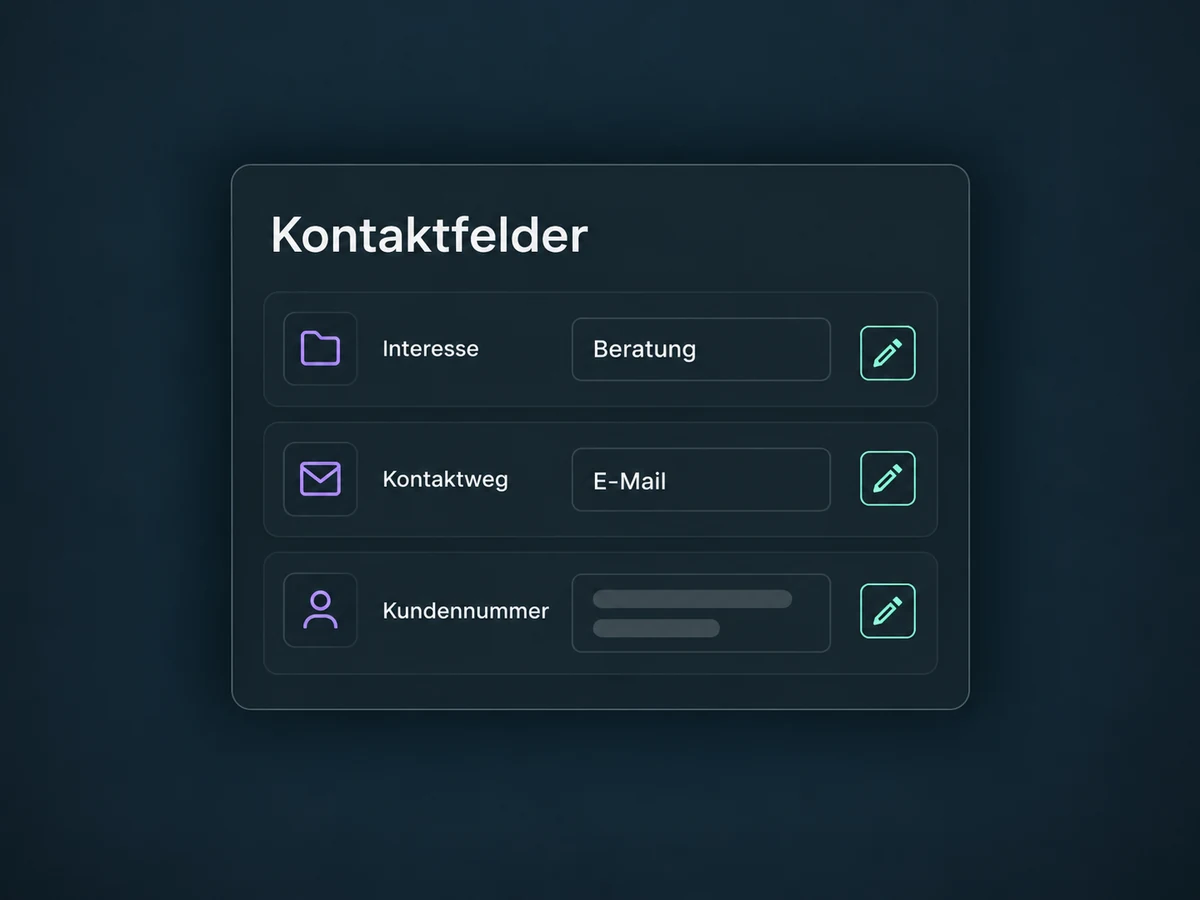
Add contact fields for interests, customer numbers or preferred contact methods. Suitable field types and folders keep the information consistent and easy to find.
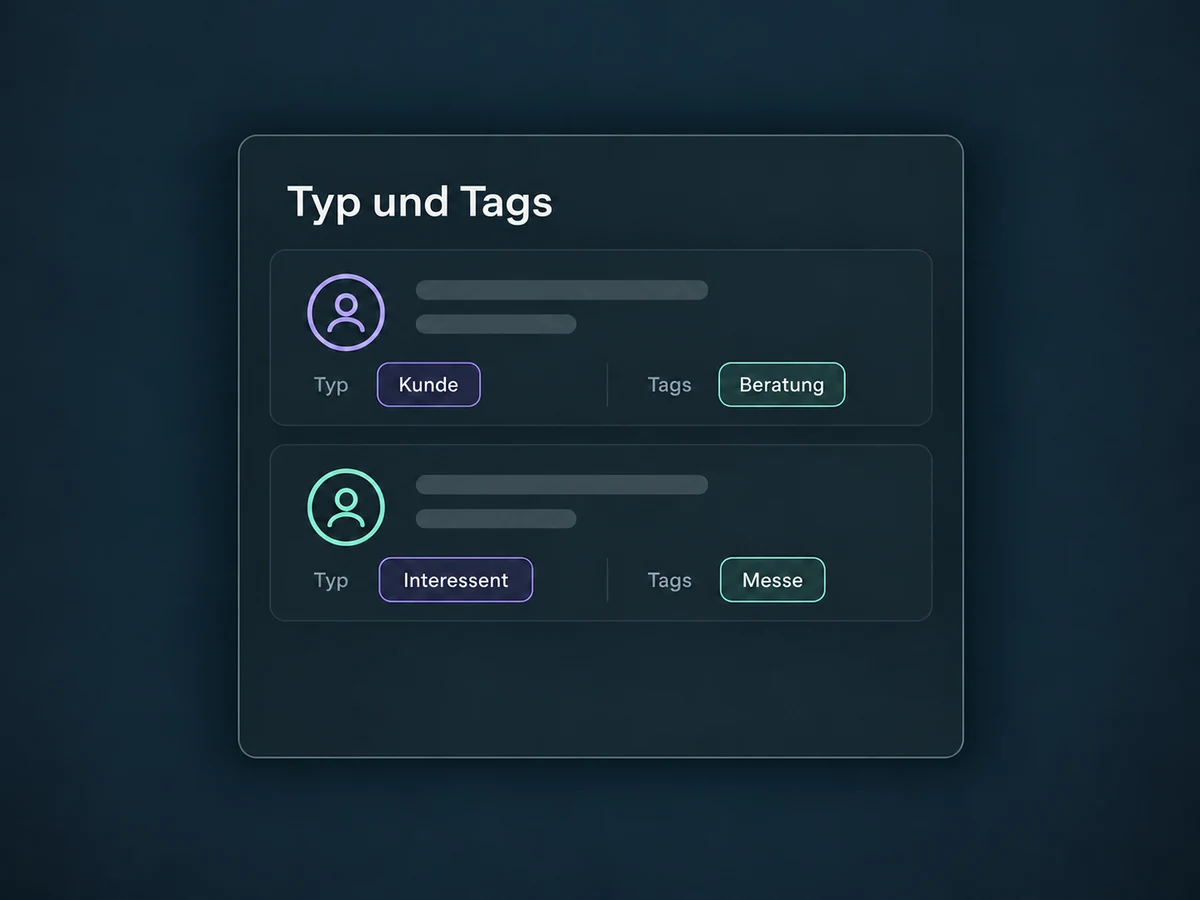
A contact type describes the main relationship, such as customer or prospect. Multiple tags add details such as interests or source without replacing that type.
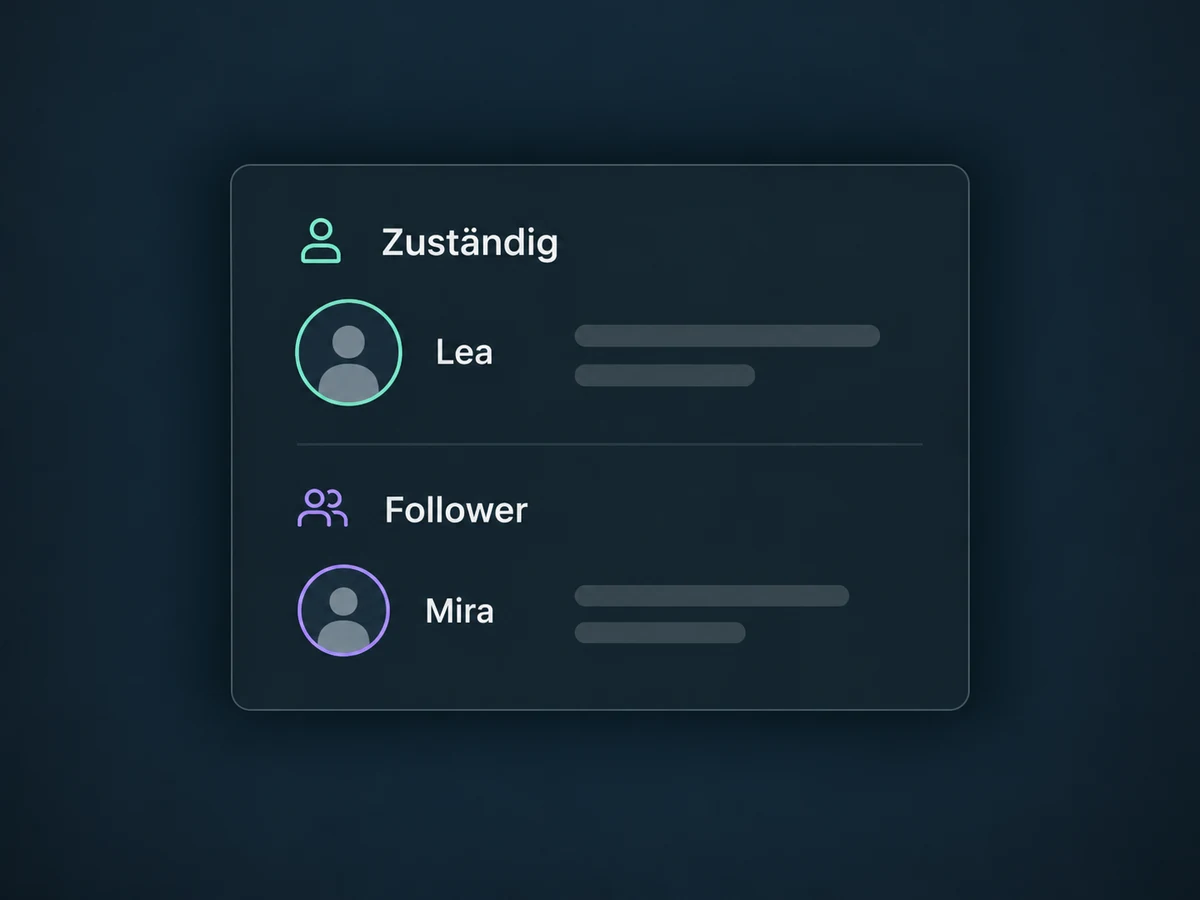
Keep a named owner on the contact. Authorised colleagues can collaborate as followers without taking over ownership. Automatic assignment needs separate configuration.
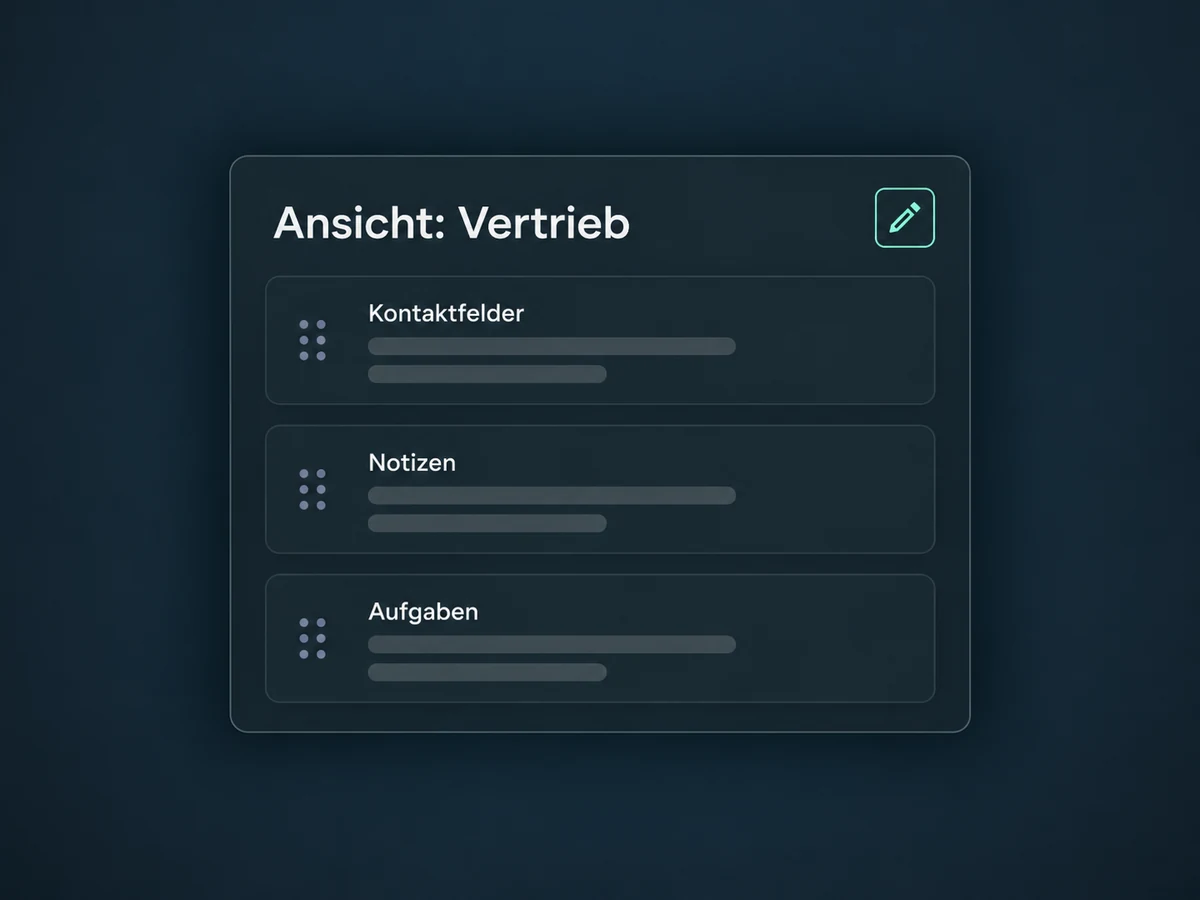
Admins can arrange fields and sections and assign views to users. Sales and service can find relevant details faster; access permissions are managed separately.
Select the right contacts and add a tag to them together. Review the bulk action's status and errors afterwards. Check the selection before starting the change.
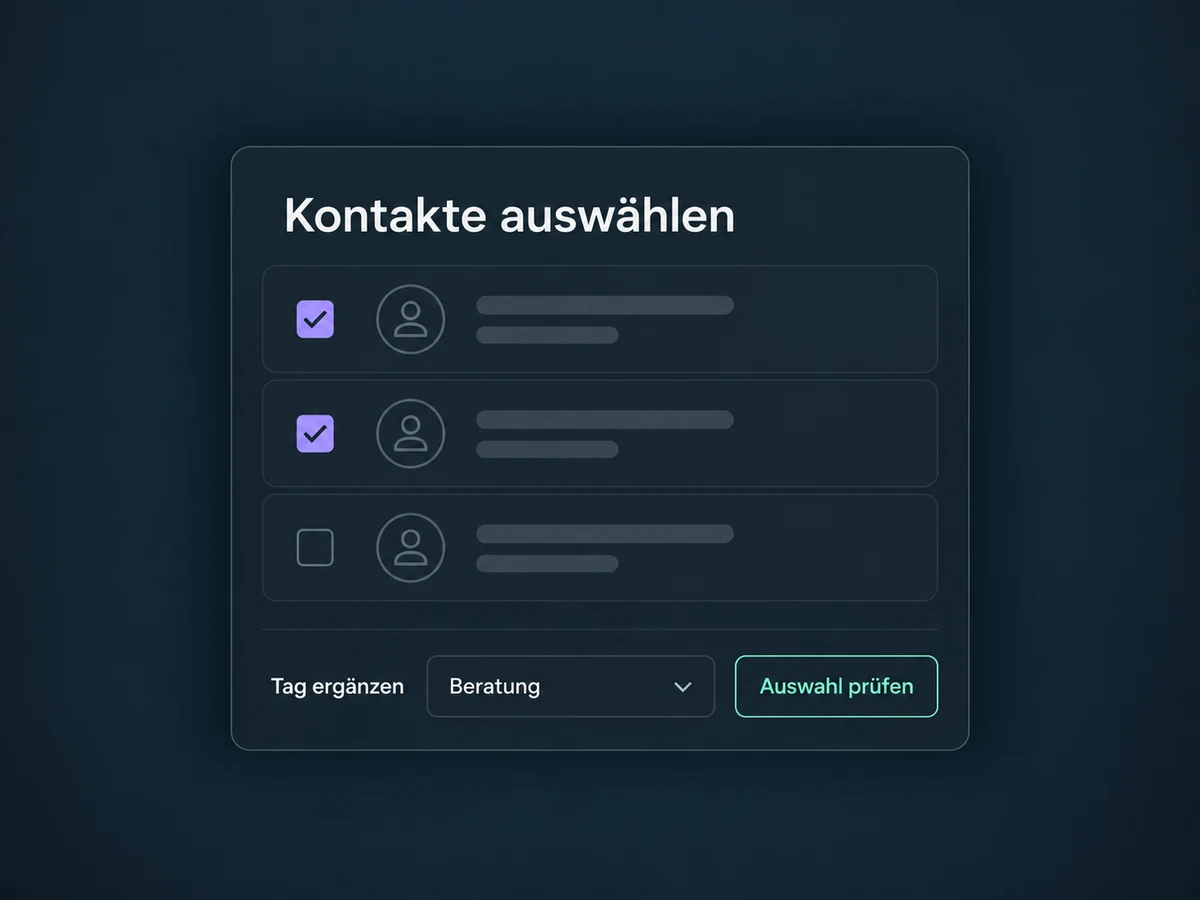
Simplified examples, not live account data.
We agree contact fields, types, tags and ownership with your team. Before importing, we review formats, duplicate handling and update rules, then test views and permissions with sample contacts. We confirm package access and channel connections before starting. Automated tasks and messages need their own workflows.
The CRM manages contacts. Deals and their stages belong to the separate Pipelines feature; contact assignment rules belong to Lead Routing. Connected channels add to the contact history.
Availability and any add-on or usage costs are confirmed for your ONE LOOP account before implementation.
The CRM holds people and their contact details. A pipeline tracks specific sales opportunities and their progress. One contact can have several opportunities, so the functions have separate pages.
Because the saved record matches the list's filters. As those details change, the contact can enter or leave the list automatically. Check the field, comparison, value and any AND or OR conditions. A Smart List is a saved view, not a copy of your contacts or an automatic message send.
Alongside basic details, you can maintain custom contact fields, notes and tasks. Conversation data comes from configured, supported channels; private inboxes or other systems do not appear without a suitable connection. Details about an individual deal belong in opportunity fields, not the general contact profile. A contact field cannot simply be converted into an opportunity field later.
Yes. Roles and assigned-data restrictions control which contacts someone can see. Followers can extend access to specific contacts; other module permissions still need checking. A different contact view changes the layout but does not replace access control. We test your intended collaboration using the actual user roles.
Let’s explore your use case and what the setup requires.
Book a demo