Google Keywords MCP connects SEO metrics, search intent and competitor data. Build keyword clusters and informed content plans with Codex or Claude Code.
Bring search volume, intent, competition and rankings together in Codex or Claude Code. Turn the data into keyword clusters, relevant landing pages and a justified content plan.
Excluding VAT. Queries use credits according to their type and scope. Requires a separate compatible AI assistant.
Examples for your everyday work
From a search term to a content plan.
From research to site structure: retrieve data, check intent and group keywords into meaningful clusters. Your AI agent handles the analysis within the conversation.
Your prompt in Codex or Claude Code
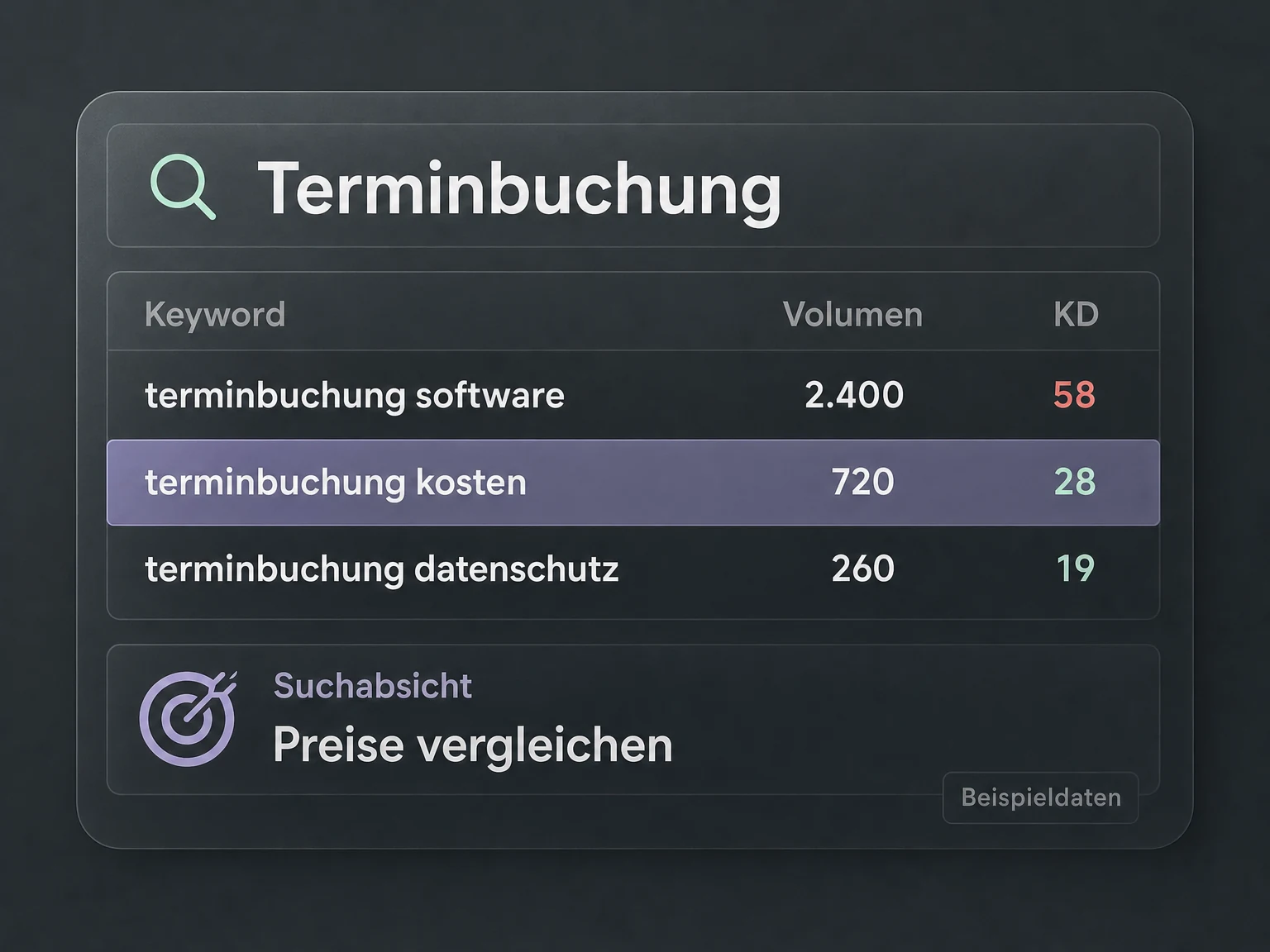
“Find appointment booking keywords. Compare search volume, CPC, intent and SEO difficulty for the UK.”
Your agent retrieves the relevant data through MCP and combines it per keyword. Assess demand, commercial interest and organic competition without manually matching several exports.
Explore an example result
Example · fictional dataGoogle Keywords MCPOne keyword. The full picture.
United Kingdom · English · Keyword comparison
Fictional monthly searches, CPC in USD and SEO difficulty from 0 to 100
Your agent combines the metrics. You decide which opportunities fit your offer.
Your prompt in Codex or Claude Code
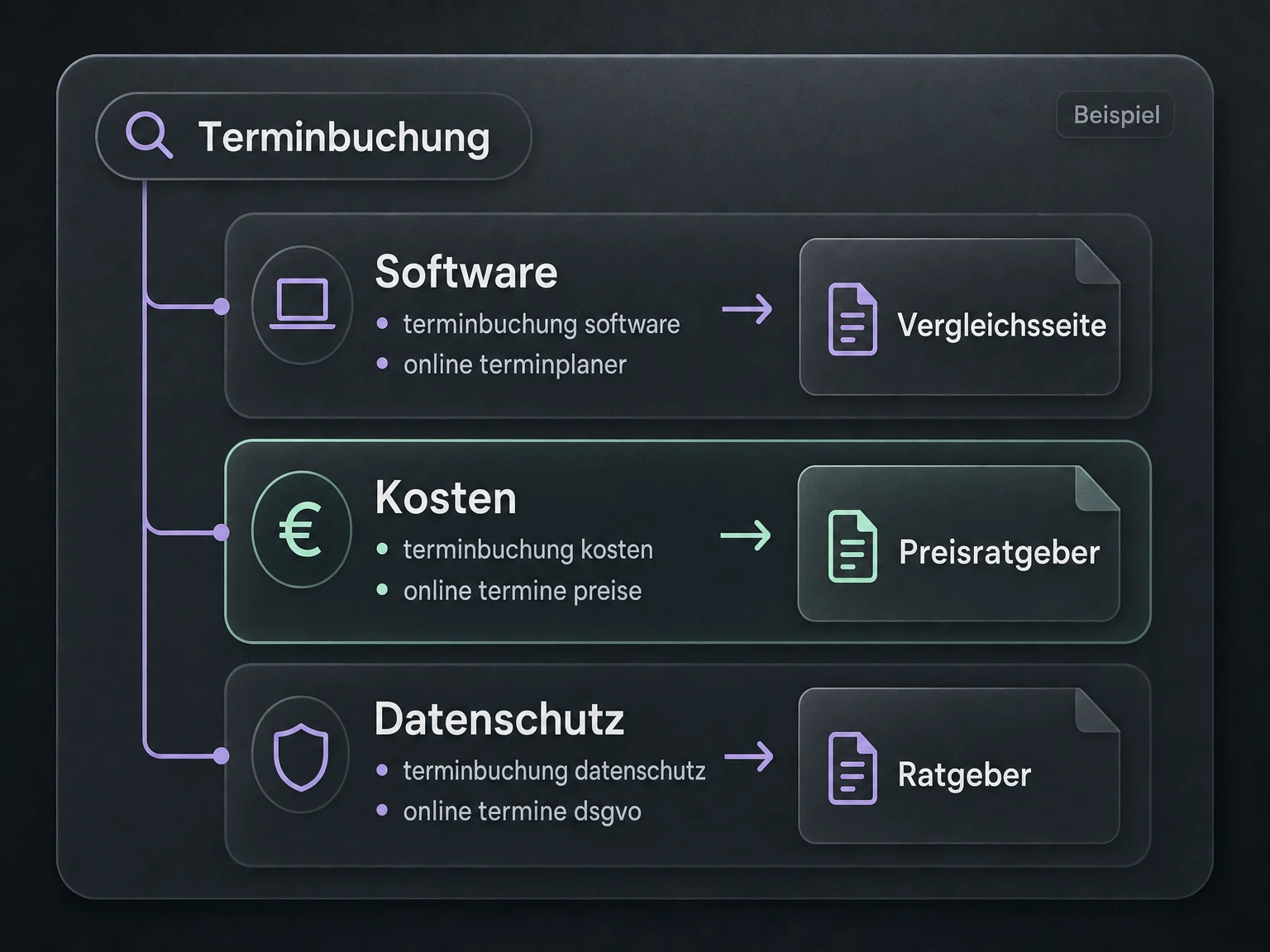
“Build keyword clusters. Check intent and shared top URLs: which terms belong on the same page?”
Similar wording is not enough. Your agent compares search results and separates software comparisons, pricing and privacy, for example. Each cluster gets a clear page purpose, helping you avoid unnecessarily competing content.
Explore an example resultExample · fictional dataFrom keywords to page topics.
Compare providers
appointment software
online appointment scheduler
appointment booking tool
7/10 shared top URLs in this example
One comparison page/appointment-software
Similar top results and the same search intent support using a shared page.
Your prompt in Codex or Claude Code
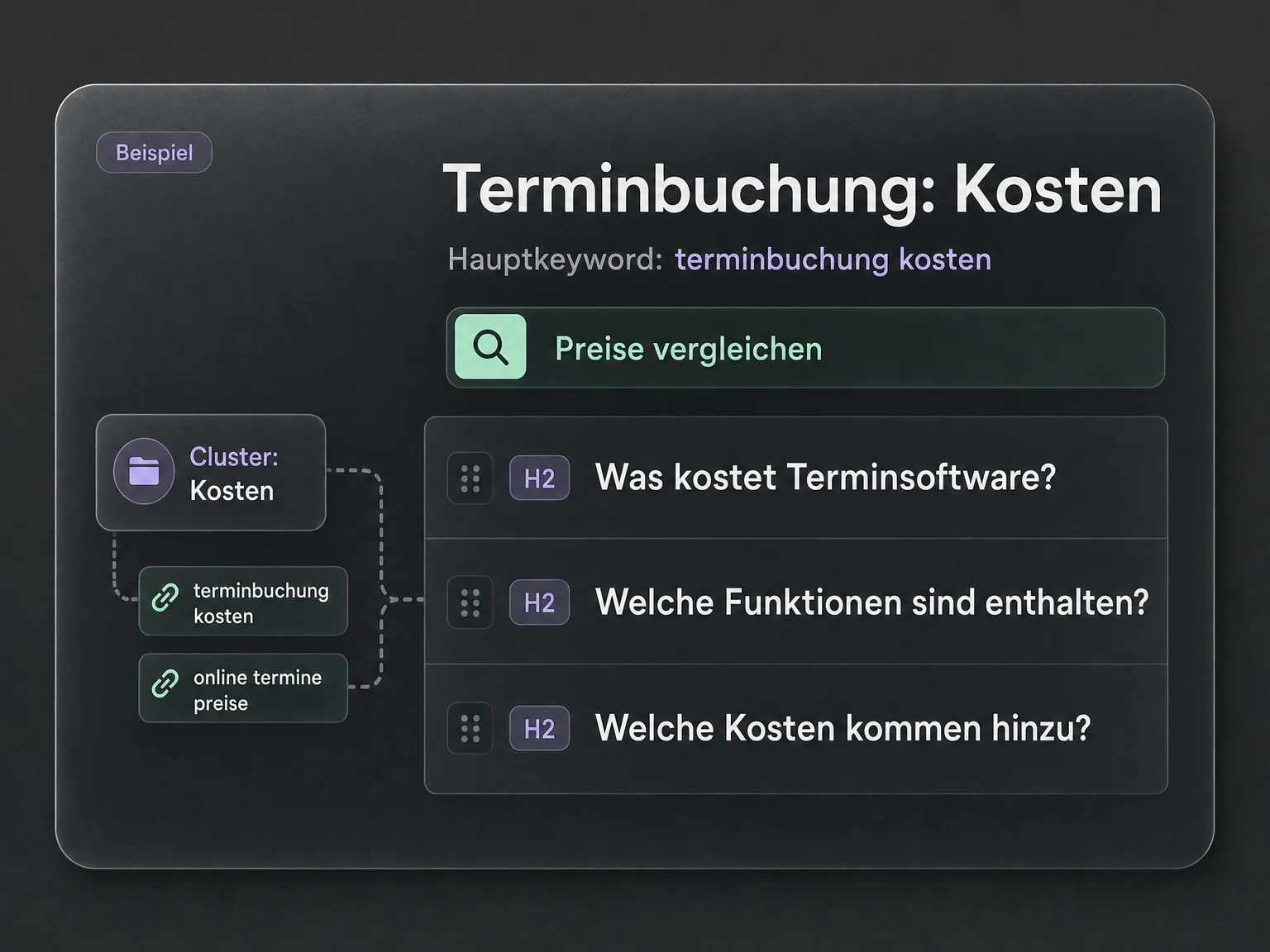
“Prioritise the clusters and create a content brief for the best-fit topic.”
Weigh demand, difficulty, competitor gaps and relevance to your offer. Ask for a primary keyword, supporting terms, intent, page format and outline. AI explains its recommendation; you set the priorities.
Explore an example resultExample · fictional dataA brief you can work with.
AI suggestion · Pricing cluster
What does online appointment booking cost?
Primary keyword
appointment software pricing
Intent
Compare prices and features
Format
Pricing guide with comparison
Pricing models and included features
Additional costs and decision criteria
Questions to ask before buying
Why prioritise this? Specific buying interest and lower difficulty in this example. Check relevance to your offer.
Illustrative examples. No live data.
Your connection in three steps
How it works.
CodexClaude Code
Buy, sign in, ask your question. Use the AI agent you already work with.
1
Buy & set up access
Get a credit package for €19. Set up your access in the billing portal.
2
Open Codex or Claude Code
Add the MCP connection to your AI assistant and complete the sign-in.
3
Ready. Ask your question.
Work with your data right in chat. Your agent retrieves the answers; you decide the next step.
Combine available keyword, SERP and competitor data in one research workflow. Codex or Claude Code can turn it into clusters, page priorities and content briefs, grounded in traceable metrics.
Assess demand
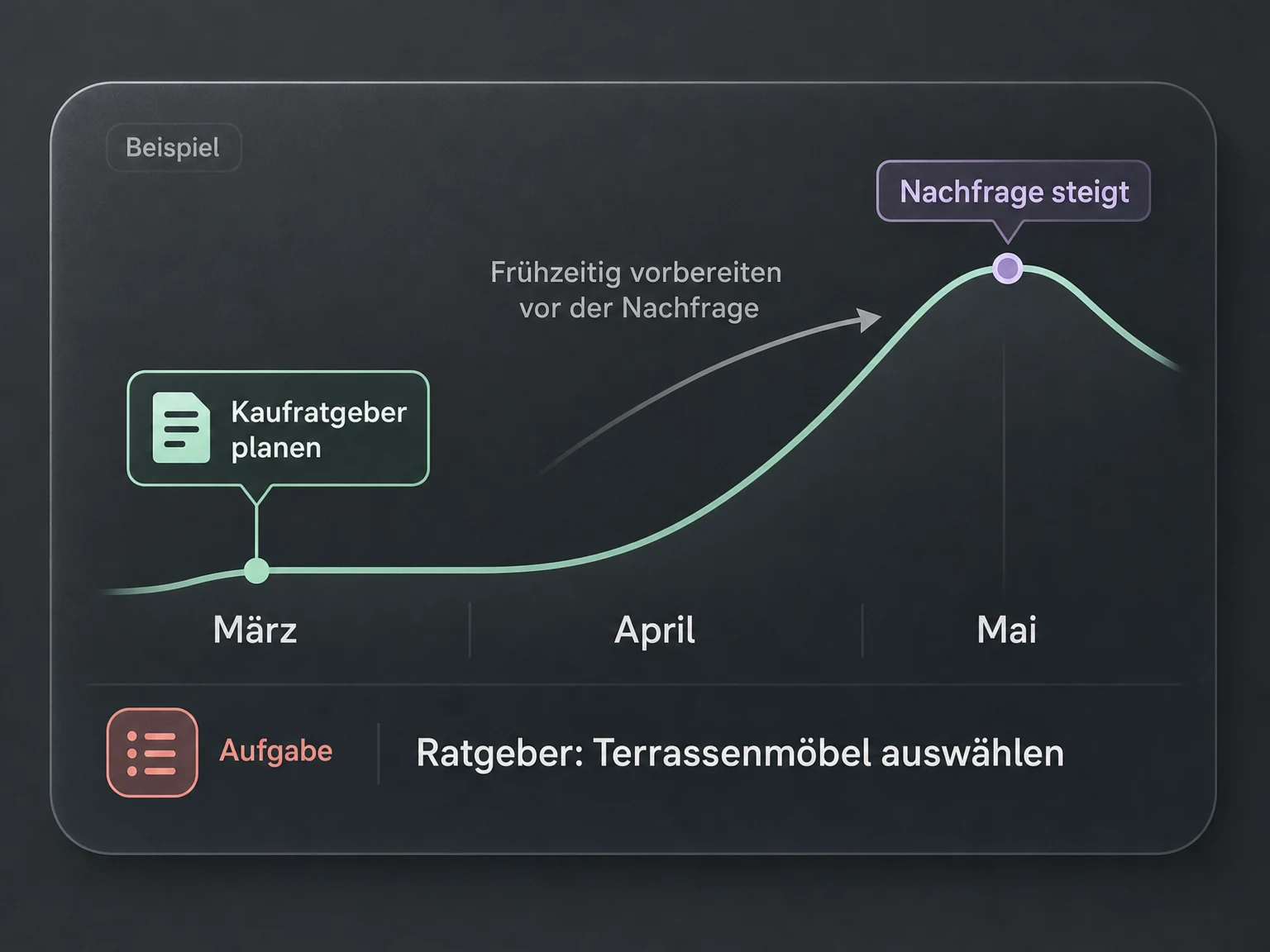
Identify seasonal demand and plan content before the next rise.
Search volume · Monthly history · Trends
Assess SEO effort
Compare organic competition and find topics suited to your website.
Keyword difficulty · Top rankings · Link profiles
Evaluate paid-search potential
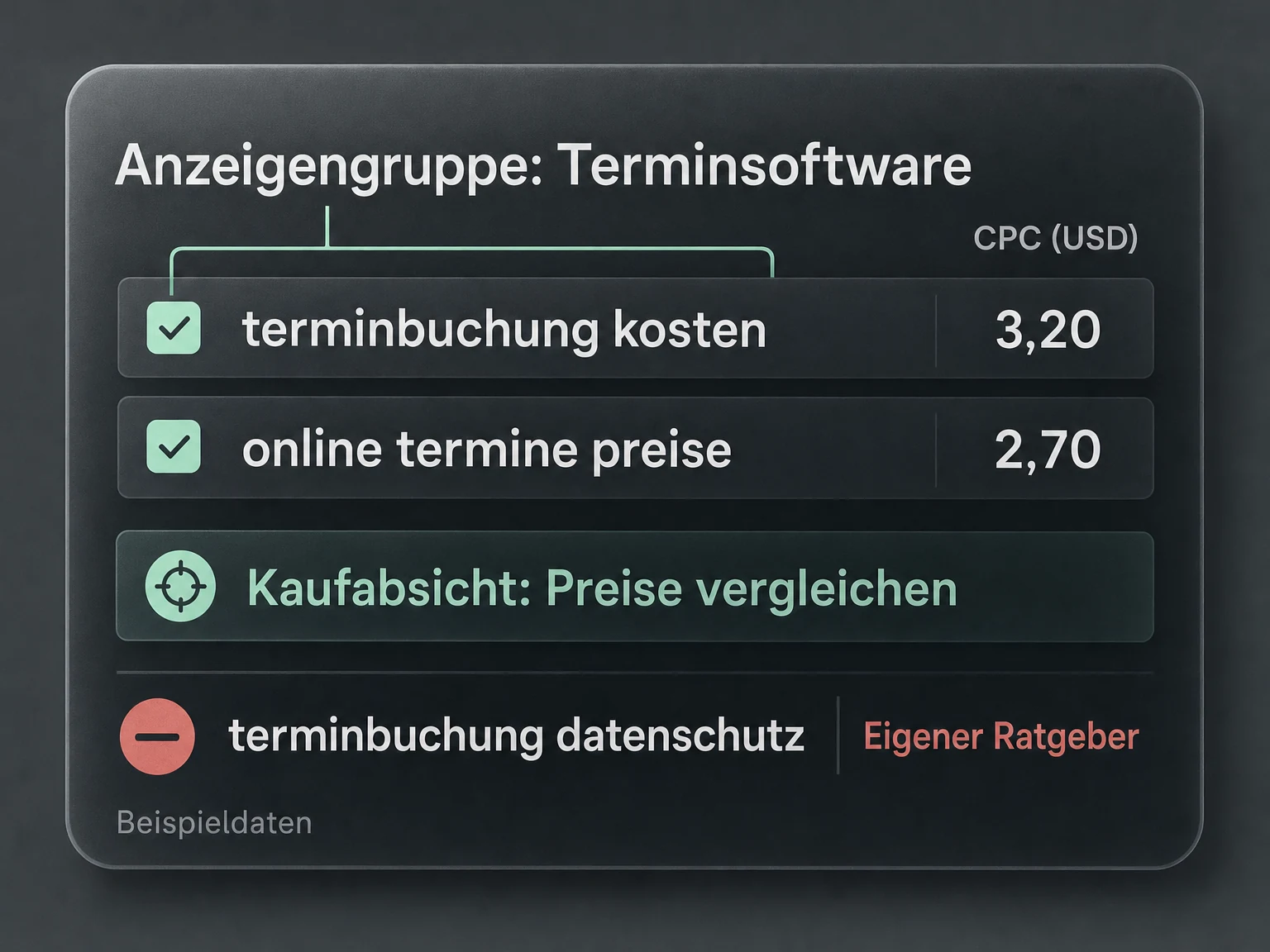
Assess click costs and commercial interest before planning ad groups.
CPC · Bid ranges · Paid-search competition
Build the right pages
Ask AI to compare overlapping search results: one page for related keywords, or separate content?
Search intent · Top URLs · SERP features
Find content gaps
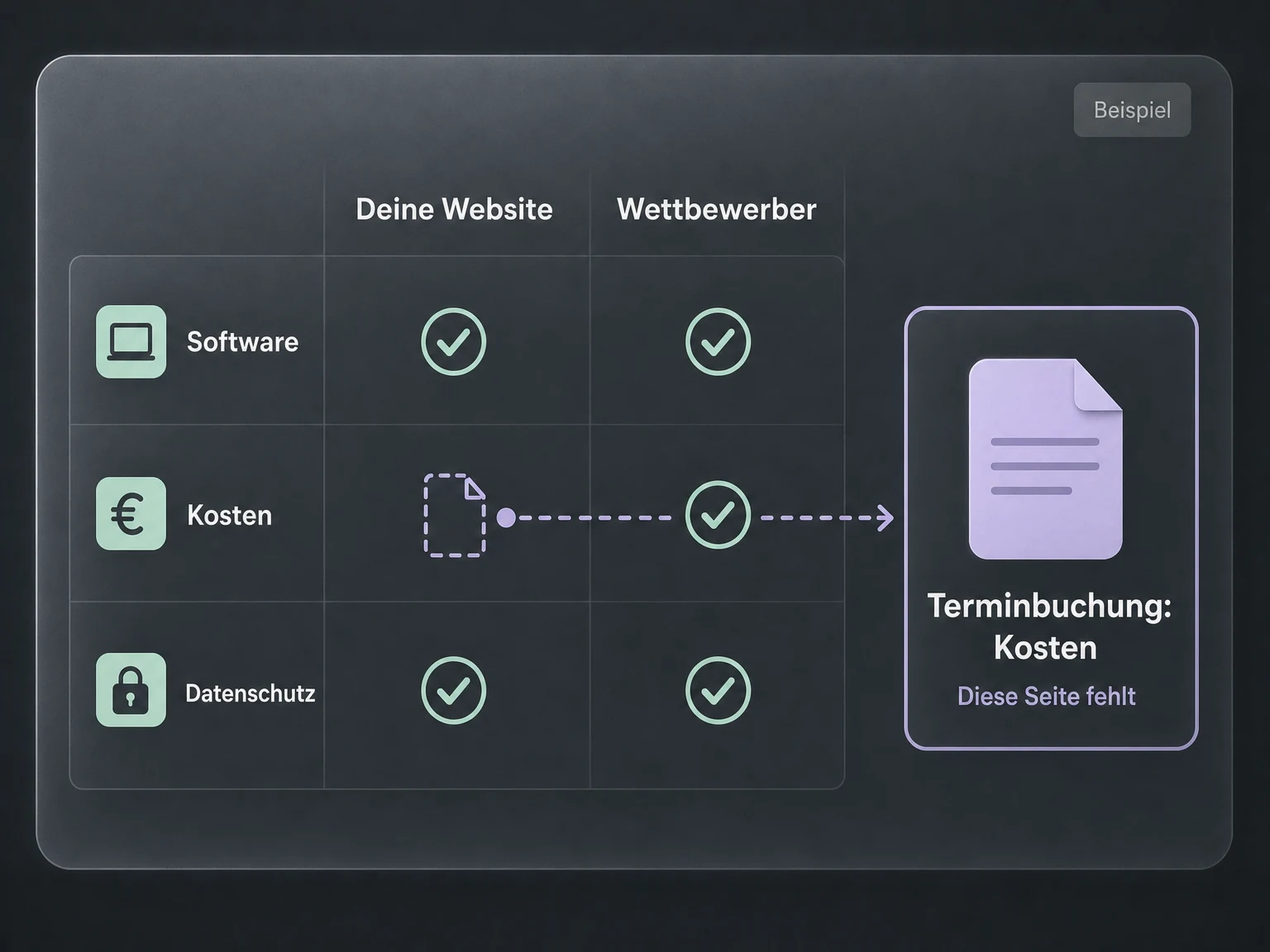
Find topics where competitors rank and you are missing a relevant page.
Ranking keywords · Positions · Landing pages
From a cluster to a brief
Turn your cluster into a brief with relevant subtopics, keeping the target market, language and data timestamp as its foundation.
Primary keyword · Search intent · Outline
Beyond keyword research
Explore all 12 research areas.
Search results, backlinks, website issues and AI citations: give your agent a specific research task.
Find relevant keywords
Find relevant search terms for my appointment software.
Explore functions
Research keyword ideas for a topic, product or website.
Find related search terms and specific long-tail phrases.
Compare search intent and keyword difficulty.
Compare search volume & trends
When should I prepare my guide to patio furniture?
Explore functions
Check monthly search volume and seasonal demand.
Assess cost per click (CPC) and paid-search competition.
Compare keyword lists by target market and language.
Analyse Google search results
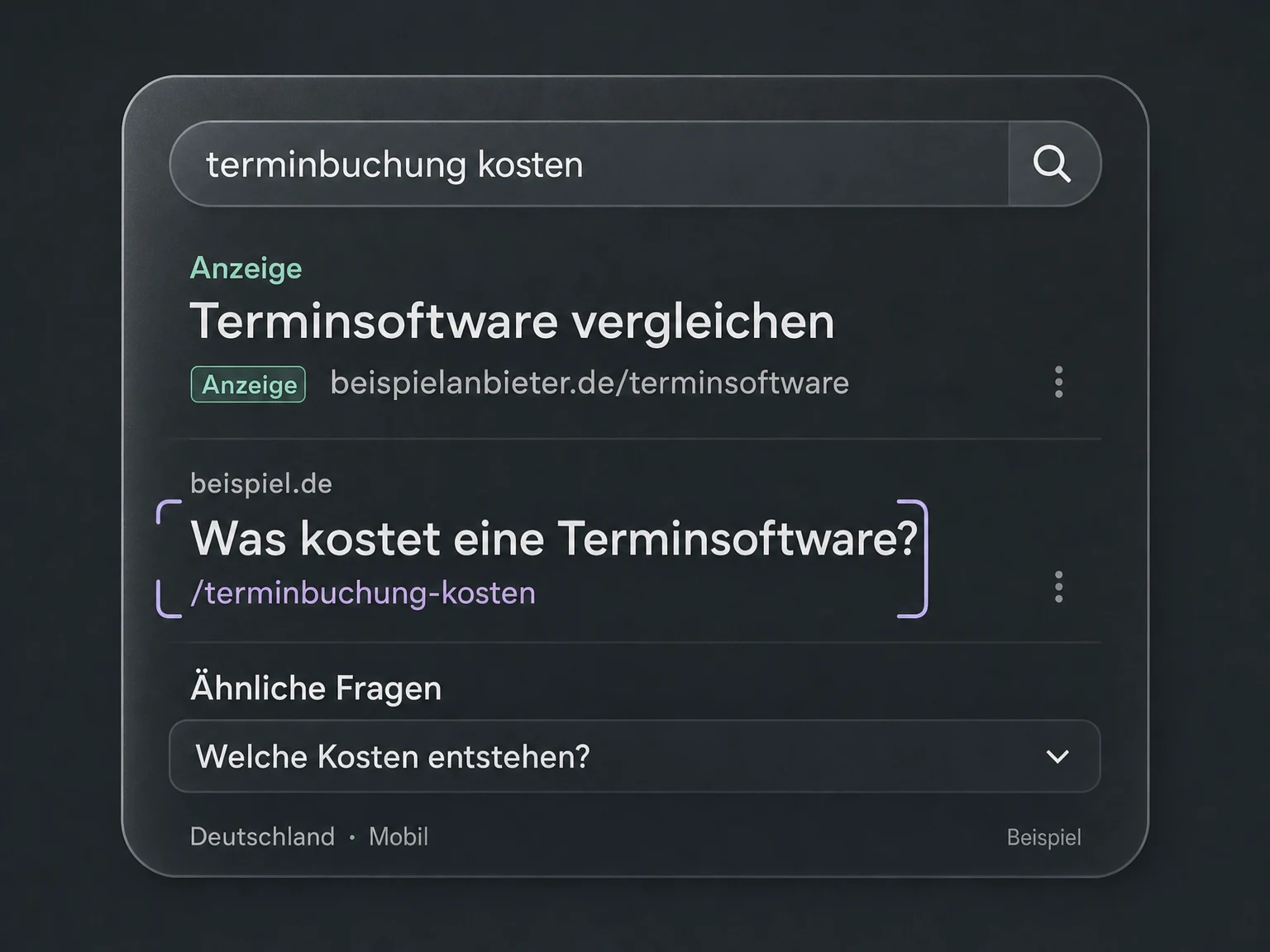
What does Google show for ‘appointment software pricing’ on mobile?
Explore functions
Retrieve top results, positions and landing pages for a keyword.
Identify ads, featured answers and related questions in the SERPs.
Check results for a location, language and mobile or desktop device.
Discover competitors’ keywords
Where do competitors rank while my site is missing a relevant page?
Explore functions
See which search terms a domain or page ranks for.
Find keywords where competitors rank but your website does not.
Compare shared keywords, leading pages and historical rankings.
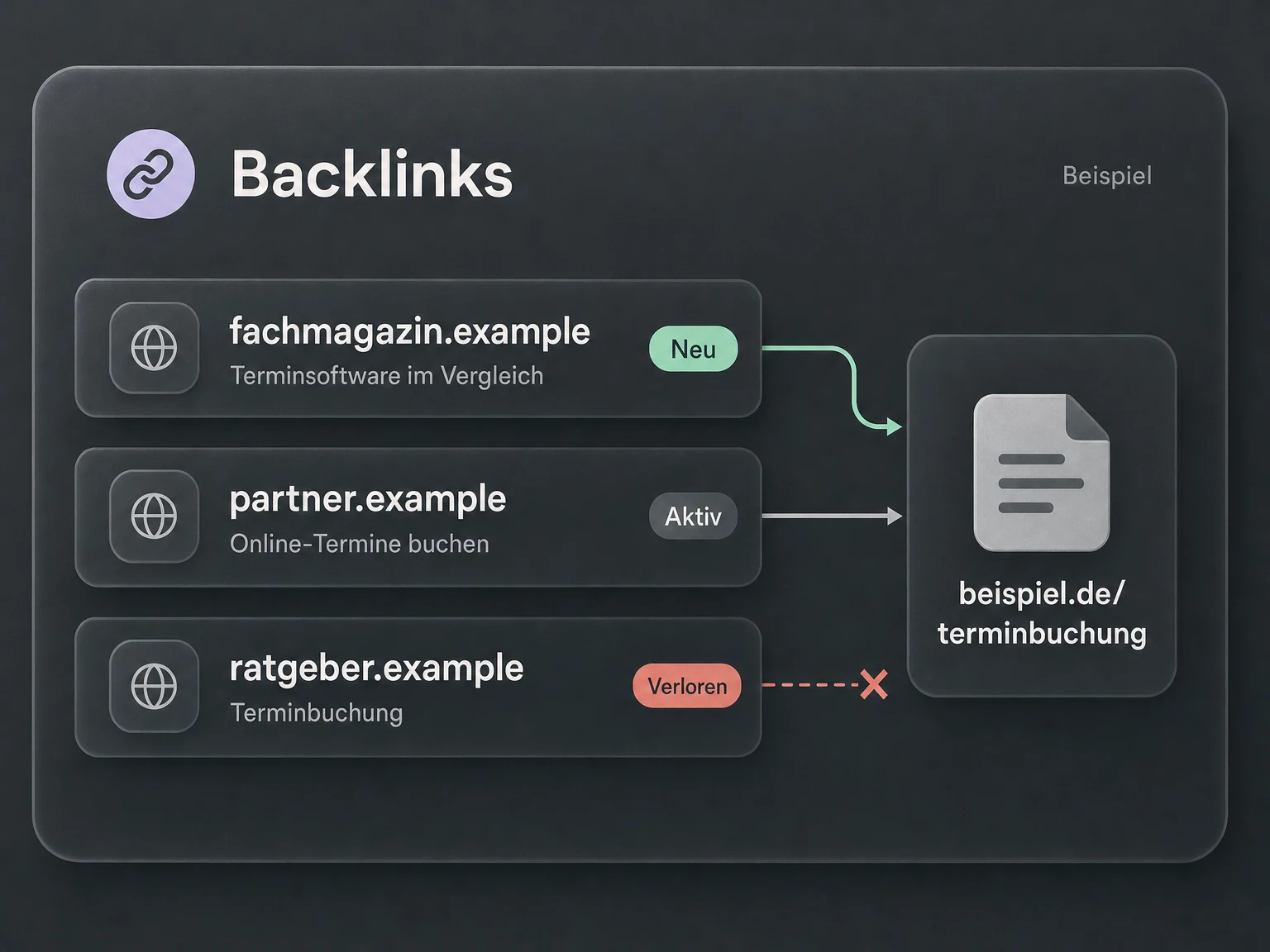
Inspect backlinks & link sources
Which pages link to my site, and which links have been lost?
Explore functions
Retrieve referring domains, individual backlinks and anchor text.
Review new and lost links and changes over time.
Compare link profiles and find sources linking to competitors.
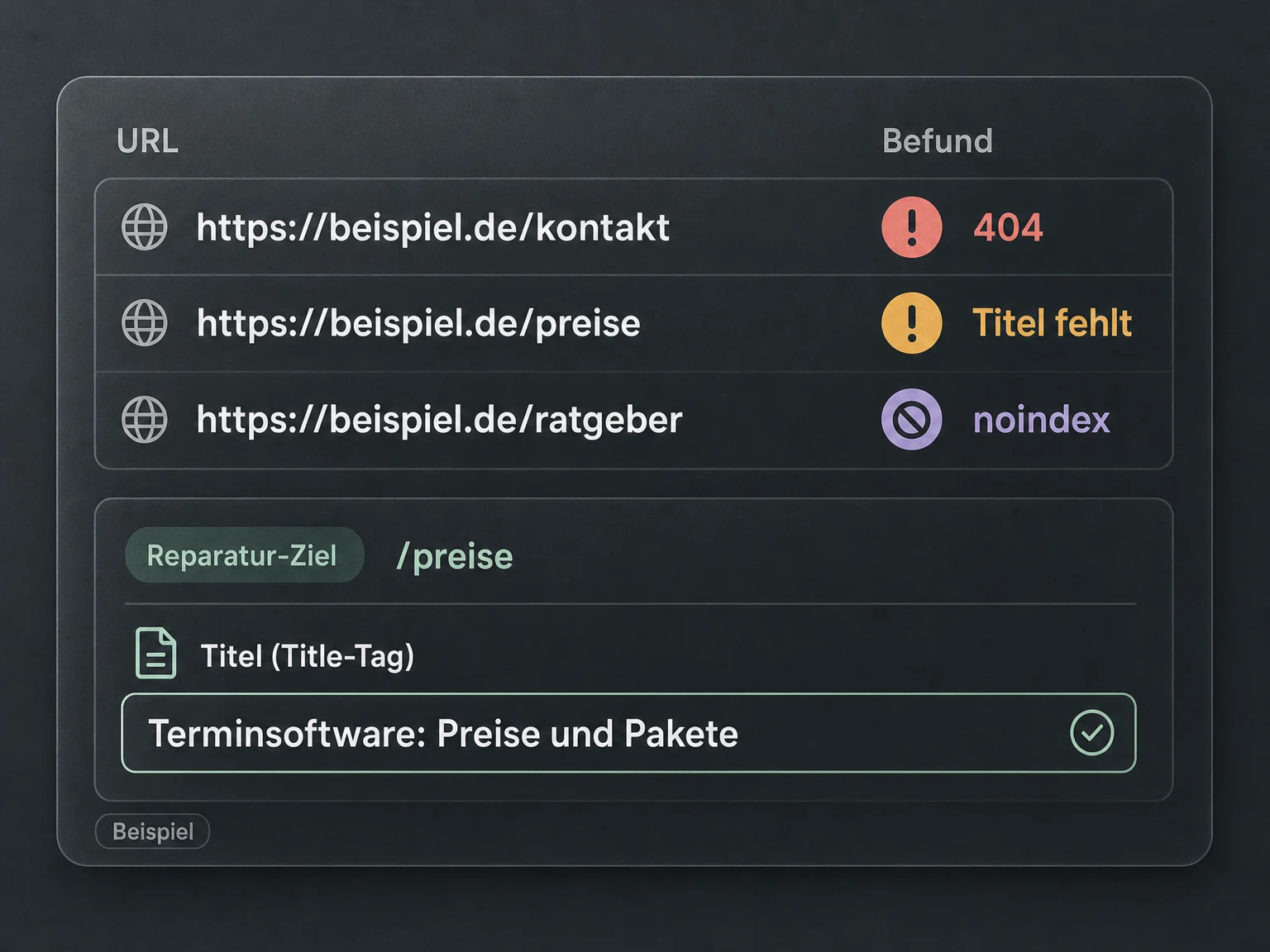
Find website SEO issues
Find broken links, missing page titles and pages that cannot be indexed.
Explore functions
Check websites for broken links and redirect chains.
Find missing or duplicate titles, descriptions and content.
Investigate loading performance, Lighthouse metrics and indexability.
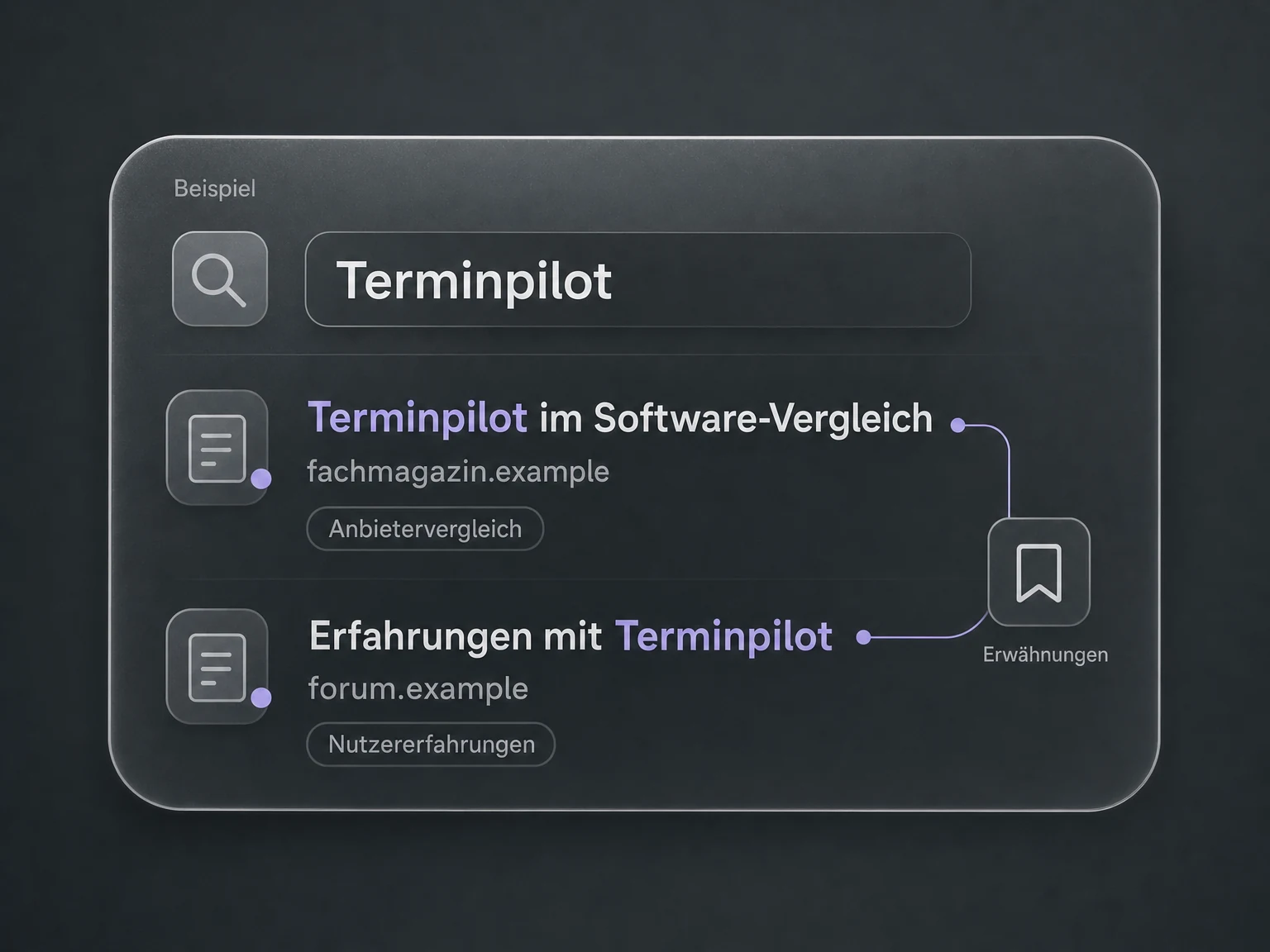
Research content & mentions
Where is my brand mentioned, and in what context?
Explore functions
Find web content about a search term or brand.
Analyse mentions, topic trends and sentiment.
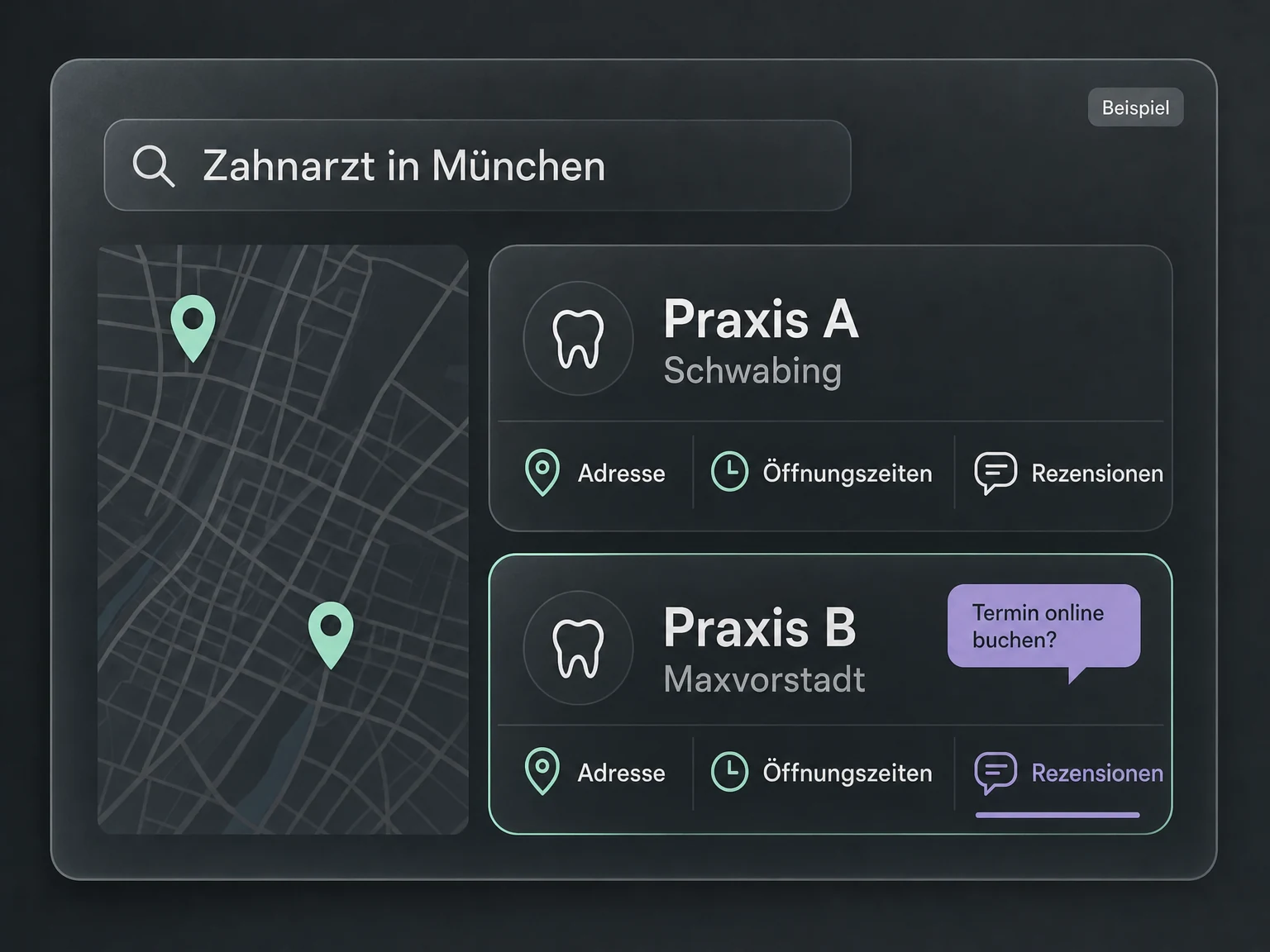
Compare local businesses
Compare dental practices in Munich and their public profiles.
Explore functions
Search for businesses by category and location.
Review public profiles, ratings and reviews.
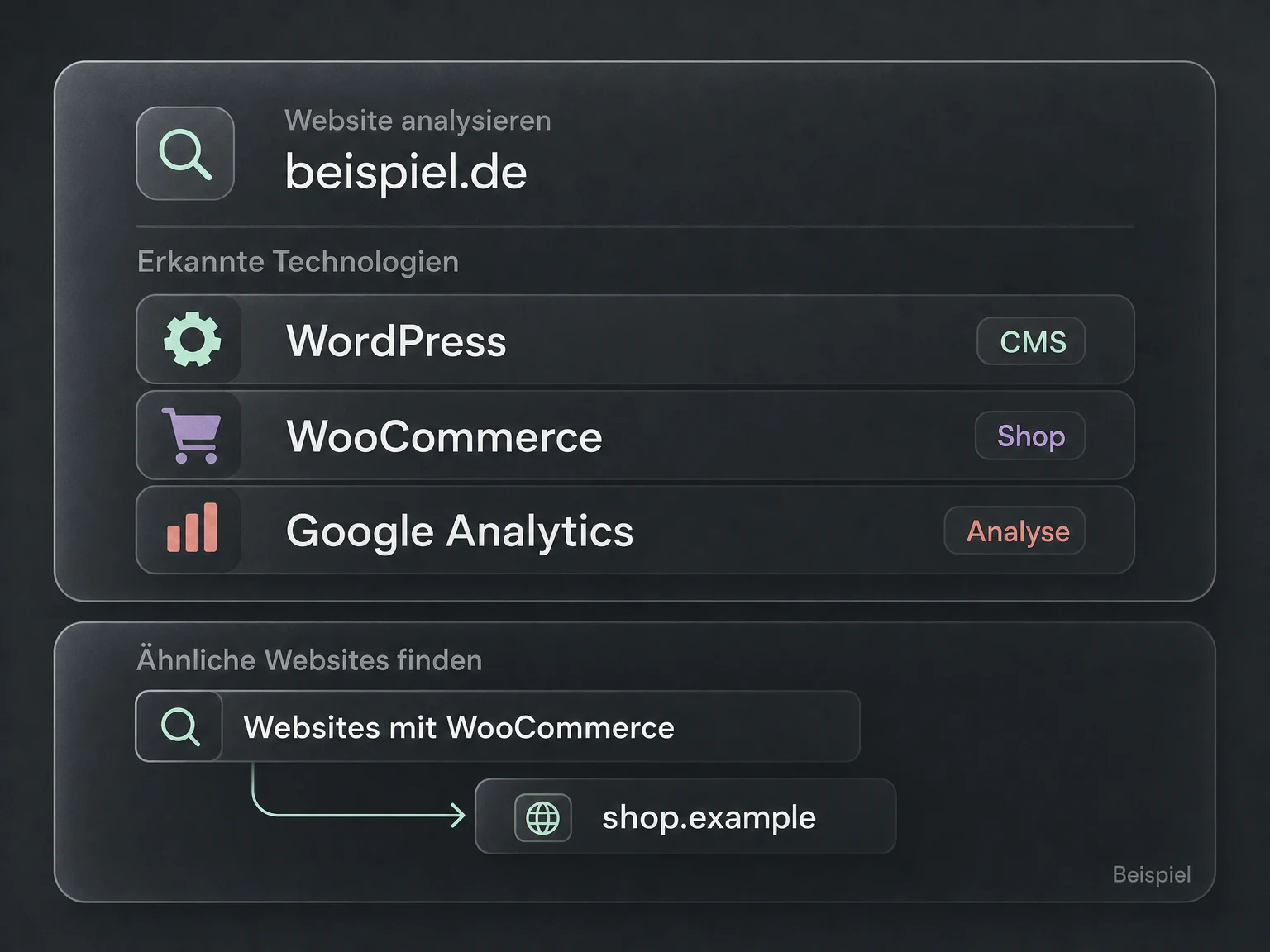
Find websites & technologies
Which stores use WooCommerce, and what other technologies do they use?
Explore functions
Inspect a website’s detected CMS, ecommerce platform and other technologies.
Find domains using specific technologies and retrieve available registration data.
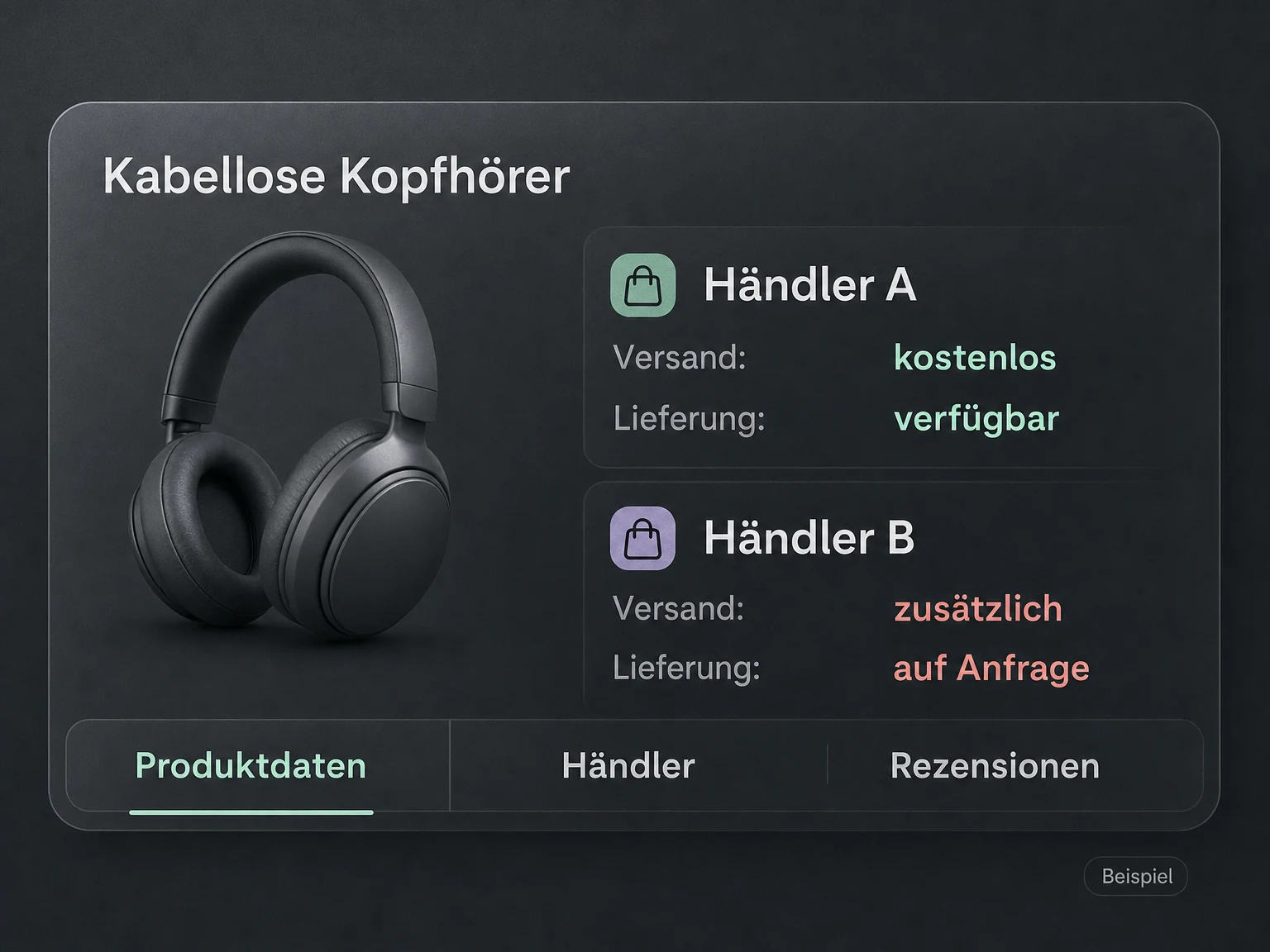
Research shopping offers
Compare merchant offers for wireless headphones.
Explore functions
Search for products on Google Shopping and Amazon.
Compare product data, merchant offers, prices and reviews.
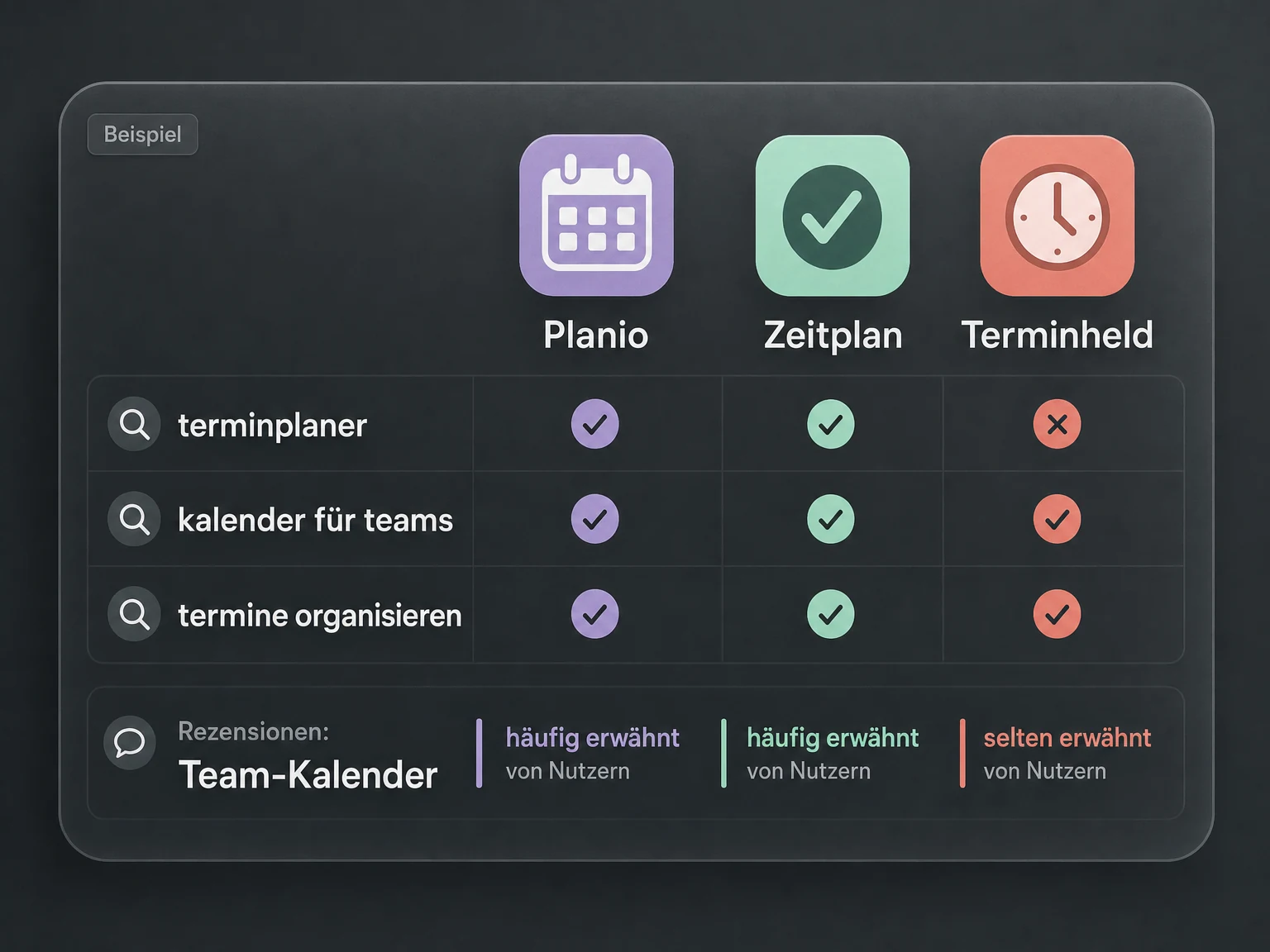
Analyse apps & app keywords
Which appointment-planning apps compete for the same search terms?
Explore functions
Research apps, charts and reviews in Google Play and the App Store.
Compare app keywords and competing apps.
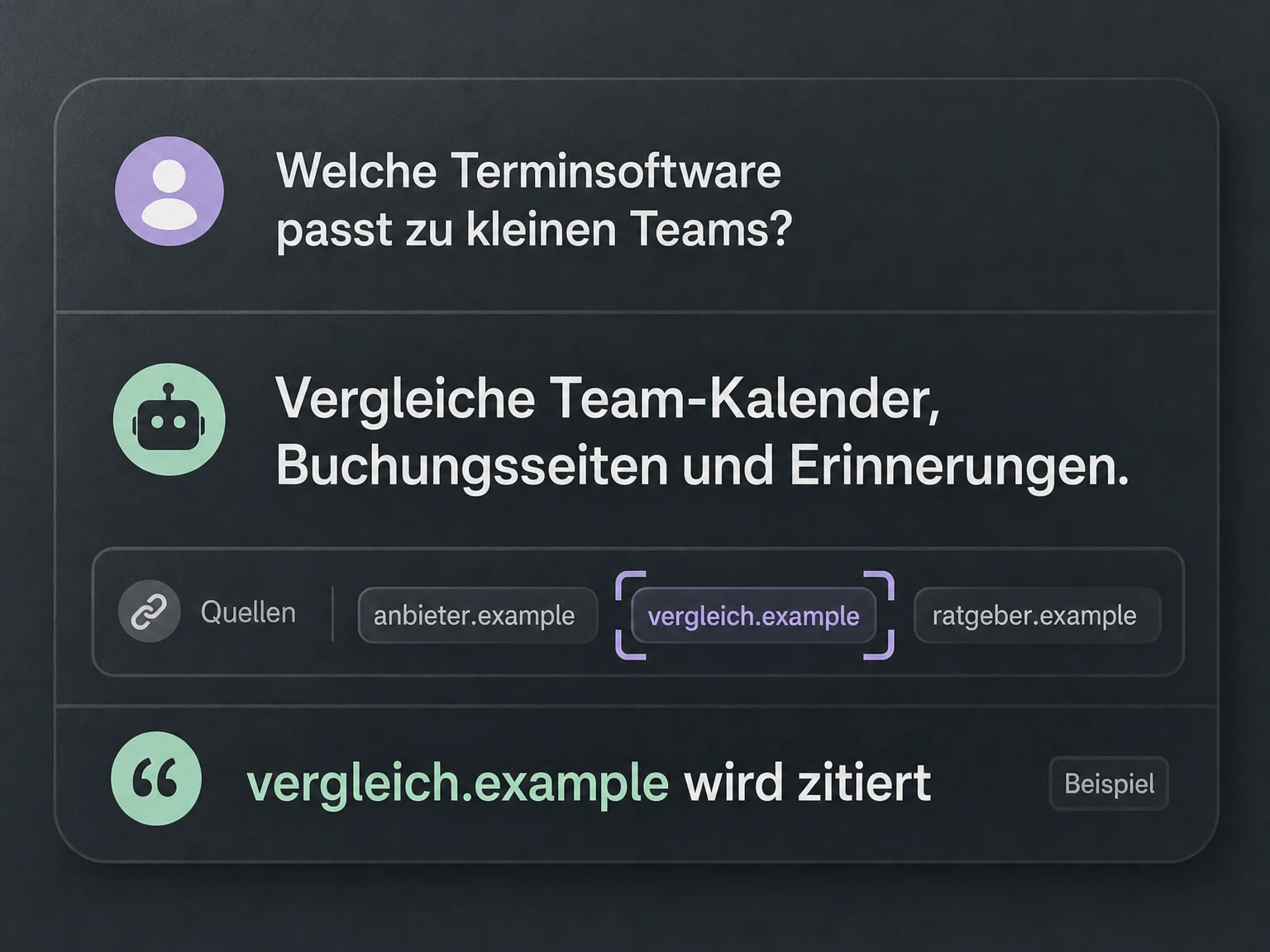
Check visibility in AI answers
Which providers and sources are mentioned in this AI answer?
Explore functions
Investigate brand and domain mentions and cited pages in AI answers.
Research AI search demand and analyse responses to your prompts.
Available fields and history depend on the query and target market. Search volume and traffic estimates are not measured website visits.
Your next step
Which pages should you create next?
Start with a credit package. Connect Codex or Claude Code, research your market and turn the data into a prioritised content plan.


 Codex
Codex Claude Code