
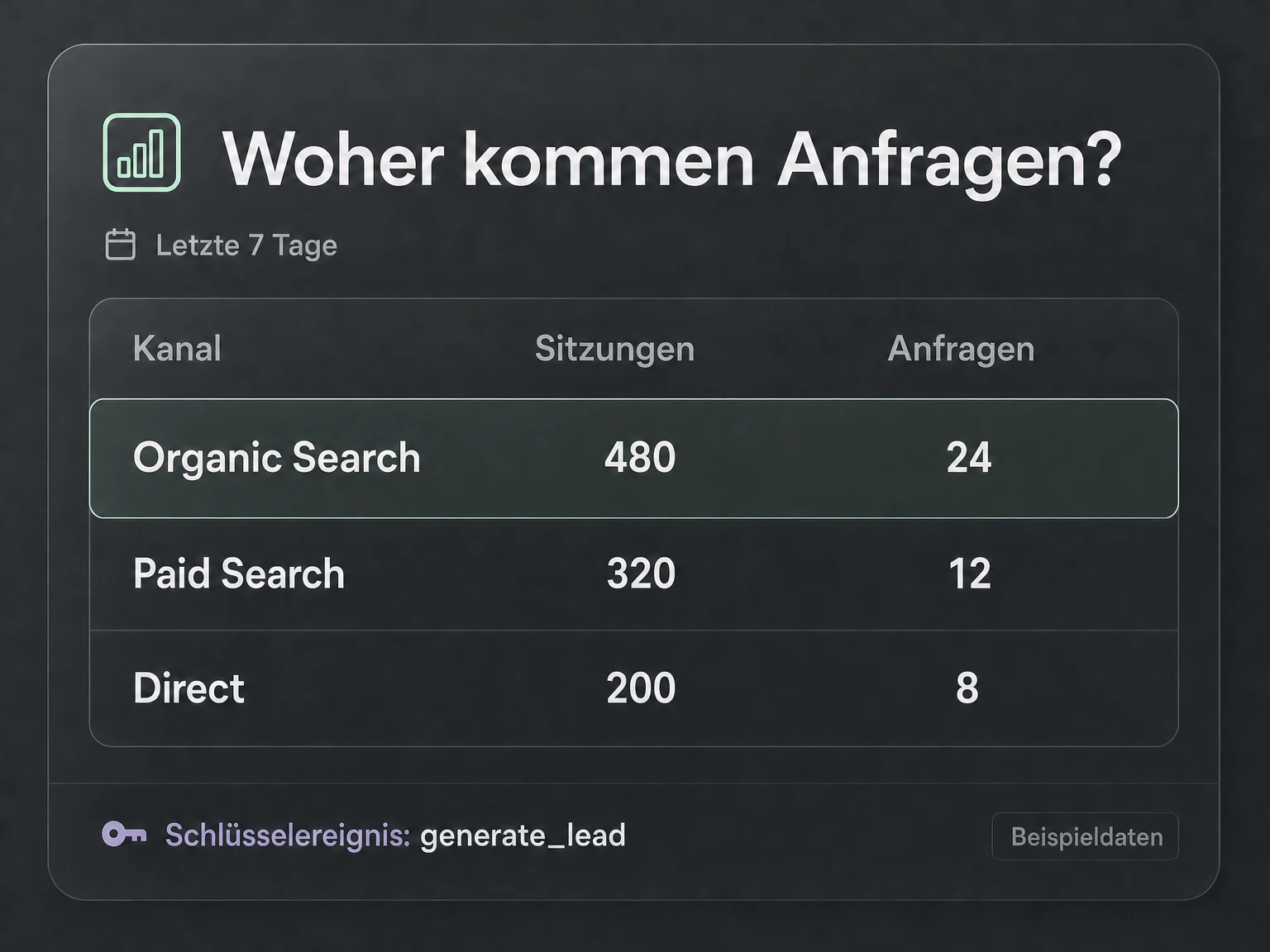
Your prompt in Codex or Claude Code
“Which channels generated the most key events in the last seven days?”
A report groups recorded key events by available channel dimensions.
MCP · 19 € / month
Which channels bring visitors who take action? With Google Analytics 4 MCP, analyse traffic, events and realtime activity directly in your AI chat.
Your connection to AI
Understand which channels bring visitors and what they do on your website. Let Codex or Claude Code analyse your GA4 reports and explain what has changed.
See what this server can doGoogle Analytics 4 MCP
19 €/ month
Excluding VAT. Requires a compatible AI assistant and access to the relevant Google account. The AI assistant is not included.
Examples for your everyday work
Ask Codex or Claude Code which channels bring enquiries. Your AI agent retrieves the GA4 data and explains it in chat. Less copying, more clarity.
Your prompt in Codex or Claude Code
“Which channels generated the most key events in the last seven days?”
A report groups recorded key events by available channel dimensions.
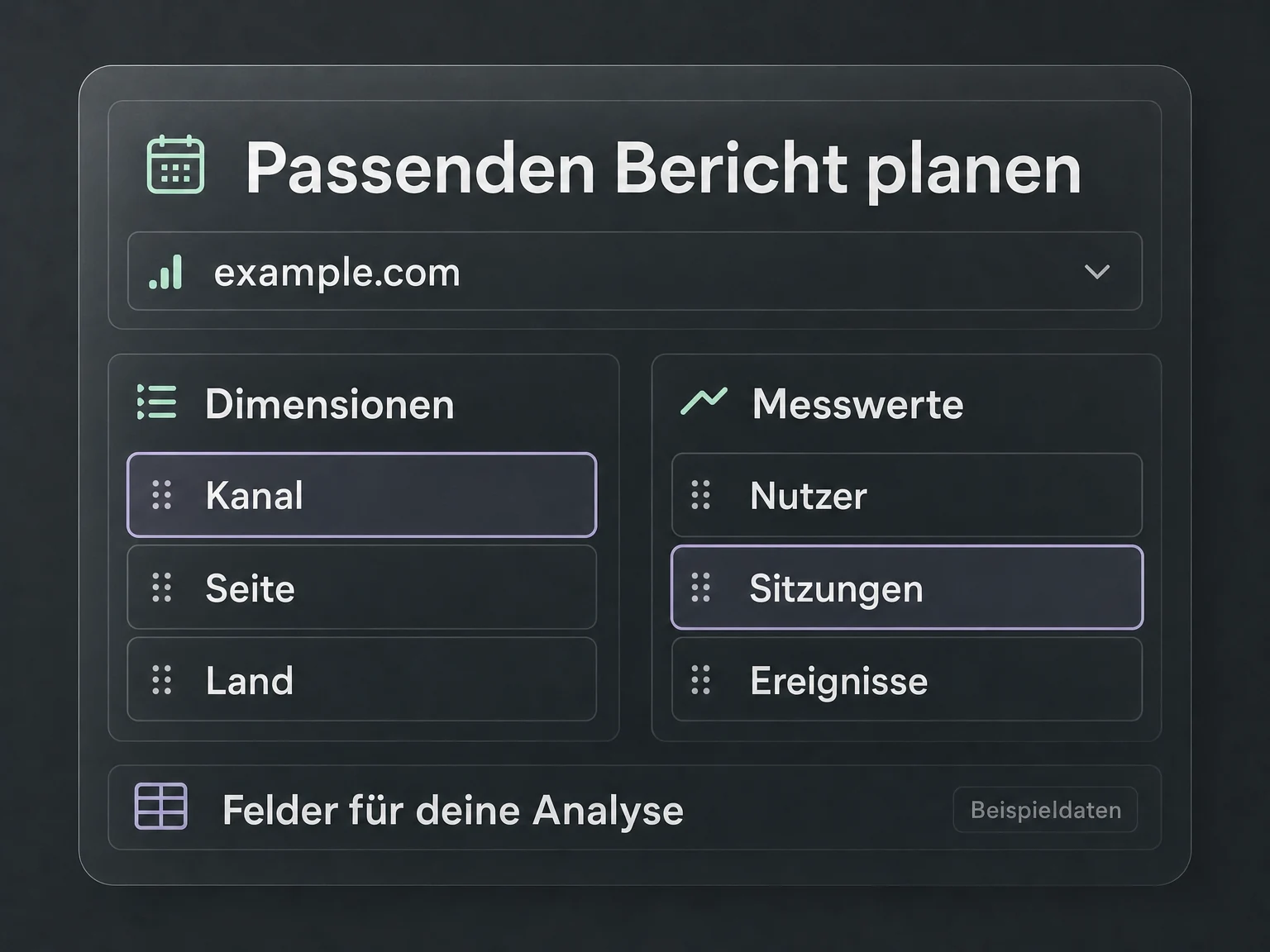
Your prompt in Codex or Claude Code
“Which metrics and dimensions can I analyse in my GA4 property?”
Your AI agent reads the available fields so you can request the right report.
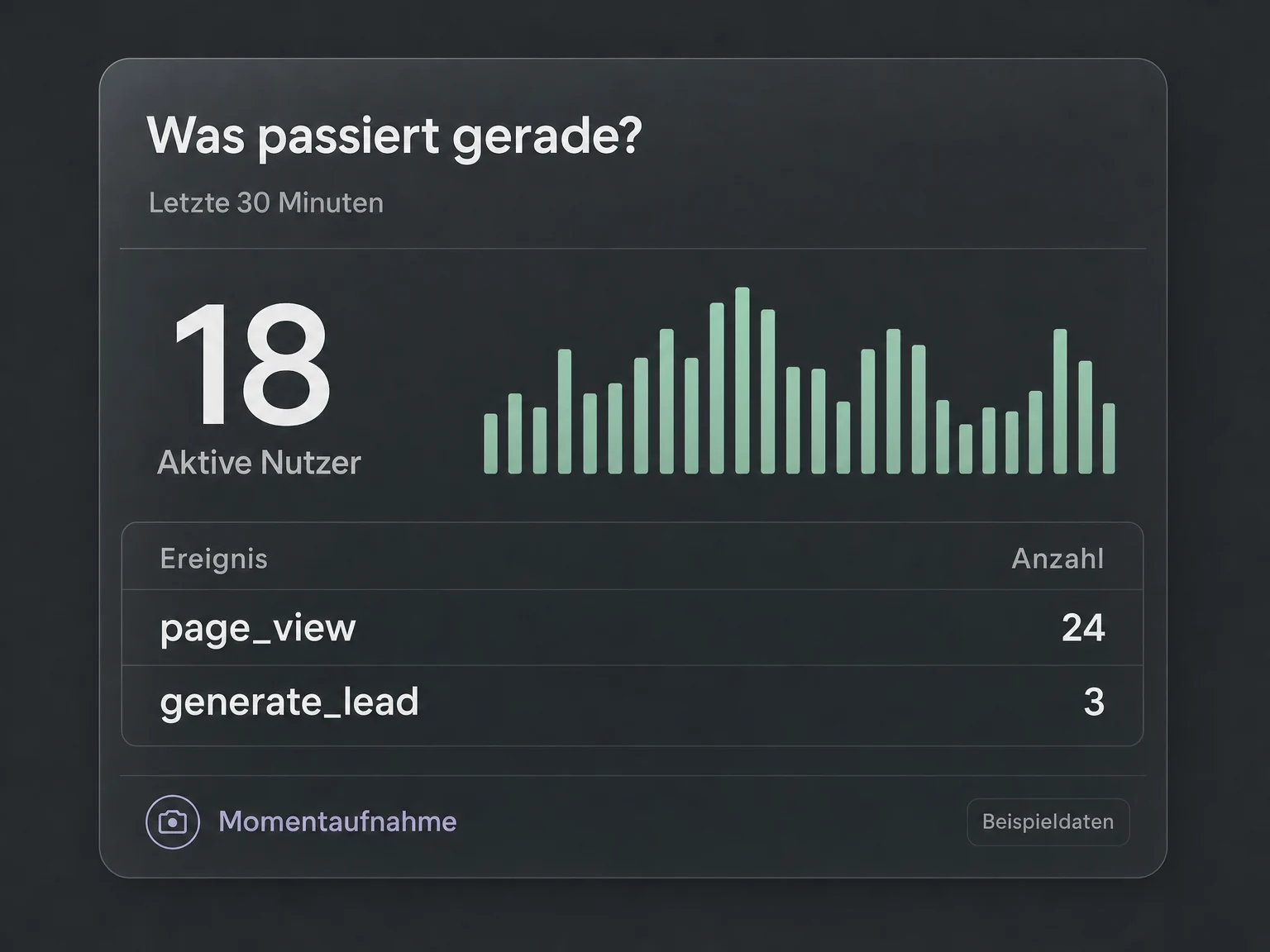
Your prompt in Codex or Claude Code
“Which events are being recorded in real time?”
A real-time report helps you understand current website activity.
Illustrative examples. No live data.
Your connection in three steps
 Codex
Codex Claude Code
Buy, sign in, ask your question. Use the AI agent you already work with.
Get your MCP connection for €19 per month. Your licence is assigned to you personally. Connect your Google account and select the permitted data in the billing portal.
Add the fixed URL of your module as an MCP connection and sign in. Your personal licence and permissions determine your access.
Work with your data right in chat. Your agent retrieves the answers; you decide the next step.

Google Analytics 4 MCP
Benefits & features
The ONE LOOP Google Analytics 4 MCP server gives your AI assistant access to selected GA4 properties. Describe your analysis question in chat and the server retrieves the relevant metrics and report data.
Select properties and explore available dimensions and metrics.
Retrieve selected properties and their configuration. Available dimensions and metrics show which questions your data can answer.
Analyse traffic by channel, source or page to answer your question.
Analyse users, sessions or events by available dimensions such as channel, source or page. The assistant can explain results and compare periods.
Retrieve current activity and recorded events from GA4.
Retrieve GA4 real-time reports to explore current activity and recorded events. Coverage depends on the real-time data available in GA4.
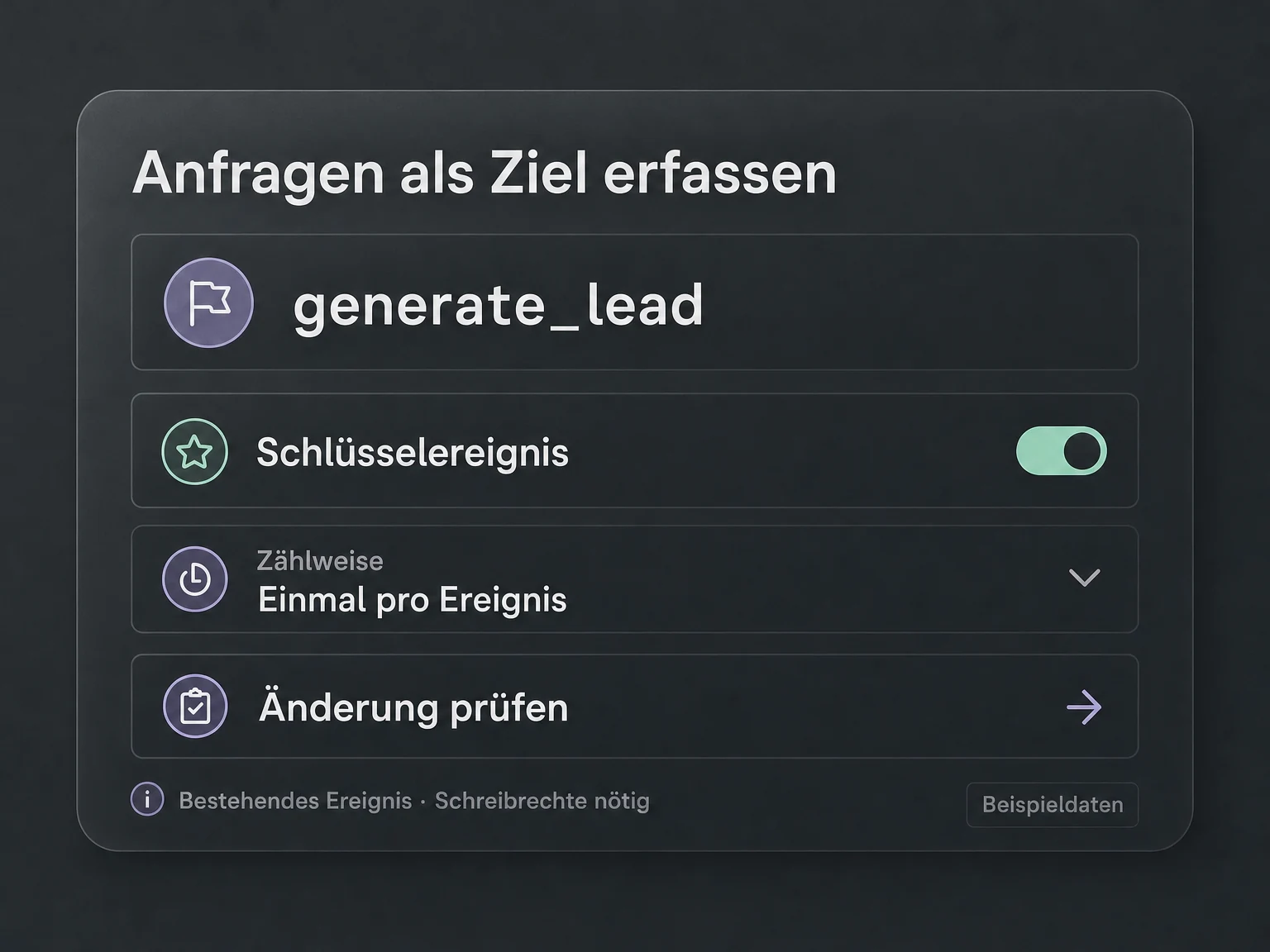
Read key events and make specific changes with write access.
Read configured key events and, with write access, mark events as key events, change counting methods or default values, and remove key-event configurations.
Illustrative feature examples. No live data.
Your next step
Get your MCP connection, add the URL in Codex or Claude Code and work with your data directly in chat.
Tools & actions
11 documented tool calls: 8 read data, 3 can make changes with the required access.
Technical documentationga4_run_reportRun performance report
ga4_run_realtime_reportRun realtime report
ga4_get_metadataGet reporting metadata
ga4_create_key_eventCreate key event
FAQ
