
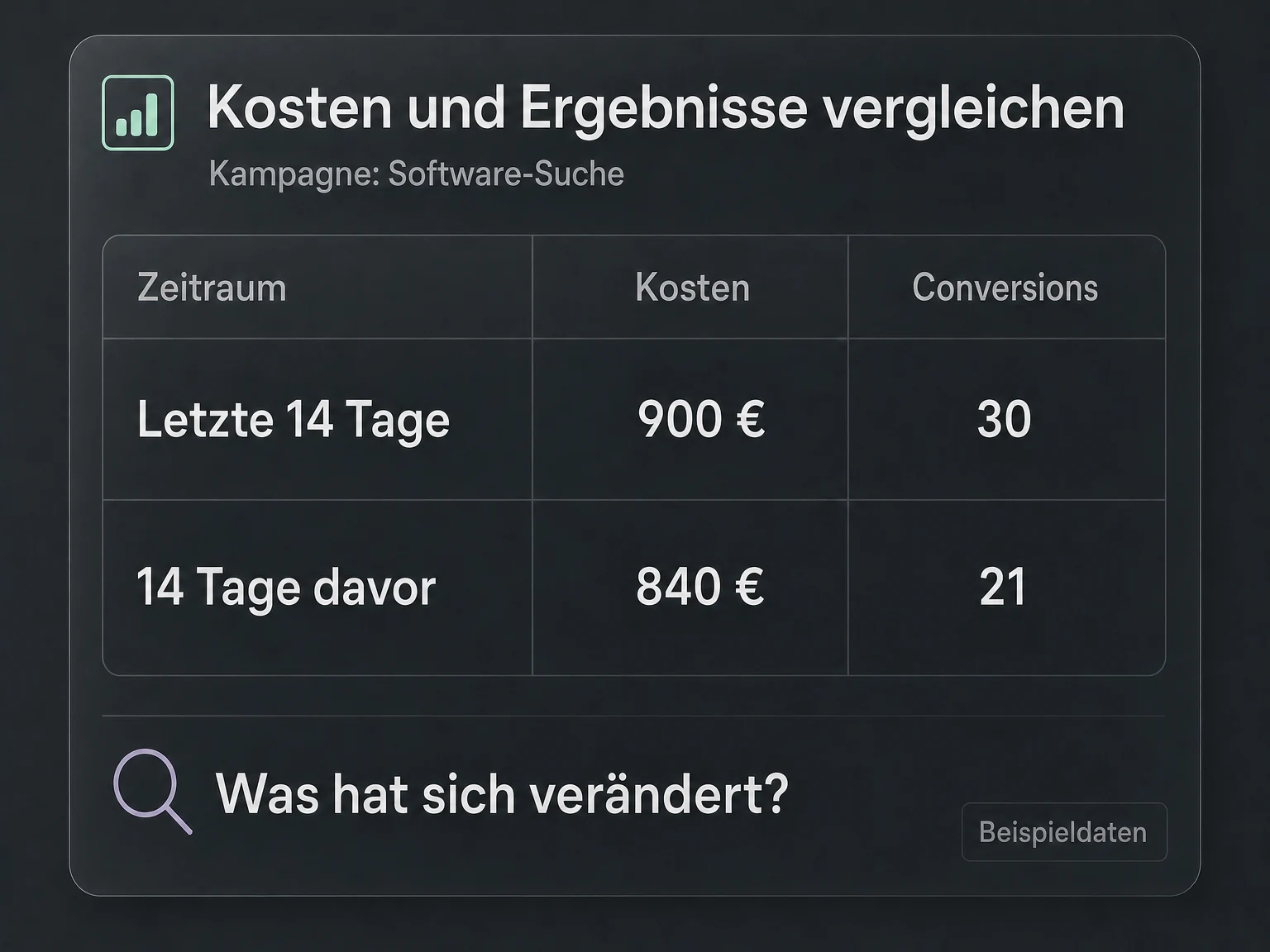
Your prompt in Codex or Claude Code
“Compare cost and conversions for the last 14 days with the previous 14 days.”
The assistant receives campaign data for both periods and can summarise changes.
MCP · 19 € / month
See in your AI chat which campaigns drive clicks and conversions, and what they cost. Google Ads MCP connects your questions to your campaign data.
Your connection to AI
Compare costs and conversions across your Google Ads campaigns with Codex or Claude Code. See where your budget delivers results and which campaigns deserve a closer look.
See what this server can doGoogle Ads MCP
19 €/ month
Excluding VAT. Requires a compatible AI assistant and access to the relevant Google account. The AI assistant is not included.
Examples for your everyday work
Ask Codex or Claude Code how your campaigns are performing. Compare costs and conversions without manually moving reports into your AI chat.
Your prompt in Codex or Claude Code
“Compare cost and conversions for the last 14 days with the previous 14 days.”
The assistant receives campaign data for both periods and can summarise changes.
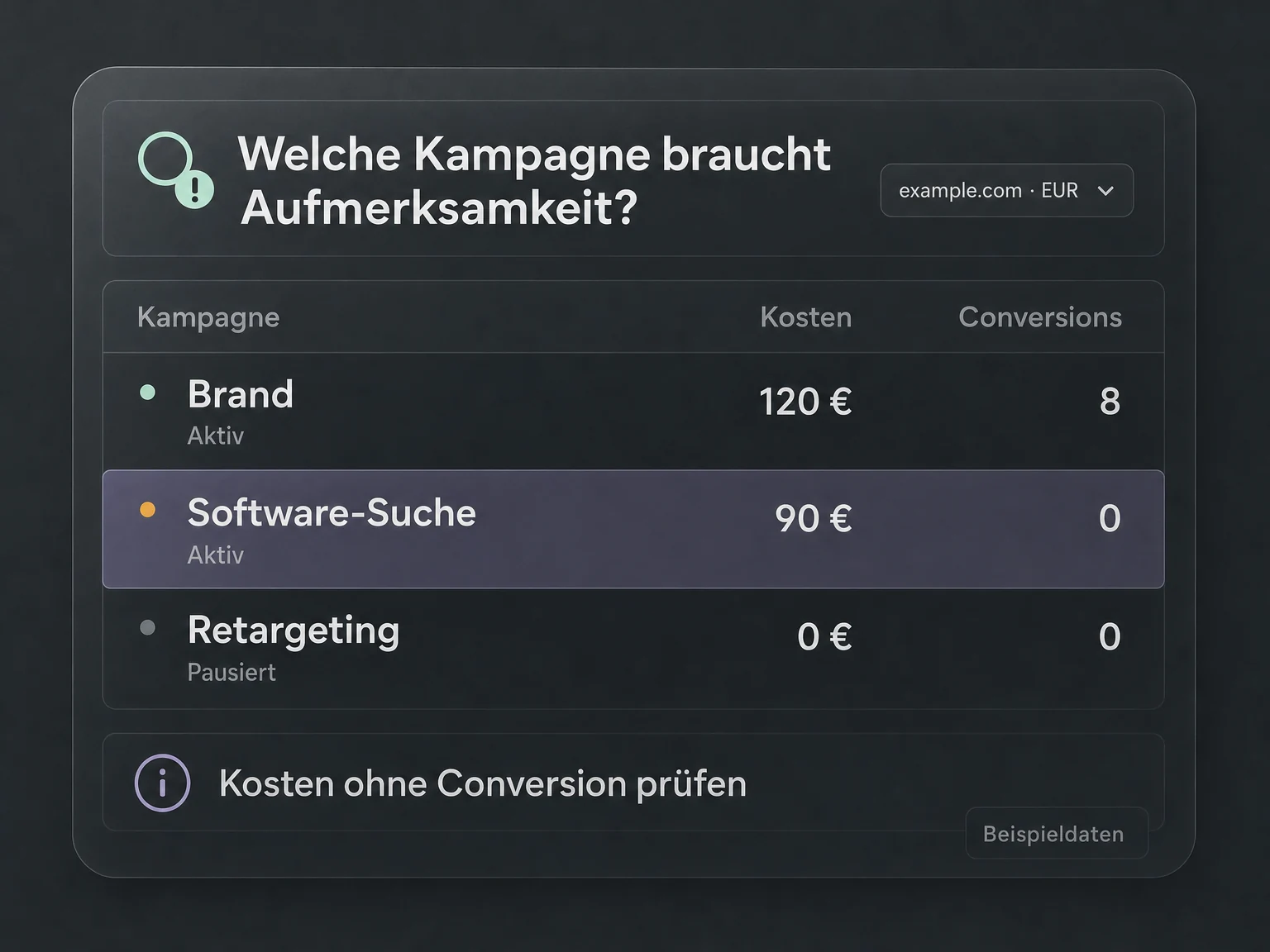
Your prompt in Codex or Claude Code
“Which active campaigns spent money last week but had no conversions?”
Campaign status and performance data provide the basis for a focused review.
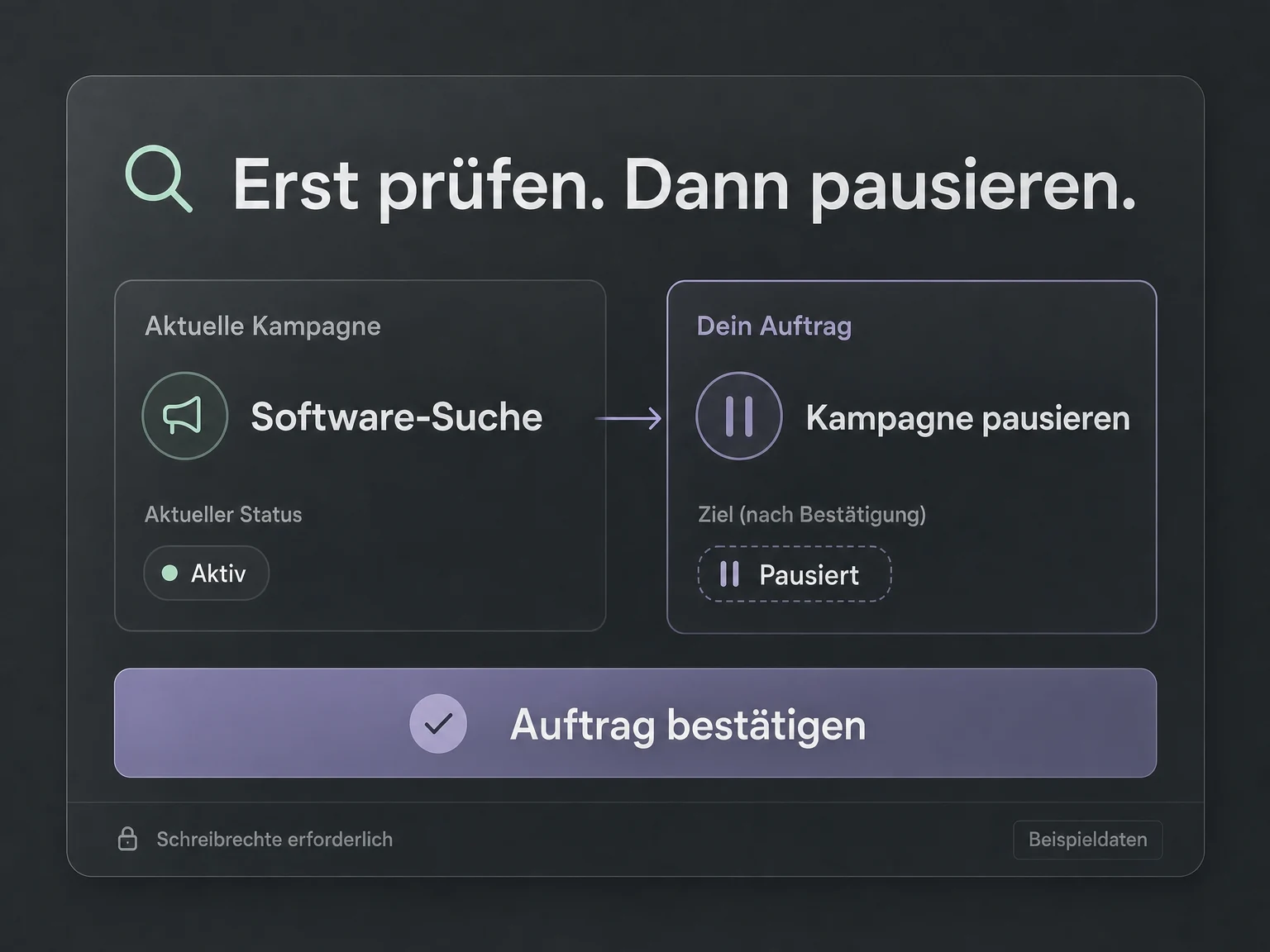
Your prompt in Codex or Claude Code
“Show me the status of campaign X before I pause it.”
Review the campaign first, then explicitly request a specific change.
Illustrative examples. No live data.
Your connection in three steps
 Codex
Codex Claude Code
Buy, sign in, ask your question. Use the AI agent you already work with.
Get your MCP connection for €19 per month. Your licence is assigned to you personally. Connect your Google account and select the permitted data in the billing portal.
Add the fixed URL of your module as an MCP connection and sign in. Your personal licence and permissions determine your access.
Work with your data right in chat. Your agent retrieves the answers; you decide the next step.

Google Ads MCP
Benefits & features
The ONE LOOP Google Ads MCP server connects your AI assistant to selected advertising accounts. You ask a question in chat; the server supplies the account and campaign data the assistant needs to answer.
Select advertising accounts and review the status of existing campaigns.
Retrieve selected advertising accounts, their currency and time zone, and existing campaigns with their current status.
Compare clicks, cost and conversions to understand changes.
Query clicks, impressions, cost and conversions by campaign and day. Compare periods to explore changes with your AI assistant.
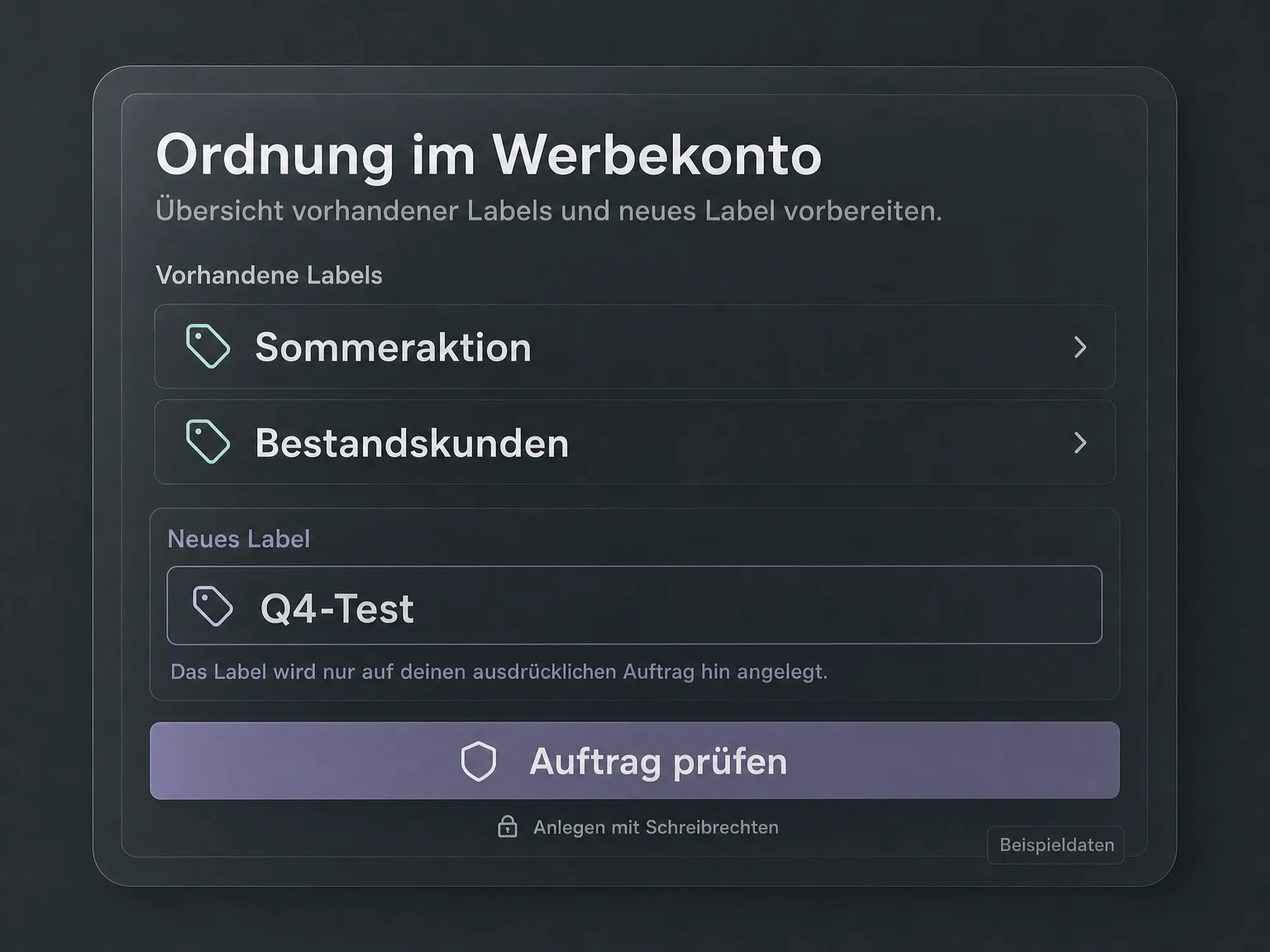
View existing labels and create new ones on your request.
View existing account labels and create new ones on explicit request. A validation step is available before creation.
With write access, explicitly change an existing campaign's status.
Change the status of an existing campaign when write access is enabled. Enabling a campaign can resume advertising spend.
Illustrative feature examples. No live data.
Your next step
Get your MCP connection, add the URL in Codex or Claude Code and work with your data directly in chat.
Tools & actions
7 documented tool calls: 5 read data, 2 can make changes with the required access.
Technical documentationads_query_campaign_performanceRead campaign performance
ads_list_campaignsList campaigns
ads_create_labelCreate label
ads_set_campaign_statusPause or enable campaign
FAQ
