01
Bring messages together
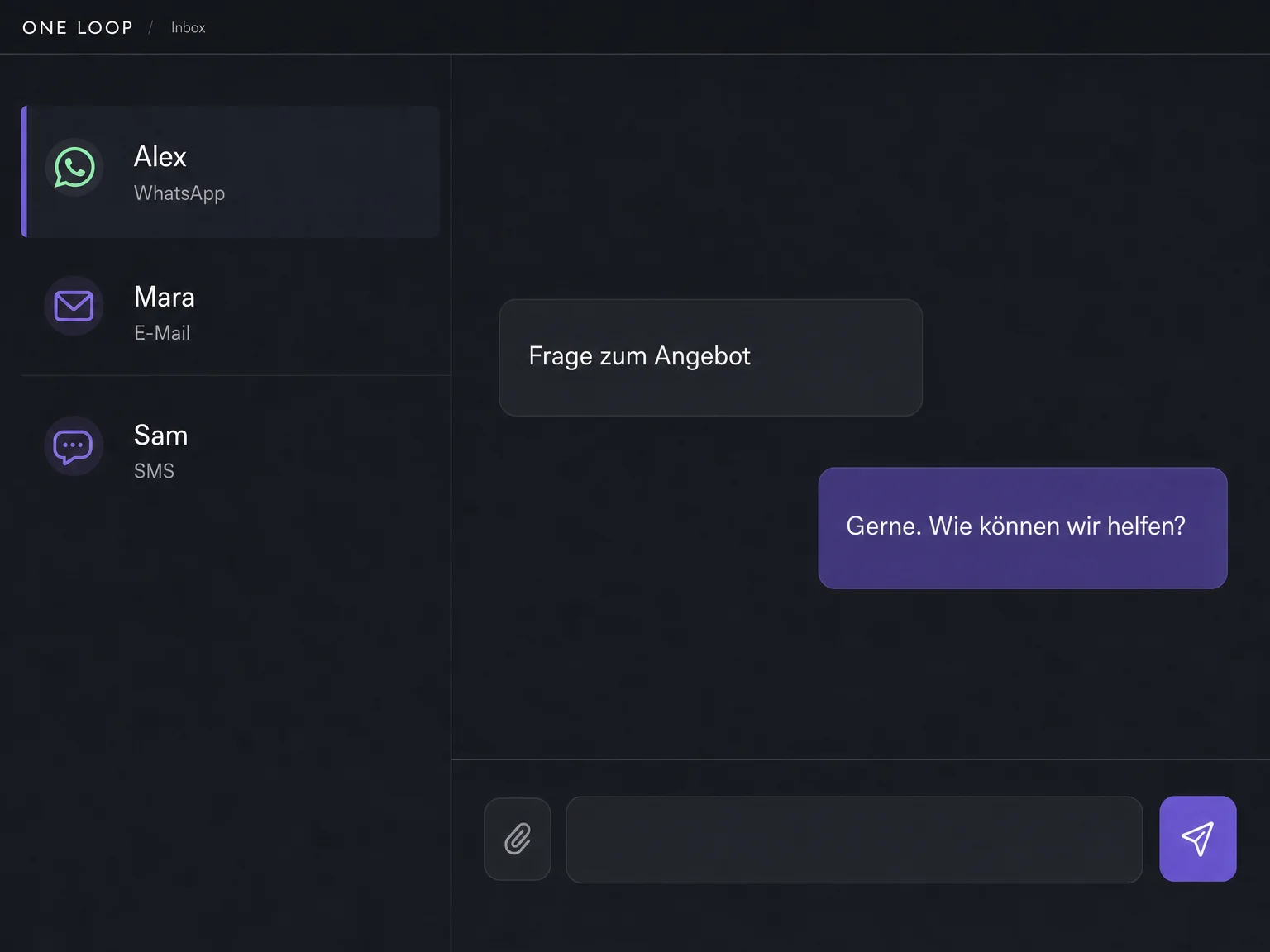
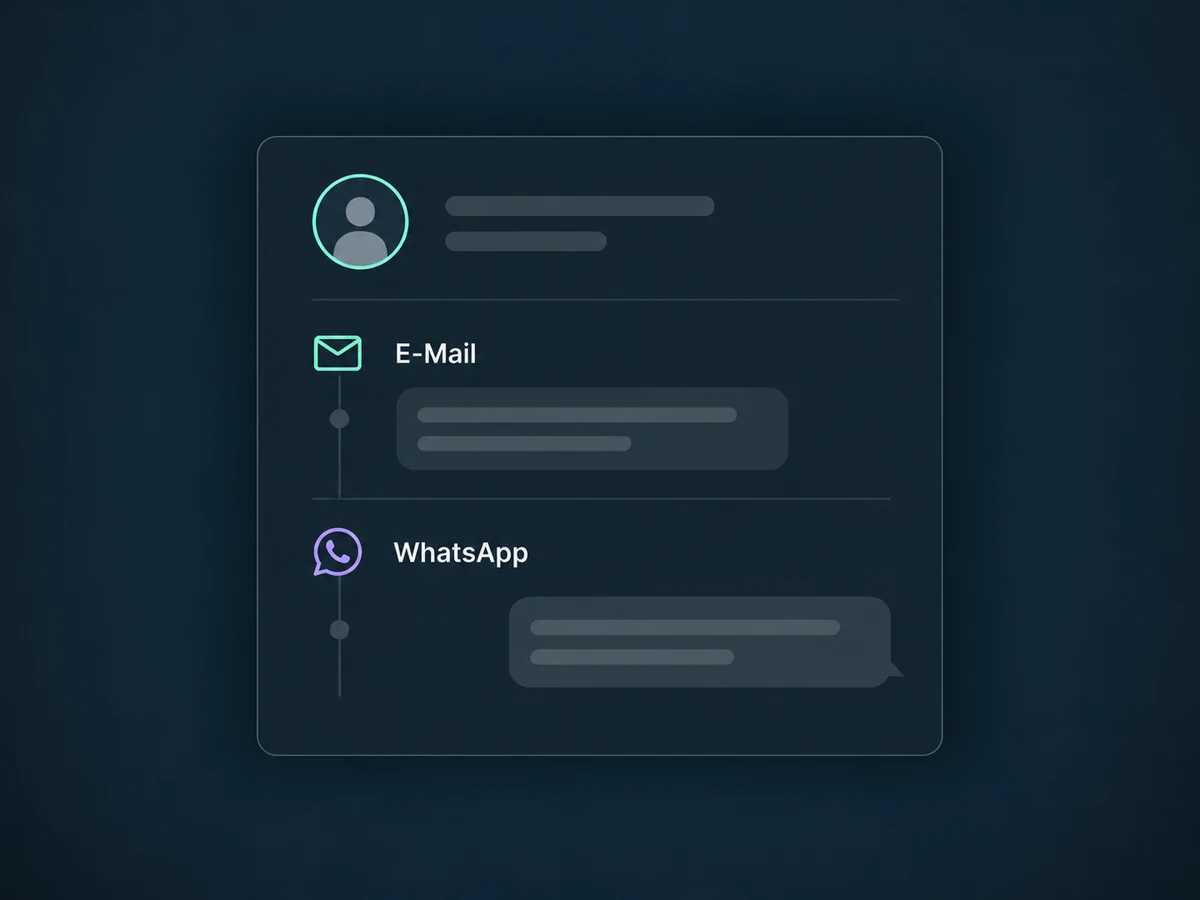
Connected email, SMS, WhatsApp and chat channels meet in a shared workspace.

Omnichannel Inbox
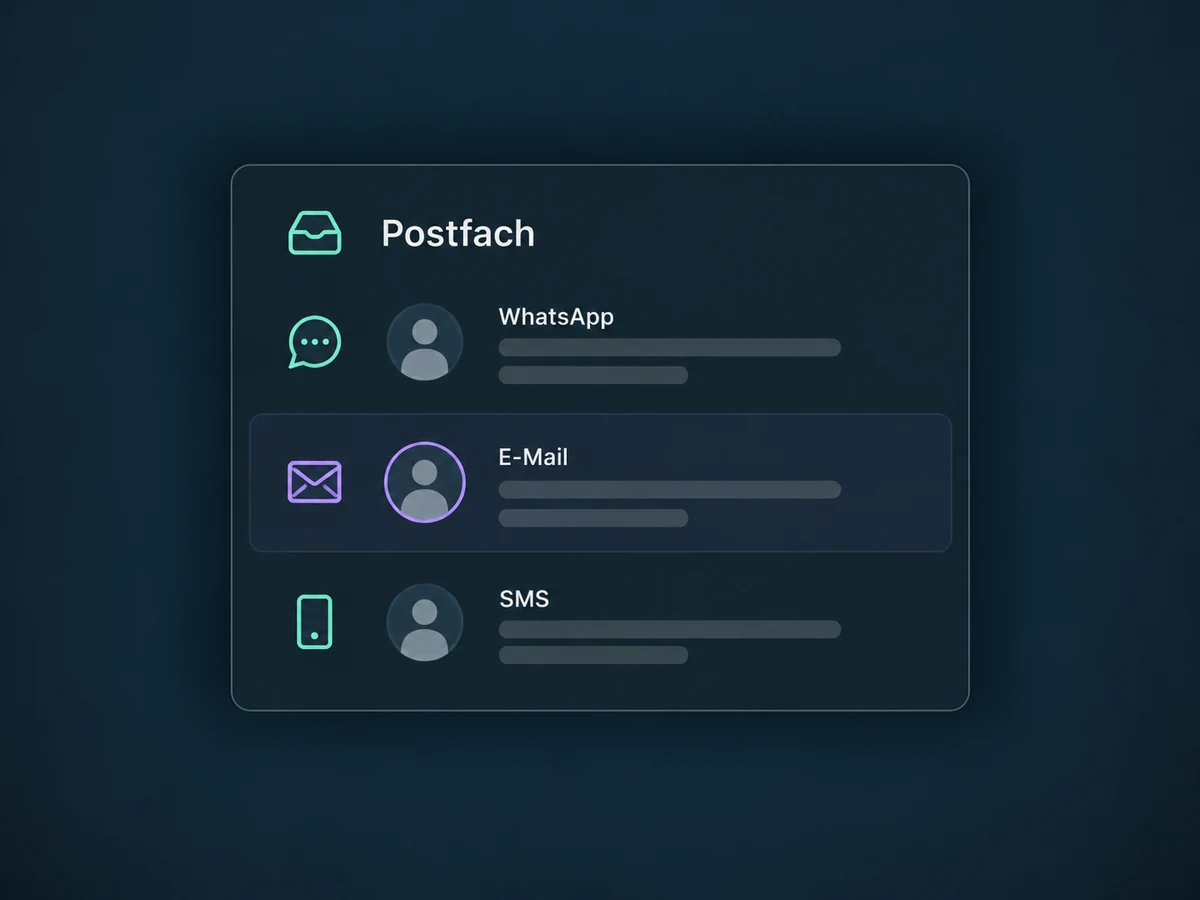
Handle messages from your connected channels in one place. See the conversation history and decide who replies.
Three examples show how you can use Omnichannel Inbox.
Connected email, SMS, WhatsApp and chat channels meet in a shared workspace.
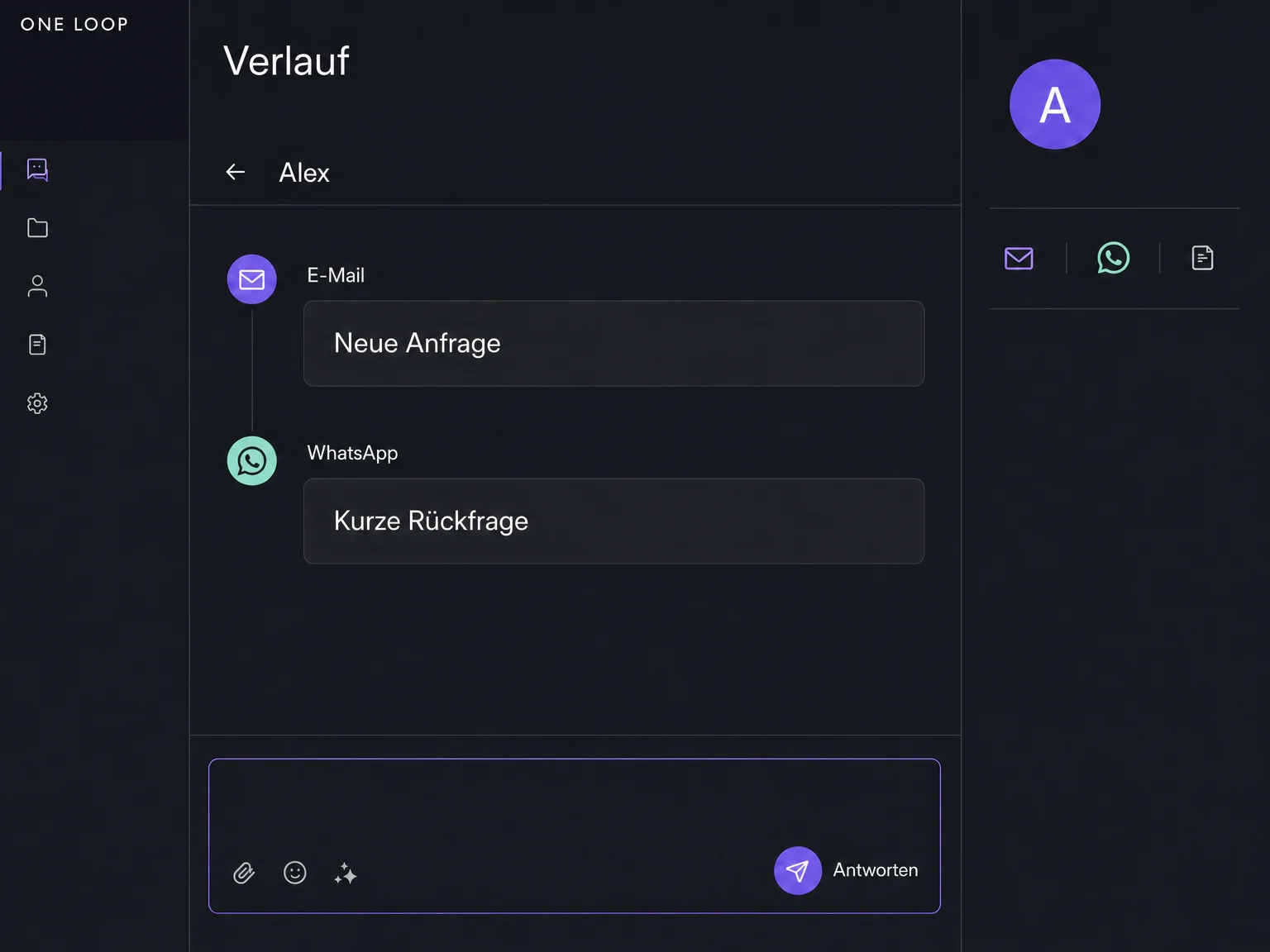
Review contact details and the available conversation history before replying.
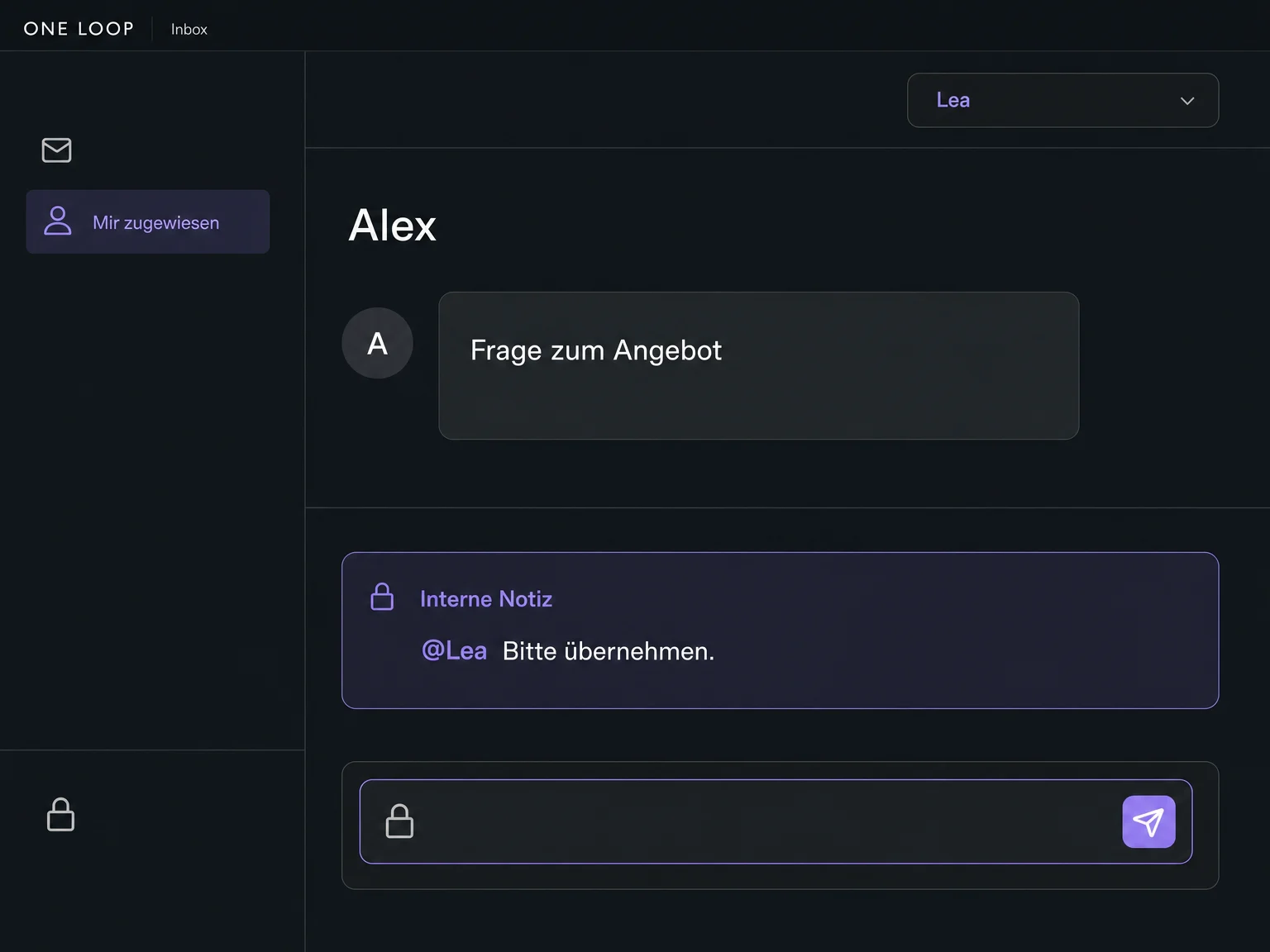
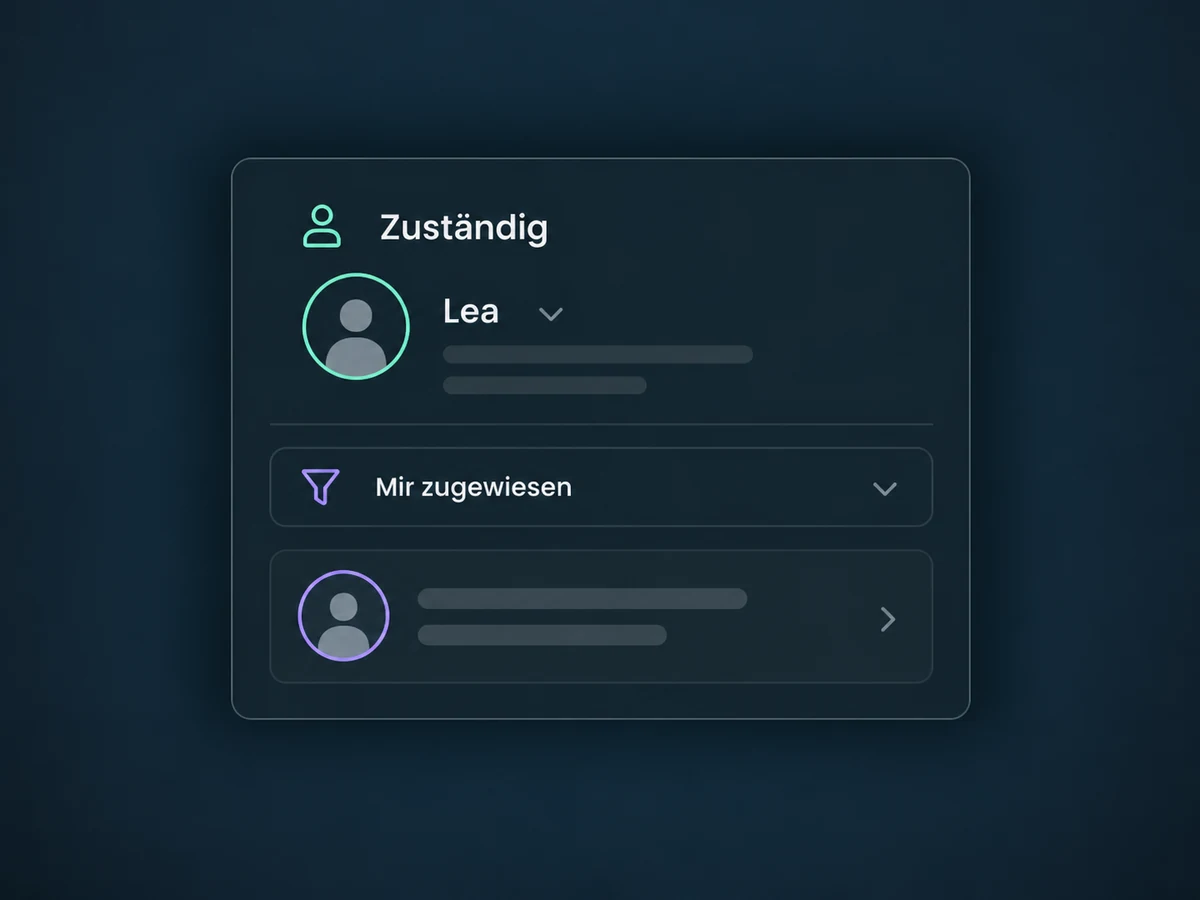
Assign conversations and use filters to direct open messages to the right person.
The practical benefits of Omnichannel Inbox.
Handle connected channels without switching between apps.
Read earlier messages on the contact before replying.
Assign conversations to a person and filter by owner.
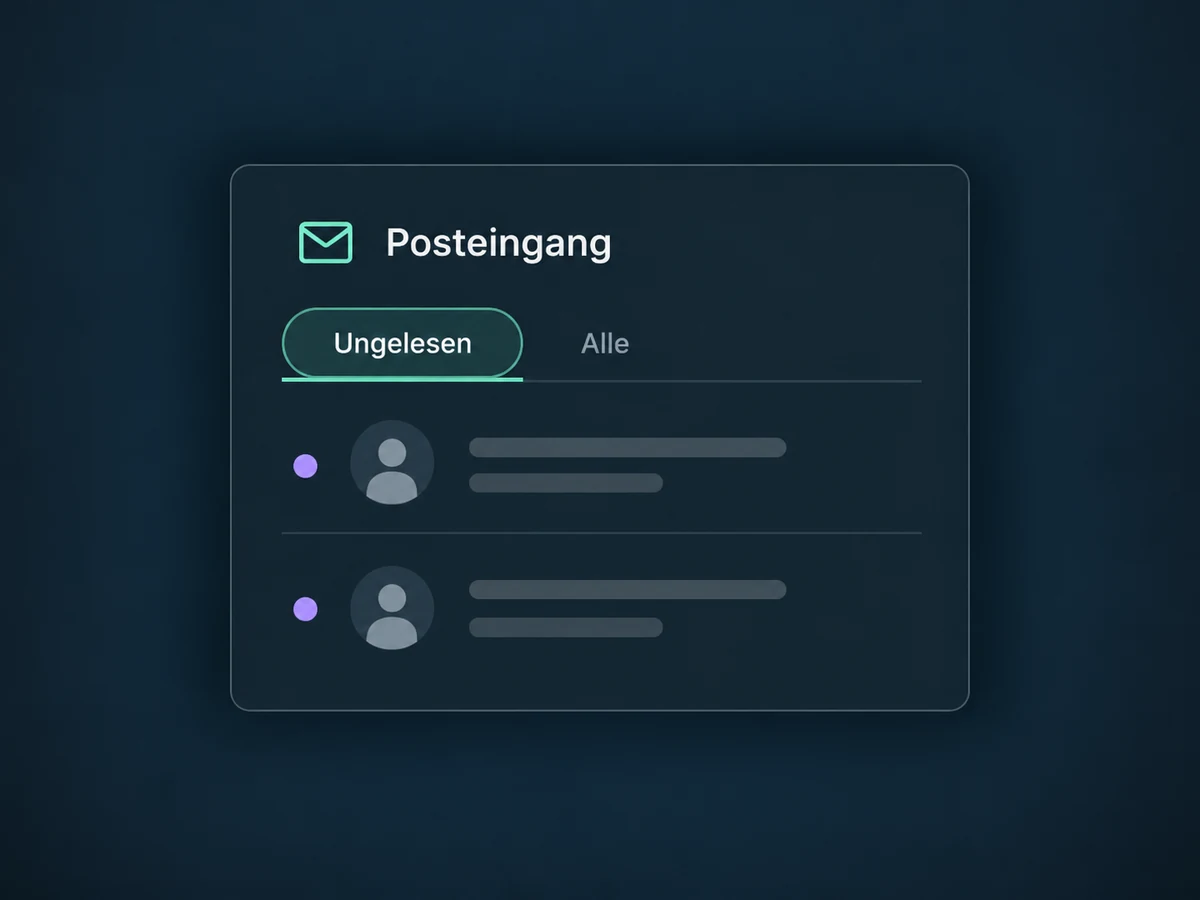
Filter unread conversations so your team knows where to continue.
Discuss questions in internal comments without sending them to customers.
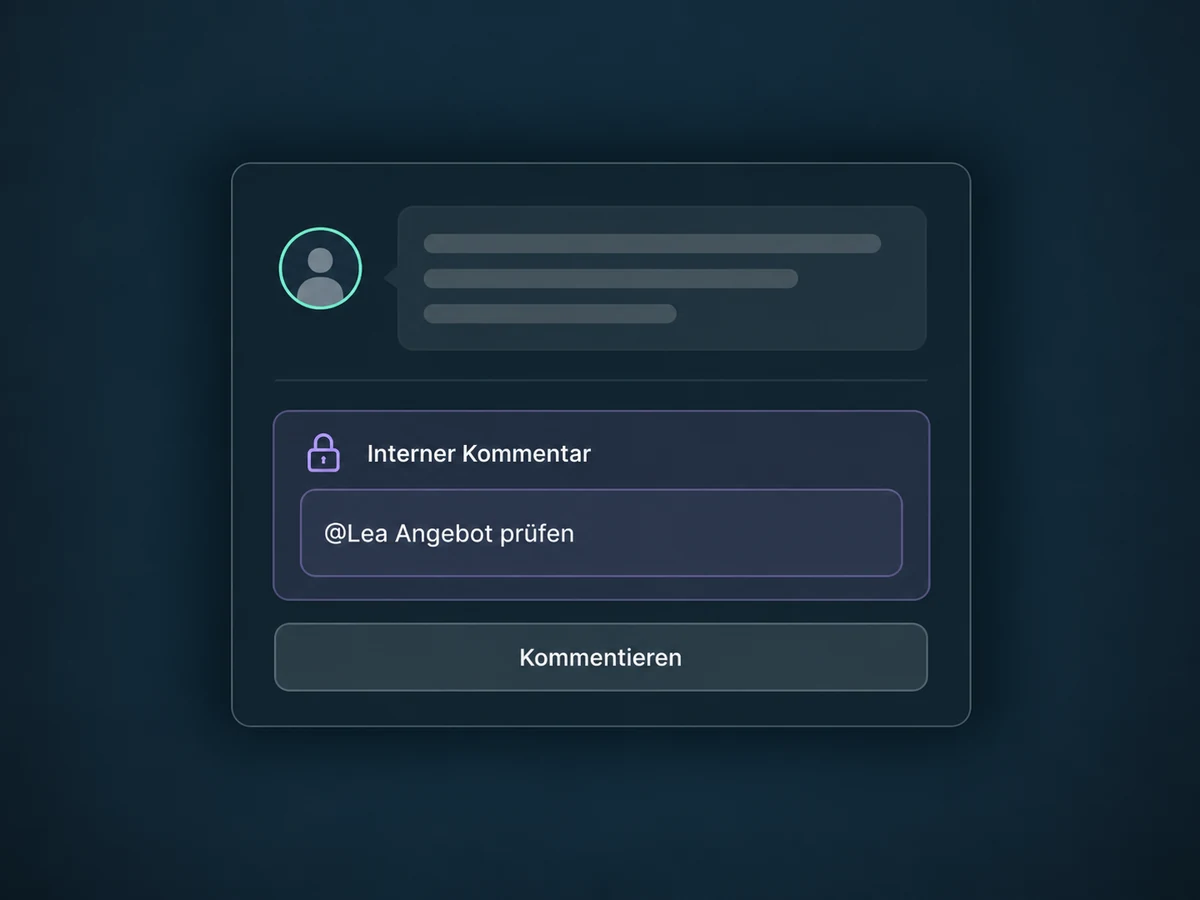
Simplified examples, not live account data.
Each channel needs a supported connection. Permissions, sending rules, messaging windows and potential usage fees differ by channel.
Conversations stay associated with the contact. Tasks, appointments and configured workflows turn messages into next steps.
Availability and any add-on or usage costs are confirmed for your ONE LOOP account before implementation.
Handle messages from your connected channels in one place. See the conversation history and decide who replies.
Each channel needs a supported connection. Permissions, sending rules, messaging windows and potential usage fees differ by channel.
Conversations stay associated with the contact. Tasks, appointments and configured workflows turn messages into next steps.
Not necessarily. We confirm access, setup requirements and any add-on or usage costs for your specific ONE LOOP account before starting. This feature overview is not a promise of package inclusion.
Let’s explore your use case and what the setup requires.
Book a demo