
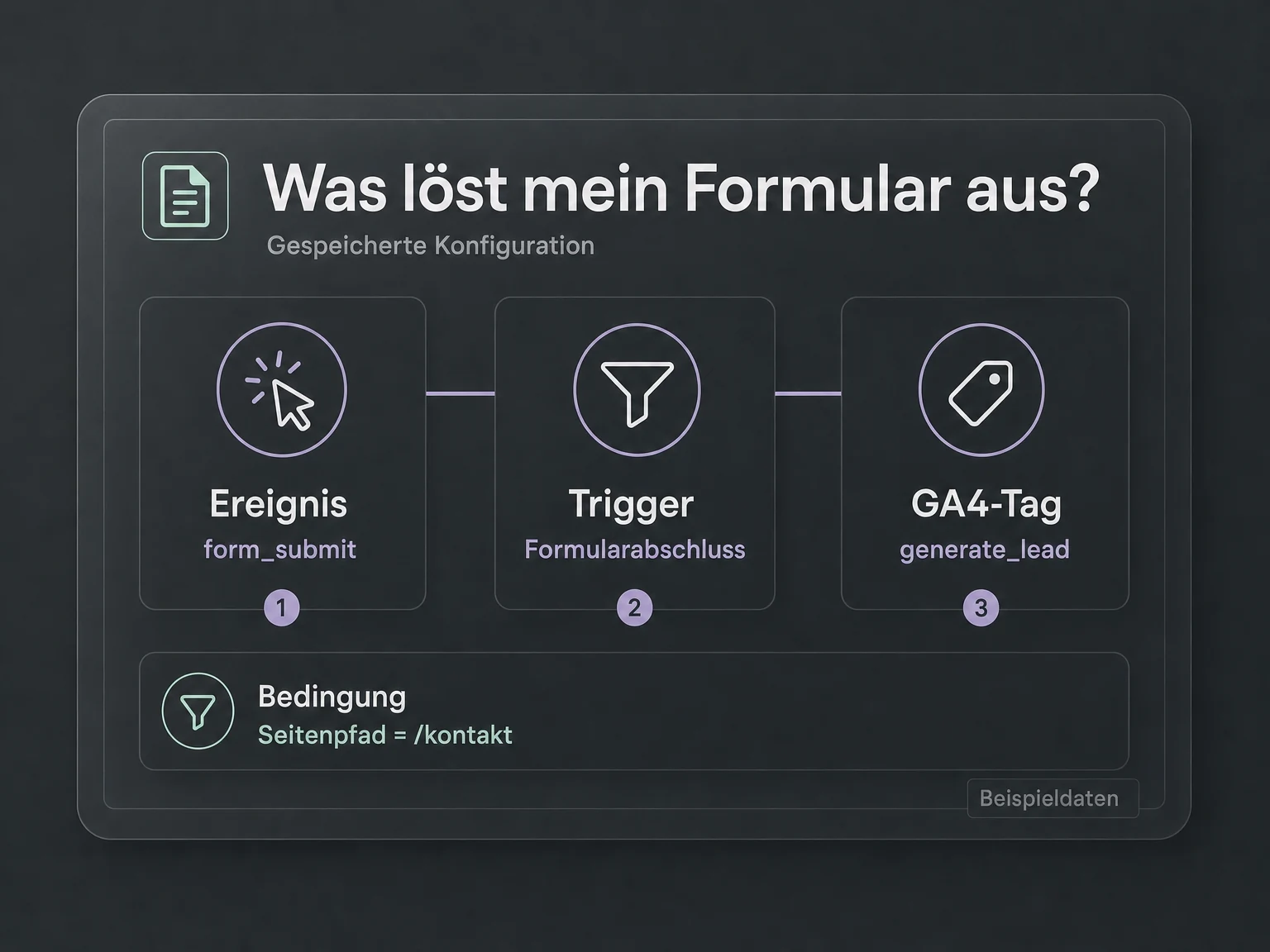
Your prompt in Codex or Claude Code
“Explain which tags fire when a form is submitted.”
The assistant reviews tags and their associated triggers in the selected workspace.

MCP · 19 € / month
Understand your tracking and prepare changes in your AI chat. Google Tag Manager MCP connects tags, triggers and variables – you control publication.
Your connection to AI
Simplify your tracking setup in Google Tag Manager. Review tags, triggers and variables, and prepare changes with Codex or Claude Code directly in chat.
See what this server can doGoogle Tag Manager MCP
19 €/ month
Excluding VAT. Requires a compatible AI assistant and access to the relevant Google account. The AI assistant is not included.
Examples for your everyday work
Let Codex or Claude Code review your tracking and prepare workspace changes. Spend less time searching for tags and triggers. You decide what gets published.
Your prompt in Codex or Claude Code
“Explain which tags fire when a form is submitted.”
The assistant reviews tags and their associated triggers in the selected workspace.
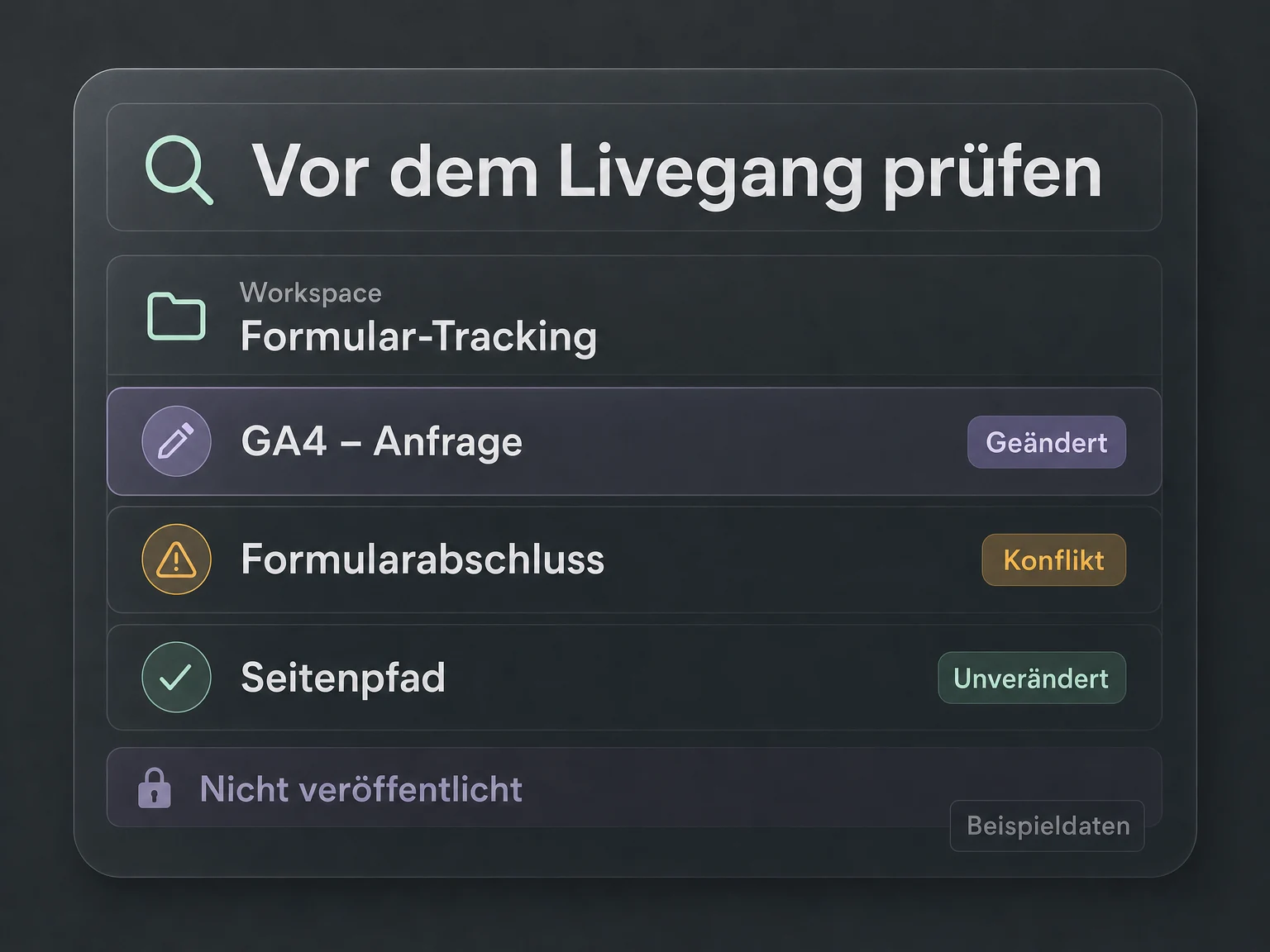
Your prompt in Codex or Claude Code
“Which changes and conflicts are in my workspace?”
Workspace status gives you an overview before you continue editing.
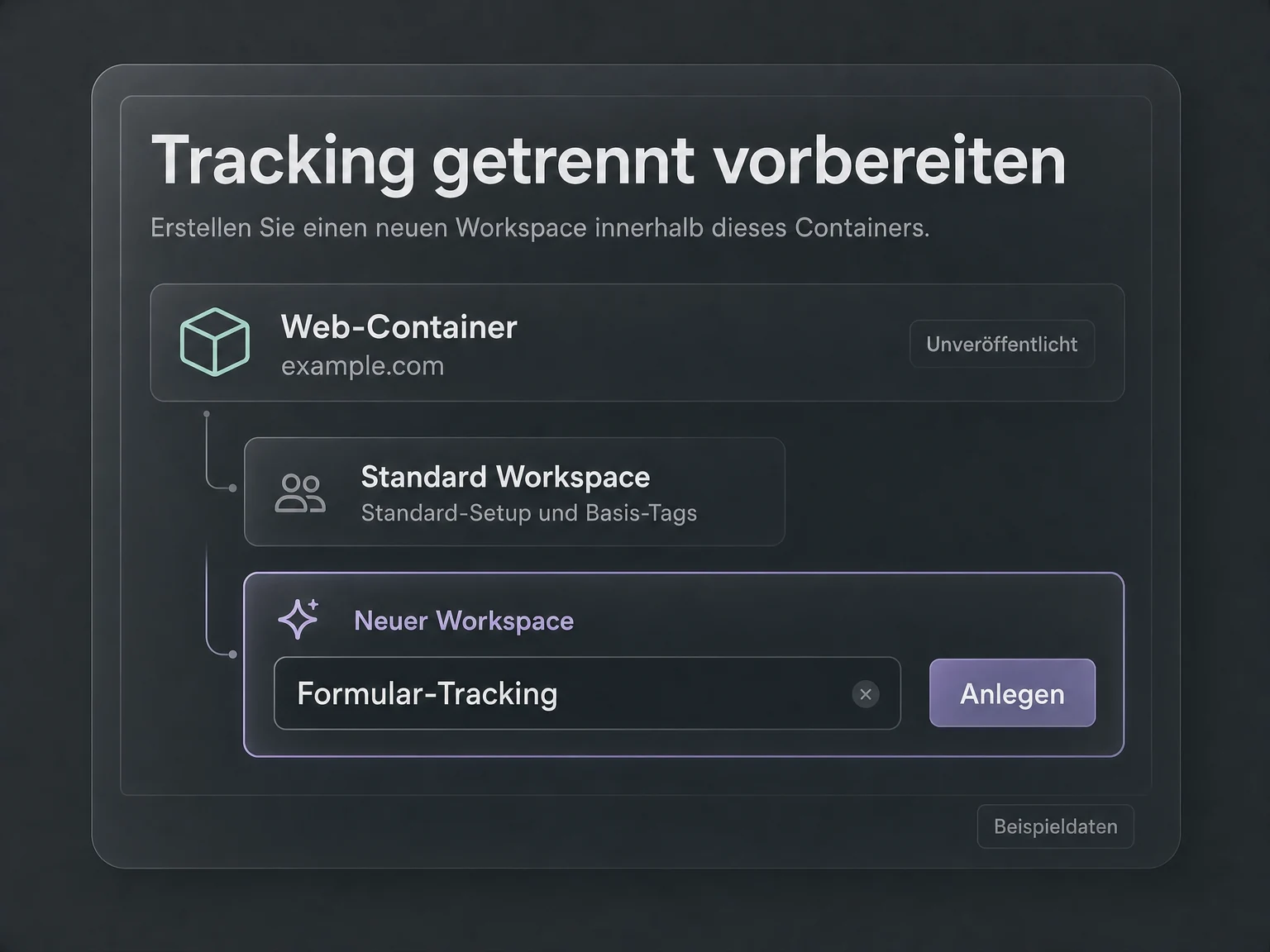
Your prompt in Codex or Claude Code
“Create a new workspace for revising my form tracking.”
With write access, a workspace can be created for the requested changes.
Illustrative examples. No live data.
Your connection in three steps
 Codex
Codex Claude Code
Buy, sign in, ask your question. Use the AI agent you already work with.
Get your MCP connection for €19 per month. Your licence is assigned to you personally. Connect your Google account and select the permitted data in the billing portal.
Add the fixed URL of your module as an MCP connection and sign in. Your personal licence and permissions determine your access.
Work with your data right in chat. Your agent retrieves the answers; you decide the next step.

Google Tag Manager MCP
Benefits & features
The ONE LOOP Google Tag Manager MCP server connects your AI assistant to selected containers. It makes your tracking setup accessible and lets you prepare specific changes in a workspace.
Review containers, workspaces and existing conflicts.
Retrieve selected containers and their workspaces. Workspace status shows modified items and existing conflicts.
Understand when a tag fires and which variables it uses.
Read tags, triggers and variables. The assistant can explain the conditions that trigger a tag and the variables it uses.
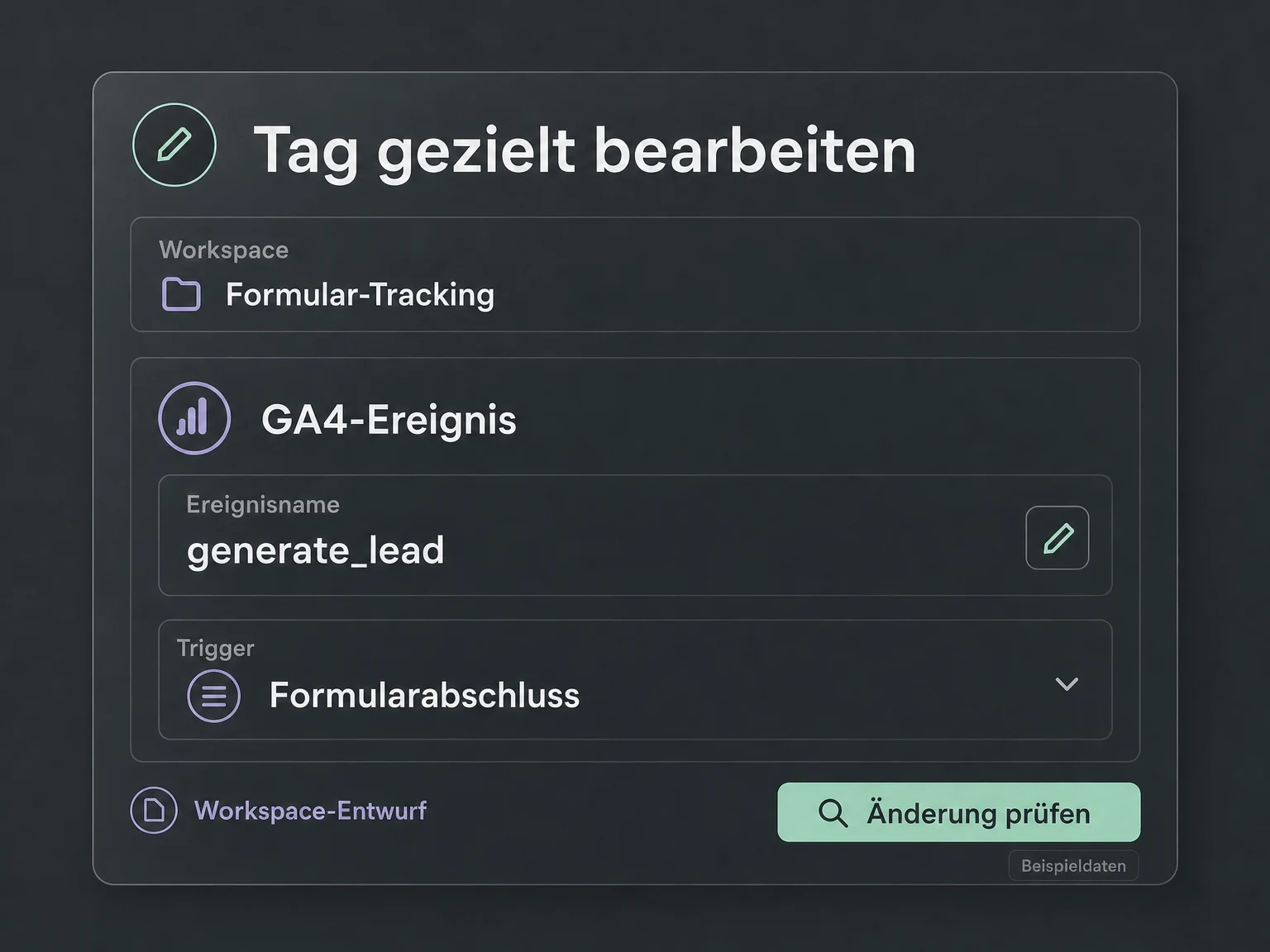
Edit tags, triggers and variables in a workspace with write access.
Create, update or delete supported tags, triggers and variables within a workspace. Write access and an explicit request are required.
Prepare unpublished workspace changes and review them separately.
Create workspaces and edit their names or descriptions. Changes remain unpublished so they can be reviewed before going live.
Illustrative feature examples. No live data.
Your next step
Get your MCP connection, add the URL in Codex or Claude Code and work with your data directly in chat.
Tools & actions
23 documented tool calls: 11 read data, 12 can make changes with the required access.
Technical documentationgtm_list_tagsList tags
gtm_get_workspace_statusGet workspace status
gtm_create_triggerCreate trigger
gtm_update_variableUpdate variable
FAQ
