01
A question that is easy to answer.
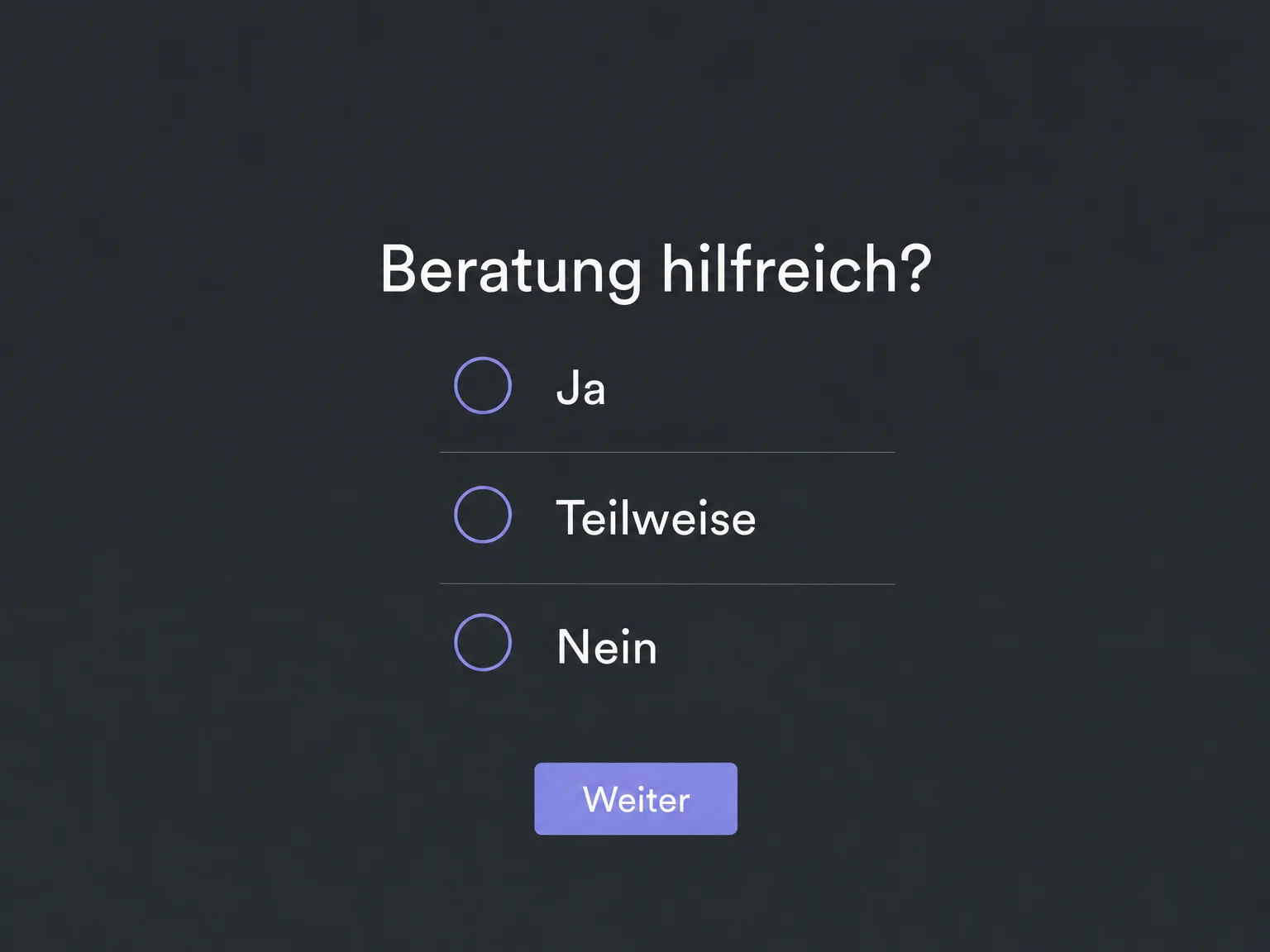
Combine multiple-choice questions and free text to suit the occasion. The example starts with a simple question about a consultation, with no answer selected yet.

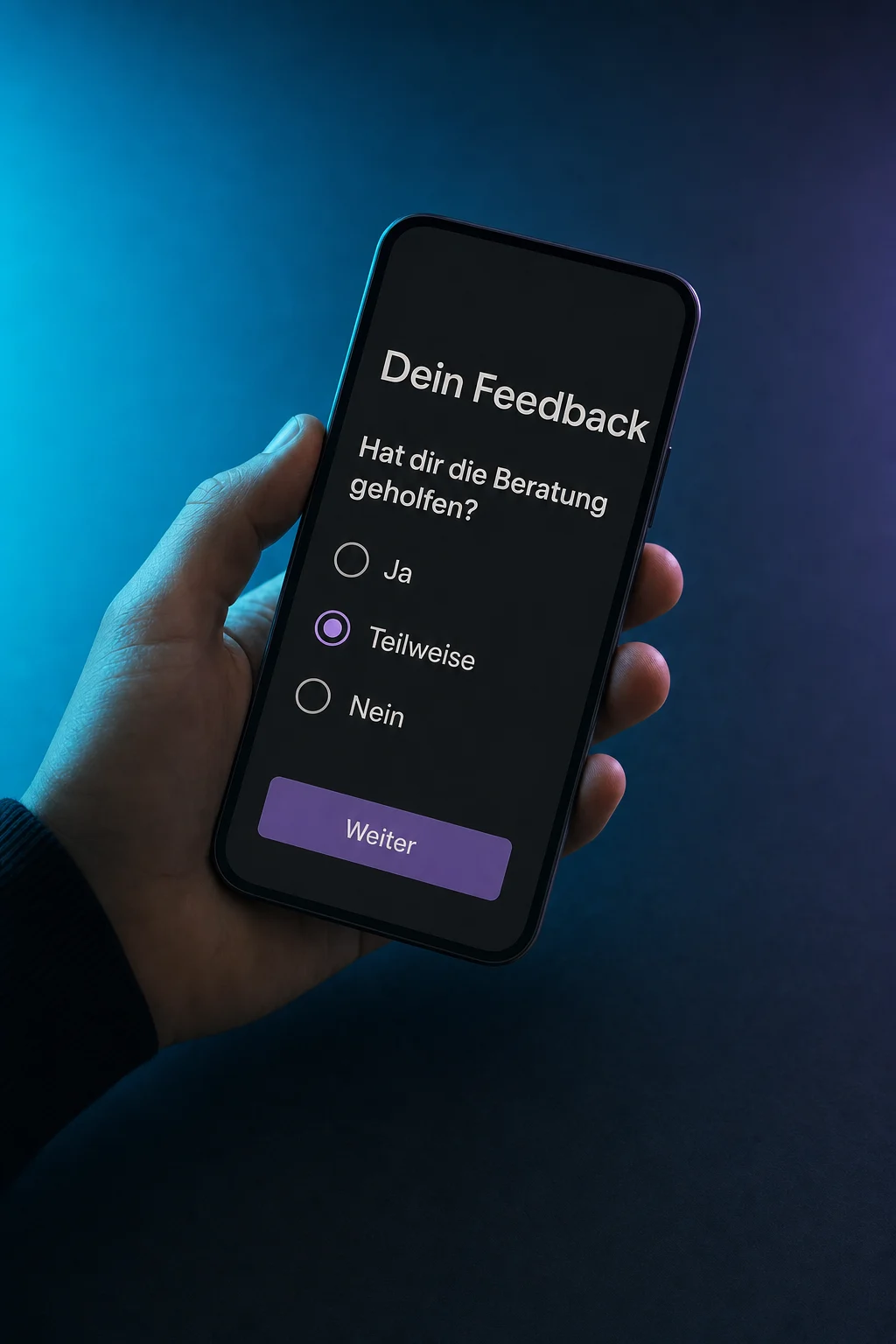
Feedback & Surveys
Create short surveys after a consultation or purchase. Collect specific feedback and see where your team should follow up personally.
Three examples show how you can use Feedback & Surveys.
Combine multiple-choice questions and free text to suit the occasion. The example starts with a simple question about a consultation, with no answer selected yet.
Choose when an extra question appears. The example shows “What was missing?” when someone selects “Partly”. Configure and save the rule first.

Open a submission and read the answers together. Alex selected “Partly” and would like more concrete examples. Your team now knows what to ask about.

The practical benefits of Feedback & Surveys.
One question per screen keeps the survey easy to follow. When you enable this view, check your existing branching too.
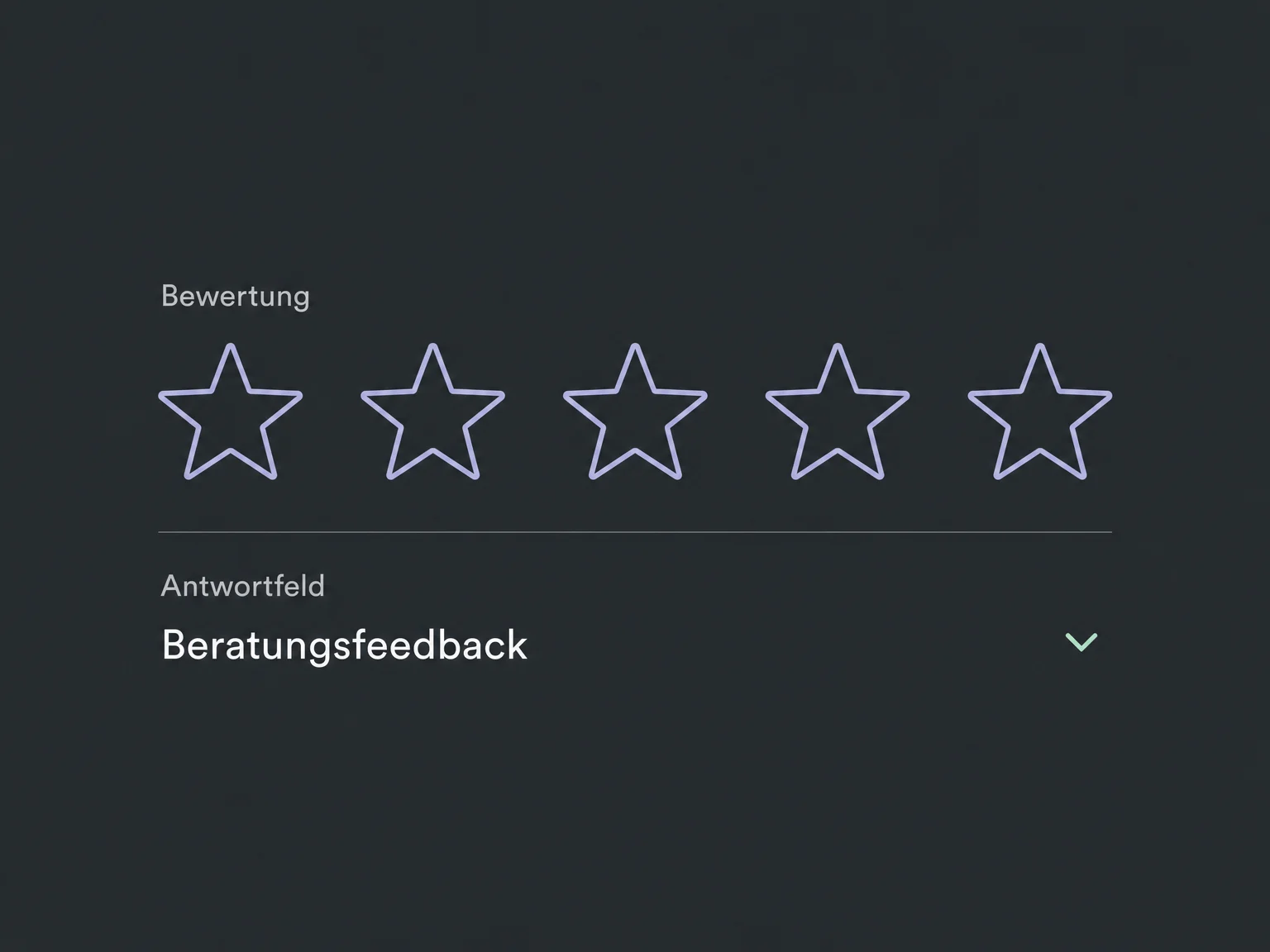
A consistent scale, such as stars, makes responses easier to compare. Set the scale and storage format before you start.
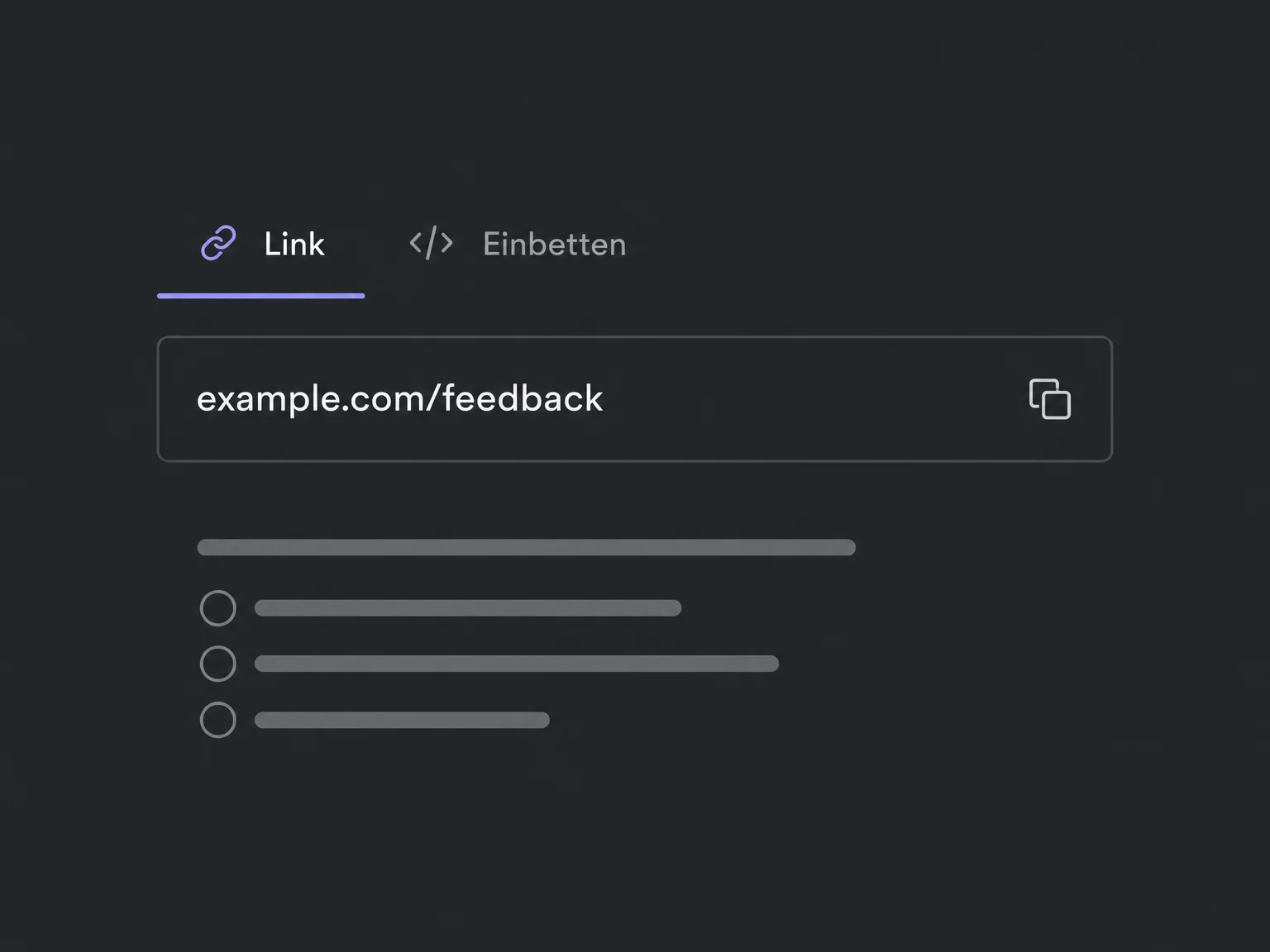
Share a survey link or embed it on a website. Set up message-based invitations separately.
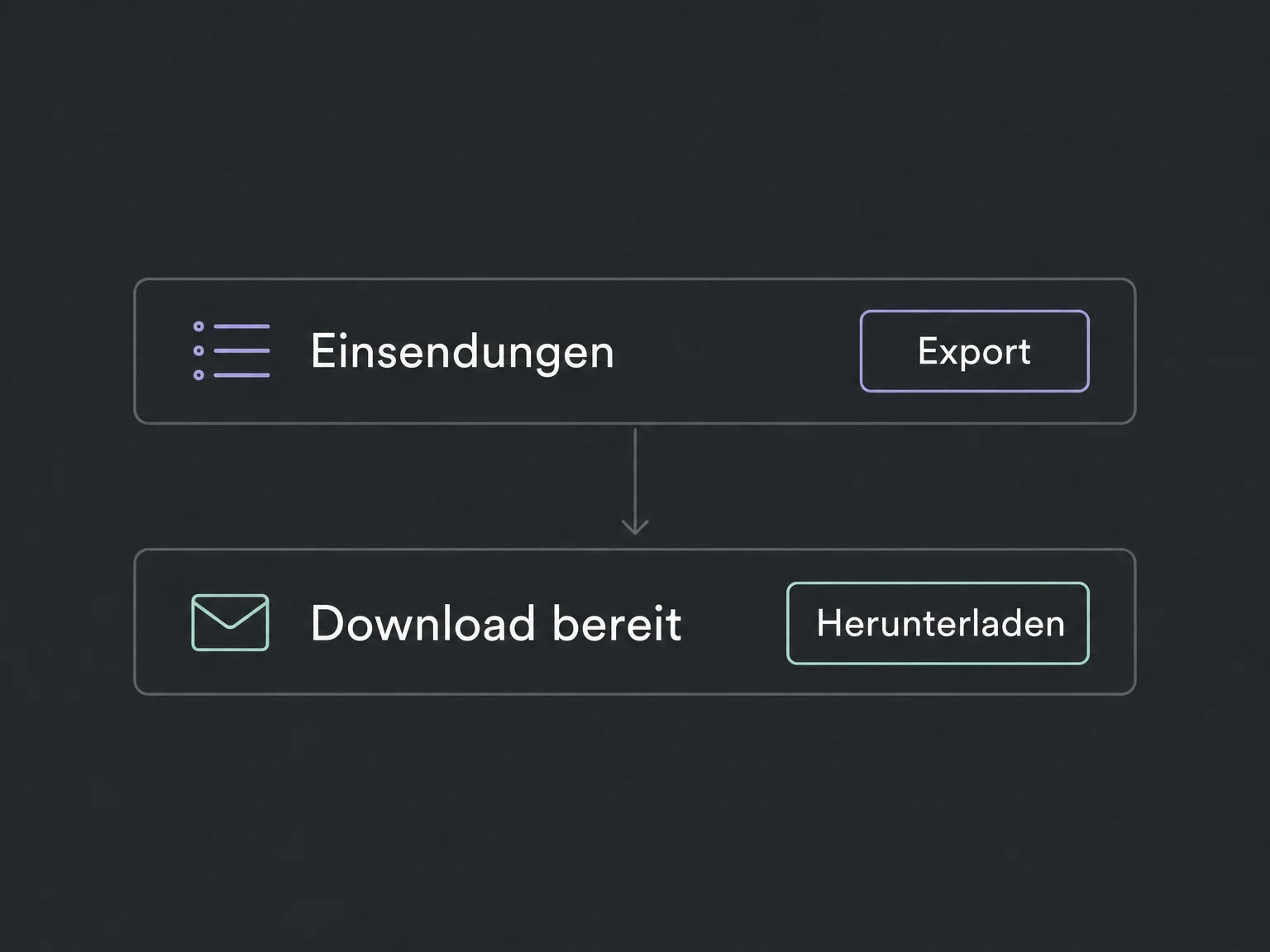
Request an export of the submissions. A download link is sent to you by email.
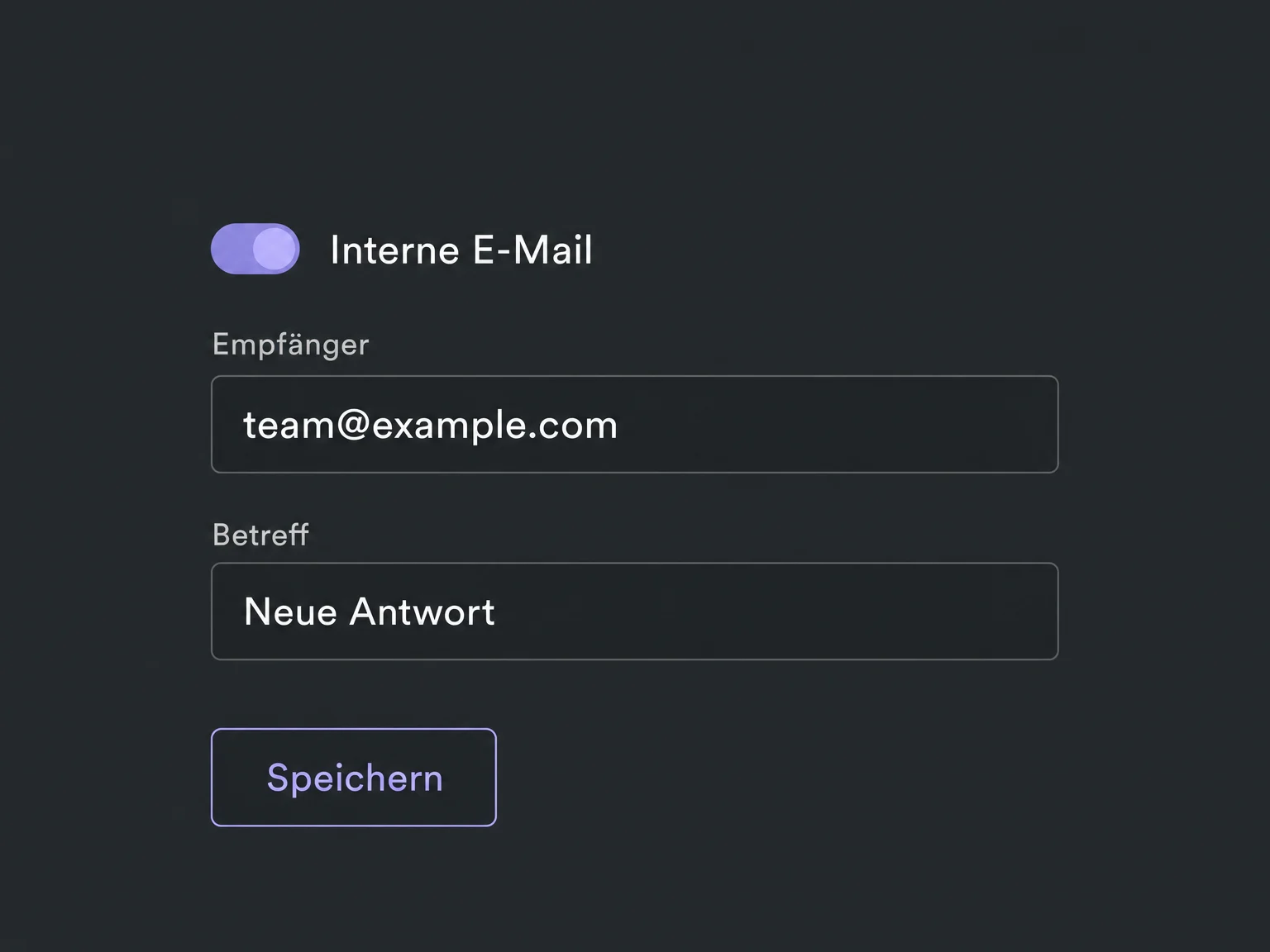
Enable an internal email notification and specify its recipients. Routing based on answers requires a configured workflow.
Simplified examples, not live account data.
We check availability, questions, contact fields and privacy information for your use case. Test every response path. Sending and email credits require separate setup; a voluntary survey is not a representative study.
Mapped fields can store answers in the contact profile. A submitted survey can start a configured workflow. Use the appropriate fields and conditions to make a particular answer trigger a different action.
Availability and any add-on or usage costs are confirmed for your ONE LOOP account before implementation.
No. The submission first appears in your survey responses. It is not automatically published on a review site. Public review requests are a separate feature, not a replacement for internal feedback.
The current rule system is available in newly created or cloned surveys. We check field types, rule order and every response path. Rules are not automatically included when copying an account template.
Each submission remains a separate record. New answers can update mapped contact fields, so open the individual submission to review earlier feedback. A single contact-field value is not the complete response history.
Progress saving can be explicitly enabled for multi-step surveys. When returning, a respondent can continue or start over. Saved progress is not a submitted response; we do not assume that it transfers between devices.
Let’s explore your use case and what the setup requires.
Book a demo