01
Build a website that fits your business.
Choose a template or start with a blank page. Arrange sections and change text and images directly in the editor.
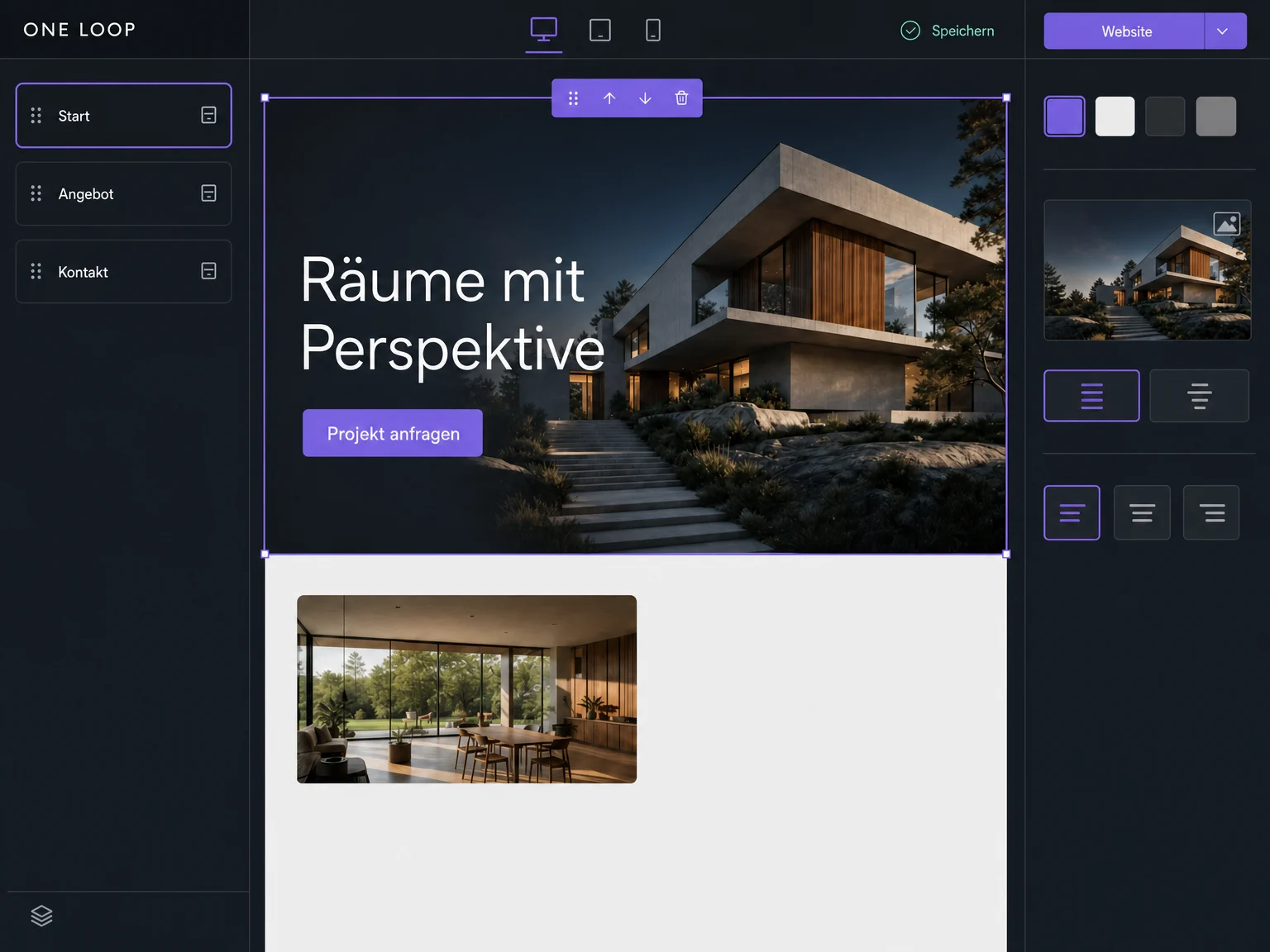

Websites
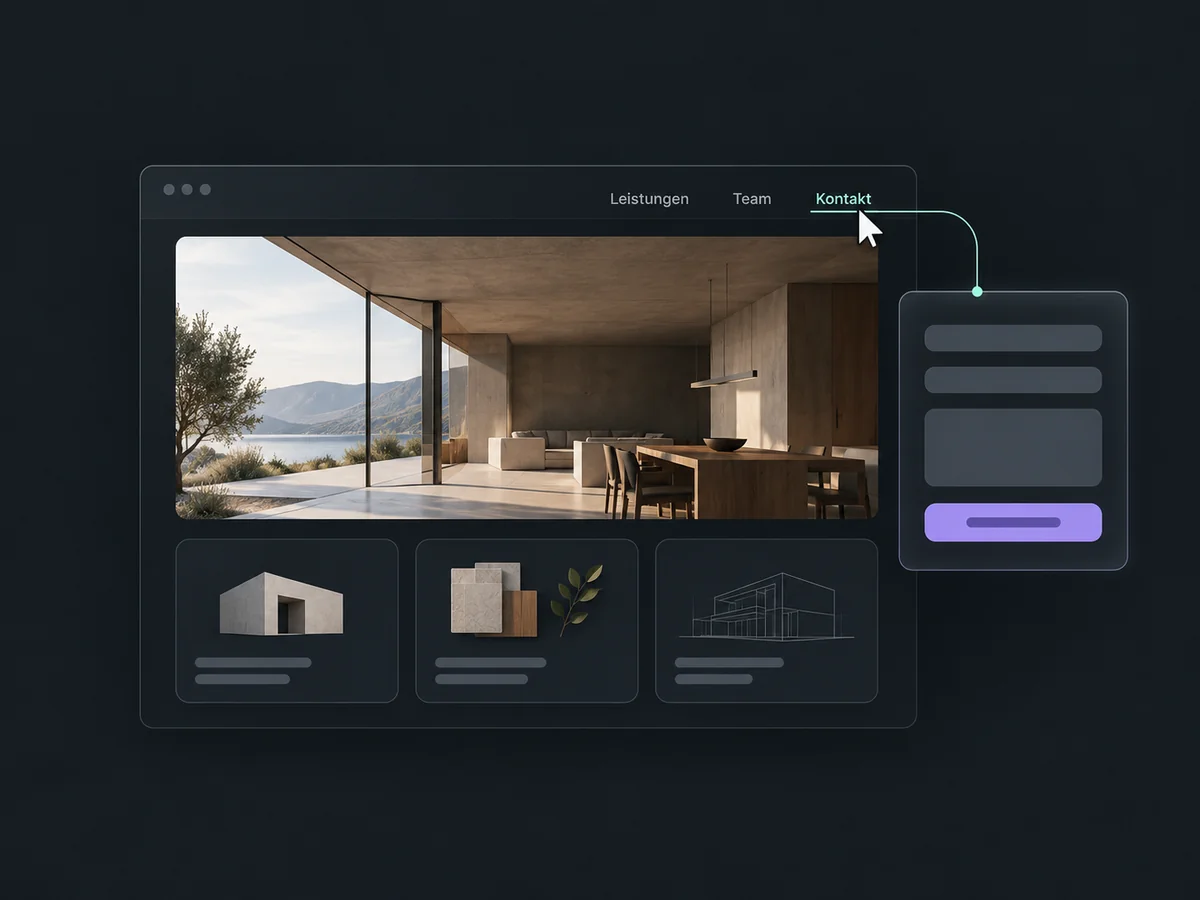
Build pages for your services, team and contact details. Edit content visually and publish your website on your own domain.
Three examples show how you can use Websites.
Choose a template or start with a blank page. Arrange sections and change text and images directly in the editor.
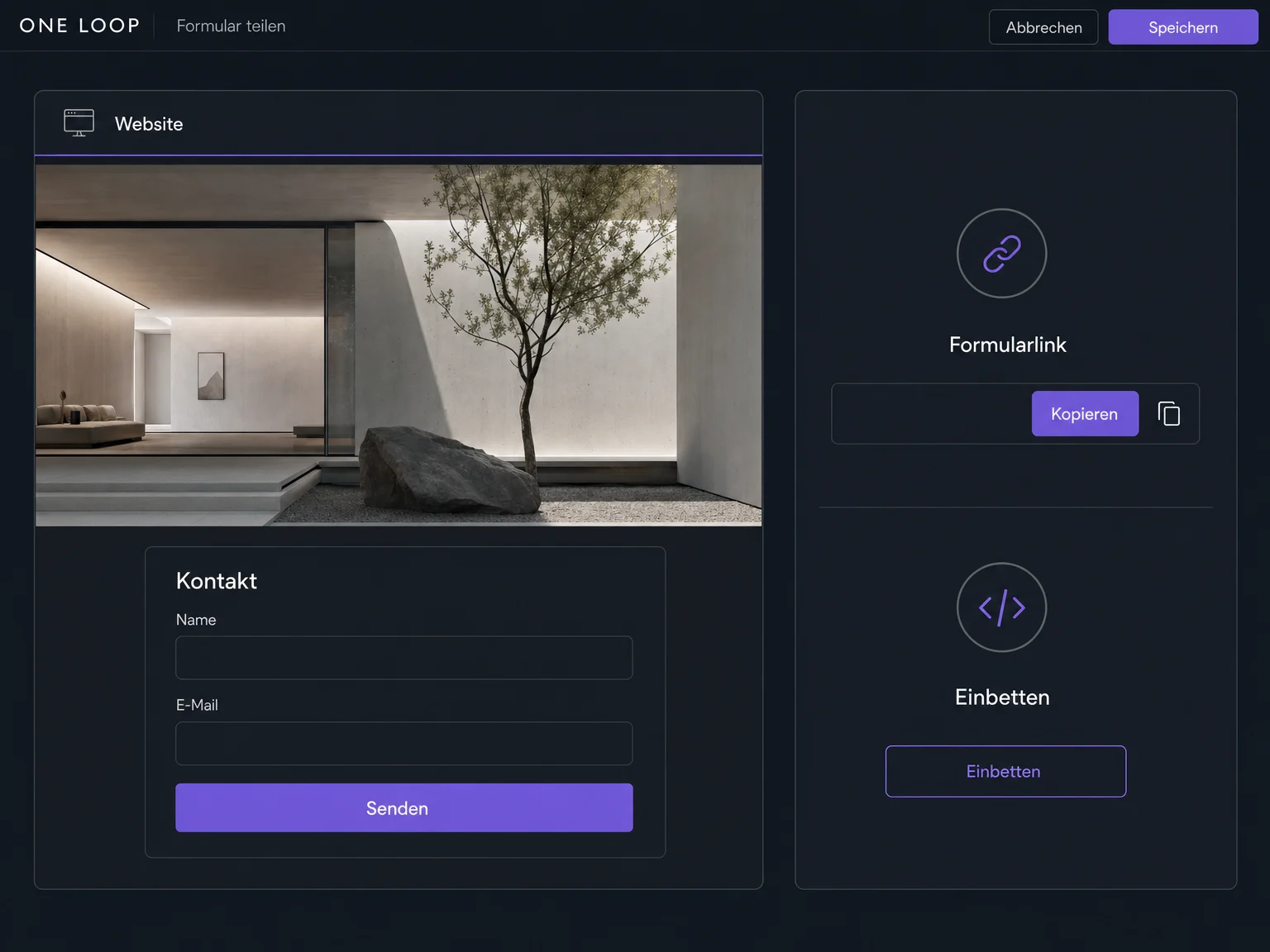
Embed a prepared contact form on your website. Choose its fields, confirmation and placement; follow-up actions are configured separately.
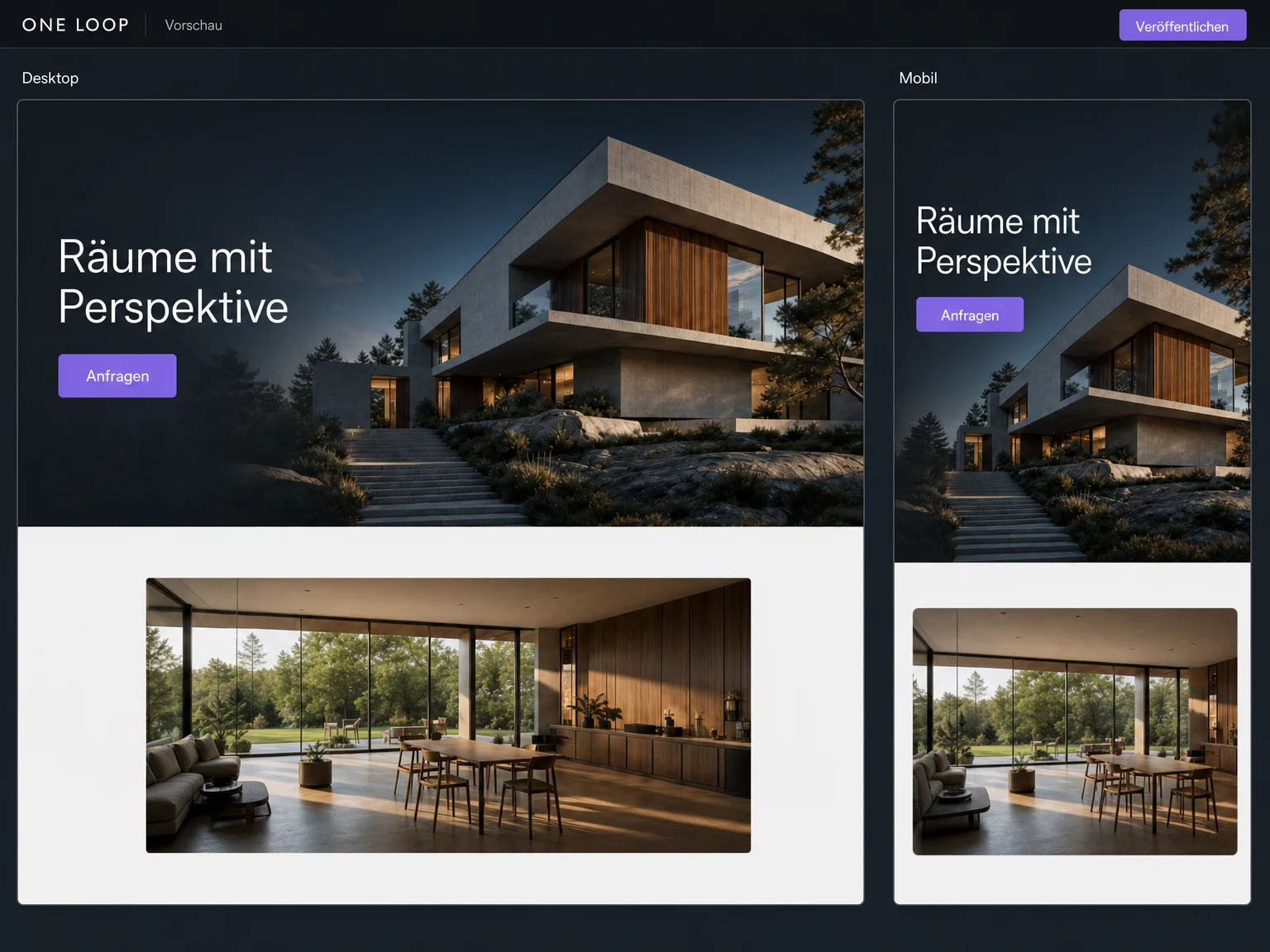
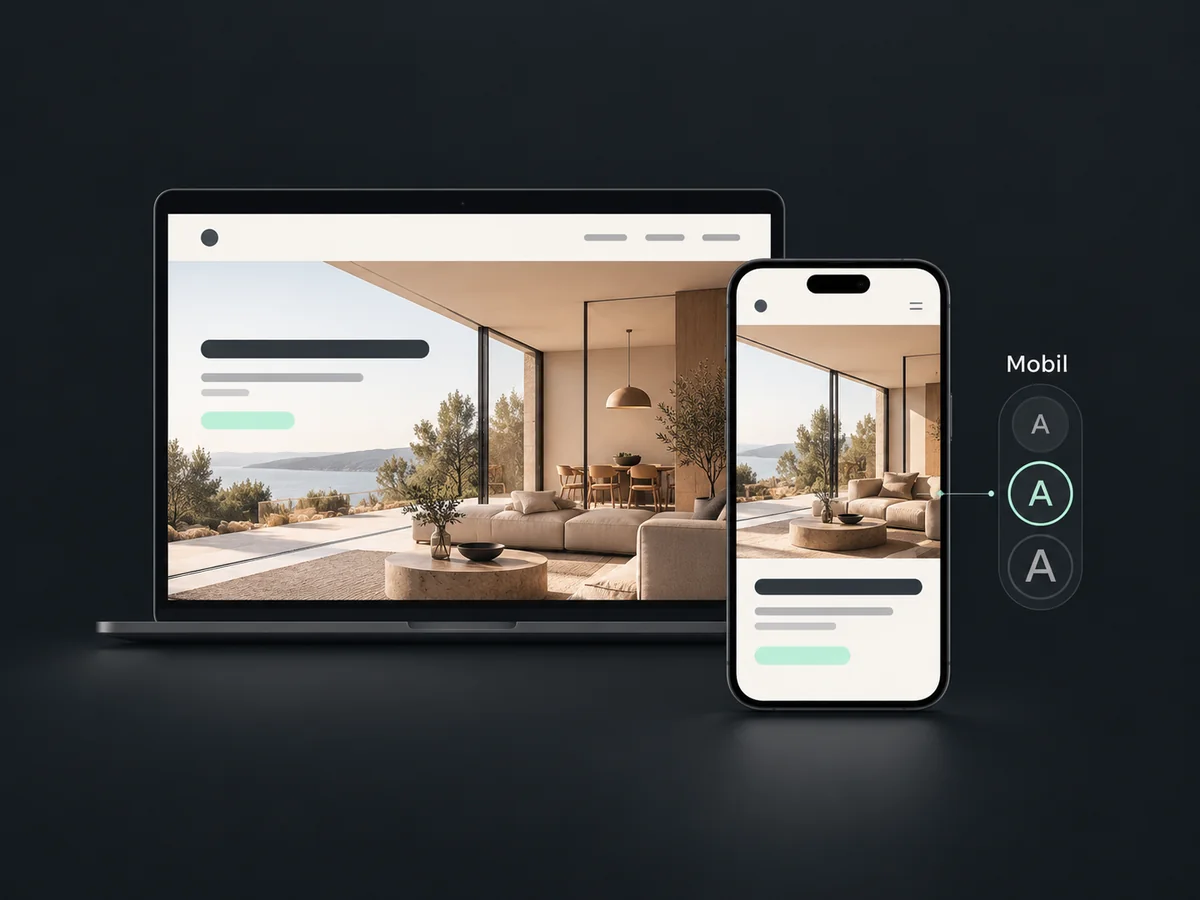
Check the layout, links and form in preview, including the mobile view. Save your changes as a draft and publish when everything is ready.
The practical benefits of Websites.
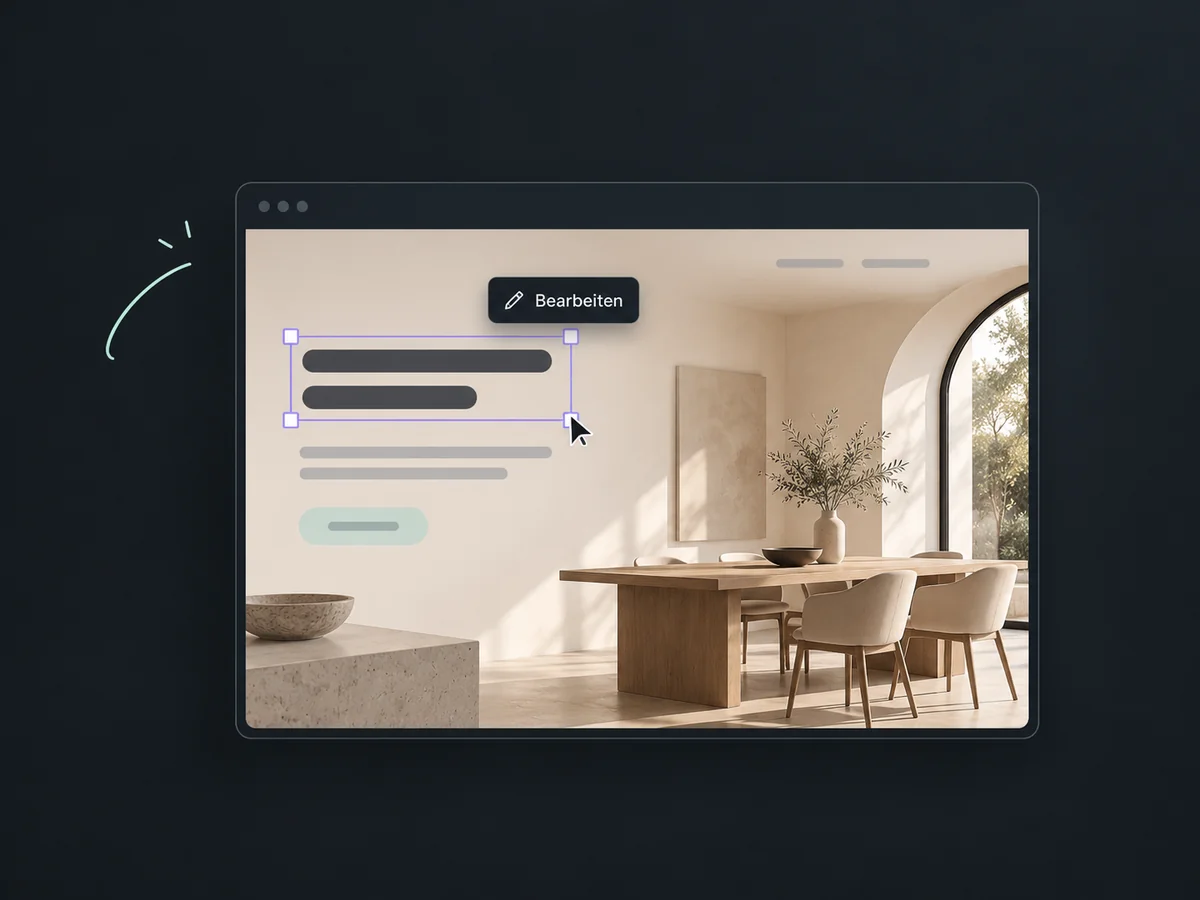
A new offer or photo? Update your website directly in the editor, without waiting for help with every small change.
Give services, team and contact details their own pages, so visitors can find the information they need more easily.
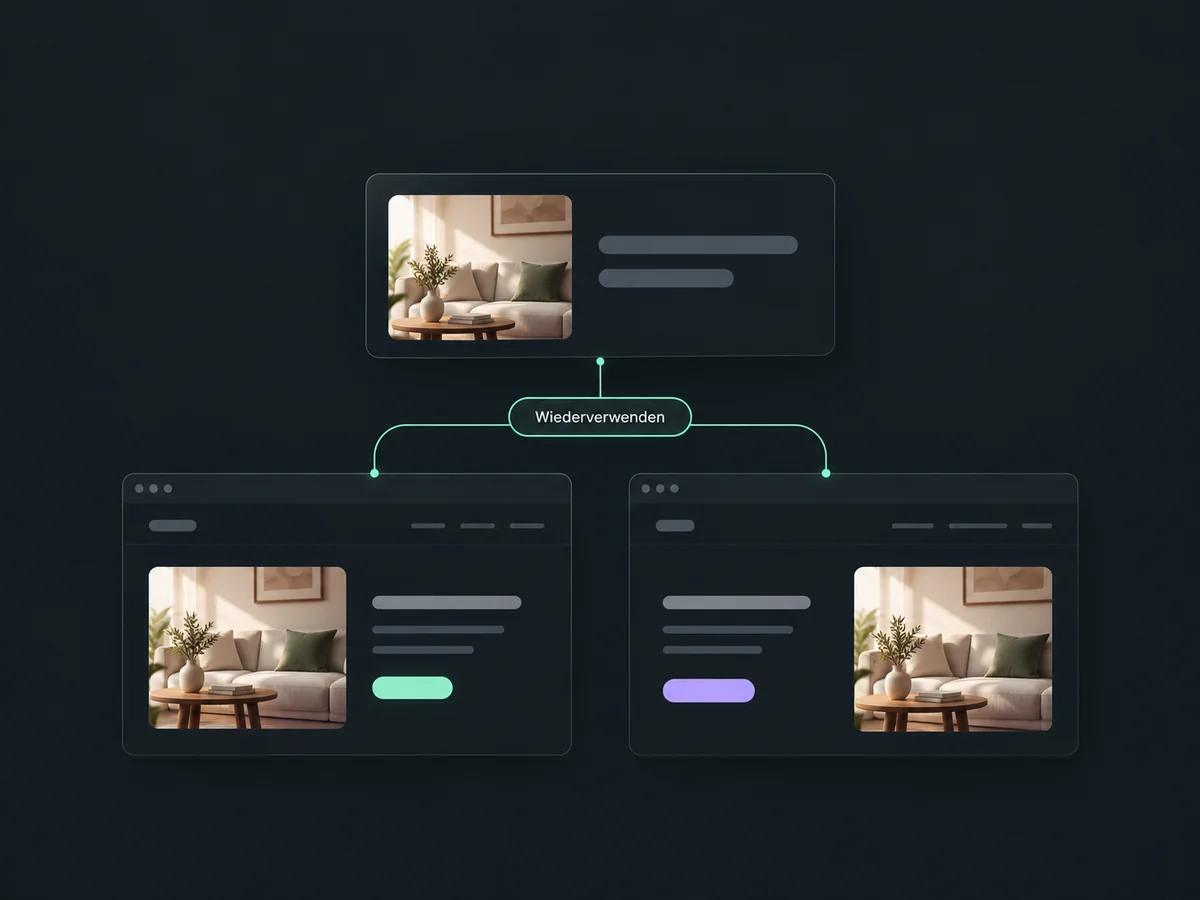
Save finished sections and use them on other pages, saving you from rebuilding the same layout.
Review the smartphone view and adjust its font sizes while keeping your desktop layout in place.
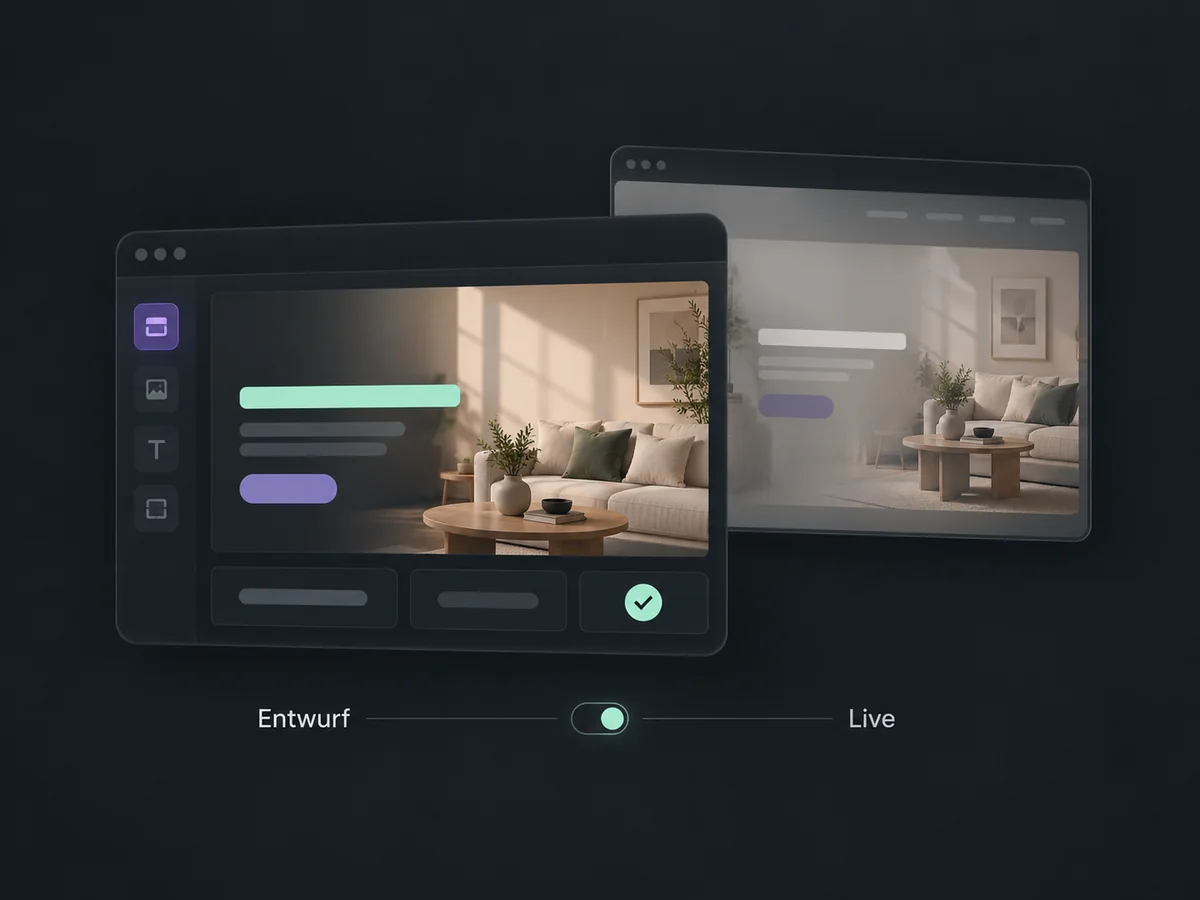
Save work in progress as a draft. Your published page stays in place until you publish the changes.
Simplified examples, not live account data.
To publish, connect your domain and choose the page visitors should land on. Set up forms, confirmations and any tracking to suit your offer.
Decide what should happen after an enquiry, such as a confirmation email or a task for your team. These follow-up actions need a separate workflow setup.
Availability and any add-on or usage costs are confirmed for your ONE LOOP account before implementation.
On a website, visitors choose between pages such as services, team and contact. A funnel guides them through a set sequence towards one goal, for example from an offer page to a form and then a confirmation.
Yes. You can connect your own domain or subdomain and will need access to its settings. If your existing website needs to stay where it is, use a different available subdomain for the new page.
Yes. Edit text, images and sections in the visual editor. You can save your changes and review them in preview before publishing them.
You choose whether to show a confirmation or open another page. A confirmation email, team task or further follow-up needs additional setup; embedding the form alone does not create these actions.
Let’s explore your use case and what the setup requires.
Book a demo