01
What has happened so far?
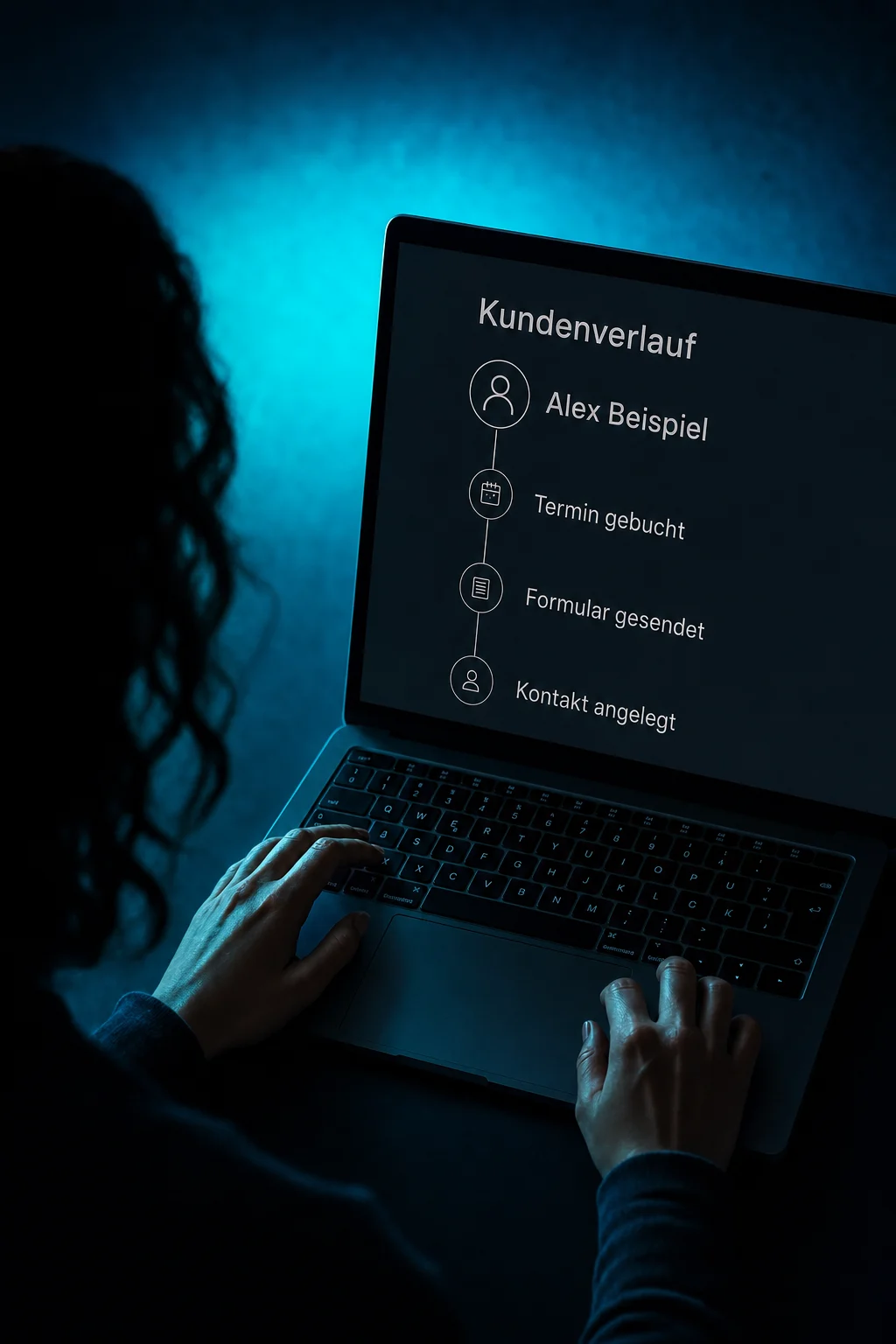
Activity shows recorded events in chronological order. In this example, the contact was created, a form was submitted and an appointment was booked.

Customer Timeline
Review a contact’s messages, appointments and recorded activity. Then decide who will take care of the open question.
Three examples show how you can use Customer Timeline.
Activity shows recorded events in chronological order. In this example, the contact was created, a form was submitted and an appointment was booked.
Open the conversation to understand the request. Alex wants to reschedule. The example reply is still a draft; it has not changed the appointment.

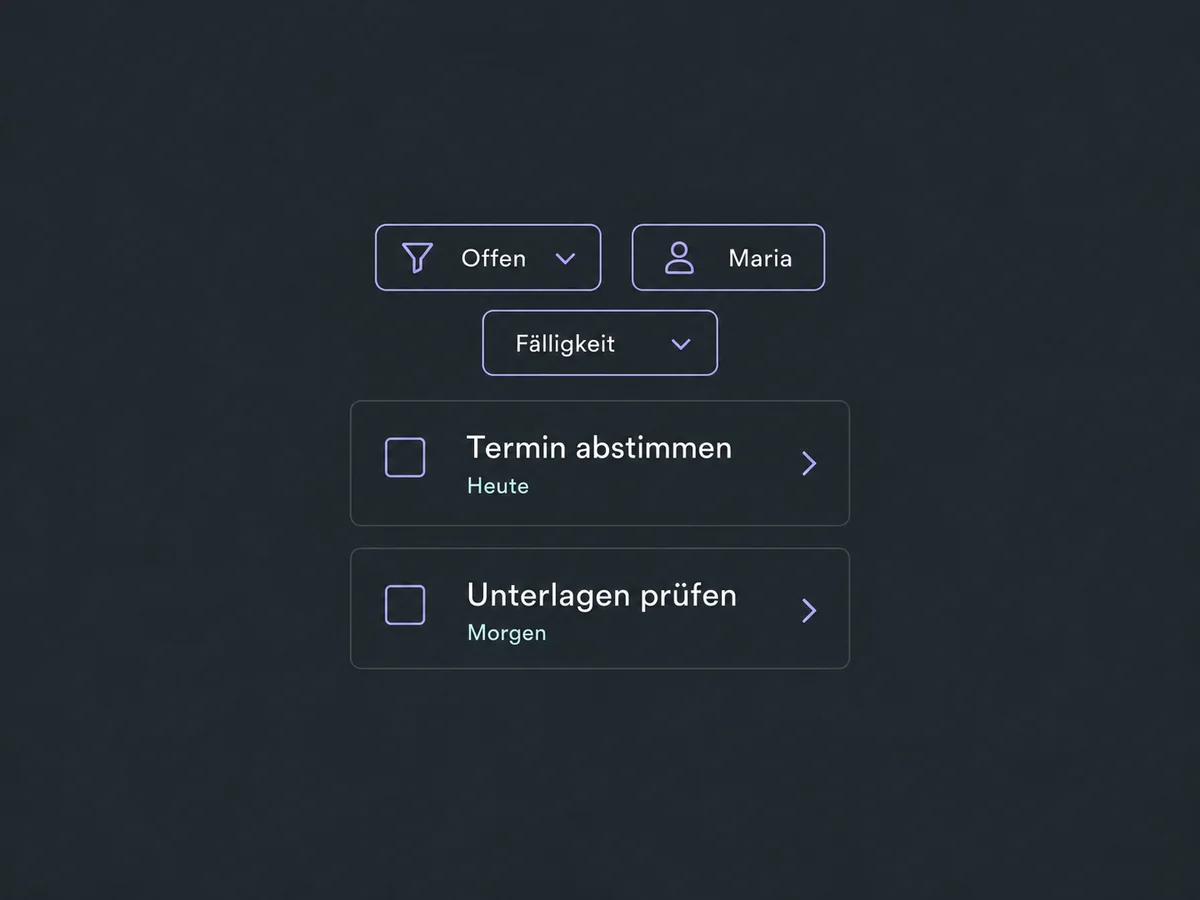
Add a task to the contact with an assignee and due date. In the example, Maria will arrange the appointment. The task appears in the list once it is saved.

The practical benefits of Customer Timeline.
Filter conversation history by email or internal comments instead of searching through every entry.
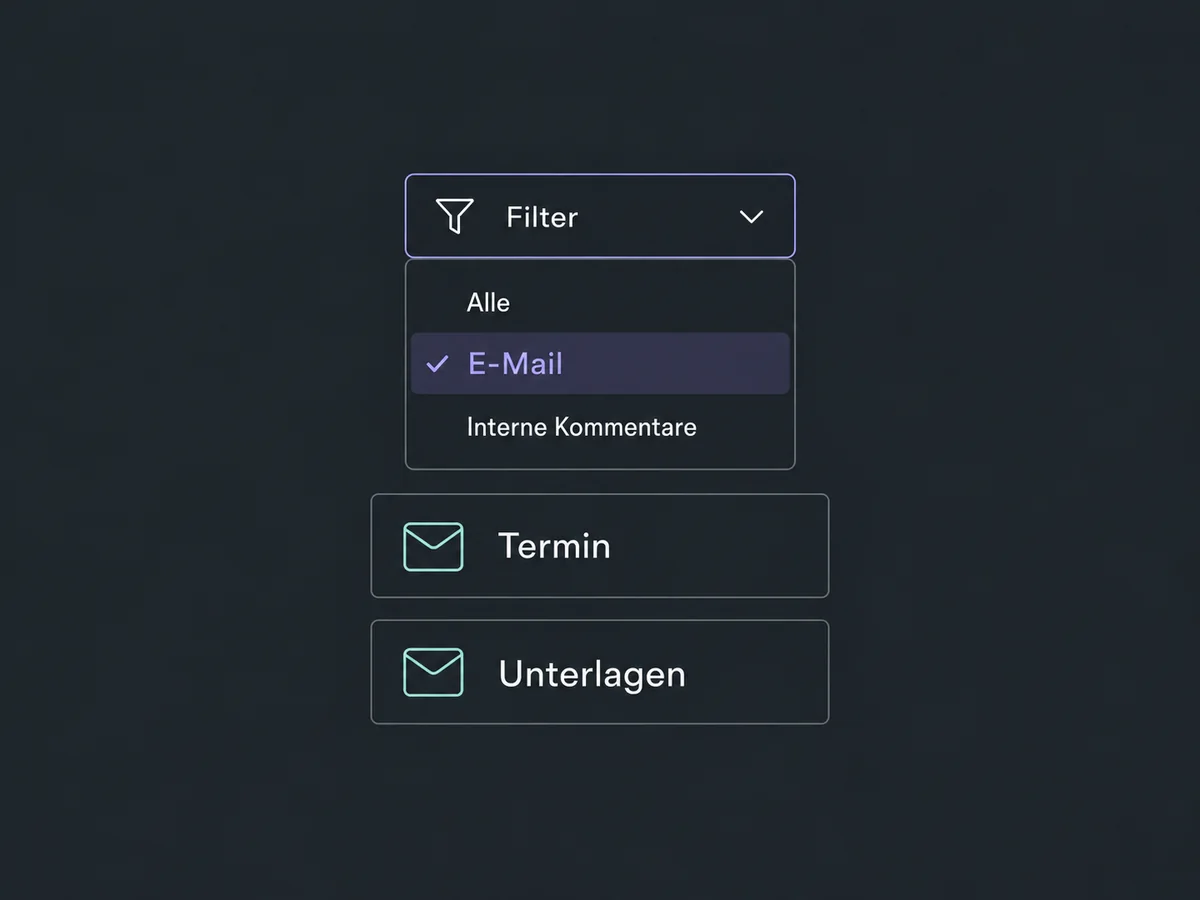
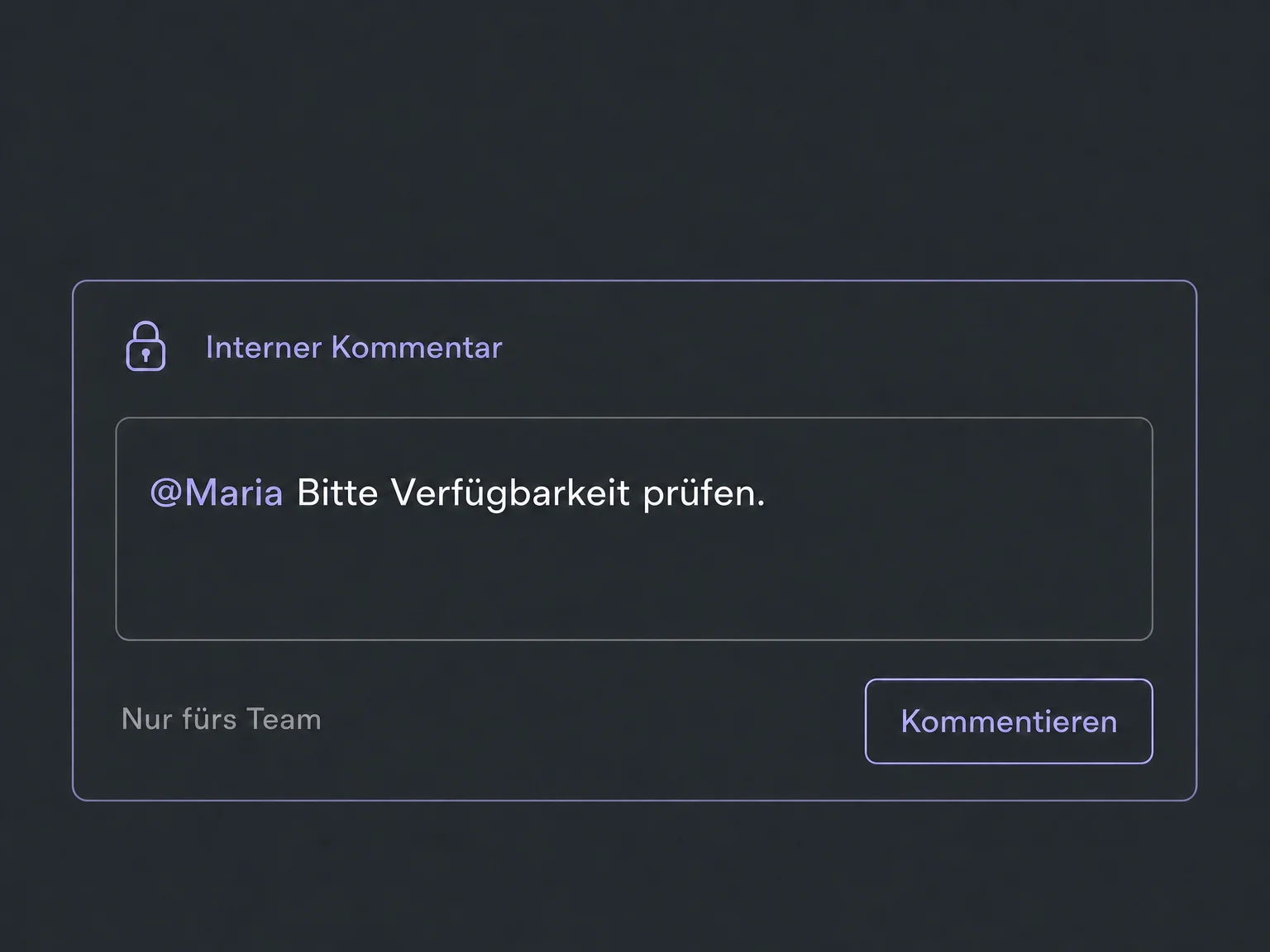
An internal comment keeps questions within the team. It is not sent to the customer.
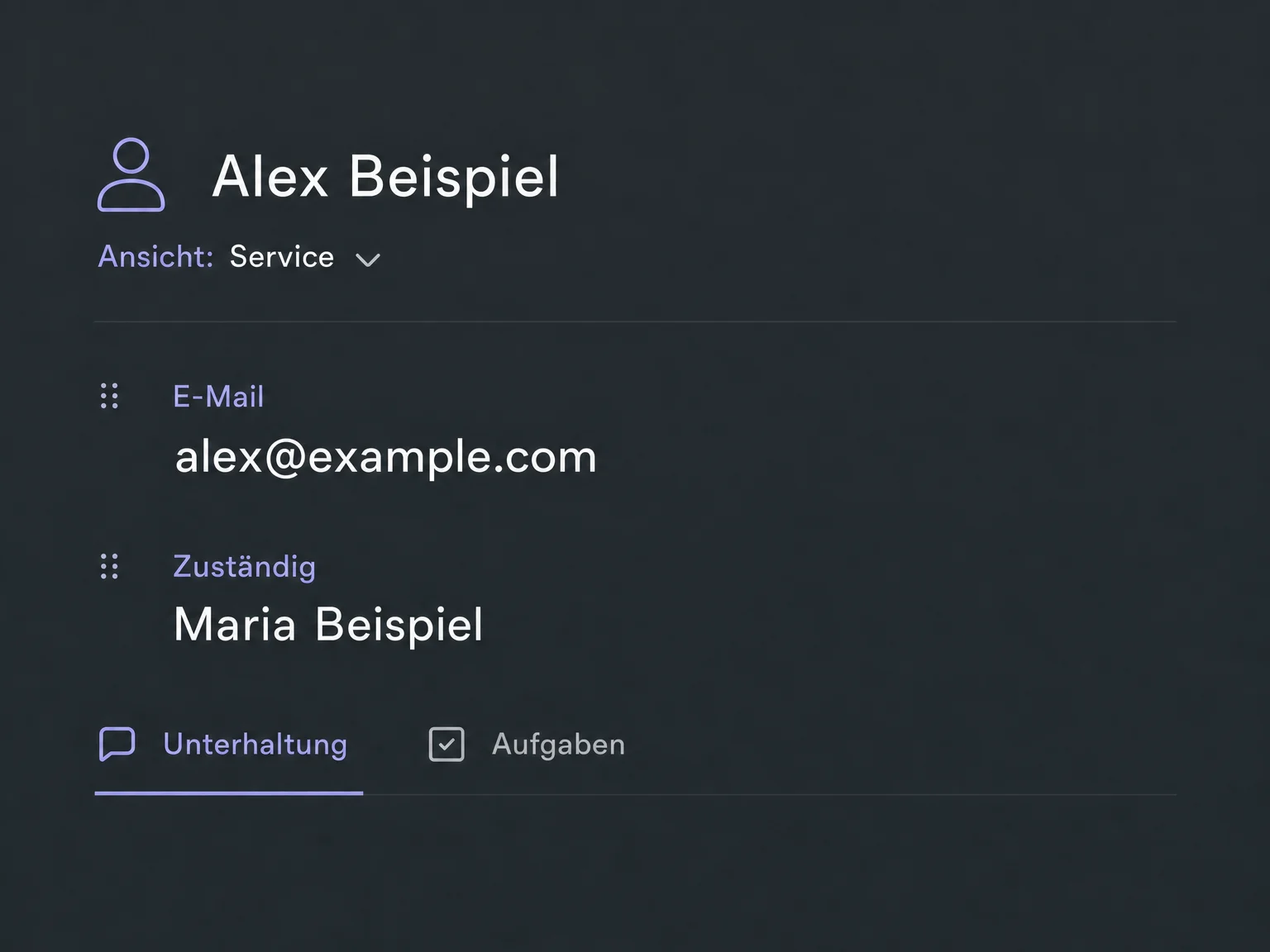
Administrators can arrange contact views with relevant fields and modules, for example for a service team.
Filter tasks by status or assignee and sort them by due date.
With the appropriate app access, you can also open and filter recorded contact activity on mobile.
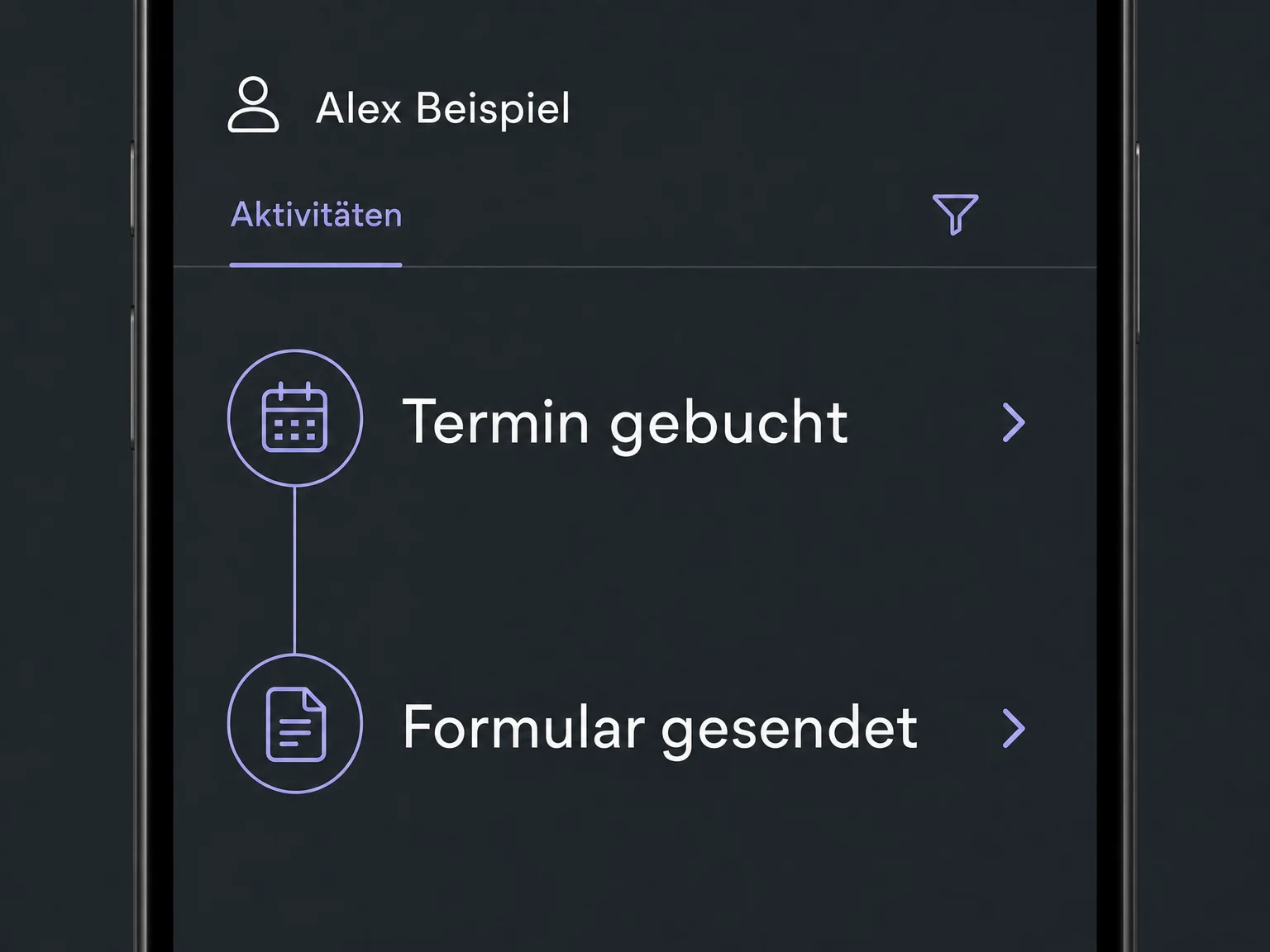
Simplified examples, not live account data.
We check availability, connected channels and access rights for your account. A customised contact view does not replace permissions. Retention and data quality must also suit your business.
Contact details, conversations, activity and tasks can be accessed from the same contact. A task does not send a reply or reschedule an appointment; carry out those steps separately or configure a suitable workflow.
Availability and any add-on or usage costs are confirmed for your ONE LOOP account before implementation.
No. You see stored messages and supported activity from connected sources, subject to your permissions. External conversations and older records do not appear automatically; we check imports separately.
No, provided you explicitly select the Internal Comment channel. These entries stay internal. Review the text before posting: published internal comments cannot be edited or deleted.
An activity records an event that has already occurred, such as a form submission. A task records work still to be done. It does not confirm that a message was sent or an appointment changed.
The app can show and filter available contact activity and open its details. Available details and actions depend on the app version, event type, access and permissions. Not every web feature works identically on mobile.
Let’s explore your use case and what the setup requires.
Book a demo