01
Give every topic a home
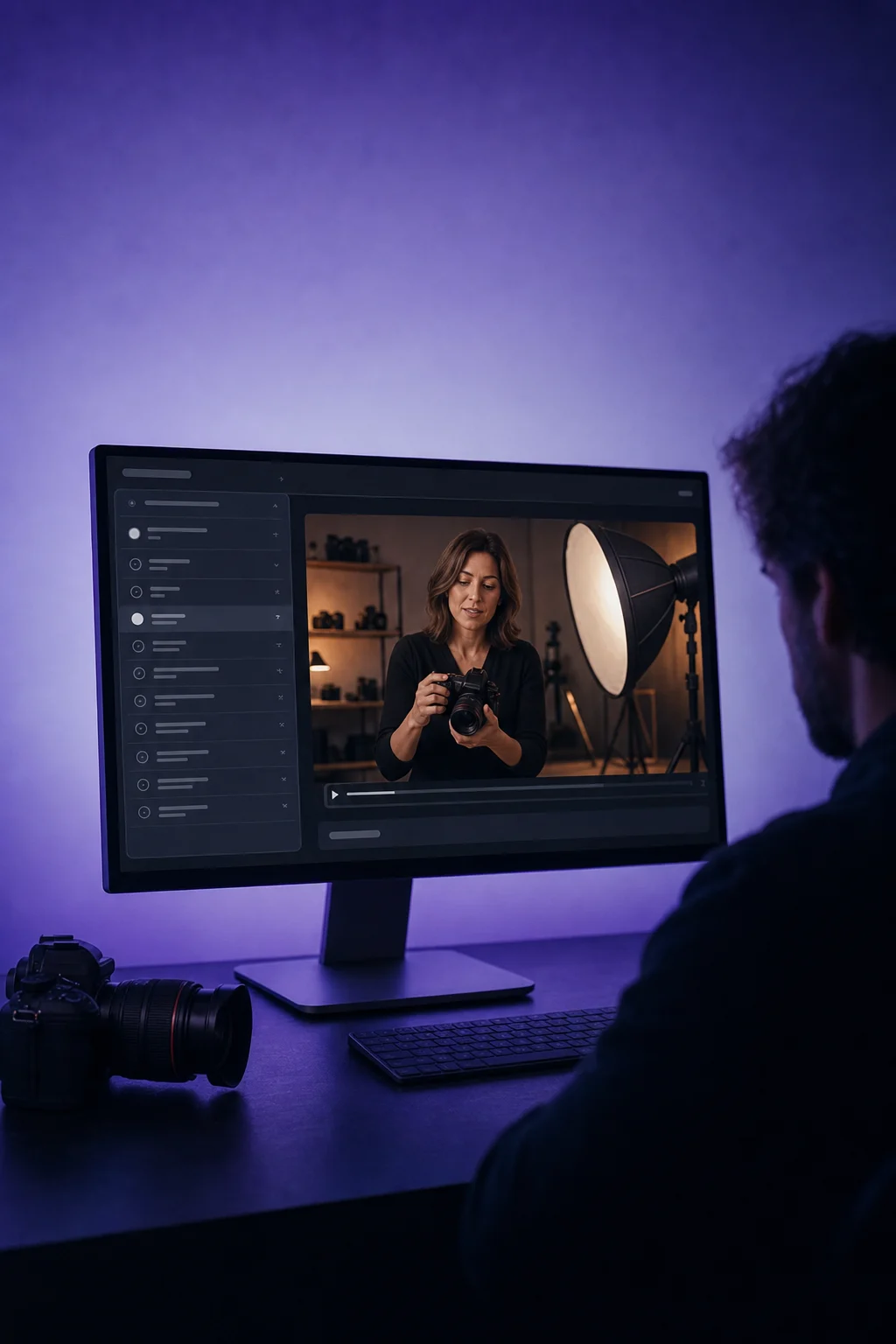
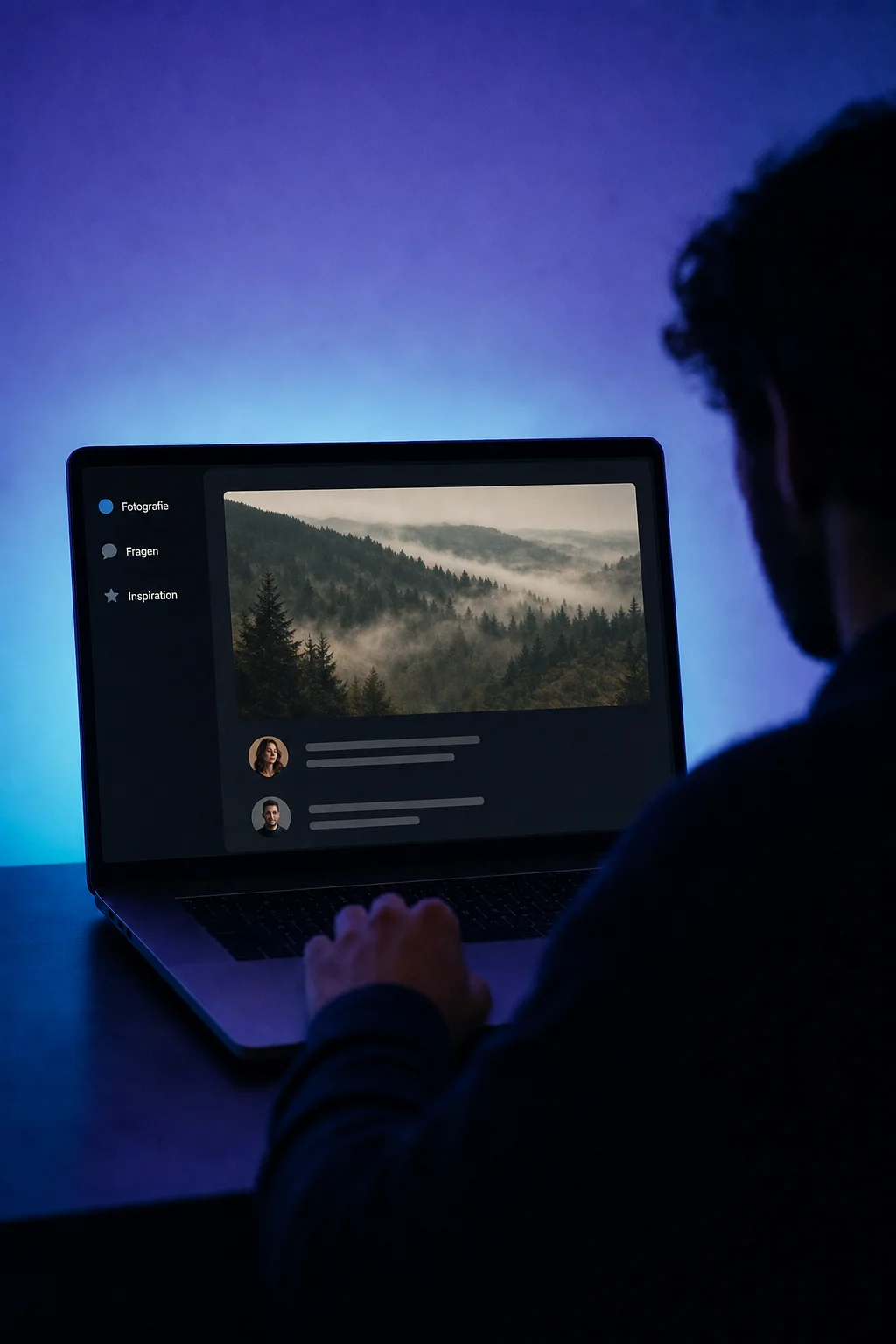
Create channels for questions, updates or inspiration. In the photography example, members find photo ideas in the Inspiration channel.

Communities
Bring customers or course participants together in your own community. Organise topics, share posts and reply in the same conversation.
Three examples show how you can use Communities.
Create channels for questions, updates or inspiration. In the photography example, members find photo ideas in the Inspiration channel.
Members share images, videos or files and reply beneath the post. A photography tip stays with the image it refers to.

For a private group, review join requests and approve members. An invitation link does not bypass this approval.

The practical benefits of Communities.
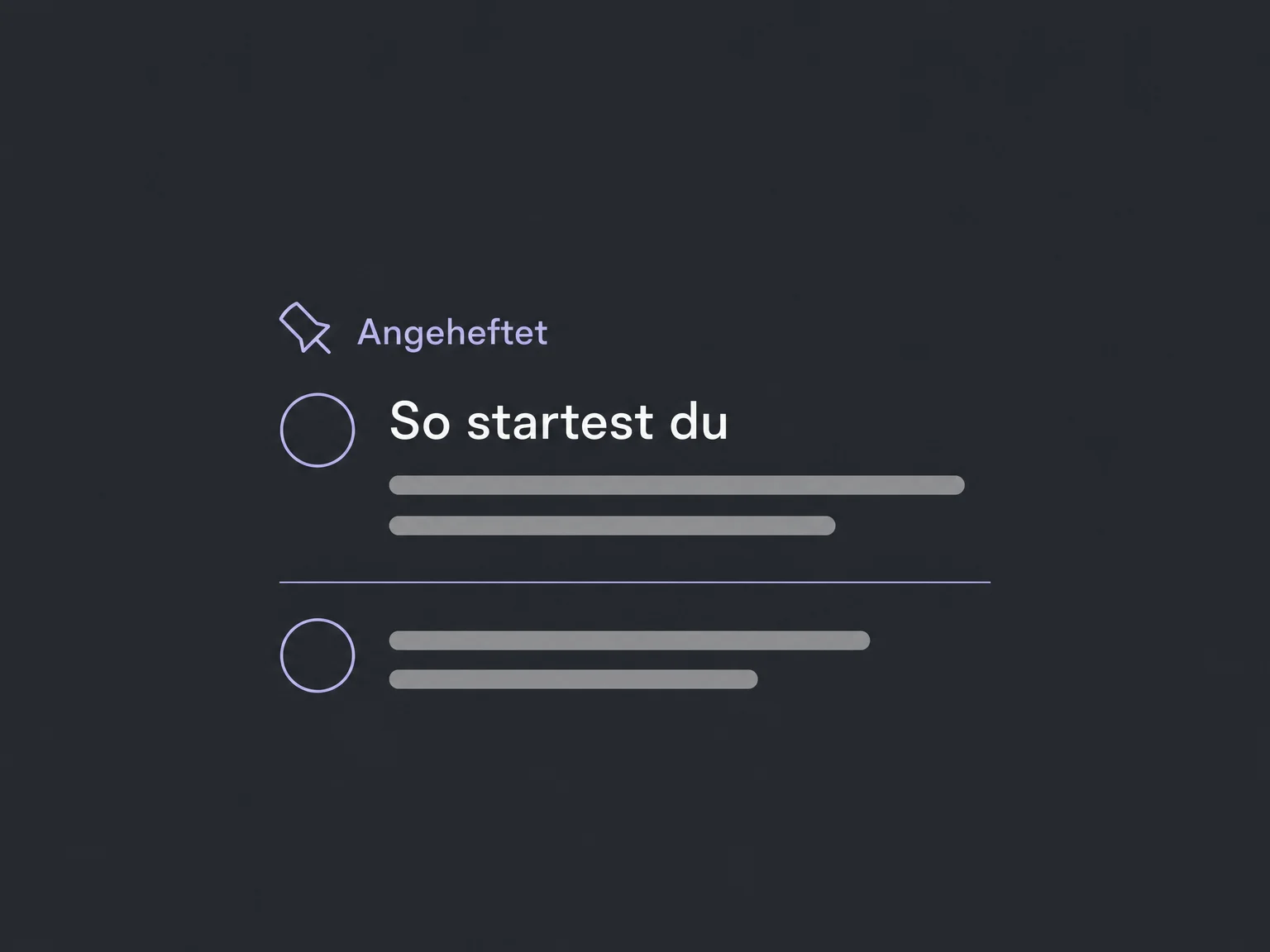
Pin group rules or a getting-started post so members can find it at the top of the relevant channel or home feed.
Private channels are visible only to members added to them. A workshop cohort can have its own discussion inside the same community.
Publish a Q&A with a date, time and location or meeting link. Members can register and add it to their calendars.
Configure email notifications for comments, replies or mentions. Choose the relevant notifications and check the sender and delivery.
Members can report problematic posts or comments. Your administrators review the report and decide whether to keep or remove the content.
Simplified examples, not live account data.
We first check availability and plan scope in your ONE LOOP account. Then we configure the group, roles and notifications and test access as a member. Your team remains responsible for moderation.
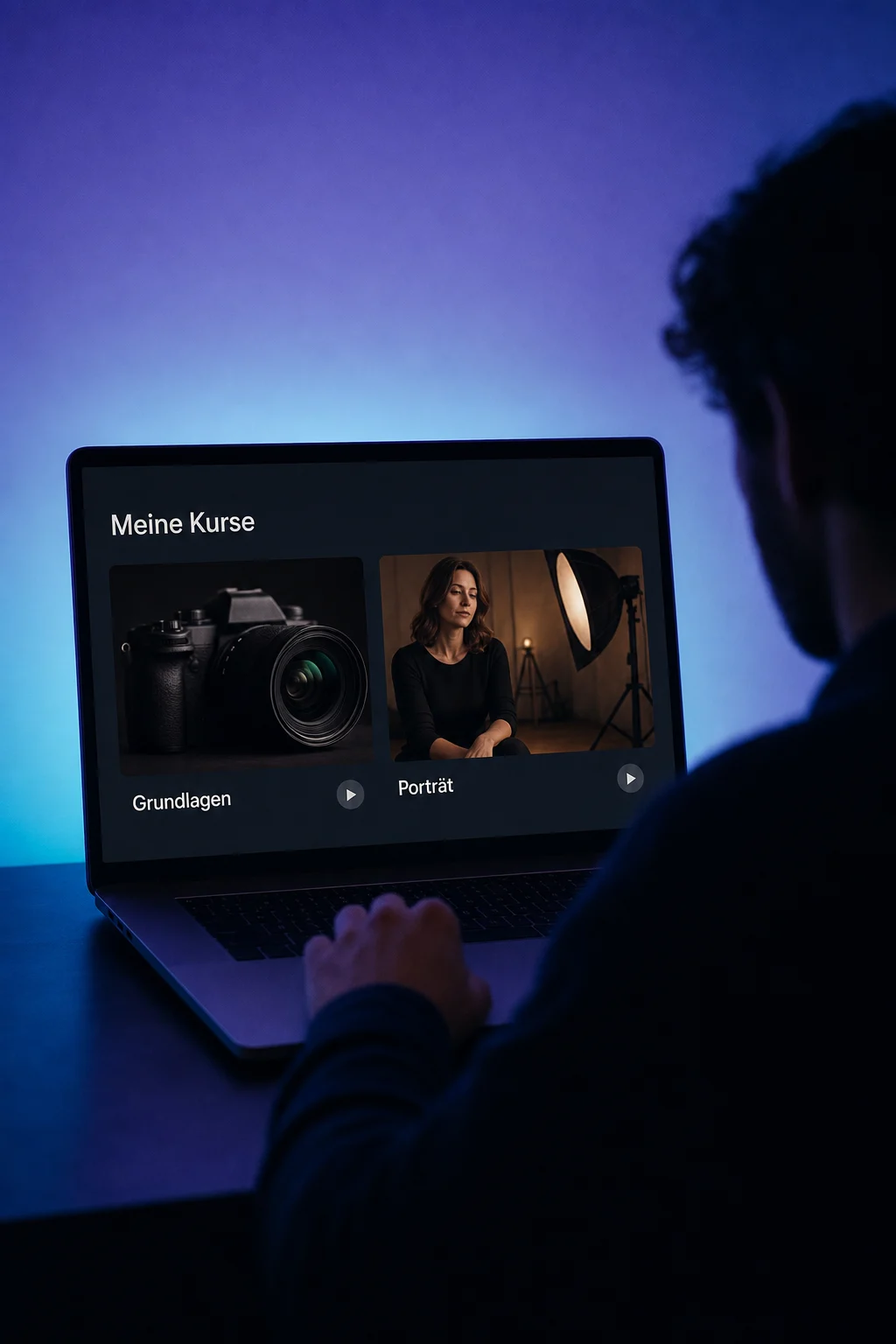
Courses deliver structured learning; the community provides a place to discuss it. Existing courses can be linked to the group. Course visibility and access are configured separately.
Availability and any add-on or usage costs are confirmed for your ONE LOOP account before implementation.
Courses organise lessons and learning materials. Memberships manage access to course offers. Communities host member posts and conversations. You can add relevant courses to a group, but you must link them and configure their visibility.
It depends on the group. Posts and members are publicly visible in a public group. In a private group, only members can see them and join requests are reviewed. Choose this setting deliberately before inviting people.
No. The group is the whole community; a channel is a topic area within it. A private channel has its own members and channel managers. Making it public also exposes its existing posts to the group, so review its contents before changing that setting.
No. Available email types are enabled or disabled in the community settings, including replies and mentions. We check templates, sender and delivery with you. A new post is not an automatically configured marketing newsletter.
Let’s explore your use case and what the setup requires.
Book a demo