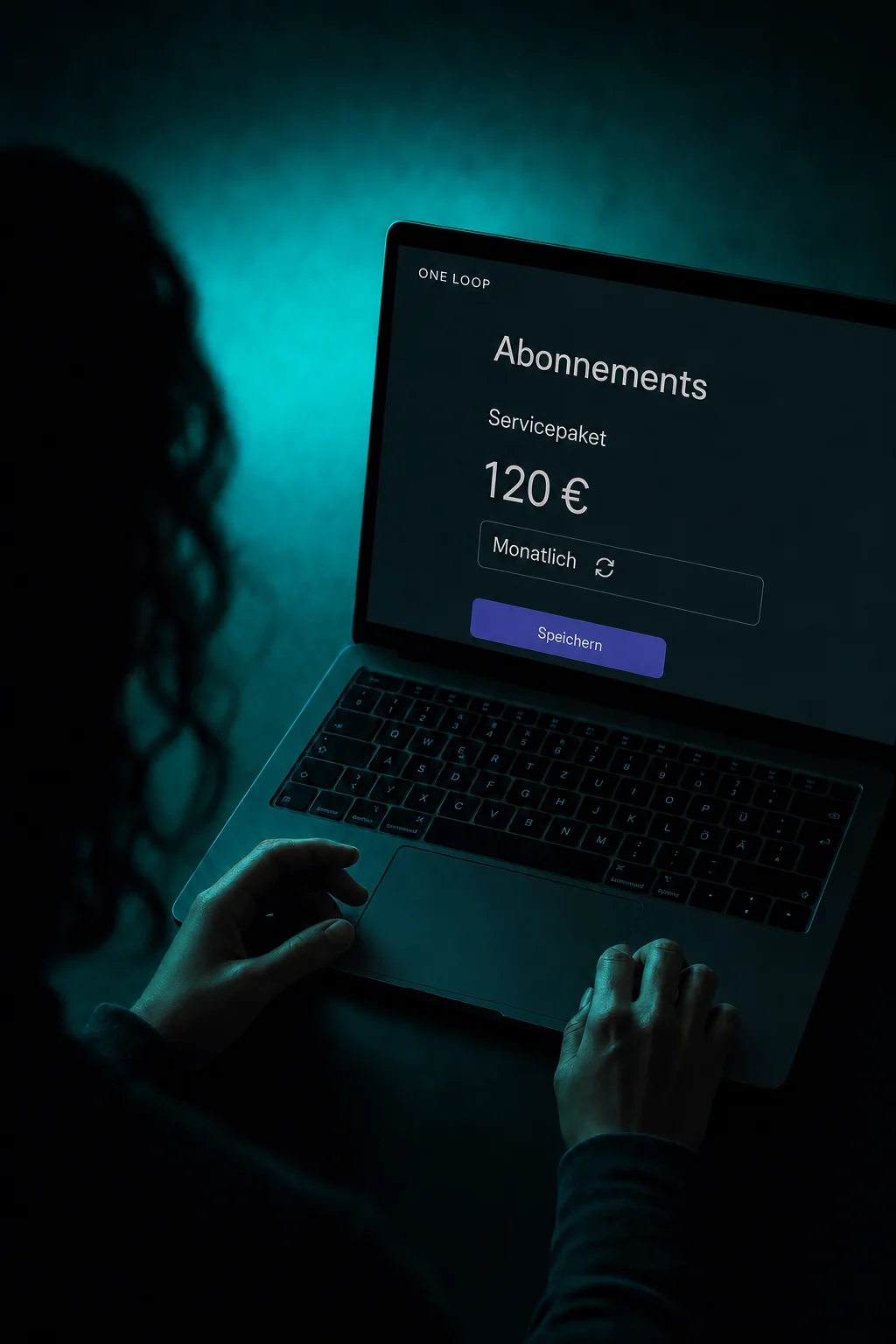
01
Bring courses together in one offer.
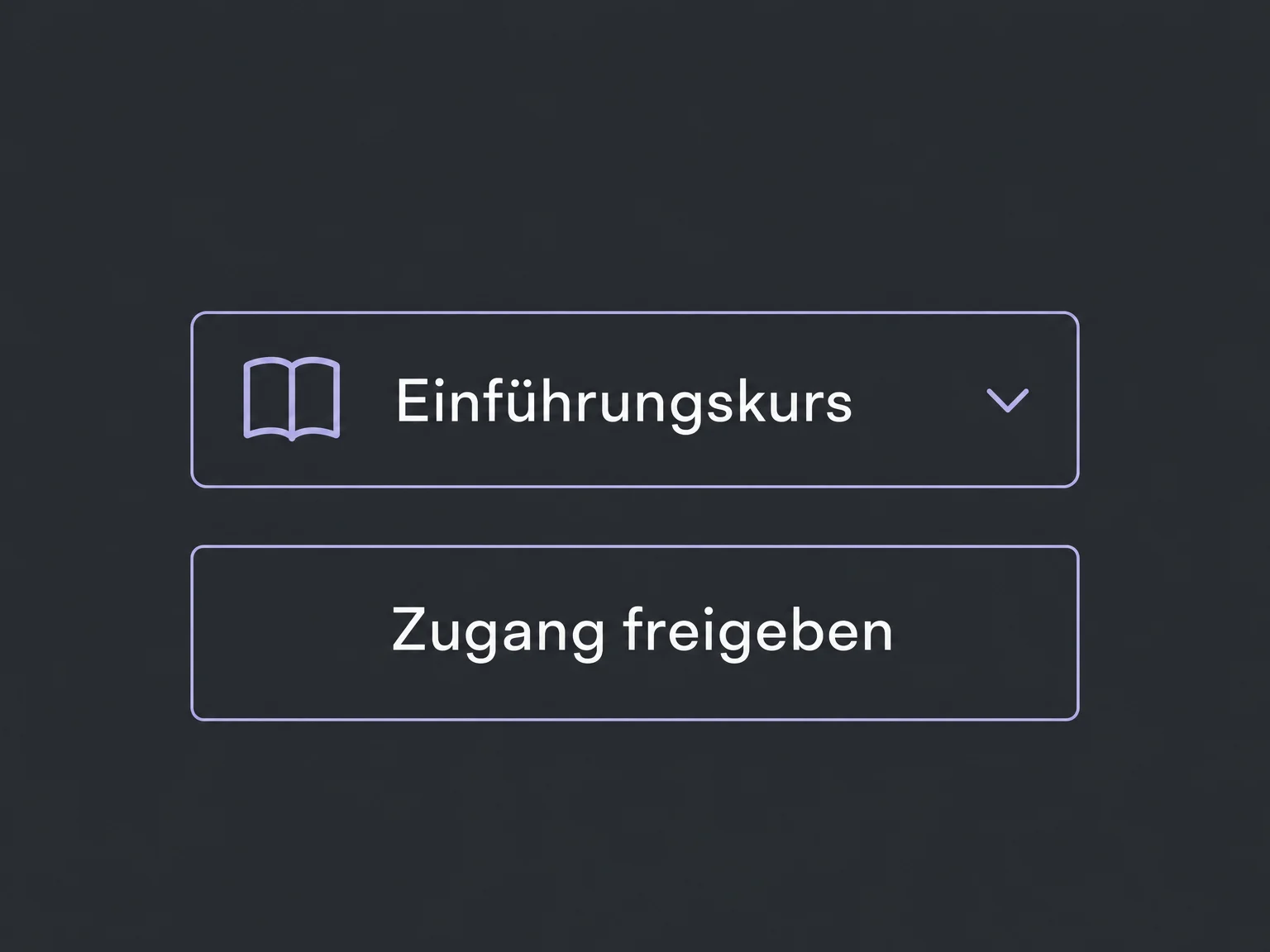
Offer foundations and advanced learning together: select existing courses and save them as one course offer. Keep editing lessons in their original course.


Memberships
Bundle courses, connect purchases to access and decide how long members can use the content.
Three examples show how you can use Memberships.
Offer foundations and advanced learning together: select existing courses and save them as one course offer. Keep editing lessons in their original course.
Link your sales product to the published course offer. Members receive access to those courses after purchase, once the connection has been configured and tested.

Limit an offer to a set number of days from enrollment. Access ends when that period expires. You can also set a shared start date for a course launch.

The practical benefits of Memberships.
An introductory course or customer onboarding does not have to require a purchase. A configured workflow can grant an existing course offer after registration.
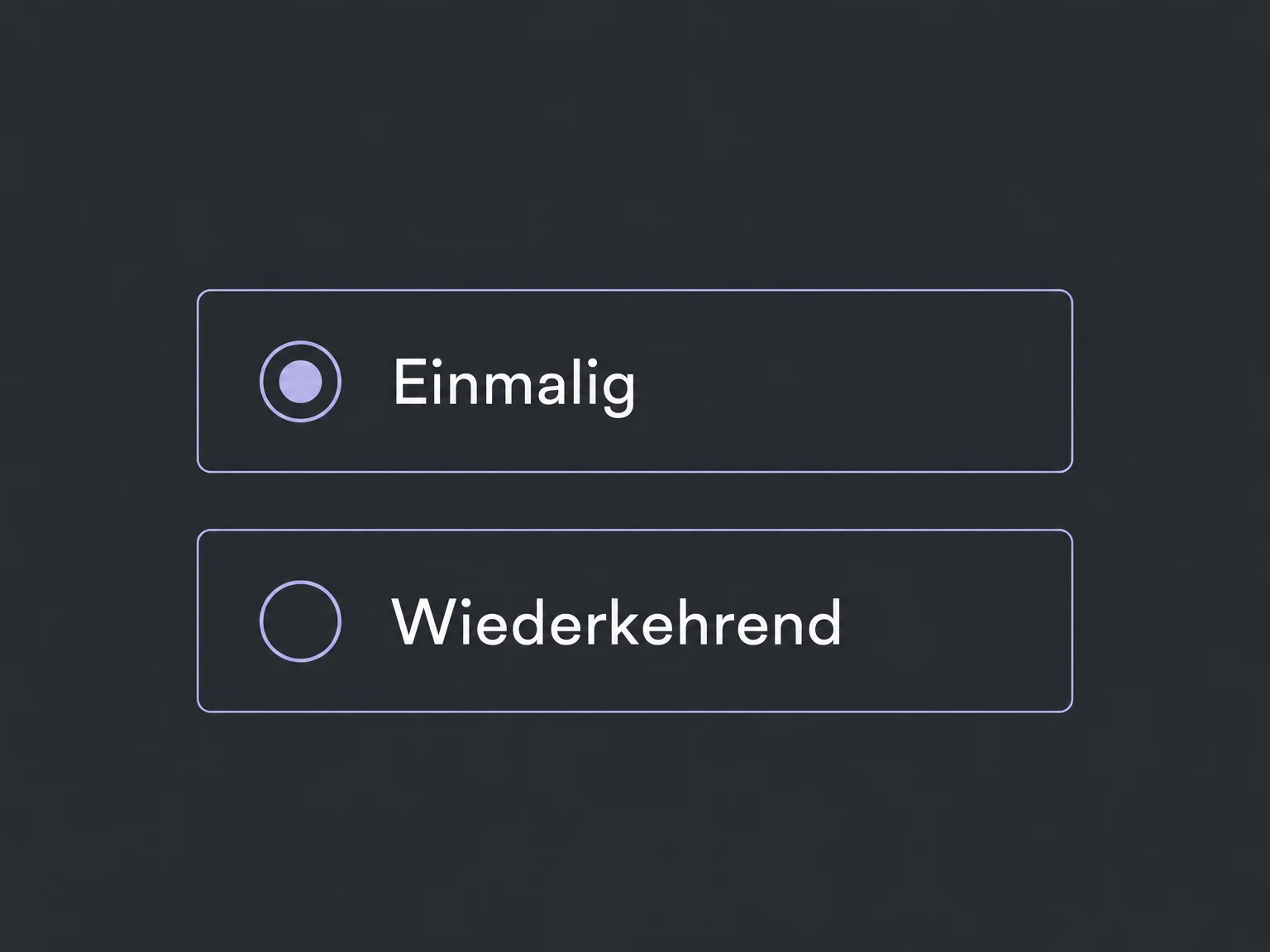
Set up a one-time or recurring price for your sales product. Configure billing separately from the duration of course access.
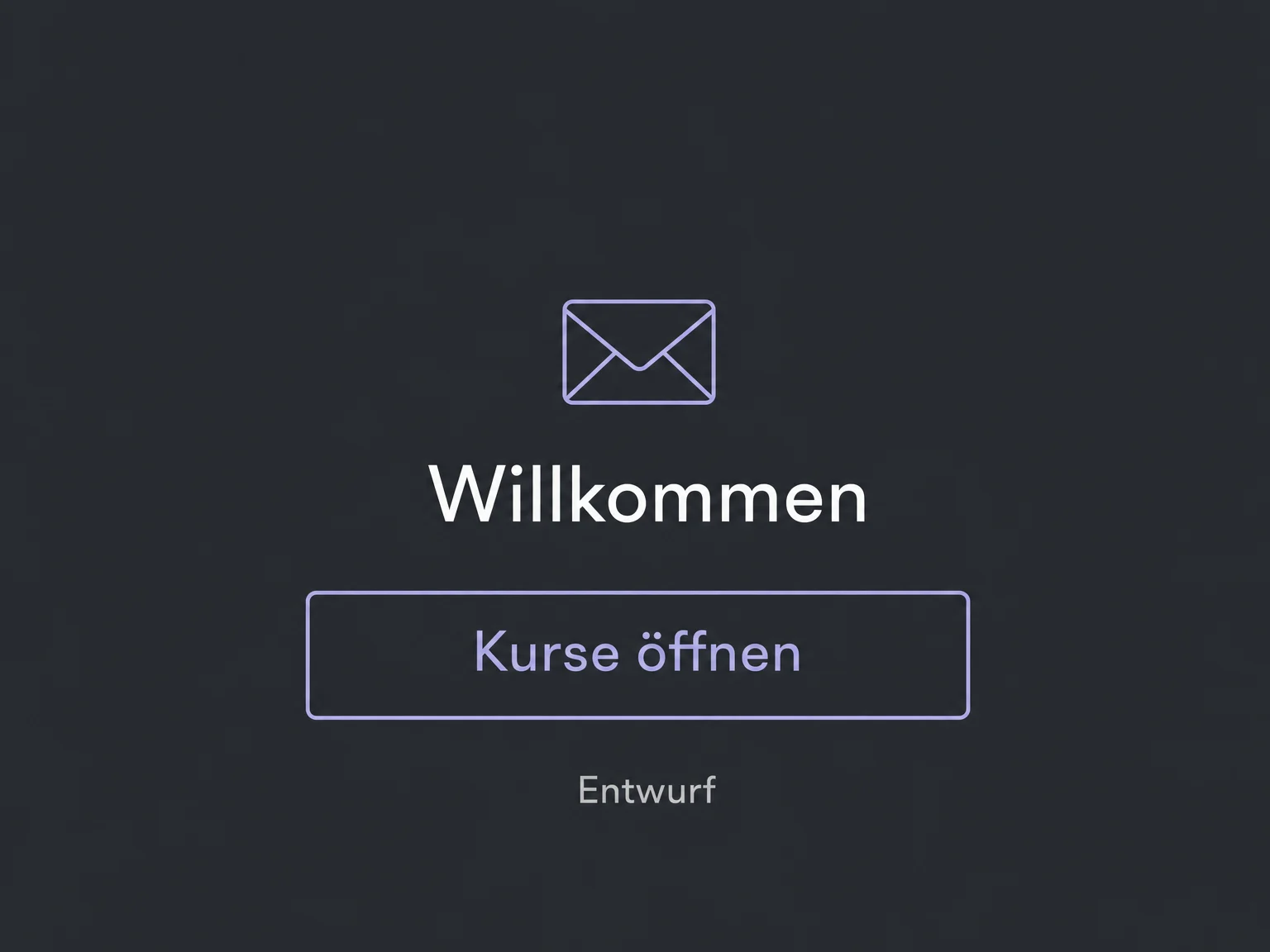
Send new members a welcome email with their entry point. Choose one sending method in settings or a workflow, and test it.
If a workflow grants the same offer again, existing learning progress is not reset. Follow-up emails need their own rules to prevent repeated sends.
A workflow can revoke access to a selected course offer. Define an appropriate trigger, such as the end of the agreed access period.
Simplified examples, not live account data.
Prepare the courses and offer. Paid access needs a published offer, its linked product and a configured payment provider. We confirm availability and package scope first, then test access, email and expiry before launch.
Courses explains how to create learning content; Memberships controls who can access it. Community discussions and subscription billing are configured separately.
Availability and any add-on or usage costs are confirmed for your ONE LOOP account before implementation.
No. Course access can be free, paid once or paid on a recurring basis. Billing frequency and access duration are separate settings.
No. In the purchase flow shown here, the product must link to the published course offer. A deliberately configured workflow is another way to grant access. An unrelated payment without that mapping is not enough.
Yes. With a fixed start date, members who enroll early see the course overview but cannot open lessons yet. Any access-duration setting must match the period you promise; test the combination before selling.
Define rules for those cases. A workflow can revoke an offer when the relevant trigger occurs. Account for already paid periods and test the process. Not every payment change should end access immediately.
Let’s explore your use case and what the setup requires.
Book a demo