01
Open the contact. Start the call.
Choose a contact and start the call in your browser. With an enabled phone number, the right permissions and microphone access, there is no number to retype.


Telephony
Call contacts directly from ONE LOOP and decide where incoming calls ring. Keep call history, notes and callback tasks where your team can pick up the conversation.
Three examples show how you can use Telephony.
Choose a contact and start the call in your browser. With an enabled phone number, the right permissions and microphone access, there is no number to retype.
Choose which person and devices receive a call. Set the voicemail fallback for unanswered calls too. Number ownership and contact assignments are taken into account when routing calls.

See incoming, outgoing and missed calls on the contact. Add a call note and create a callback task with an owner for the next step.

The practical benefits of Telephony.
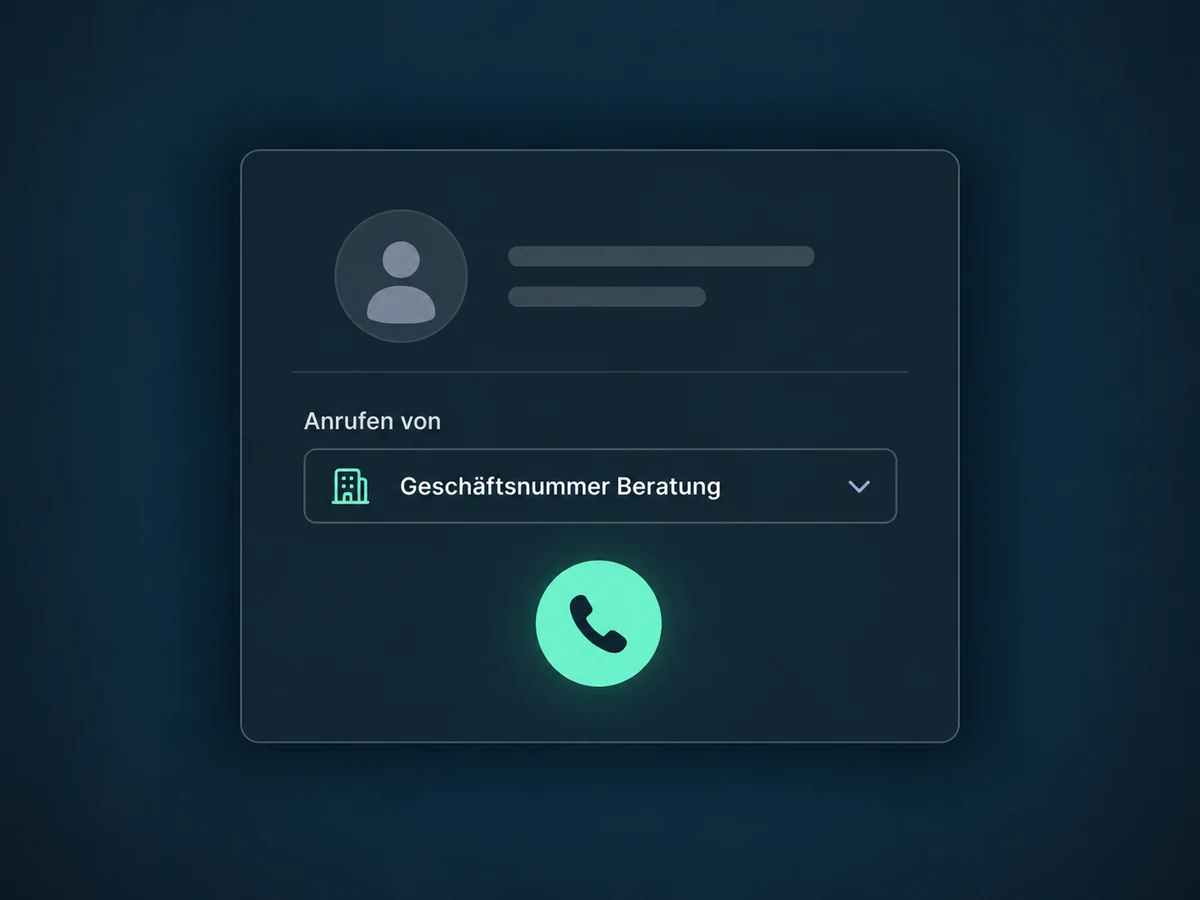
Check which permitted number will be used before dialing. Available choices depend on your number assignments and access permissions.
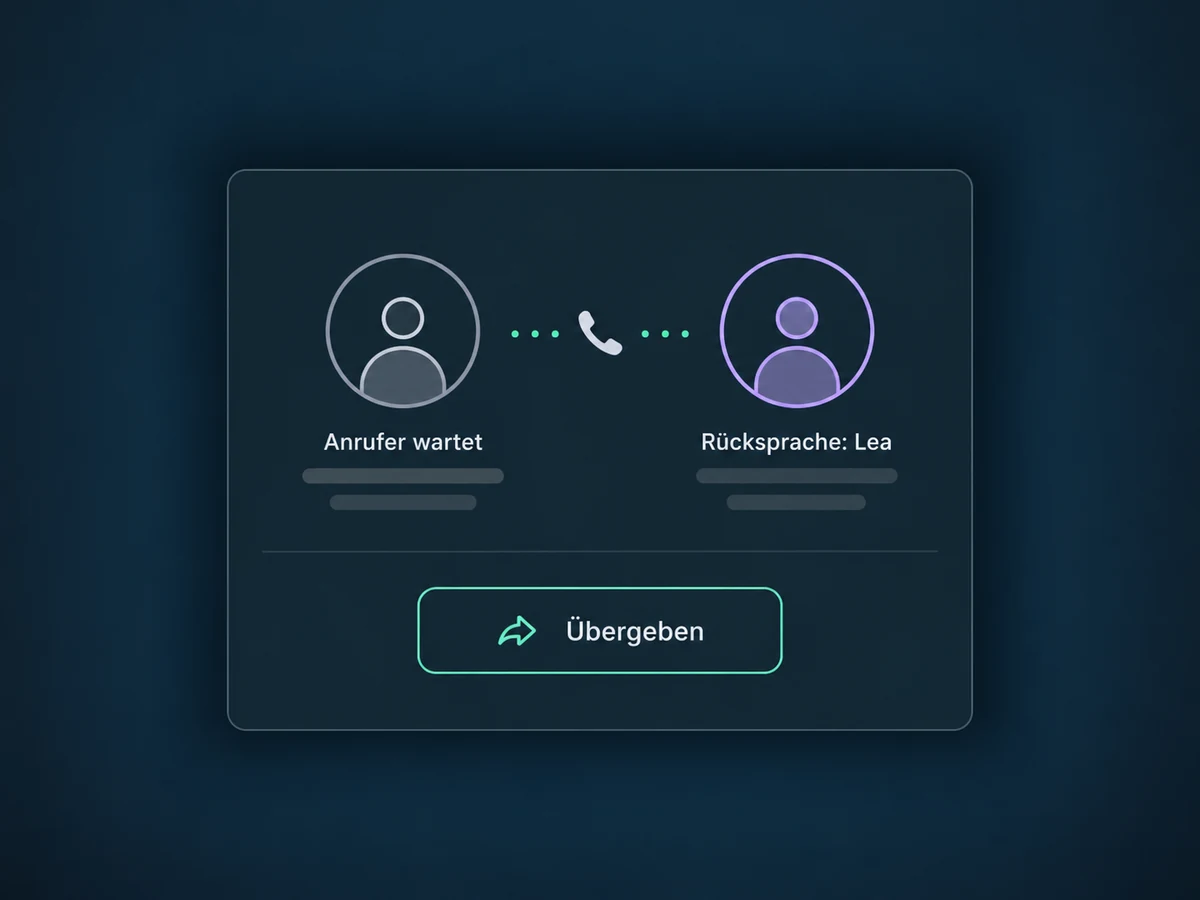
Use a warm transfer to speak with a colleague first. Then connect the caller once the handover is clear.
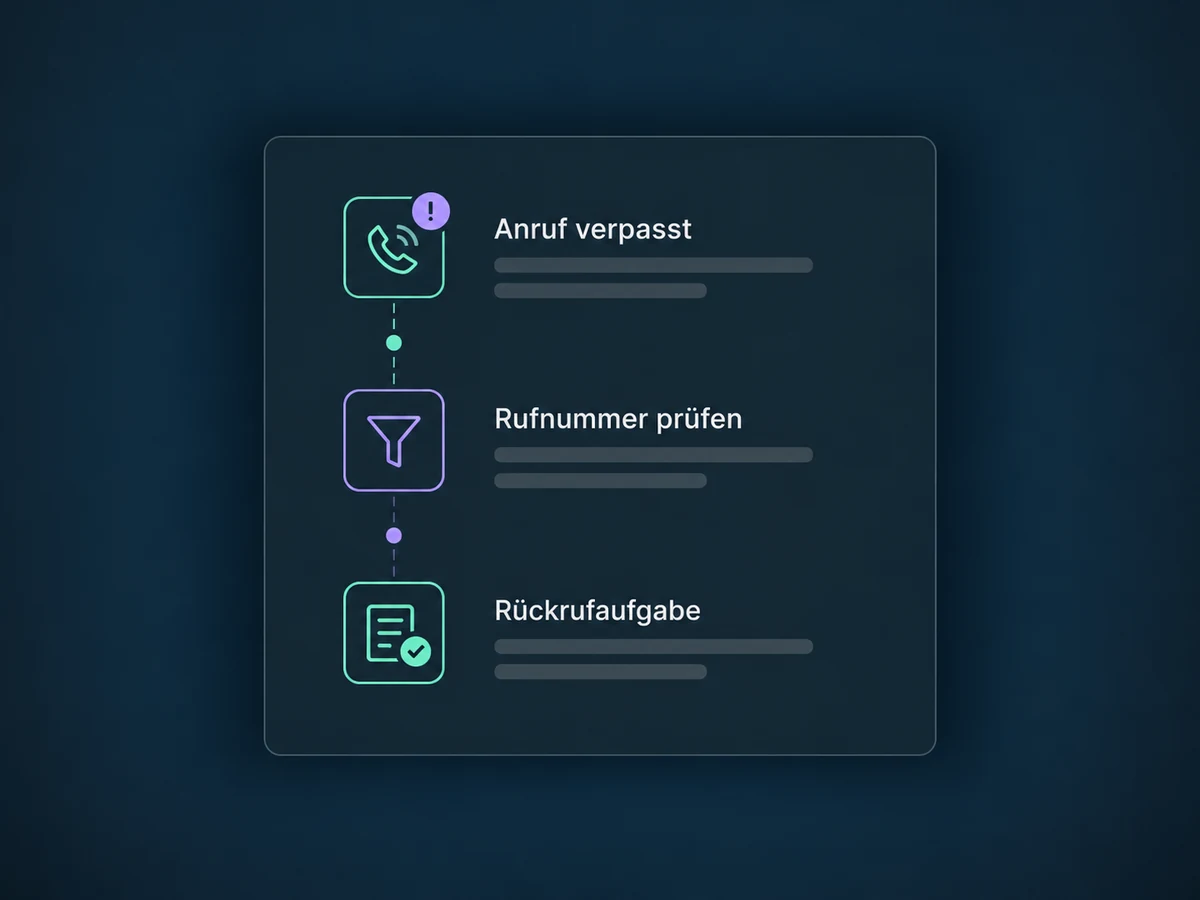
A configured workflow can turn a missed call into a callback task. Filter by direction, status and phone number; test repeated calls too, to avoid unnecessary duplicate tasks.
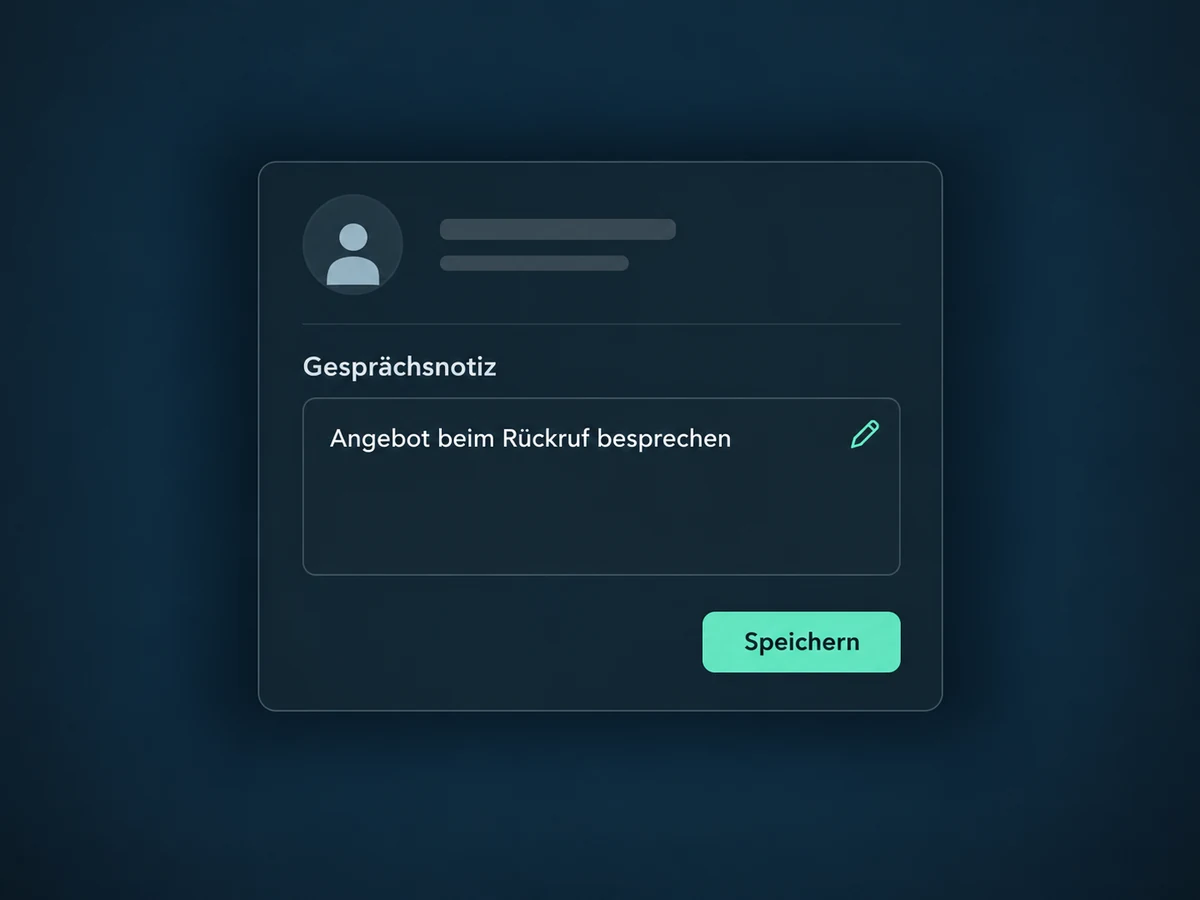
Record what you agreed directly on the contact. A manual note does not require a call recording and stays available to authorized teammates.
Choose the microphone and speaker in the browser dialer. Audio tests and the microphone meter help you check the setup before calling a customer.
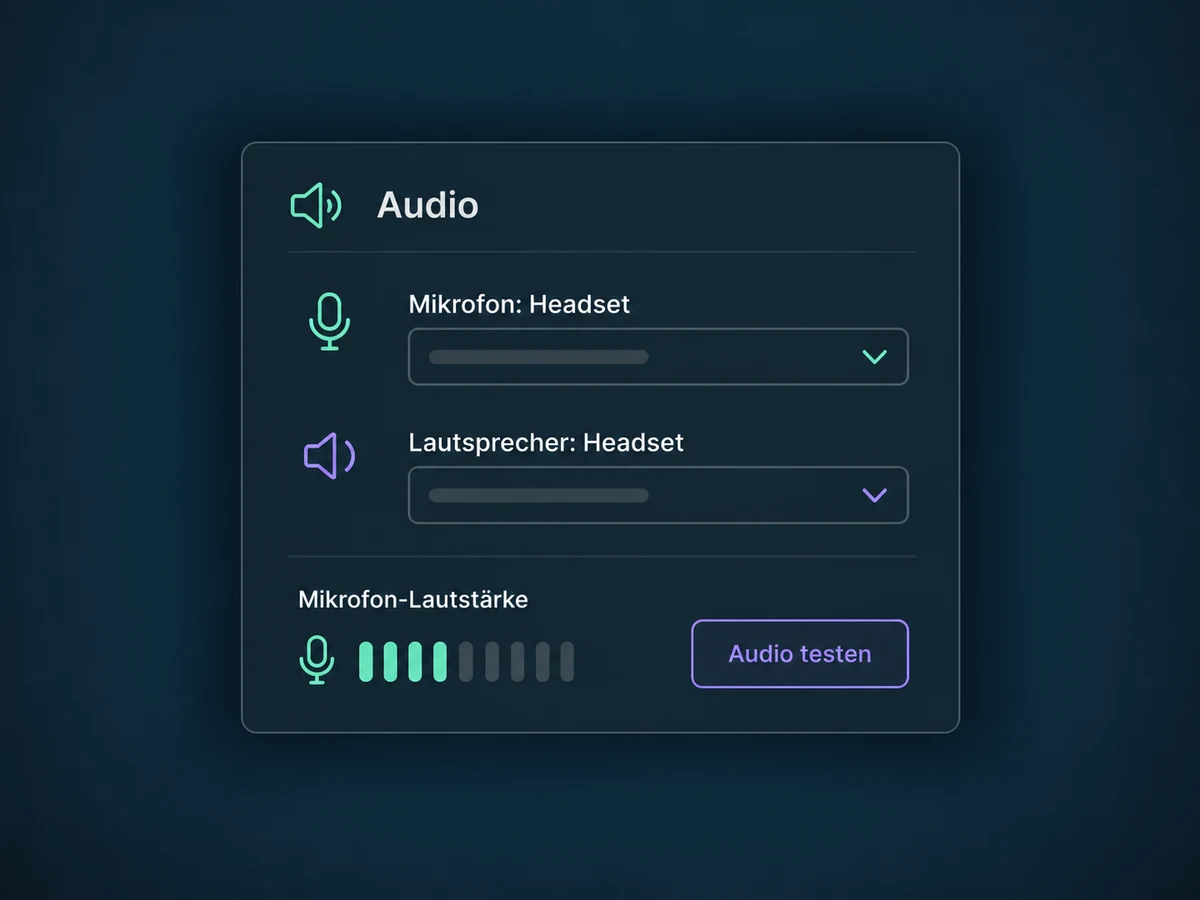
Simplified examples, not live account data.
Before launch, we check number availability, supported countries, required identity or address documents and enablement within your offer. Next come number assignments, team permissions, microphone access and test calls in both directions, including forwarding and voicemail. Phone numbers, call minutes and forwarding can incur additional costs; we confirm what your offer covers. Confirm permitted outreach and any required recording notices and consent before use.
Telephony connects calls and call history to the CRM contact. Call Tracking separately explains where a call came from. An AI Voice Agent handles AI conversations and requires its own setup. Automatic callback tasks and permitted automated messages after a call need suitable workflow rules.
Availability and any add-on or usage costs are confirmed for your ONE LOOP account before implementation.
Not necessarily. We check whether your existing number can be transferred or used with suitable forwarding. Availability and documentation vary by country, number type and provider. Not every number can be transferred, and no fixed activation date is promised; do not cancel your existing service before the transfer is confirmed.
No. Number and contact assignments, forwarding rules and selected devices determine the call route. Additional teammates or voicemail can be configured to suit it. A notification does not mean someone has answered. We also test unavailable users and ring duration so the call reaches the intended destination.
Neither is enabled as a blanket policy. Call history and manual notes can be used without a recording. Before recording, confirm the settings, notices, consent and your legal requirements. An AI Voice Agent is a separate feature with its own setup; it is not automatically part of every telephony configuration.
Phone numbers, call minutes and forwarding can incur additional recurring or usage-based costs. Incoming calls and optional recording or storage may also be charged. Costs depend on countries, number type, call destination and your agreed offer. We confirm what is covered and any extra charges before launch; a worldwide unlimited calling plan is not promised.
Let’s explore your use case and what the setup requires.
Book a demo