Skip to content

Call Tracking

See which campaigns generate calls.

Not every enquiry arrives through a form. ONE LOOP connects calls with their recorded website source, so phone enquiries count when you review your campaigns.

Here’s what you can do.

Three examples show how you can use Call Tracking.

01

Connect a website visit with the resulting call.

A prospect reaches your website from an ad and calls you. A configured number pool and website script replace the displayed phone number, allowing the call to be linked with the available visit data.

ONE LOOP example: paid search leads to a website displaying a replacement tracking number and an attributed call.
Simplified product example · not a live product view
02

Different tracking numbers. One clear destination.

The pool numbers forward calls to a suitable external destination, such as your team phone. That destination must be configured explicitly. Source tracking remains separate from actually answering the call.

ONE LOOP example: four masked pool numbers connect through configured forwarding to an external team phone.
Simplified product example · not a live product view
03

See where calls came from and how they ended.

When call reporting is enabled, review source, recorded status and duration. Filter by date range or phone number. This also shows enquiries recorded as missed, rather than just a total call count.

ONE LOOP example: call report showing paid and organic search with recorded Answered and Missed statuses, without performance metrics.
Simplified product example · not a live product view

What this changes for your day-to-day work.

The practical benefits of Call Tracking.

Count phone enquiries too

A completed form is not the only way someone gets in touch. Recorded call sources add another view of which activities reach prospects.

A website visit leads to a call with Paid search recorded as its source.

Spot first-time callers

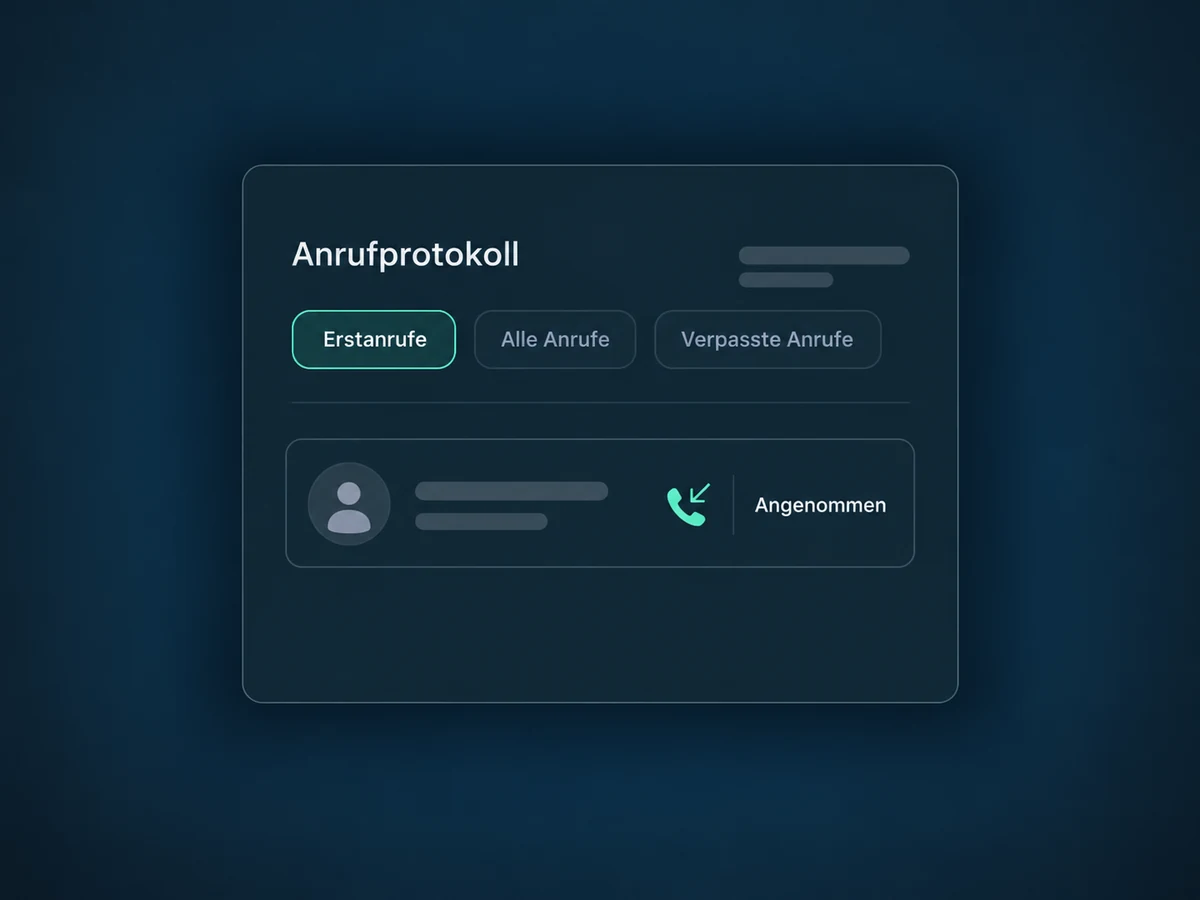
Call reporting distinguishes first-time incoming calls. This helps you understand new phone contacts without treating every first call as a new customer.

The First-time calls selection shows an incoming call recorded for the first time.

Notice missed enquiries

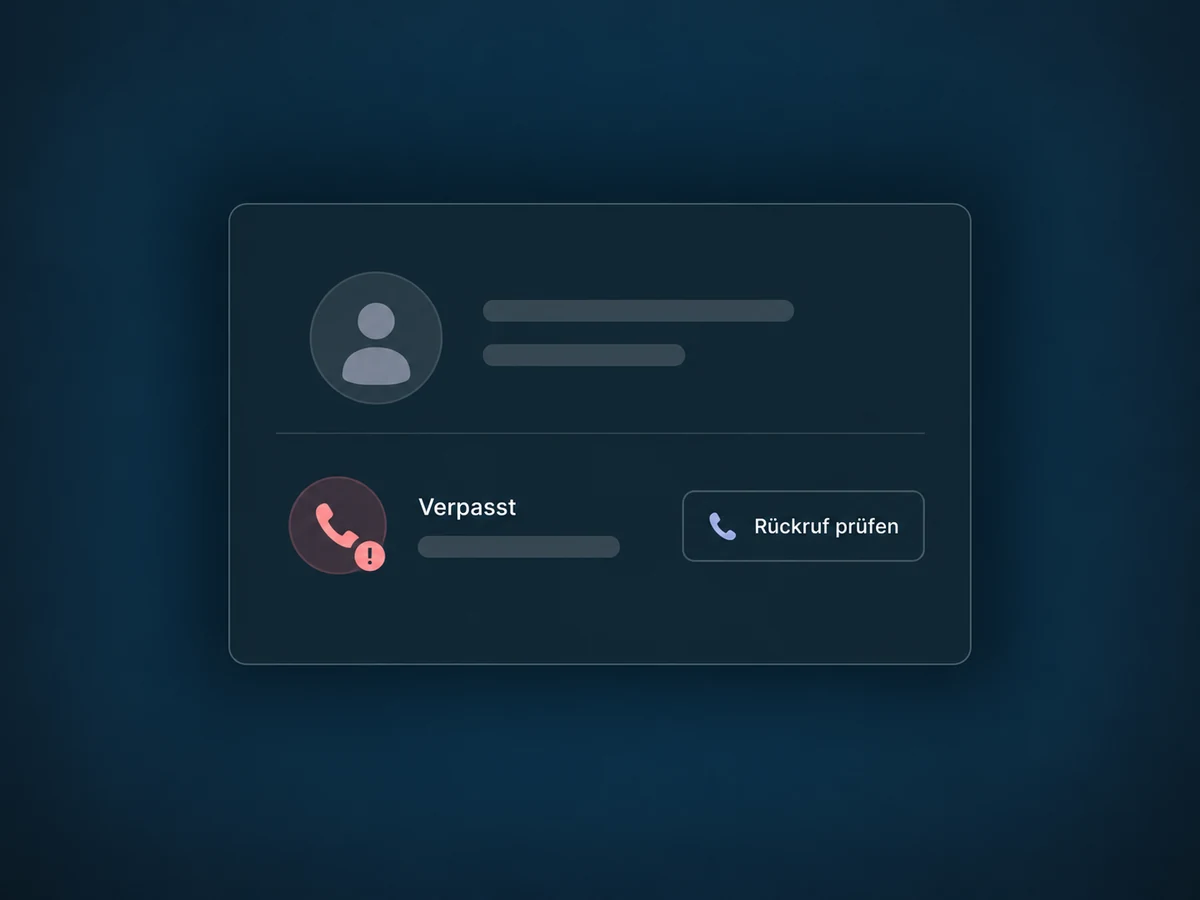
Recorded statuses show calls marked as answered, missed or busy. Your team can review where a callback makes sense. This does not automatically create a callback task.

A missed call offers Review callback as the next step.

Review the number you need

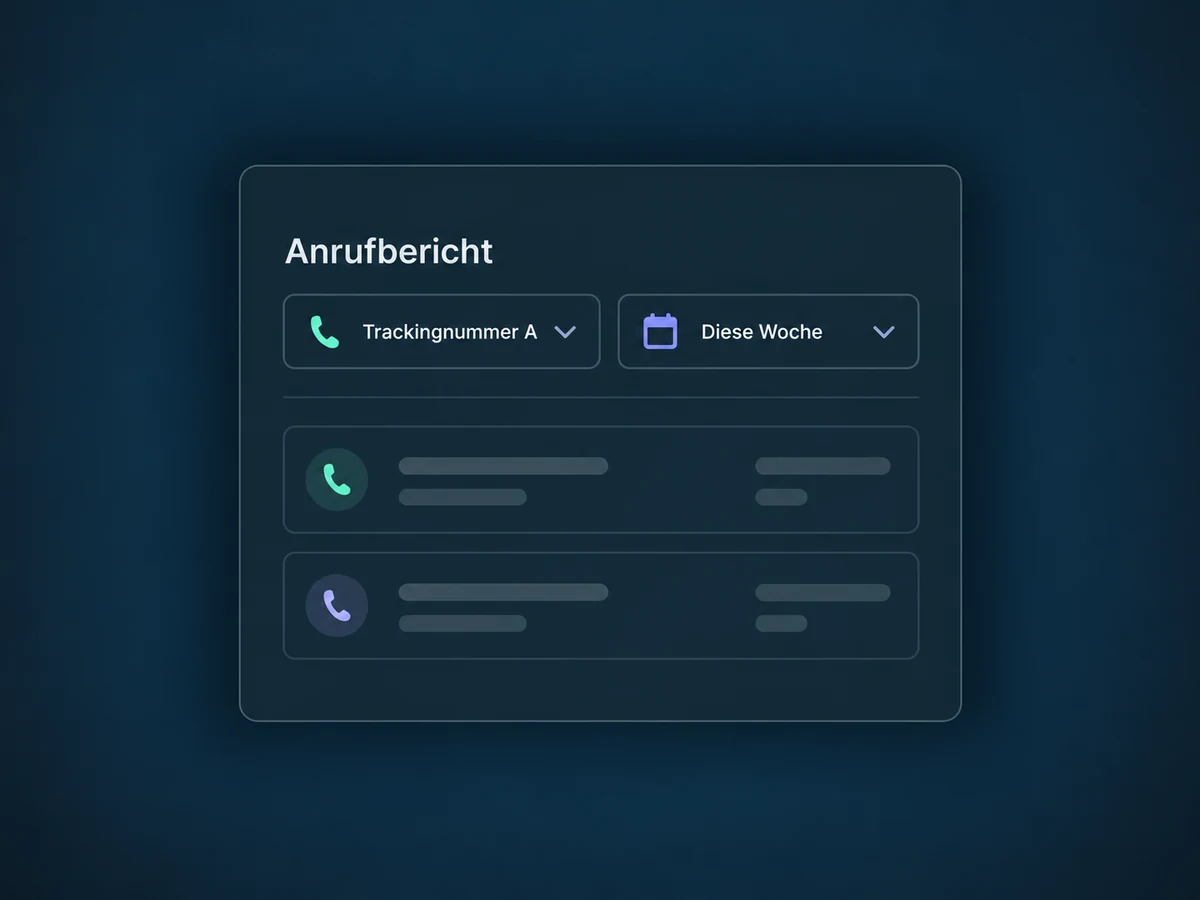
Filter the report to the selected phone number. This makes reviewing multiple tracking numbers more manageable. Always compare figures over the same date range.

A call report is filtered to Tracking number A and This week.

Use call data without copying it

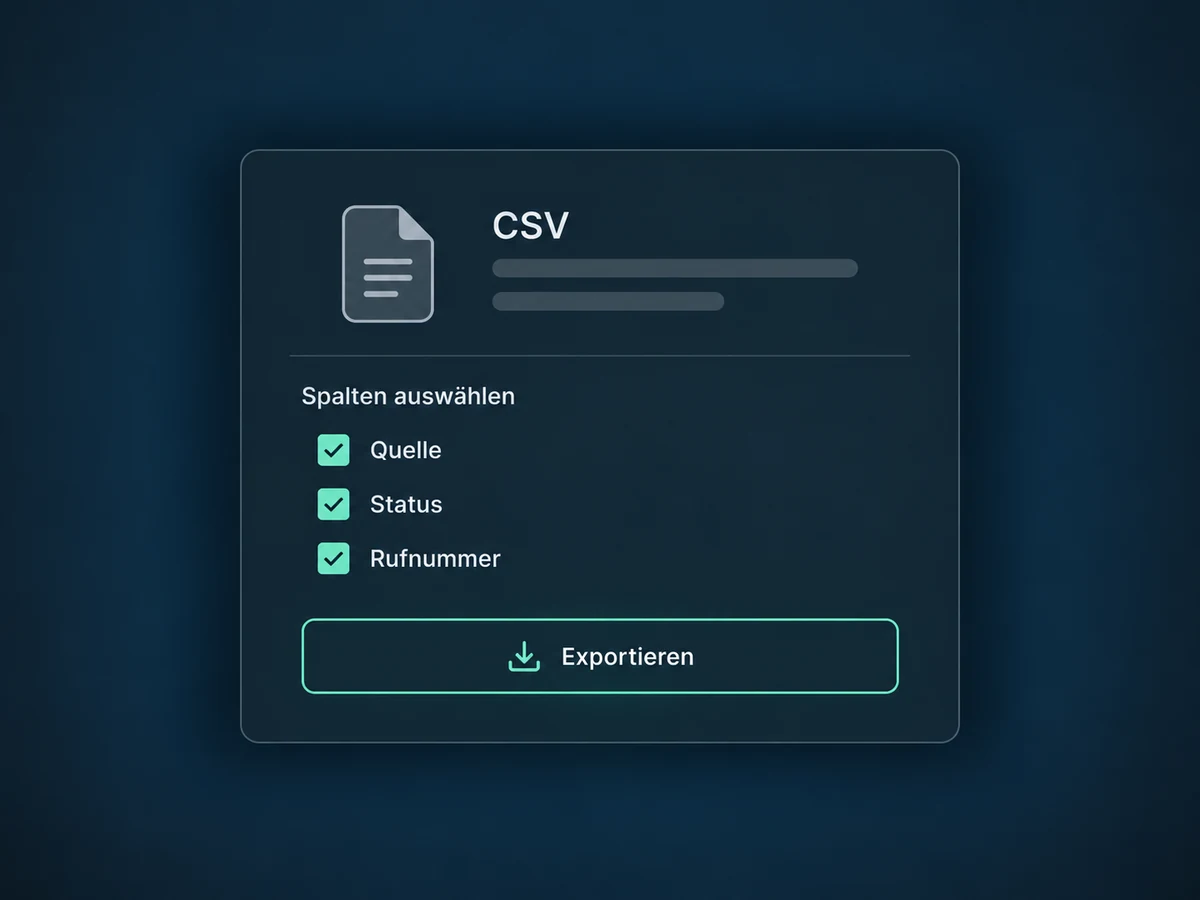
Export available call data as CSV with the columns you need. Your team can extend its own analysis without copying calls out of the report one by one.

The CSV export includes the selected Source, Status and Phone number columns.

Simplified examples, not live account data.

What you need to get started.

Before launch, we confirm feature access and offer scope, number country and availability, required verification, recurring costs and suitable pool size. The website script, displayed number and clickable phone link must match. Privacy requirements and necessary consent are addressed for your setup; number replacement, forwarding and attribution are checked with test calls.

Telephony enables the conversation; Call Tracking adds the recorded source. Web Analytics and Contact Attribution consider other touchpoints. Recording, AI Voice Agent and automatic callback tasks are separate features requiring their own setup, not automatic services of a number pool.

Availability and any add-on or usage costs are confirmed for your ONE LOOP account before implementation.

Your questions, answered.

How many numbers do I need, and what do they cost?

A dynamic number pool starts with at least four phone numbers. More may be needed as website traffic grows. Each number carries a recurring charge; call minutes and forwarding may incur additional costs. Country, number type and your agreed offer determine the scope. We check availability and required verification before purchase. Numbers and reports are not automatically included in every offer.

What needs to be set up on my website?

The pool needs its tracking script on the intended pages. The number to be replaced must use the same format in the page text and clickable phone link. Visitor filters and a suitable external forwarding number must also be configured. This pool setup does not automatically enable answering in an app. Notices and necessary consent are part of the setup too.

Can every call be traced back to an ad?

No. Attribution depends on the available visit and tracking data. Blocked scripts or missing cookies can limit it; a saved number or a device change does not establish a complete customer journey. Missing source data does not prove a campaign had no effect. Additional ad or keyword data requires suitable parameters and tests using real ad visits.

Does the status prove a conversation happened, and is it recorded?

A technical status such as “Completed” does not always prove a person answered; voicemail can accept the connection too. A separately configured keypress confirmation can help with external forwarding. Call Tracking is not call recording. Recording must be enabled separately, with notices, consent and legal requirements addressed beforehand.

See it with your own use case.

Let’s explore your use case and what the setup requires.

Book a demo