01
Define what repeats
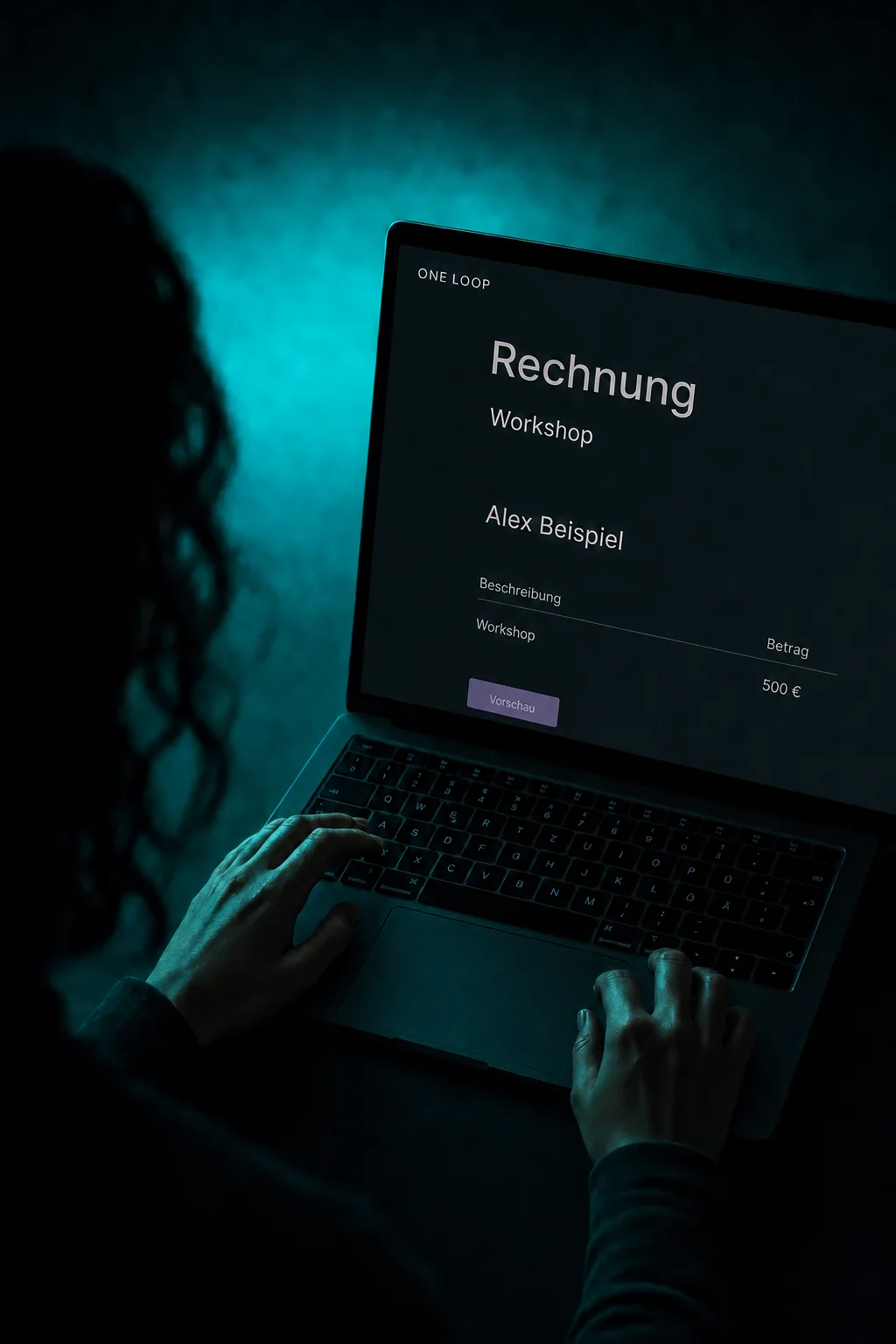
Monthly support or an annual service package? Set a recurring product price with its amount, currency and billing cycle. That product determines the subscription’s billing cycle.

Subscriptions
Set the price and billing cycle, create customer subscriptions and keep track of payments and changes.
Three examples show how you can use Subscriptions.
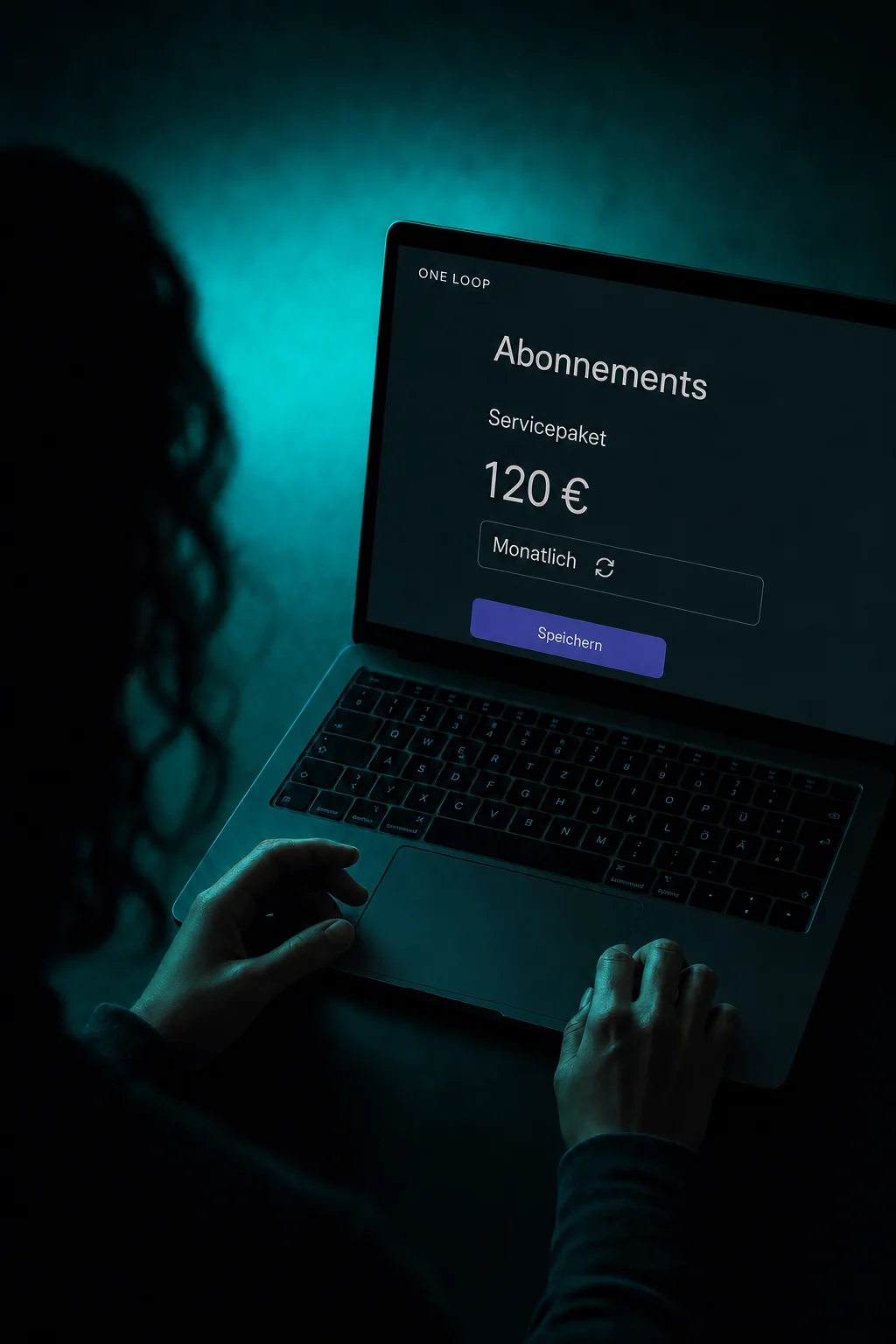
Monthly support or an annual service package? Set a recurring product price with its amount, currency and billing cycle. That product determines the subscription’s billing cycle.
Once agreed with the customer, select the product and start date in their contact record. Automatic charges use an authorised saved payment method. Review the amount and schedule before confirming.

Open a subscription to check its customer, amount and status. Available payment history depends on the connection. An active subscription alone does not confirm every individual payment.

The practical benefits of Subscriptions.
Set a trial period in days on a recurring product. Check any setup fee too: a trial does not automatically mean there is no initial charge.

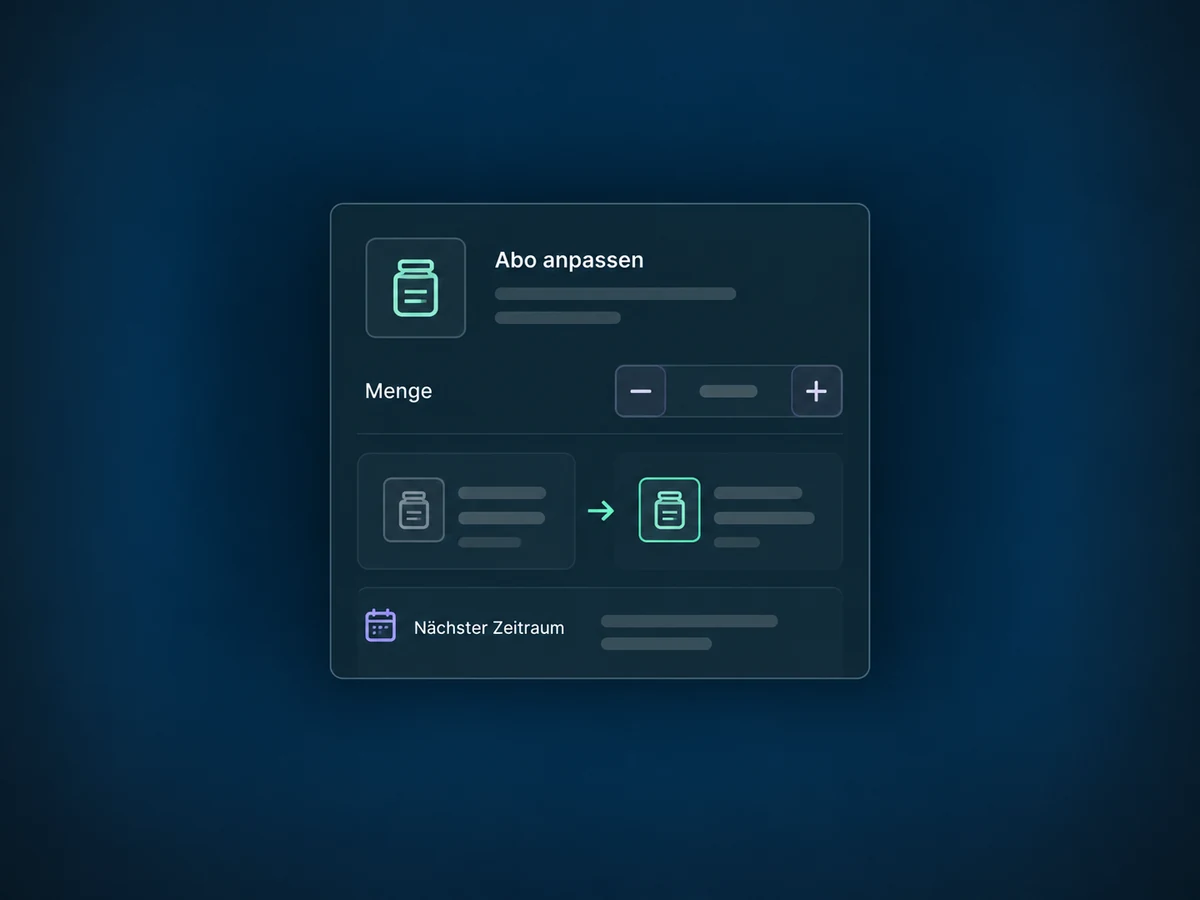
Change products or quantities on eligible subscriptions. Preview the revised amount; the change applies from the next billing cycle.
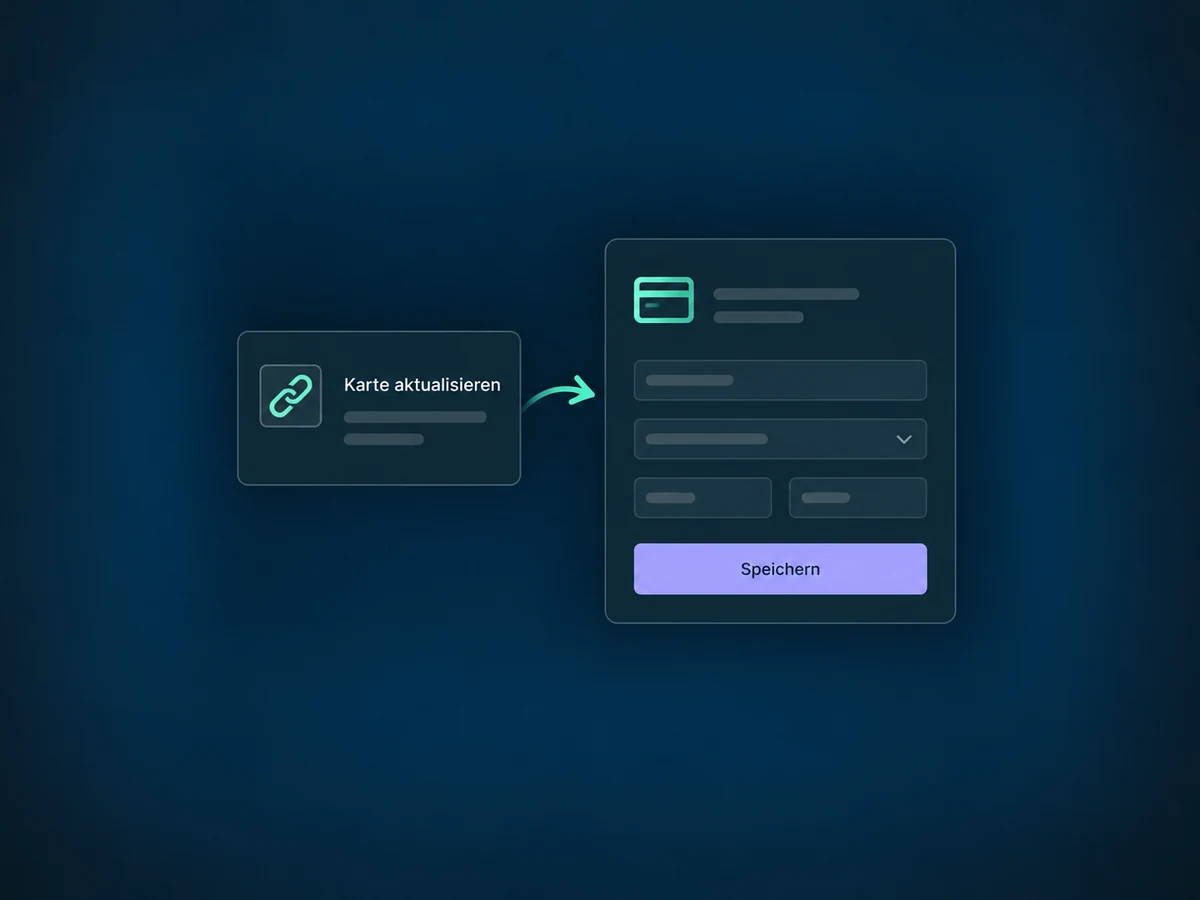
Share the available payment update link. Customers enter their new card details themselves rather than sending them to your team in a message.
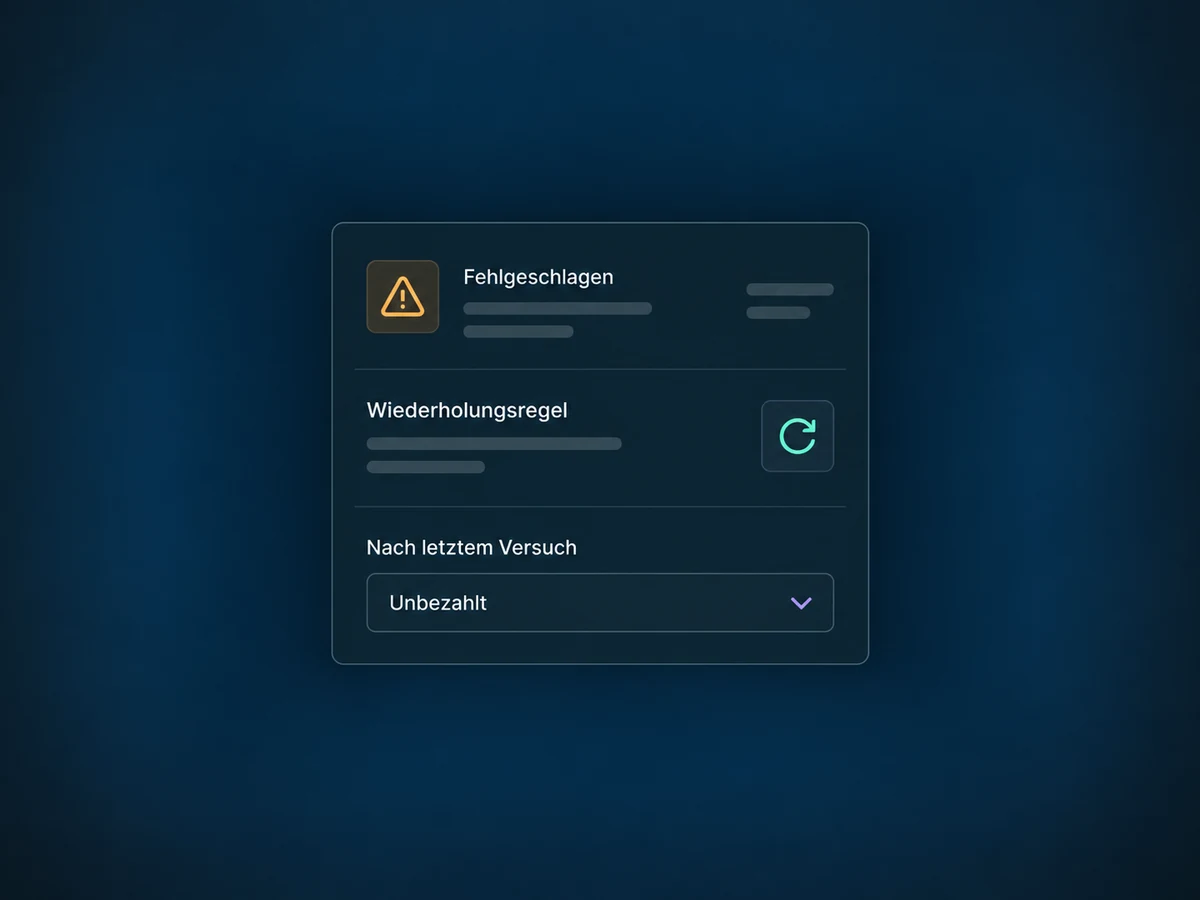
With supported connections, set retry attempts and intervals. Choose whether the subscription stays unpaid or is cancelled after the final failed attempt.
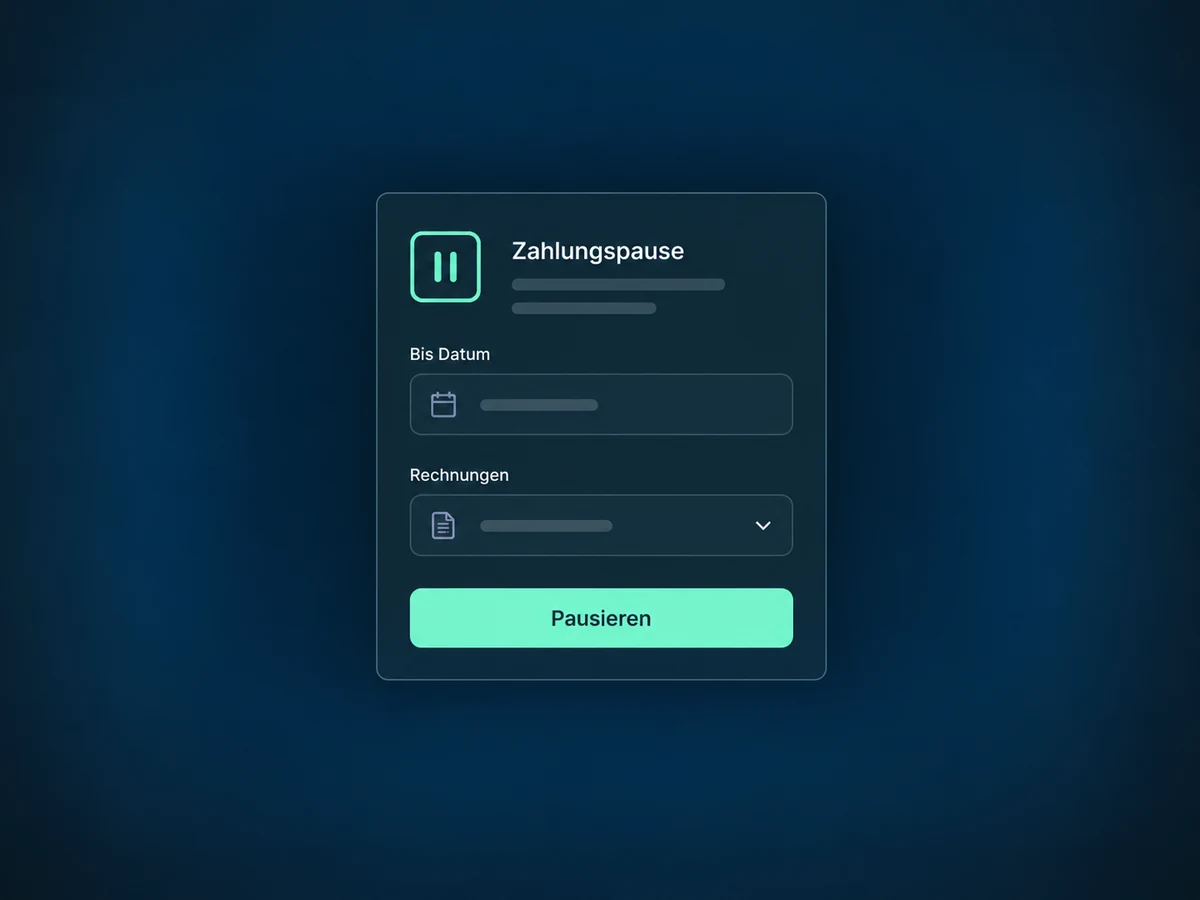
Pause eligible subscriptions until a chosen date or indefinitely. Deliberately choose how invoices are handled during the pause.
Simplified examples, not live account data.
We check access, payment provider, saved payment methods, taxes and terms for your workflow. Before use, we test setup, charging and failure handling. Not every connection supports the same subscription actions.
The subscription belongs to the contact. Course access, deliveries and tasks need a separately configured process. Changing a subscription does not perform those steps by itself.
Availability and any add-on or usage costs are confirmed for your ONE LOOP account before implementation.
No. A recurring invoice template is a separate billing process and does not appear as a subscription in this list. Subscriptions created in the membership area are not automatically included either. We check which approach fits your offer.
For supported changes, the new amount applies from the next billing cycle. Past payments remain unchanged. Added products need the same currency and billing cycle. This update flow does not include prorated charges for the current period.
A contact may already exist even though no subscription was successfully created. Check the subscription and payment separately. Retries depend on the provider and enabled rules; they do not guarantee payment.
Available actions depend on the provider, status and your permissions. For a pause, also choose how invoices are handled. Cancellation does not refund a payment; refunds are handled separately. Access and service delivery need their own rules too.
Let’s explore your use case and what the setup requires.
Book a demo