01
Turn the proposal stage into a task
When an opportunity moves to your proposal stage, ONE LOOP can create a follow-up task. You choose the pipeline, stage, assignee and due date.


Sales Workflows
A proposal is out. Who follows up? ONE LOOP can create the next task, send a follow-up and prepare the handover after a deal closes — using the rules you configure.
Three examples show how you can use Sales Workflows.
When an opportunity moves to your proposal stage, ONE LOOP can create a follow-up task. You choose the pipeline, stage, assignee and due date.
After a delay you set, a condition checks whether this opportunity is still open and in the proposal stage. Only then is the prepared follow-up sent. The other branch ends without a message.

When the status changes to Won, a separate workflow can prepare the handover. For example, it can create a task for the next person responsible. This is a separate trigger, not just a stage change.

The practical benefits of Sales Workflows.
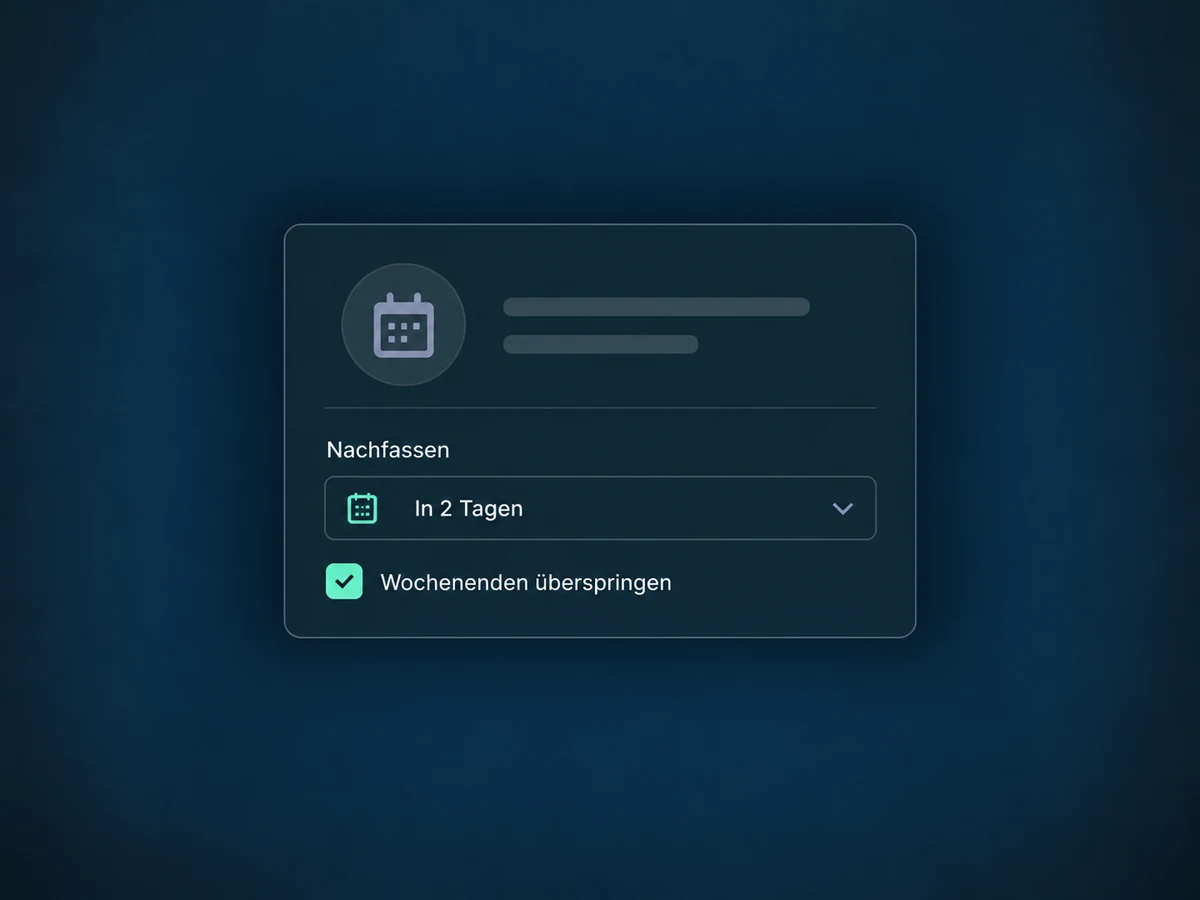
Set the due date in the task action. You can skip weekends; the preview shows the calculated date.
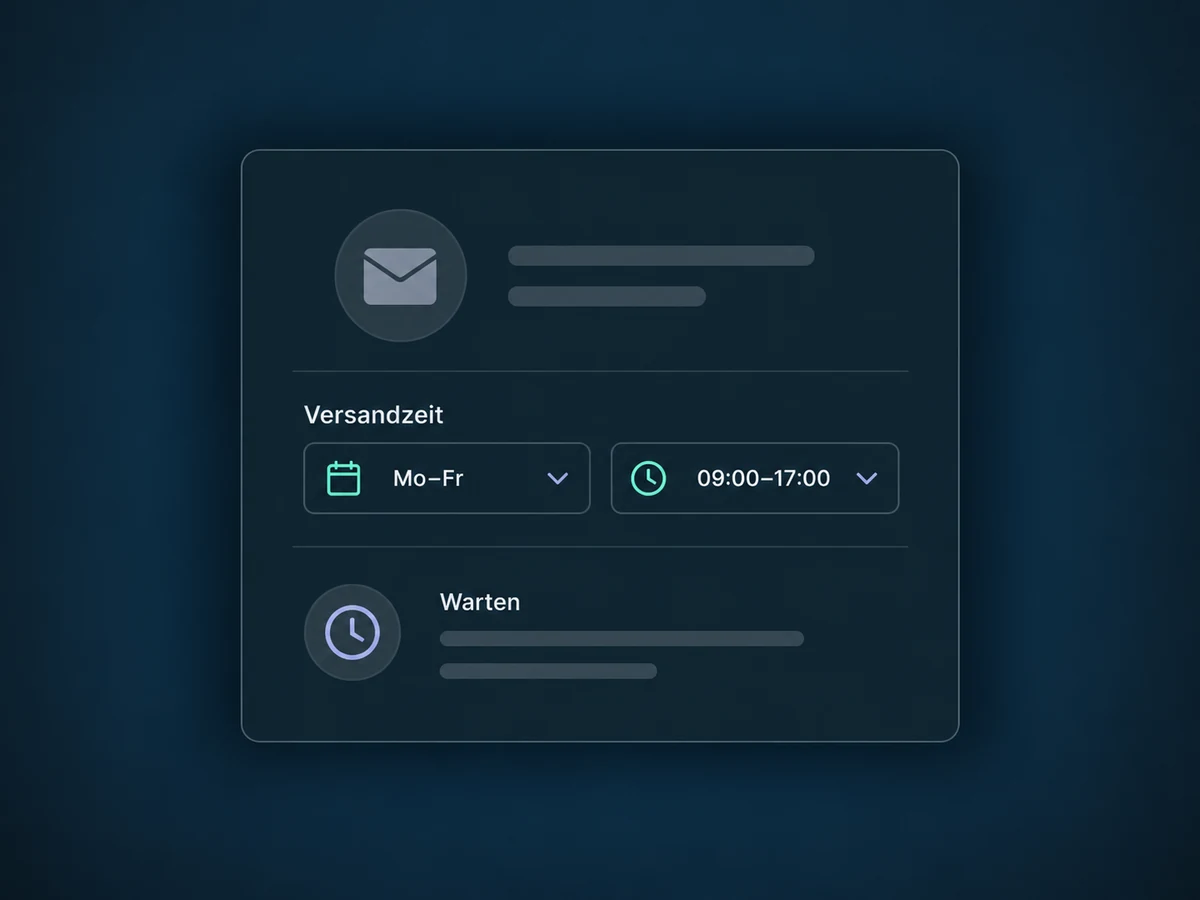
Limit messaging to the days and hours you choose. This sending window does not pause internal actions such as updating a field.
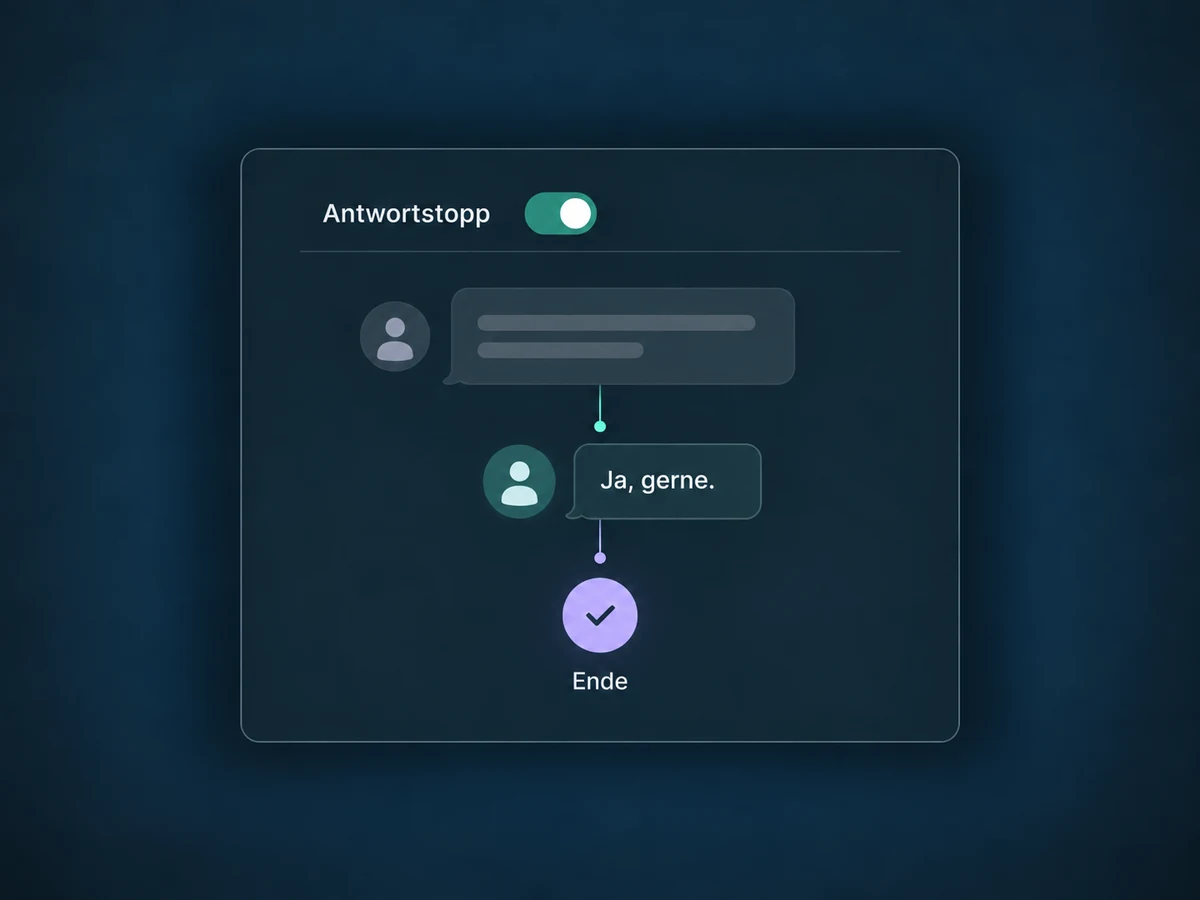
With Stop on Response enabled, the workflow ends for a contact who replies to a message from that specific workflow. Other conversations do not automatically trigger this stop.
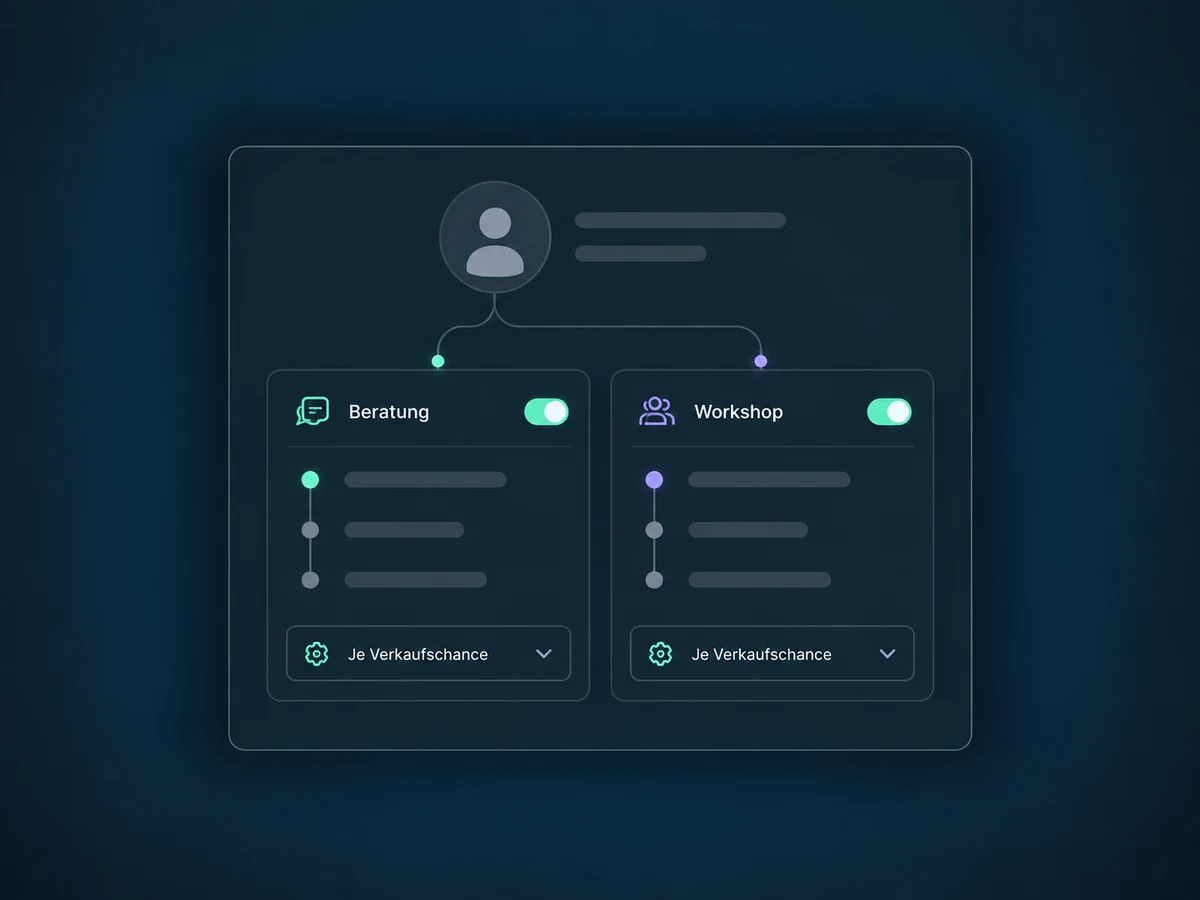
For a contact with multiple opportunities, choose whether each matching deal gets its own run. You can then check whether parallel messages are actually intended.
Use the execution history to review completed steps, waiting points and errors. Test contacts help you check the alternative branch before using real enquiries.
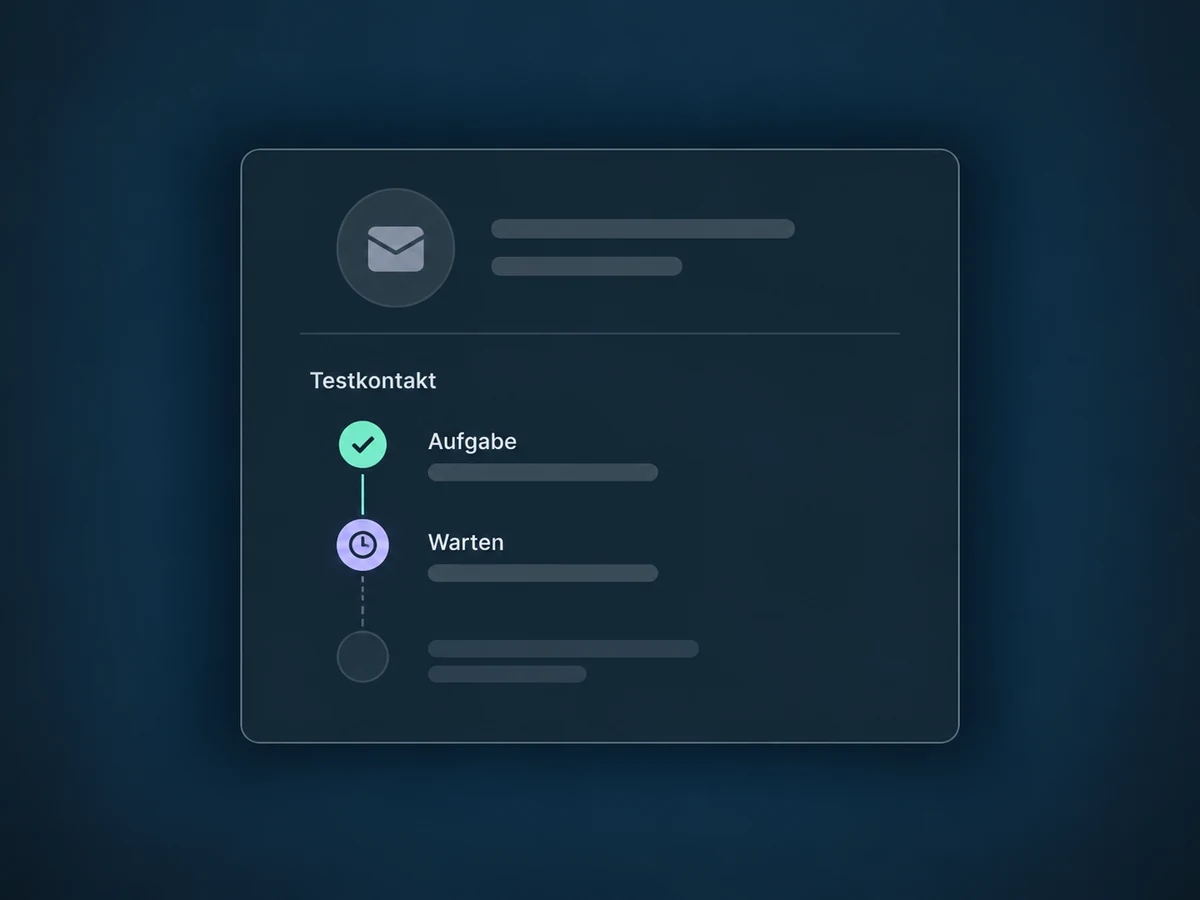
Simplified examples, not live account data.
We configure triggers, pipeline filters, actions and exit rules, then test them with test contacts. A published workflow processes matching events. Messaging requires a suitable channel, sender and permissions; we confirm access and any usage costs for your offer.
The workflow uses the opportunity in the pipeline, creates tasks for the contact and can send messages through configured channels. These steps must be explicitly connected. Lead routing handles the distribution of new enquiries; this feature handles the next steps in an ongoing sale.
Availability and any add-on or usage costs are confirmed for your ONE LOOP account before implementation.
The Workflow Builder is the tool used to assemble processes. Sales workflows are specific uses of it: following up on a proposal, creating tasks or preparing a handover after a deal is won. They need matching triggers, filters and actions; they are not active without setup.
When enabled, Stop on Response ends the run for that contact if the reply is to a message from that specific workflow. It does not just pause until the next message. Replies to other conversations or a personal handover need their own configured rules.
Another matching stage change can trigger a new event. Whether another run starts depends in part on the re-entry rules. Multiple opportunities for the same contact have a separate setting for a run per deal. Test both so they do not create unwanted duplicate tasks or messages.
Using test contacts, we check the matching trigger, each branch and the actions performed. This includes status changes, reply stops, delays and notifications. A draft is not an active workflow: publishing and reviewing the execution history are part of approval. A task being created does not mean it has been completed.
Let’s explore your use case and what the setup requires.
Book a demo