01
Your sales process at a glance
Organise potential deals in clear columns: new enquiry, conversation, proposal. Choose the stages and their order. Create a separate pipeline when another sales process needs different steps.


Pipelines
Which enquiry is new, which conversation is underway and which proposal is waiting for a reply? A pipeline shows your team where each potential deal stands, from first contact to outcome.
Three examples show how you can use Pipelines.
Organise potential deals in clear columns: new enquiry, conversation, proposal. Choose the stages and their order. Create a separate pipeline when another sales process needs different steps.
Open an opportunity to keep its contact, stage and owner together. After a conversation, update the stage in its details or move the card on the board.

Mark an opportunity as won, lost or abandoned. Its status describes the outcome; its stage remains the step in your process. Won does not automatically mean paid.

The practical benefits of Pipelines.
Filter for open proposals and their owner, for example. Save filters, sorting and visible fields as a view so your team can return to the same selection.
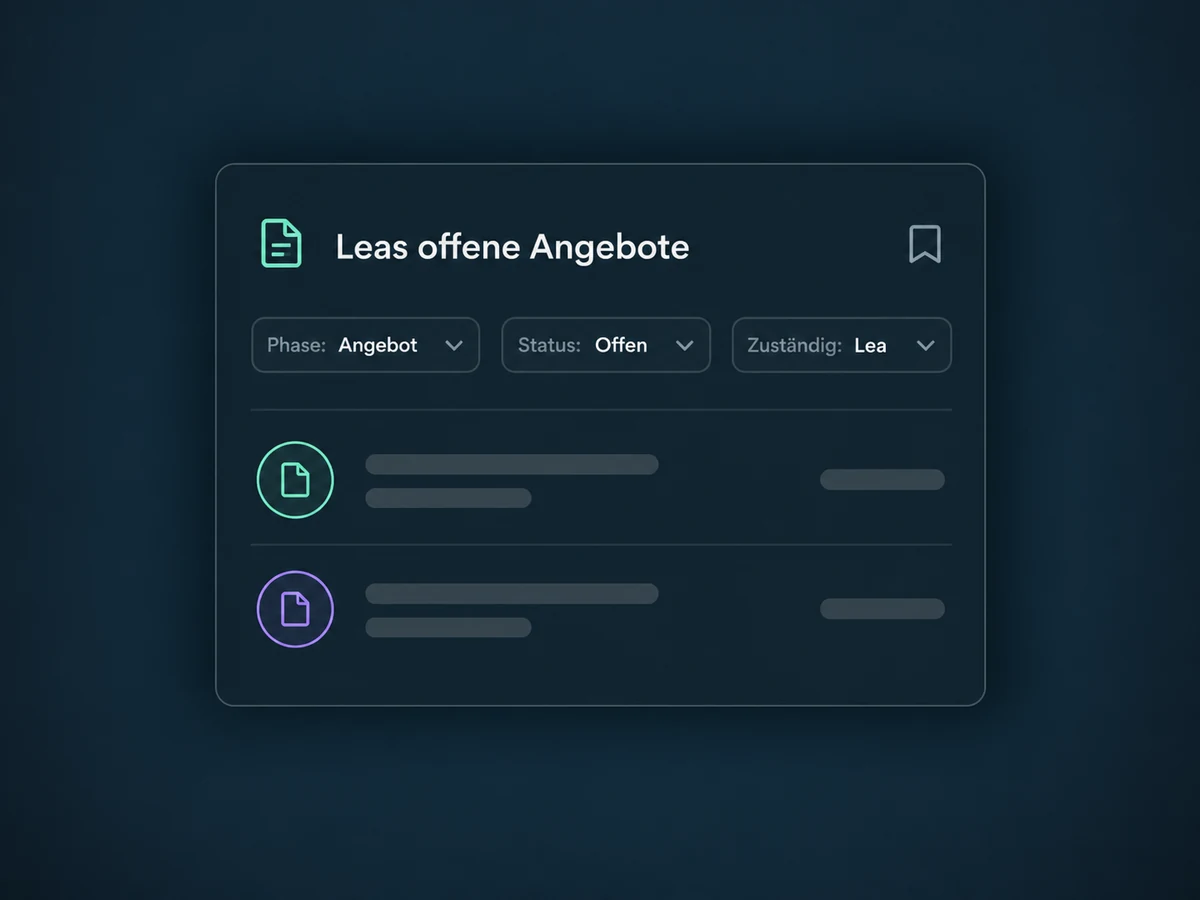
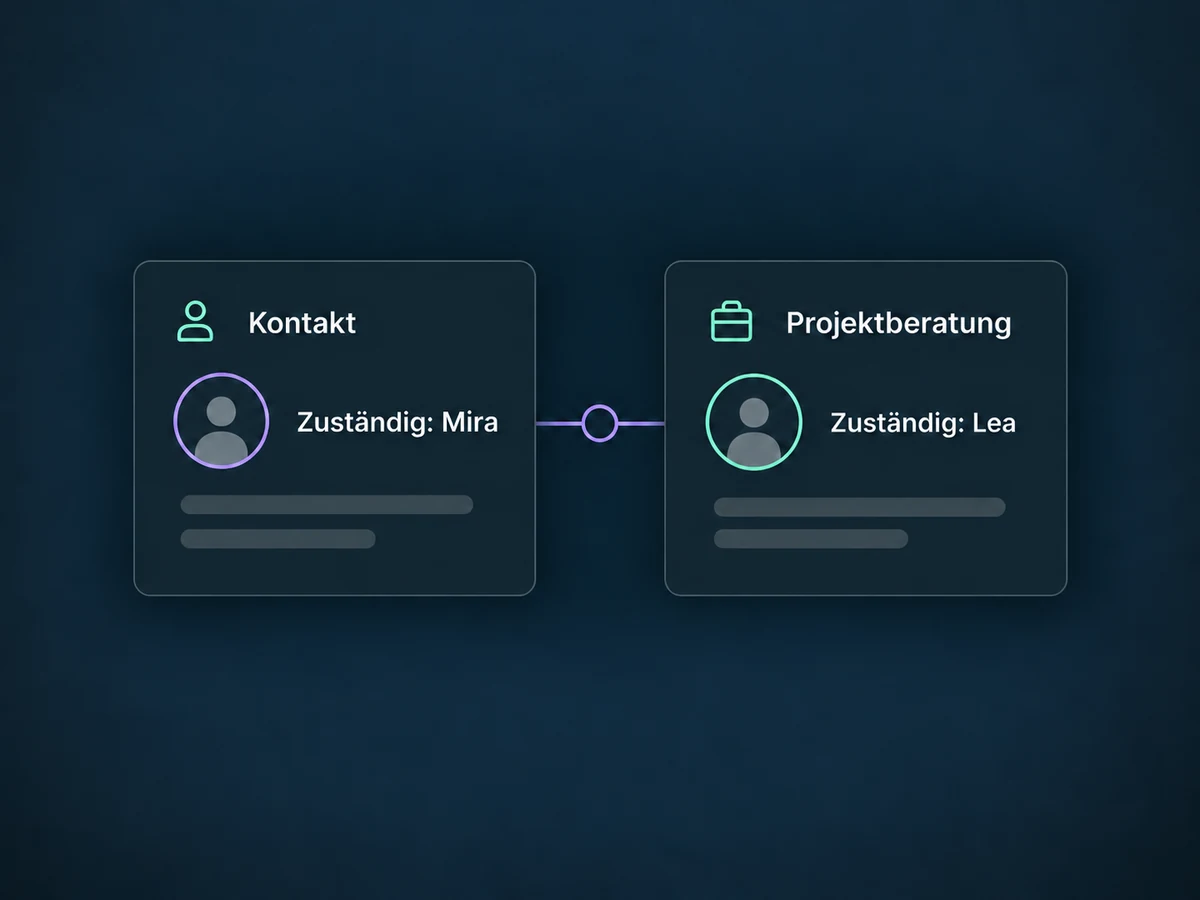
Assign someone to each opportunity. Enable separate ownership when that person differs from the contact owner, so account care and project sales can have different responsibilities.
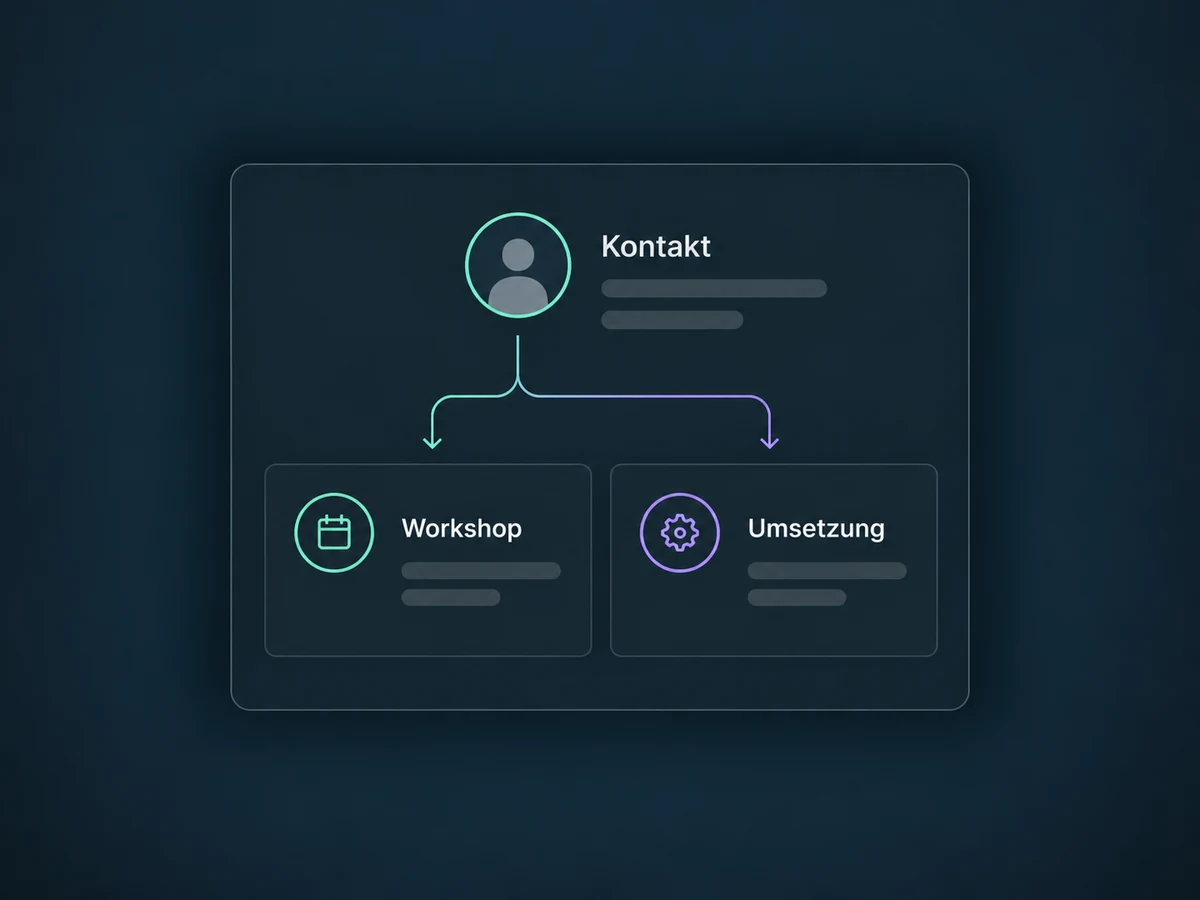
Track a workshop and its implementation as separate opportunities. Multiple opportunities for the same contact in one pipeline must be enabled; existing projects are not overwritten.
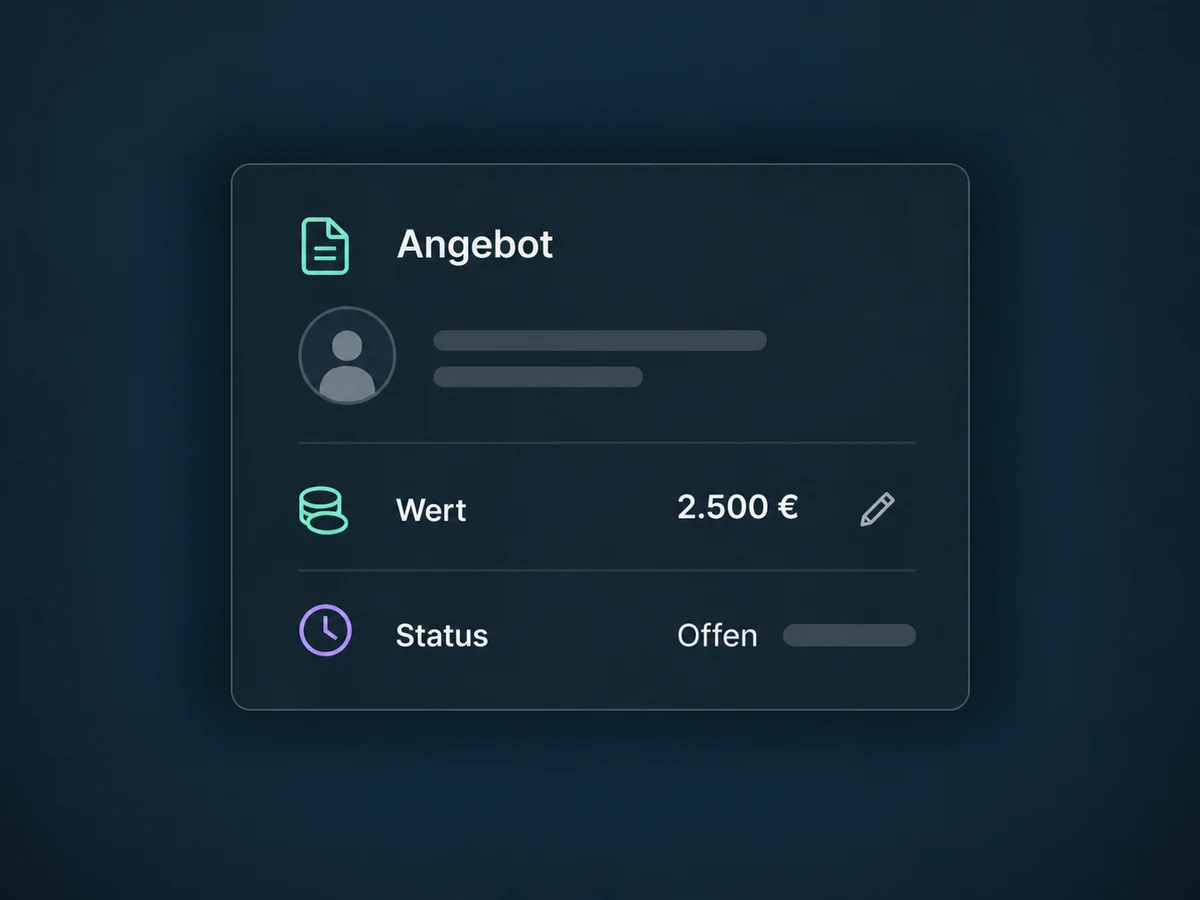
Record the potential deal value and update it when needed. It helps you review open proposals. A pipeline value is neither an invoice nor a received payment.
A configured workflow can create a follow-up task when an opportunity enters the proposal stage. Filters select the relevant pipeline. Test backward moves and repeated entries too.
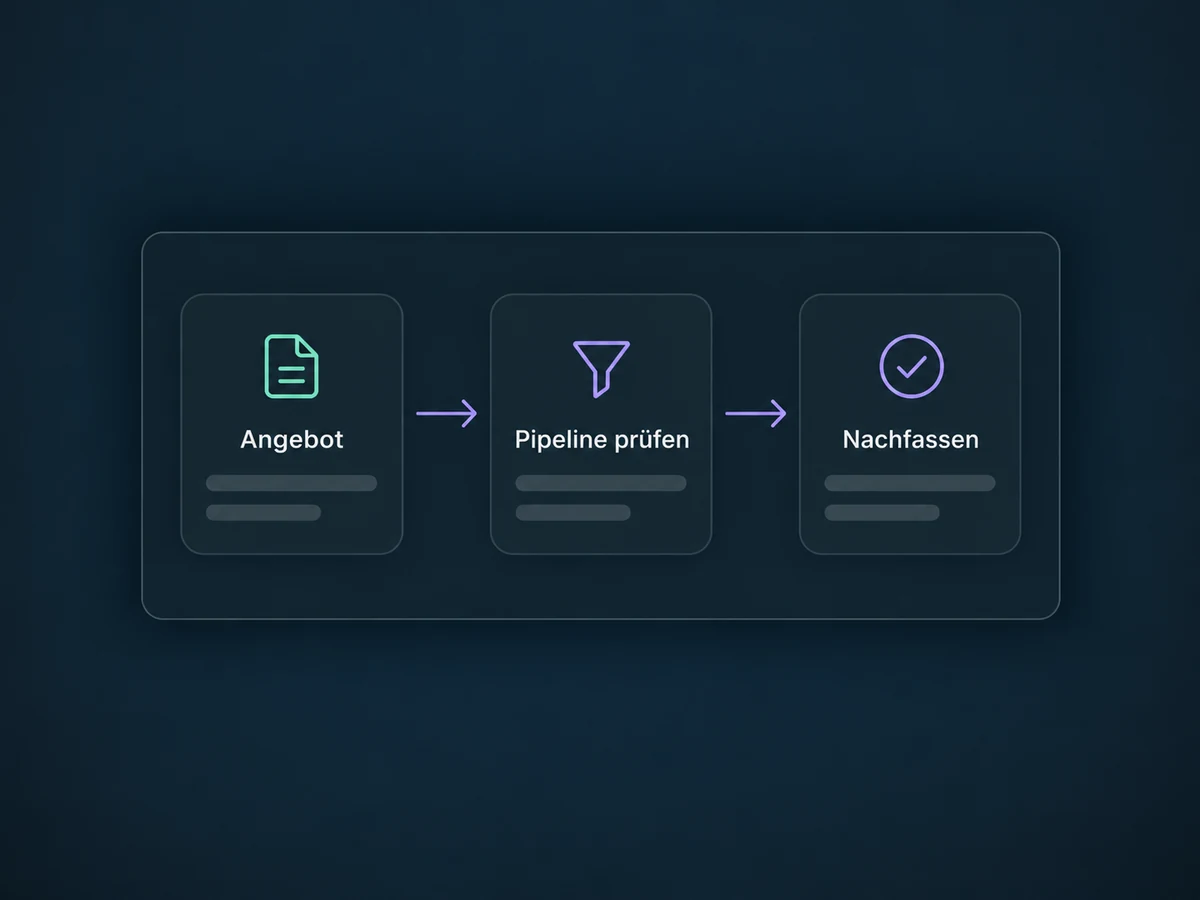
Simplified examples, not live account data.
We agree stages, owners and access with your team. Where needed, we configure multiple opportunities and separate contact and deal owners. Before launch, we confirm feature access and test existing data and workflows with sample opportunities, including backward moves and re-entry.
The CRM provides the contact; the pipeline tracks the potential deal. Lead Routing assigns ownership, while proposals and payments have their own processes. Connections and automated follow-up actions are configured to fit your workflow.
Availability and any add-on or usage costs are confirmed for your ONE LOOP account before implementation.
No. A contact list manages people. A pipeline manages specific opportunities with stages, status and value. Several opportunities can belong to the same contact.
You can move cards yourself or change their stage in the details. Automatic changes need a configured workflow. A stage change can also trigger configured workflows, including when moving backwards. The separate status-change trigger is not the same event. We therefore check filters and re-entry rules before activation.
No. Won records your sales outcome but does not confirm payment. Stage and status are separate too: an opportunity can remain in the proposal stage and be marked won. Invoices and payments are tracked separately. If a confirmed payment should change the status, that process needs to be configured.
Yes. Multiple opportunities for the same contact within one pipeline require the relevant account setting. A workflow action's duplicate option is a separate setting. Automations must select the right opportunity so reminders are not sent twice. We check permissions, ownership and available scope in the actual account.
Let’s explore your use case and what the setup requires.
Book a demo