01
Show exactly what you offer.
Choose the customer, then add services, quantities and prices. Review terms and expiry before sending.

Quotes
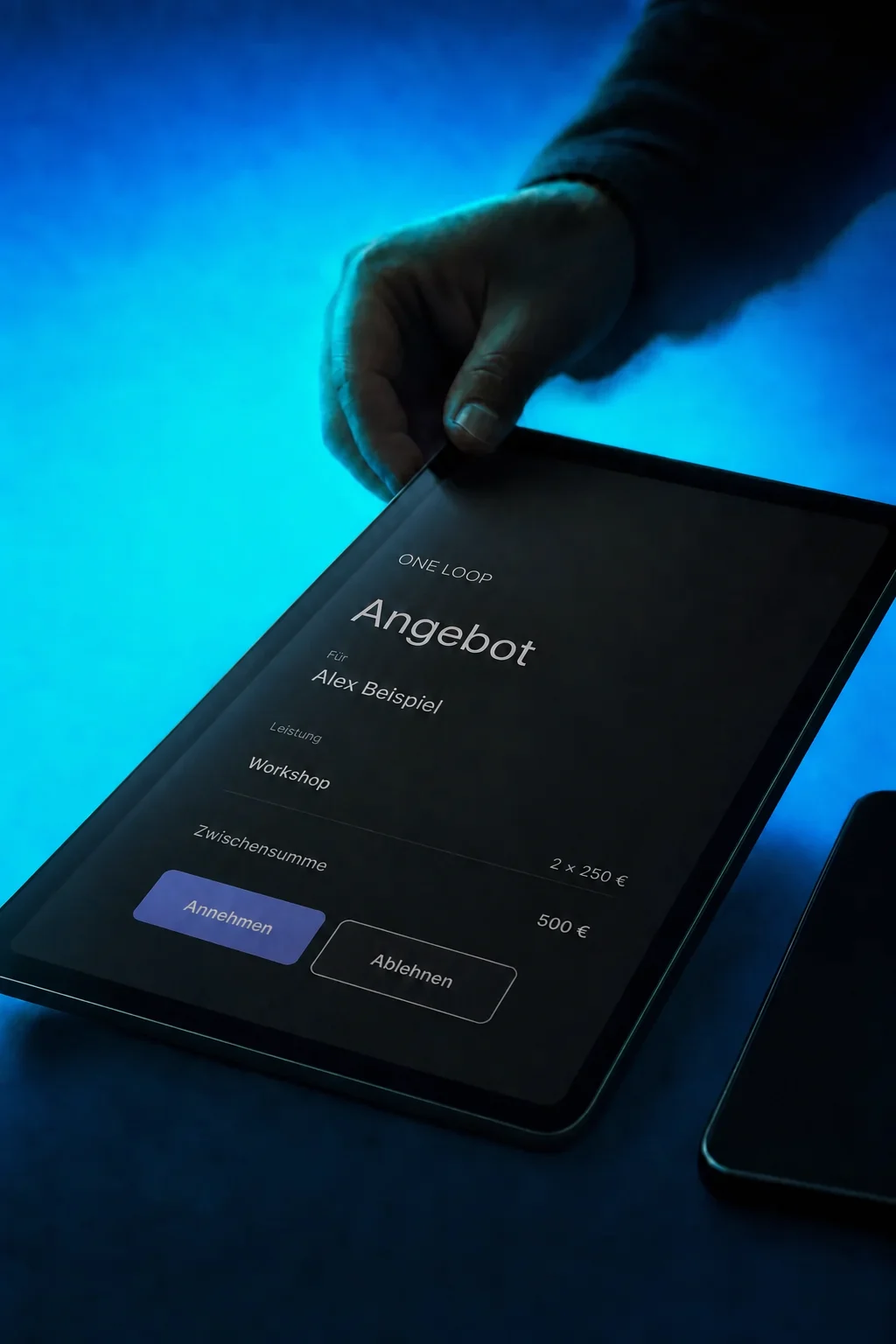
Create quotes with clear services and prices. Your customers can review, accept or decline them online.
Three examples show how you can use Quotes.
Choose the customer, then add services, quantities and prices. Review terms and expiry before sending.
Send the quote link by email or SMS. Your customer can review the services and accept or decline.

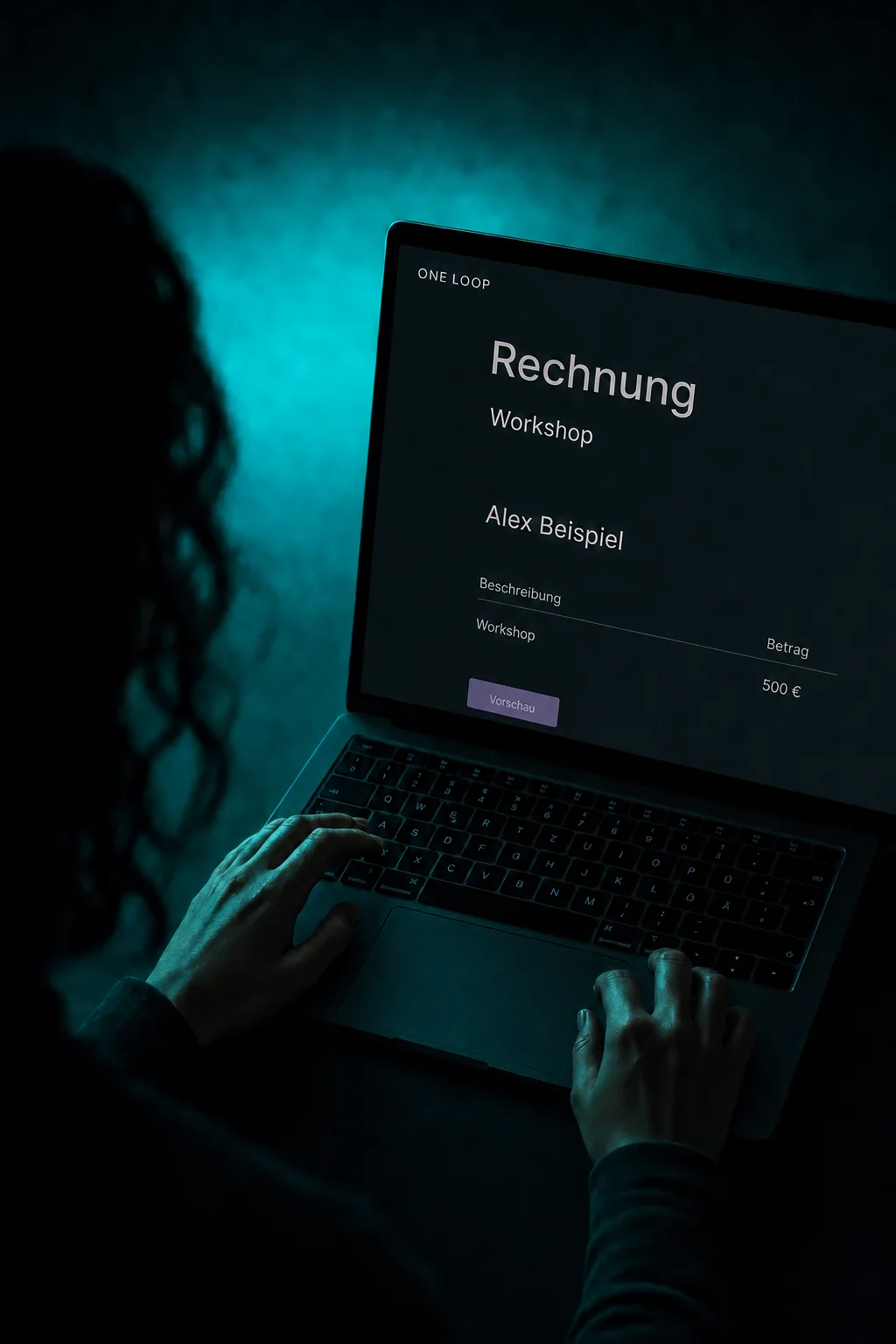
Create an invoice from the accepted quote. Review it before sending: acceptance alone does not mean payment.

The practical benefits of Quotes.
Start from a template for recurring services. Adjust quantities, prices and customer details for the specific job.
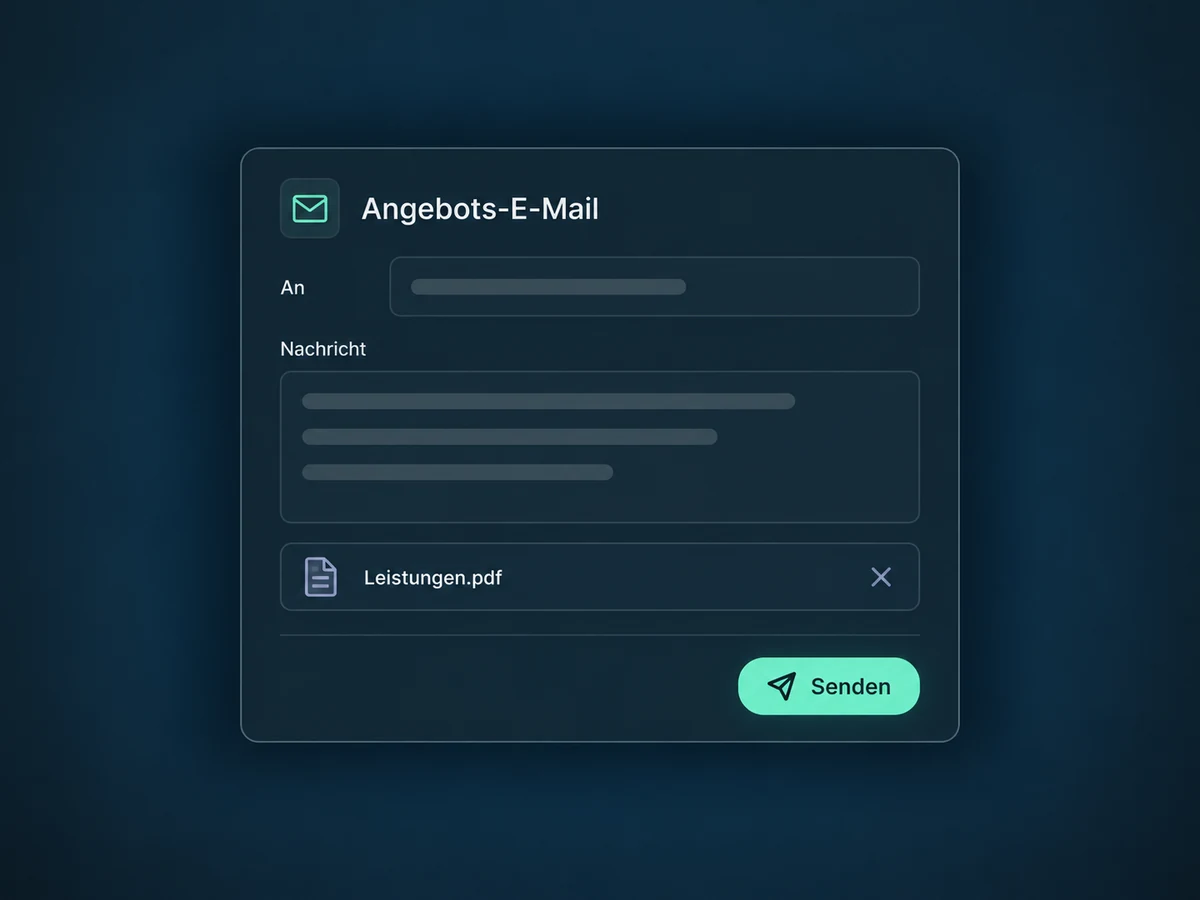
Attach a scope of work to the quote email, for example. Your customer receives the details alongside the quote.
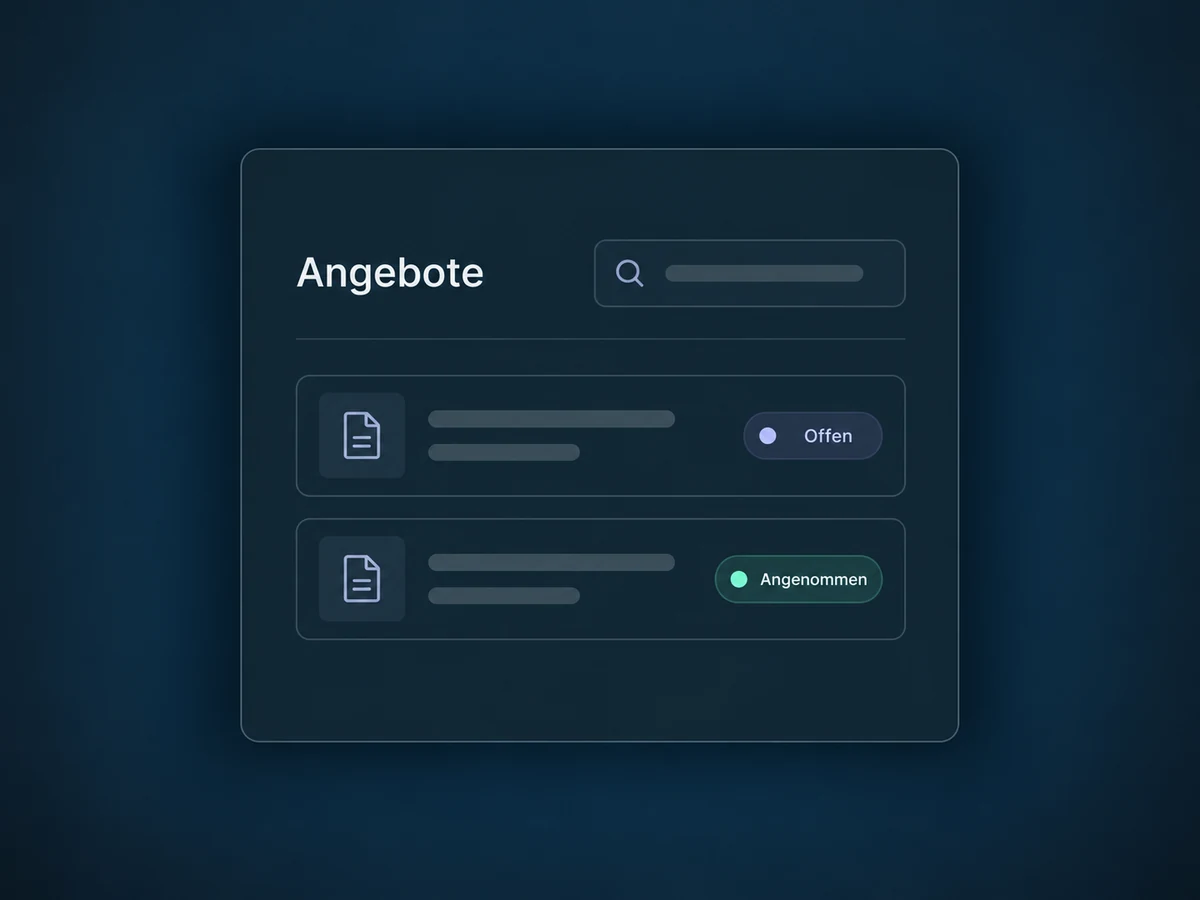
With quotes enabled in your client portal, customers can find their quotes and status in one place. Access is configured for your portal.
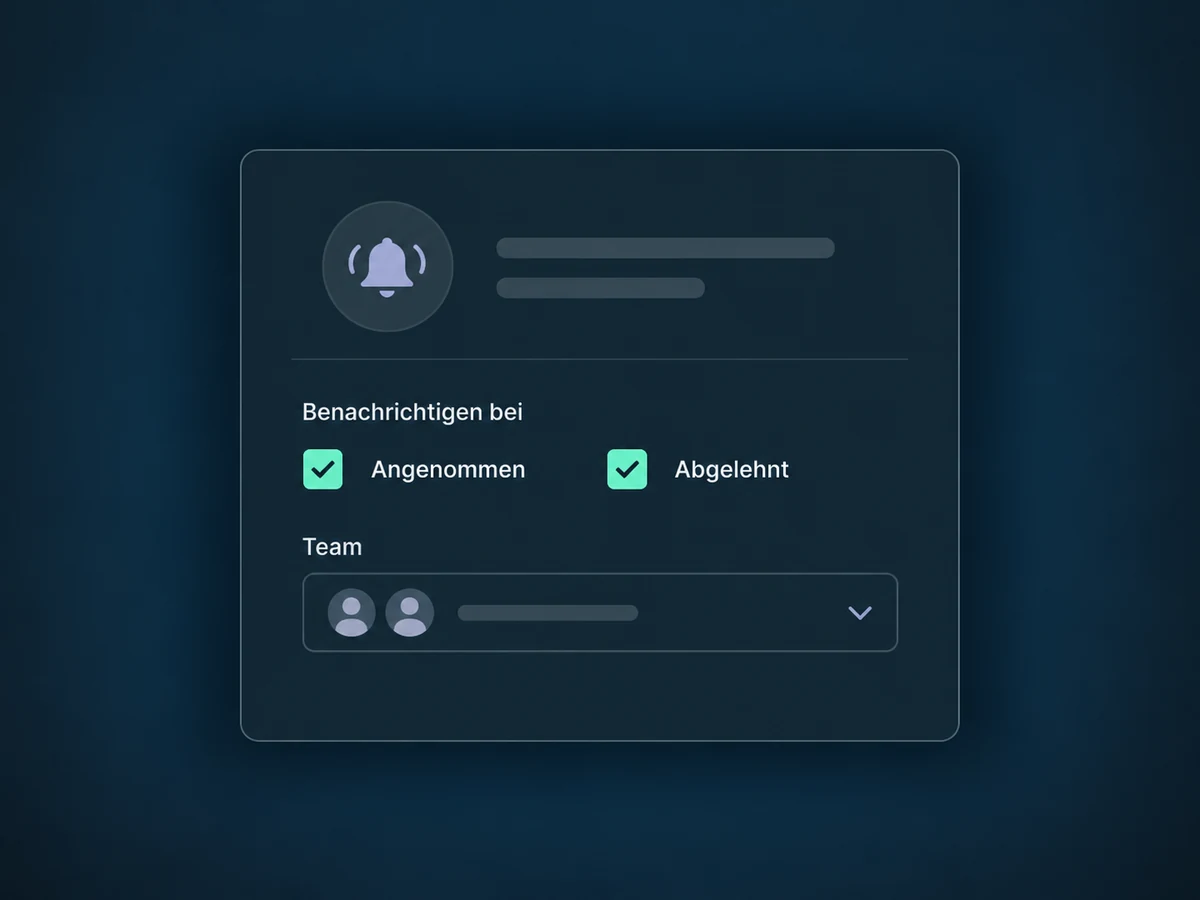
Enable team notifications for accepted or declined quotes. Choose the recipients and message templates to use.
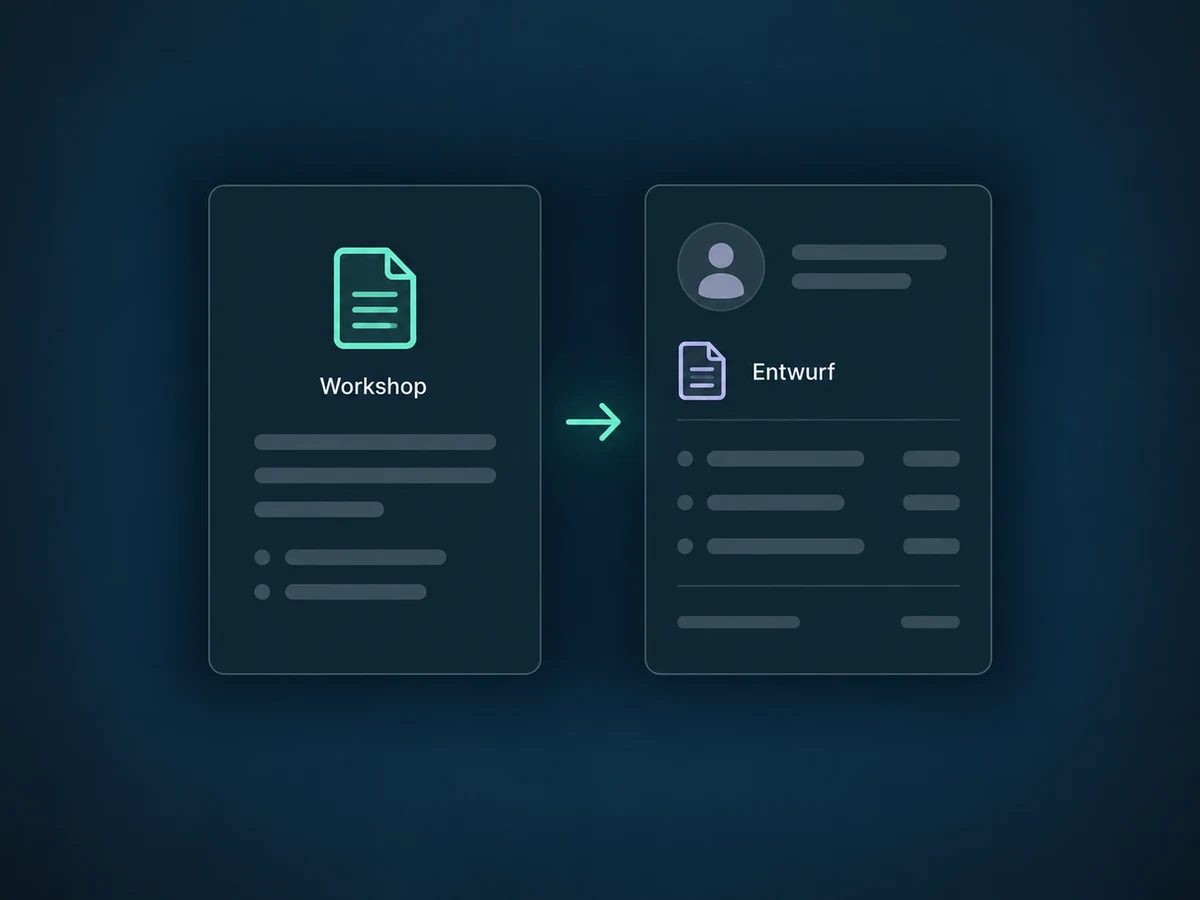
A configured workflow can create a quote draft from a template. Your team reviews it before it goes to the customer.
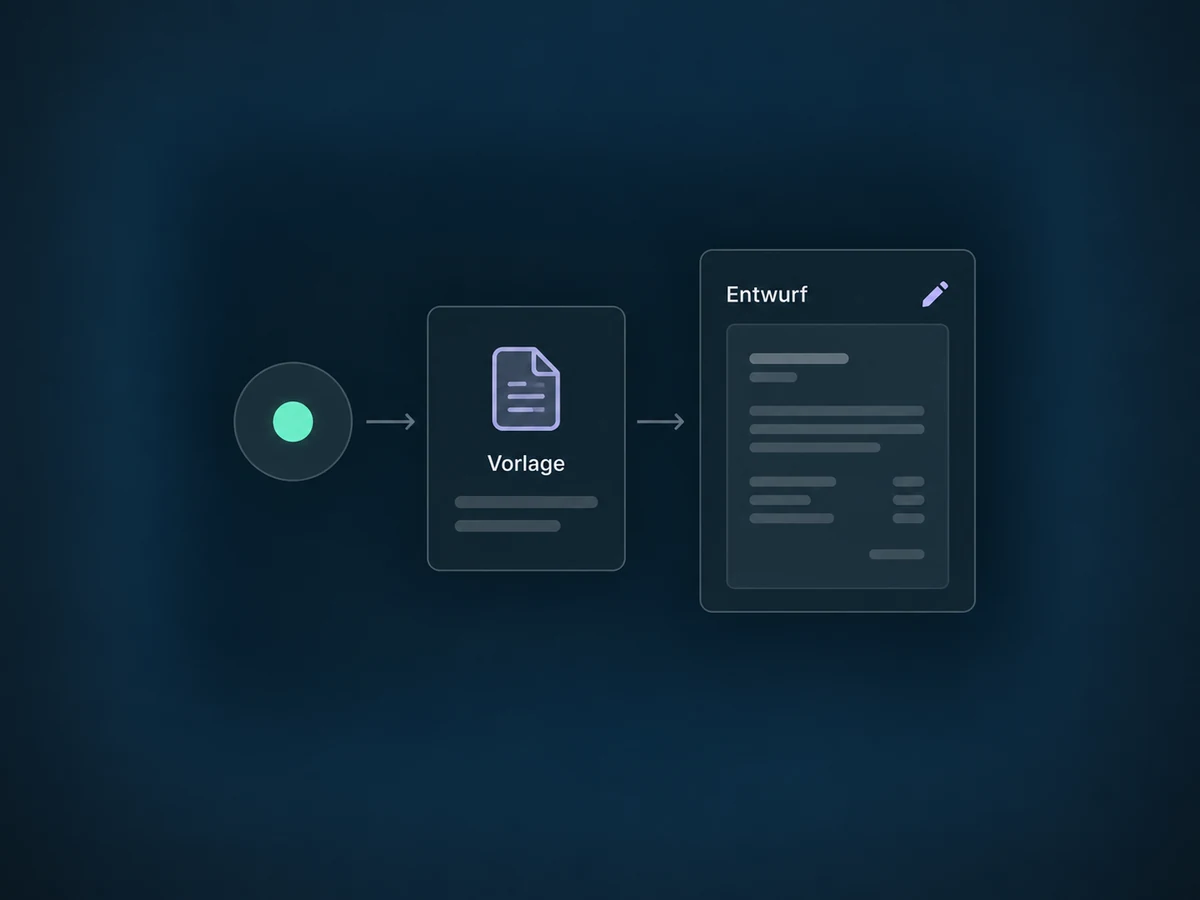
Simplified examples, not live account data.
We check access, permissions and sending channels, then configure templates, senders and notifications and test a sample quote. You define the prices, taxes and terms for your offer.
The quote records what you offer and the customer's decision. Invoicing, payment and contract signatures remain separate steps.
Availability and any add-on or usage costs are confirmed for your ONE LOOP account before implementation.
No. Acceptance records a decision, not a payment. Optional direct payments on quotes created in the mobile app take the customer to an invoice after acceptance. Payment still needs to be completed.
Yes. In a supported mobile app with access enabled, you can select existing quote templates and adapt the quote for your customer. Templates themselves are created and managed on the web. We check app access and the supported version for your setup.
Yes. Quote emails can include up to ten attachments totalling no more than 20 MB, such as a scope of work or product information. Attachments are sent with the email; an SMS link does not send those same file attachments.
Yes, with a configured quote template, a suitable trigger and a valid sender. Choose between a draft for review and direct sending through the configured email or SMS channel. We check required access, payment connection and sending prerequisites before a test run.
Let’s explore your use case and what the setup requires.
Book a demo