
01
You decide which signals count.
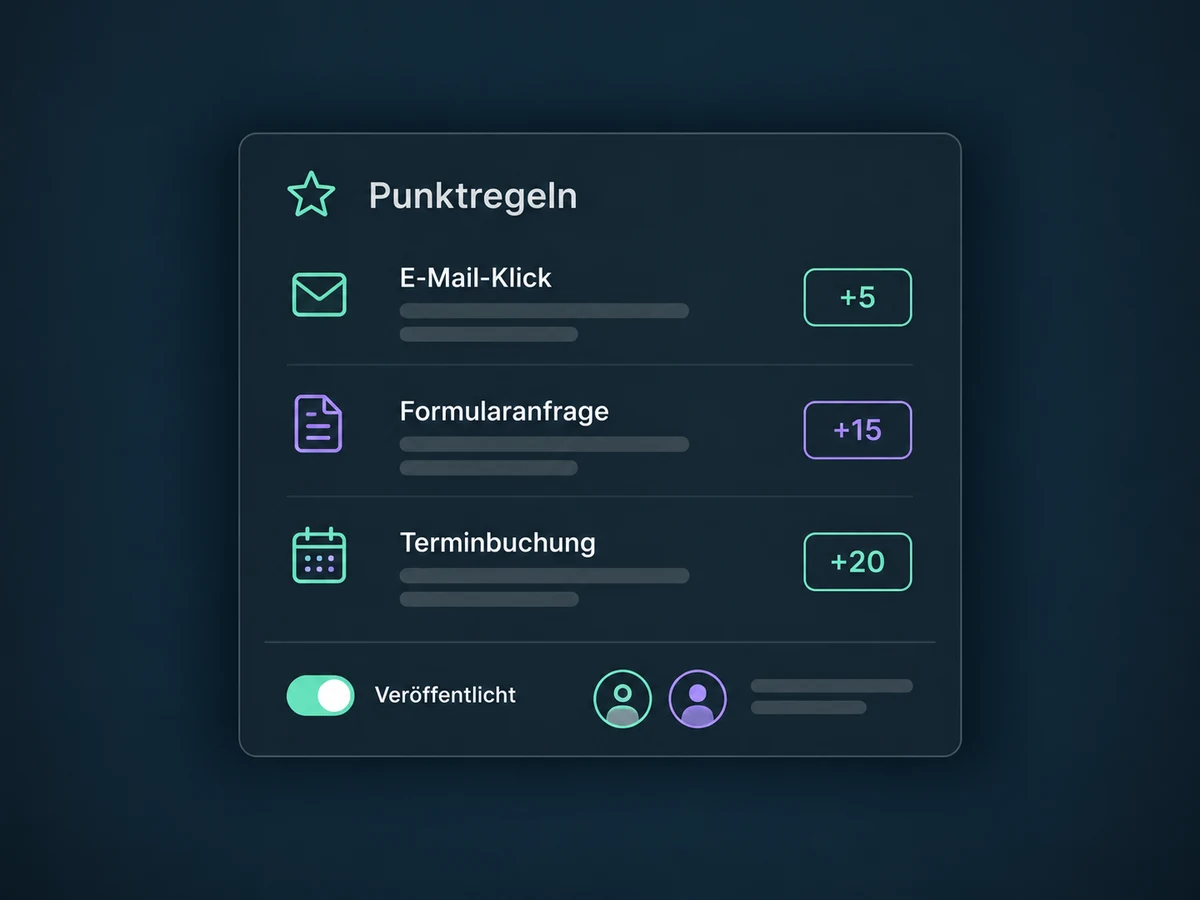
Set points for recorded activity, such as an email click, a form submission or a booking. Give meaningful signals more weight than a casual click, and subtract points where appropriate.


Lead Scoring
A click, an enquiry, a booked appointment: give contact activity a score using your own rules. Help sales decide which contacts to review first and choose a relevant next step.
Three examples show how you can use Lead Scoring.
Set points for recorded activity, such as an email click, a form submission or a booking. Give meaningful signals more weight than a casual click, and subtract points where appropriate.
Open a contact or conversation to see the current engagement score. Review it alongside the enquiry and contact details when preparing your response; it does not replace your judgement.

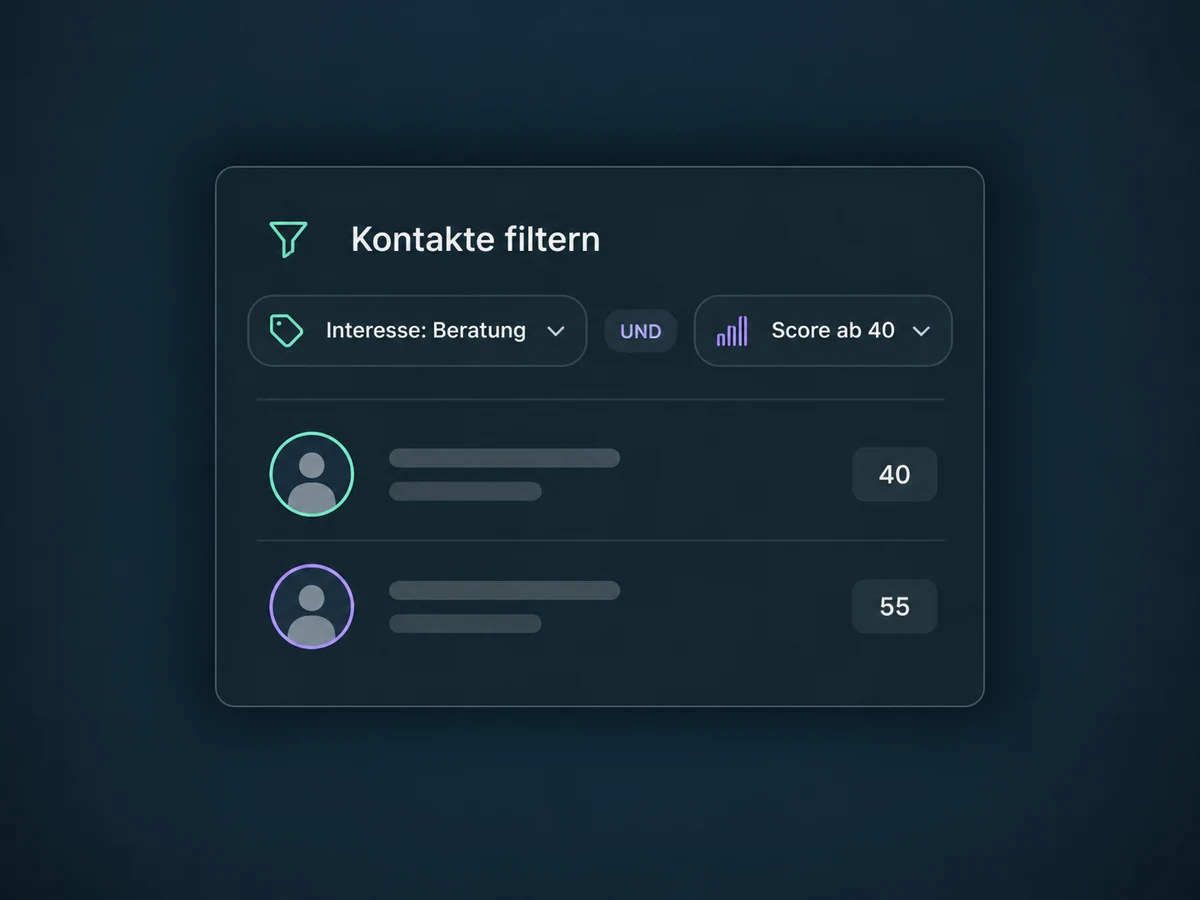
Filter your contact list by a score or range, then add other criteria to narrow it down. The list helps you select contacts; it does not send messages or assign owners.

The practical benefits of Lead Scoring.
Your team evaluates recorded activity using the same published point rules. That keeps contact selection consistent and understandable, even when several people work in sales.
Combine the score with a known interest. For example, review only contacts interested in consulting whose score meets your threshold.
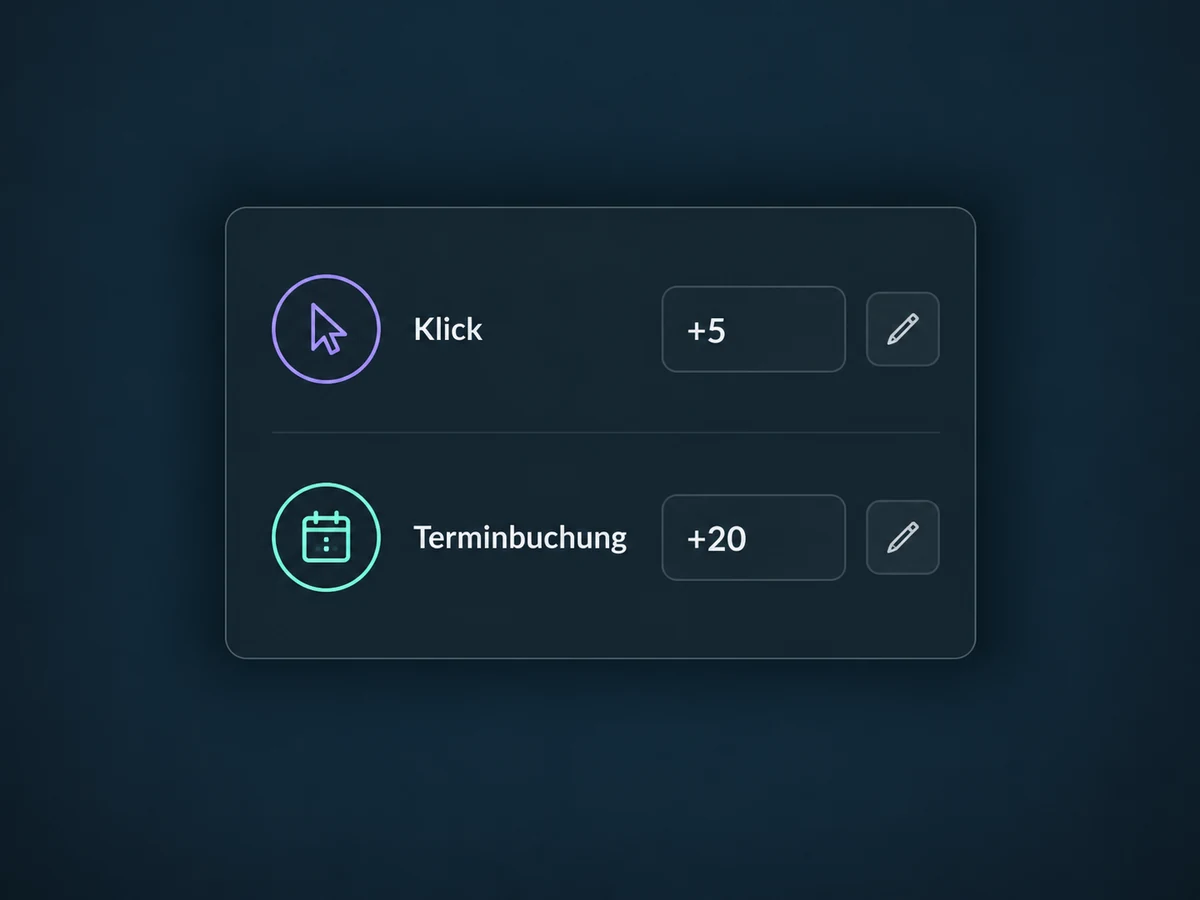
A booked appointment can earn more points than an email click. Choose values that fit your sales process; they are not a predefined formula for success.
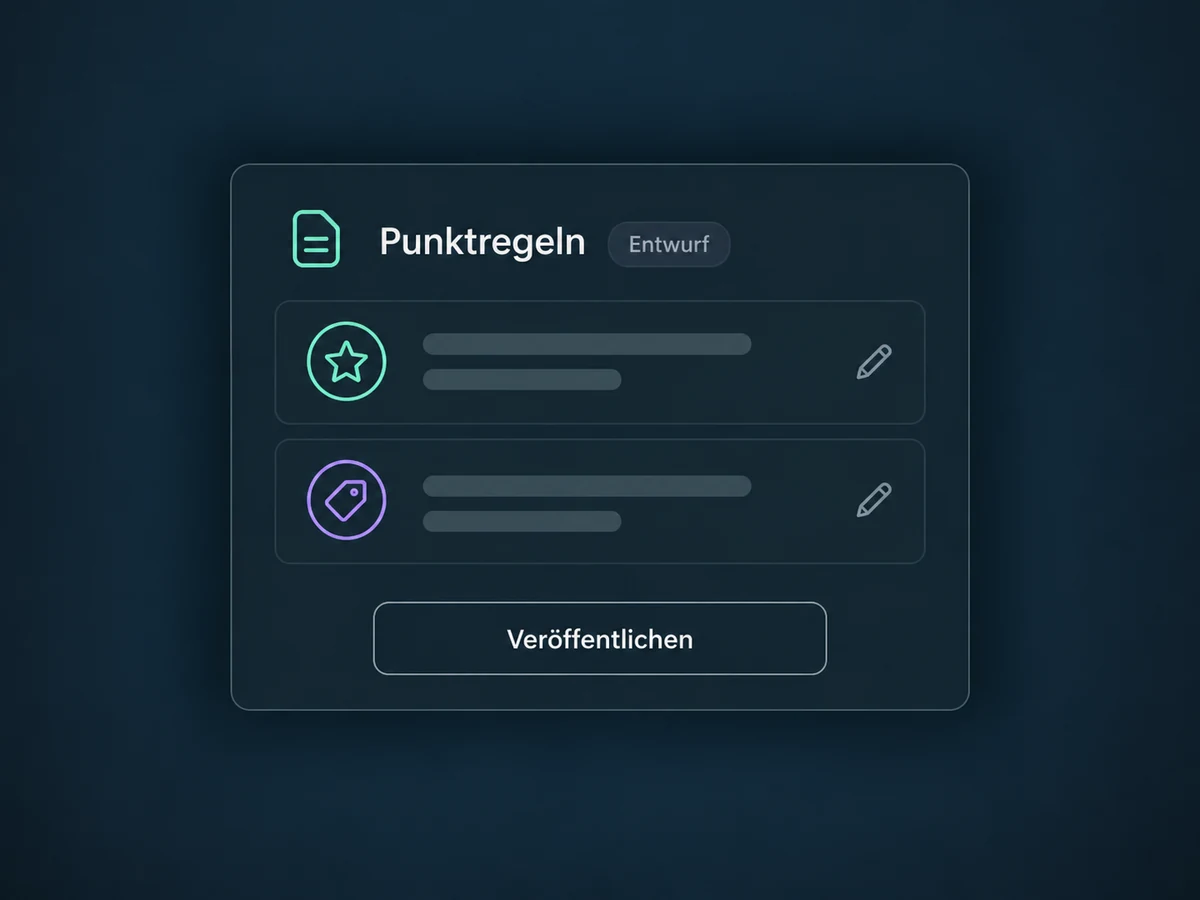
Edit rules in draft mode without changing live scores. Review the choices together and publish when your team is ready to use those criteria.
A separately configured workflow can create a task when a score meets your rule. Check the trigger, recipient and re-entry settings first to avoid unnecessary repeat follow-up.
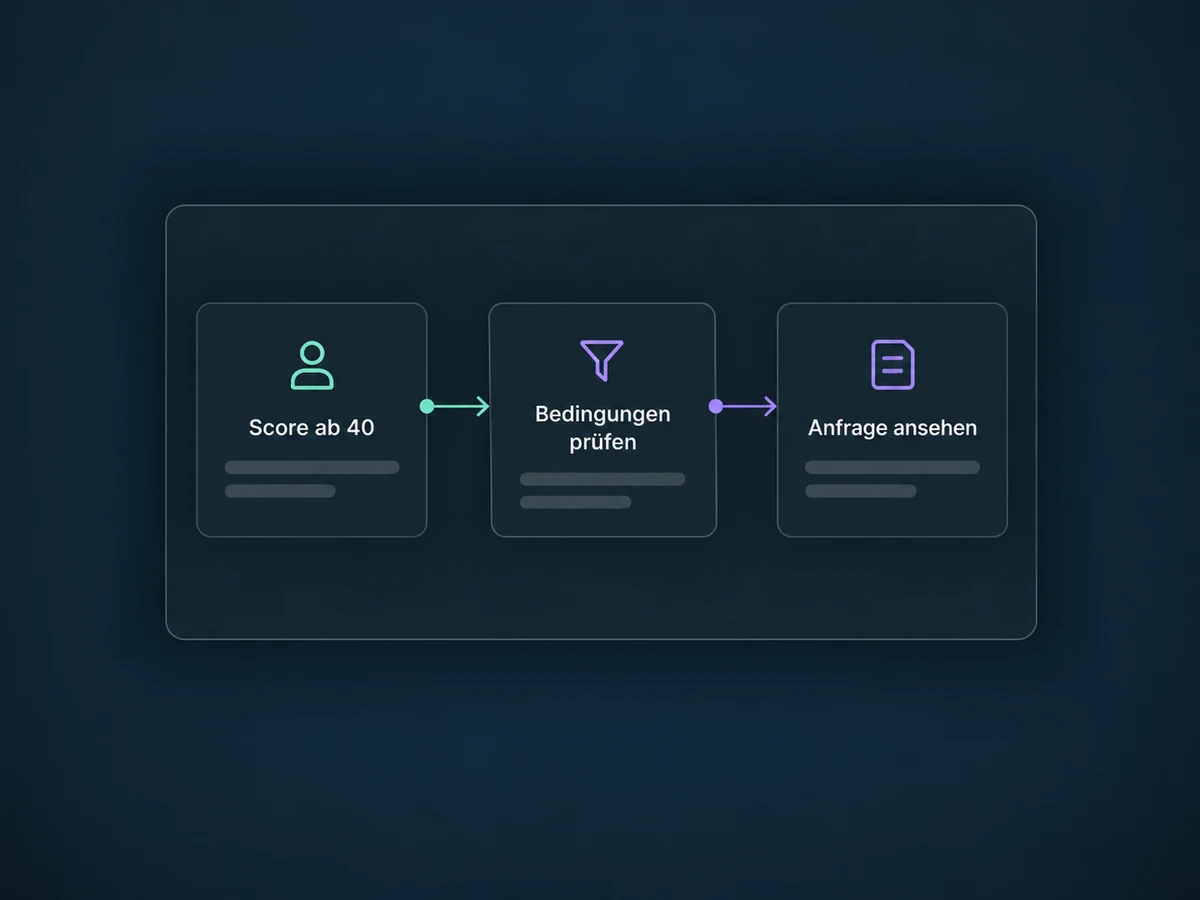
Simplified examples, not live account data.
We agree on signals and points with your sales team, then check feature access, package scope and the events actually recorded. For email signals, that includes tracking and available bot detection. We test rules, thresholds and follow-up workflows with sample contacts; unrecorded activity is not part of the assessment.
The score adds context to contacts in the CRM and inbox. Lead Routing separately handles ownership, while Pipelines tracks a potential deal. A high score does not assign an owner or send a message without a configured workflow.
Availability and any add-on or usage costs are confirmed for your ONE LOOP account before implementation.
No. It scores recorded activity using your rules, not the probability of a purchase. Confirm budget, need and timing in conversation. A low or missing score does not prove a lack of interest either: the important activity may not have been recorded.
No. Lead Scoring evaluates activity; Lead Routing assigns an owner. A score can be a trigger or condition in a configured workflow. Assignment, tasks and messages are separate actions. We test filters and re-entry before putting the process into use.
Not in the basic calculation, so an older score can remain unchanged. Time-based decay needs its own workflow with a wait, a fresh activity check and a points deduction. Coordinate the rules and workflow to avoid changing the score twice by mistake.
You can see the current value on the contact and in the conversation. This does not include a complete history of every point change. Keep a record of your published rules and review recorded contact activity. If you need a history, we plan and test additional logging.
Let’s explore your use case and what the setup requires.
Book a demo

