01
Send each enquiry down the right path.
Consulting or support? A configured workflow checks the saved interest and takes the contact down the matching branch. Choose an owner there, and provide a review path for missing details.


Lead Routing
Who takes the next enquiry? ONE LOOP assigns new contacts using your rules: to a fixed person or in rotation across your team. Start every handover with a clear owner.
Three examples show how you can use Lead Routing.
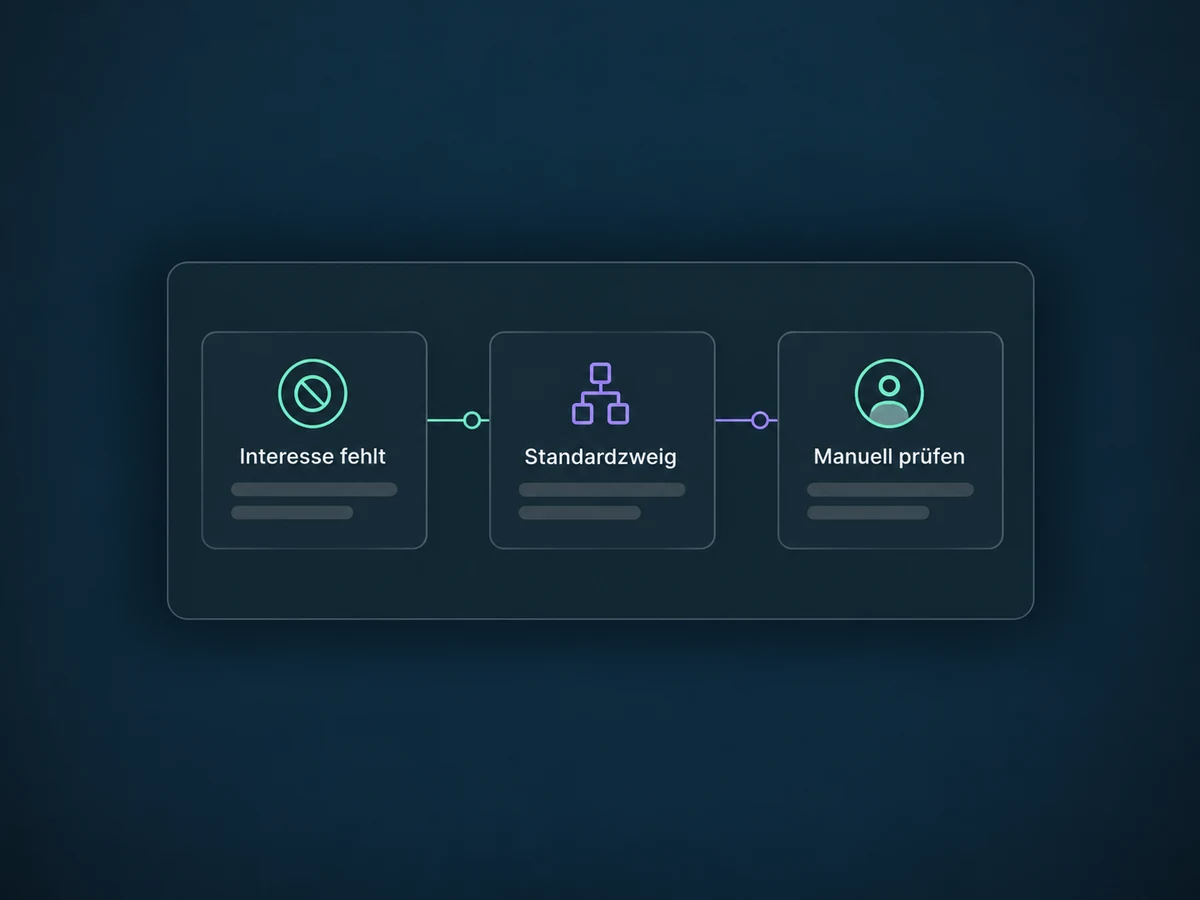
Consulting or support? A configured workflow checks the saved interest and takes the contact down the matching branch. Choose an owner there, and provide a review path for missing details.
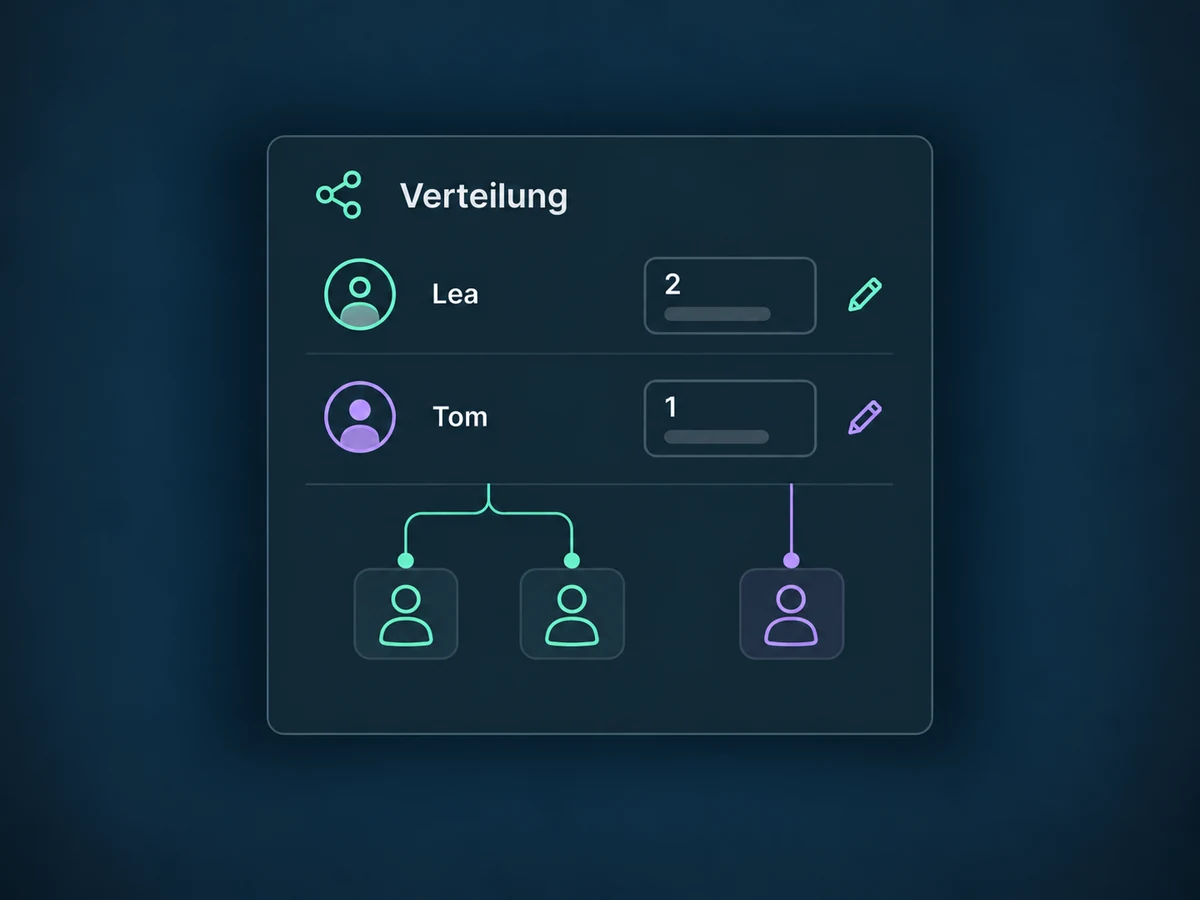
Choose one fixed owner or several team members. Round-robin assigns each person a contact in turn. You can also set different weights; these are configured by you, not calculated from current workloads.

After assignment, an additional workflow step notifies the owner. An internal notification links to the contact. Set up a task or a message to the customer separately.

The practical benefits of Lead Routing.
The contact shows who is responsible. Team members with the right access do not need a separate list to find the owner.
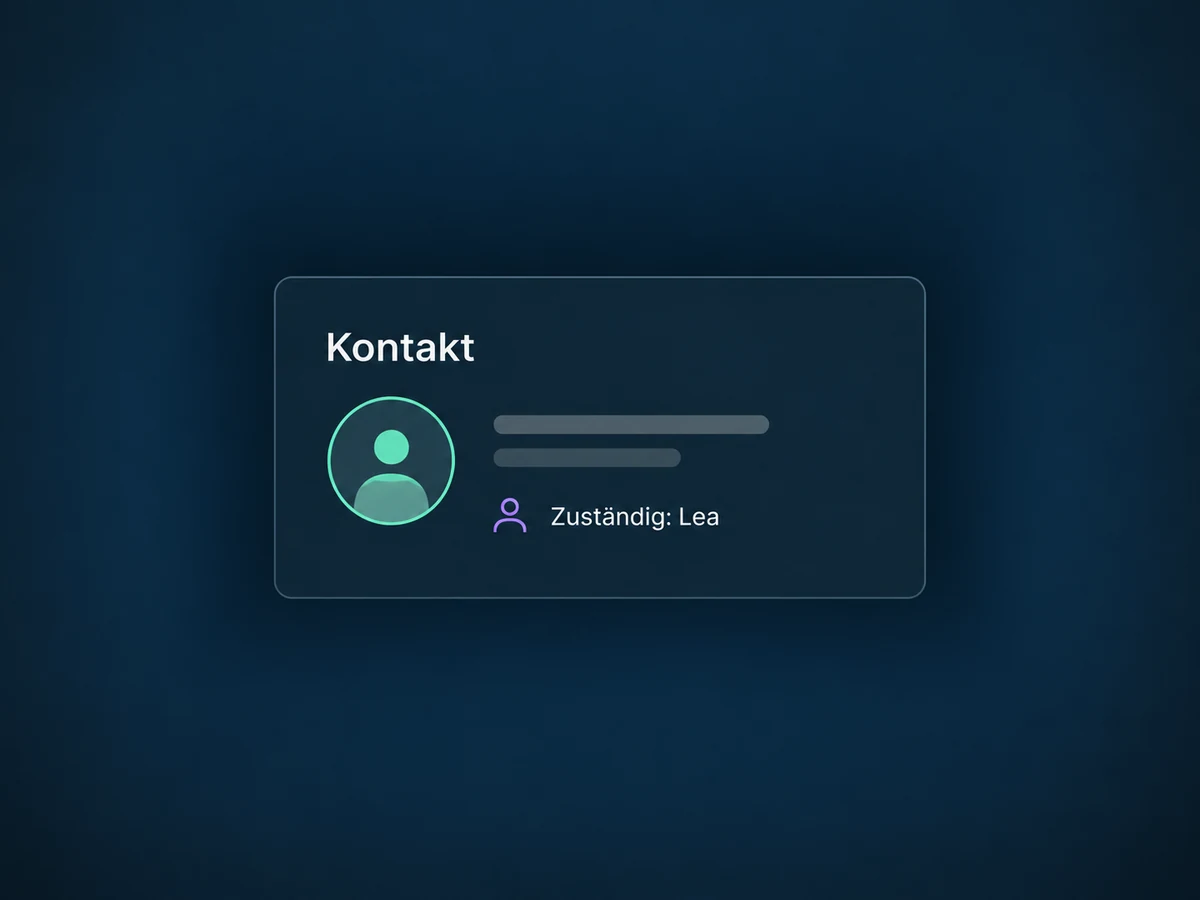
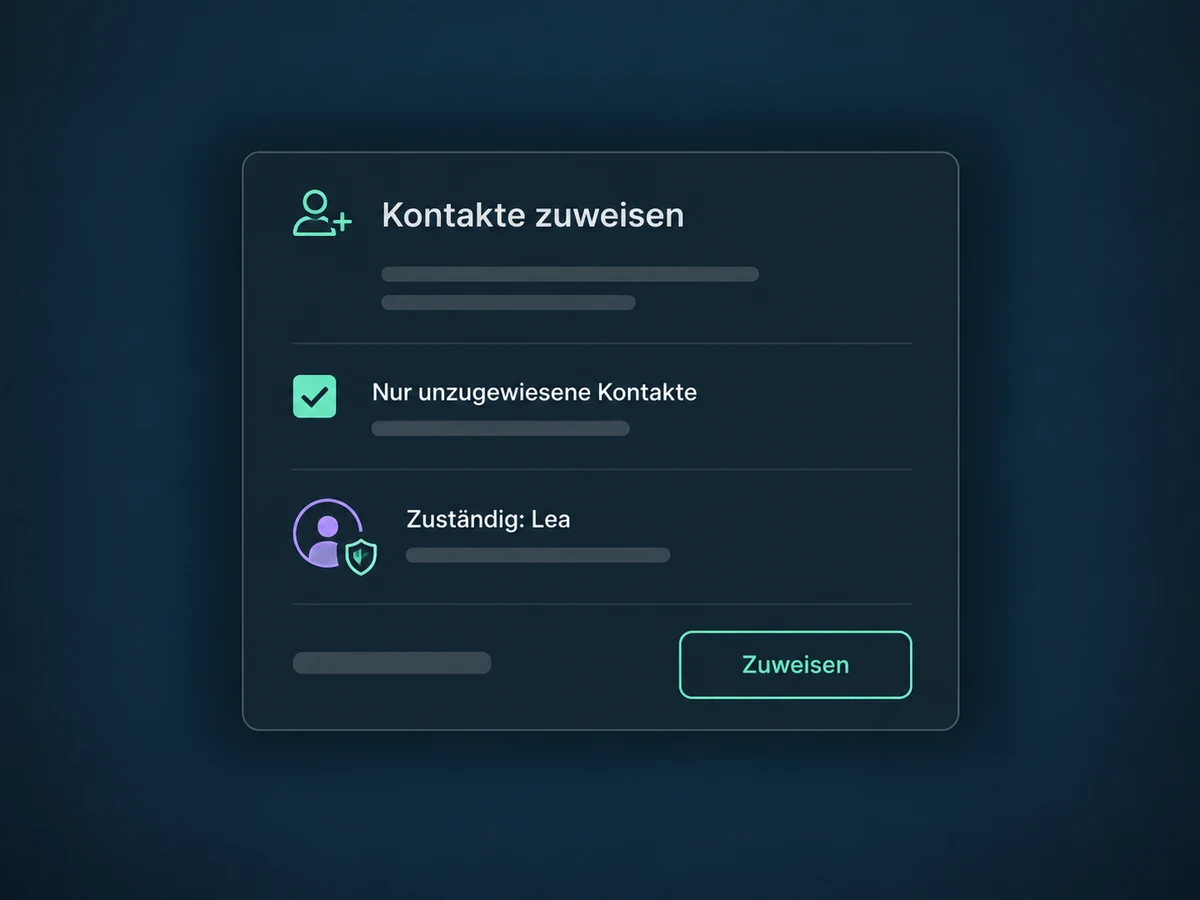
The option for unassigned contacts only preserves existing owners in this assignment step. Check any other workflows that act on the same contacts too.
Set fixed weights when one person should receive more new contacts. In this example Lea gets two, then Tom gets one. This does not automatically check leave or capacity.
The fallback branch runs when no condition matches. Add an assignment for manual review there so a missing detail does not simply end the process.
With separate ownership enabled, Mira can remain the contact owner while Lea manages an opportunity. The workflow needs the correct opportunity record and a separate assignment step.
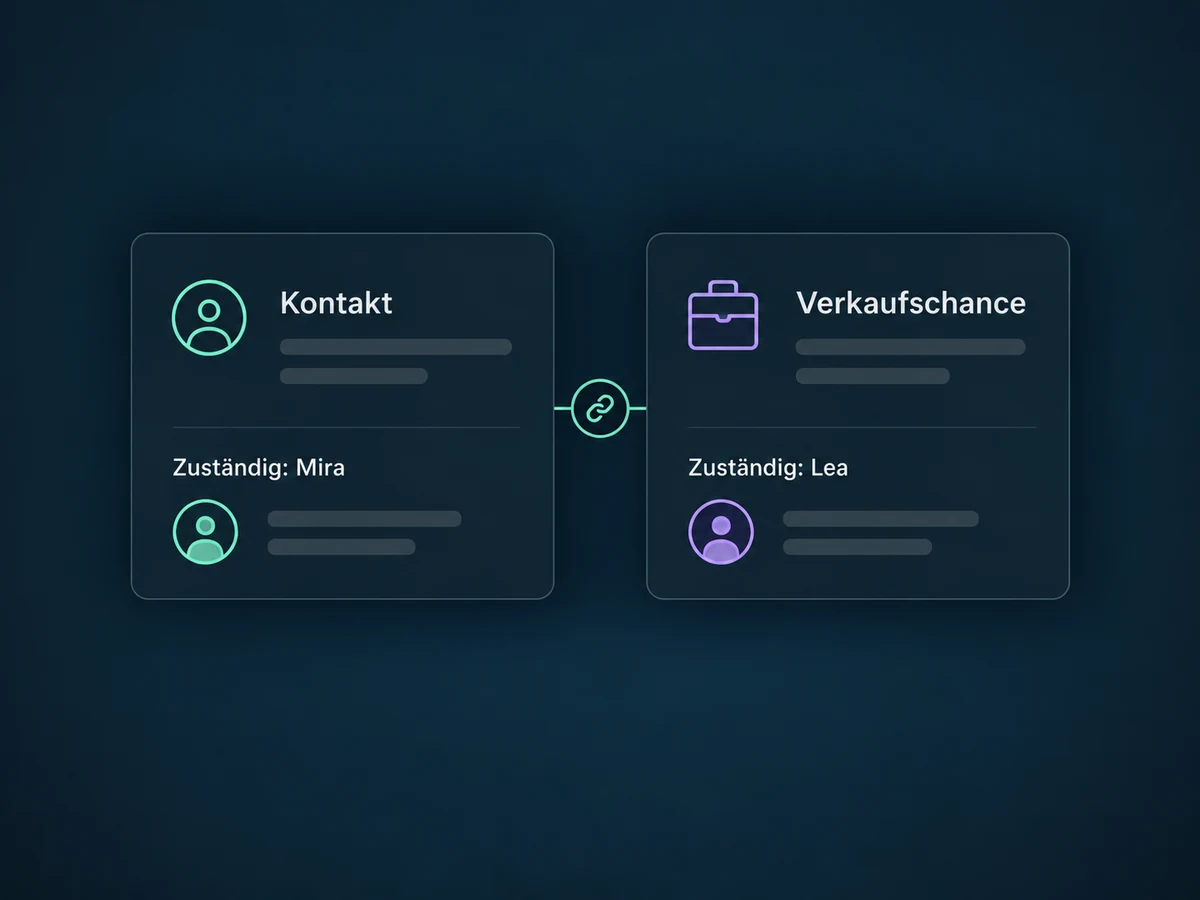
Simplified examples, not live account data.
Before starting, we define triggers, contact fields, users, distribution and a fallback branch. We confirm feature access, offer scope and user permissions. Test contacts cover new and existing owners, missing details and workflow re-entry. Cover arrangements need deliberate setup.
Lead Routing answers: who takes this enquiry? Lead Scoring assesses engagement instead. Assignment is not an access permission and does not by itself create a task or send a customer message. Contact and opportunity ownership may be linked by account settings; we check this before setup.
Availability and any add-on or usage costs are confirmed for your ONE LOOP account before implementation.
Not automatically. Distribution follows selected people and fixed weights, not their live workload or leave calendar. Cover arrangements and other criteria require suitable data, specific rules and testing. A separately defined score can provide a condition, but does not replace this setup.
Enable the assignment option for unassigned contacts only. An existing owner is then preserved in that step. Without it, ownership can be overwritten. Also check other workflows and re-entry so rules do not interfere with one another.
That depends on account settings. Separate ownership must be enabled. Assigning a contact is not the same as assigning its opportunity. The opportunity step needs the correct record in the workflow, supplied by an opportunity trigger or a prior search. It does not grant missing access permissions.
We add an internal notification after assignment, addressed to the assigned user and optionally linked to the contact. The channel and recipient must be configured. Email/SMS to the assigned user are skipped without a matching contact or owner. A customer message is a different, separately configured step.
Let’s explore your use case and what the setup requires.
Book a demo