01
Prepare the contract for your customer.
Start with a template or upload your PDF. Add the fields you need and assign each signature field to the right person.


Documents & Contracts
Prepare your agreement in ONE LOOP and let customers sign in their browser. See whose signature is still missing and find the finished document in one place.
Three examples show how you can use Documents & Contracts.
Start with a template or upload your PDF. Add the fields you need and assign each signature field to the right person.
Your customer opens their personal link, reviews the document and fills in their fields. Depending on your settings, they draw their signature or type their name, including on a phone.

Check each participant’s progress. Once the signing process is complete, you can access the signed PDF and signature certificate.

The practical benefits of Documents & Contracts.
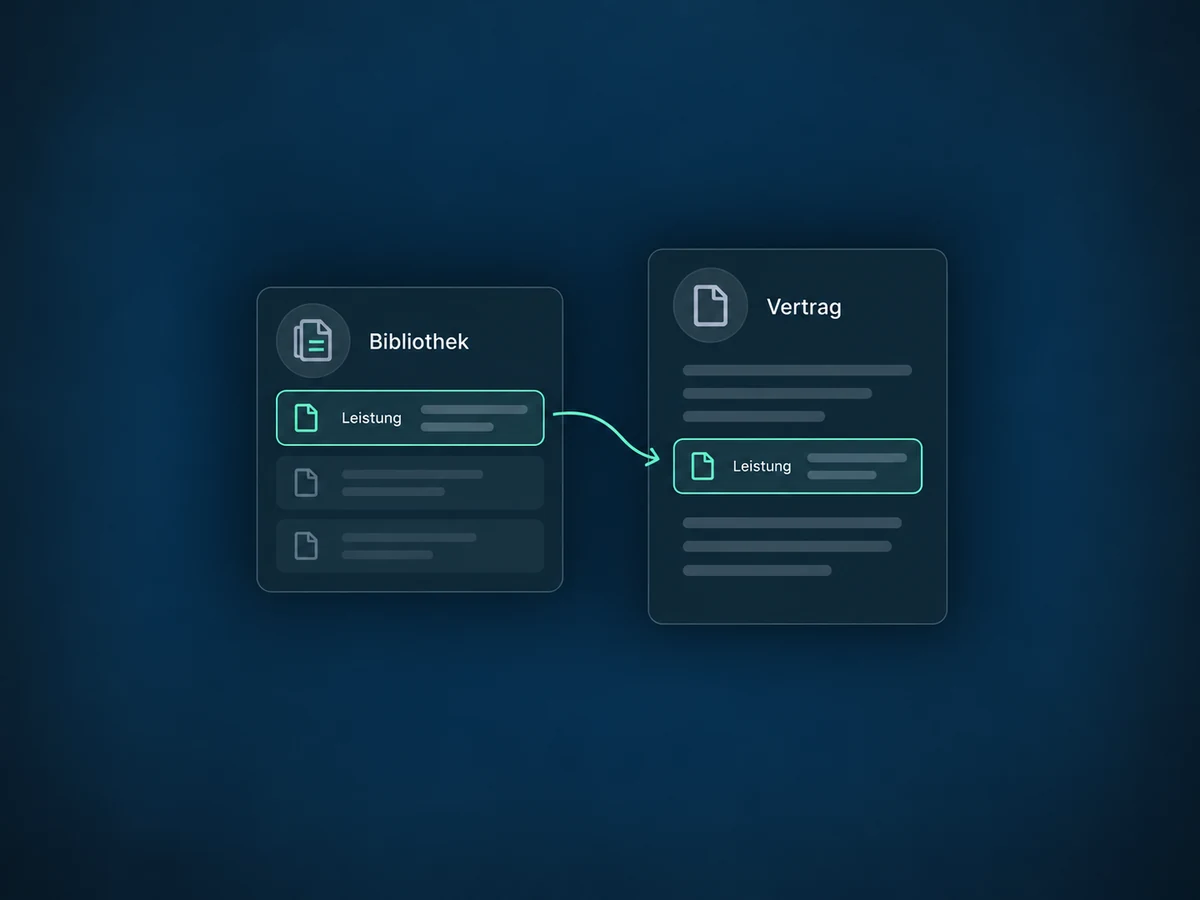
Save individual sections or whole pages in your content library. Assemble new agreements from content your team has already reviewed.
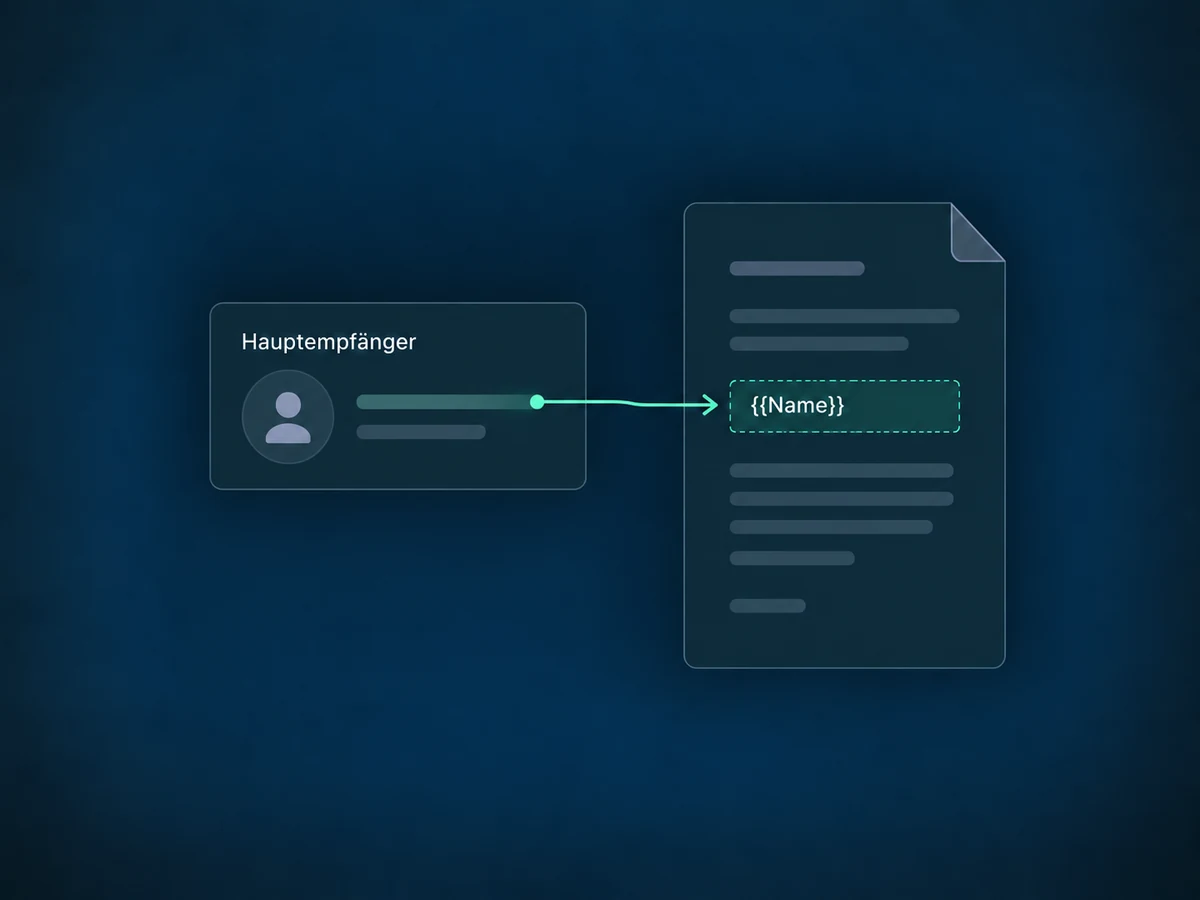
Insert placeholders for existing contact details. With multiple recipients, values come from the primary recipient; check them before sending.
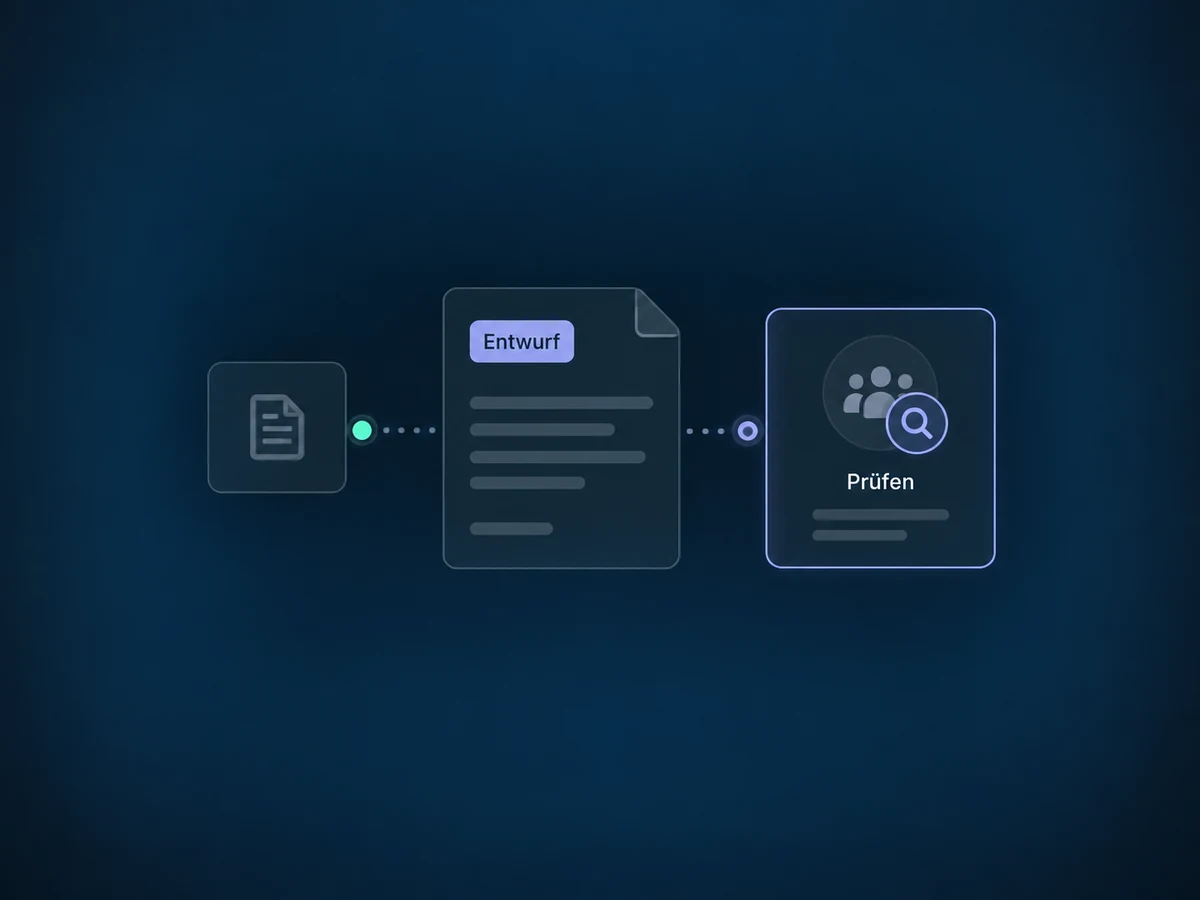
A workflow can prepare the contract as a draft first. Your team checks the content and recipients before sending it.
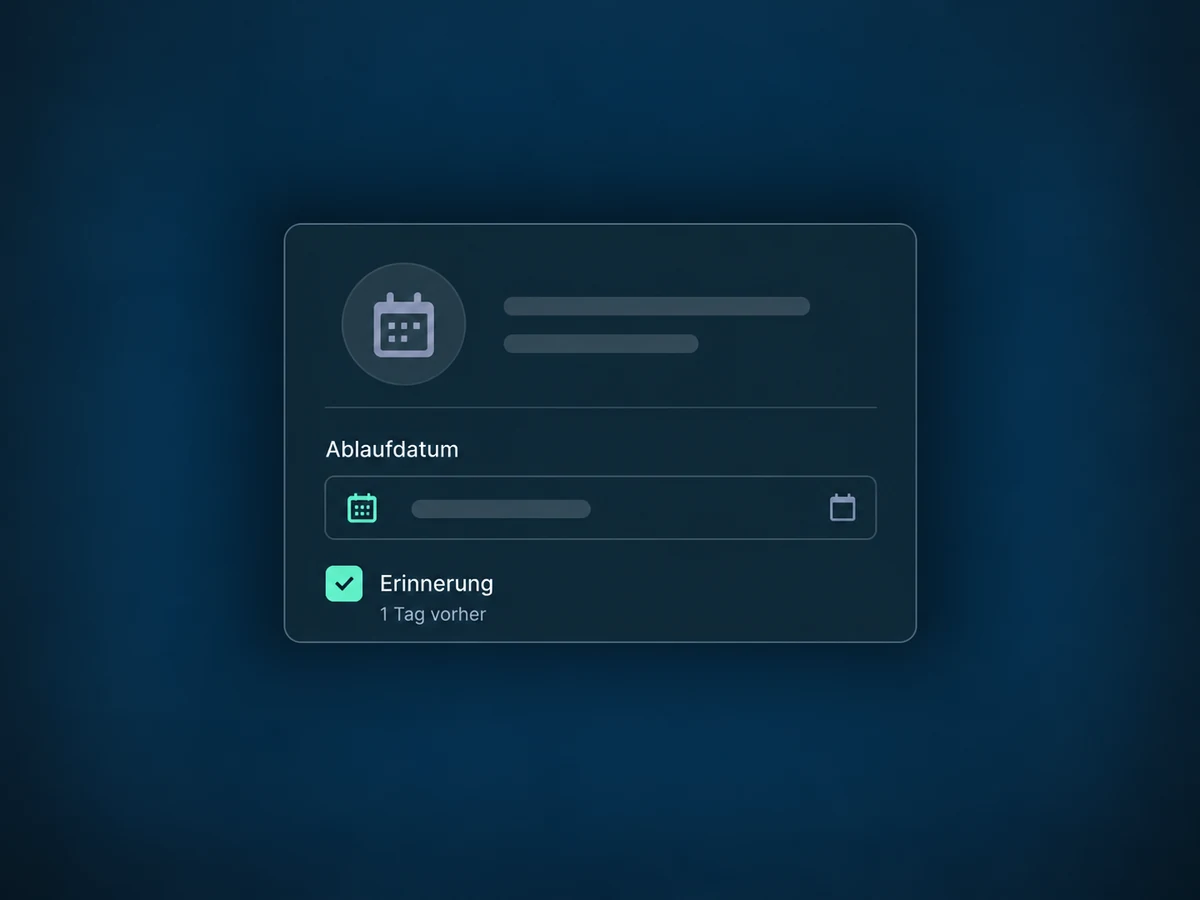
Set an expiry date before sending and optionally enable the reminder one day beforehand. Signing is disabled after expiry.
Configure a workflow for Completed status and the relevant template. Your team receives a notification for the next step.
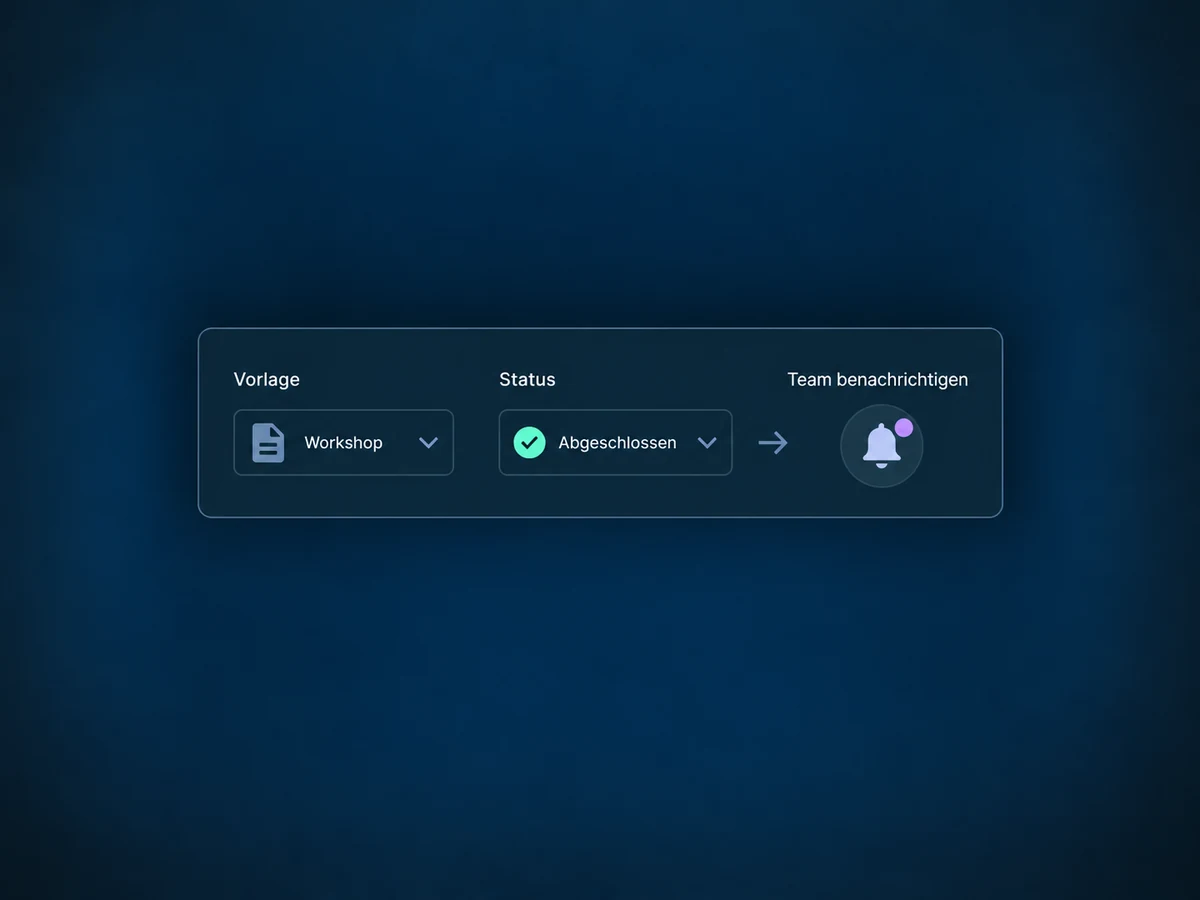
Simplified examples, not live account data.
We check access, templates, recipient roles and the intended signature method. Contract content and legal suitability need review for your specific use. Before launch, we test delivery, signing and follow-up actions.
Contact details come from the CRM; configured workflows handle the next step. Quotes, invoices and payments remain separate features. A signed contract does not confirm a payment.
Availability and any add-on or usage costs are confirmed for your ONE LOOP account before implementation.
Yes. Upload a PDF and add fields on top, or start from a document template. Template changes apply to documents created from it in future, not retroactively to contracts already sent.
Yes. Assign each person their signature fields. Recipients without a signature field can receive a copy without signing. If a required signature is missing, the signing process is unfinished. Check participants and the certificate; a manually set completion status is not a substitute for a signature.
There is no universal guarantee. Whether the available signature method is sufficient depends on the contract, formal requirements and applicable law. Seek legal review for your use case when needed. The signature certificate records the process but does not replace that review.
You can see the pending document and follow up. If you set an expiry date, signing is disabled after that point. The optional reminder email one day before expiry must be enabled. The expiry date cannot be changed after sending; a new document is needed.
Let’s explore your use case and what the setup requires.
Book a demo