01
Keep the details with the project.
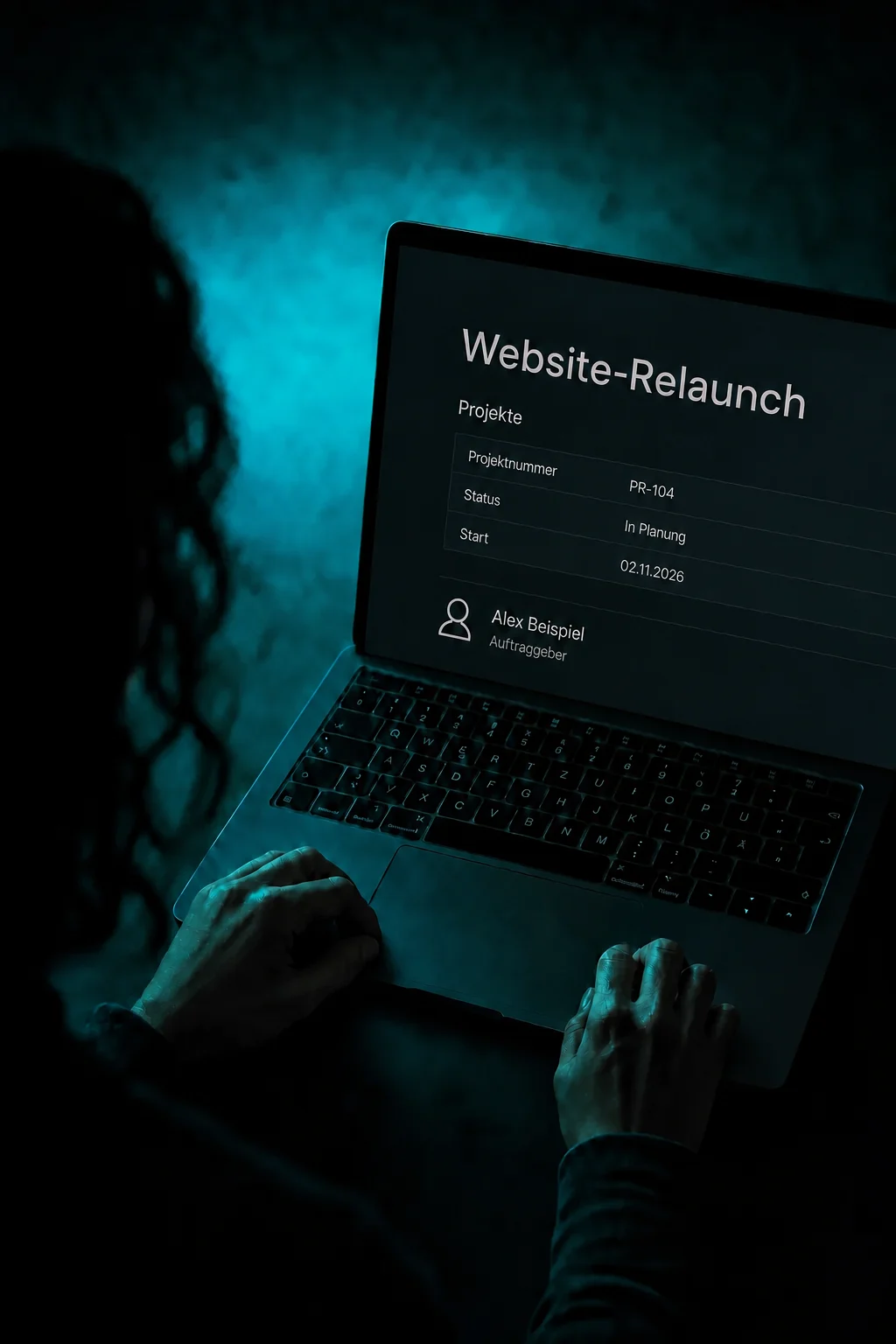
Set up a record type such as Projects. Each entry has its own fields for status, start date or project number. After creating the record, fill in its details.

Custom Objects
Manage projects, vehicles or properties as separate records, with the fields you need and links to the right customers.
Three examples show how you can use Custom Objects.
Set up a record type such as Projects. Each entry has its own fields for status, start date or project number. After creating the record, fill in its details.
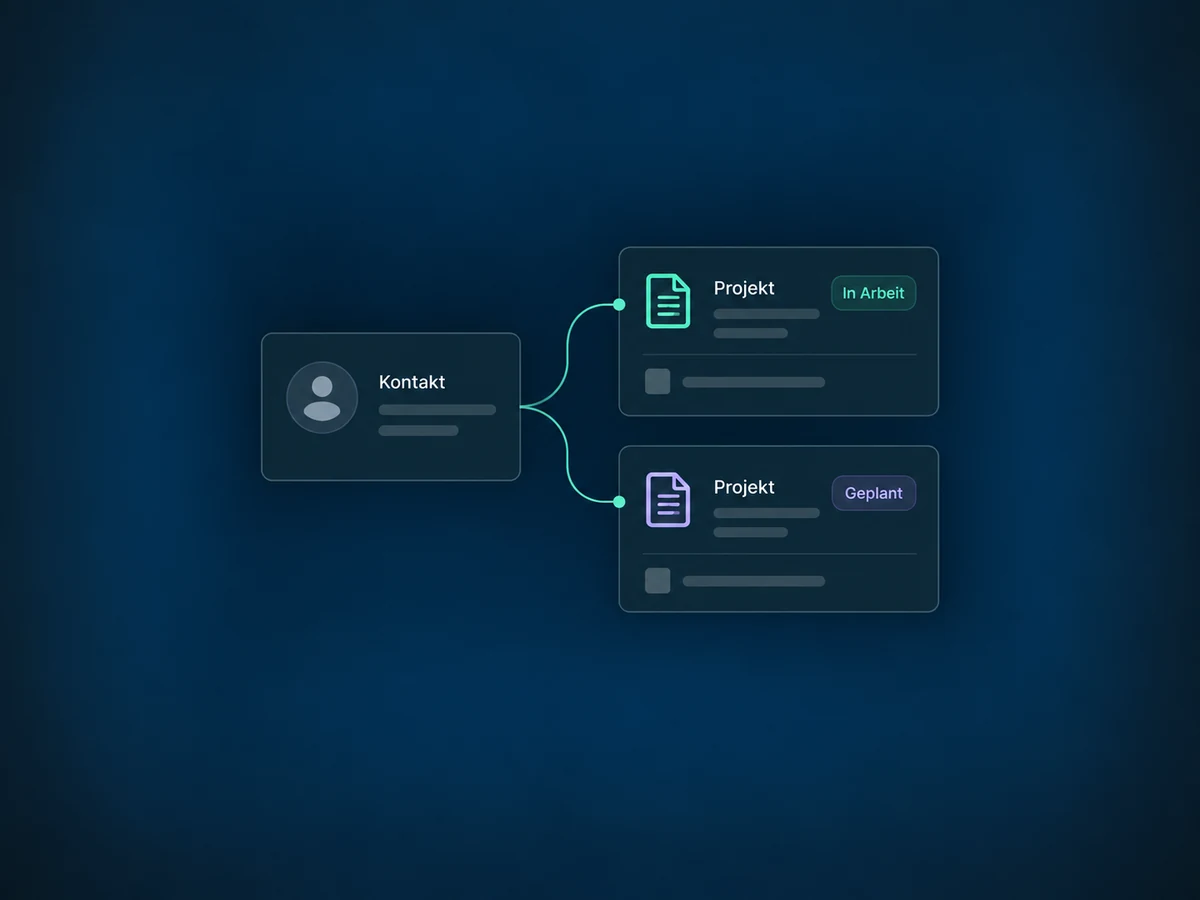
Link the project to the right contact. A label such as Client makes the relationship clear. Project details and customer information stay separate, but connected.

Filter by Planning, for example, and display the columns you need. Save the view as a Smart List so your team can return to that selection.

The practical benefits of Custom Objects.
One customer can be linked to several projects. Each project keeps its own status instead of overwriting the details of the previous job.
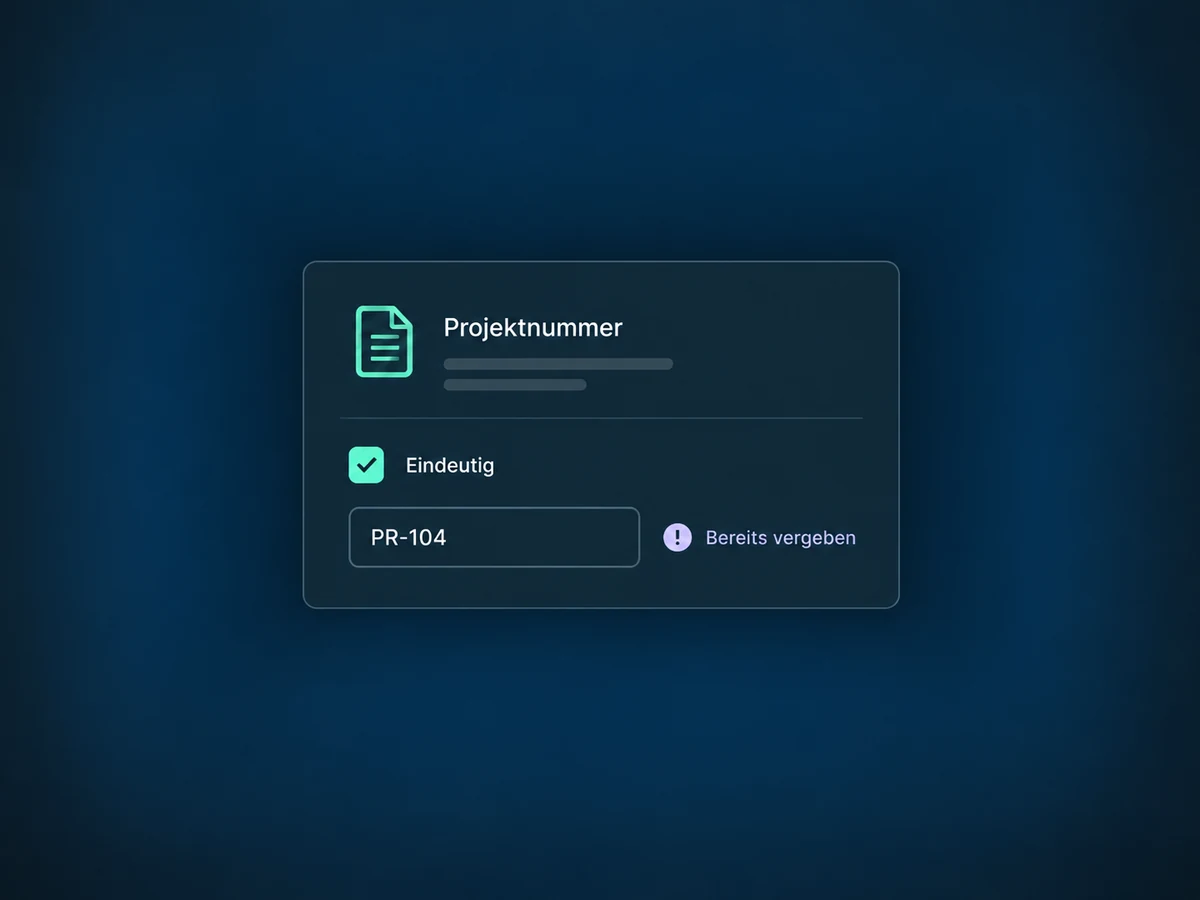
Make the project number a unique field. A value already in use is rejected when creating or updating a record; similar names alone are not detected.
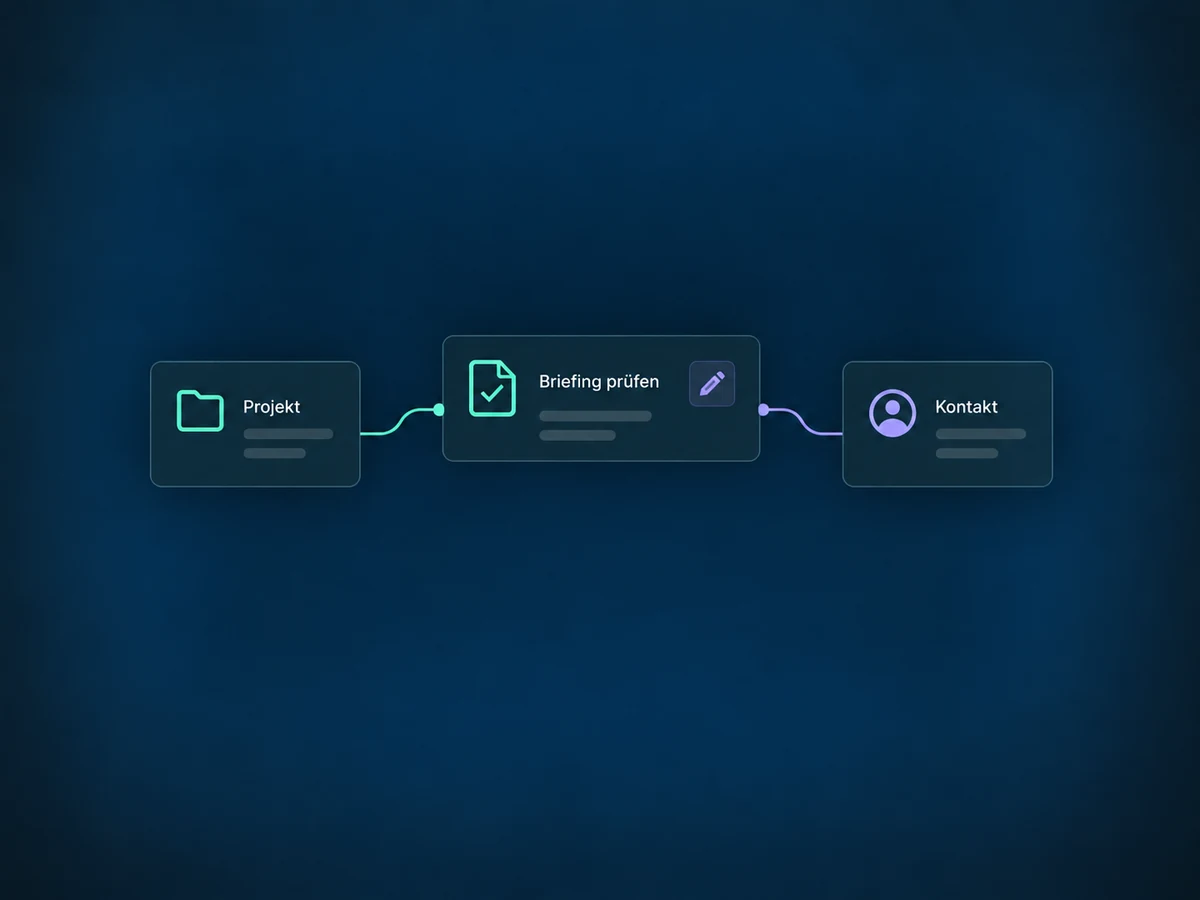
Associate one task with both the project and the customer contact. Your team sees the same next step in both contexts without creating a duplicate task.
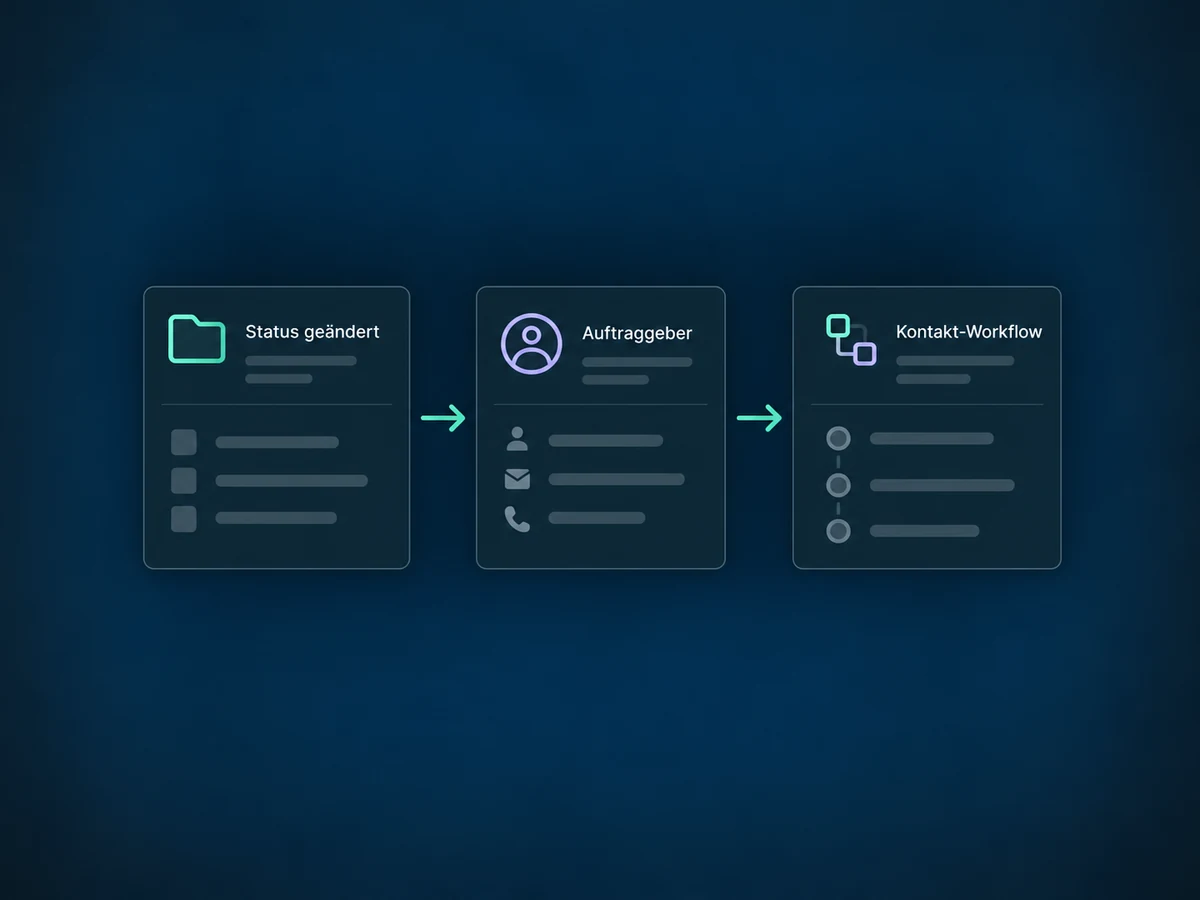
A configured project workflow can respond to a status change. Using the appropriate relationship, it can enroll the customer contact in a separate contact workflow.
Import records from CSV and map its columns to your fields. Check the identifiers and a small test file before importing the full list.
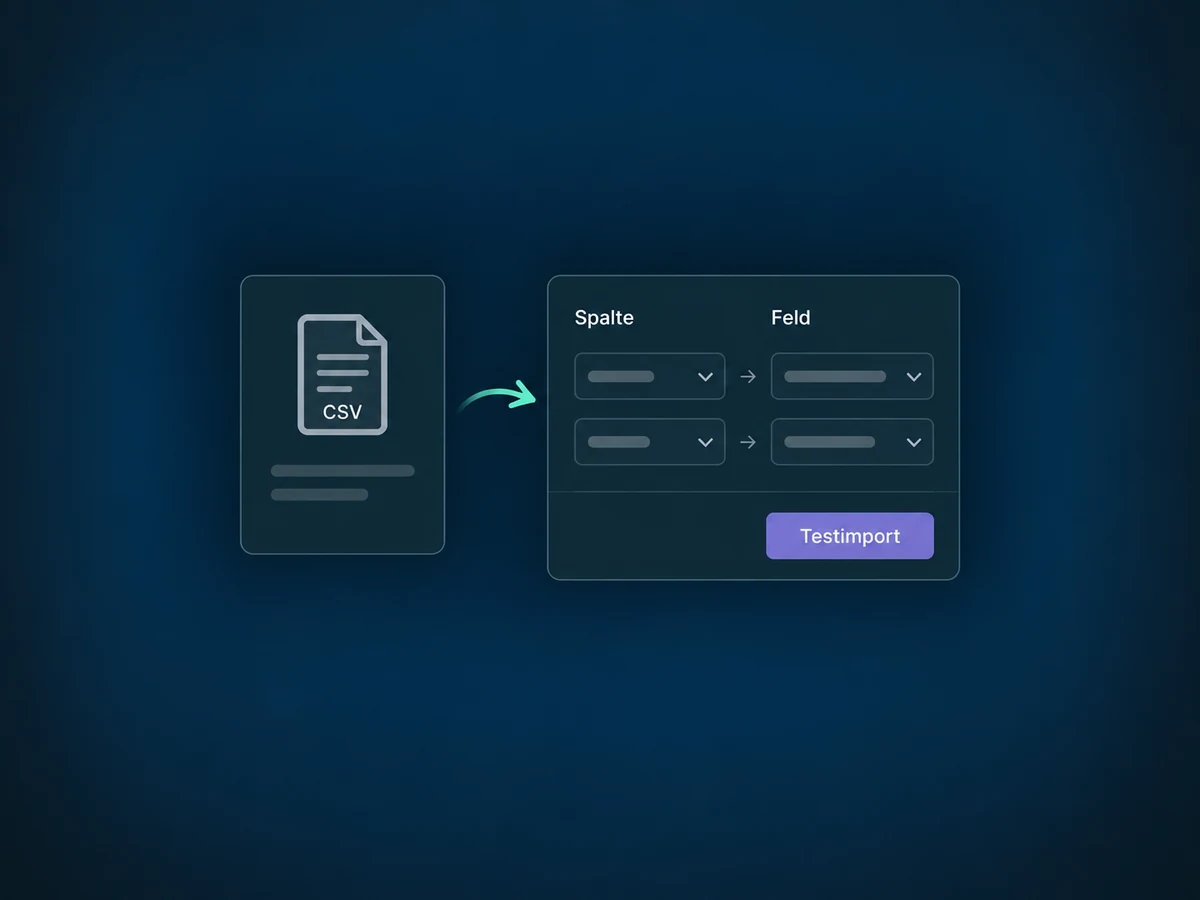
Simplified examples, not live account data.
We first check whether a contact field is enough or a separate record type is needed. Then we review access, account limits, fields and relationships, and test the process with example data.
Custom objects complement contacts, companies and opportunities. Workflows and integrations need deliberate setup. A project record is not a calendar appointment, an invoice or a payment.
Availability and any add-on or usage costs are confirmed for your ONE LOOP account before implementation.
A contact field is enough for one detail about a person, such as their preferred language. If one customer has several projects, vehicles or properties, each with its own details, a separate record type makes sense. Avoid recreating contacts, companies or opportunities without a clear reason.
Not just because records have similar names. Fields and relationships need to be prepared. A workflow with precise matching criteria can create associations. Check sample records afterwards and define how missing or ambiguous matches should be handled.
A project is not itself a recipient. Customer messages need the correct associated contact. A configured relationship rule can enroll that contact in a contact workflow. Channel, recipient and any required consent are checked separately there.
Not every structural setting can be changed later. Plan the internal object name and primary display field before creation. If you disable uniqueness on a field, it cannot be enabled again for that field. Review major changes against existing data and workflows first.
Let’s explore your use case and what the setup requires.
Book a demo