01
Turn your spreadsheet into contacts
Upload a prepared CSV file and map its columns to contact fields. A column named Town can map to City, without entering each contact individually.


Data Import
Import contact lists from your previous system. Map the columns, update existing records deliberately and review the results before moving on.
Three examples show how you can use Data Import.
Upload a prepared CSV file and map its columns to contact fields. A column named Town can map to City, without entering each contact individually.
Choose update mode and a reliable identifier, such as the contact ID. Use a small test file to check that new values reach the correct contact.

Check the import status and a sample of contact profiles. Once the fields and matching are correct, your team can use the imported records.

The practical benefits of Data Import.
Map customer numbers or interests to suitable custom fields. Required fields are created before the import.
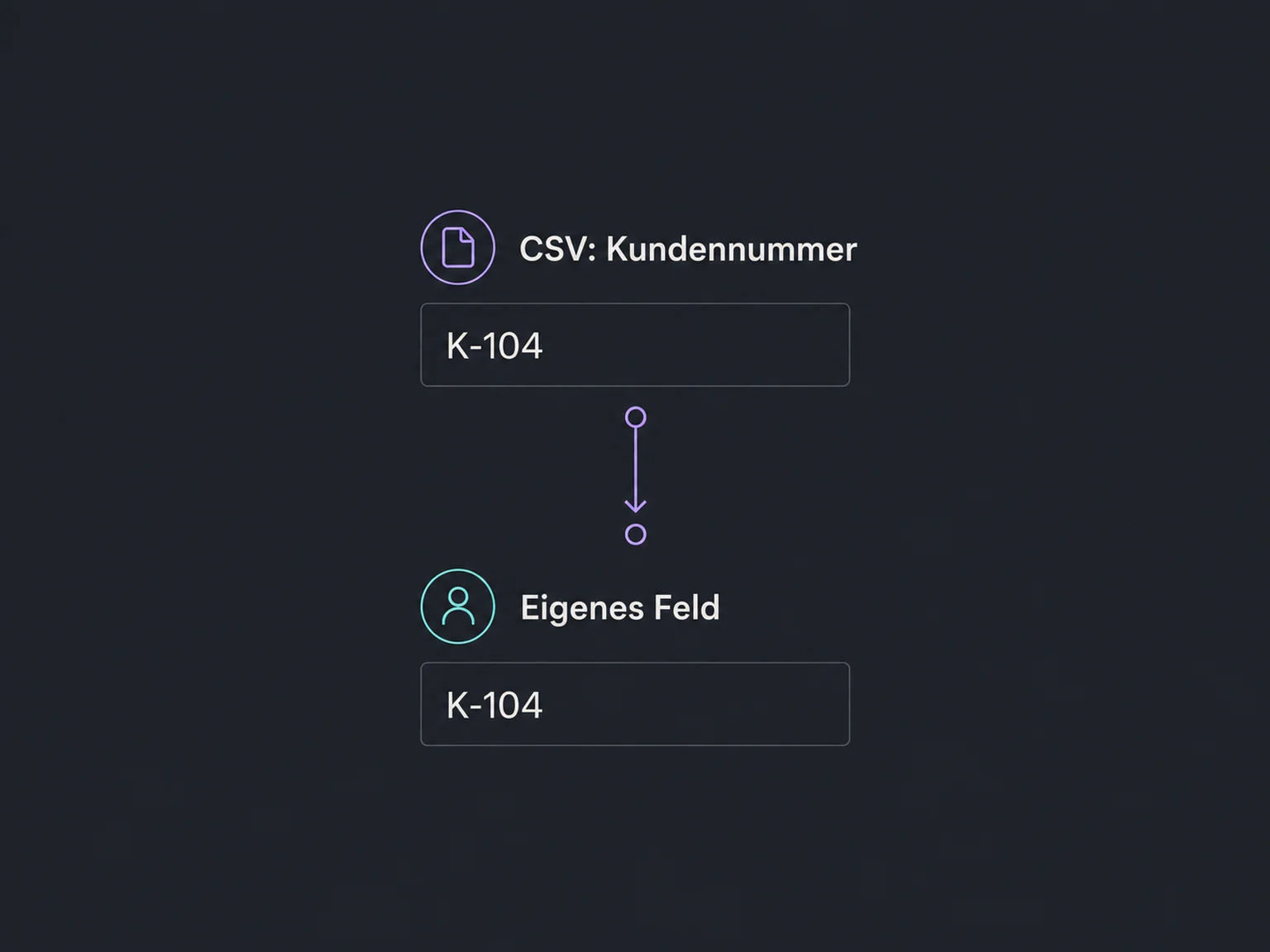
A shared import tag lets you filter the imported group later. It helps with review but is not an undo function.
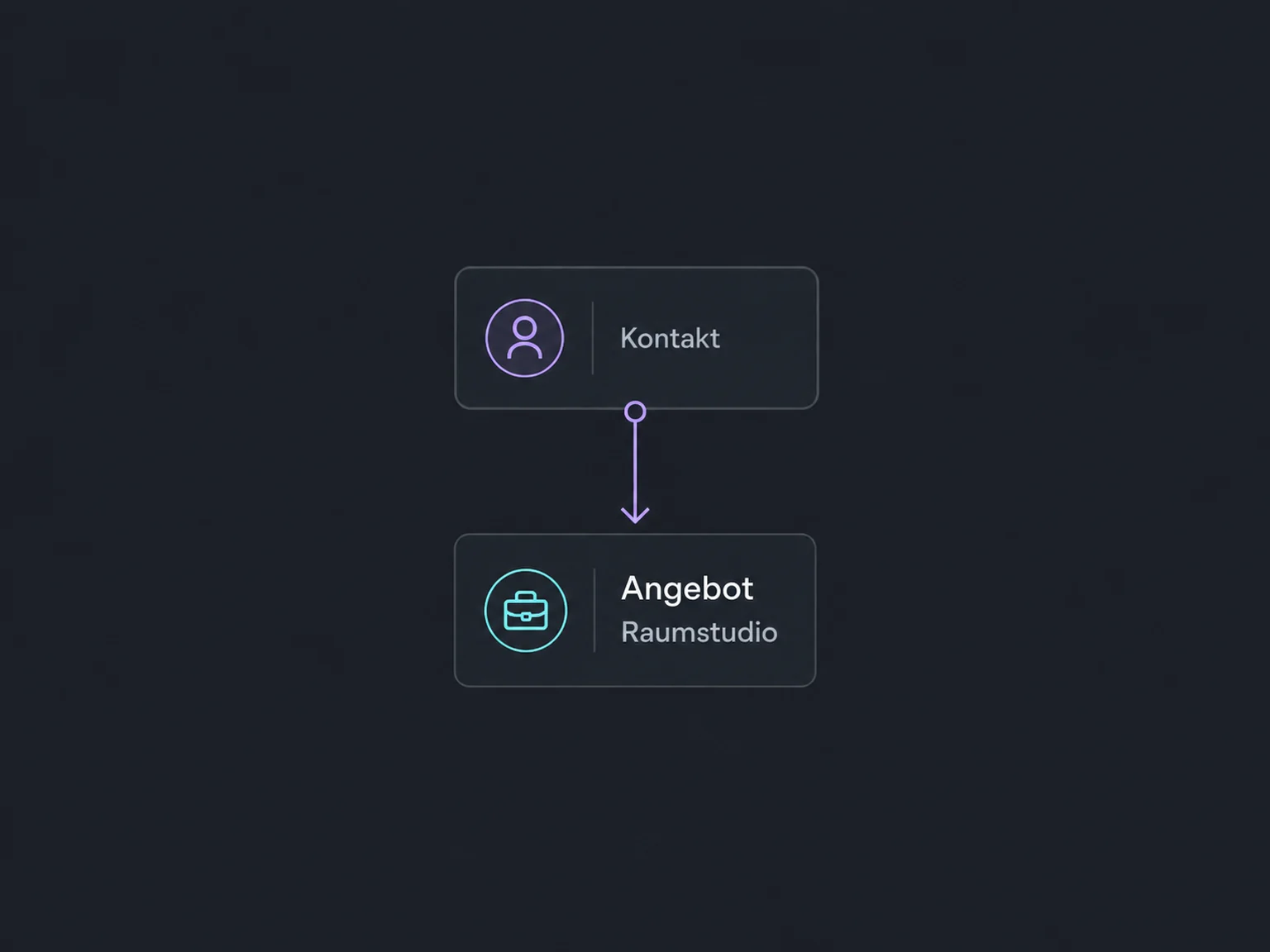
Contacts and opportunities can be imported together. Pipelines and stages must already exist, and their mapping is checked during import.
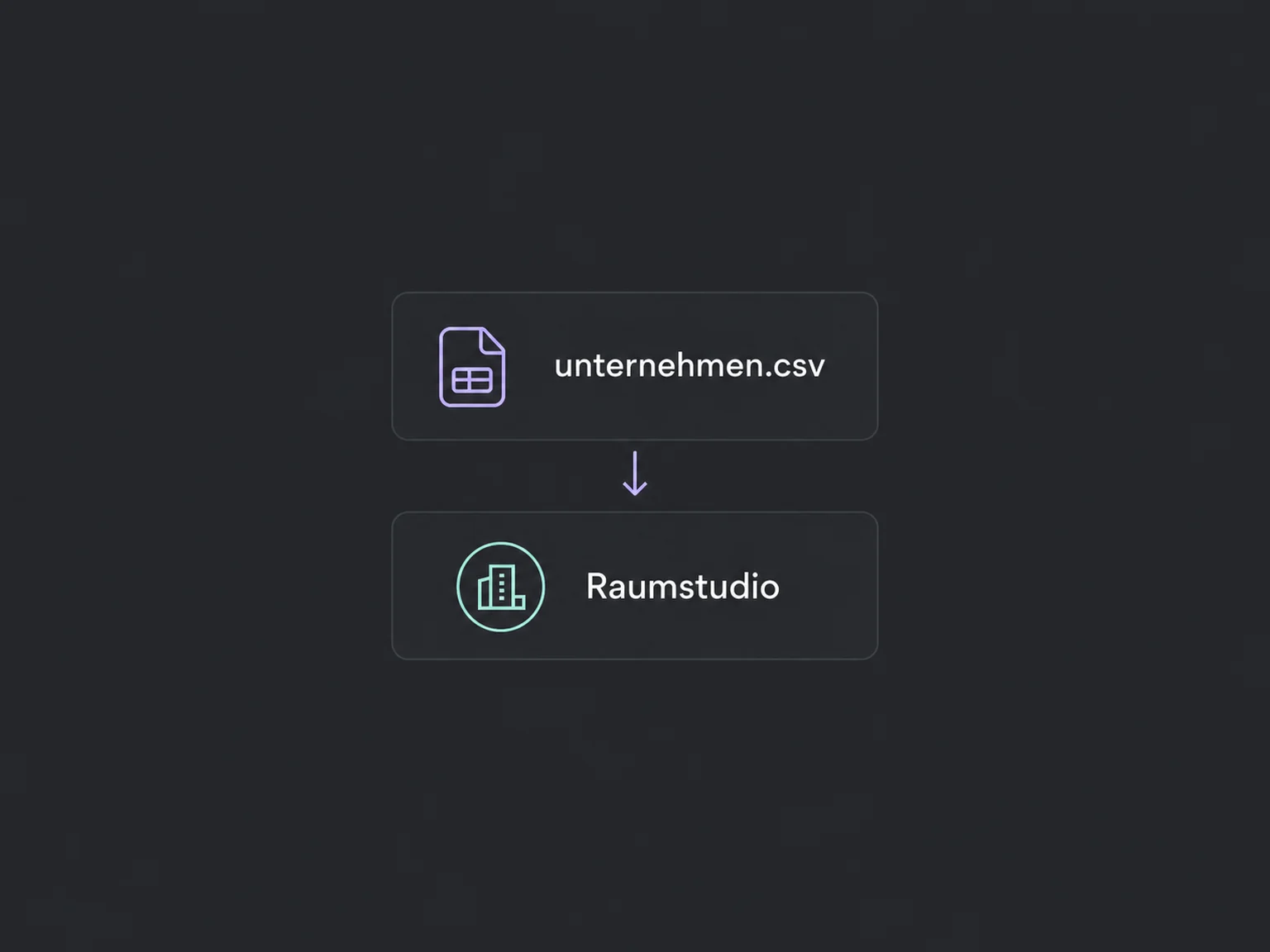
Companies have their own CSV import. It creates or updates company records; associations with contacts are set up separately.
The error report identifies affected rows and gives details. Correct those records rather than blindly re-importing an entire partially successful file.
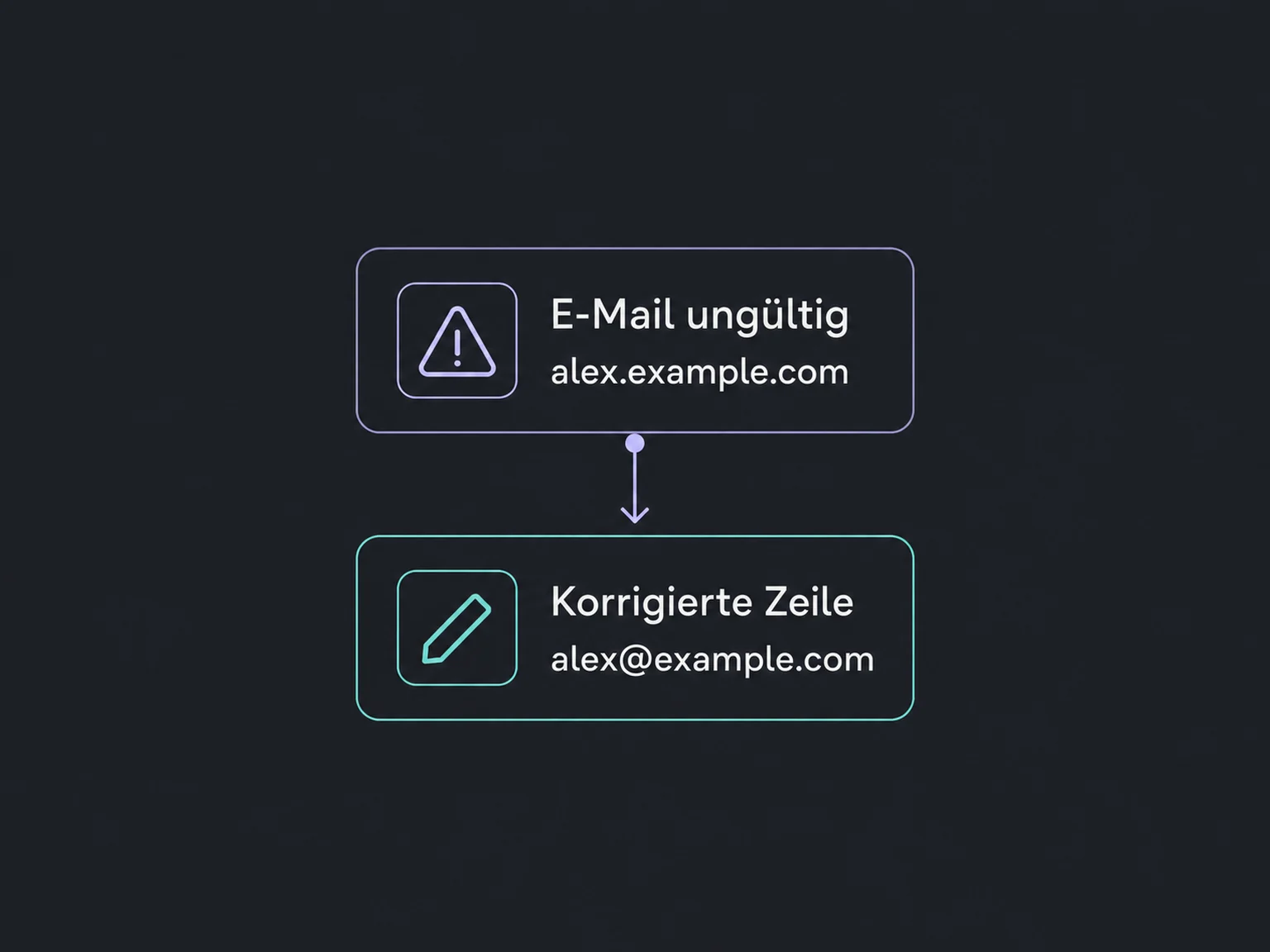
Simplified examples, not live account data.
We review source data, required fields and access permissions. Before larger updates, we retain the available export and test a small file. Import, data cleanup and follow-up processes are agreed separately.
A CSV import transfers a snapshot of data. It does not automatically keep your old software up to date. Ongoing exchange needs a separate sync, and any post-import workflows are selected deliberately.
Availability and any add-on or usage costs are confirmed for your ONE LOOP account before implementation.
This import requires a CSV file. Export the relevant sheet as CSV with a header row. We check file size, date formats and required values before uploading.
The importer matches contacts using identifiers such as contact ID, email or phone. That does not replace a clean source file: ambiguous identifiers and conflicting values need review first. Settings for other contact sources do not universally apply to CSV imports.
No. The file transfers selected supported records and fields. Conversation histories, files, websites and automations are not automatically included. We review other record types and relationships separately for your migration.
There is no general undo button for a completed import. An import tag does not restore overwritten values. Back up first, test a few records and deliberately distinguish new records from updates.
Let’s explore your use case and what the setup requires.
Book a demo