01
Give your campaign link a source
Label links with a source, medium and campaign. These UTM parameters can be captured when someone submits a supported form or books an appointment. Test the complete path before launching the campaign.


Attribution
Search, newsletter or ad: check the source recorded for each contact and use that information to assess your campaigns.
Three examples show how you can use Attribution.
Label links with a source, medium and campaign. These UTM parameters can be captured when someone submits a supported form or books an appointment. Test the complete path before launching the campaign.
The first enquiry comes through Google search; a later booking comes through a newsletter. Review the first and latest recorded sources separately on the contact. The first stays the same; the latest can change with another recorded interaction.

In a supported contact report, select first or latest attribution before filtering by the captured UTM campaign, such as “herbst” in this example. The table shows matching contacts, not just clicks on your link.

The practical benefits of Attribution.
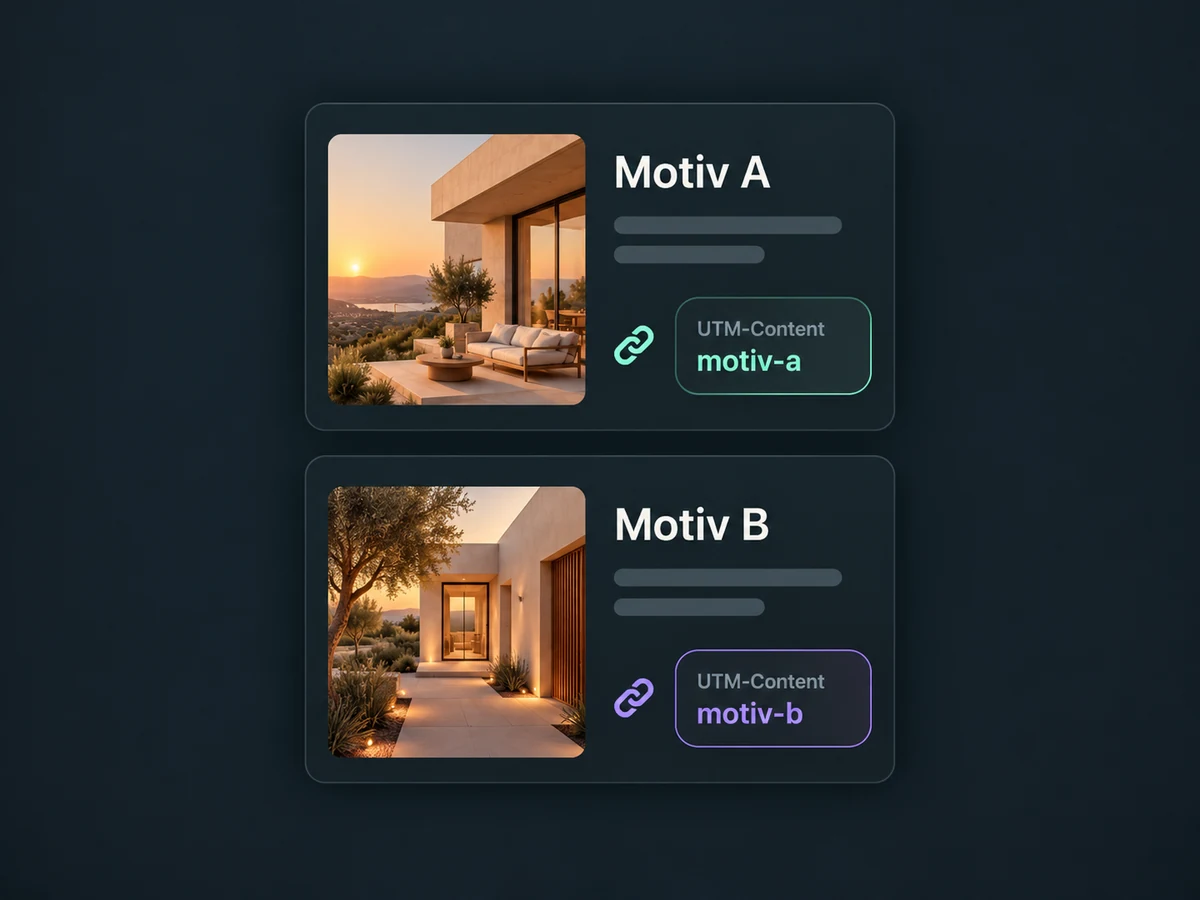
Captured UTM content can distinguish two ads within the same campaign. Their links need different content labels for this to work.
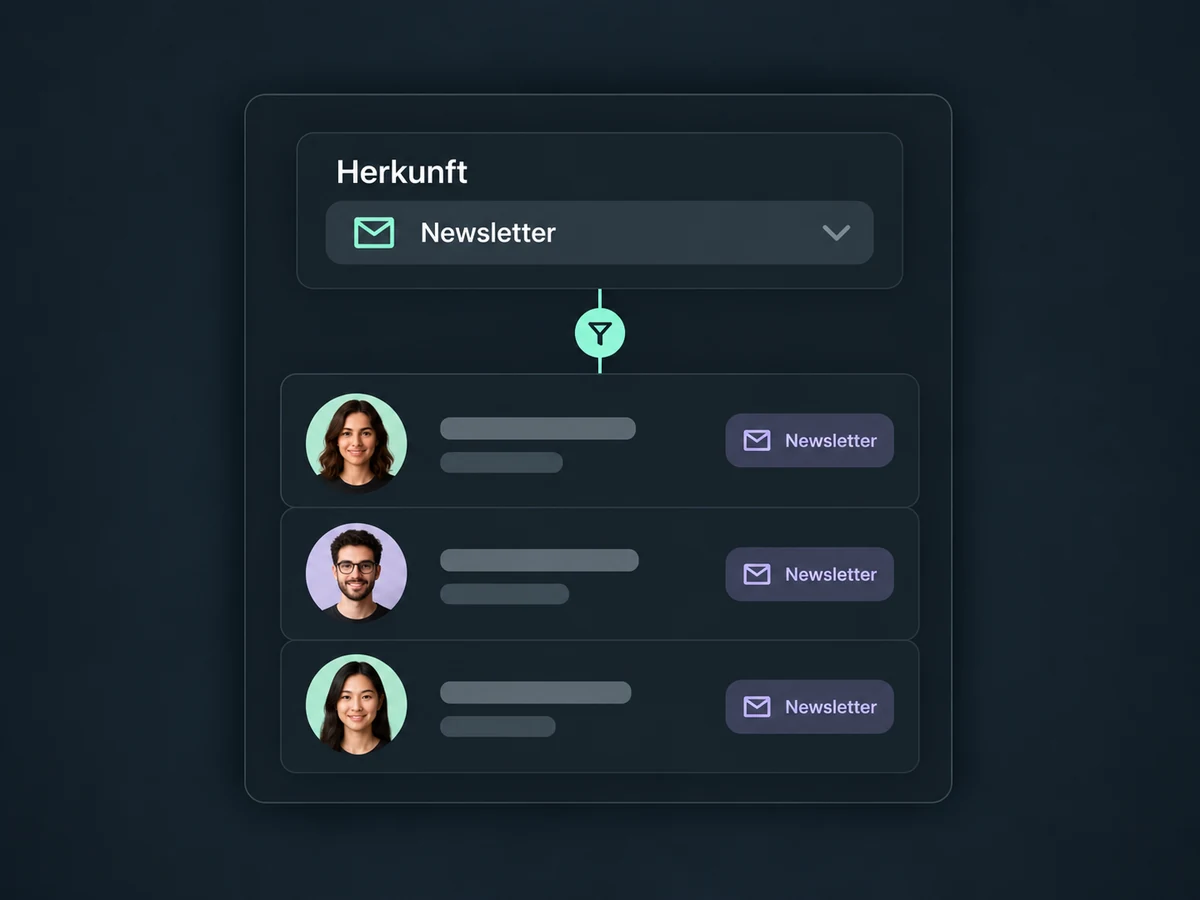
Supported opportunity reports can use attribution filters too. Narrow the view to existing records with the source you select.
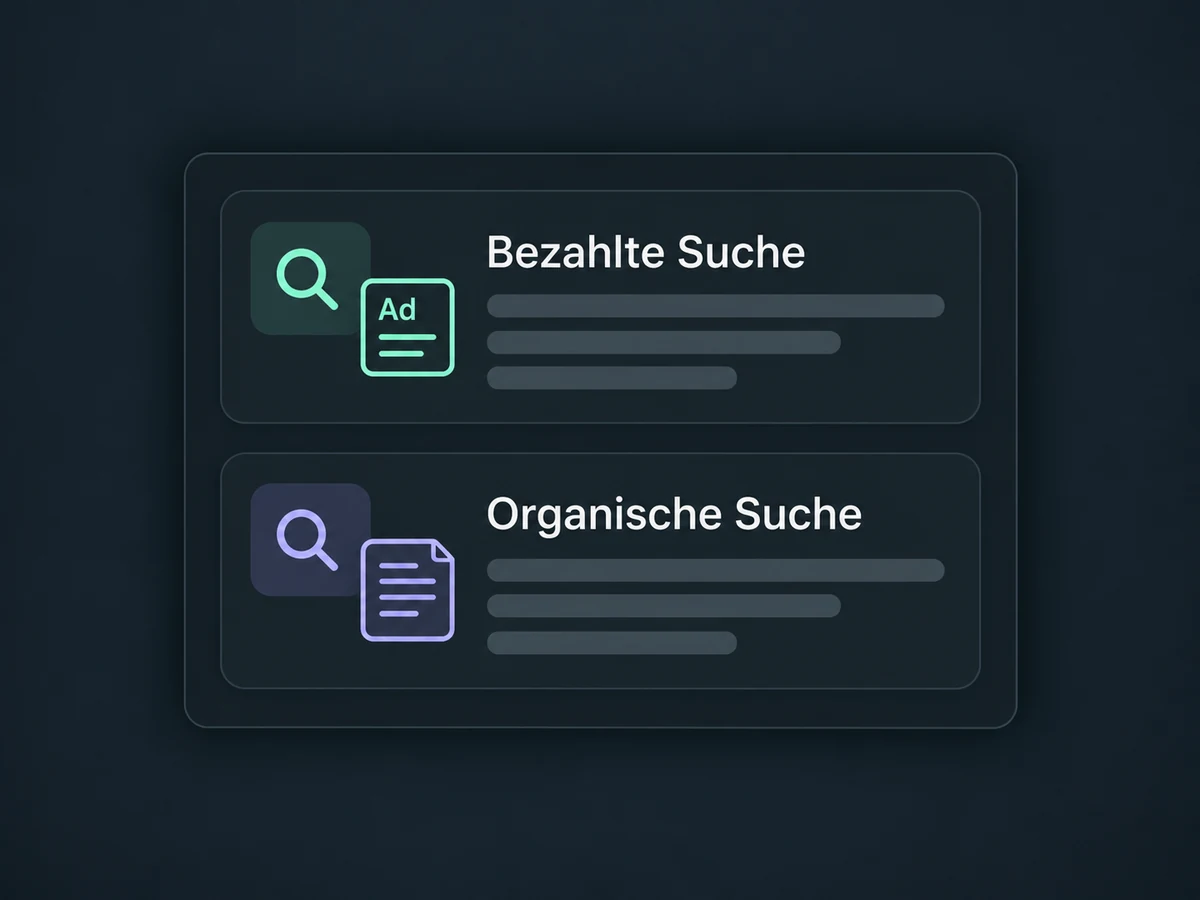
The recorded source category distinguishes search ads from unpaid search results. Correct campaign parameters and suitable tracking setup matter.
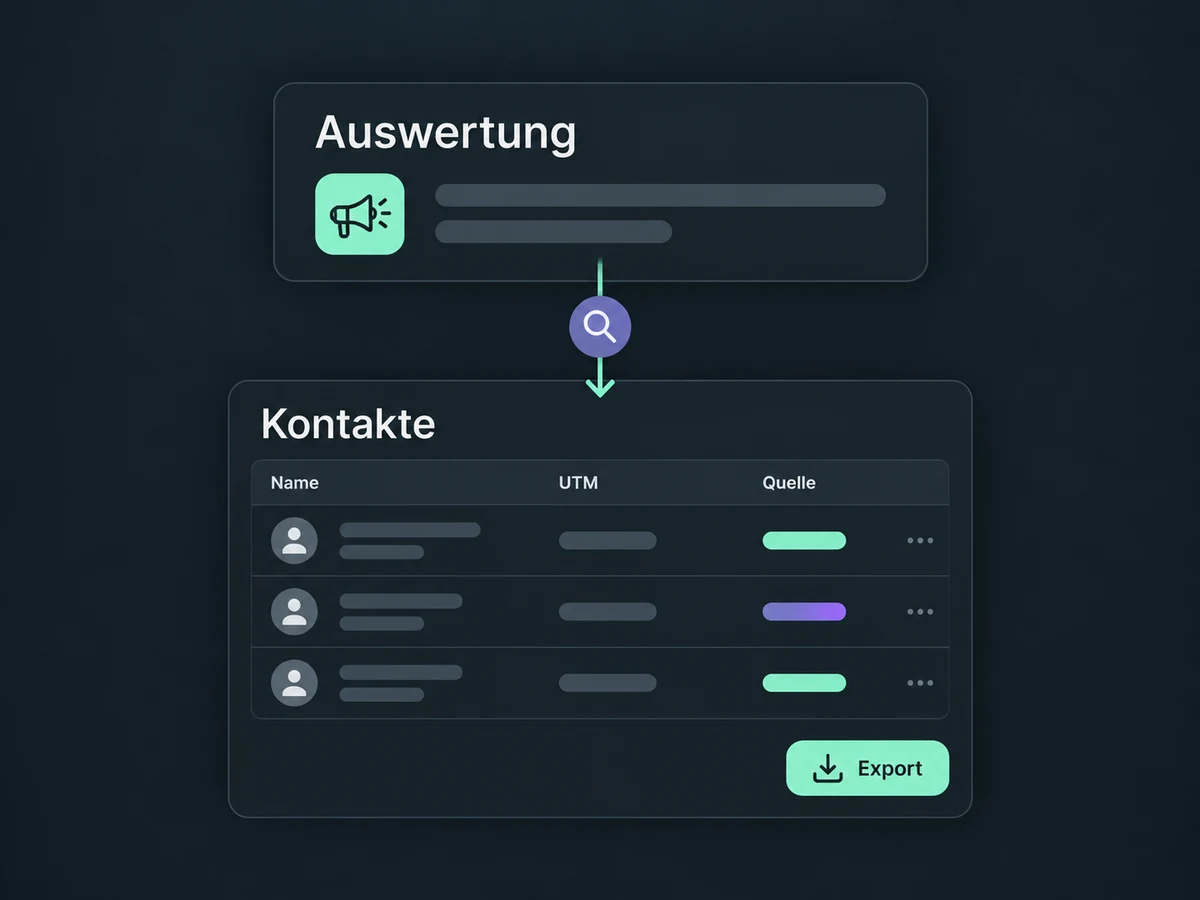
Open the records behind a supported report. Attribution and UTM columns let you check individual records and export the available details.
A source report can show fewer contacts than your CRM total. Keep imported or manually created contacts without attribution data in mind when interpreting the result.
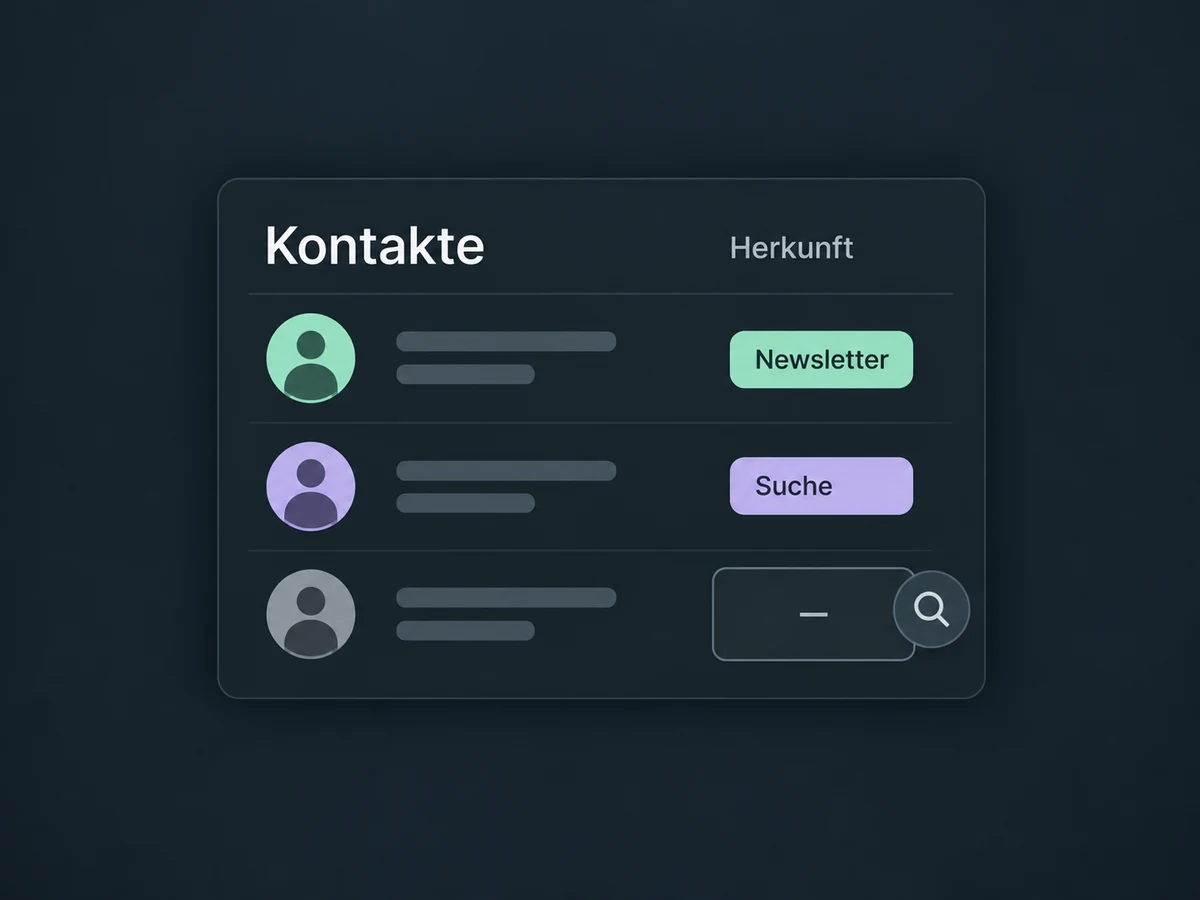
Simplified examples, not live account data.
Agree consistent UTM names and check tracking, consent and supported forms. Test from the campaign link through to the contact record. External websites need the appropriate tracking integration; not every third-party form is supported. We check available reporting features and permissions in your account.
Analytics shows page views and actions. Attribution adds recorded source information to contacts and supported dashboards or reports. A page view alone does not create an attributed contact; a supported action with contact details is required.
Availability and any add-on or usage costs are confirmed for your ONE LOOP account before implementation.
First attribution keeps the first recorded source. Latest attribution describes the most recent recorded interaction and can change. For example, a form submission through Google search followed by a newsletter-driven booking. This is not a complete list of every visit in between.
Some source widgets use latest attribution by default and only include contacts with recorded attribution data. Check the date range, filters and underlying records. CSV imports or manually created contacts without those details may be absent. The report cannot reconstruct tracking data that was never captured.
No. A form can set the contact’s Source field, for example. UTM source comes from a captured campaign parameter, while the session source classifies traffic, such as organic search. Medium as an interaction type — for example, a form — and UTM medium — for example, email — are also different fields.
No. It shows recorded associations, not proof of causation. Device changes, missing consent or lost parameters can leave gaps. Direct traffic does not necessarily mean someone typed the address; missing source information can also lead to that classification. Budget decisions need additional data and a review of the measurement setup.
Let’s explore your use case and what the setup requires.
Book a demo