01
Your website and hosting in one place
Open WordPress admin directly from ONE LOOP. With hosting activated, you can also manage your domain, backups and site access there.

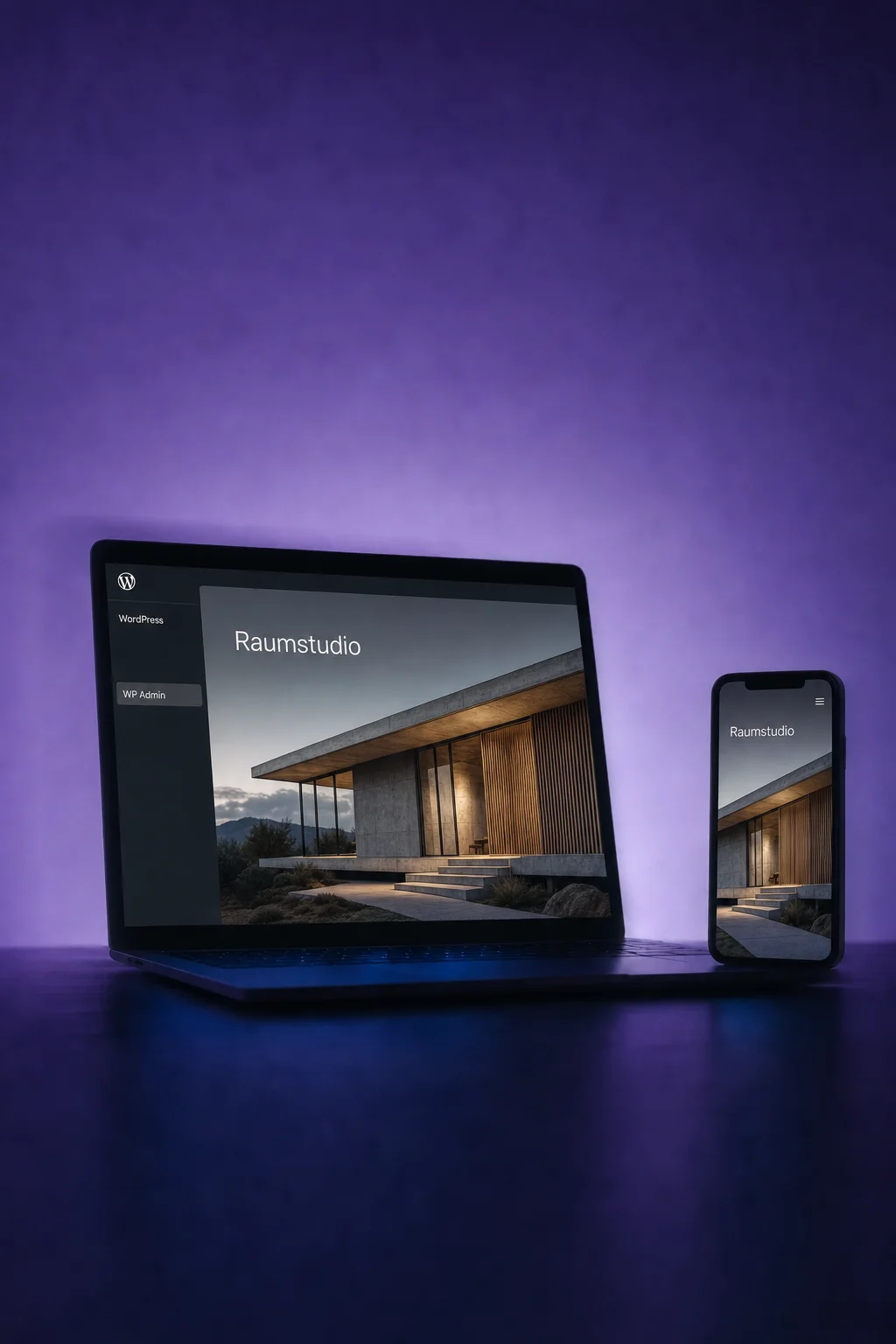
WordPress
Manage your website with separately available WordPress hosting. Or keep your hosting and embed ONE LOOP forms and calendars.
Three examples show how you can use WordPress.
Open WordPress admin directly from ONE LOOP. With hosting activated, you can also manage your domain, backups and site access there.
Try content, themes or plugins in a separate staging environment. Your live site stays unchanged until you deliberately publish the test version.

Embed a ONE LOOP form in WordPress. Once the connection is verified, submissions reach the linked contact account, including on externally hosted sites.

The practical benefits of WordPress.
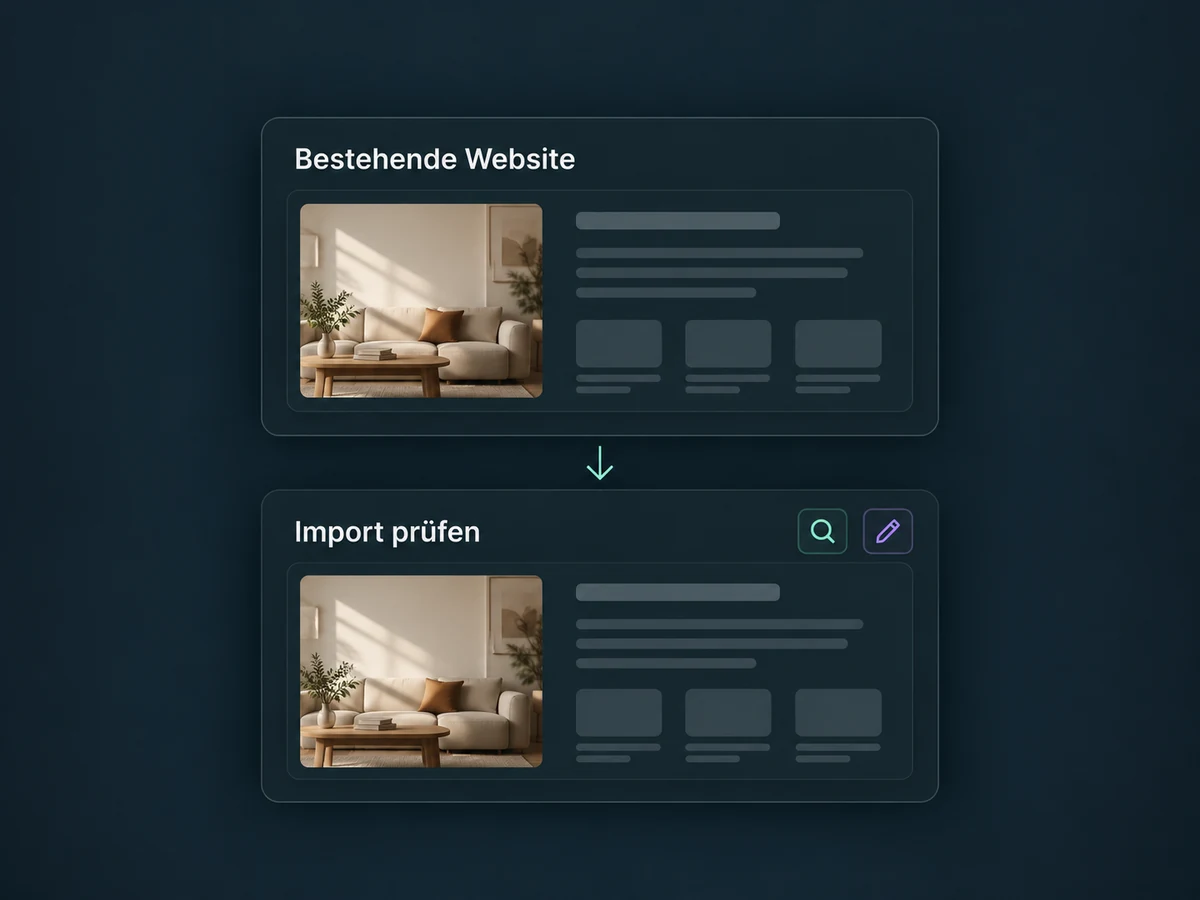
You can import an existing WordPress site. Check plugins, licences and content before switching.
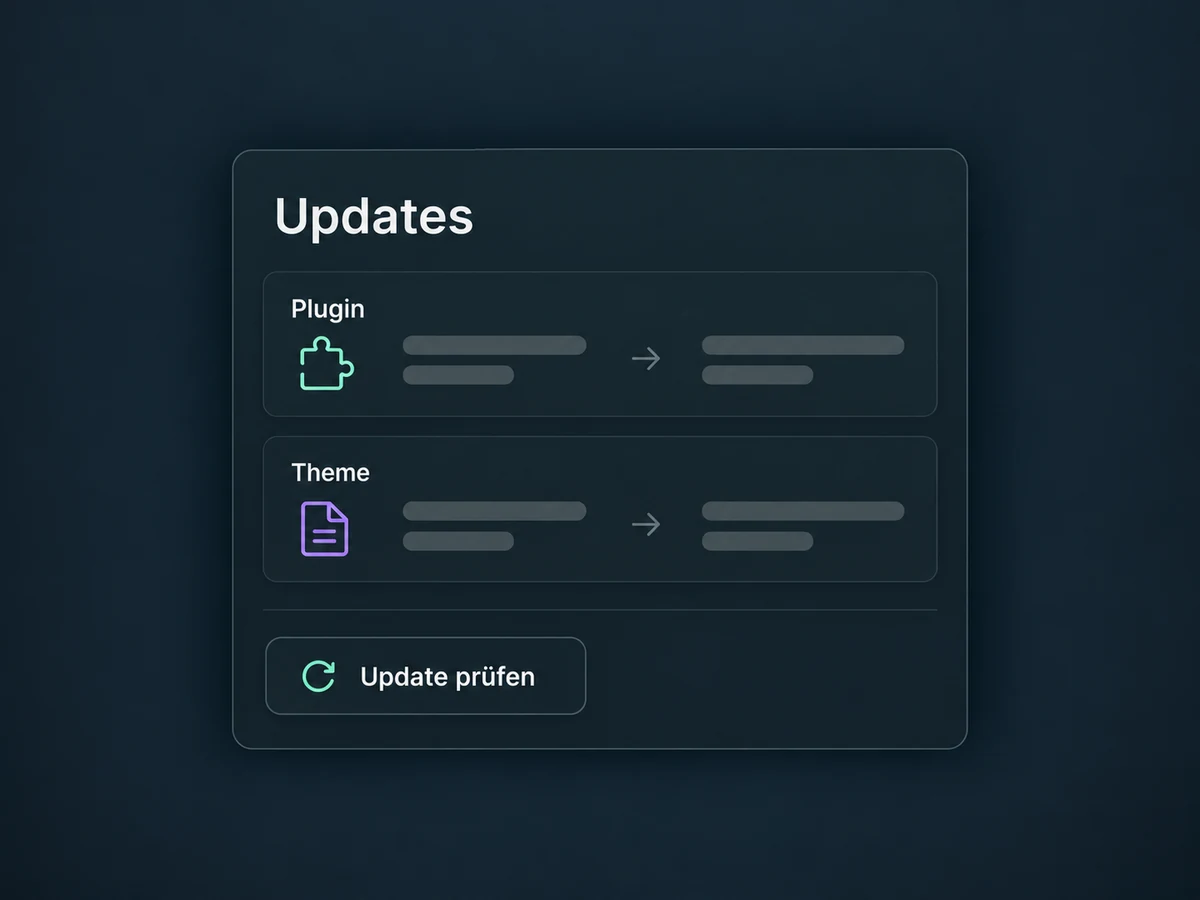
Compare installed and available versions. Update supported plugins and themes from hosting management.
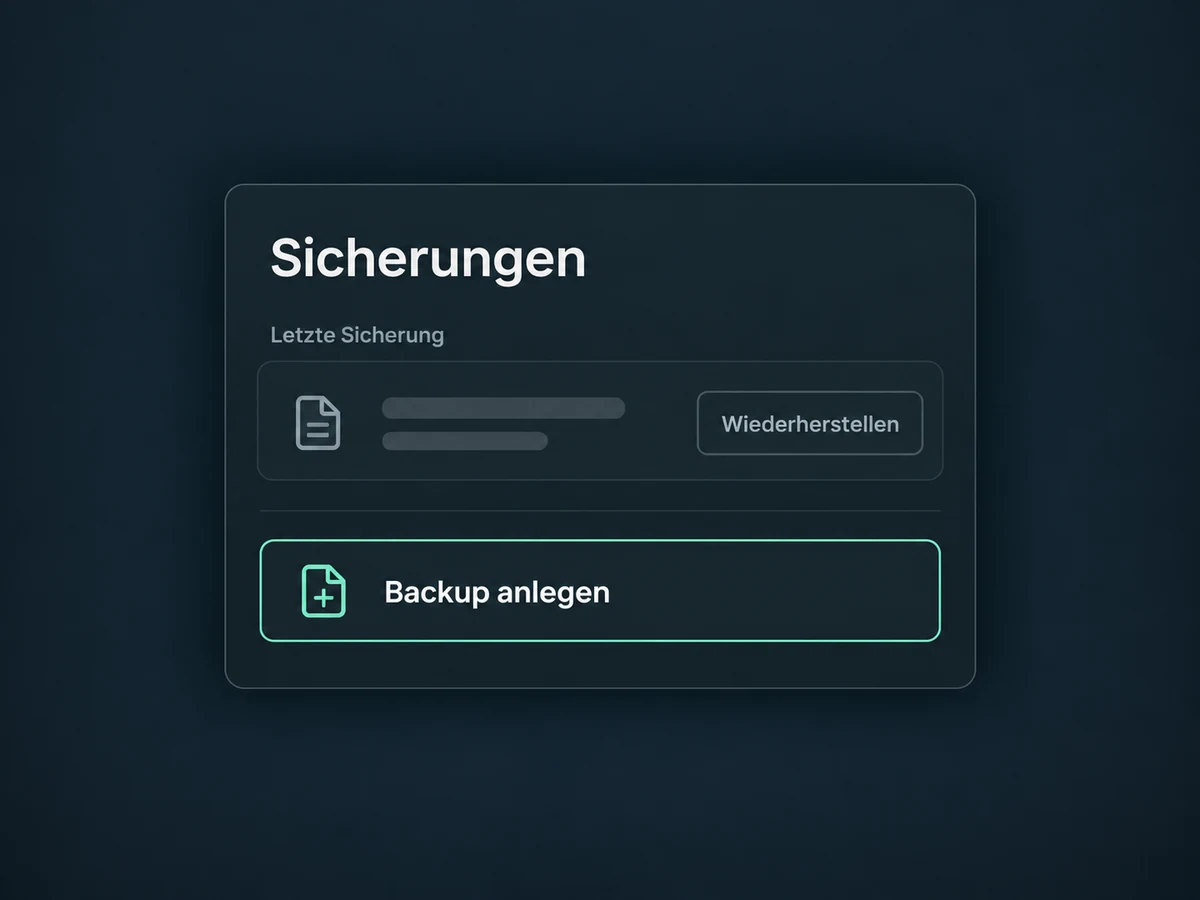
Use hosting backups and create a manual backup before major changes. Restoring a backup replaces the current state.
Embed a configured ONE LOOP calendar. Manage availability and booking rules in the connected account.
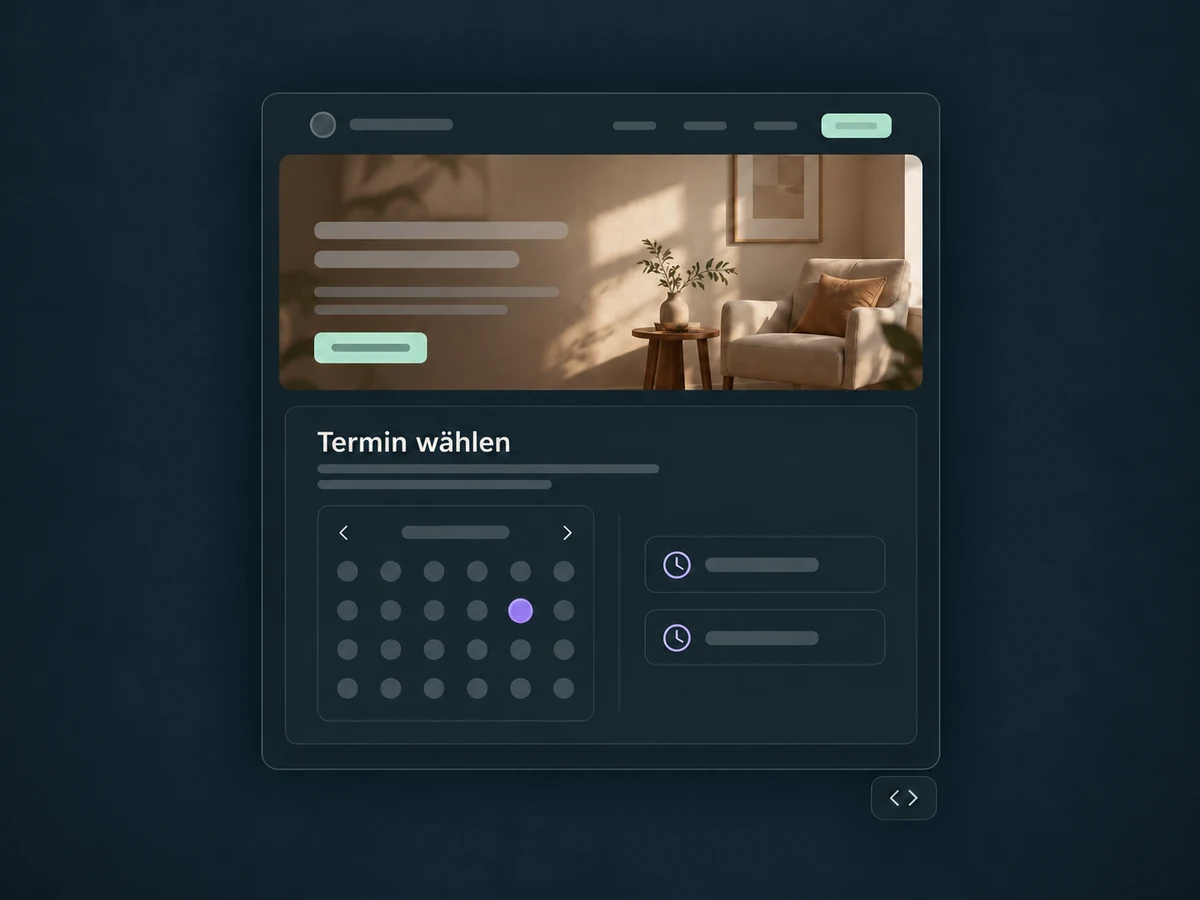
Continue editing pages in WordPress. Suitable blocks, shortcodes or HTML embeds add your ONE LOOP features.
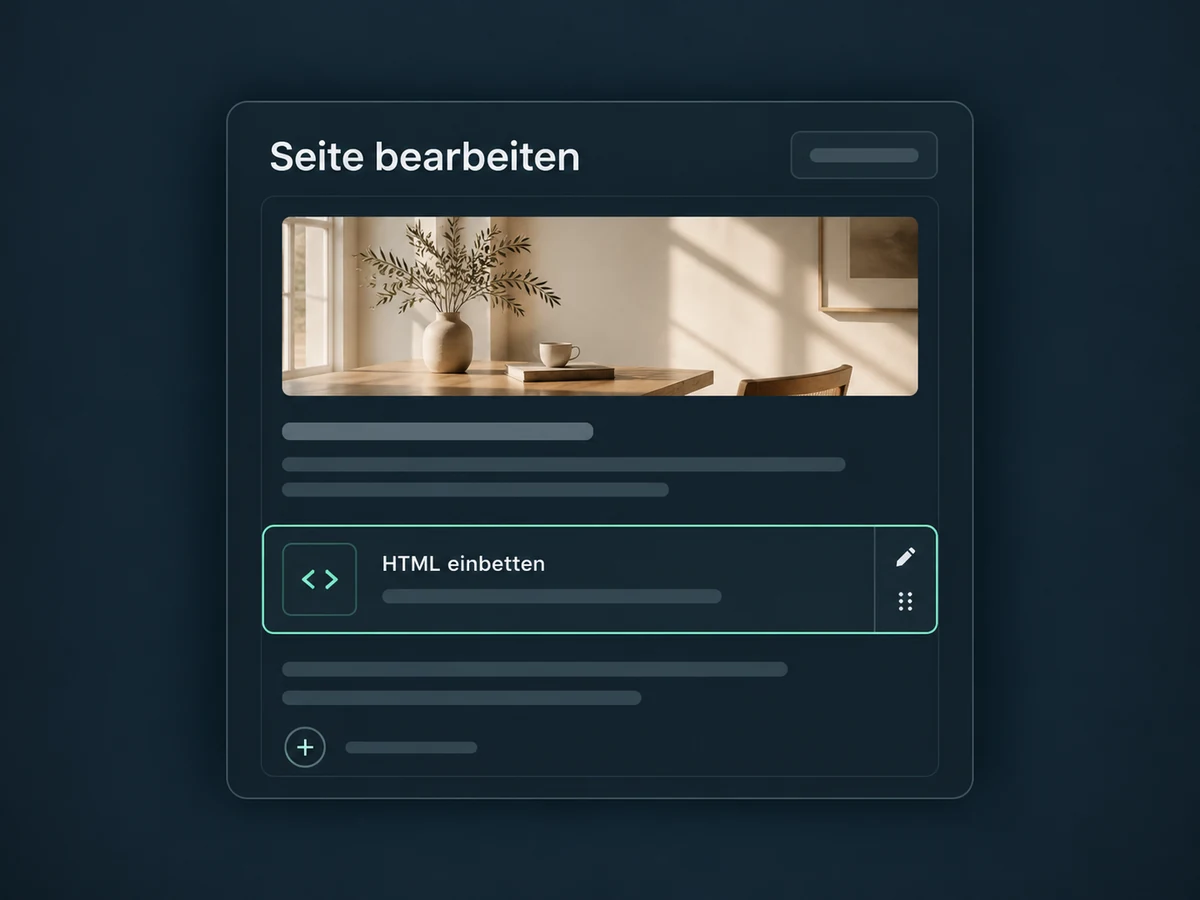
Simplified examples, not live account data.
Hosting requires separate activation. Confirm costs, storage allowance, plugin compatibility and maintenance responsibilities first. Migration needs suitable access; domain and SSL are checked after DNS setup.
WordPress remains a separate website environment, distinct from the AI Website Builder. Forms and calendars are embedded deliberately. Any follow-up workflow needs a suitable trigger and its own setup.
Availability and any add-on or usage costs are confirmed for your ONE LOOP account before implementation.
No. You can embed ONE LOOP forms and calendars on an externally hosted WordPress site. The hosting management, backups and staging environment shown here require activated ONE LOOP WordPress hosting. Moving a site is planned separately.
The staging version is pushed to Live in full, not merged with individual live changes. Changes made directly on Live do not flow back into staging. Back up the current site and reconcile differences before publishing. Publishing cannot simply be undone.
This is checked before migration. Some plugins are restricted by the hosting environment, and extra licences may be needed. Install new extensions in WordPress admin. Manage and update supported installed extensions in ONE LOOP; that dashboard does not offer version downgrades.
No. The example uses an embedded ONE LOOP form. Existing forms from other plugins need a separately verified connection. Check the destination account, fields and a test submission. Replies, notifications and next steps are configured deliberately afterwards.
Let’s explore your use case and what the setup requires.
Book a demo