01
Your newsletter. Right in the chat.
Share offers, news or invitations with your subscribers. Choose a contact list and schedule the send — create it once, reach many customers.
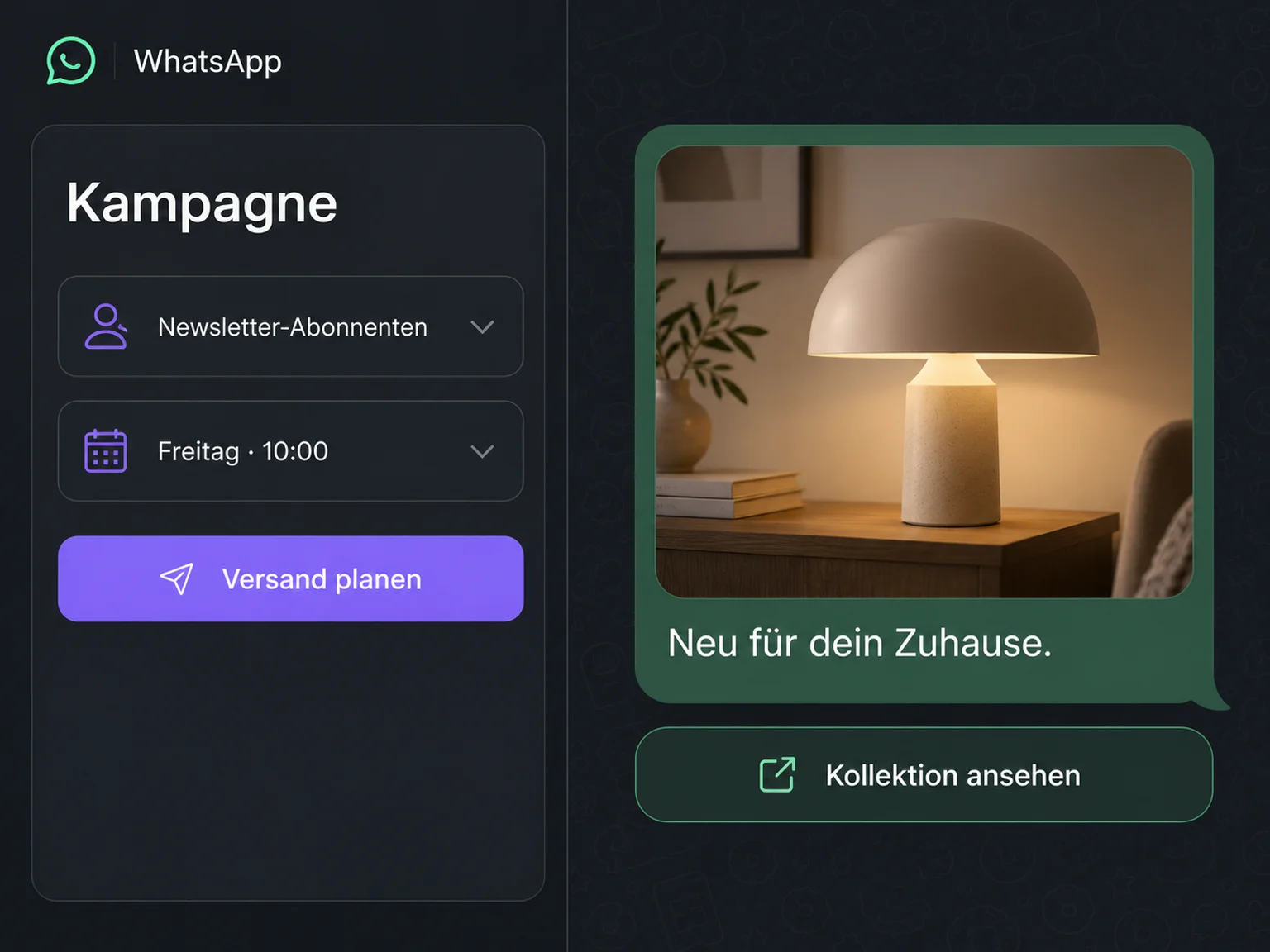

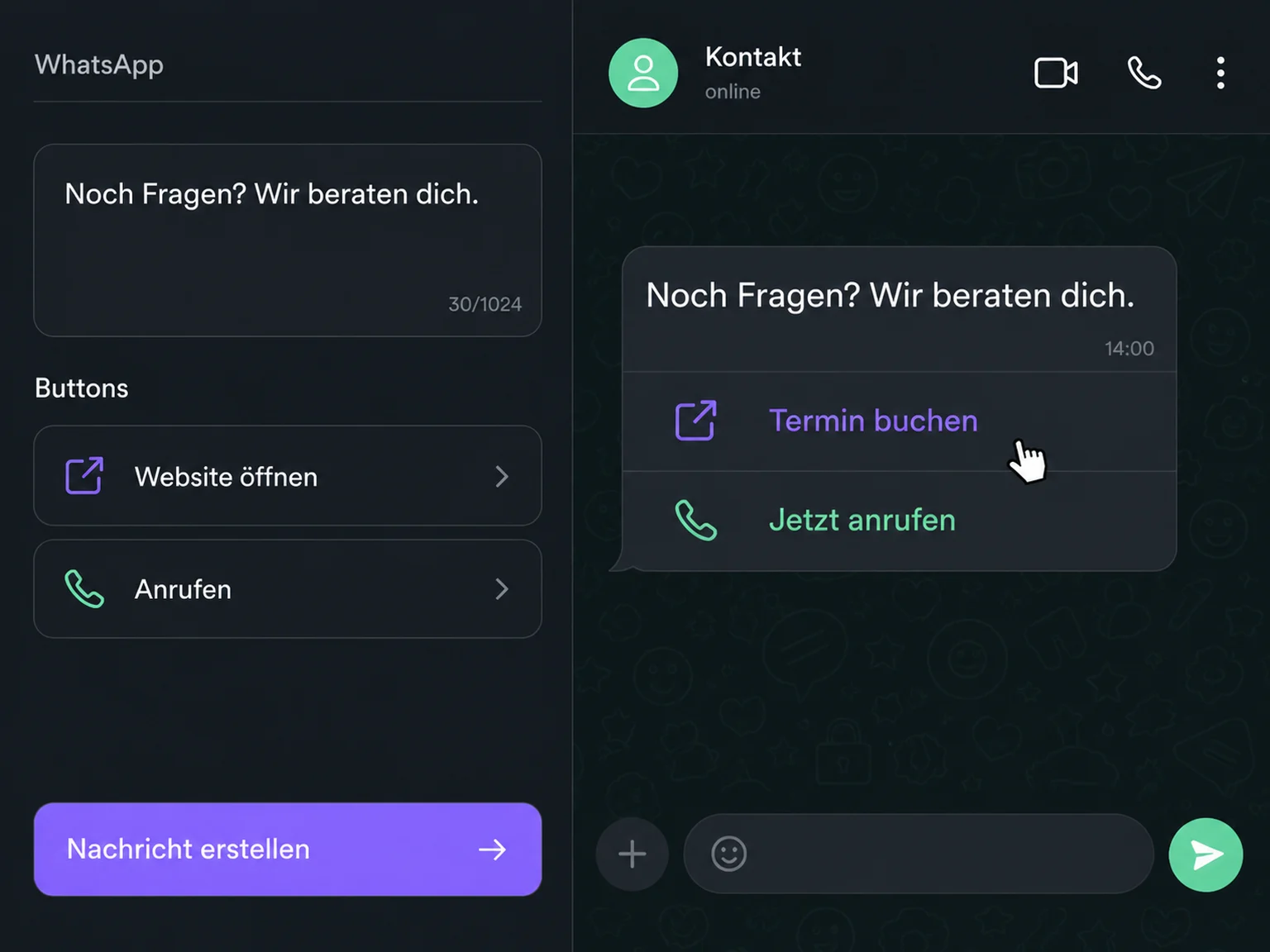
Send newsletters, add buttons to book or call, and send automatic appointment reminders. All through WhatsApp in ONE LOOP.
Three examples show how you can use WhatsApp.
Share offers, news or invitations with your subscribers. Choose a contact list and schedule the send — create it once, reach many customers.
Buttons in your message let customers open an offer, book an appointment or call you. The next step is right there.
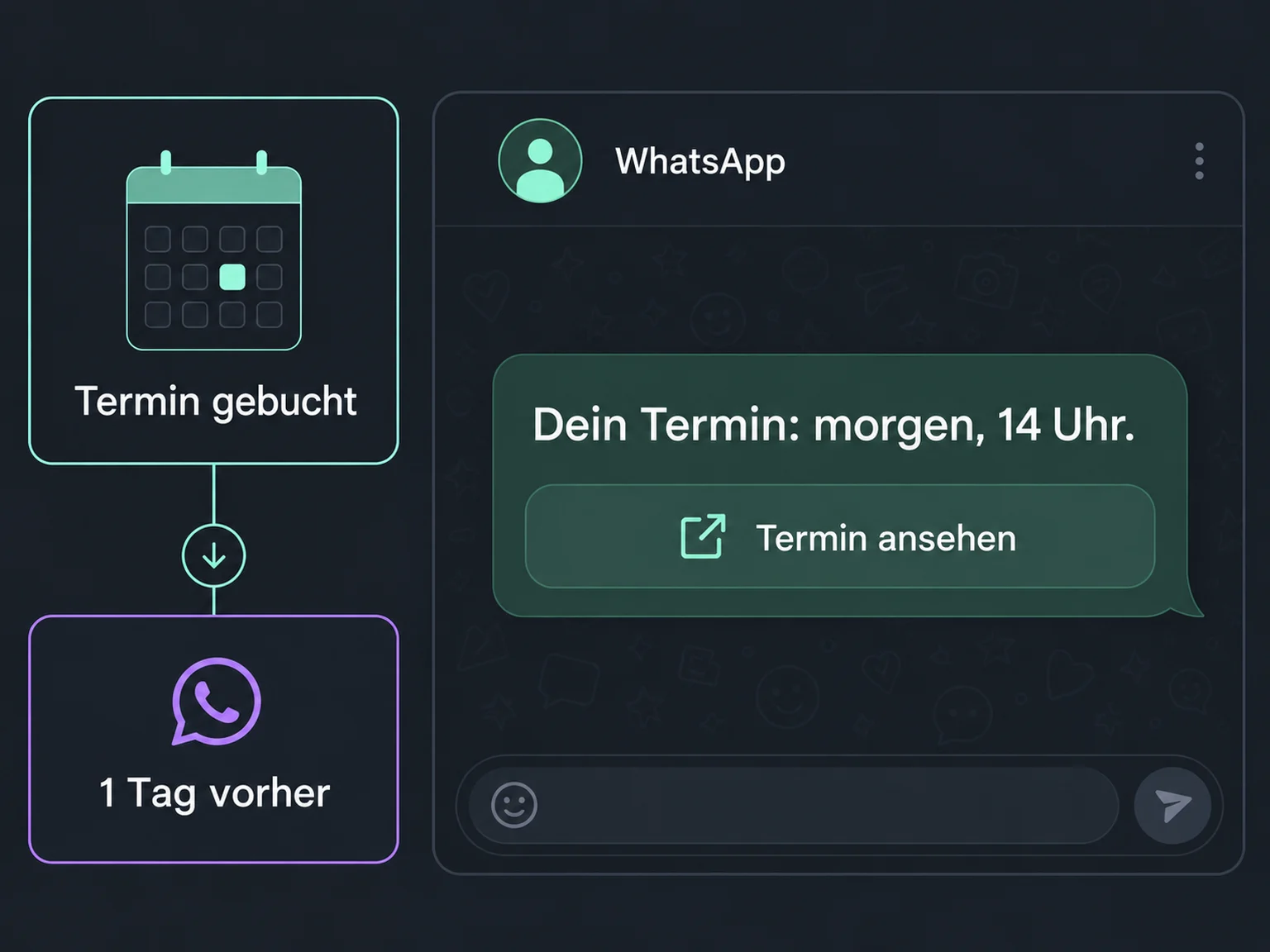
Set up a reminder — for example, one day before an appointment. ONE LOOP sends it through WhatsApp. Your customer can reply with any questions.
The practical benefits of WhatsApp.
Choose recipients by interest or customer group, so everyone does not receive the same message.
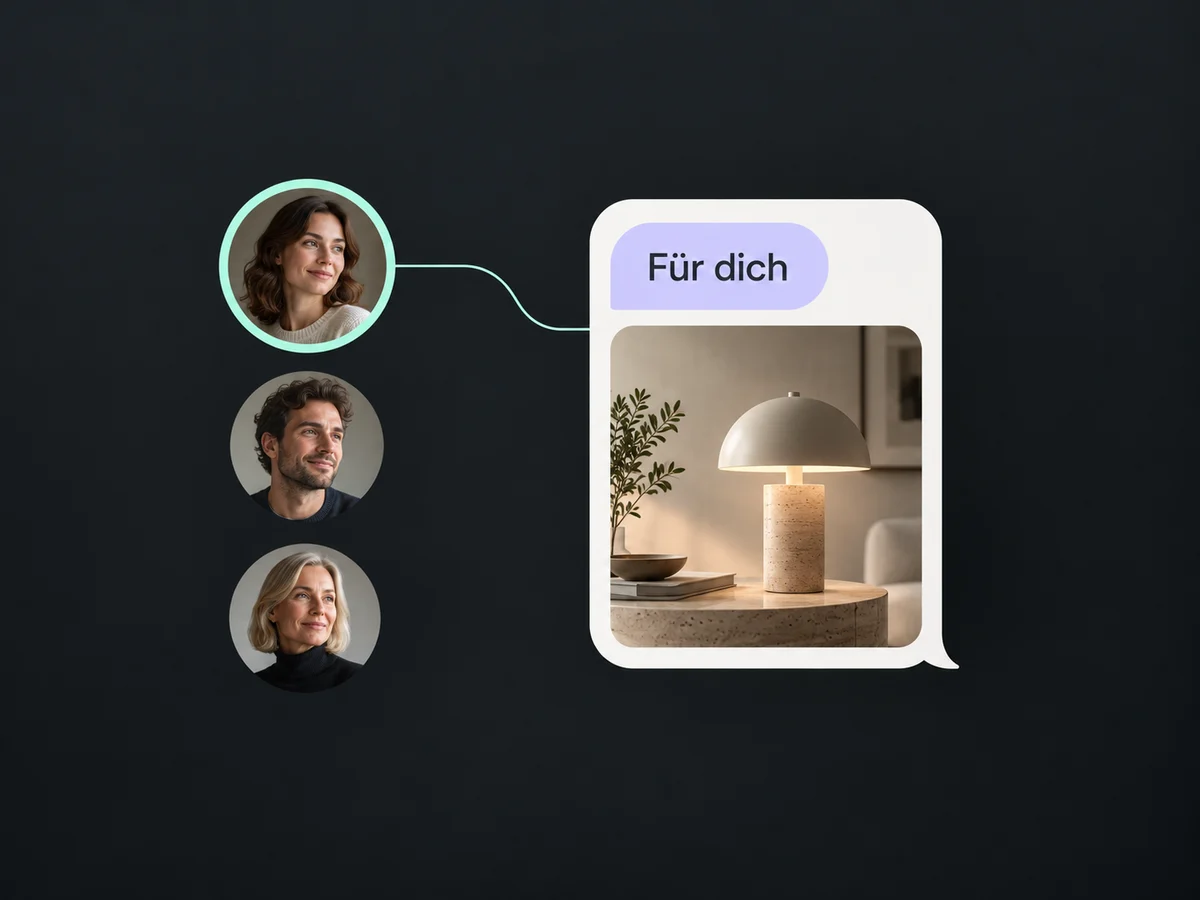
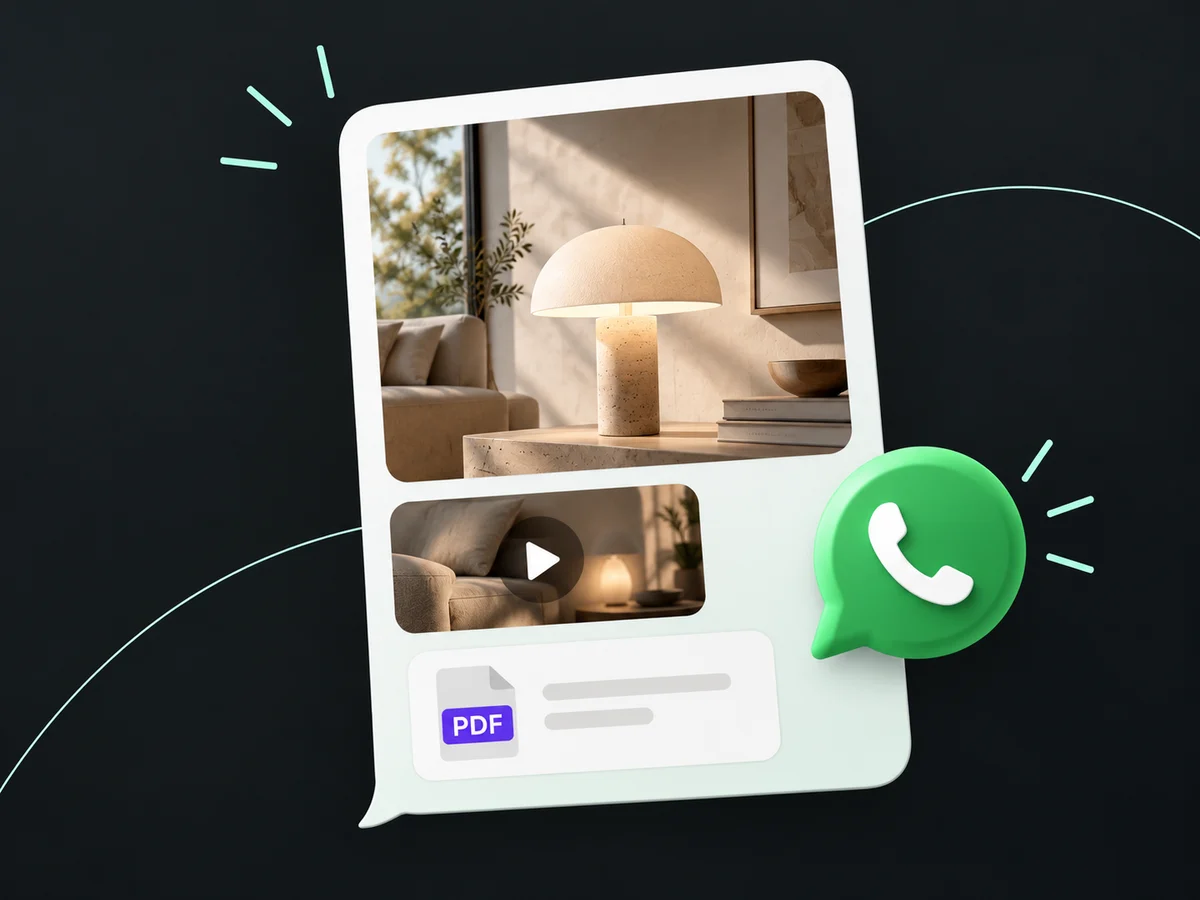
Show your product in the chat, or share a video and a PDF. Customers can see what you are offering.
Offer quick-reply buttons such as “More info”. Customers can respond without typing a message.
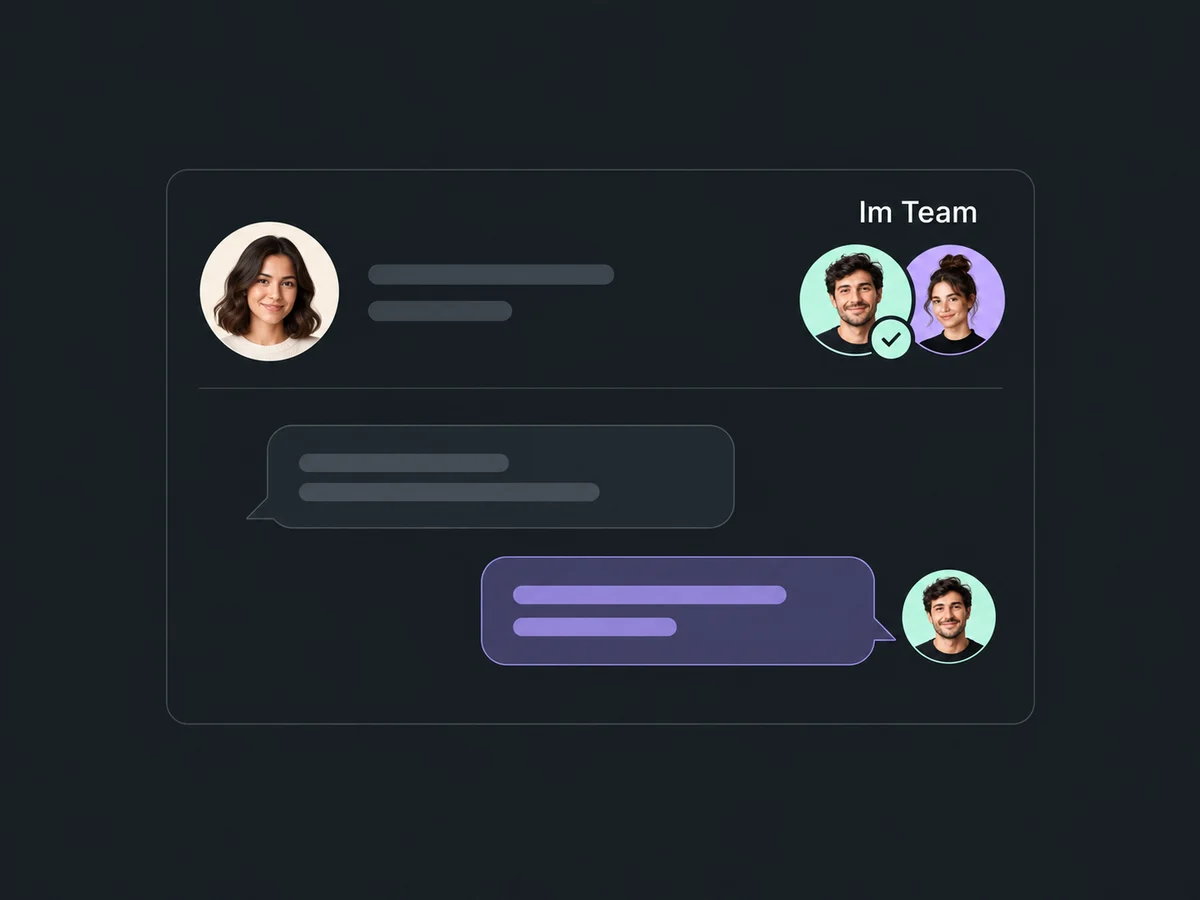
Replies arrive in your shared inbox. Your team can see the conversation history and pick up the chat.
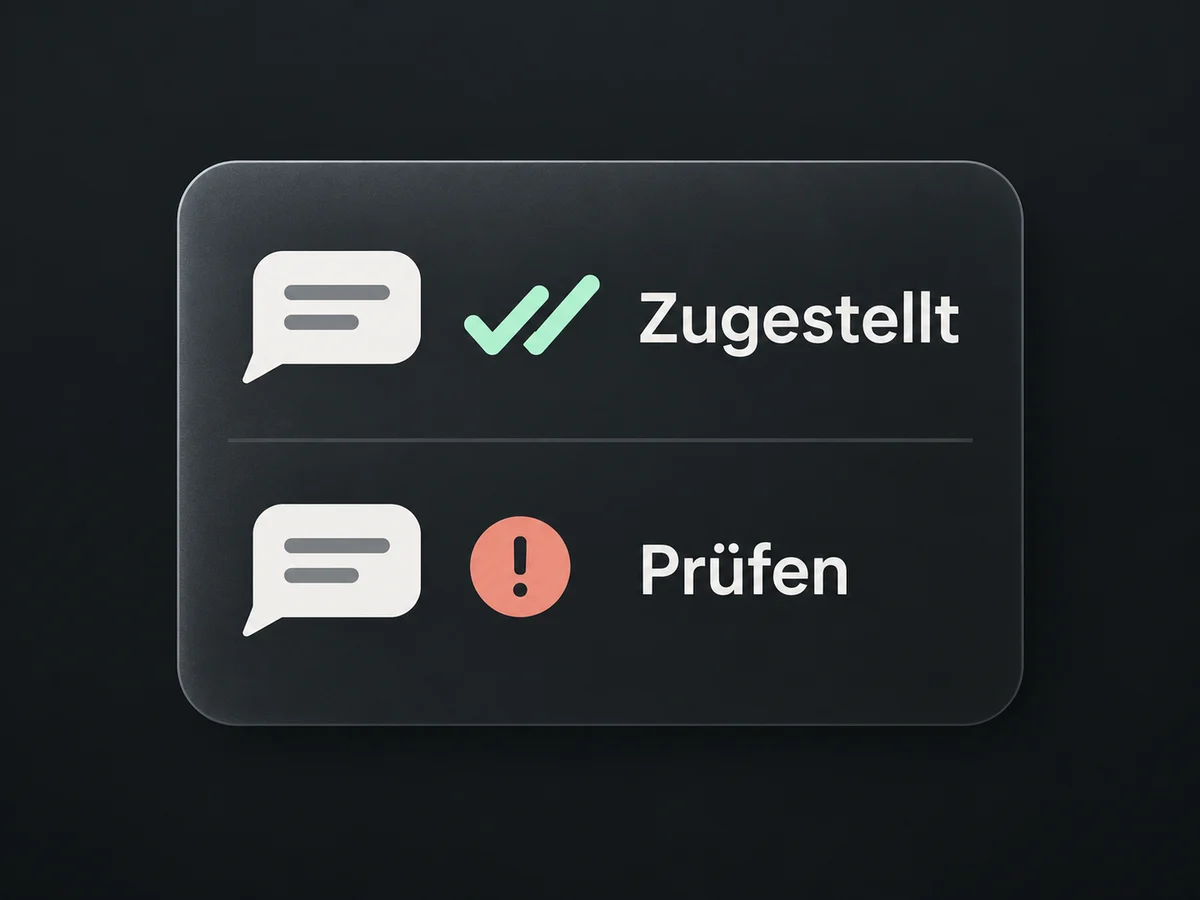
Check which messages were delivered and which failed, so you can spot problems with your campaign.
Simplified examples, not live account data.
We connect your business number and set up templates, recipient lists and automations with you. We confirm account access, consent, recurring fees and message-based costs before launch.
Your WhatsApp conversations stay with the contact in ONE LOOP. From there, move on to an appointment, proposal or the next sales step.
Availability and any add-on or usage costs are confirmed for your ONE LOOP account before implementation.
Yes. Send an approved message template to selected contacts with appropriate consent — immediately, at a scheduled time or in batches. Opt-outs and your account’s messaging limits apply.
For example, a link to an offer or booking calendar, a call button or a quick reply such as “More info”. Set the destination and label in the template. Appointment booking takes place in the linked calendar.
We check this based on how you currently use it. With a supported connection, the WhatsApp Business App can keep running alongside ONE LOOP. Whether and how much chat history can be imported depends on the connection method.
We configure the trigger, timing and template in a workflow — for example, an appointment reminder. A customer message opens a 24-hour service window for free-form replies. Outside it, you need a Meta-approved template; a saved reply is not enough. Consent and opt-outs still apply.
Let’s explore your use case and what the setup requires.
Book a demo