01
Ask for a review after the appointment
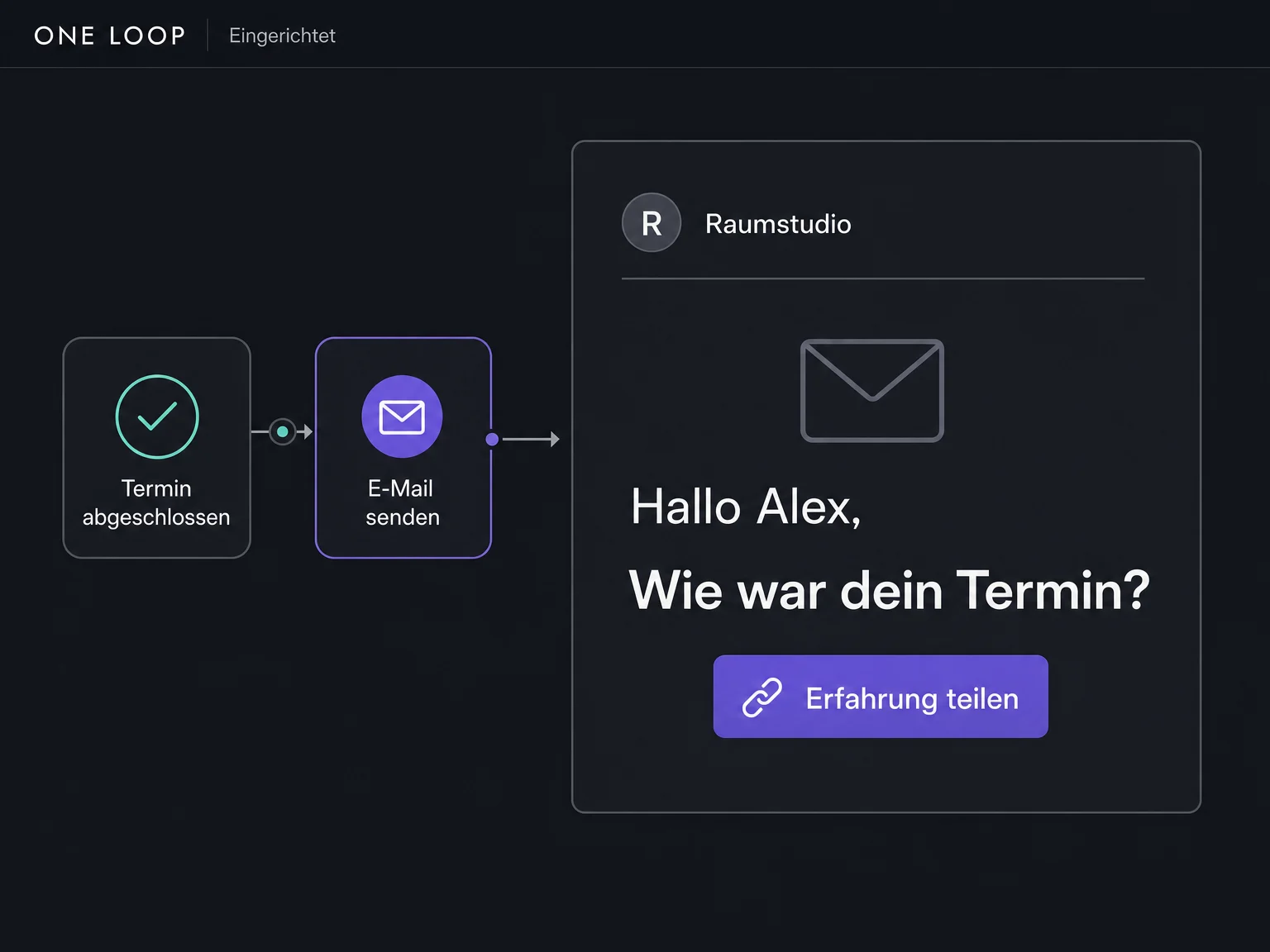
Send a review link by email or SMS — individually from the contact or through a configured workflow after the appointment is completed.

Reviews & Reputation
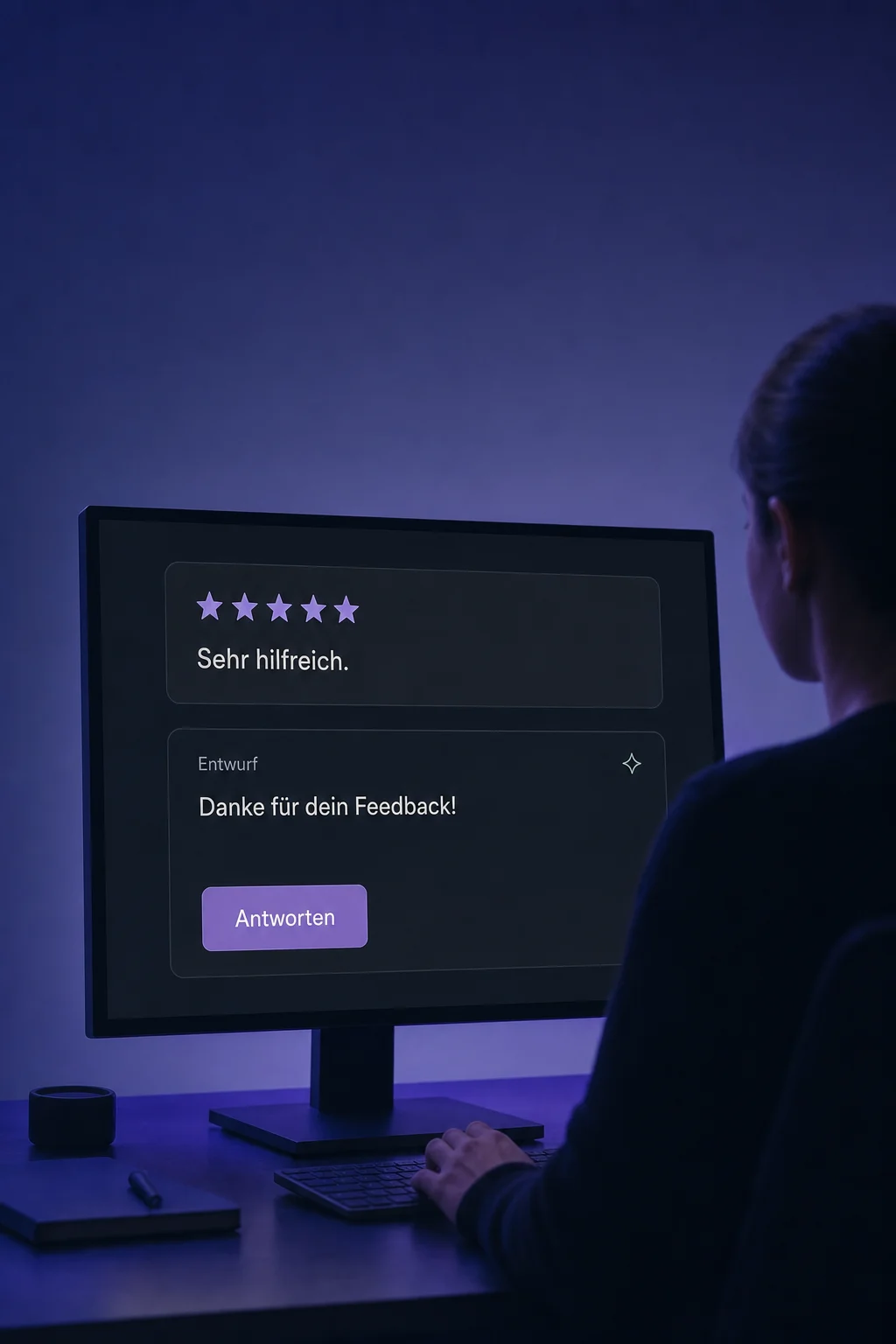
Ask customers for their opinion, respond to Google and Facebook reviews and show genuine experiences on your website.
Three examples show how you can use Reviews & Reputation.
Send a review link by email or SMS — individually from the contact or through a configured workflow after the appointment is completed.
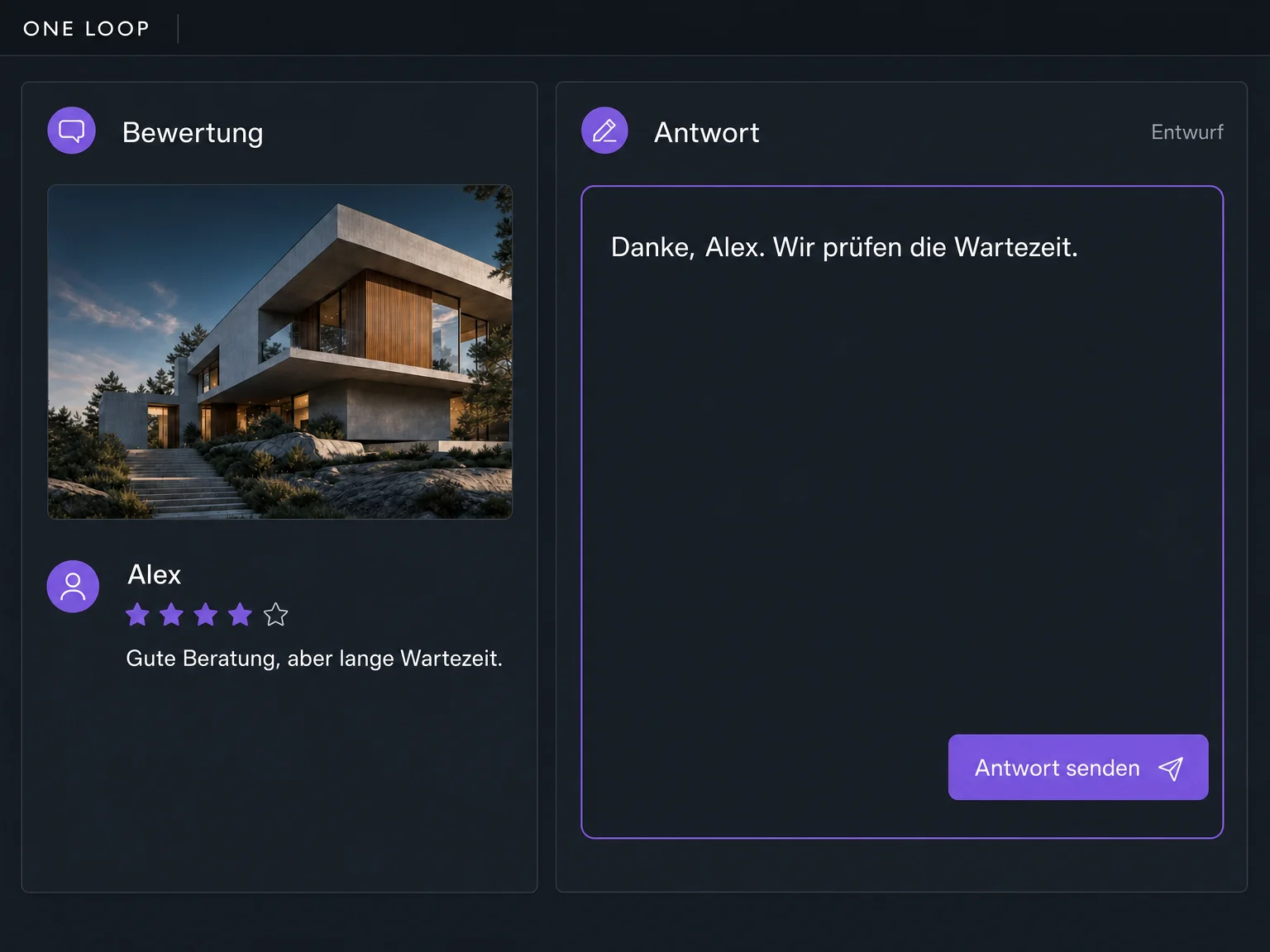
Read reviews from your connected Google and Facebook profiles in ONE LOOP. Write your reply and publish it to the relevant profile.
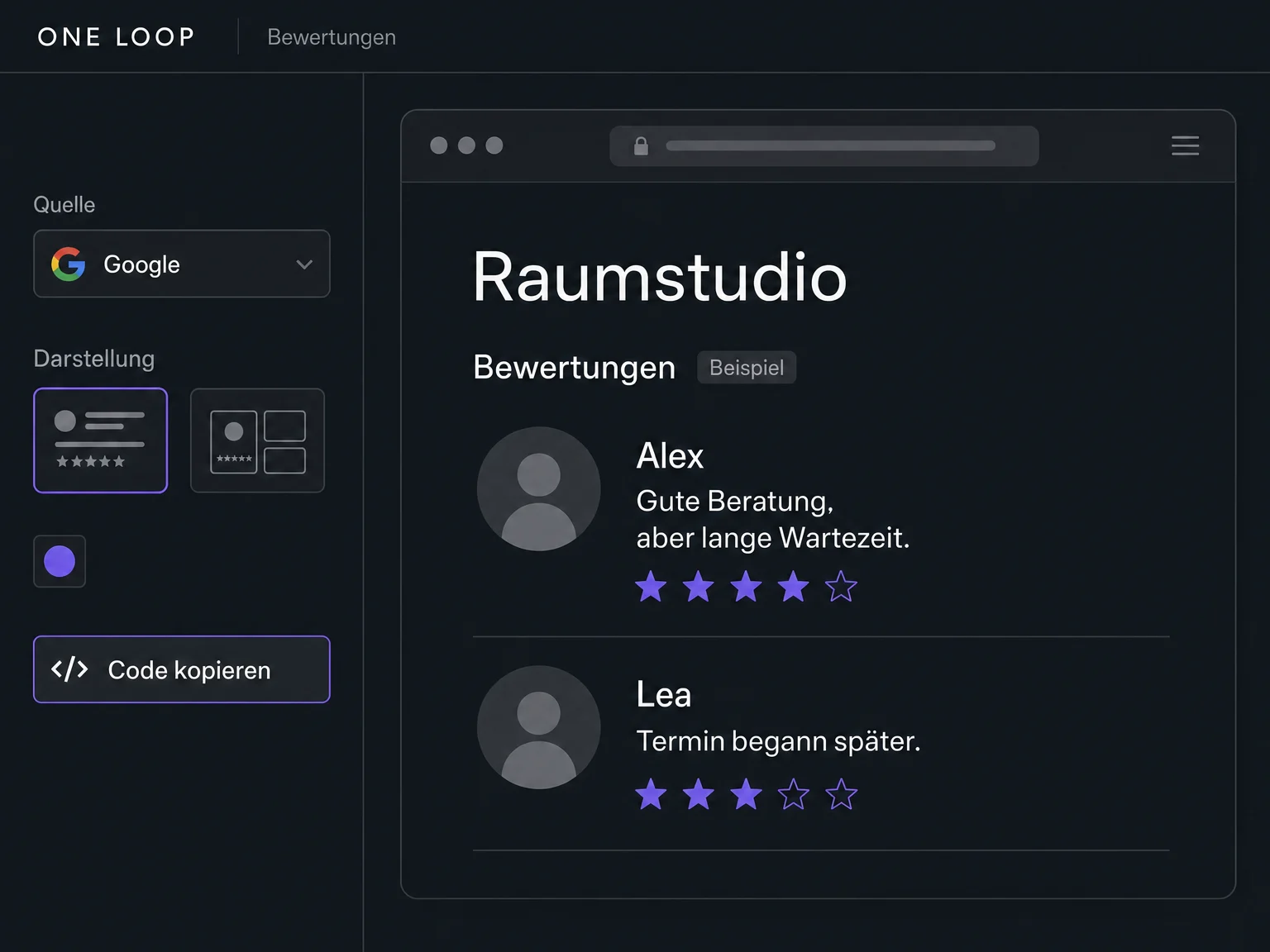
Choose your connected sources and style a review widget to match your website. Add it as an element or with an embed code.
The practical benefits of Reviews & Reputation.
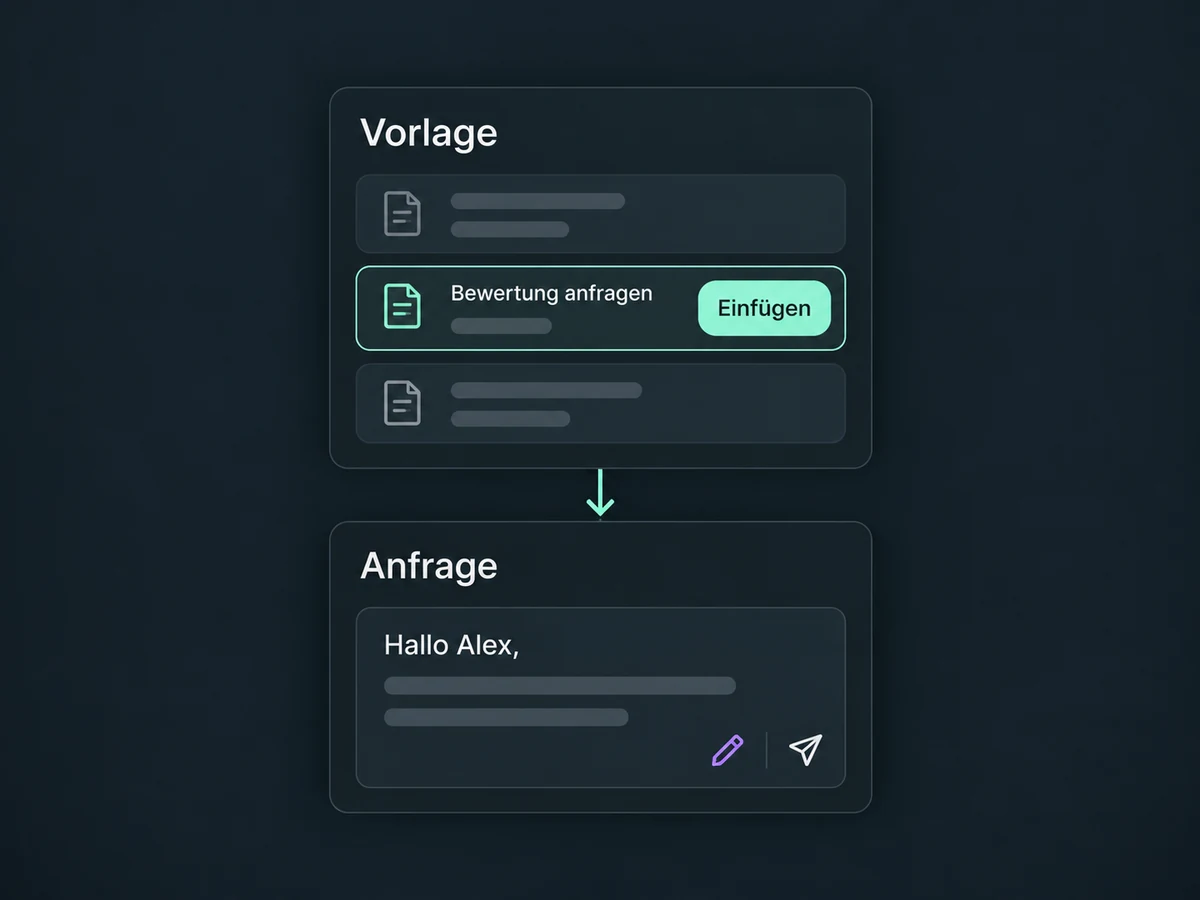
Save your request message and personalise the greeting with existing contact details.
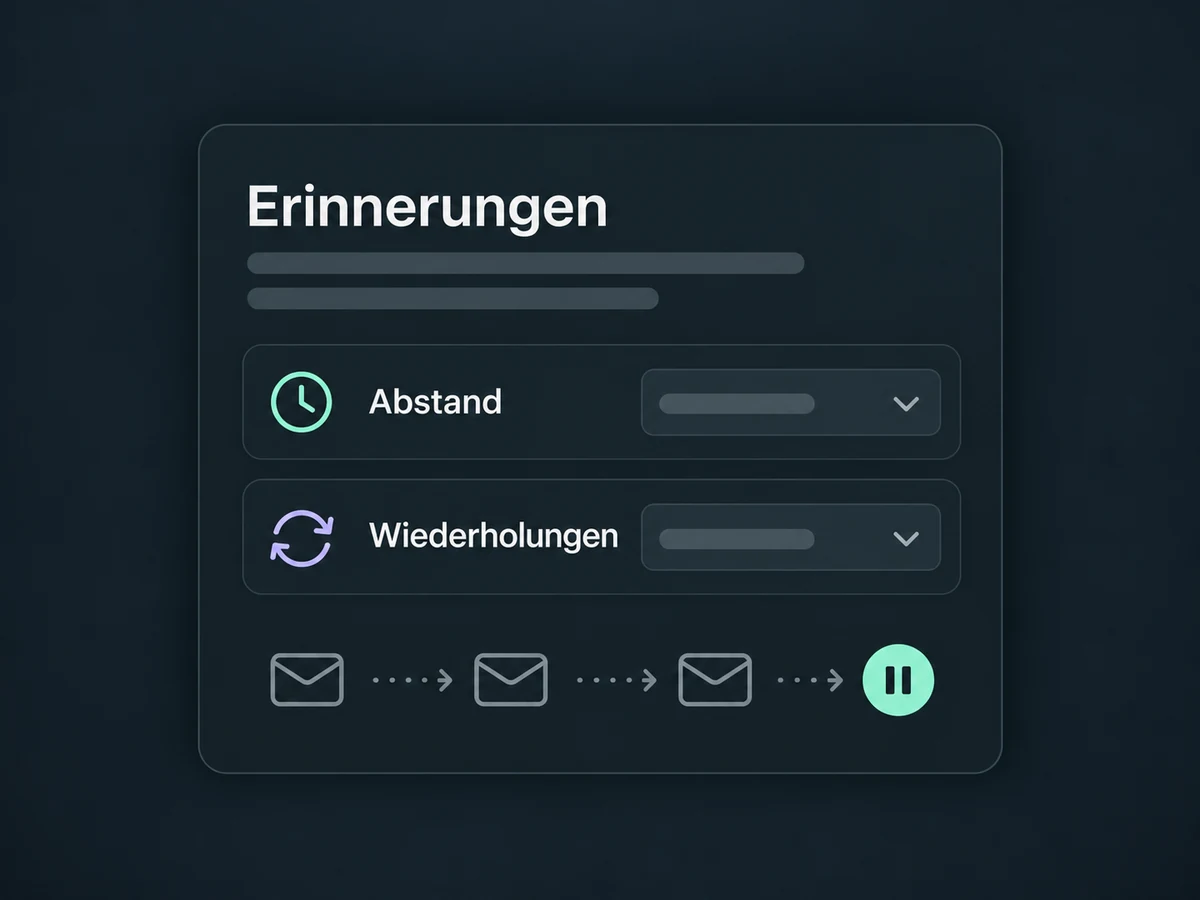
Choose how often a request may be repeated and how long to wait between reminders.
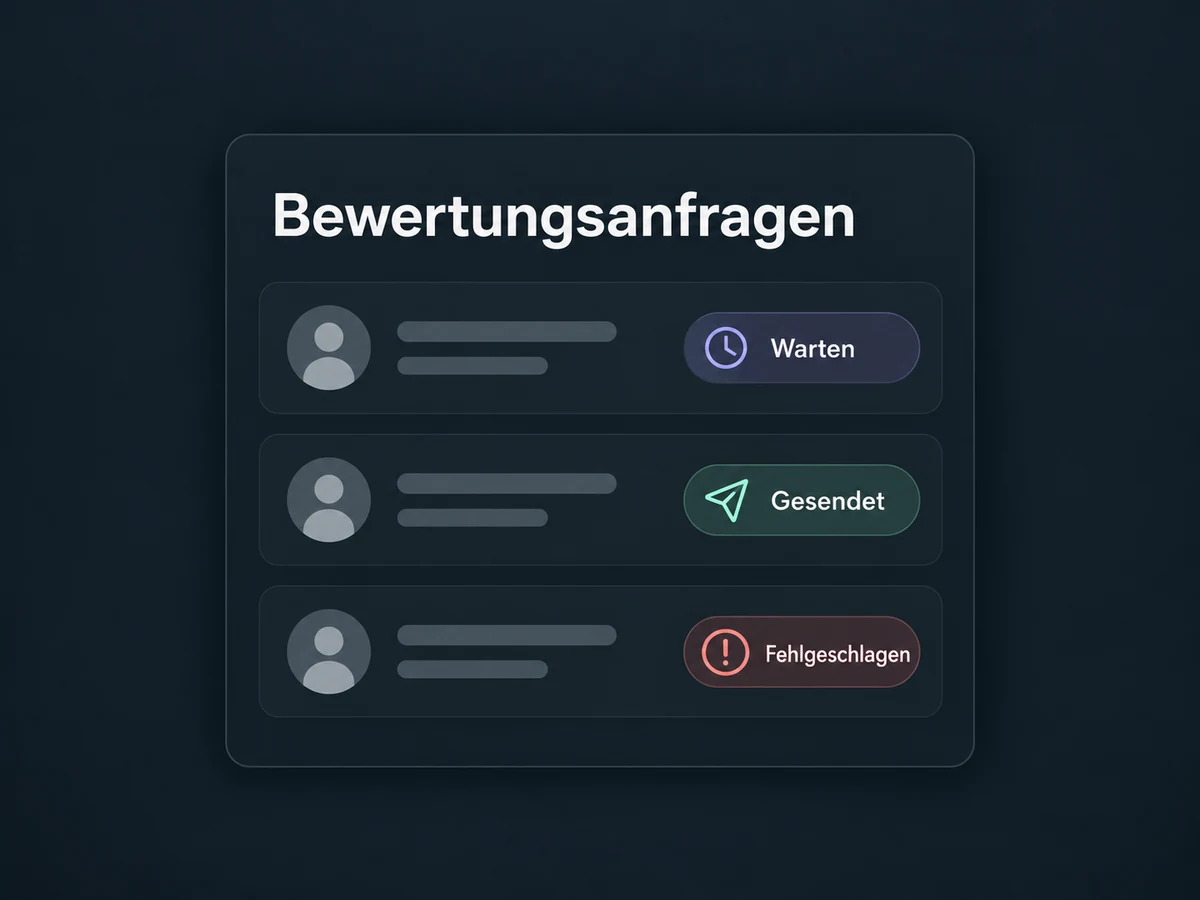
Check whether a request is queued, sent or failed. Sent does not mean a review was posted.
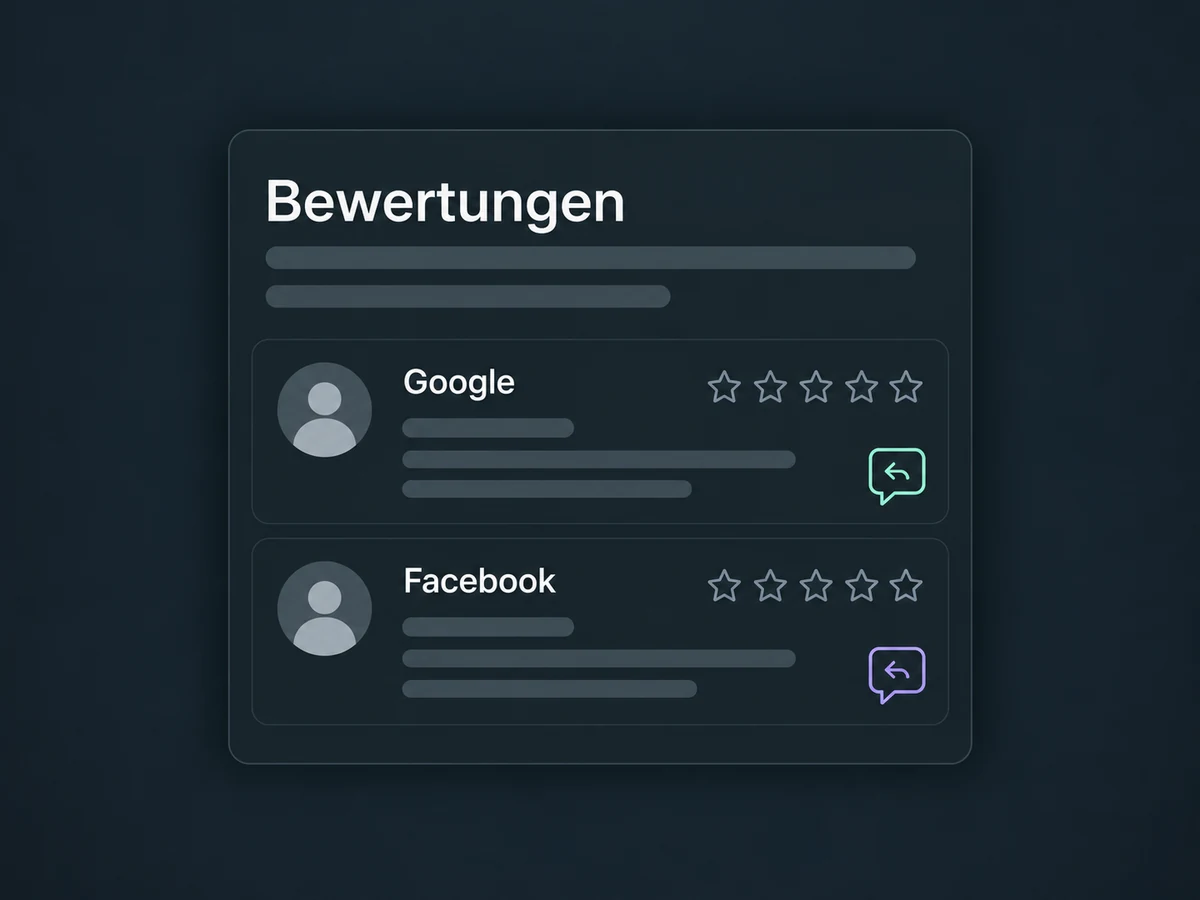
Review Google and Facebook feedback together instead of opening each connected profile separately.
The embedded widget pulls in new reviews from connected sources according to your display settings.
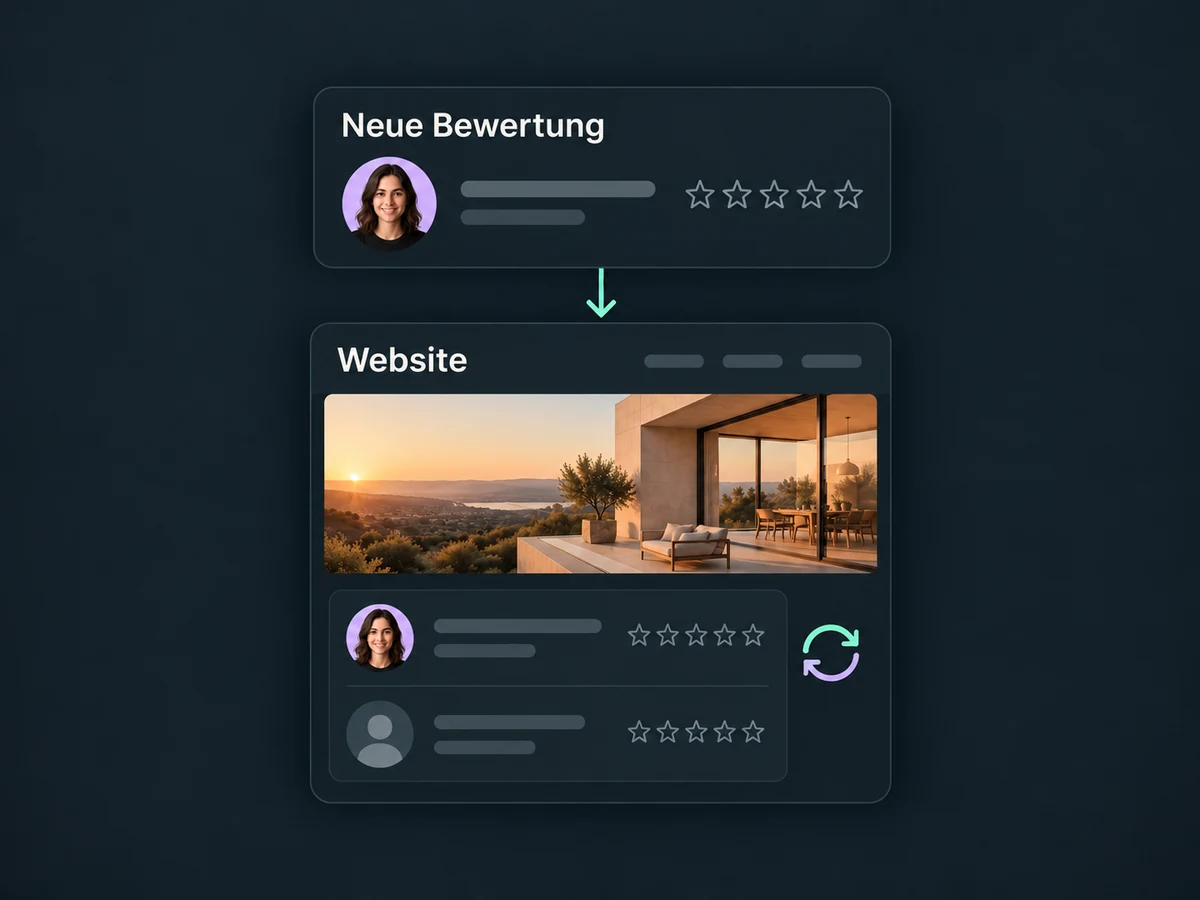
Simplified examples, not live account data.
Connect review profiles with the appropriate management permissions. Set up the review link, sender and messaging channels. Check permission to send and opt-outs, then test the request and link with your team.
To start a request automatically after an appointment, configure and activate a workflow. Customers decide whether and how to review. AI replies are a separate feature; connecting a profile does not enable them.
Availability and any add-on or usage costs are confirmed for your ONE LOOP account before implementation.
Reviews from your connected Google and Facebook profiles. Linking to another review site does not automatically make its reviews manageable in ONE LOOP. We check additional sources for your account.
After a manual action or configured workflow, with your chosen delay. You limit retries. A detected link click stops further reminders on that channel, but does not prove that a review was published.
Ask for genuine experiences, not a particular star rating. Google prohibits rewards for reviews and selectively asking only for positive feedback. Criticism is part of the picture; respond constructively. ONE LOOP guarantees neither more reviews nor better ratings or rankings.
If your website supports the embed code, you can add the widget there. ONE LOOP also offers a reviews element. Use the relevant embed code for each distinct widget. New reviews appear according to the connection and display settings, without copying them manually.
Let’s explore your use case and what the setup requires.
Book a demo