01
Start with a reply draft
Open a review and generate a suggestion. Add what matters, then check the wording before publishing.

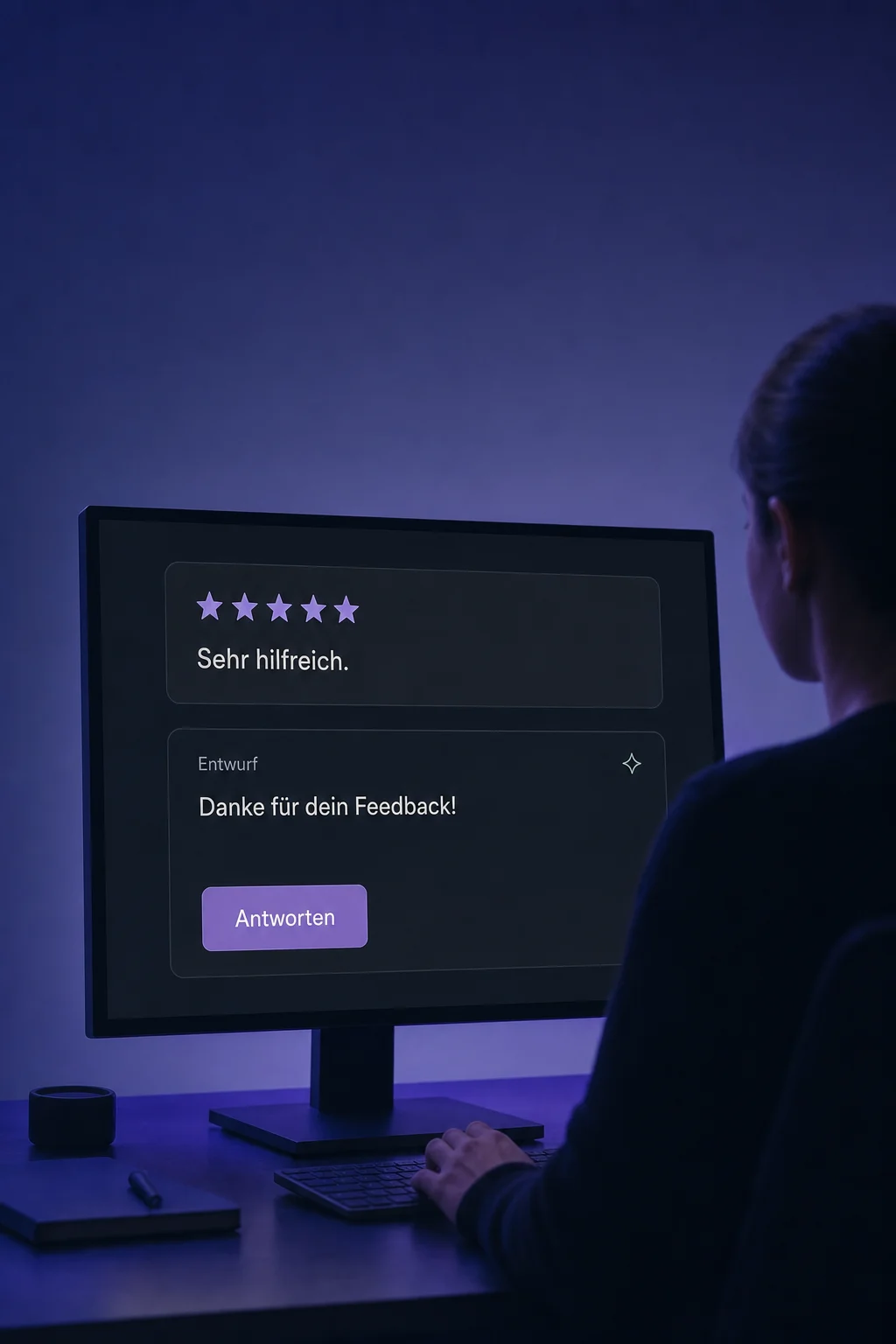
Reviews AI
Draft replies to connected Google and Facebook reviews. Review them yourself or configure suitable automatic replies.
Three examples show how you can use Reviews AI.
Open a review and generate a suggestion. Add what matters, then check the wording before publishing.
Give your review agent a style and short instructions. Check sample replies for the right tone and unsupported promises.

Choose a review source, star range and delay for automatic replies. Matching new reviews are then answered without individual approval. Arrange personal review of sensitive cases.

The practical benefits of Reviews AI.
AI can respond in the detected language. Set a fallback language and check unclear or multilingual reviews.

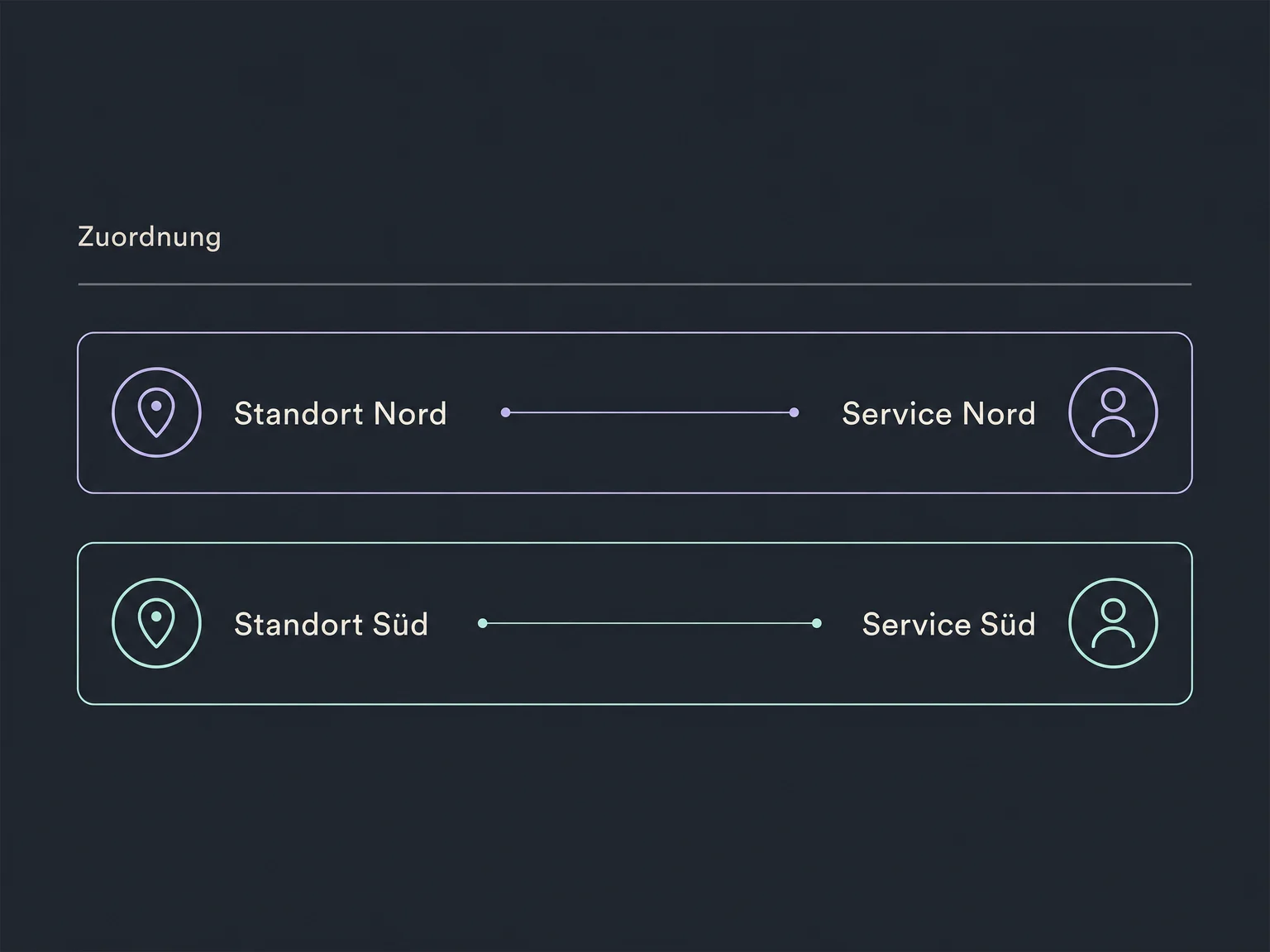
Assign review agents to specific connected Google profiles so each location can use its own instructions.
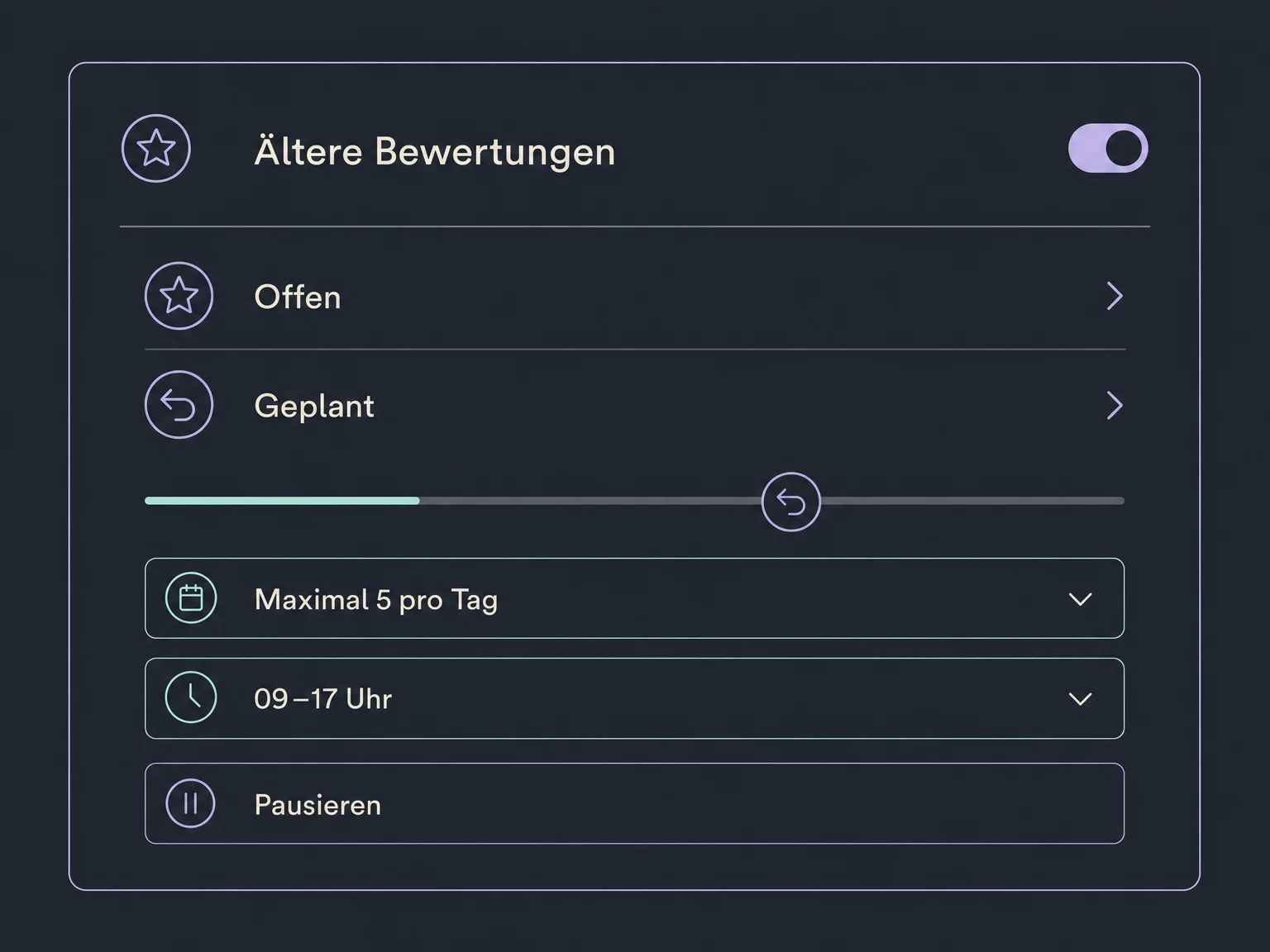
A separate campaign handles unanswered reviews from a chosen period. Daily limits, a time window and pause controls govern upcoming replies.
Choose a ready-made reply style and adapt its instructions to your business. A template does not replace reviewing real replies.

The reply identifies the AI agent used, helping you find the relevant instructions when wording needs improvement.

Simplified examples, not live account data.
We connect supported review profiles and check AI access and user permissions. Together we set reply styles, automation boundaries and human handling for sensitive feedback. Availability and usage costs are confirmed for your account.
Reviews AI supports public replies. Reviews & Reputation handles reviews and review requests. Complaints and personal customer details should move to an appropriate direct contact channel.
Availability and any add-on or usage costs are confirmed for your ONE LOOP account before implementation.
No. It drafts responses to existing customer reviews. It does not invent customer testimonials or change a star rating. More reviews or better ratings are not guaranteed.
Connected Google and Facebook reviews are supported. Your account needs the relevant connection and permissions. An external review link alone does not make that source available for replies.
In suggestion mode, you review and send the reply yourself. Automatic mode and campaigns for older reviews can publish matching responses without individual approval. Review rules and examples before starting. Handle complaints personally; a prompt instruction is not a reliable block against every unsuitable response.
Pausing a campaign for older reviews stops future replies while keeping its settings. Replies already published are not removed. Automatic replies to new reviews are managed separately.
Let’s explore your use case and what the setup requires.
Book a demo