01
One scan opens the right destination
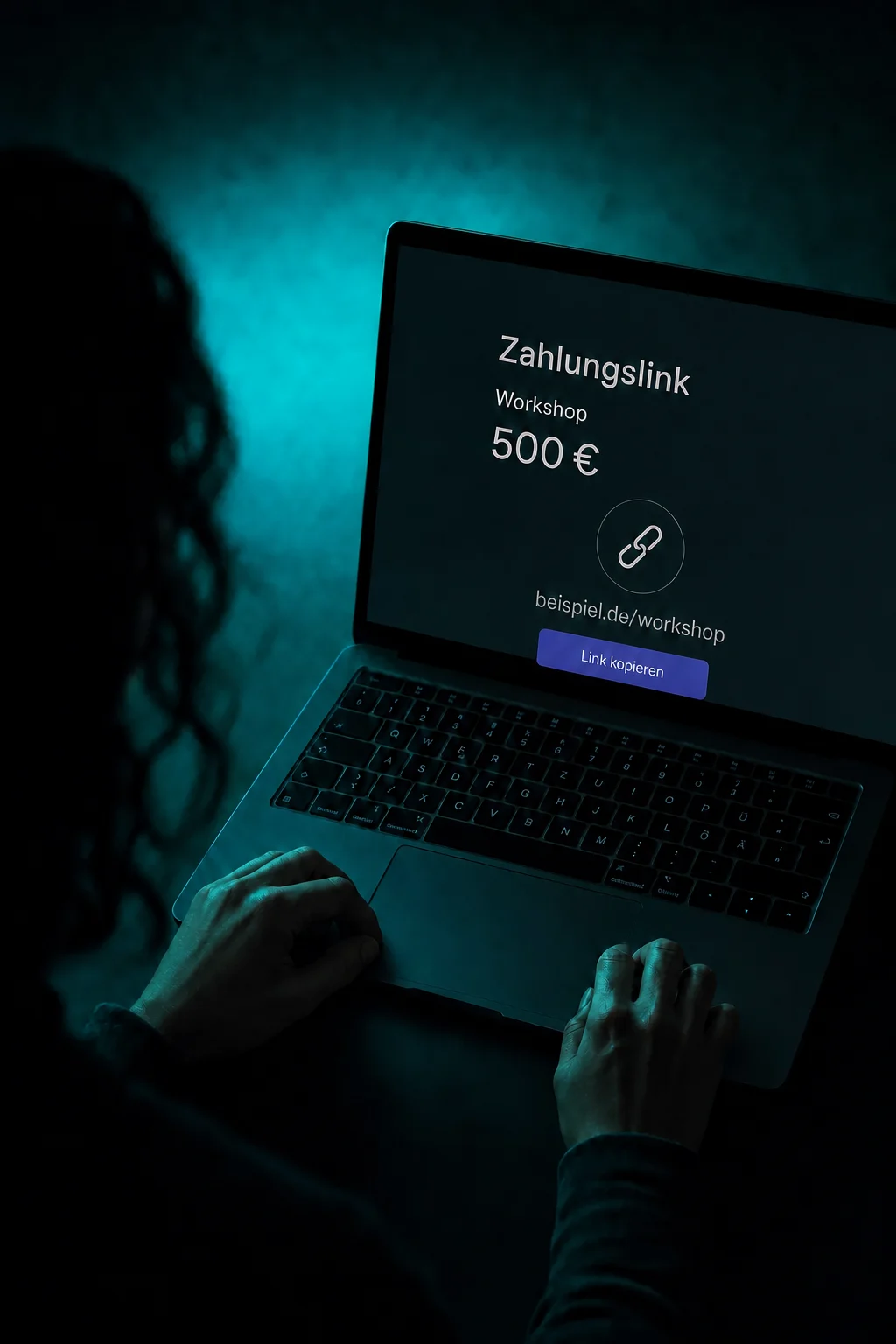
Choose a website, form or payment link as the destination. Enter the right address and check what opens after a scan. Nobody needs to type your link.

QR Codes
Take people from a flyer, shop window or event stand straight to your offer. Create the right QR code and manage it in ONE LOOP.
Three examples show how you can use QR Codes.
Choose a website, form or payment link as the destination. Enter the right address and check what opens after a scan. Nobody needs to type your link.
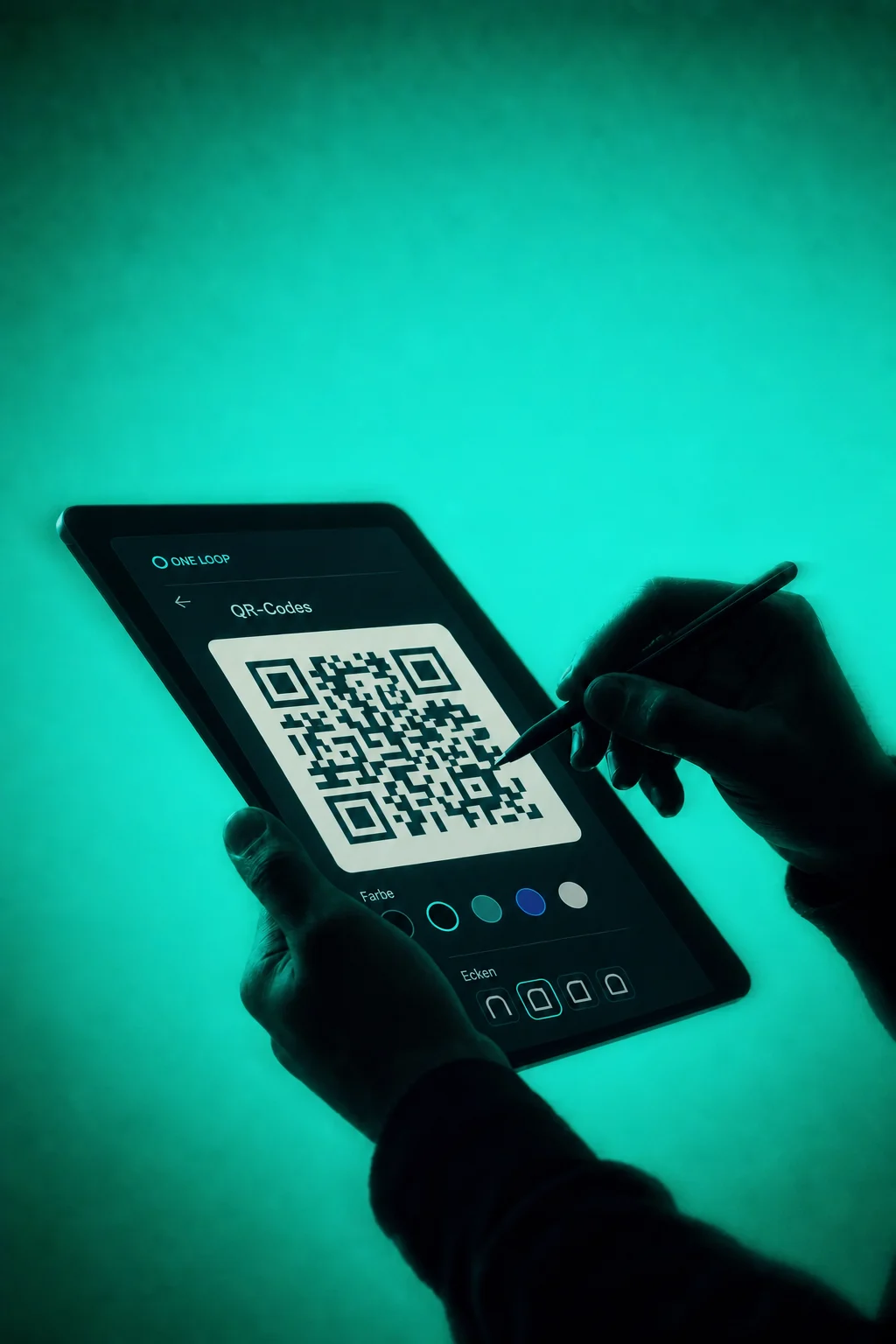
Match the colour, dot style and logo to your brand. The preview shows your design. Keep the code easy to scan, with sufficient contrast and a clear surrounding margin.

Download your code as PNG, SVG or PDF and give your design team the right file. Test a print at the intended size before printing the full run.

The practical benefits of QR Codes.
Change the saved address of a dynamic website code. Its printed pattern stays the same; the new destination still needs to be accessible.

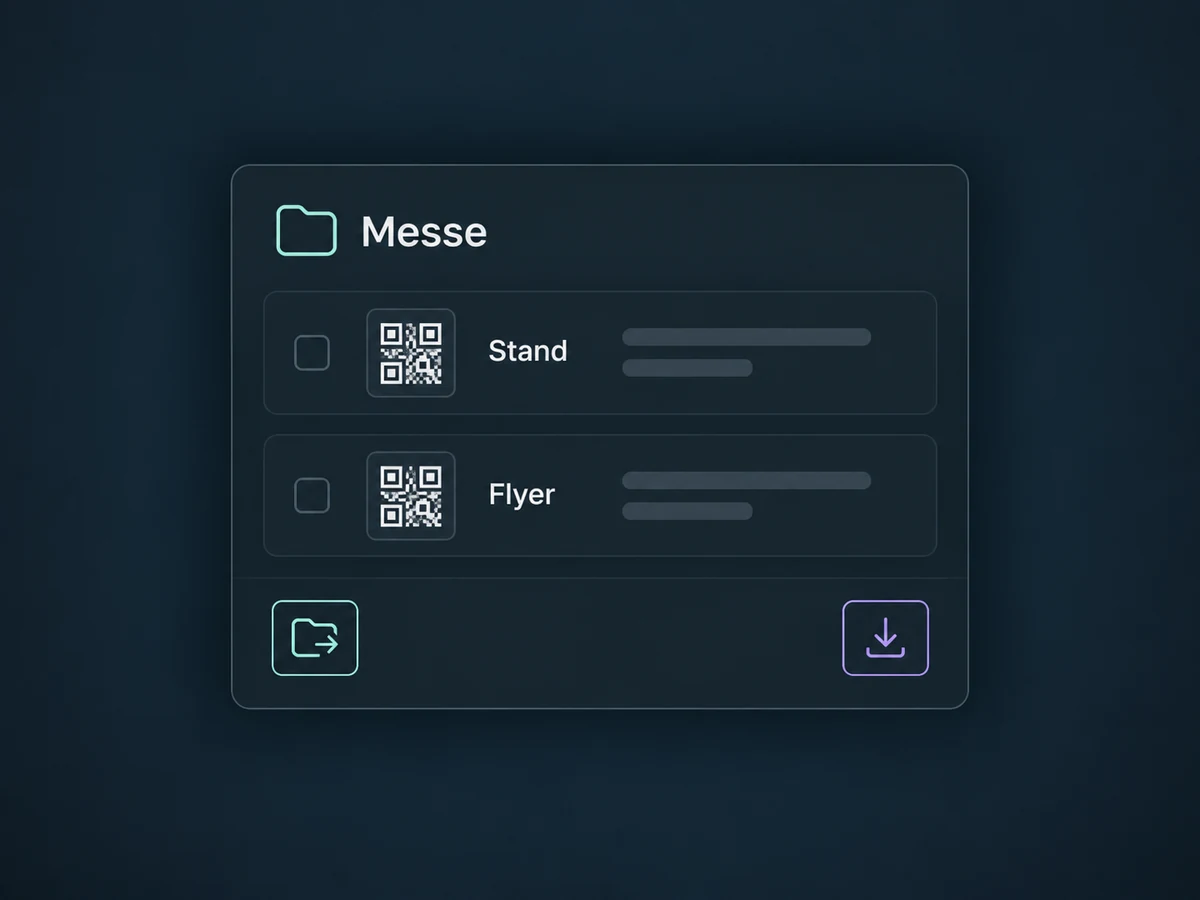
Name codes by location or campaign and organise them in folders. Move or download several selected codes together.
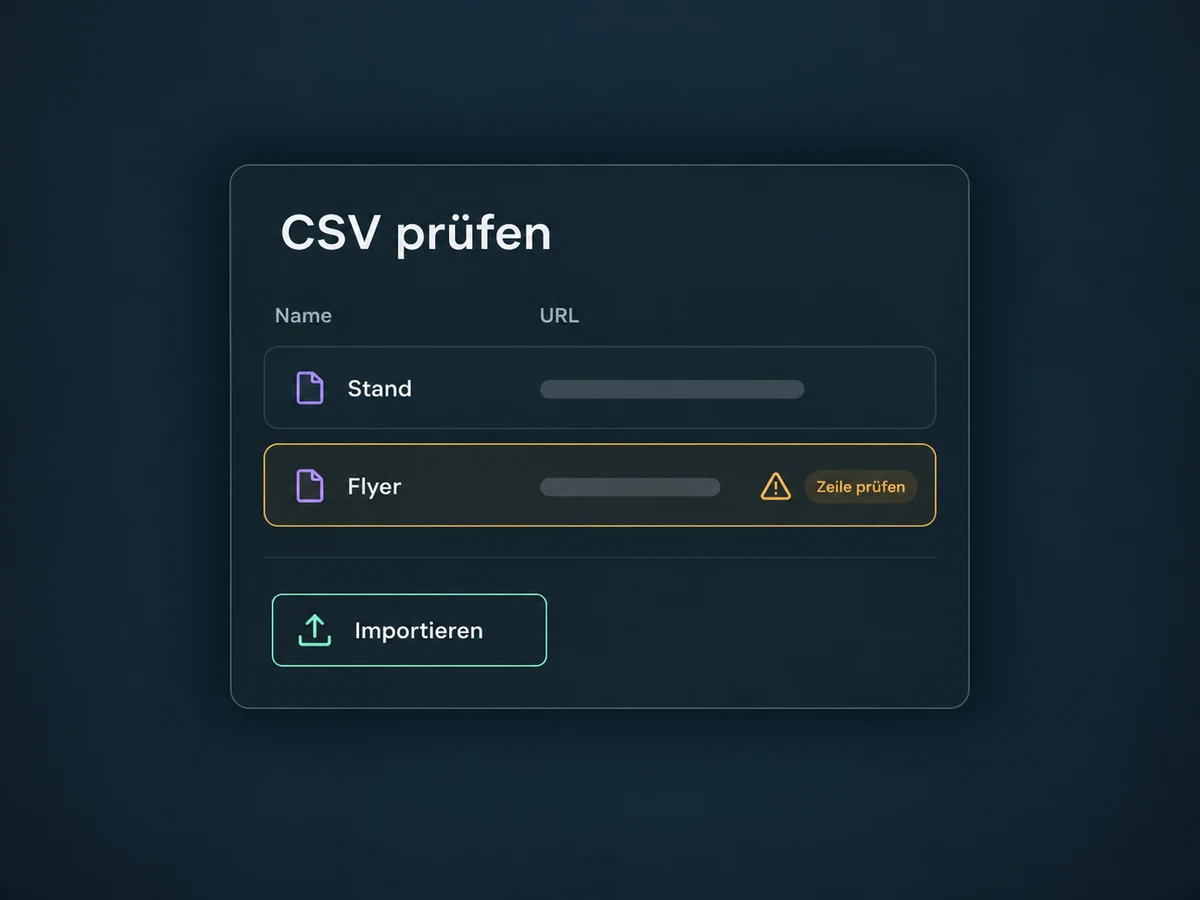
Create several codes from a CSV of names and destination URLs. Use the template and correct any reported row errors before putting the set into use.
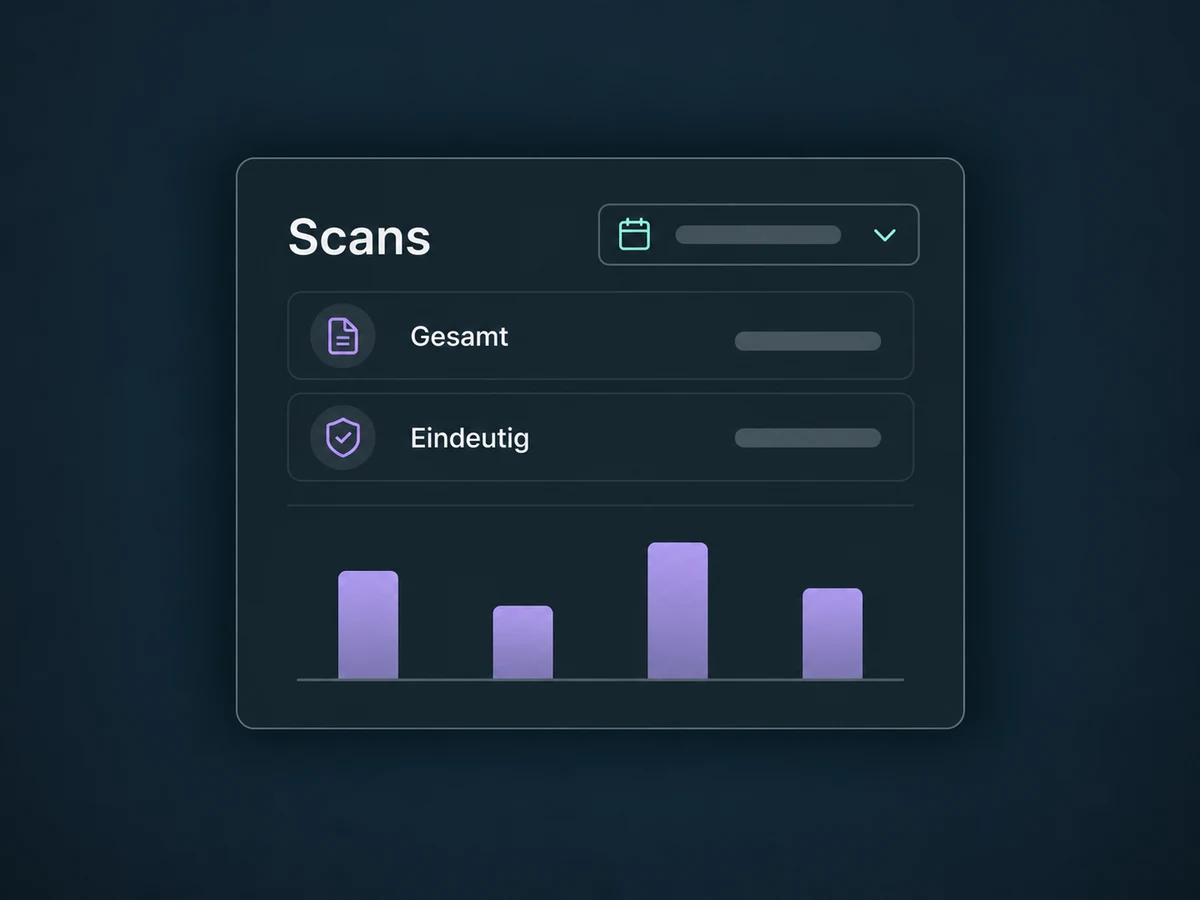
Compare recorded total and unique scans over a selected period. The report shows usage, not automatically identified people, enquiries or purchases.
Link to a digital business card with your contact details, opening hours and profile links. Visitors can view your information; the scan alone does not create a new customer contact.
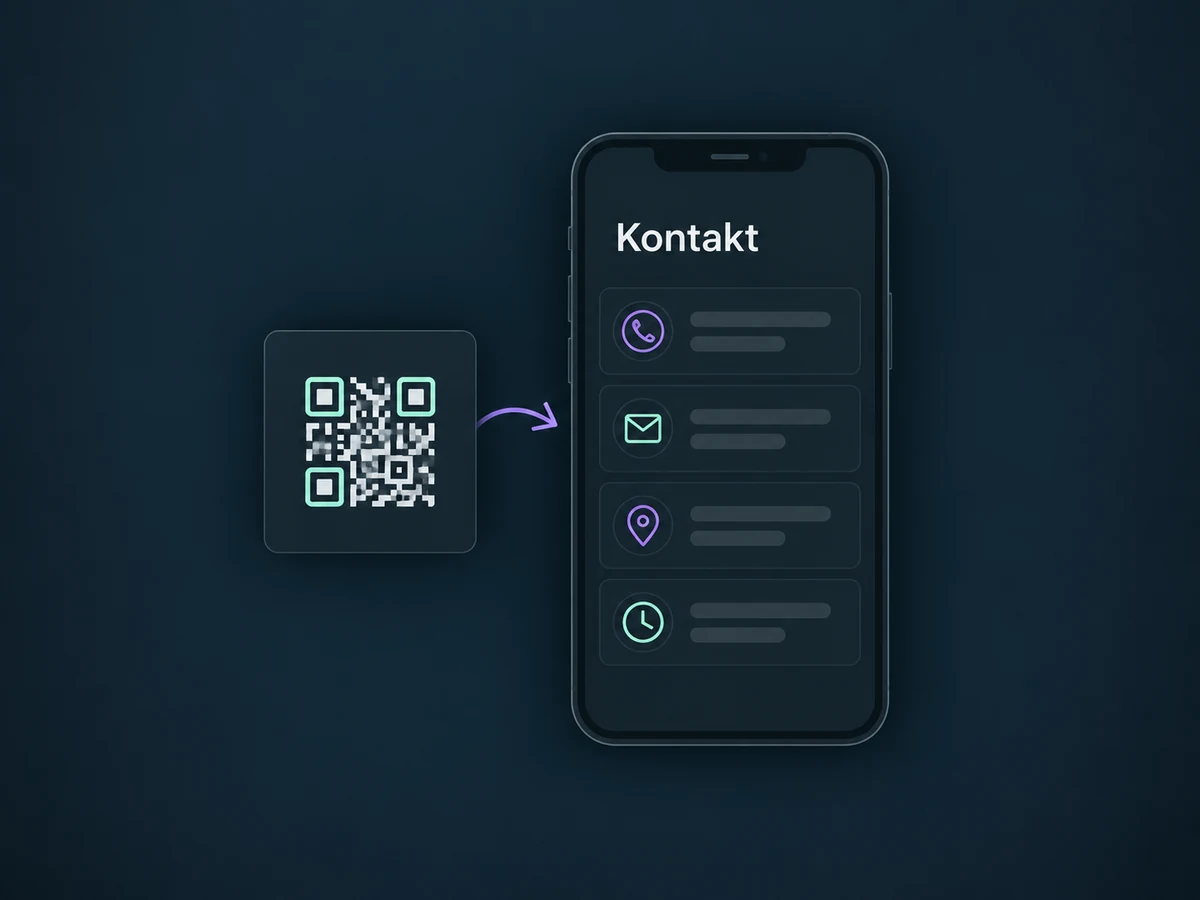
Simplified examples, not live account data.
We check access and scope in your ONE LOOP offer, set the destinations and test scanning and the mobile landing page. Dynamic codes depend on the redirect and destination remaining available. Test print size, material and contrast before production.
The QR code is the entry point. An enquiry requires a submitted form; an appointment requires a completed booking. We configure follow-up actions and any required consent for that next step, not automatically for every scan.
Availability and any add-on or usage costs are confirmed for your ONE LOOP account before implementation.
Examples include websites, funnels, forms, surveys, quizzes, review pages and payment links. Calls, SMS, email or WhatsApp are also possible depending on setup. A code opens the chosen route; it does not send a message or make a payment itself. We check the appropriate type and required connection in your account.
For a dynamic website code, you can change its saved destination address without creating a new QR image. Test the redirect with the existing printed code afterwards. This does not automatically apply to third-party or static codes. It depends on the code, redirect and destination remaining available; it is not a promise of unlimited lifetime.
SVG scales, PDF is suitable for print handoff and PNG works for many digital uses. Agree on a format with your design or print team; SVG may be unavailable for older codes. Test the final print with several devices at the intended viewing distance. The QR visuals on this page are illustrations, not usable print files.
No. Total and unique scans describe measured use of the code. They are neither a list of known people nor proof of an enquiry, booking or payment. That next action must be completed and recorded on the destination page. Automated messages need an identified contact, a configured workflow and any required consent.
Let’s explore your use case and what the setup requires.
Book a demo