01
Choose the product and price
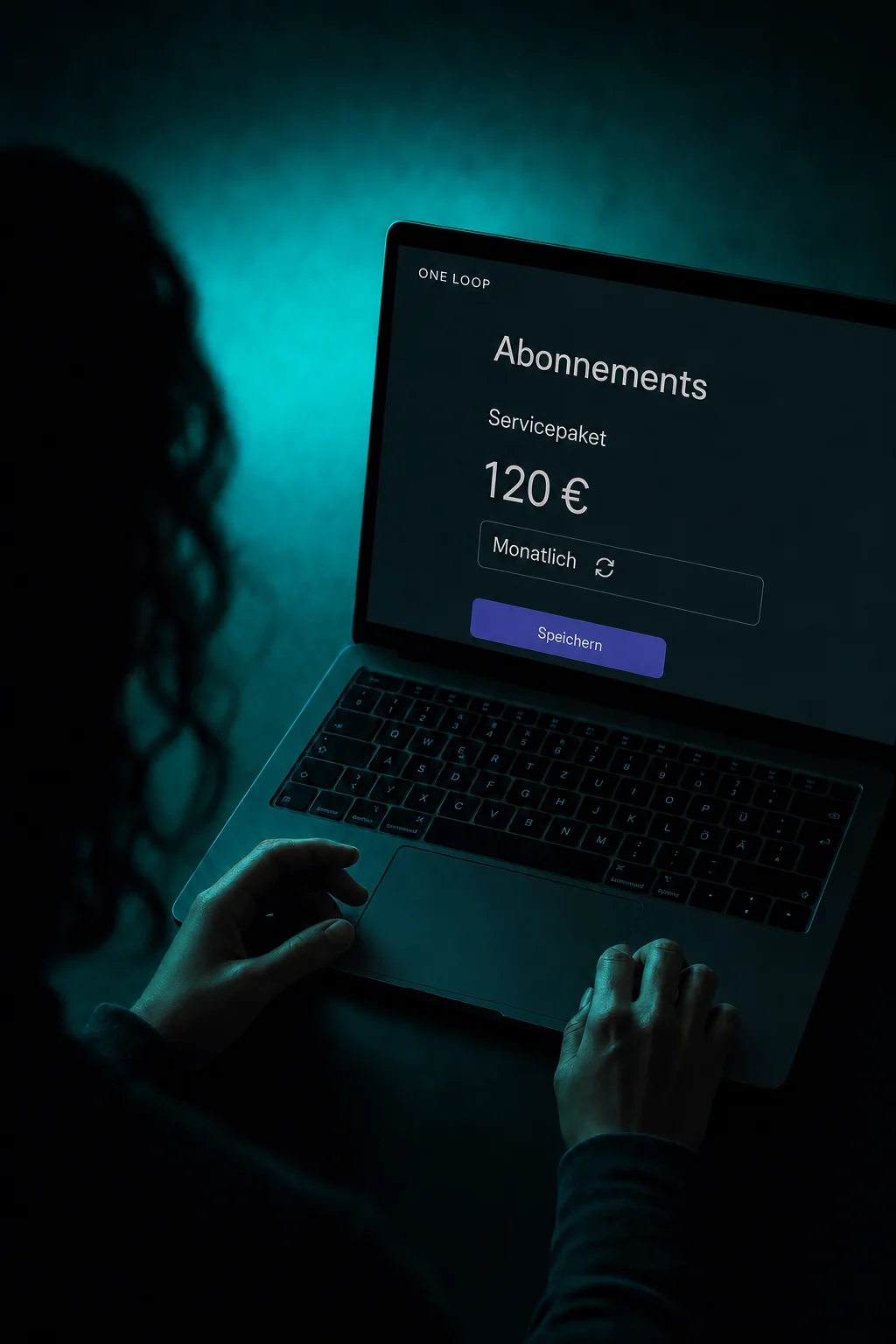
Select an existing product and its price. Preview the payment page before sharing the link.

Payment Links
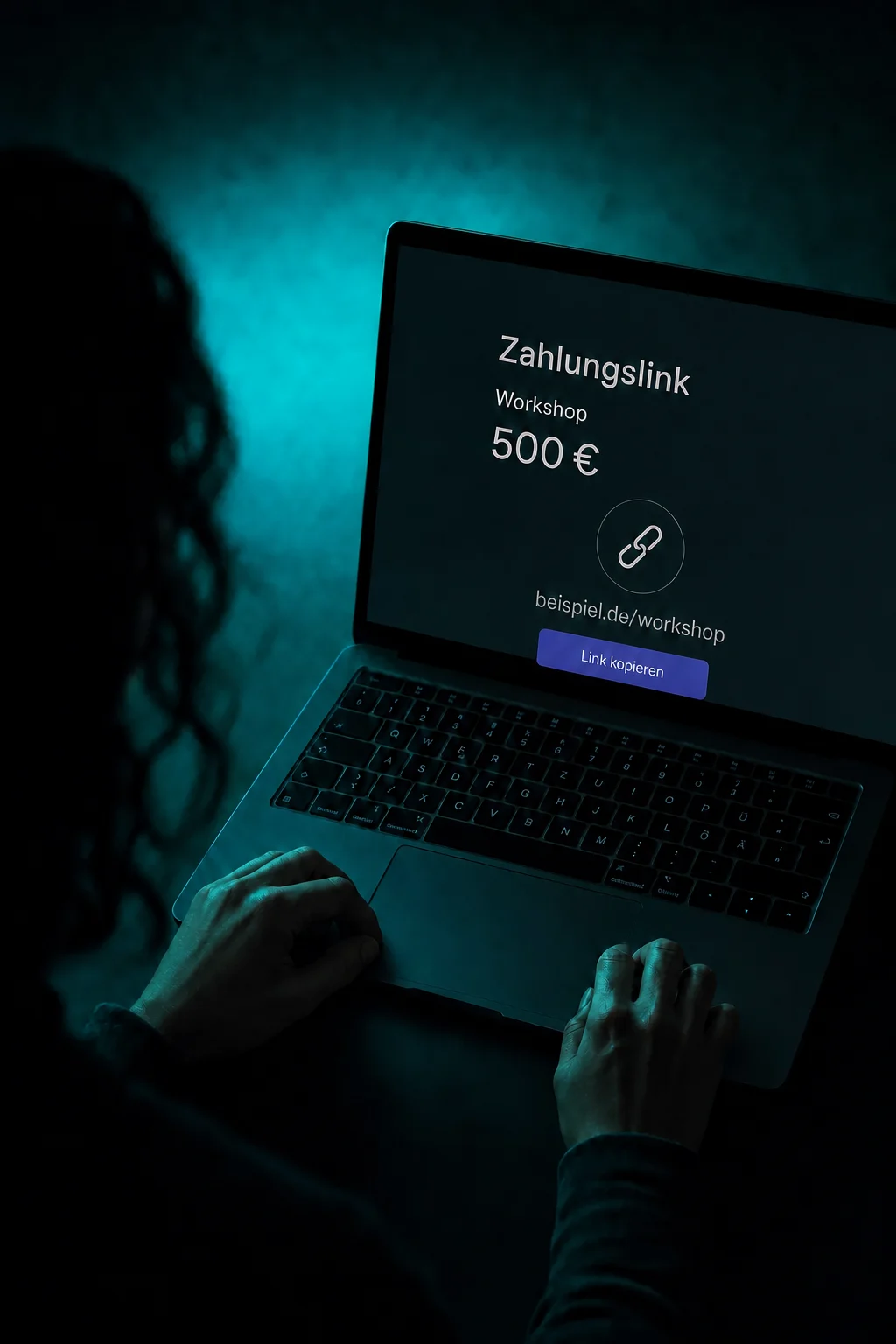
For a workshop, consulting package or product: share a ready-to-use payment page with a link, even without a website.
Three examples show how you can use Payment Links.
Select an existing product and its price. Preview the payment page before sharing the link.
Copy the link or send it to selected contacts by email or SMS. Personalized links can prefill existing contact details.

Your customer opens the link, reviews the product and pays with an available method. Opening the link does not confirm a payment.

The practical benefits of Payment Links.
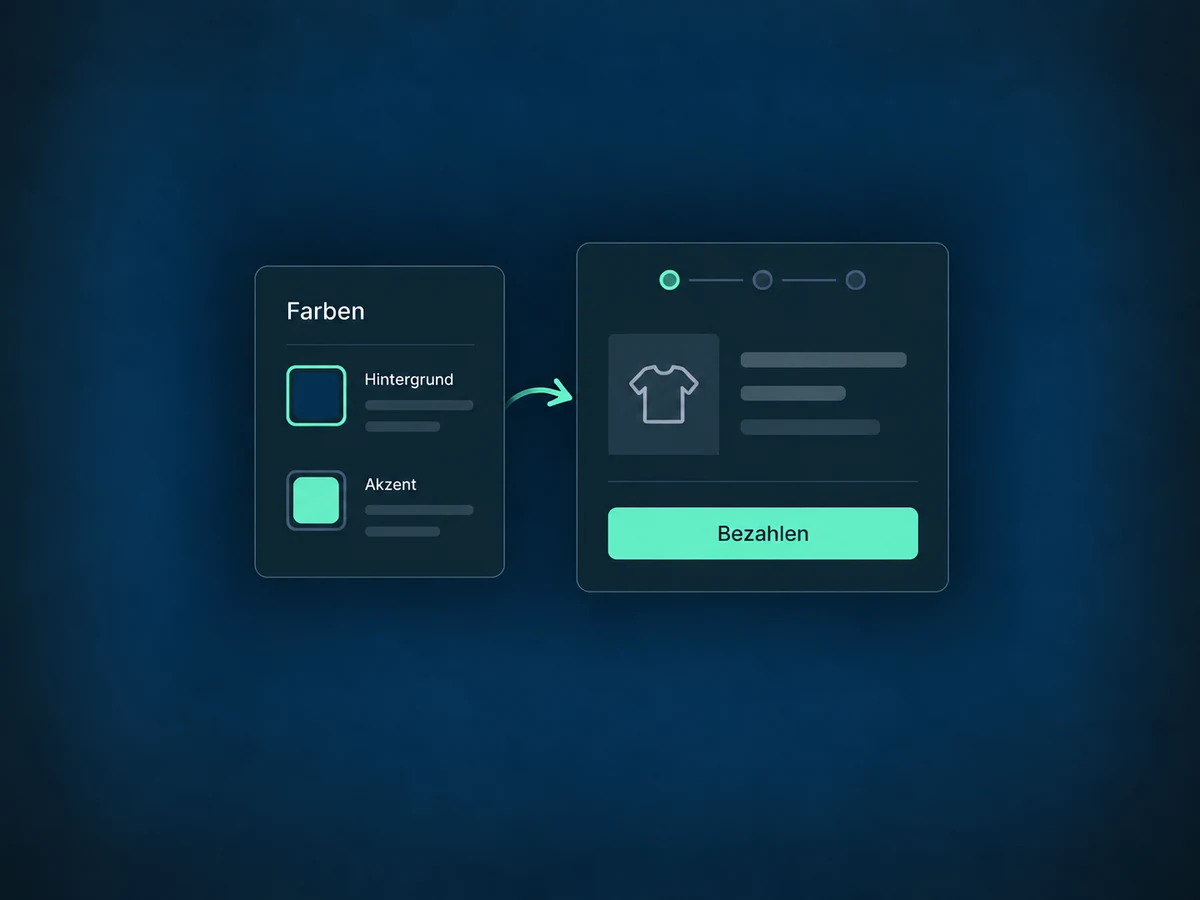
Match the background and buttons to your brand colors. The saved design applies to all payment links in the account.
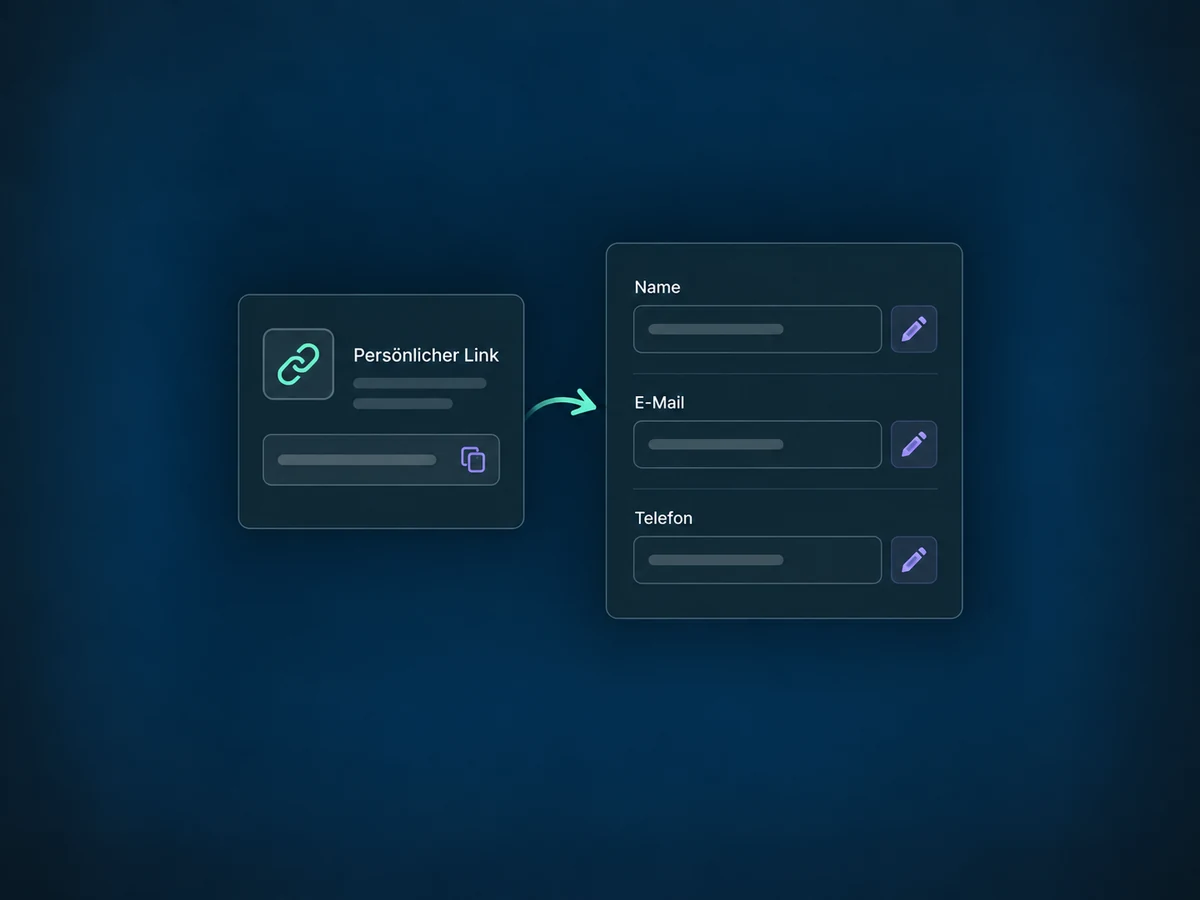
A personalized link can prefill name, email and phone number. Share it only with the intended contact; prefilled details are not a login.
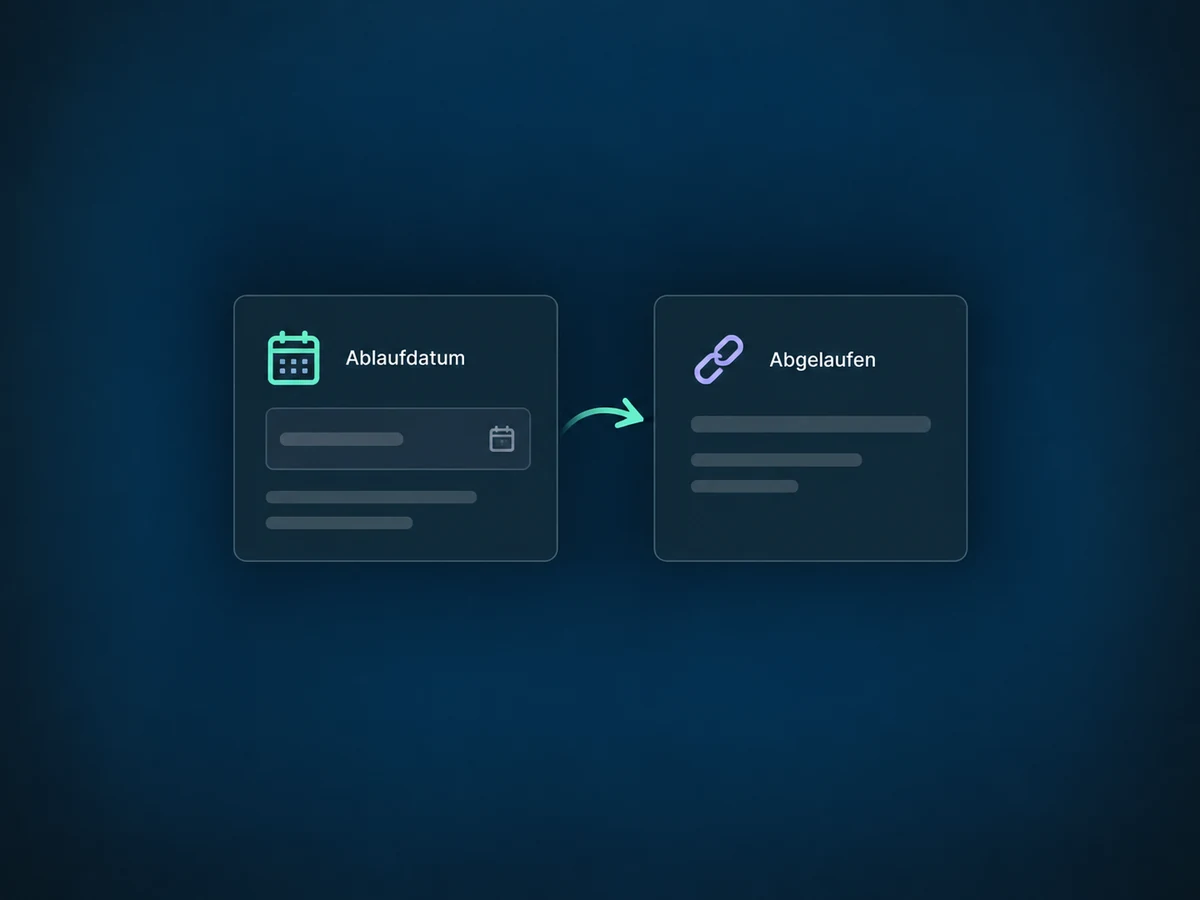
Set an expiry date. Afterwards, the link is no longer available for purchases; completed purchases are unaffected.
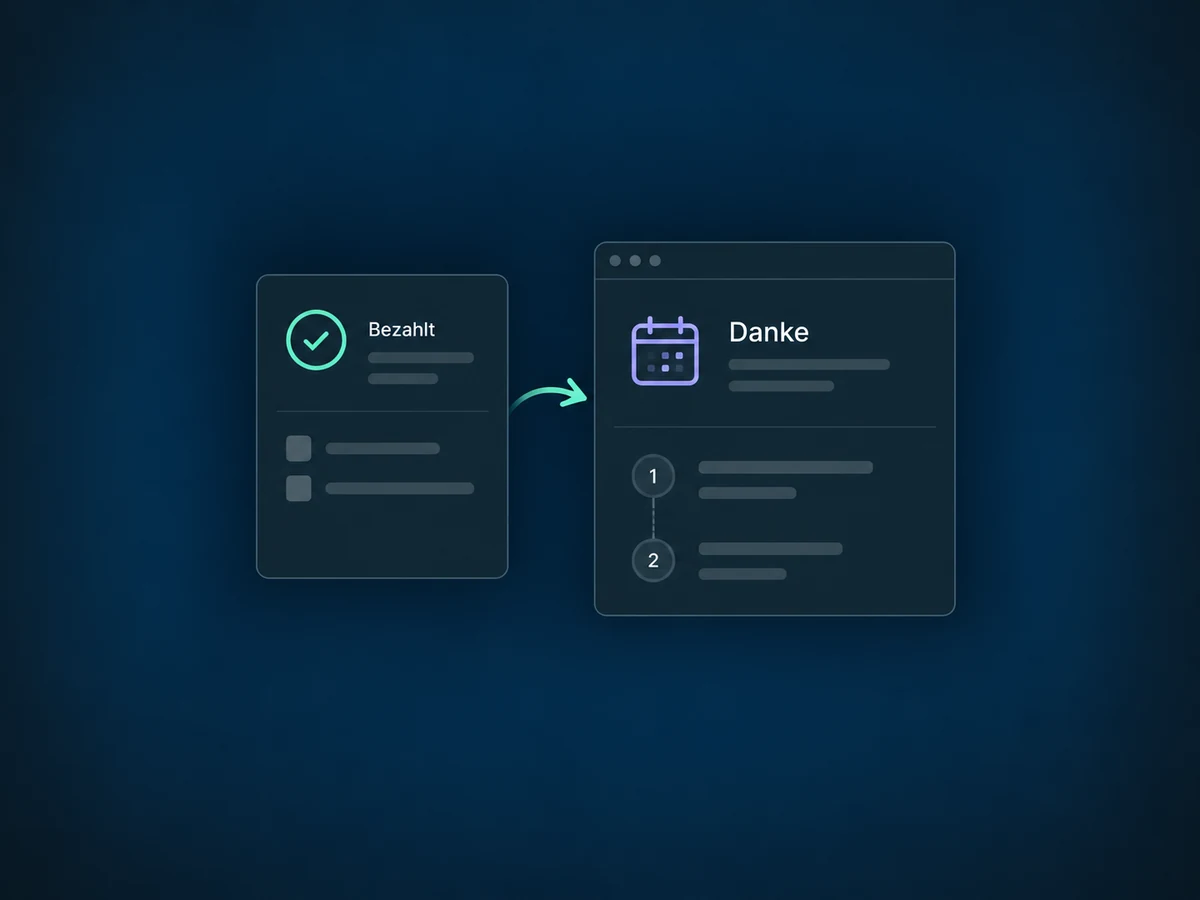
Redirect customers to a relevant thank-you page after purchase. Use it to explain what happens next with their workshop, for example.
Configure follow-up actions for successful payments and the relevant product. A team notification can then run, rather than starting when the link is sent.
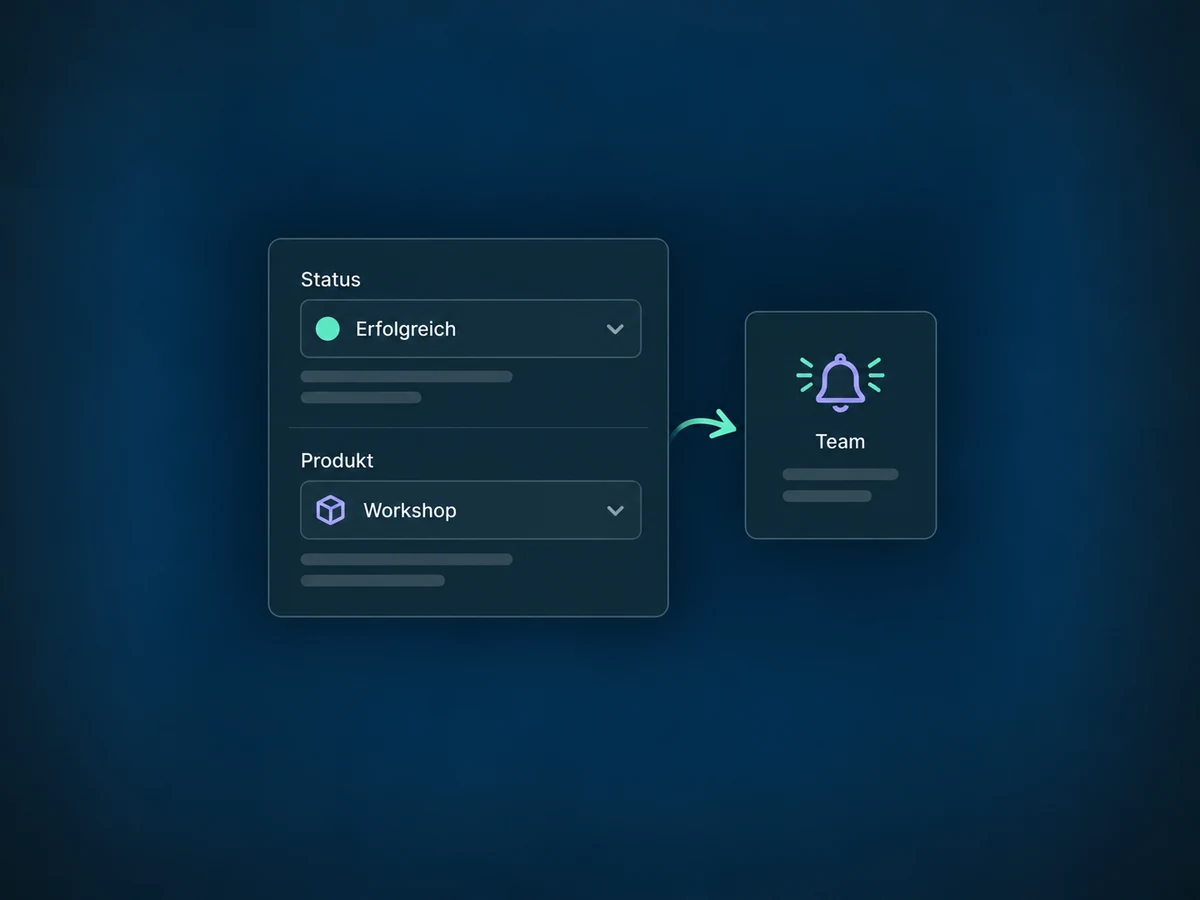
Simplified examples, not live account data.
We check the product, price, payment methods, account access and offer details. Before sending, we test the payment page and follow-up actions. A connected, supported payment provider is required; fees and available methods depend on the connection.
The payment link is the short path to checkout. Confirmations, tasks and access are configured separately. For an individual amount due on a specific date, an invoice may be the better fit.
Availability and any add-on or usage costs are confirmed for your ONE LOOP account before implementation.
No. The link opens a hosted payment page. You need a product with a price and a supported payment provider. Preview and test it before the first send.
Yes, with suitable products and a supported connection. Several one-time products are possible; customers select one recurring product at a time. Make the price and billing cycle clear.
Not on this payment-link page. It shows the automated payment methods supported by the connection. Manual bank transfers need a different process, such as a suitably configured invoice.
Yes. Field labels, buttons and errors follow the platform language set in the business profile. They do not switch just because the visitor uses another language. Review product names and offer details separately.
Let’s explore your use case and what the setup requires.
Book a demo