01
One window. The right way to reach you.
Offer live chat, an email enquiry or your connected WhatsApp. You choose which configured channels appear in the shared chat window. Visitors decide how they want to reach you.

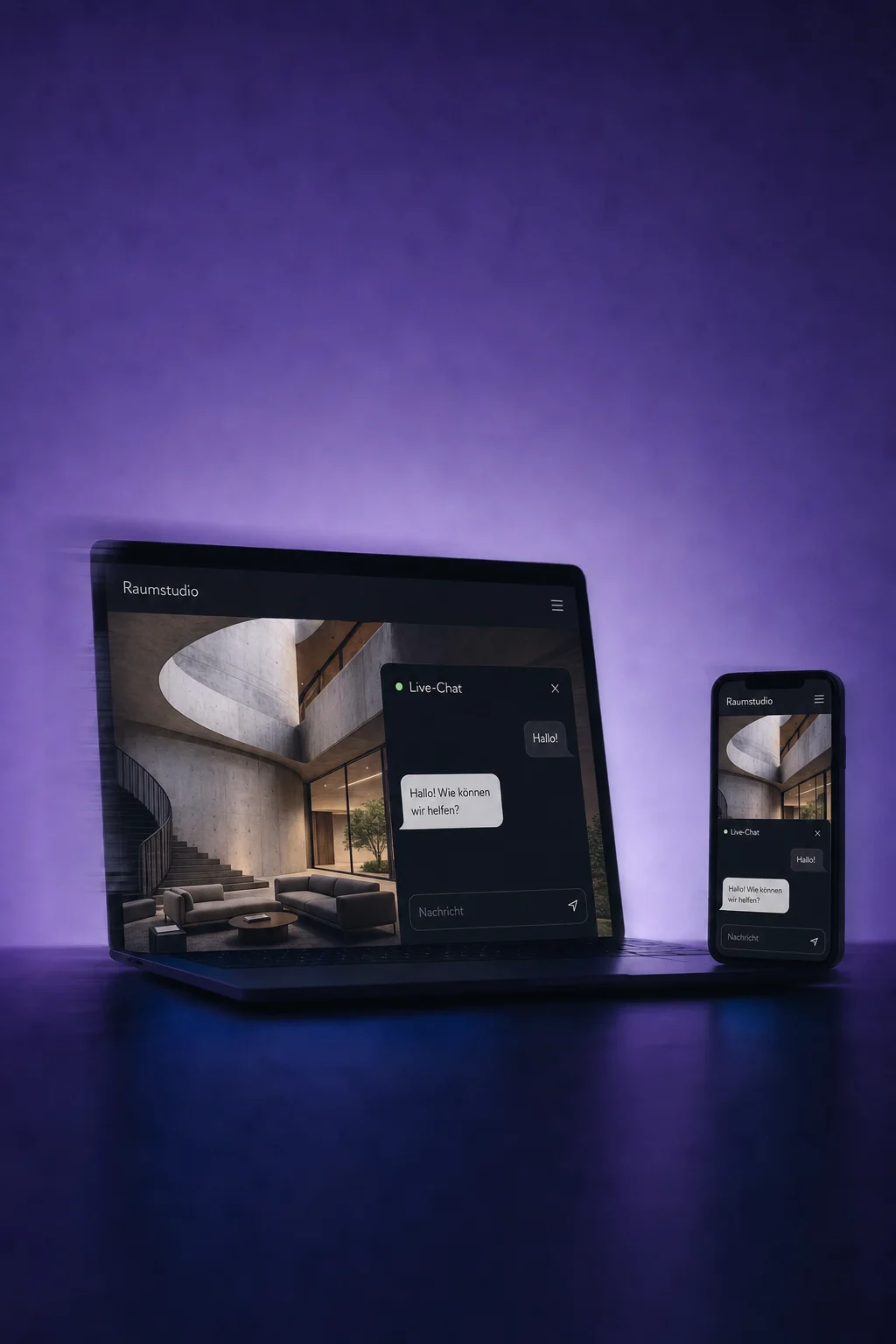
Website Chat
Answer questions where people discover your offer, with a chat window on your website and a shared inbox for your team.
Three examples show how you can use Website Chat.
Offer live chat, an email enquiry or your connected WhatsApp. You choose which configured channels appear in the shared chat window. Visitors decide how they want to reach you.
Incoming live chats appear in ONE LOOP. Read the question, assign the conversation to someone and reply directly to the chat window. Your team does not need a separate chat tool.

Set office hours for live chat. Outside those hours, the widget shows an offline message and asks for contact details. Your team can reply later instead of leaving visitors waiting for a live response.

The practical benefits of Website Chat.
Match the colour, greeting and language to your brand. Available settings depend on the chat type you choose.
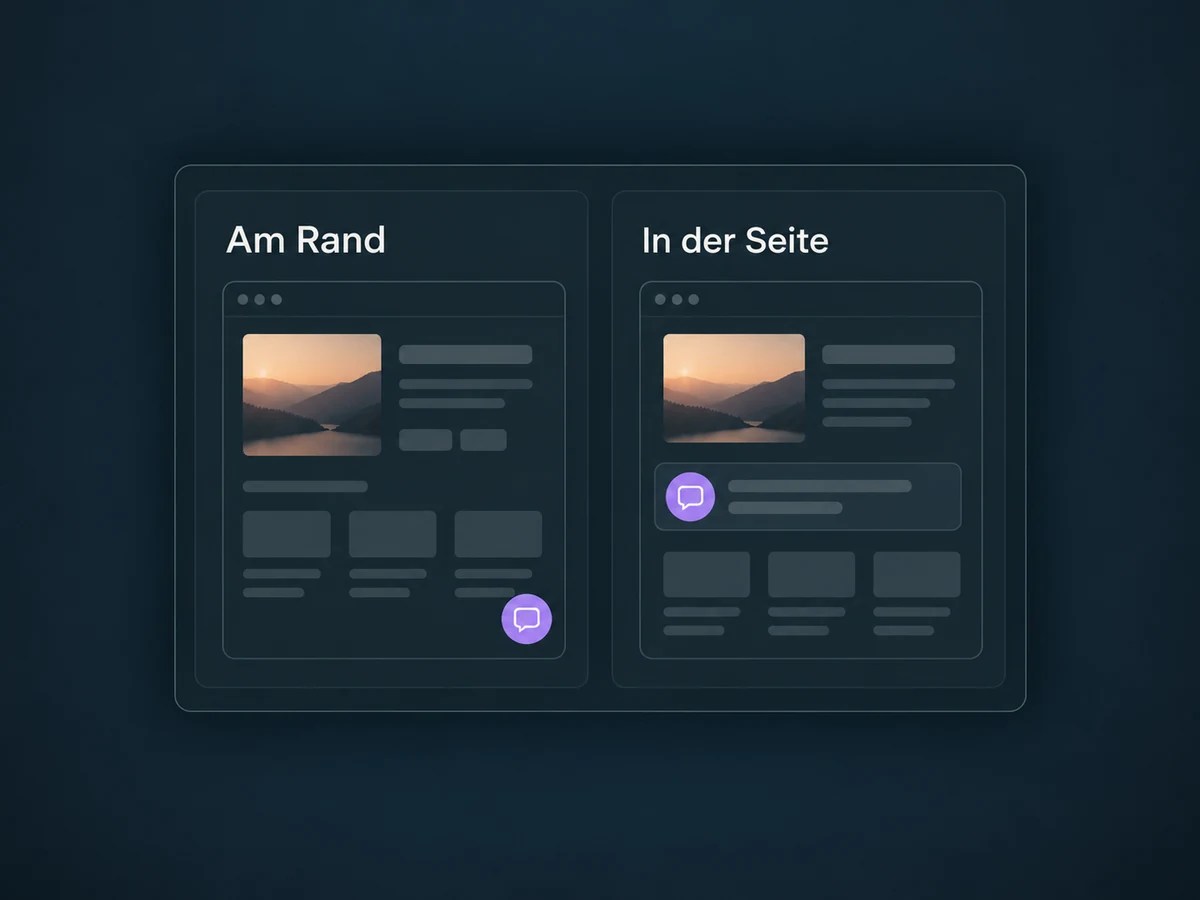
Use a fixed chat button in a screen corner or embed the chat directly in your page. Check that important content stays accessible on phones.
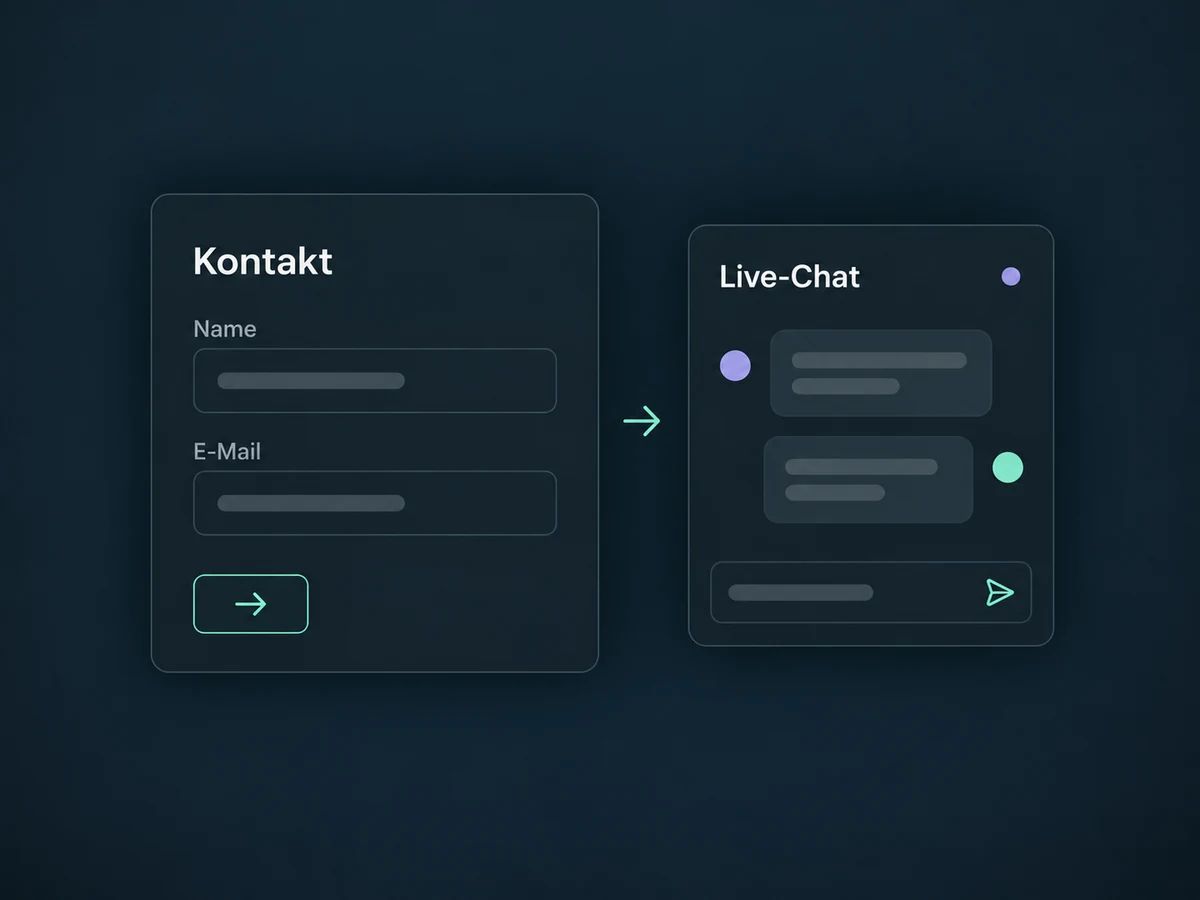
Optionally enable a contact form before live chat starts. Visitors then provide their name and a way to reach them, giving you a basis for a later reply.
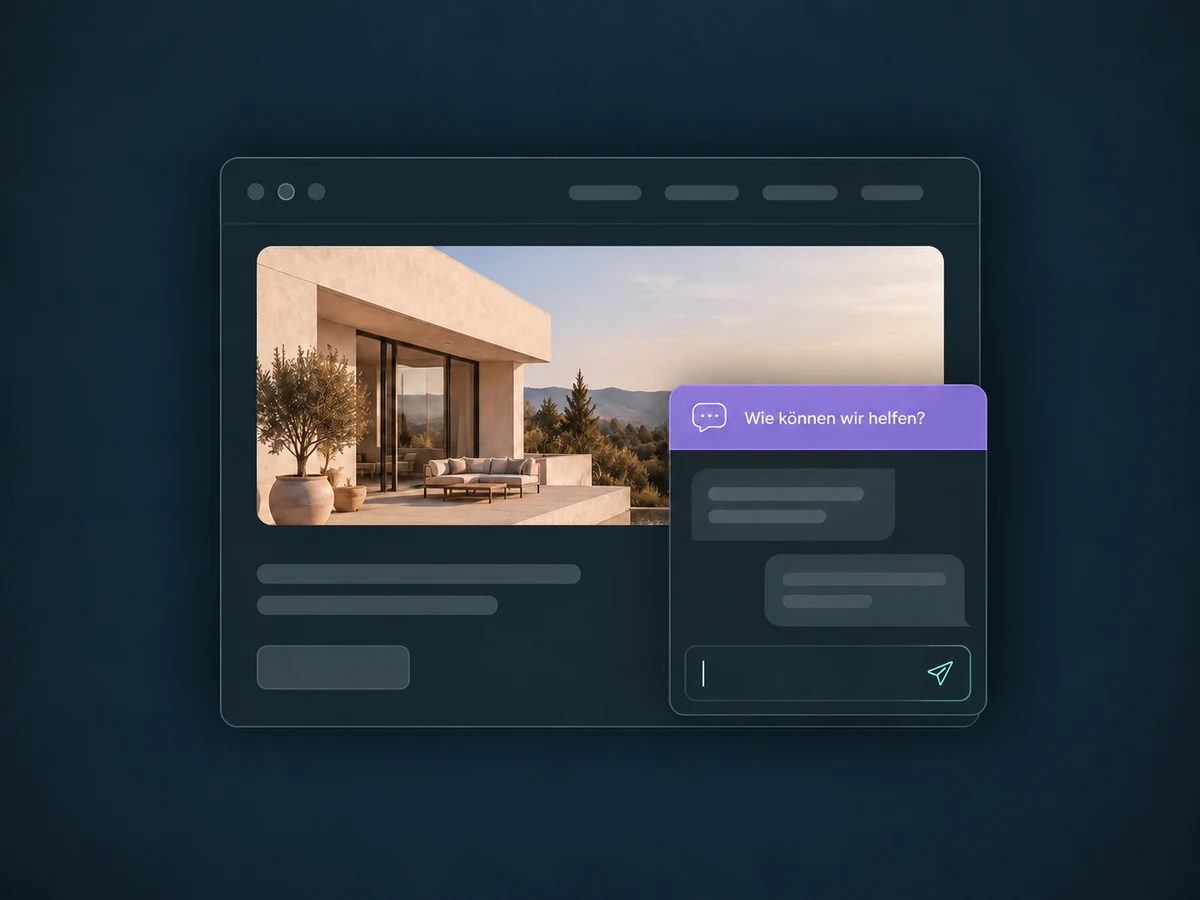
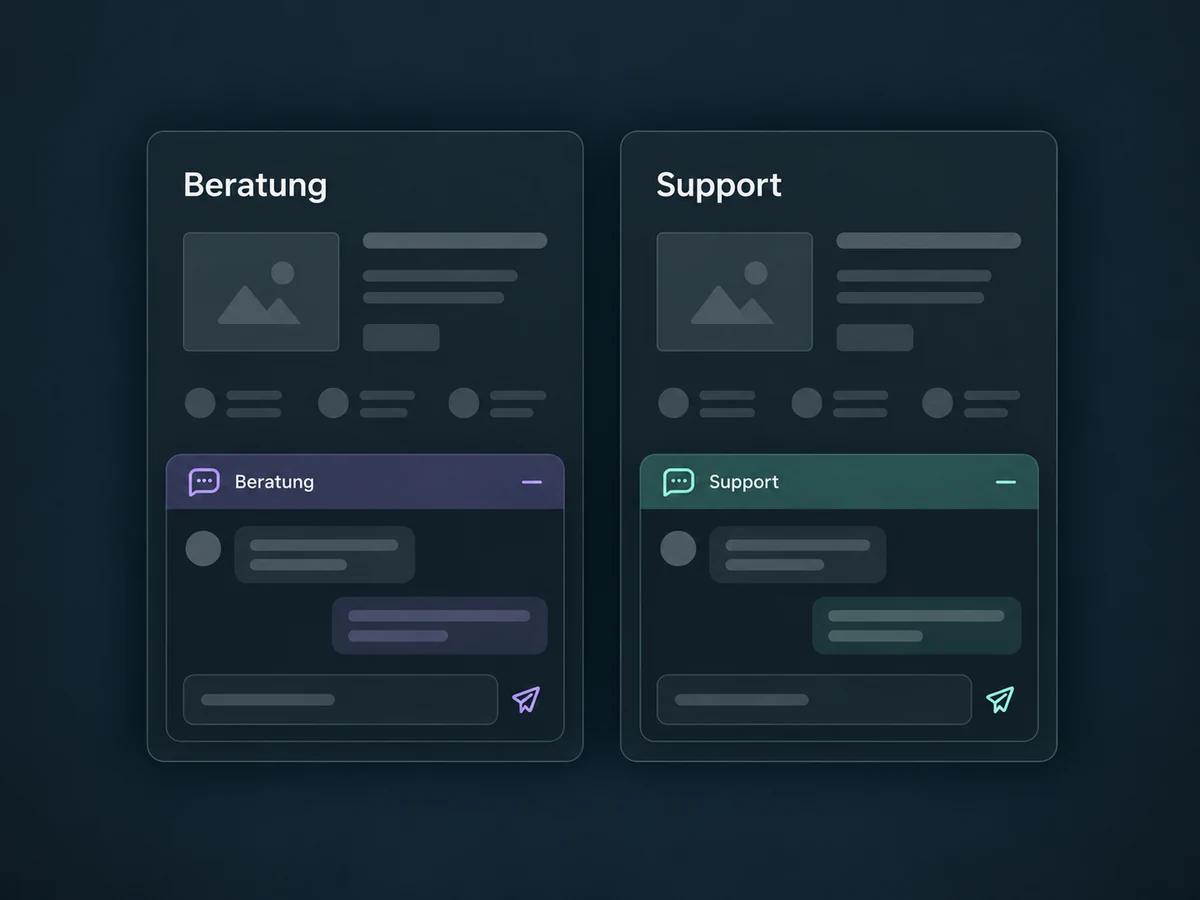
Create different widgets for enquiries and support, then install them on the relevant pages. A single widget does not automatically change its greeting from page to page.
Have an incoming reply notify your team or create a task. This needs a workflow with filters for the right channel and the specific widget.
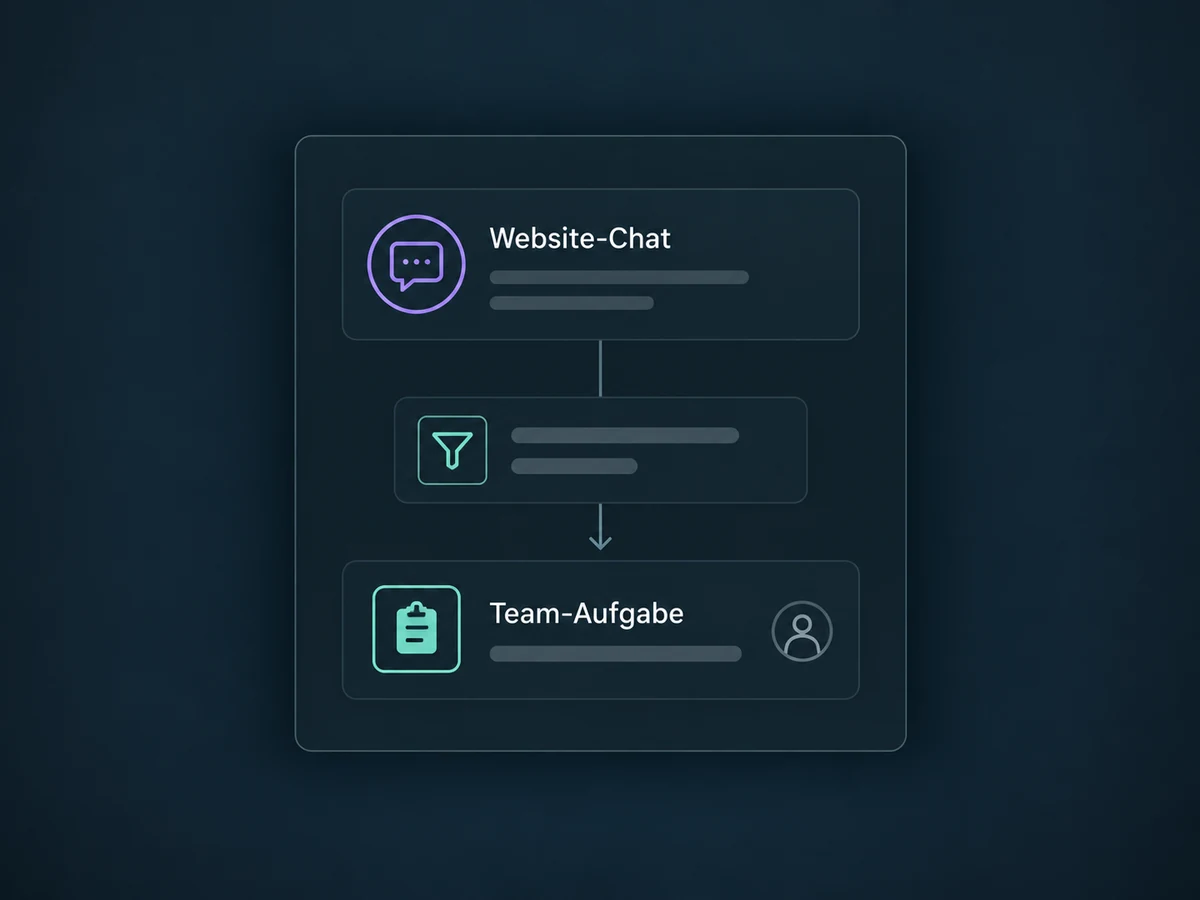
Simplified examples, not live account data.
We check available channels and possible usage charges in your ONE LOOP offer. Then we configure installation, team access, office hours and the reply channel you need. Privacy notices and any necessary consent are reviewed for your use case.
The widget is your website's entry point; the inbox is your team's workspace. AI replies are a separate addition that needs access and configuration. The chat window alone does not answer questions about your business.
Availability and any add-on or usage costs are confirmed for your ONE LOOP account before implementation.
Live chat takes place directly in the browser, with your team replying from the inbox. SMS/email chat captures details so you can reply later through the configured channel. A visible widget does not guarantee an immediate reply. WhatsApp needs a suitable connected number and the corresponding widget setup.
Yes, if your website system allows the embed code. On ONE LOOP websites and funnels, you can select a created widget in the settings. On external sites, we check installation and possible script blockers. A global widget selection must not override page-specific embeds when you need different widgets per page.
No. Your team can run live chat without AI. AI replies need a suitable agent, knowledge, channel access and handover rules to be configured and tested separately. We check availability and usage charges for your offer; the widget does not automatically enable AI.
With office hours enabled, live chat shows a contact form outside business hours and closes the session after submission. The configured business timezone applies. You can also set an inactivity fallback to request contact details when nobody replies. Following up later needs captured contact details and a configured reply channel; an anonymous visit is not enough.
Let’s explore your use case and what the setup requires.
Book a demo