01
Make your ad form a source of contacts
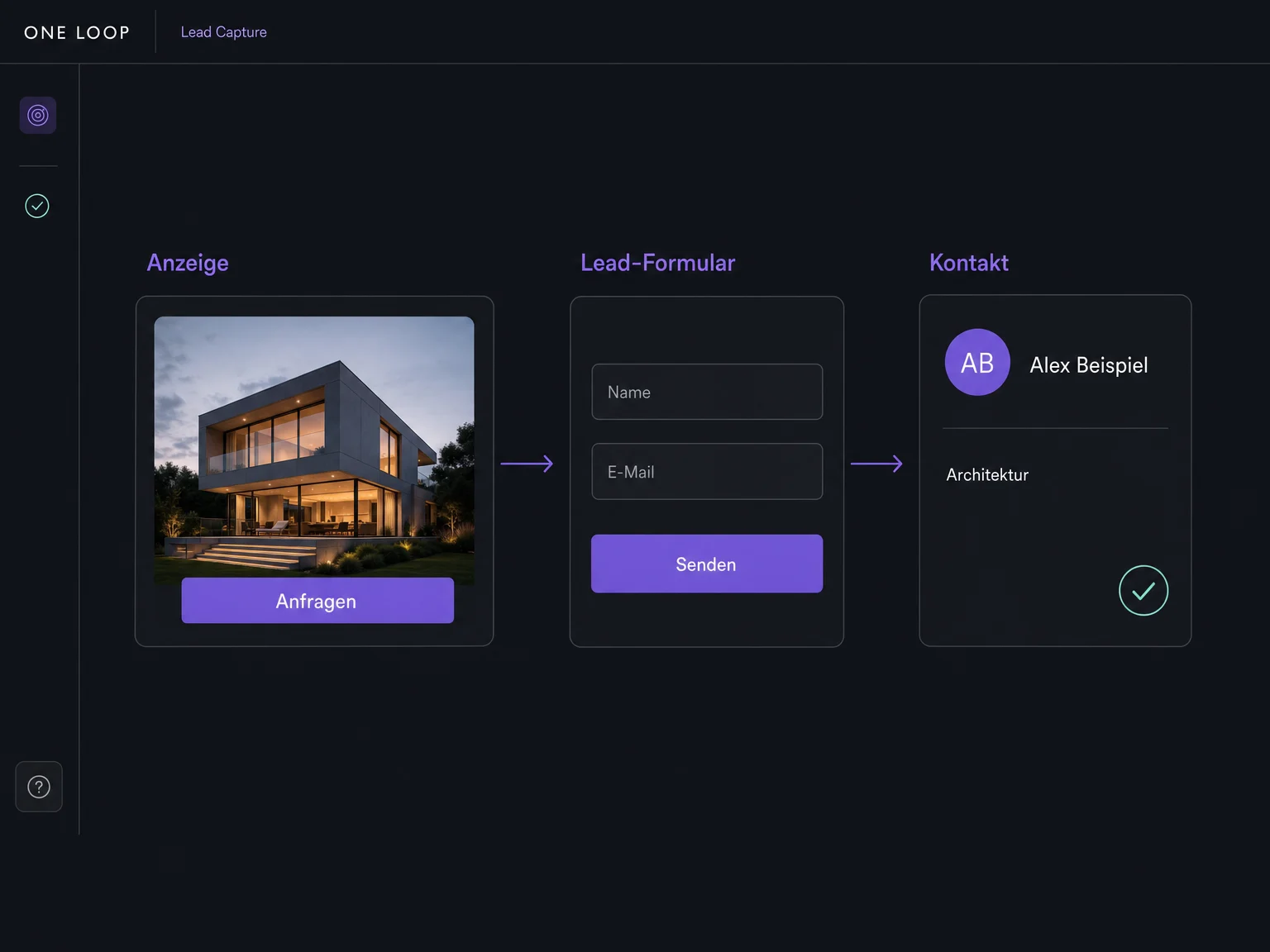
Connect your ad account, select the lead form and enable syncing. When someone submits the form, their details can flow into ONE LOOP. An ad click alone does not create a contact.

Campaign Lead Capture
Bring enquiries from your ad forms into ONE LOOP. Once set up, submitted details are saved to the contact so your team can follow up without exporting lists.
Three examples show how you can use Campaign Lead Capture.
Connect your ad account, select the lead form and enable syncing. When someone submits the form, their details can flow into ONE LOOP. An ad click alone does not create a contact.
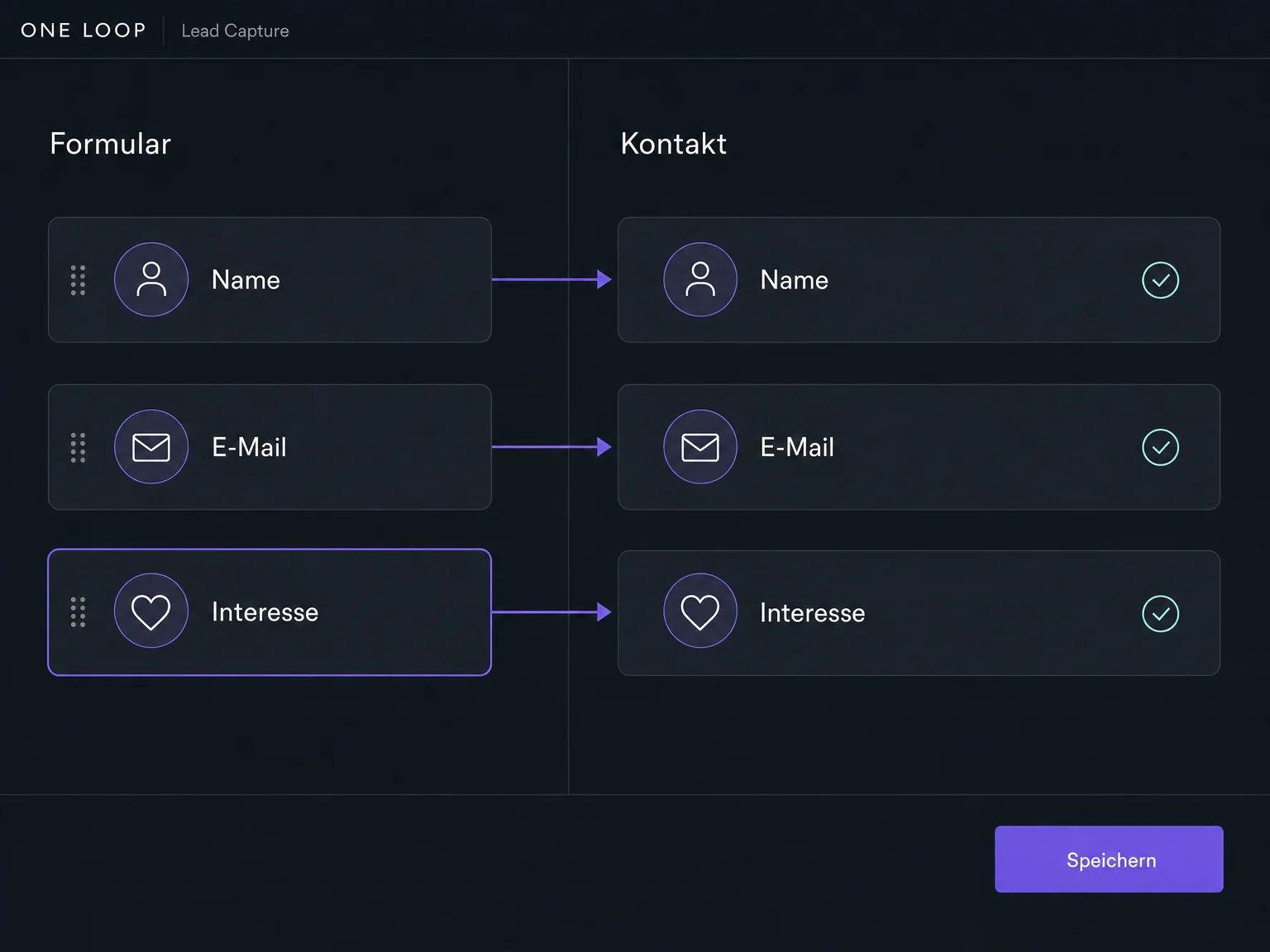
Set where names, email addresses and other answers should be saved. Map custom questions to matching contact fields so your team can see who is enquiring and what they need.
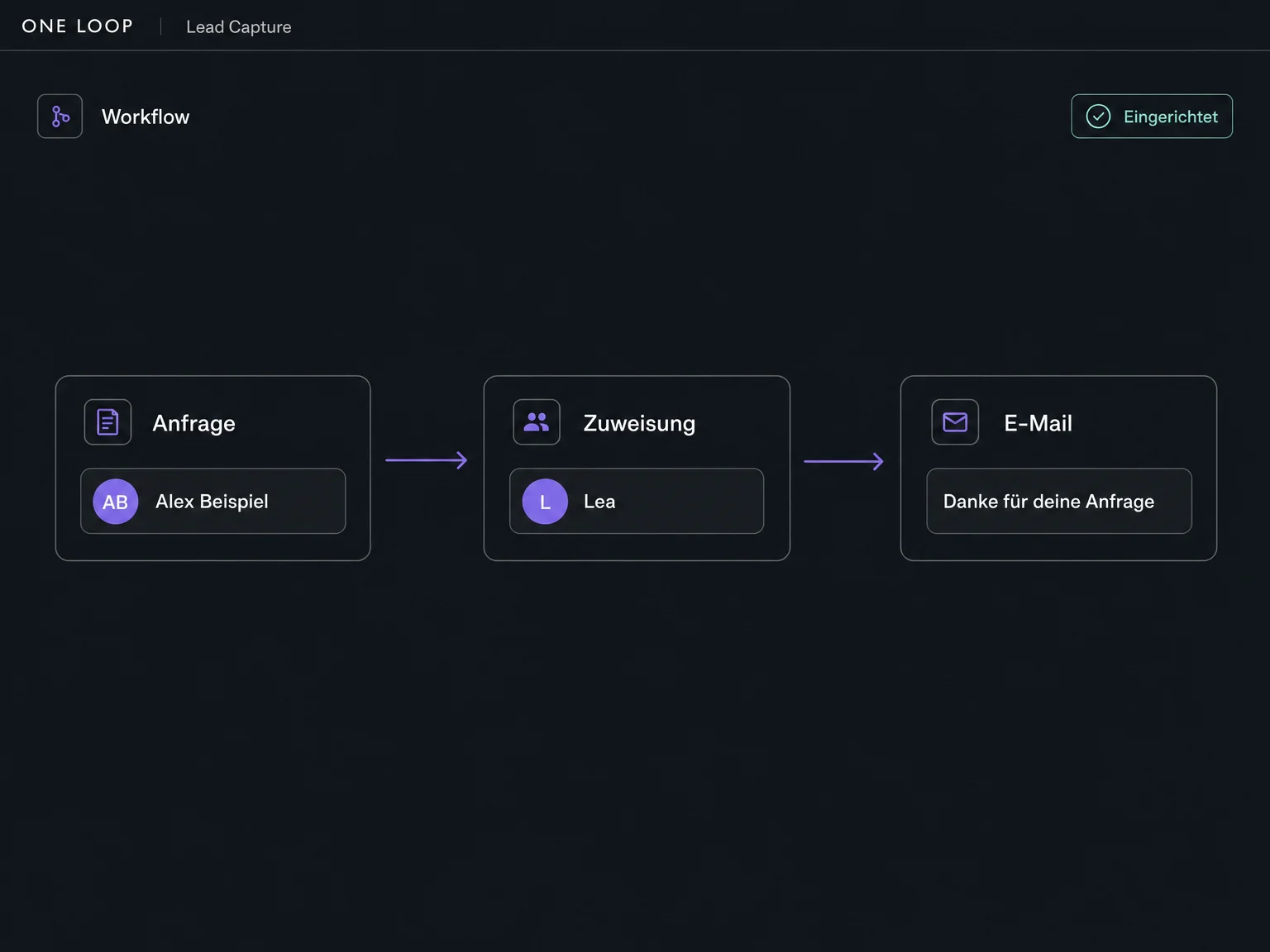
Set up a workflow for new form submissions to assign an owner, notify your team or send a confirmation. You choose the actions, test the flow and then activate it.
The practical benefits of Campaign Lead Capture.
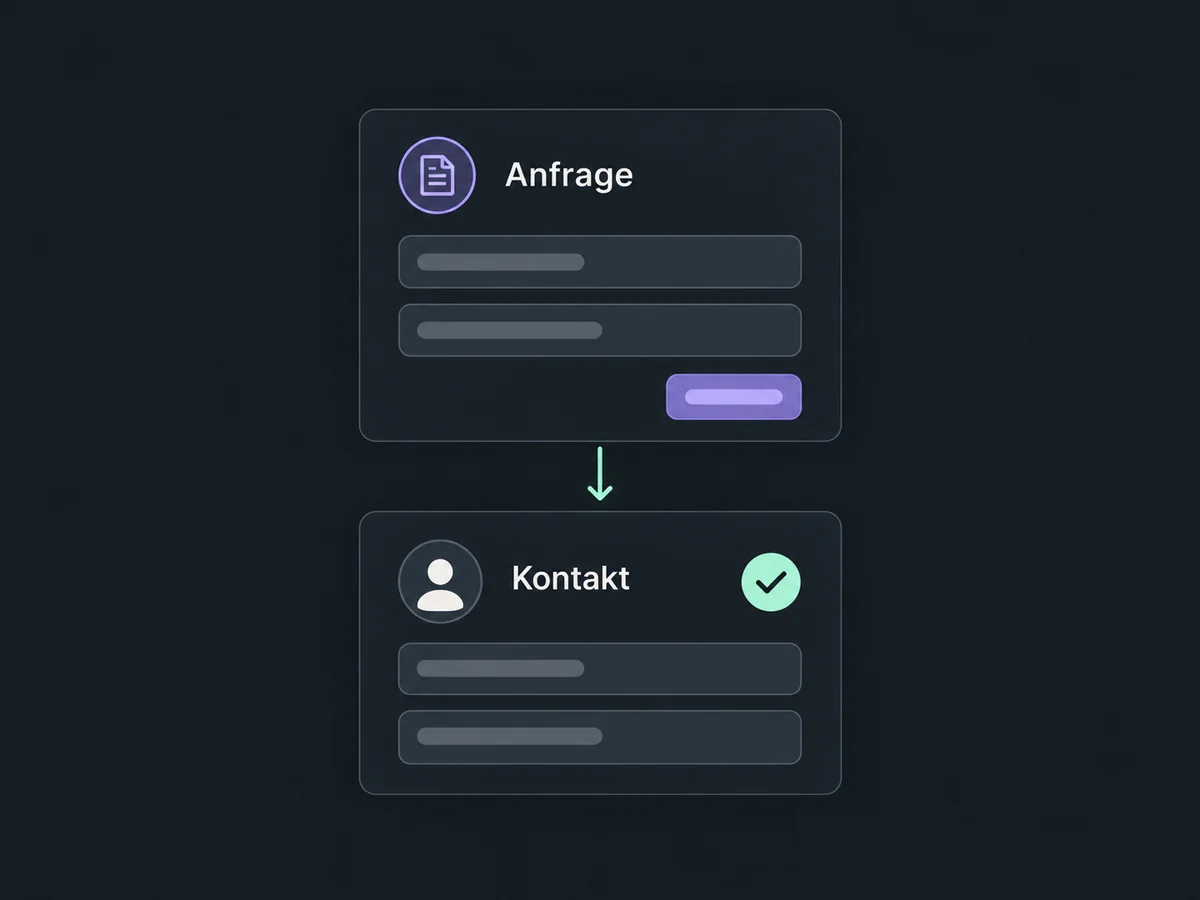
New submissions from enabled, correctly connected forms are synced across. You do not have to export and re-enter each name and email address.
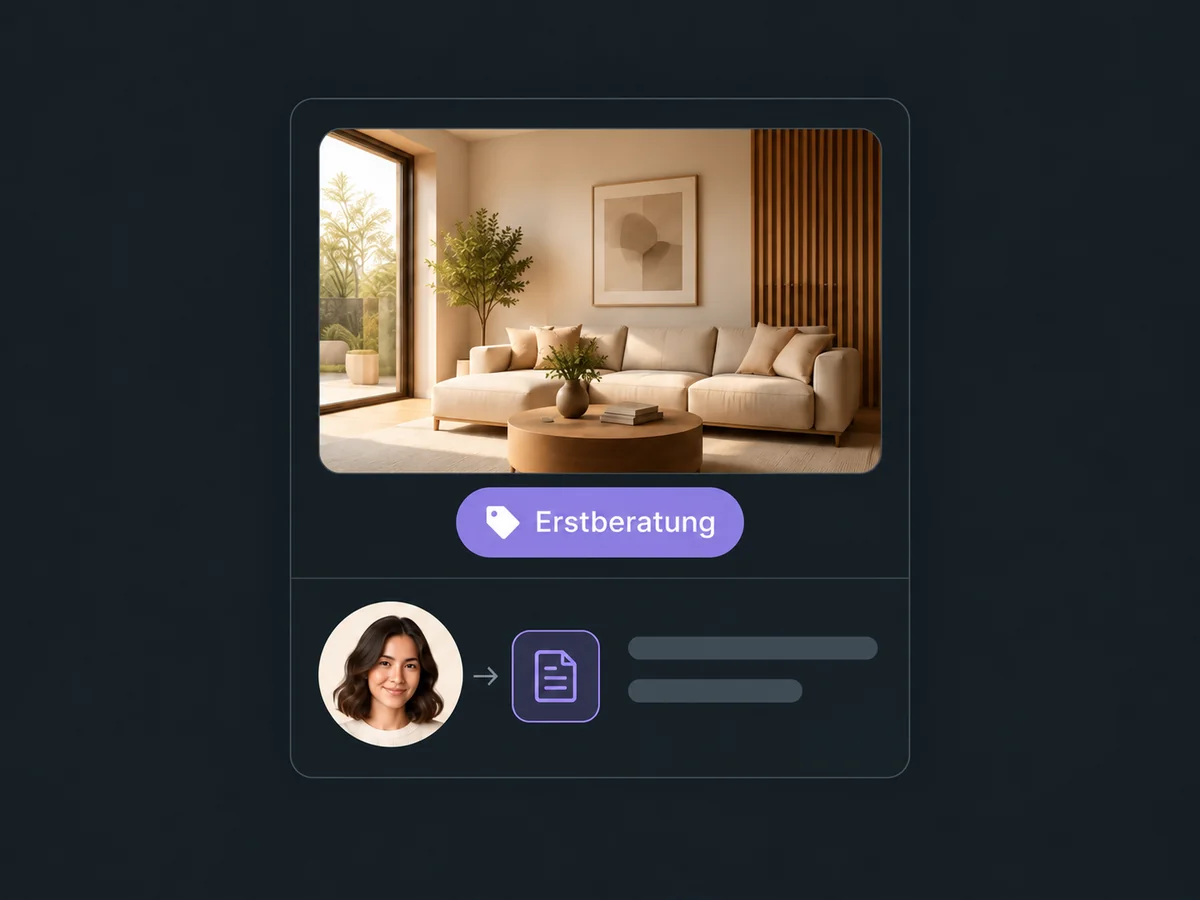
Use the source details supplied by the channel or a configured campaign tag so your team can identify the offer behind the enquiry.
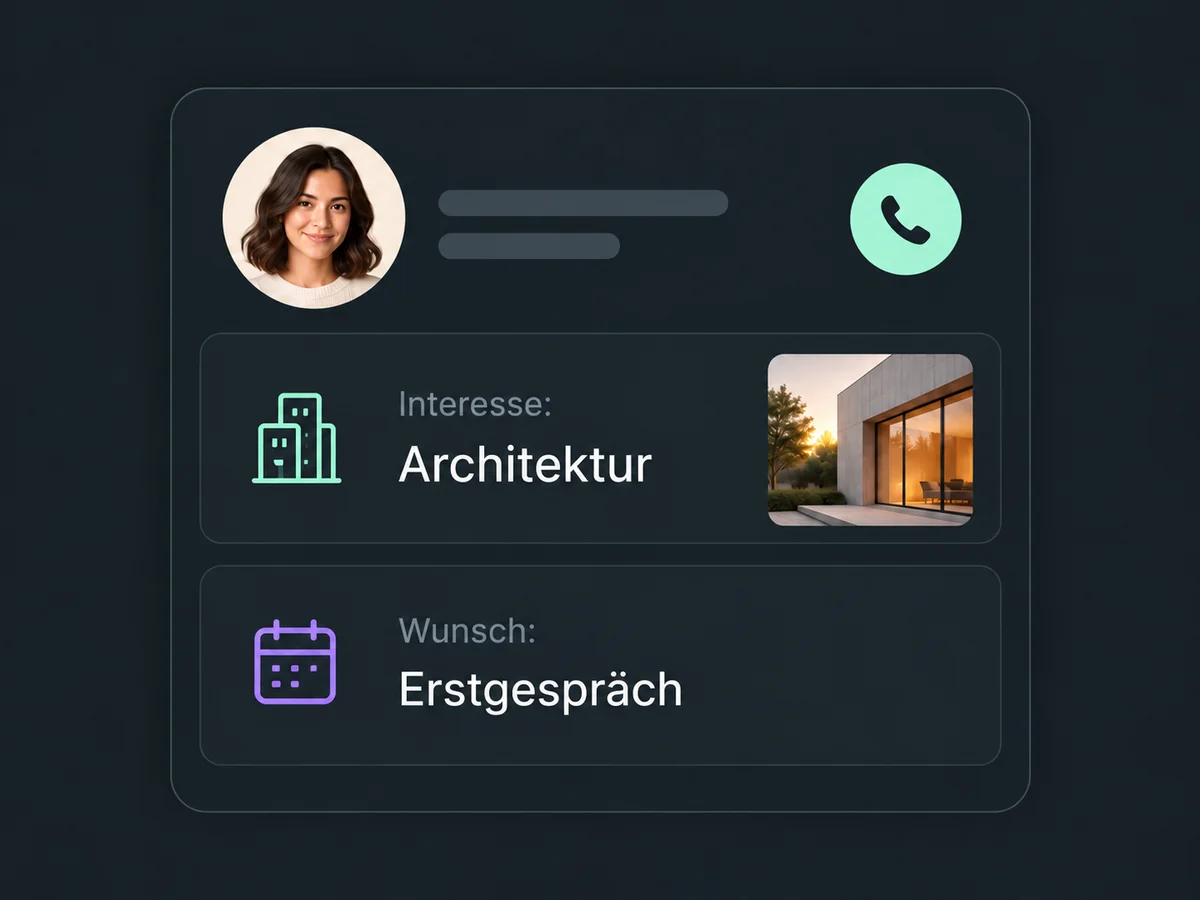
Interests, requested services or callback preferences are saved in matching contact fields. Prepare for the conversation without searching through the ad account for answers.
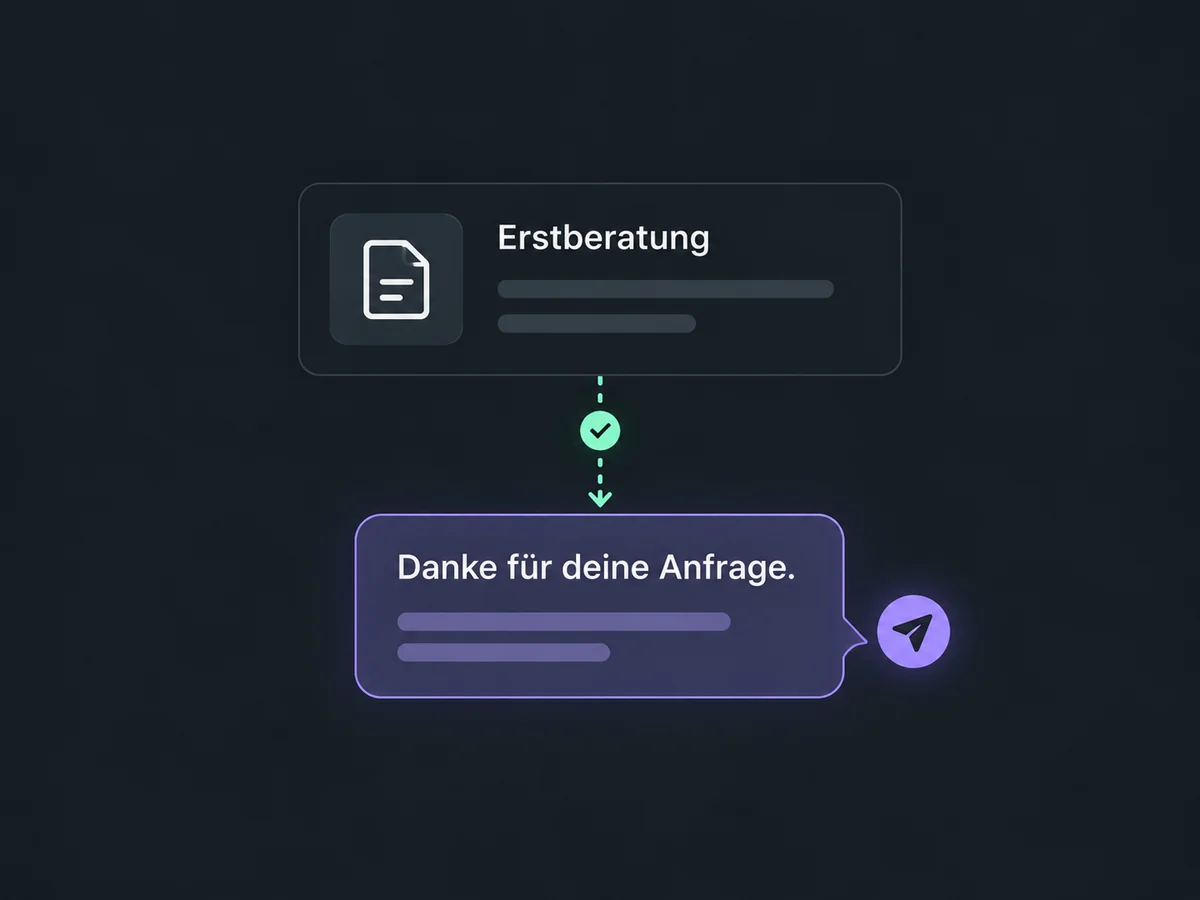
Set a confirmation for the relevant form in your workflow. A consultation enquiry can receive a different reply from an event registration.
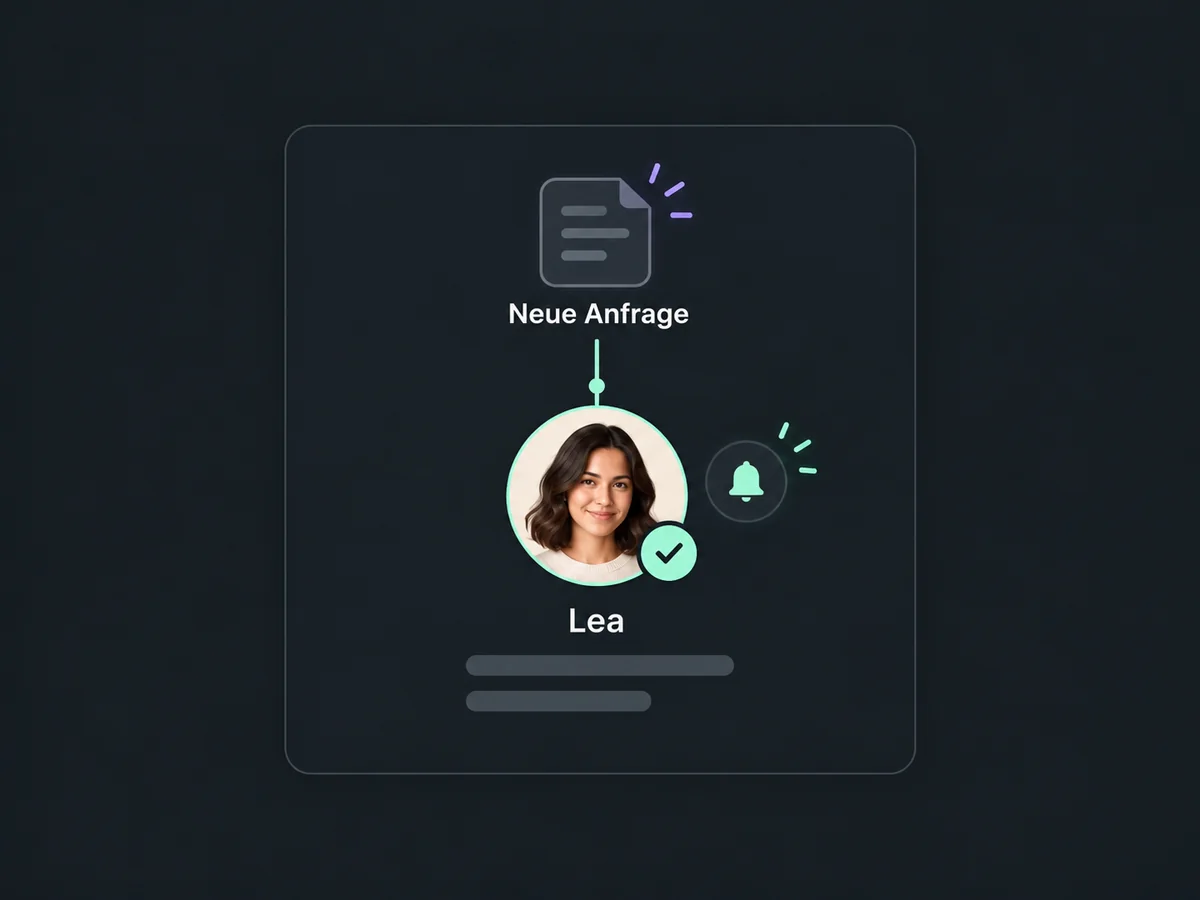
Choose who handles new campaign enquiries. An activated workflow can assign and notify that person instead of leaving everyone to watch a shared list.
Simplified examples, not live account data.
Connect the correct ad account with the required page and lead-access permissions. Map the fields, enable the form and check a test submission. We confirm supported sources and field types for your account before setup.
The contact is the starting point for follow-up. Configure assignment, pipeline entries and messages as separate workflow actions. The sending channel, required consent and possible usage costs must be addressed during setup; connecting a form does not resolve them automatically.
Availability and any add-on or usage costs are confirmed for your ONE LOOP account before implementation.
From connected Meta lead forms for Facebook and Instagram, Google Ads lead forms and LinkedIn lead forms. For TikTok lead forms, we also check access and supported field types. This means submitted forms, not anonymous ad clicks. Google lead forms are part of Google Ads, not the separate Google Forms product.
No, if the campaign uses a lead form within the advertising channel. People submit their details there and the configured form passes them to ONE LOOP. If your ad links to a website instead, that website’s form needs its own connection. A tracking pixel is not a substitute for an enquiry form.
Not just by connecting the form. You need a configured, activated workflow with the appropriate sending action. You choose the content, recipients and timing. Before launch, we check the sender, channel and required consent. Messages may incur additional usage costs.
First check the ad account, permissions, enabled form and field mapping. If the contact is visible but the follow-up is missing, check workflow status, filters and execution logs. Duplicate-contact and workflow re-entry settings can also matter. Submissions may take a little time to arrive.
Let’s explore your use case and what the setup requires.
Book a demo