01
Your ad accounts in one place
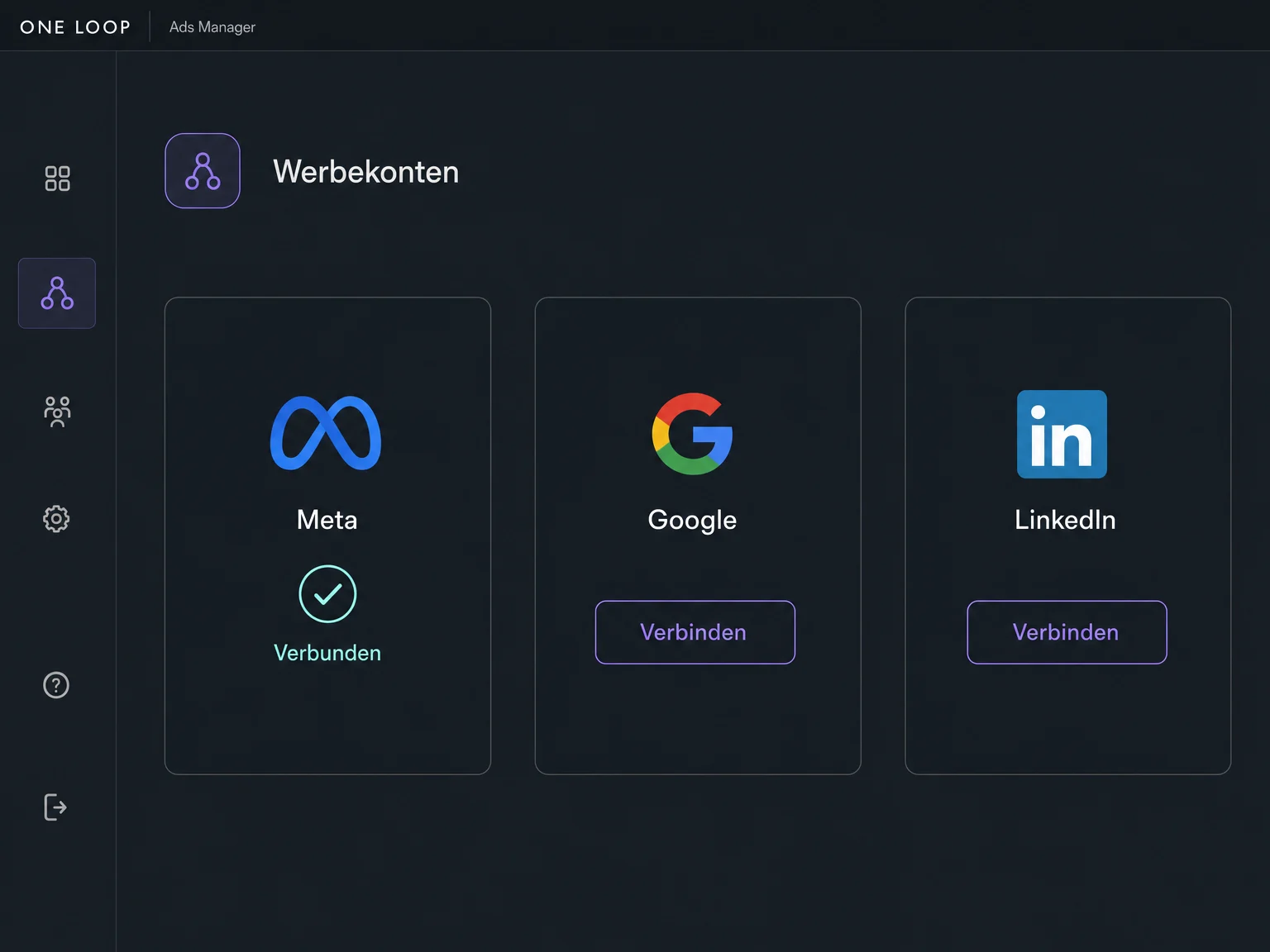
Connect your existing ad accounts to manage Facebook, Instagram, Google or LinkedIn campaigns from ONE LOOP. You will need the appropriate account permissions.

Ads Manager
Create campaigns for Meta, Google and LinkedIn in ONE LOOP. Set your audience and budget, then see which ads bring clicks and enquiries.
Three examples show how you can use Ads Manager.
Connect your existing ad accounts to manage Facebook, Instagram, Google or LinkedIn campaigns from ONE LOOP. You will need the appropriate account permissions.
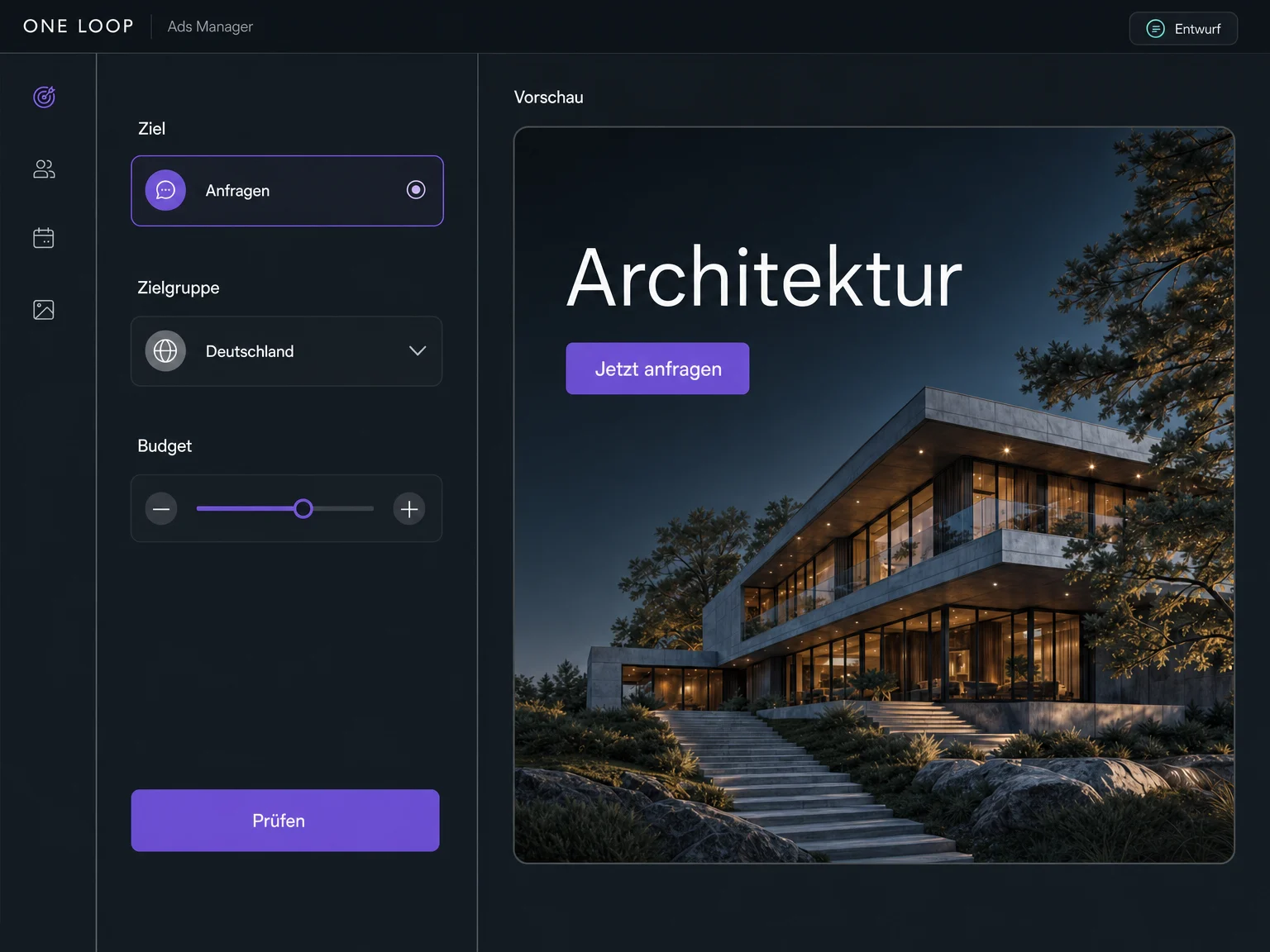
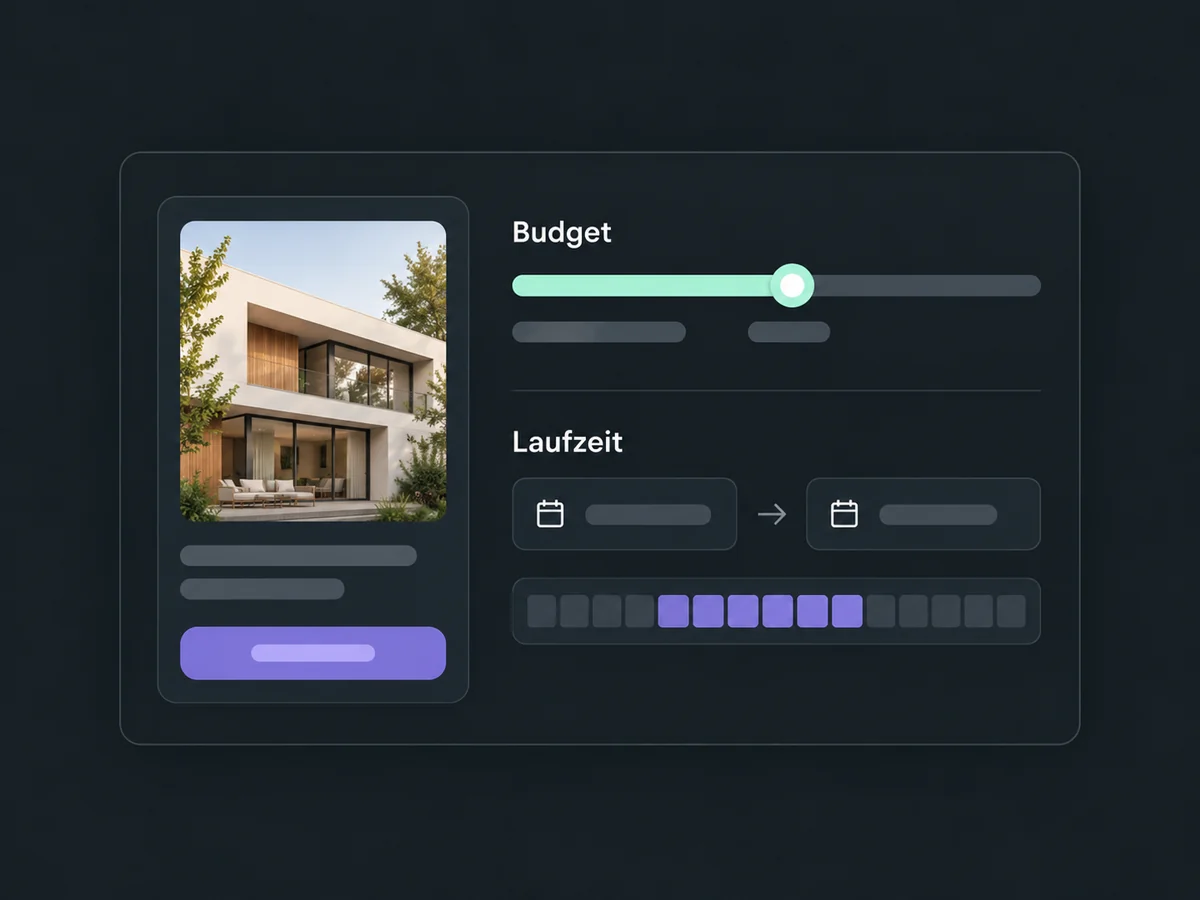
Choose a campaign objective and add your creative and copy. Then set the audience, budget and schedule. Available objectives and formats depend on the advertising channel.
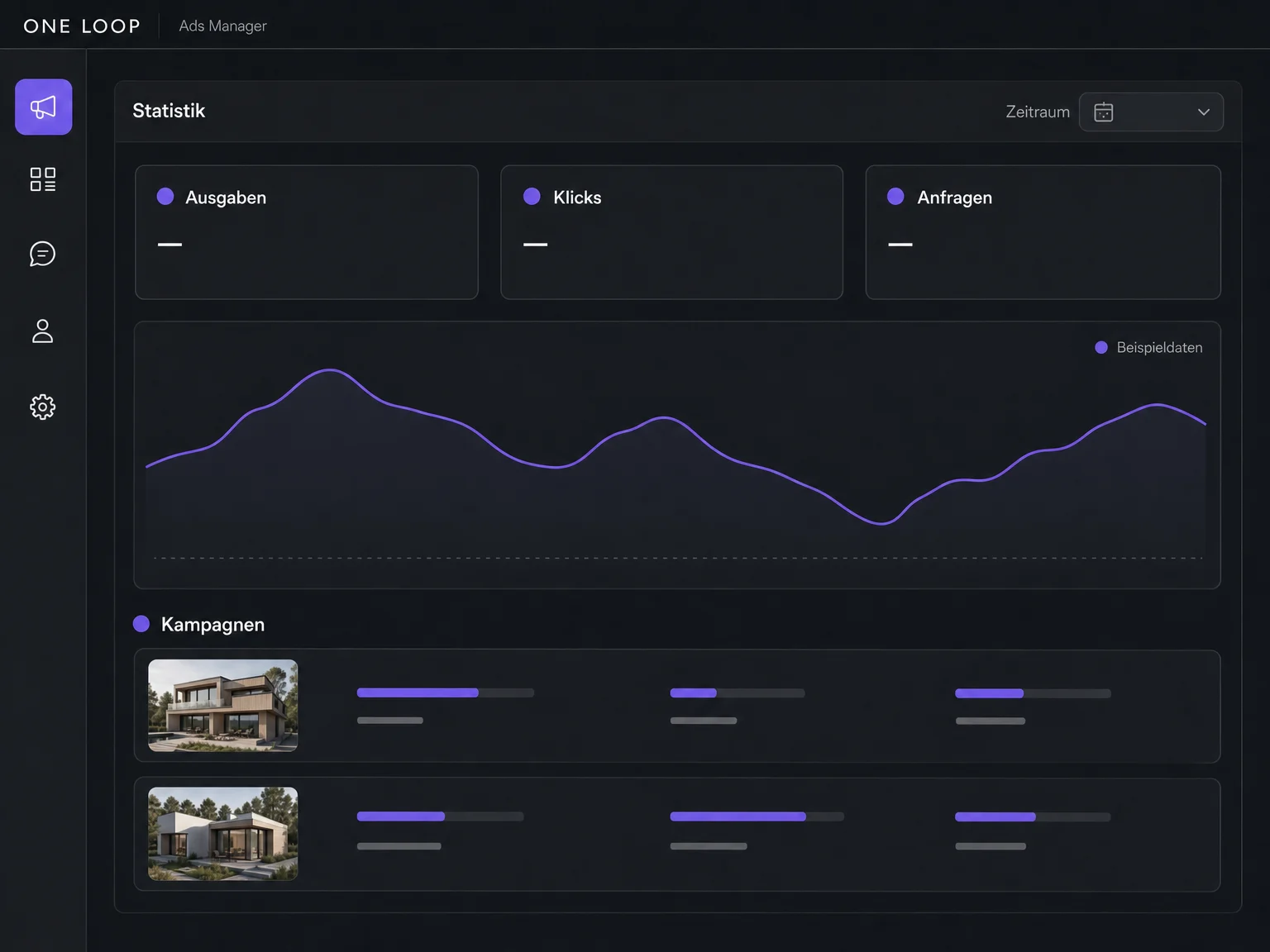
Choose a date range and review spend, clicks and reported enquiries for each campaign. Use those figures to decide which ads to keep running or revise.
The practical benefits of Ads Manager.
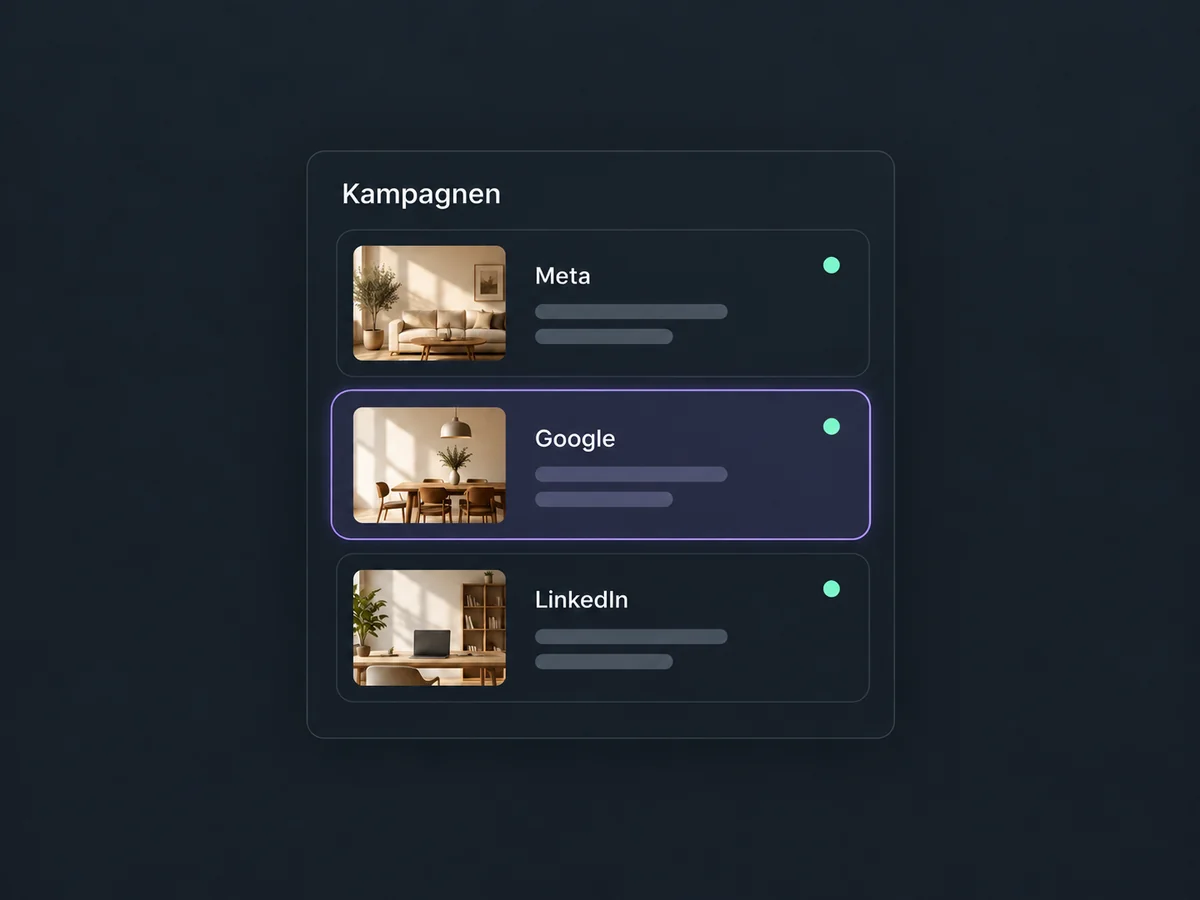
Create, manage and review supported campaigns from your connected accounts in the same workspace.
Decide how much to spend and when your campaign should run before launch. Budget options vary by channel.
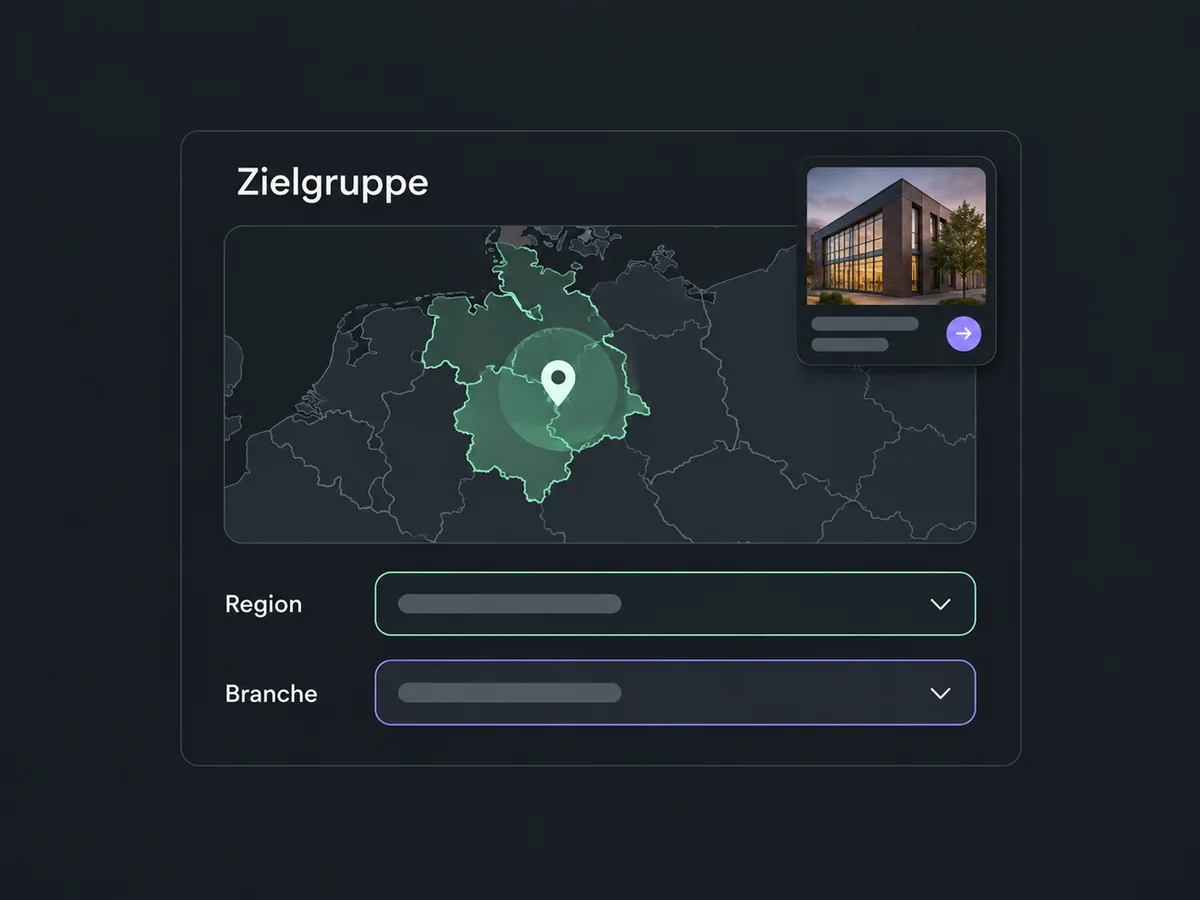
Use the channel’s targeting options to narrow your audience, such as location or, on LinkedIn, industry and job title.
Connected lead forms bring contact details into ONE LOOP. Set up team assignment and the first reply to fit your process.
Compare ads over the same date range. Spend, clicks and reported results help you decide what to change in your creative, audience or budget.
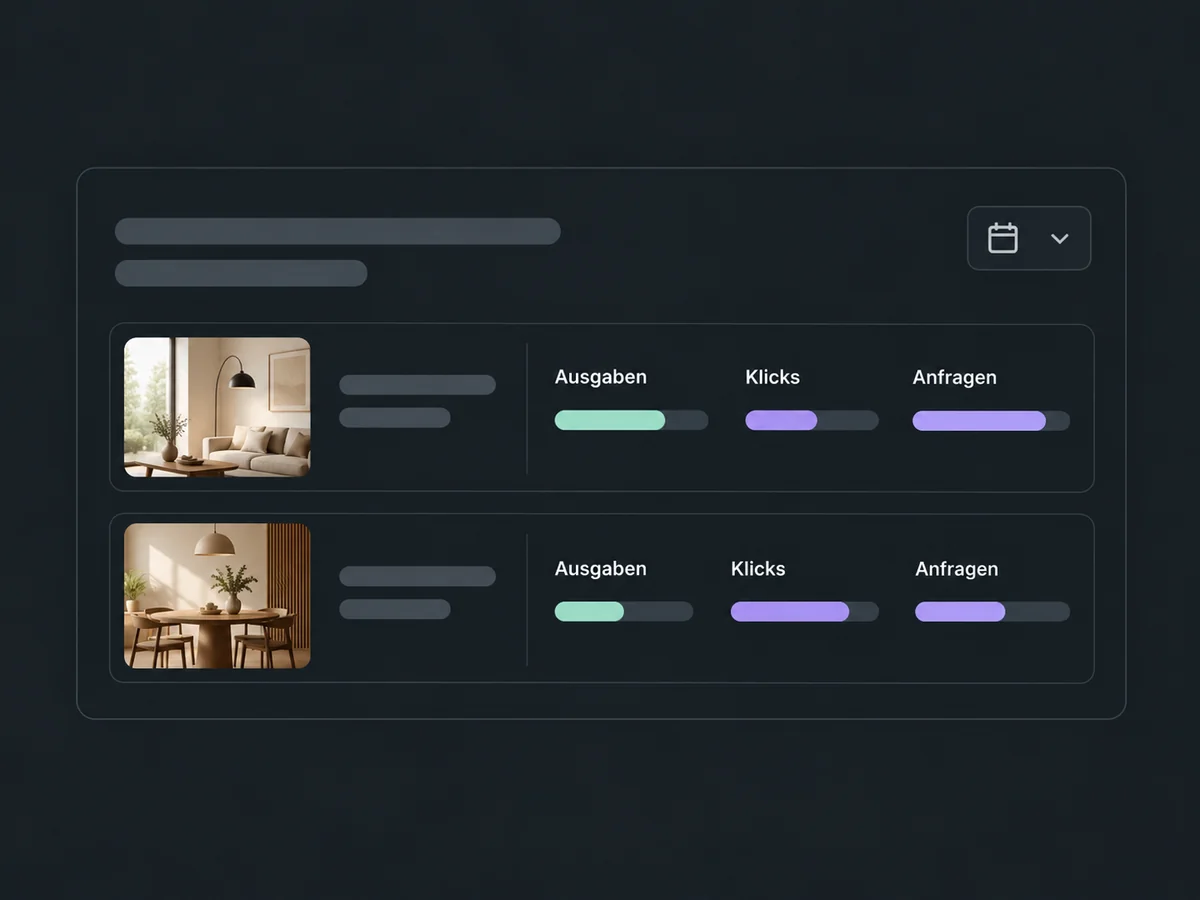
Simplified examples, not live account data.
You need Ads Manager access, your own ad accounts and the required permissions. We confirm the scope for your ONE LOOP account before setup. Ad spend is separate, and each advertising channel reviews ads before delivery.
Connect your lead forms or send visitors to a landing page with an enquiry form. Attributing website actions to an ad requires the appropriate tracking setup. Automatic replies and team assignment are configured separately.
Availability and any add-on or usage costs are confirmed for your ONE LOOP account before implementation.
Meta for Facebook and Instagram, Google Ads and LinkedIn Ads. Objectives and ad formats differ by channel. Google supports search campaigns; LinkedIn offers objectives such as website visits or enquiries through lead forms. We check which options are enabled for your account.
Yes. Connect each ad account and authorize access to the required features. Depending on the channel, you may also need permissions for its company page. Connecting an account does not replace those permissions or automatically enable every ad format.
No. The money spent delivering your ads is a separate advertising budget that you set when planning campaigns. Before you start, we confirm whether Ads Manager access and setup are part of your ONE LOOP offer.
Reports show the data supplied by the advertising channel. Attributing website enquiries to an ad requires correctly configured tracking. Also check the date range and campaign status; reporting can be delayed. A click is not an enquiry, and a reported enquiry is not a confirmed sale.
Let’s explore your use case and what the setup requires.
Book a demo