01
Follow up on external enquiries
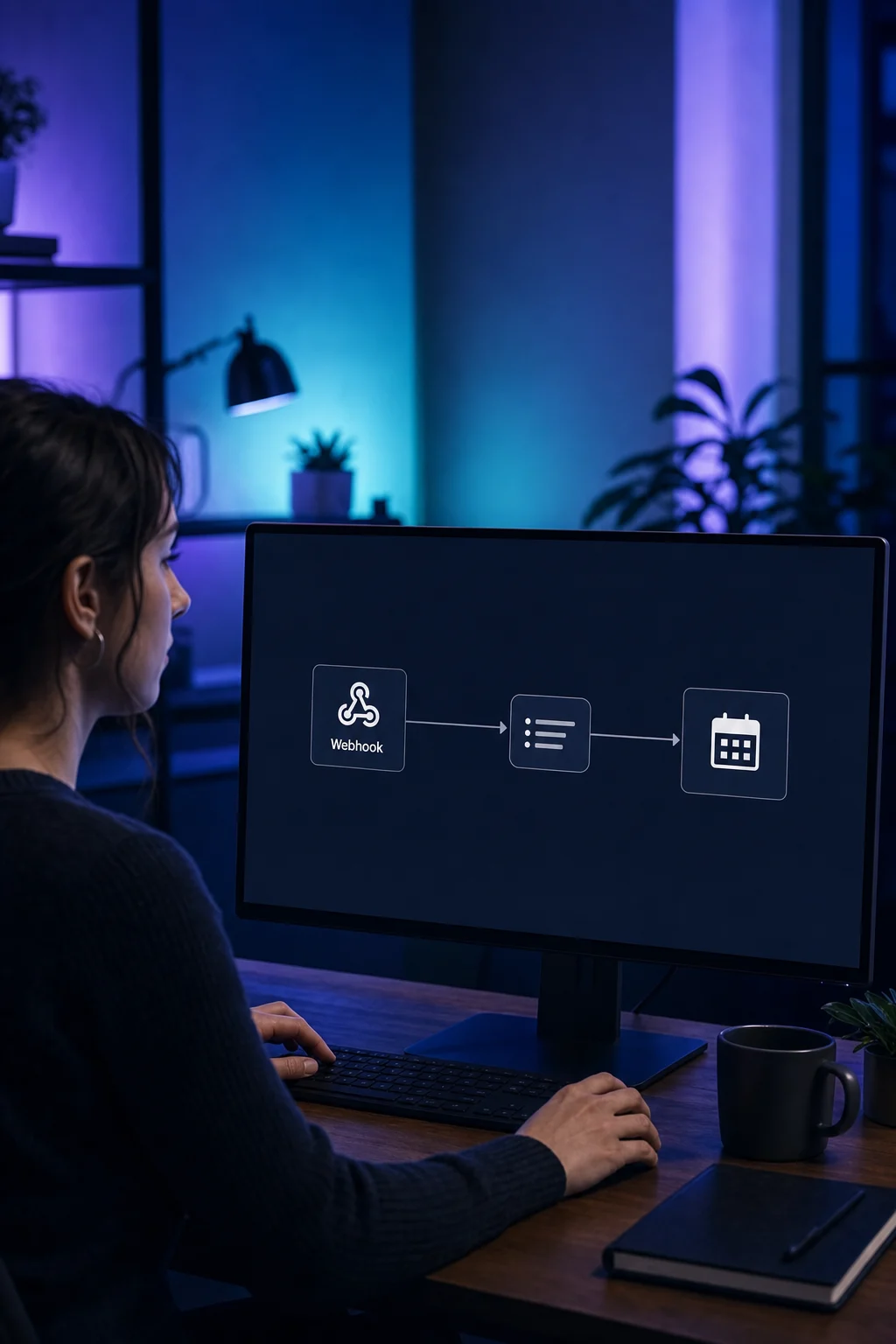
Your external form sends the new enquiry to the webhook address. The configured workflow receives the data and starts the steps you have set up.

Webhooks
A form is submitted or an appointment is booked: webhooks pass that information to the next configured process, in ONE LOOP or your other software.
Three examples show how you can use Webhooks.
Your external form sends the new enquiry to the webhook address. The configured workflow receives the data and starts the steps you have set up.
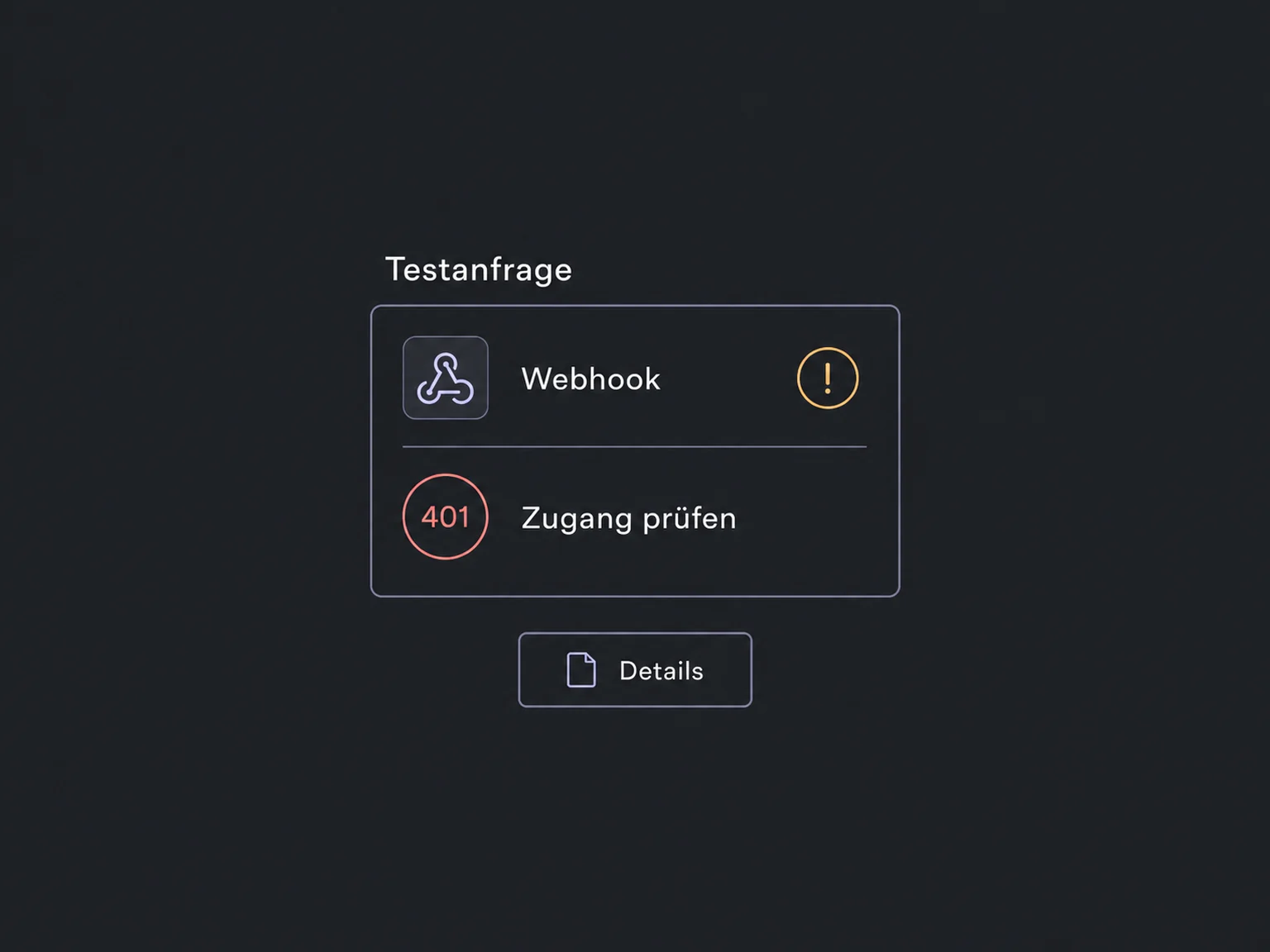
A test request shows which fields arrive. Map email and interest, then configure contact creation or updating. If the data format changes, review the mapping too.

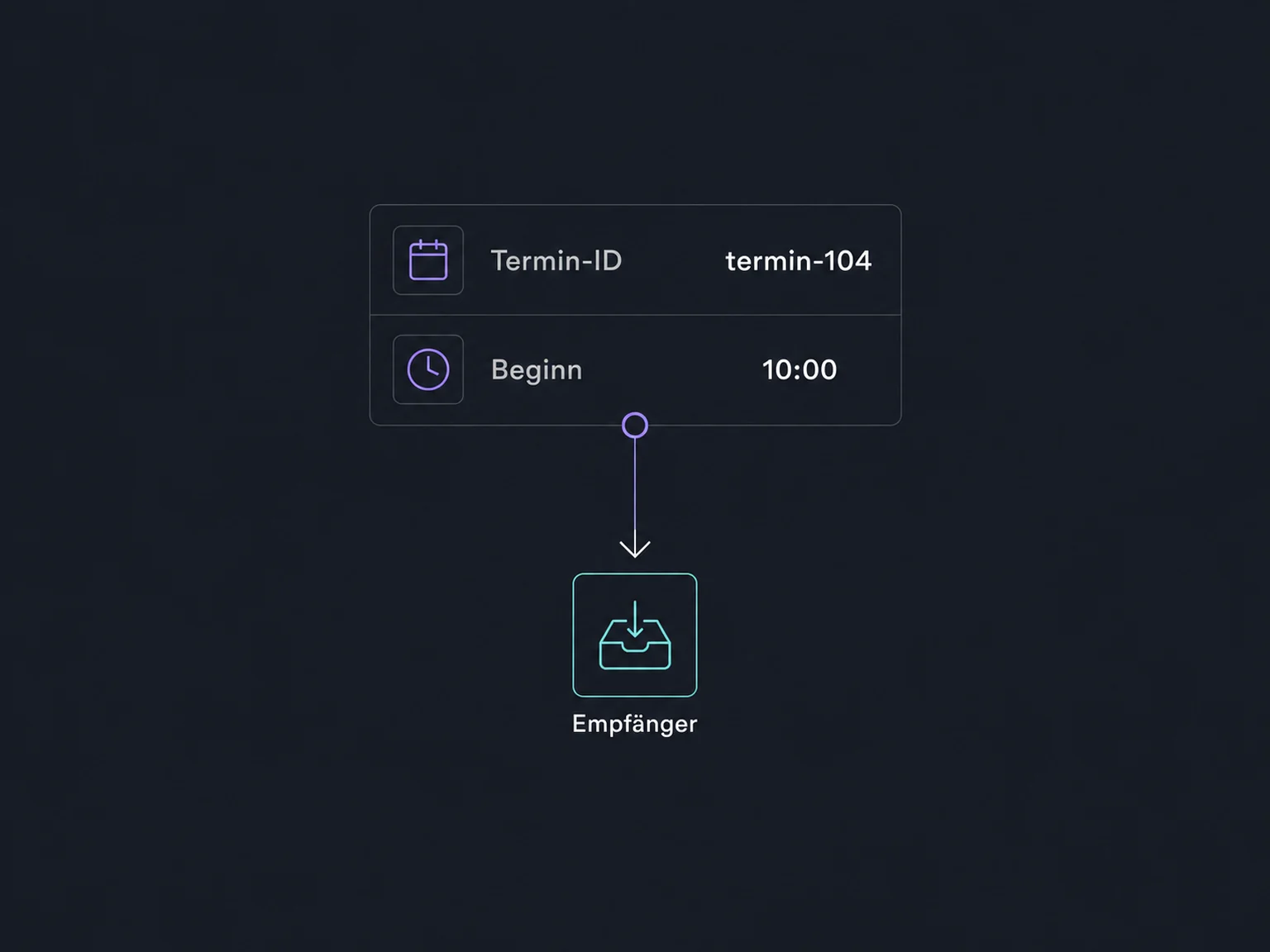
After an appointment is booked, a workflow can send the required details to your scheduling system. The recipient processes them using its own rules; a sent message is not a completed job.

The practical benefits of Webhooks.
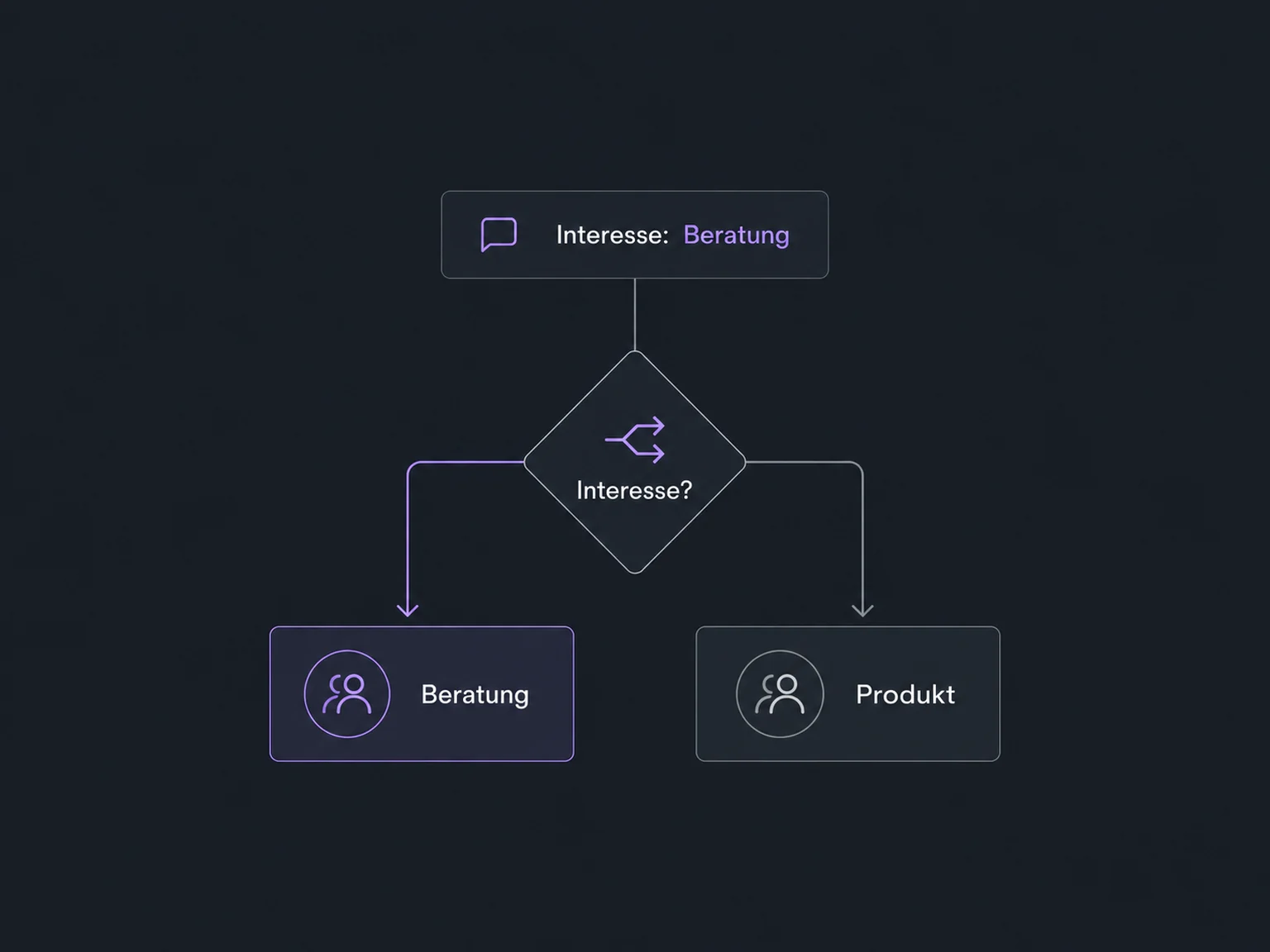
Use received values in an if/else rule. A consultation enquiry can follow a different configured path from a product question.
With Custom Webhook, you assemble the fields required. This matters when a standard outbound webhook would include additional contact data.
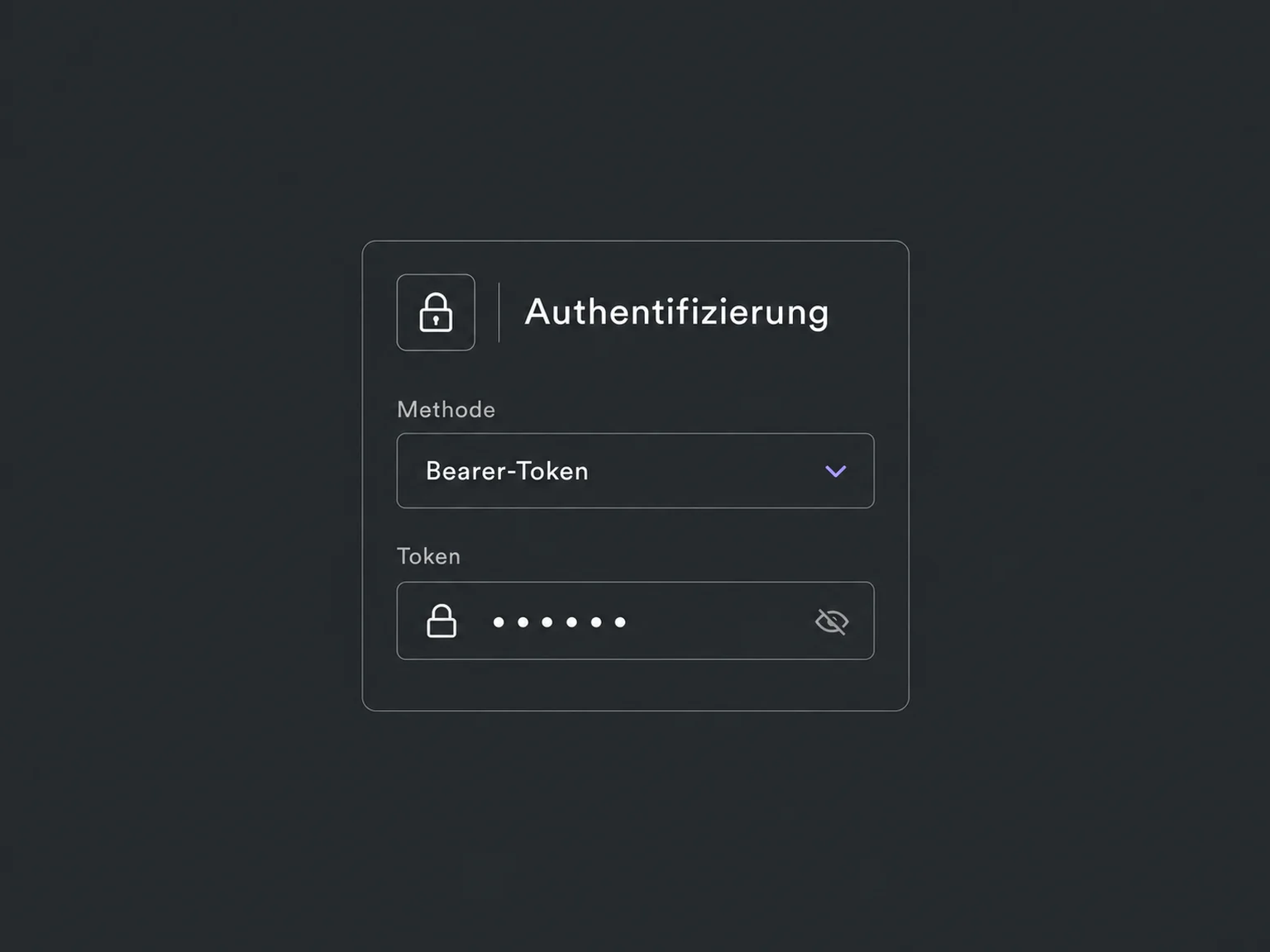
Configure the authentication required by the recipient in Custom Webhook. Method, permissions and credential validity are checked for that connection.
Check execution history and the recipient's response before launch. This helps identify rejected credentials or a missing required field.
An inbound webhook can also start a contactless process, such as an internal notification about a stock event. We use only actions that do not require a contact.
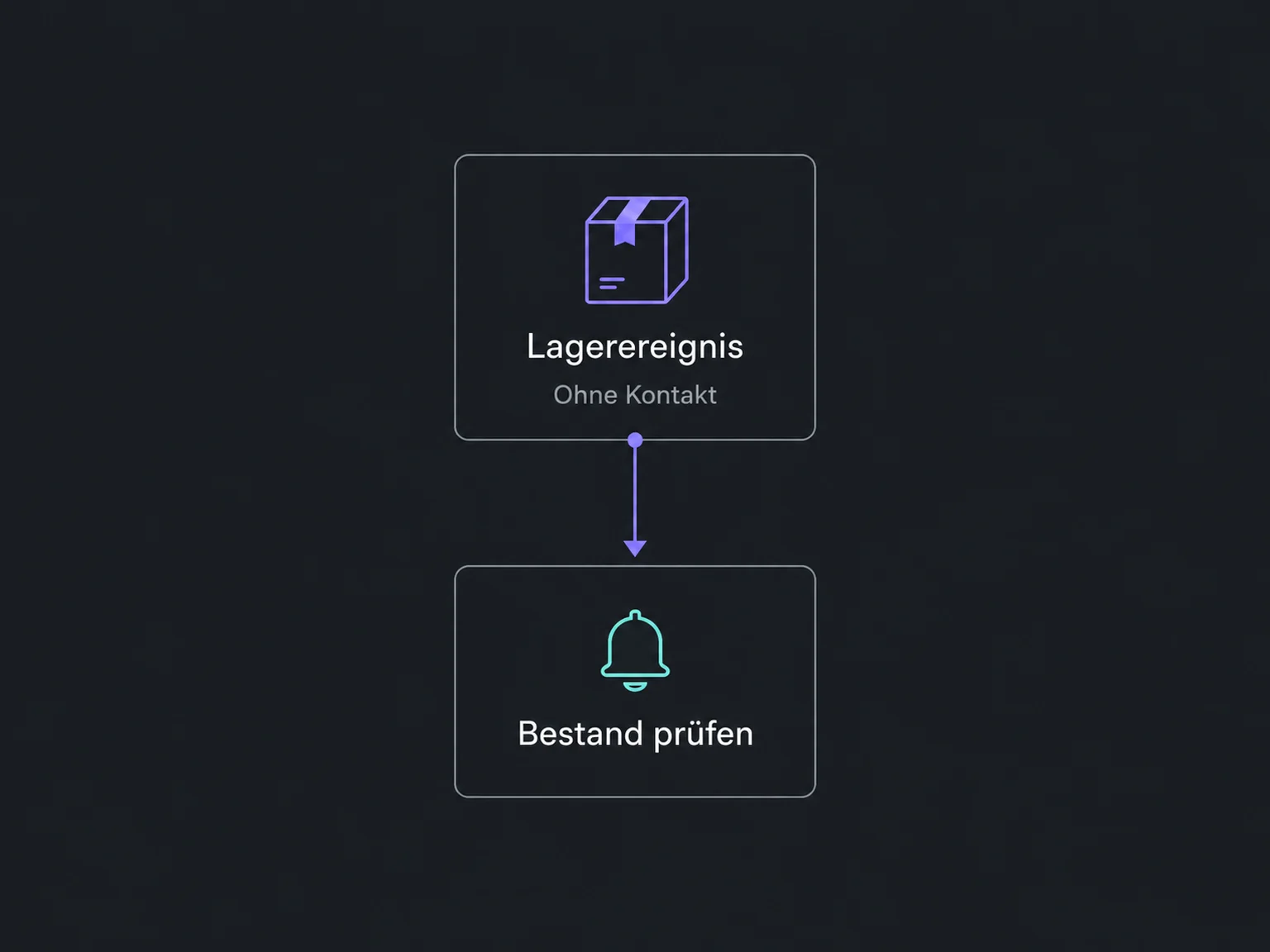
Simplified examples, not live account data.
We check the sender, recipient, data format, authentication and required workflow actions. Access, possible execution charges and external services are clarified first. Retries and duplicate events are part of the design.
Inbound webhooks start a workflow. Outbound webhooks send from a workflow to another system. An API adds targeted lookups or updates; this does not automatically create a complete sync.
Availability and any add-on or usage costs are confirmed for your ONE LOOP account before implementation.
No. Contactless processes are possible when their actions do not require a contact. Contact-based steps need a matched or created contact. The create/update action requires an email address or phone number.
Delivery and processing are checked separately. Retries depend on the sender and connection type and must be tested. The recipient should recognise repeated events. Webhooks guarantee neither lossless delivery nor exactly-once processing.
The tool must support sending or receiving suitable web requests. We check fields, access and actions. Some workflow steps may require enablement and usage-based charges; setup and external services are agreed separately.
Webhook addresses and credentials are shared only with authorised systems, not embedded in public website code. If an inbound address is exposed, replace the trigger and update the sender to the new address. Additional checks depend on the source and recipient.
Let’s explore your use case and what the setup requires.
Book a demo