
01
Stop entering contact details twice
Your application can create a contact or update a known contact. We define which fields to transfer and which system provides the correct values.


API
A custom API connection lets your software work with ONE LOOP: transfer contact details, update sales stages and retrieve appointments.
Three examples show how you can use API.
Your application can create a contact or update a known contact. We define which fields to transfer and which system provides the correct values.
When your system sends a quote, a configured connection can move the corresponding opportunity to the quote stage. The record, pipeline and target stage are mapped explicitly.

Retrieve appointments for a selected calendar and date range, for example in your internal daily planner. Your application determines when to fetch new data and how to display changes.

The practical benefits of API.
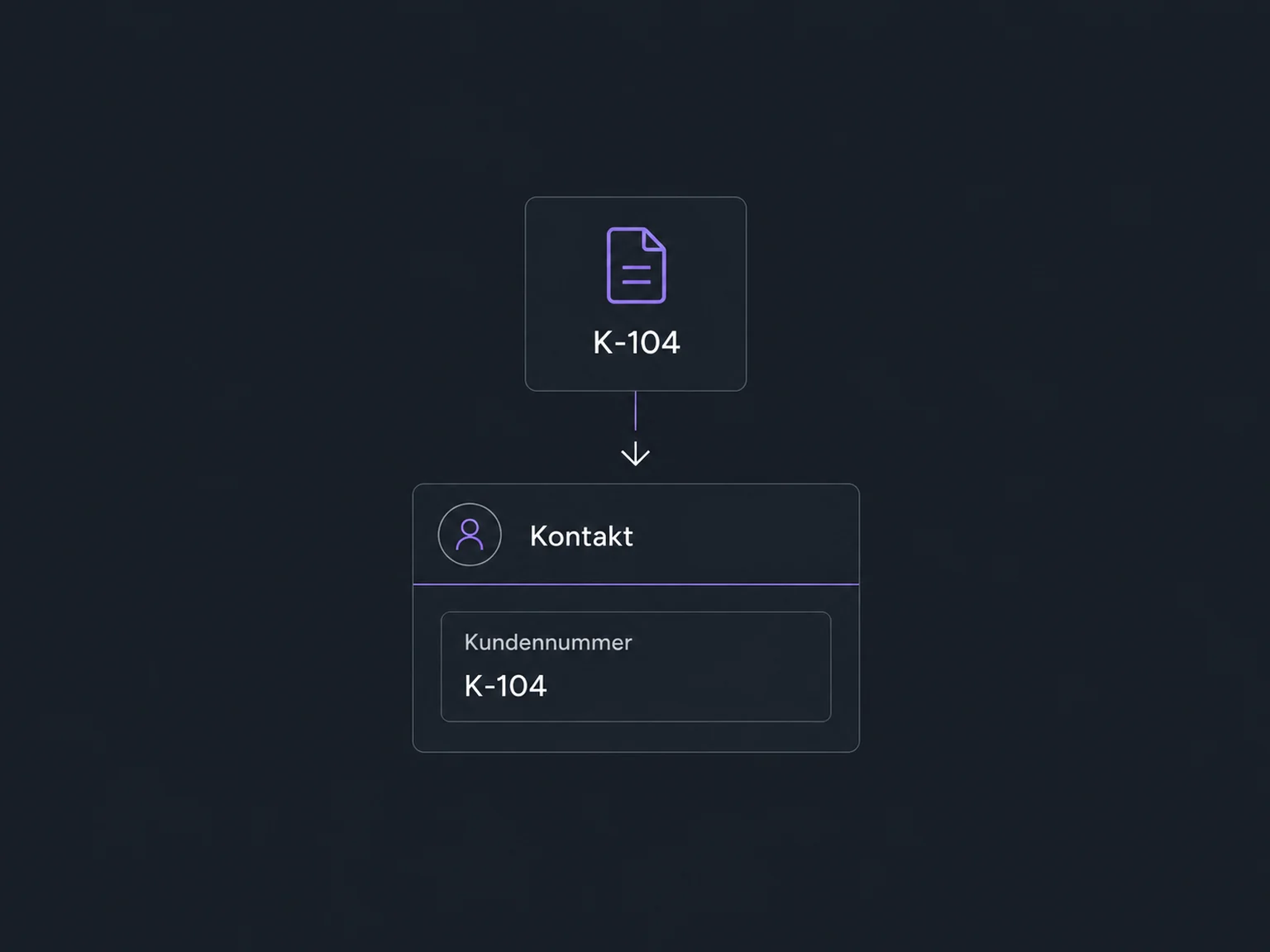
Transfer a customer reference into a dedicated contact field so your team can see its link to the source system.
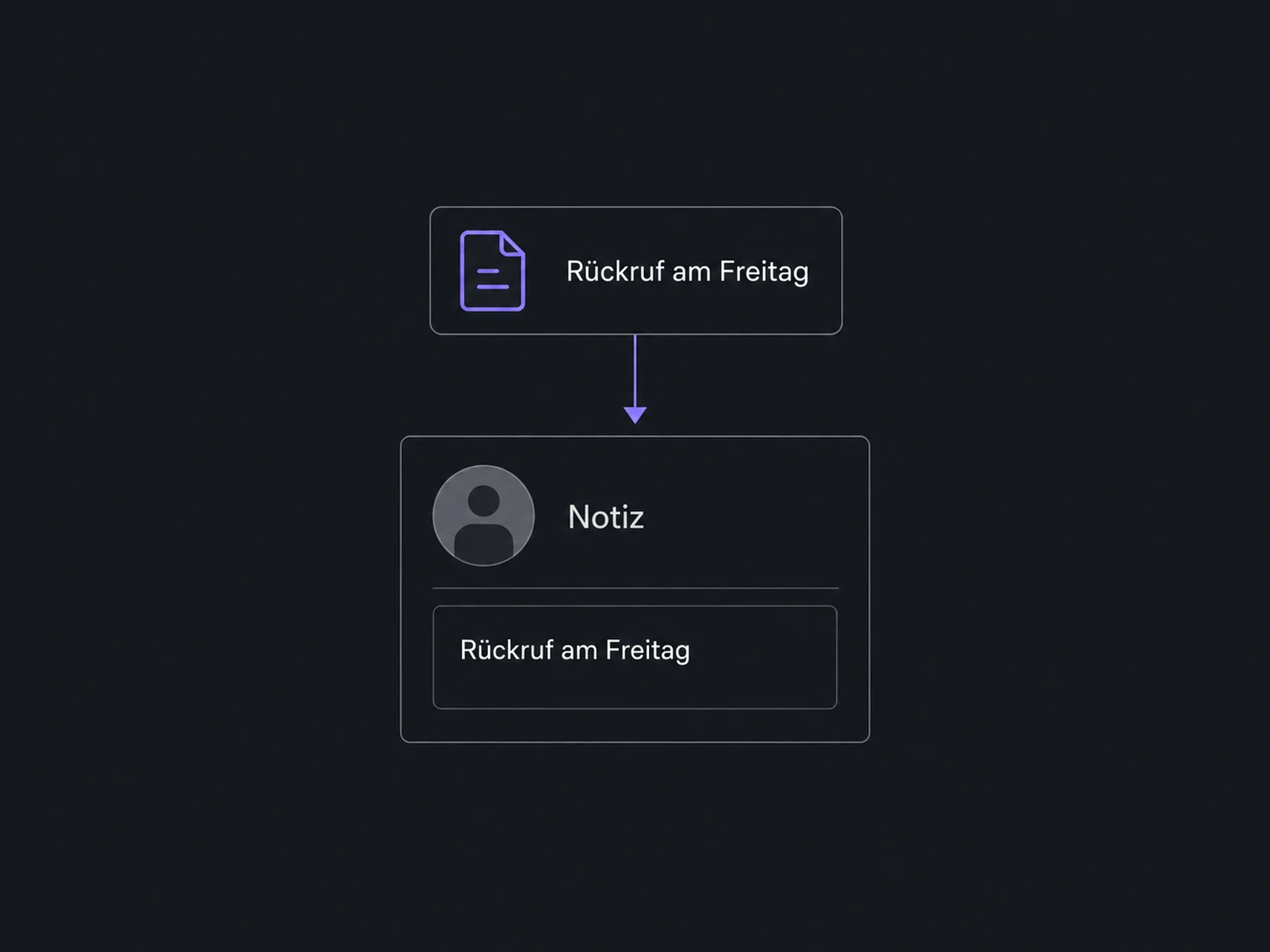
Your connection can add a note to the corresponding contact, such as a callback time agreed in another system.
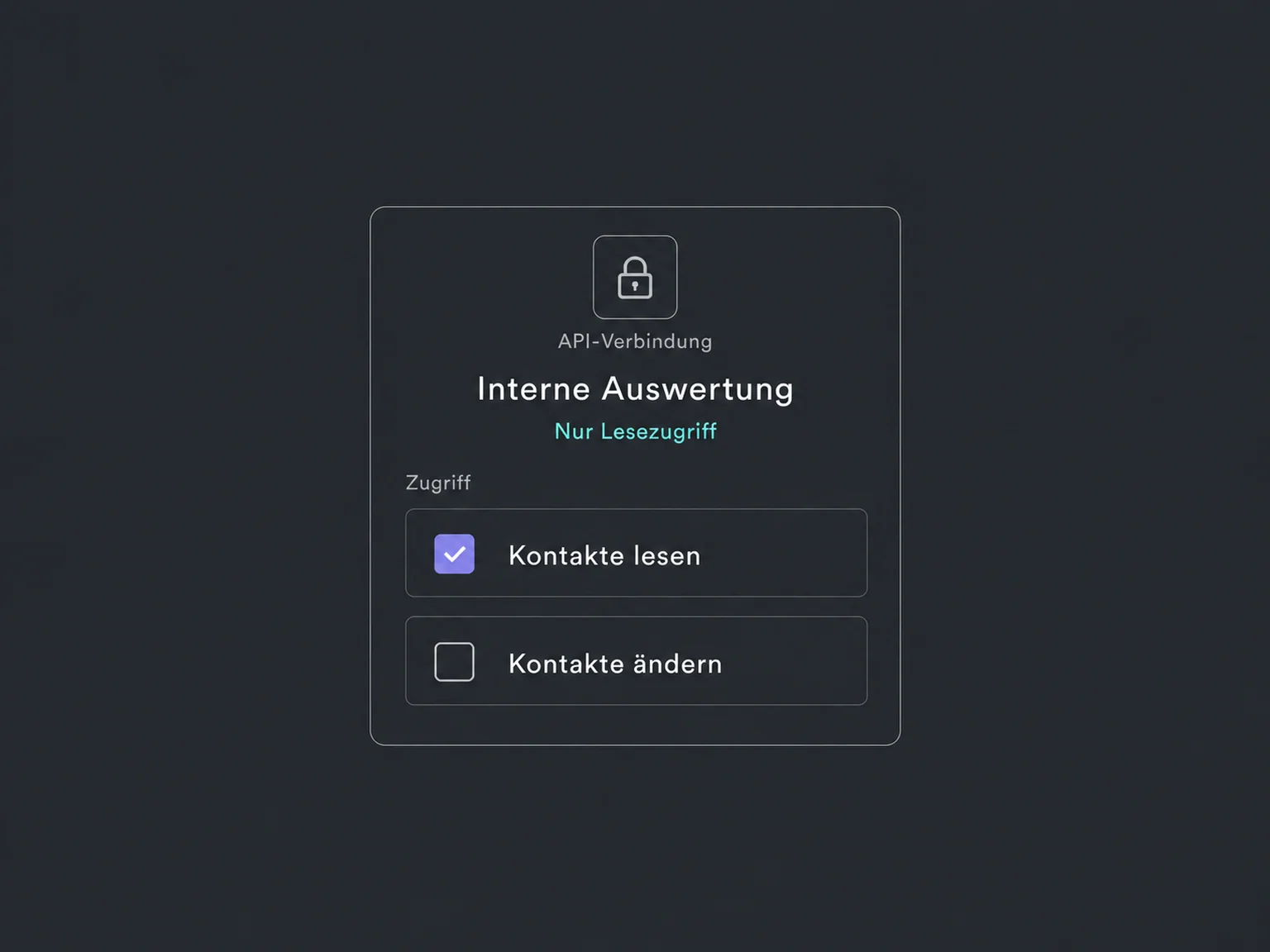
Limit the connection's permissions to its intended tasks. A read-only lookup does not need permission to change contacts.
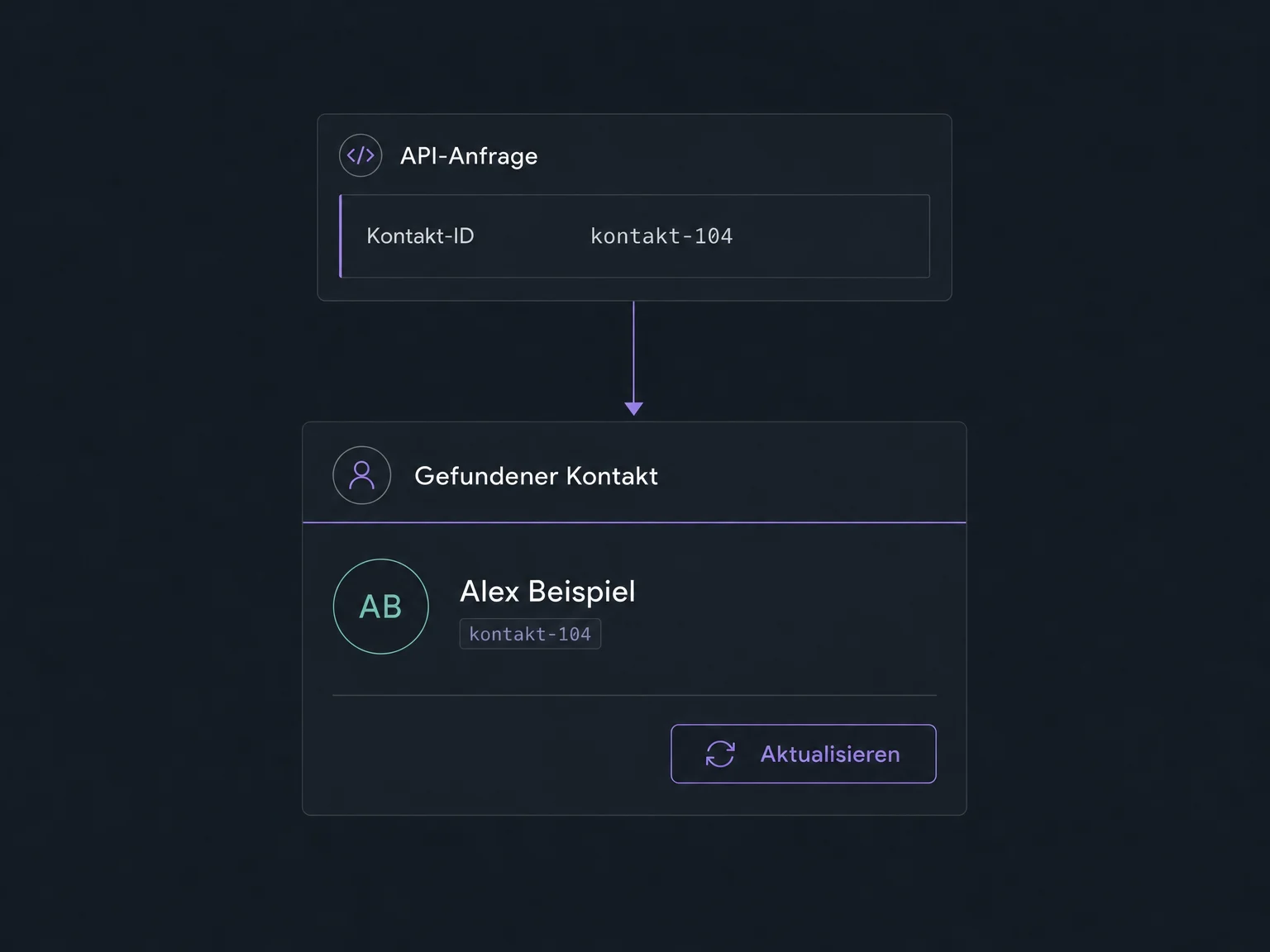
Using a stored contact ID, your connection updates the correct record. Matching and duplicate rules are explicitly configured for new sources.
We plan logs and suitable retry rules for your connection. It waits when a request limit is reached; invalid data or missing permissions require a targeted fix.
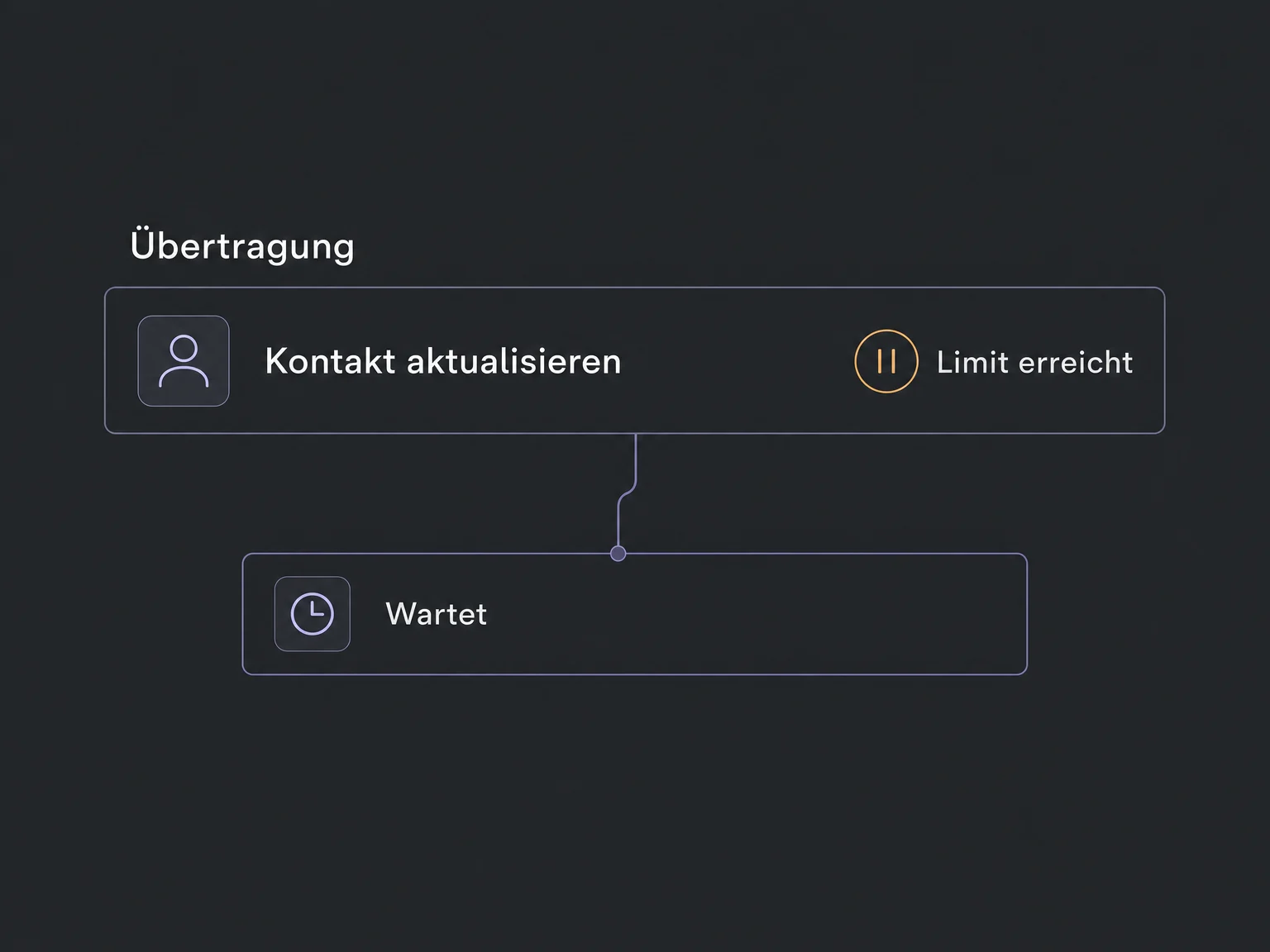
Simplified examples, not live account data.
We check API access, supported functions and limits for your account and software. Development, testing, operation and maintenance of the custom connection are agreed separately. Credentials belong securely on the server, not in public website code.
The API reads or changes authorised data when requested. Webhooks can additionally notify your application of supported events. Both require deliberate setup and do not provide a complete automatic sync on their own.
Availability and any add-on or usage costs are confirmed for your ONE LOOP account before implementation.
No. Available endpoints, their version, account permissions and supported fields determine the scope. We check the specific operation first. API access does not mean that every feature or external application can be connected.
A custom API connection requires development or a suitable automation tool. An existing native integration may be simpler. Depending on the account, a private token can suit an internal connection; authorised app connections may require OAuth.
Not automatically. Data direction, update timing and conflict rules are part of the implementation. Existing contact IDs help match records. Creating or updating without a known ID requires the applicable matching and duplicate rules to be considered and tested.
The connection must log errors and distinguish missing permissions, invalid data and reached limits. Retries are designed to avoid unintended duplicate records. Renewing access, API changes and ongoing maintenance remain operational responsibilities.
Let’s explore your use case and what the setup requires.
Book a demo

