01
From your form straight into the CRM
Your external form supplies a name, email and enquiry. A configured automation passes these values to ONE LOOP and creates or updates the contact using the agreed mapping.


Automation Platforms
Bring an enquiry into your CRM, prepare a project and notify your team. Connect ONE LOOP to your other software so you do not have to transfer the same details by hand.
Three examples show how you can use Automation Platforms.
Your external form supplies a name, email and enquiry. A configured automation passes these values to ONE LOOP and creates or updates the contact using the agreed mapping.
When an opportunity moves into the agreed handover stage, the automation can create a card in your project tool. Your team gets the context without entering it again.

An automation can find the matching contact, create a task and then send a message to your team channel. Each action uses the data mapped in the preceding steps.

The practical benefits of Automation Platforms.
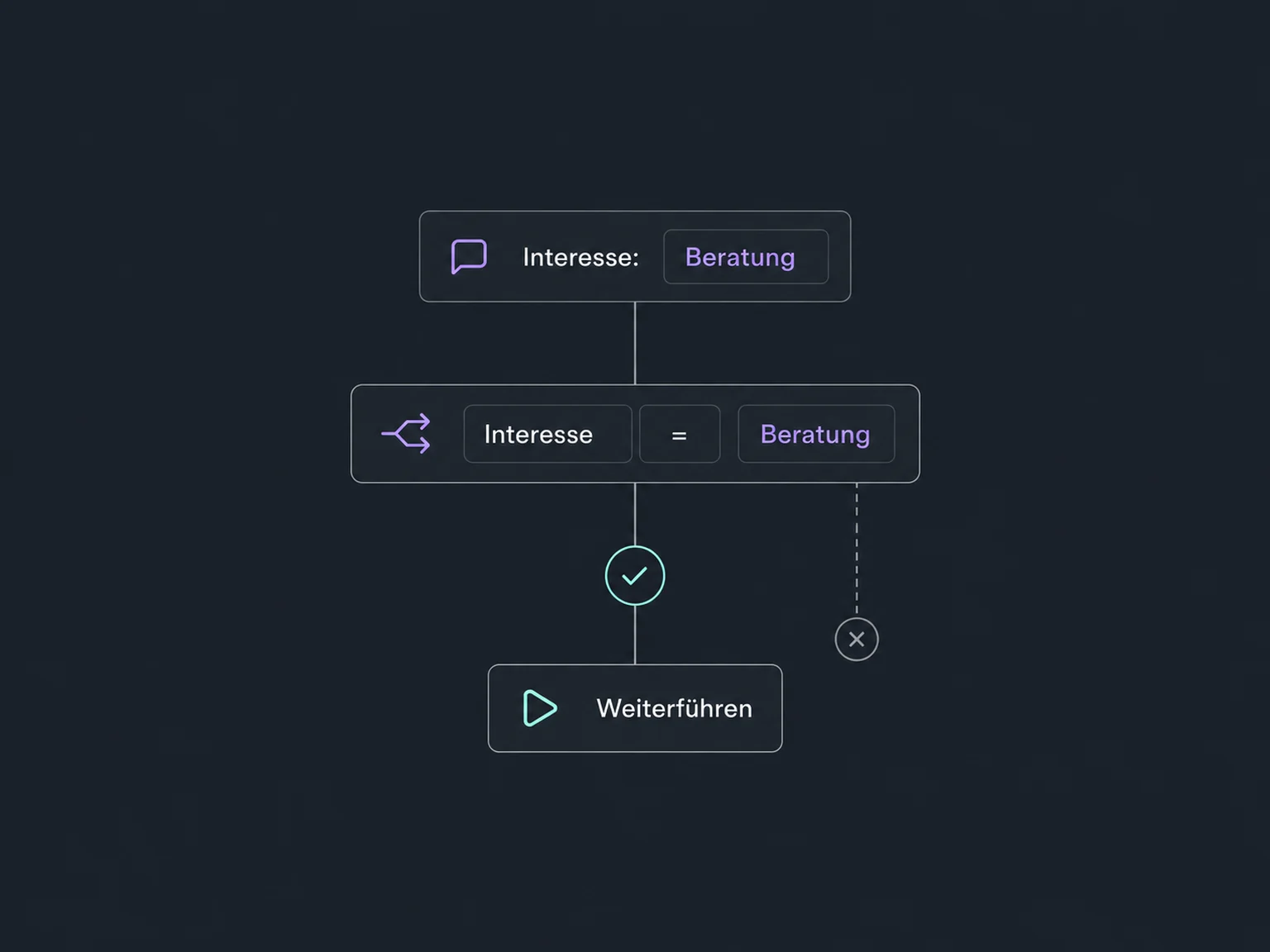
A filter can check the selected interest. Only matching enquiries enter the process intended for them.
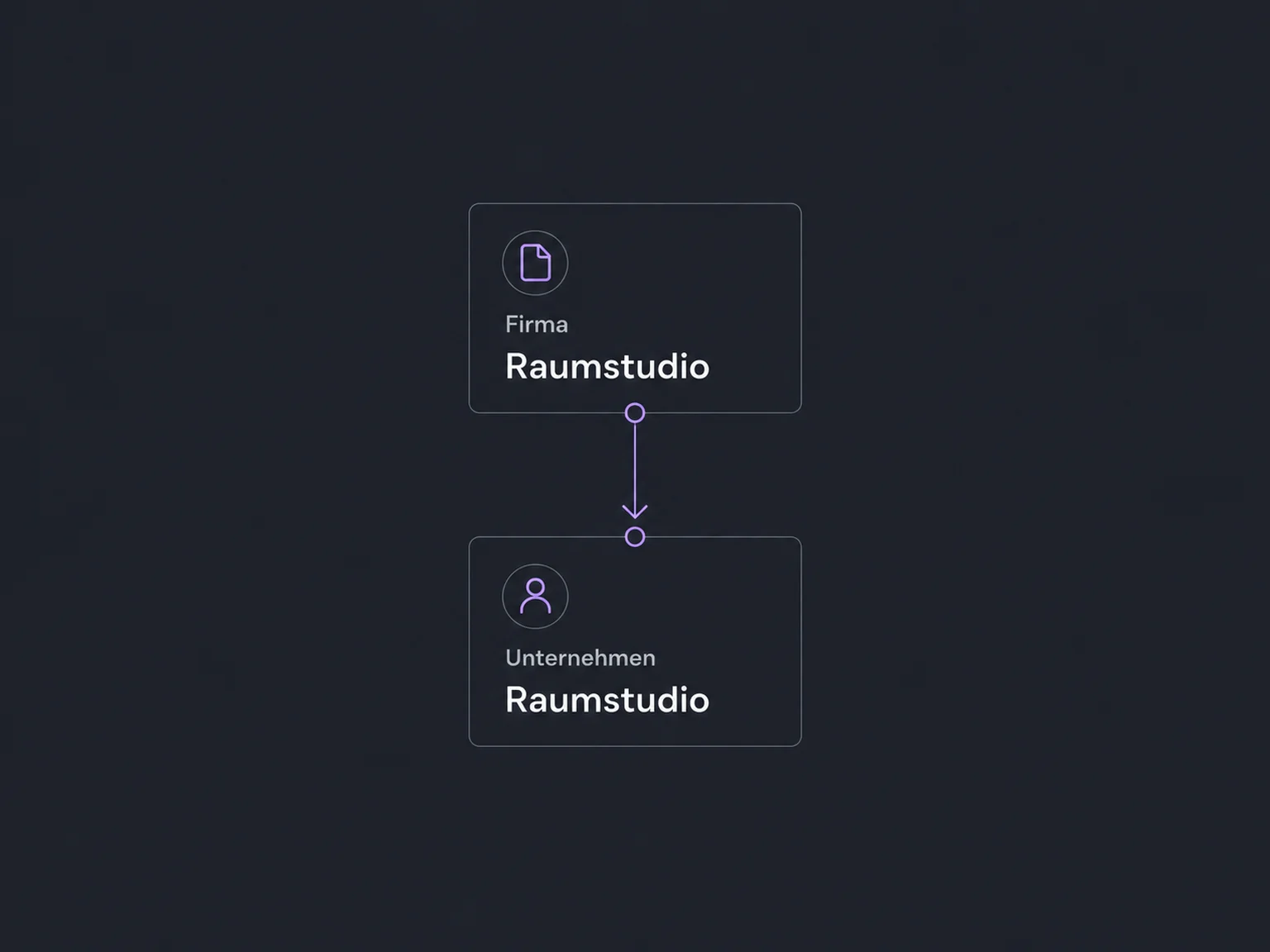
Your form calls it “Company name”; your CRM calls it “Company”. Field mapping places the value in the correct field.
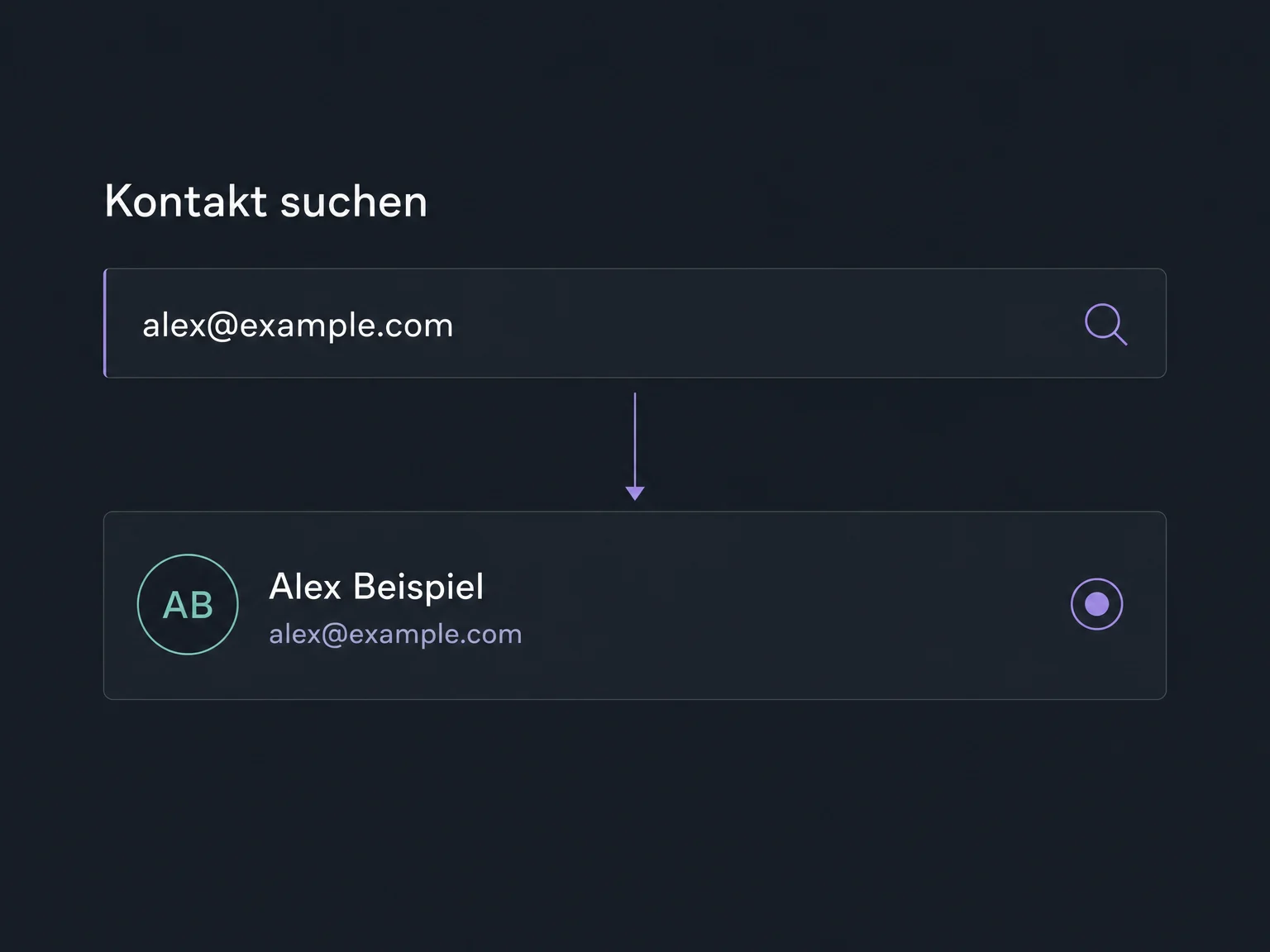
If the chosen connector supports search, the automation can find the matching contact before making a change. We choose an identifier suited to your data.
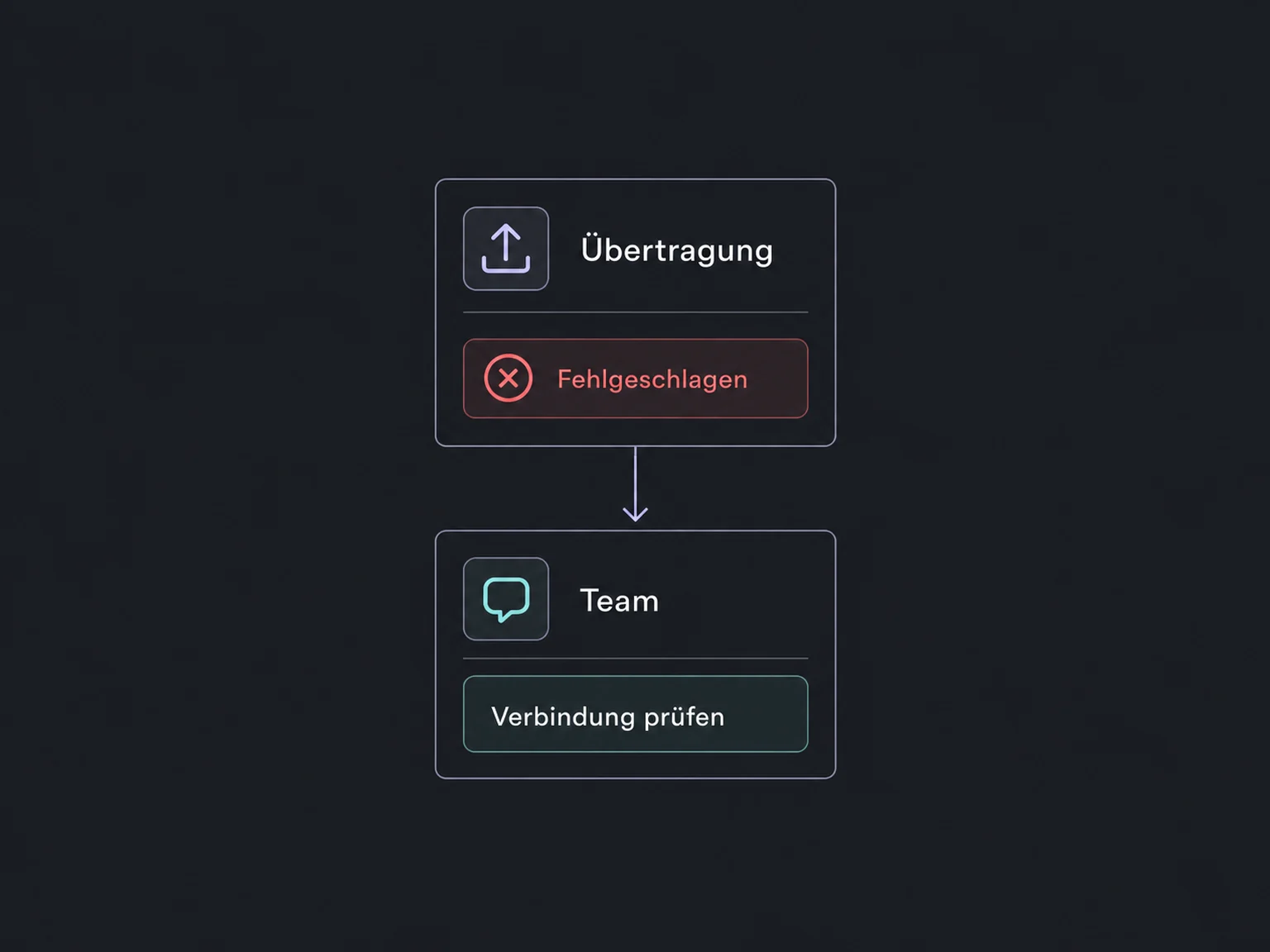
A configured error workflow alerts the person responsible when an automatic run fails. The cause can then be investigated and resolved.
Execution history shows which step received data or encountered an error. Available detail and retention depend on the service and plan.
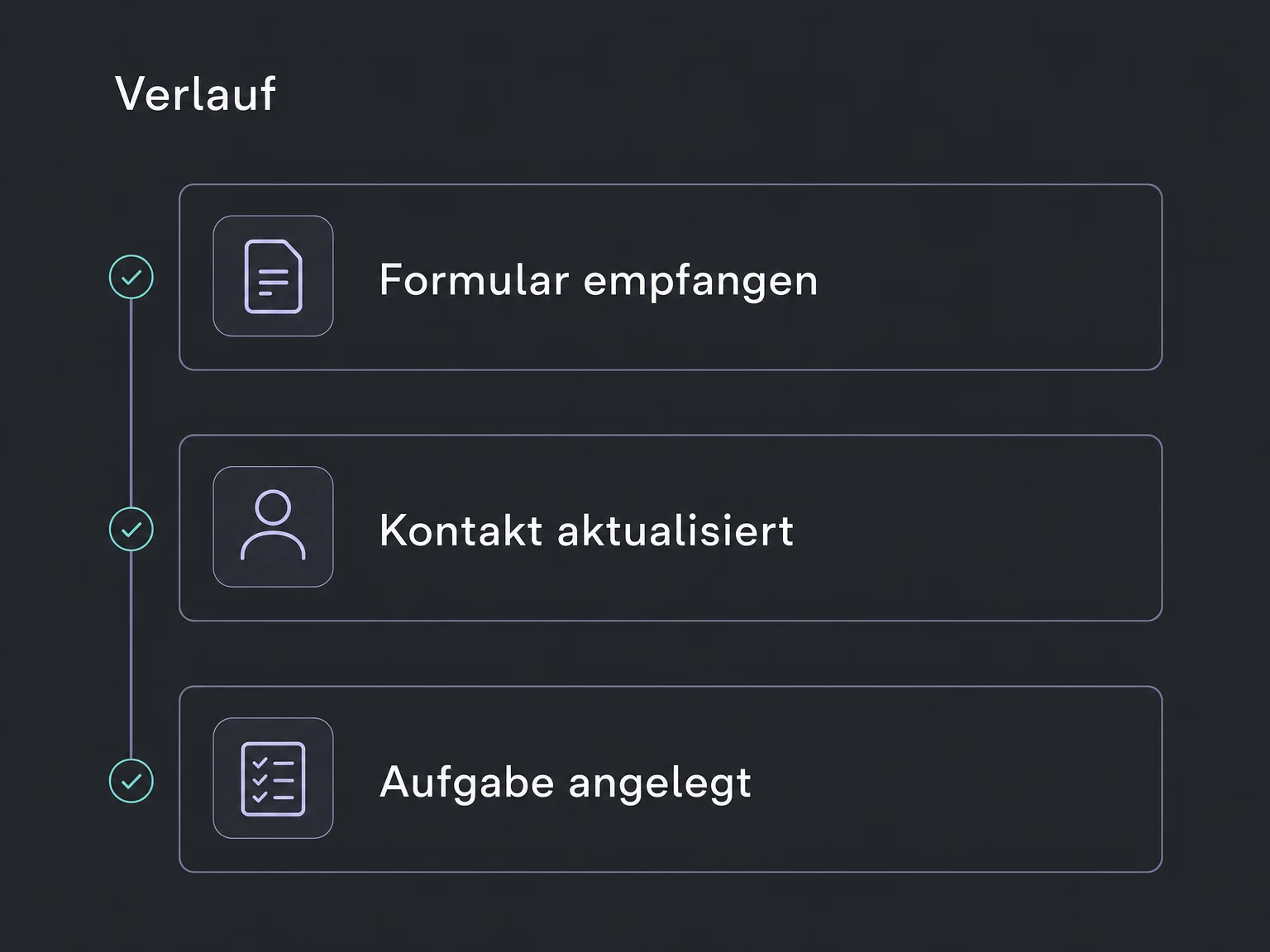
Simplified examples, not live account data.
We check the required triggers, actions and fields, connect the accounts and test with sample data. External services, access, usage charges and responsibility for ongoing operation are agreed first.
Internal workflows stay in ONE LOOP. An external automation platform adds the steps in other software. Where no suitable connector exists, we check webhooks or a targeted API connection.
Availability and any add-on or usage costs are confirmed for your ONE LOOP account before implementation.
When a process needs to continue in other software and the available direct connections do not cover it. For steps within ONE LOOP, we check internal workflows first. The platform we choose depends on the specific actions it supports.
No. A connector may update contacts but offer no contact search. We check the required trigger, available actions, permissions and fields individually. The participating accounts must also allow the connection.
Not automatically. Some triggers report events directly; others are checked at intervals. The automation transfers only the agreed data in the configured direction. It is not a complete sync; duplicate events and retries require separate handling.
Setup, third-party plans and ongoing support are agreed in advance. We document access, ownership and error alerts. Error workflows must be enabled and tested under realistic conditions; they do not repair a connection themselves.
Let’s explore your use case and what the setup requires.
Book a demo