01
Keep using your calendar
Connect Google or Outlook and choose which calendars receive bookings or block busy times. Your booking availability can then account for existing appointments.


Native Integrations
Connect Google Calendar, Meta Lead Ads or Stripe to ONE LOOP so appointments, contact details and payments reach the place where your team works.
Three examples show how you can use Native Integrations.
Connect Google or Outlook and choose which calendars receive bookings or block busy times. Your booking availability can then account for existing appointments.
Connect your Meta Page and map lead-form fields to contact fields. Submit a test enquiry to check that the email address and interest arrive correctly.

Connect your Stripe account and choose supported payment methods for each checkout. Check Test and Live settings separately before accepting real payments.

The practical benefits of Native Integrations.
Choose your connected Zoom account as the meeting location in an eligible calendar. Each booking then gets its own meeting link.
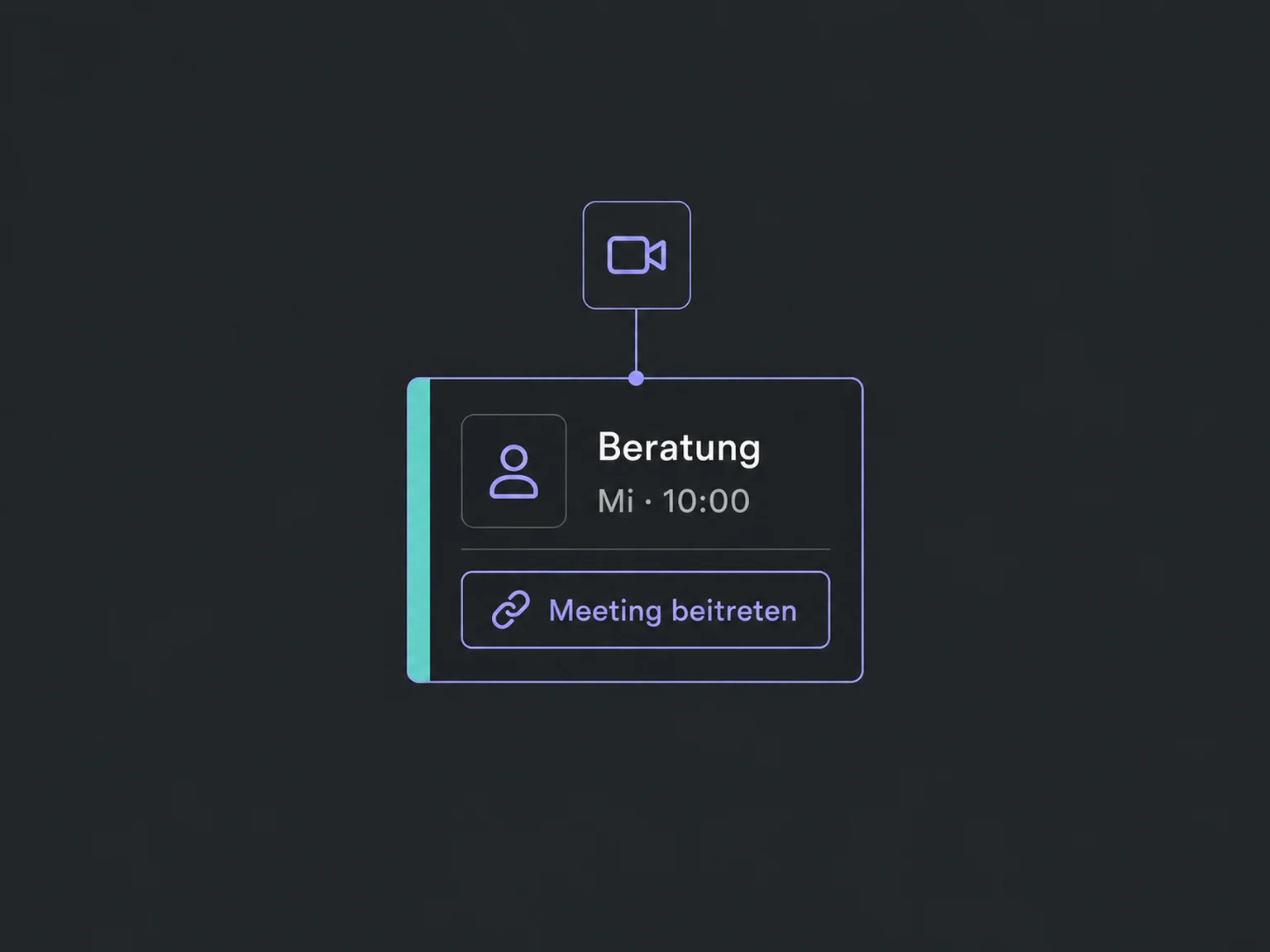
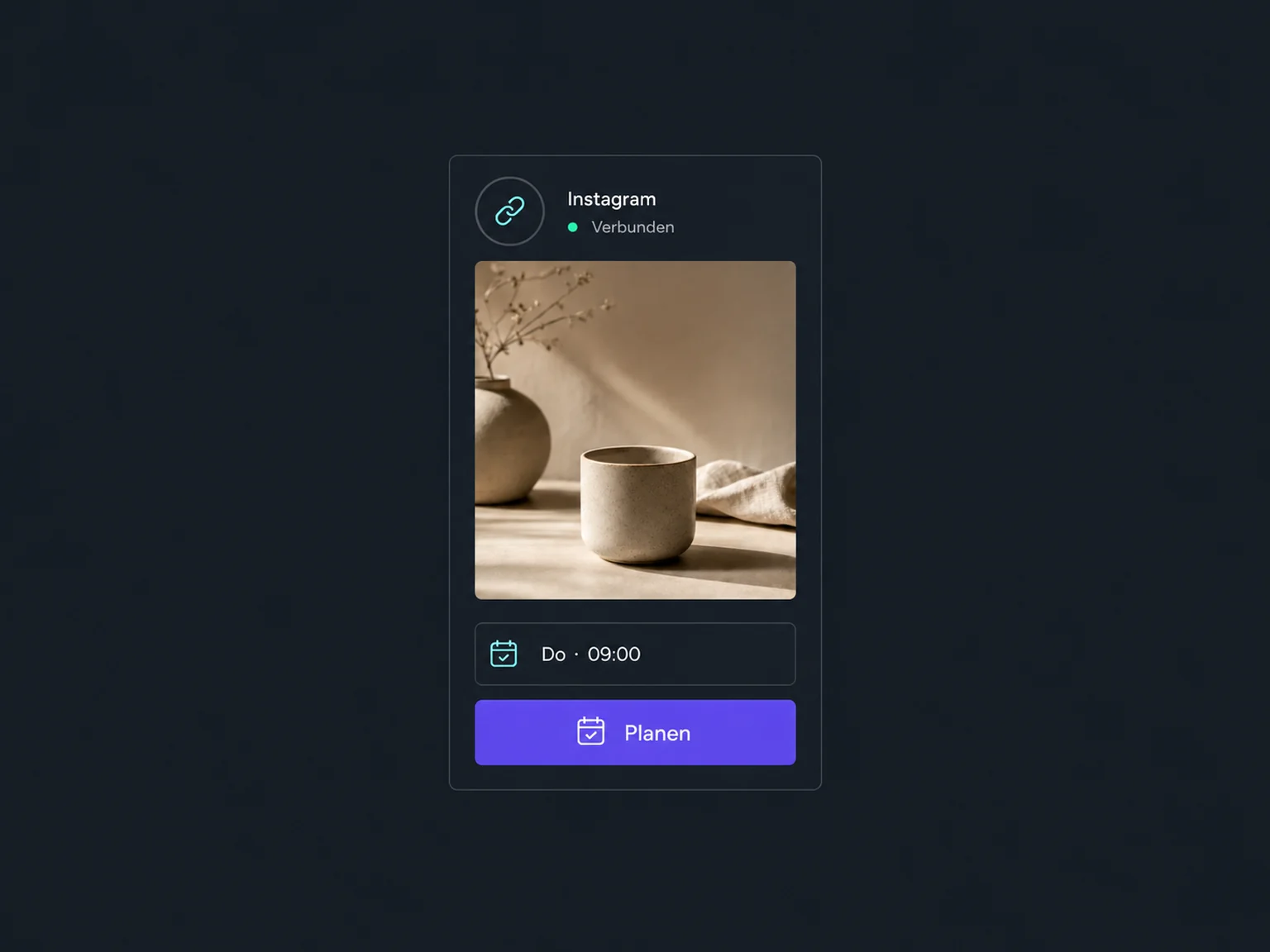
Connect an Instagram Business or Creator account to Social Media Planner. Its direct connection for scheduling posts does not require a linked Facebook Page.
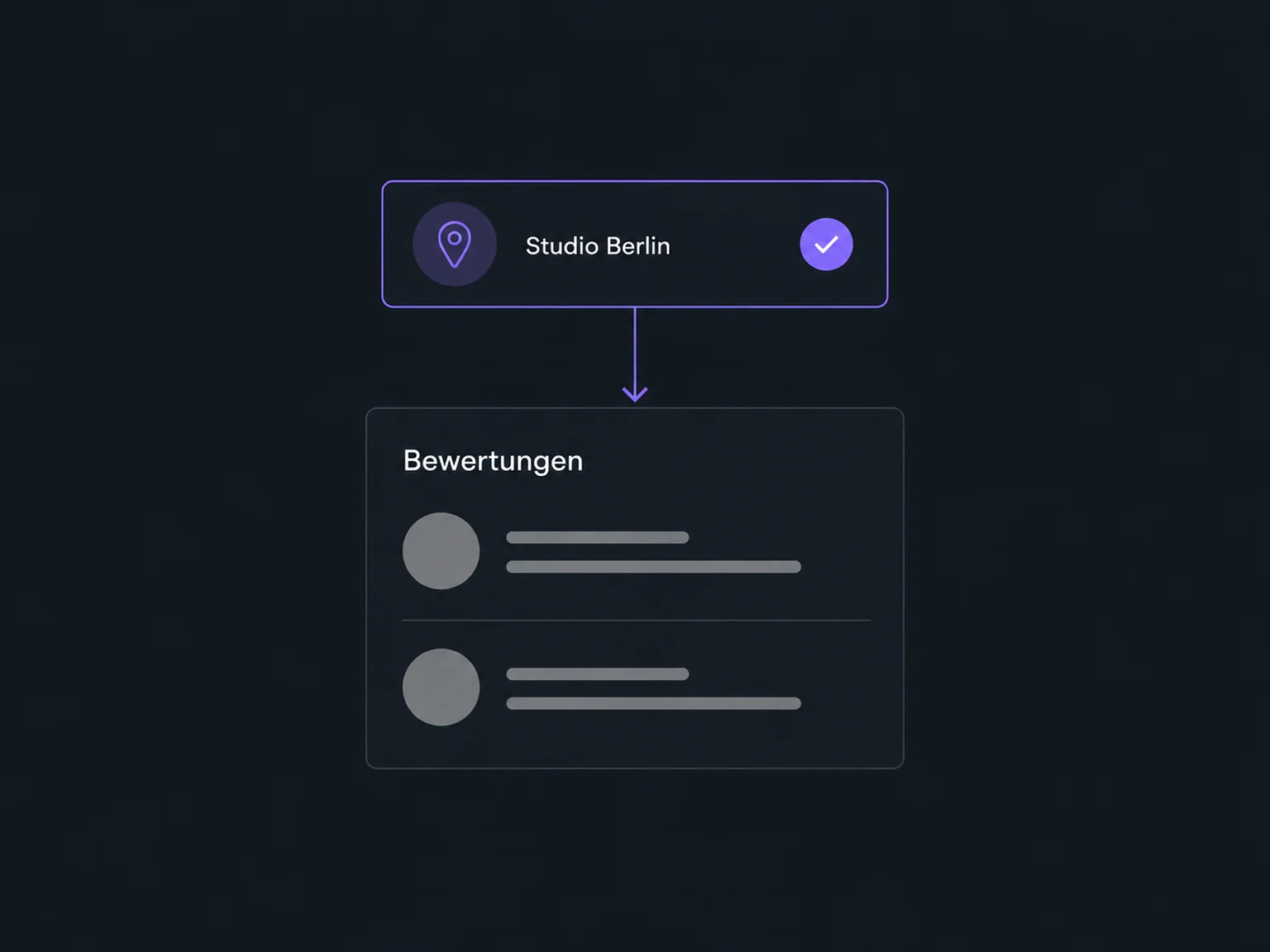
Select the correct Google Business Profile so its reviews appear in your review overview. Check the location and access permissions during setup.
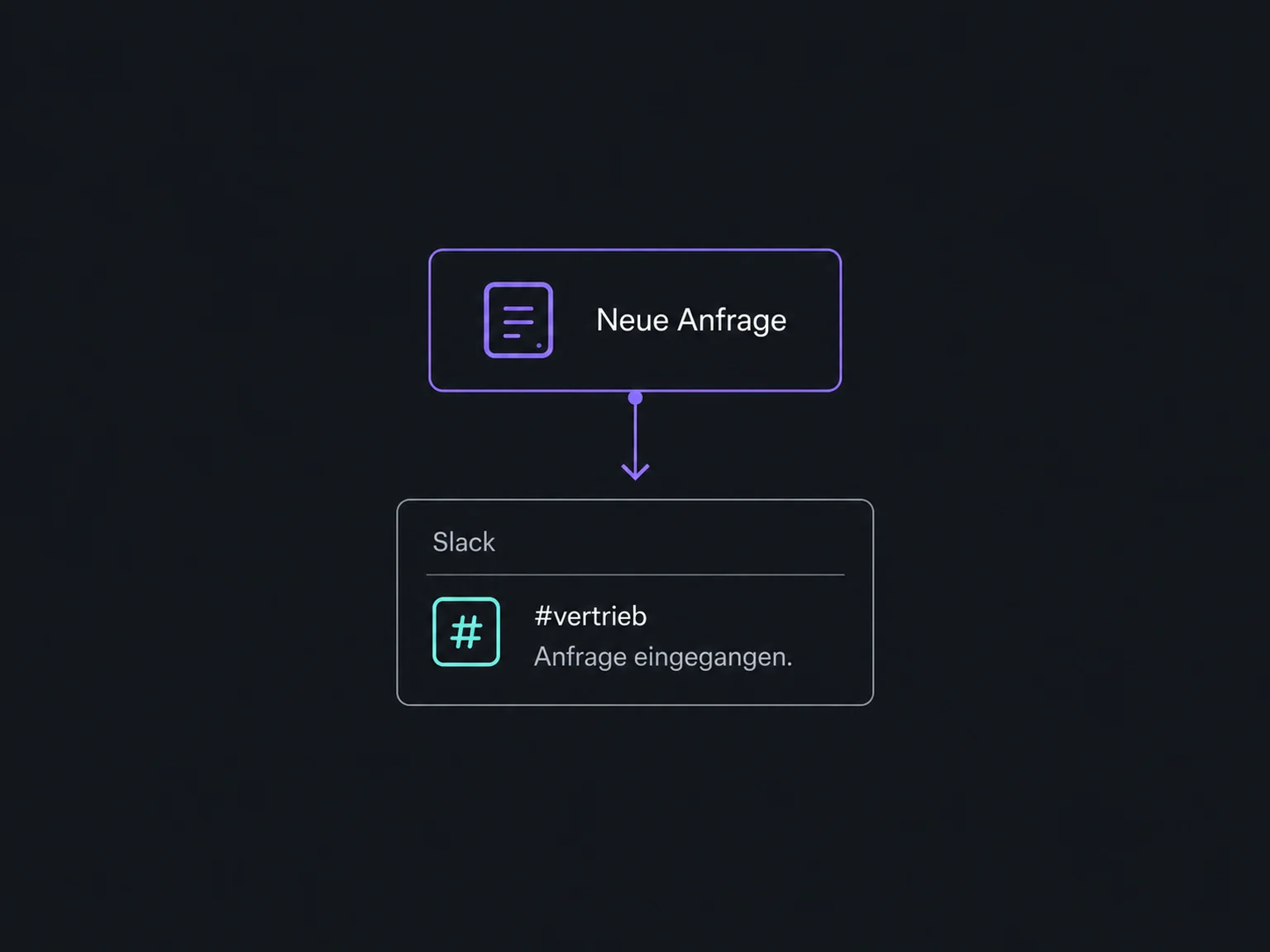
A configured workflow can send a message to a Slack channel or person. This action requires access and may incur additional usage charges.
Reconnect the affected account when access expires or permissions change. Then test the actual data flow, not just the connection status.
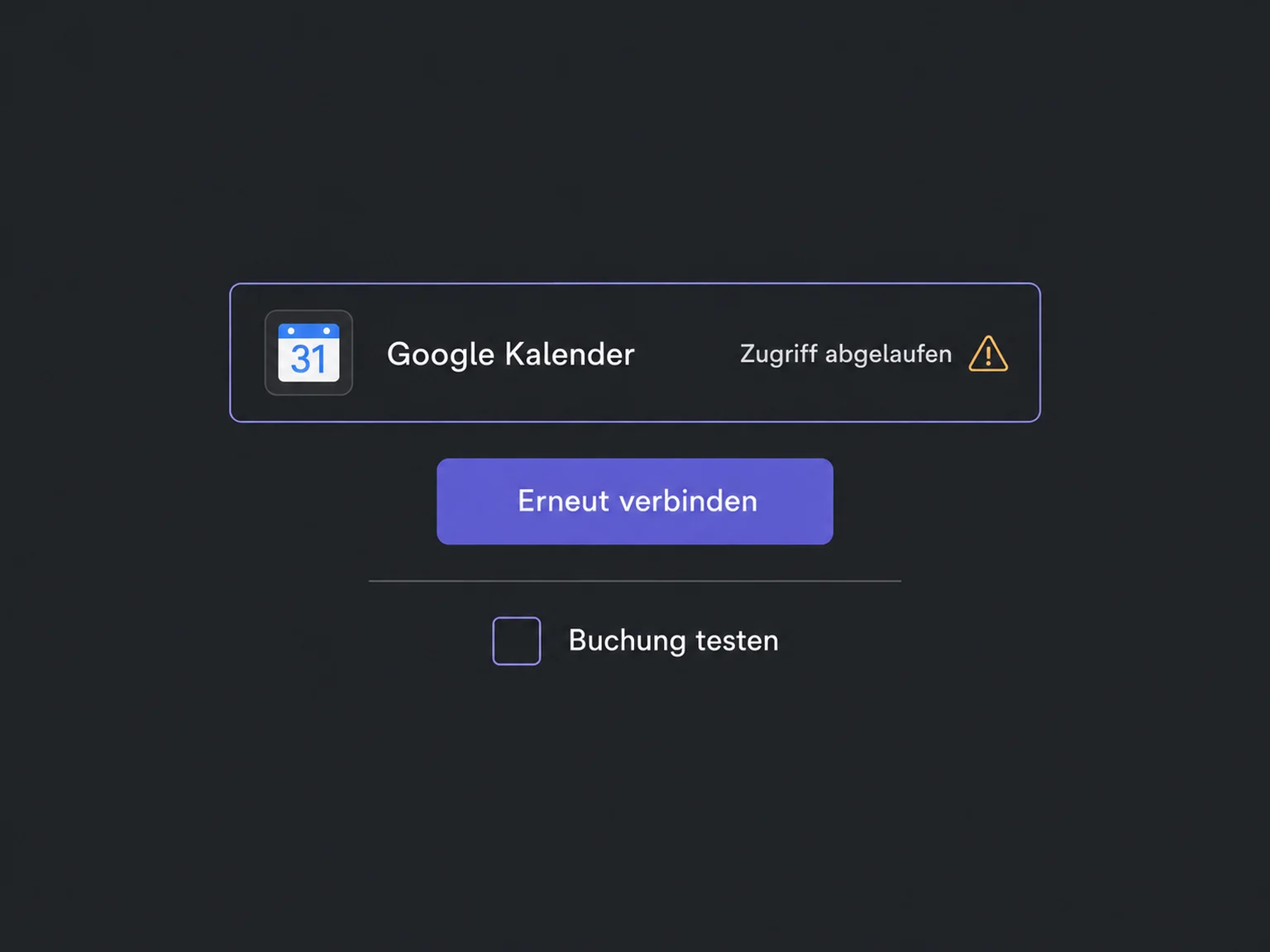
Simplified examples, not live account data.
We check the intended connection, account ownership, permissions and available functions. External subscriptions, payment fees and paid workflow actions are not automatically included in your ONE LOOP package.
Native integrations connect supported services for specific tasks. A connection is not a full data sync. Other systems may need an API, webhooks or an automation platform, depending on the use case.
Availability and any add-on or usage costs are confirmed for your ONE LOOP account before implementation.
No. Each integration has its own scope. A conflict calendar blocks busy times, while other calendar settings can create appointments and contacts. We deliberately choose the direction, fields and follow-up actions.
Usually there is more to configure: select calendars, map lead-form fields or enable payment methods. A Zoom appointment notification also needs the meeting-location field if it should contain the meeting link. We check the complete flow using test data.
Payments previously created directly in Stripe are not imported automatically. The integration tracks new eligible transactions created through ONE LOOP. Each account connects to one Stripe account; payment methods depend on factors including region, currency and checkout.
Expired access needs to be authorised again. For missing data, we check permissions, fields and the connection. If no native connection exists, we separately assess whether an API or automation platform supports the required operation. Not every app or function can be connected.
Let’s explore your use case and what the setup requires.
Book a demo