01
Keep the form within the ad experience.
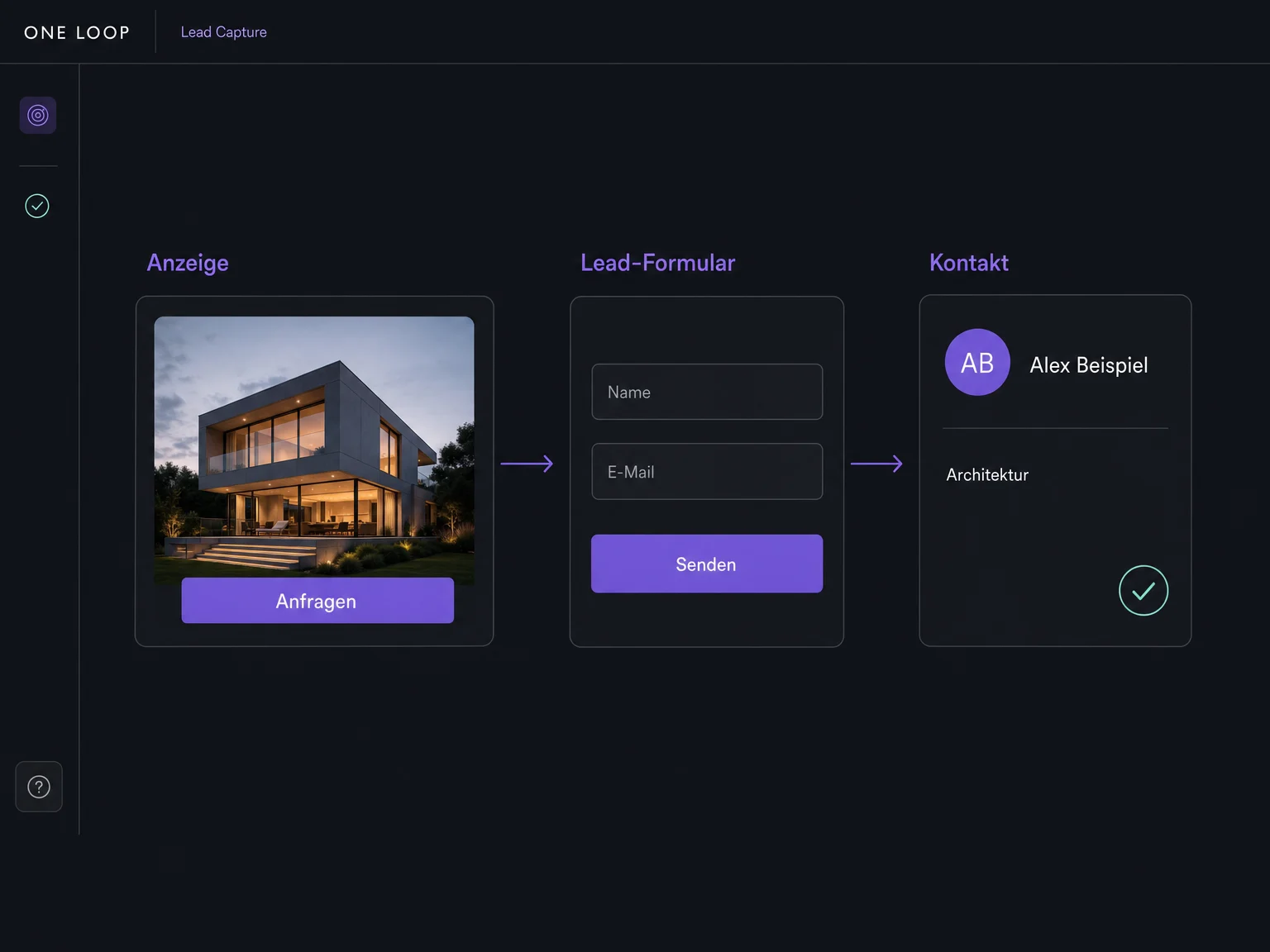
People open the instant or lead form within the advertising channel and submit their details there. Connect the relevant ad account and form to ONE LOOP. You don’t need a separate landing page for this.
Forms & Lead Capture
Connect the lead forms in your Meta, LinkedIn, Google and TikTok ads. Once set up, submitted enquiries flow into ONE LOOP without moving lead lists by hand.
Three examples show how you can use Forms & Lead Capture.
People open the instant or lead form within the advertising channel and submit their details there. Connect the relevant ad account and form to ONE LOOP. You don’t need a separate landing page for this.
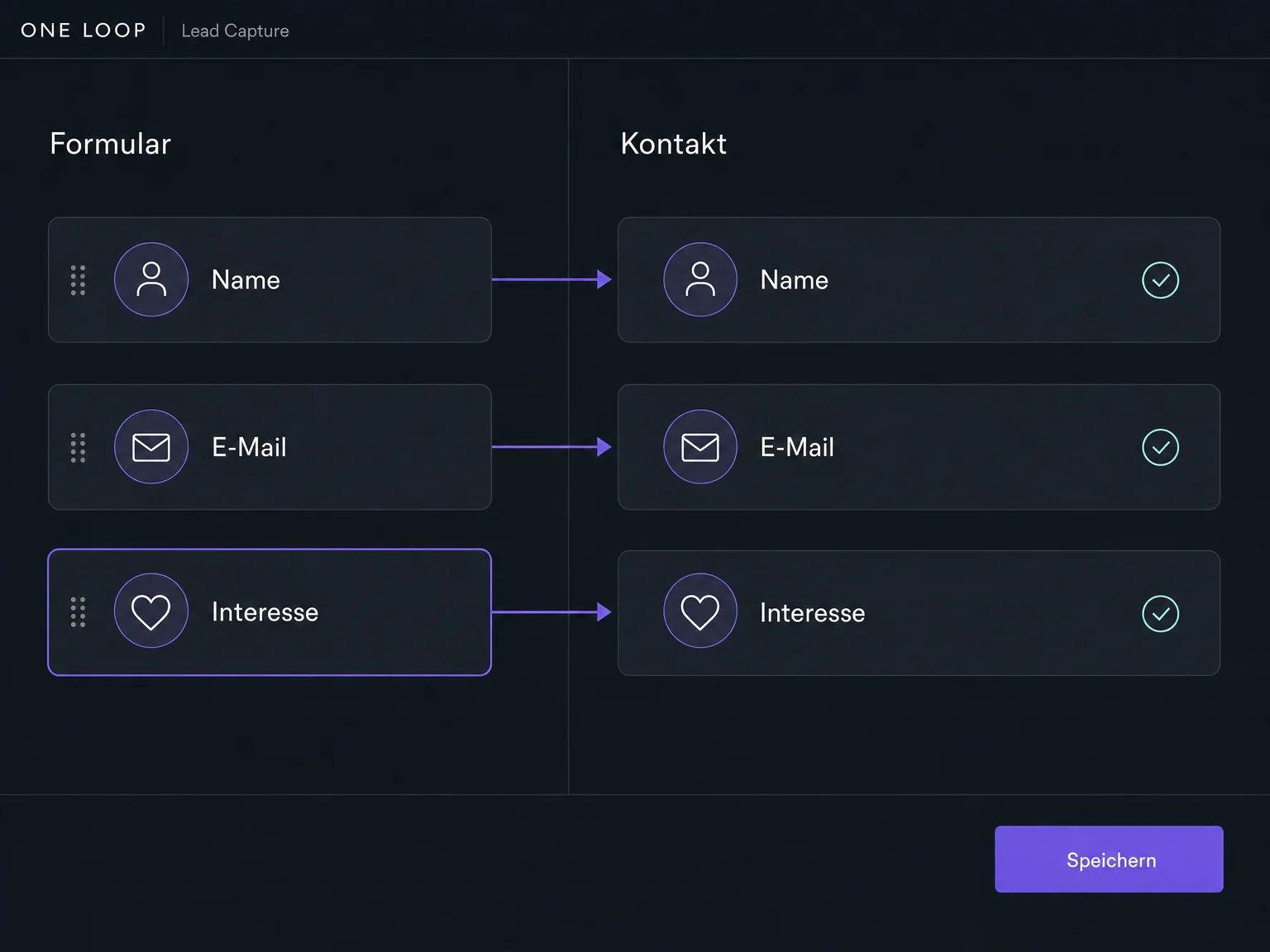
Map names, email addresses and other form answers to the matching contact fields. Your team can then see who is enquiring and which offer they are interested in, directly in ONE LOOP.
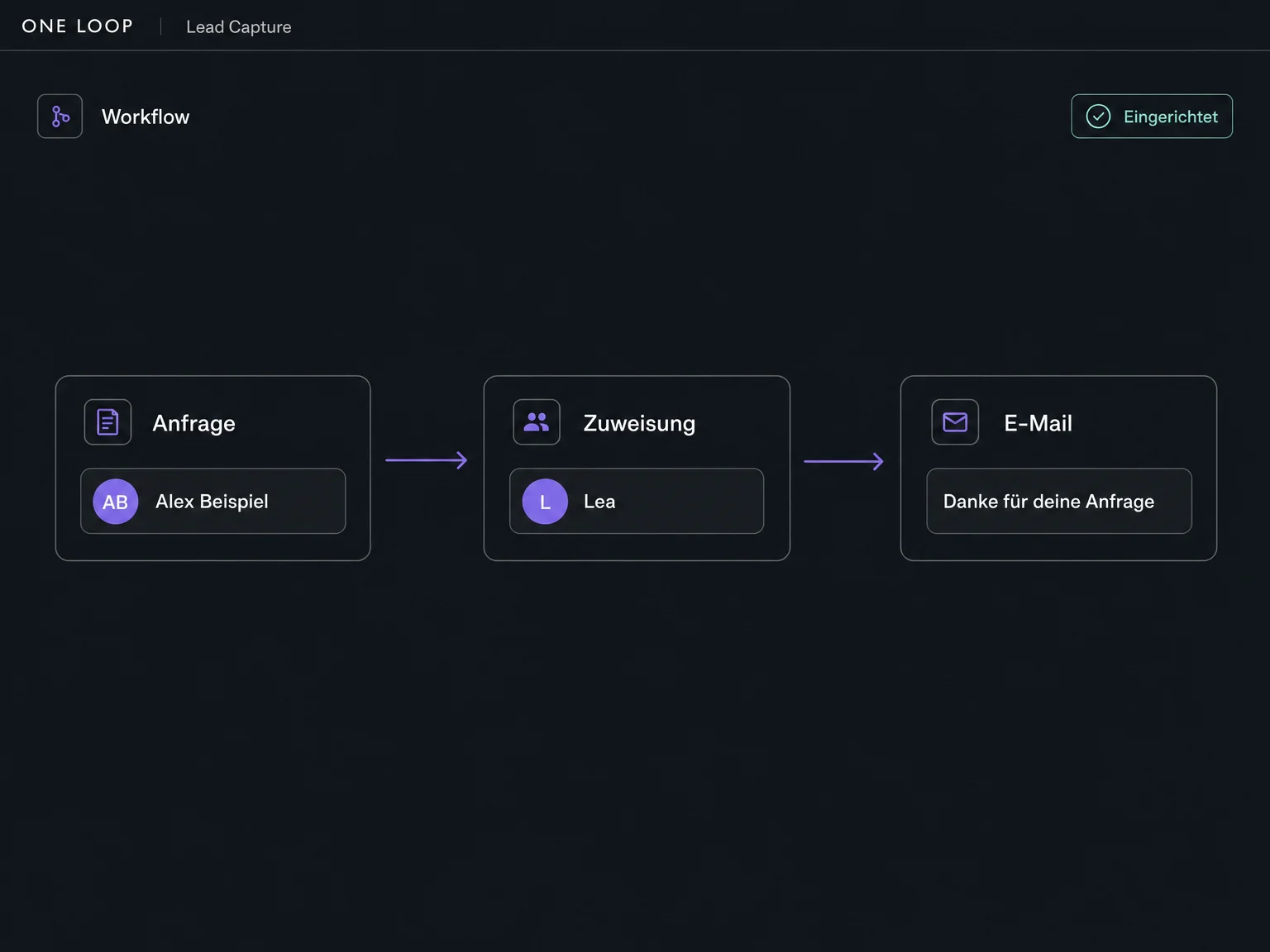
A configured workflow can assign new enquiries to an owner, notify your team or send a confirmation. You decide what should happen after each form is submitted.
The practical benefits of Forms & Lead Capture.
Enquiries from connected Meta, LinkedIn, Google Ads and TikTok forms come together in ONE LOOP. Your team can work with the contacts from there.

The native lead form opens within the advertising channel. People don’t have to visit your website to submit their enquiry.
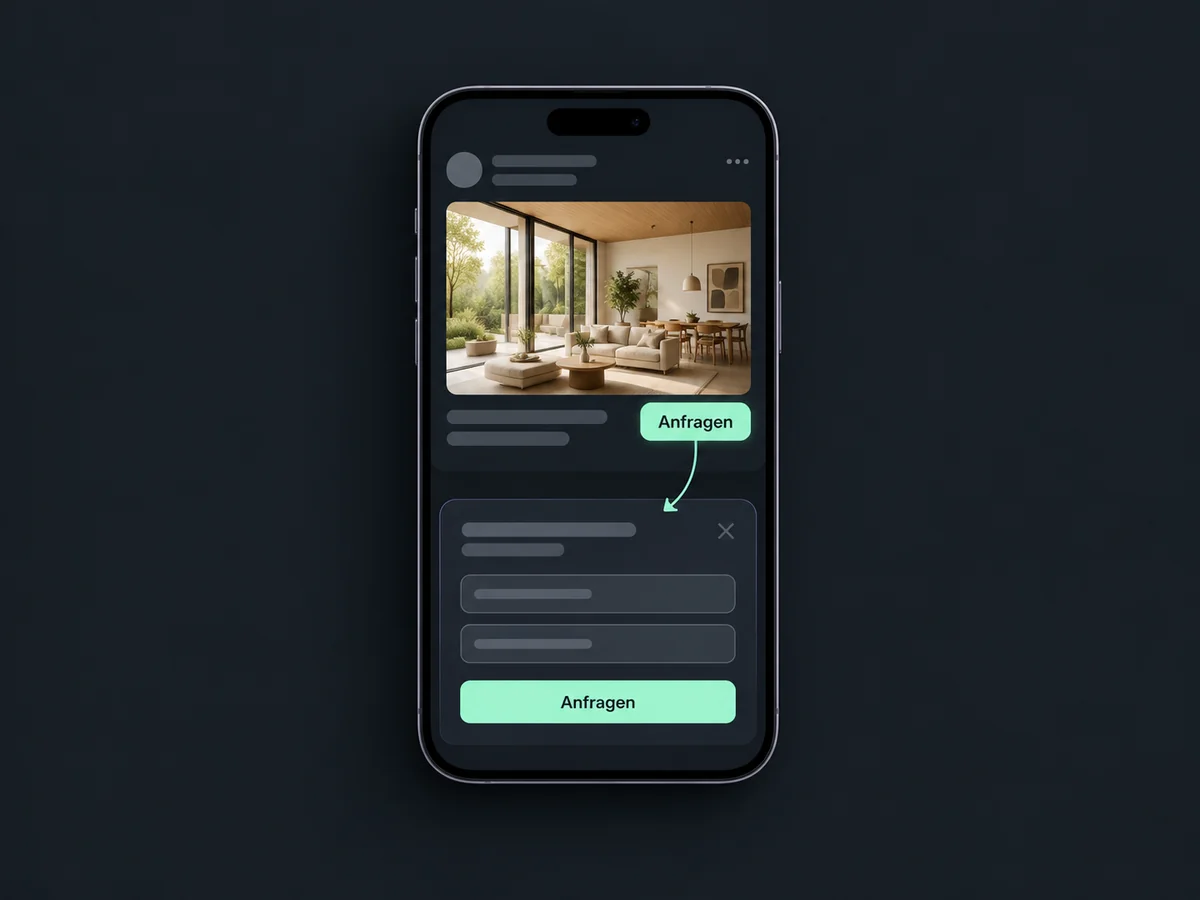
New submissions from enabled, correctly connected forms sync across. You don’t need to keep downloading and re-entering contact details.
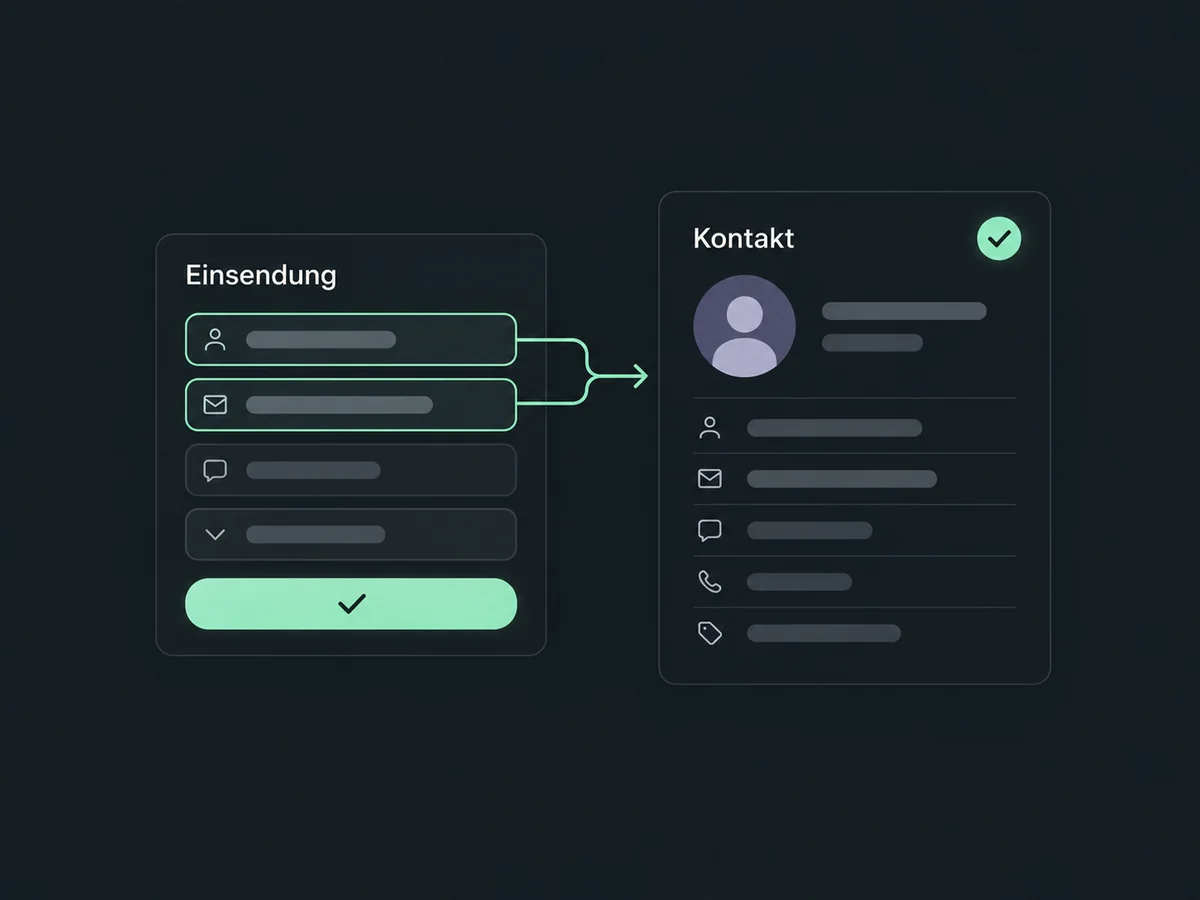
Map supported answers to your extra questions into custom contact fields. Your team can see details such as the requested service before calling back.
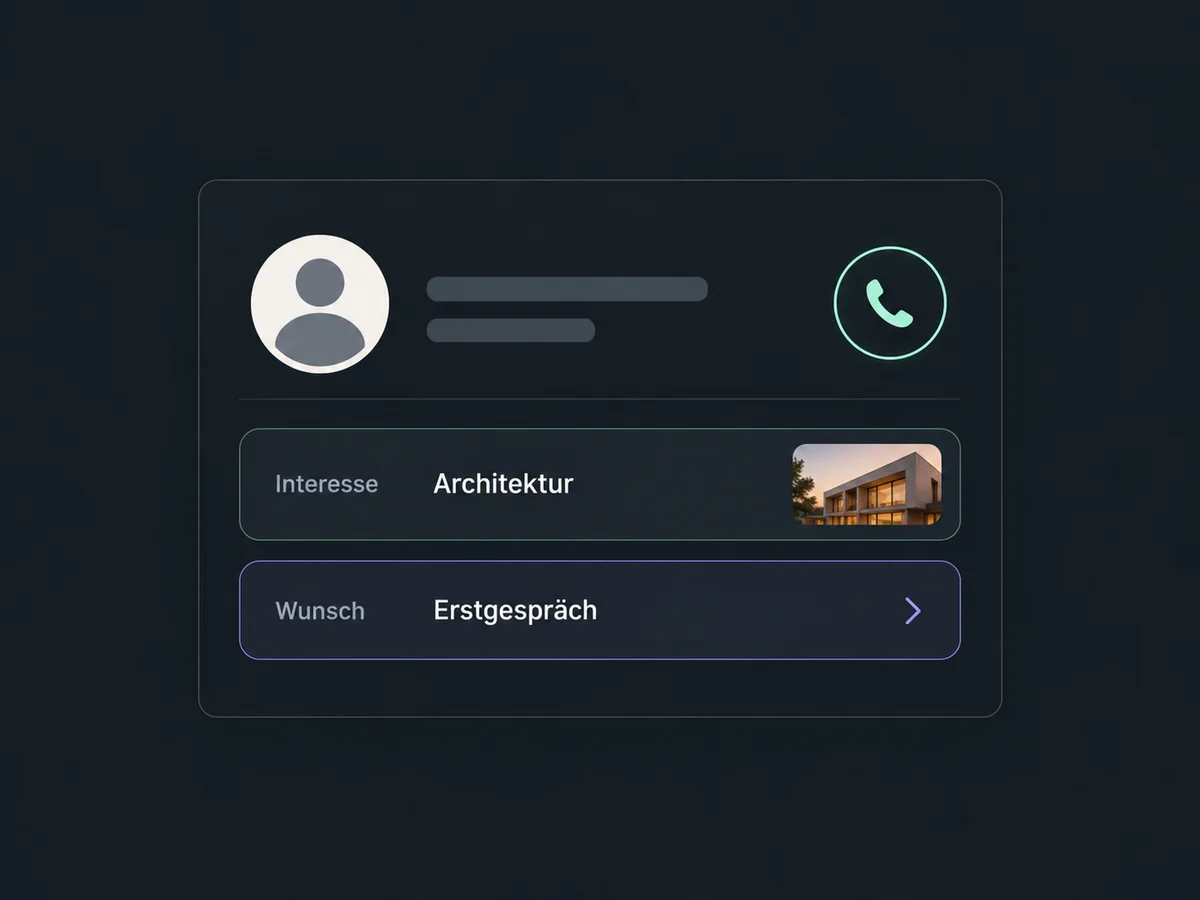
Set an owner and a new-enquiry notification in your workflow, so your team doesn’t have to keep checking every ad account.
Simplified examples, not live account data.
Connect your ad accounts with the required permissions, select the forms and map their fields. Check channel access, supported field types and required consent. Use a test submission to check that details arrive.
The form connection brings in the details. Configure assignment, notifications and the first message in a workflow. Syncing a lead alone does not start a complete follow-up sequence.
Availability and any add-on or usage costs are confirmed for your ONE LOOP account before implementation.
Meta Instant Forms for Facebook and Instagram, LinkedIn Lead Gen Forms, Google Ads lead forms and TikTok Instant Forms. These are native forms in the advertising channels, not forms built for your website. For Google, this means Google Ads, not Google Forms. We check access and supported fields for each channel; TikTok in particular may restrict field types.
You can connect existing supported forms from your ad accounts. You need the appropriate account access and permissions. Select the forms, map their answers to contact fields and enable syncing. You don’t need an extra landing page or a ONE LOOP website form for this.
Yes, where the channel and integration support those field types. Map extra questions to suitable custom contact fields and check the result with a test enquiry. If you change questions in the ad form later, review their field mapping in ONE LOOP too.
With syncing active, submitted details are sent to ONE LOOP. An ad click alone does not create a contact. A confirmation or team assignment requires a configured, activated workflow. The sending channel and consent must fit the action, and messages may incur usage costs.
Let’s explore your use case and what the setup requires.
Book a demo