01
New contacts in your address book
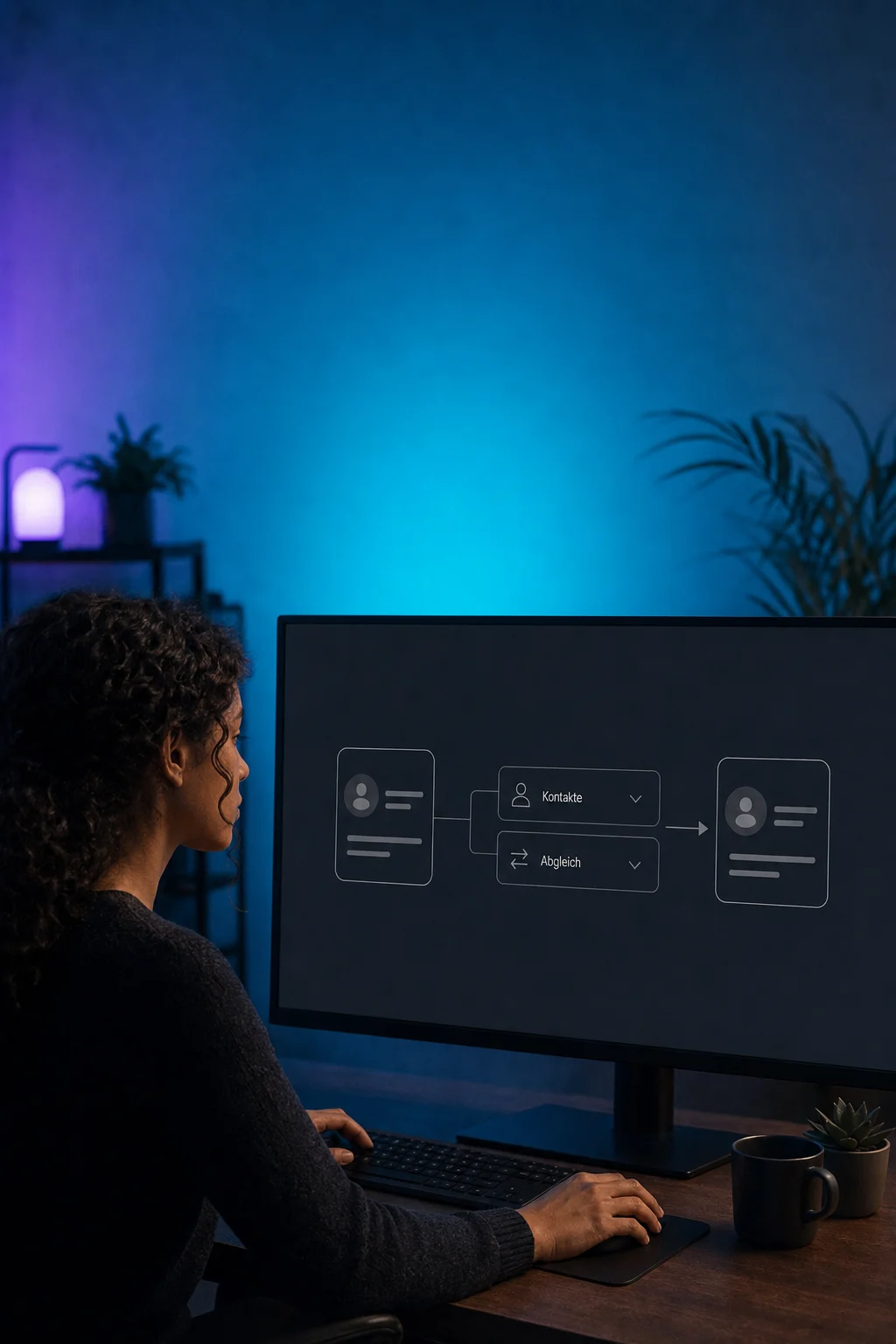
After an enquiry, a configured workflow can find the contact in your connected address book and create it if needed. Later form submissions can update an existing entry deliberately.

Data Sync
Move customer and order data between ONE LOOP and your other software. A configured connection keeps supported information up to date without constant copying.
Three examples show how you can use Data Sync.
After an enquiry, a configured workflow can find the contact in your connected address book and create it if needed. Later form submissions can update an existing entry deliberately.
A supported shop connection brings new orders and related customer data into ONE LOOP. Your team can review purchase activity without looking up every order in the shop.

A suitable connection can update an existing company record using new information from your other software. We define which company and which fields may be changed.

The practical benefits of Data Sync.
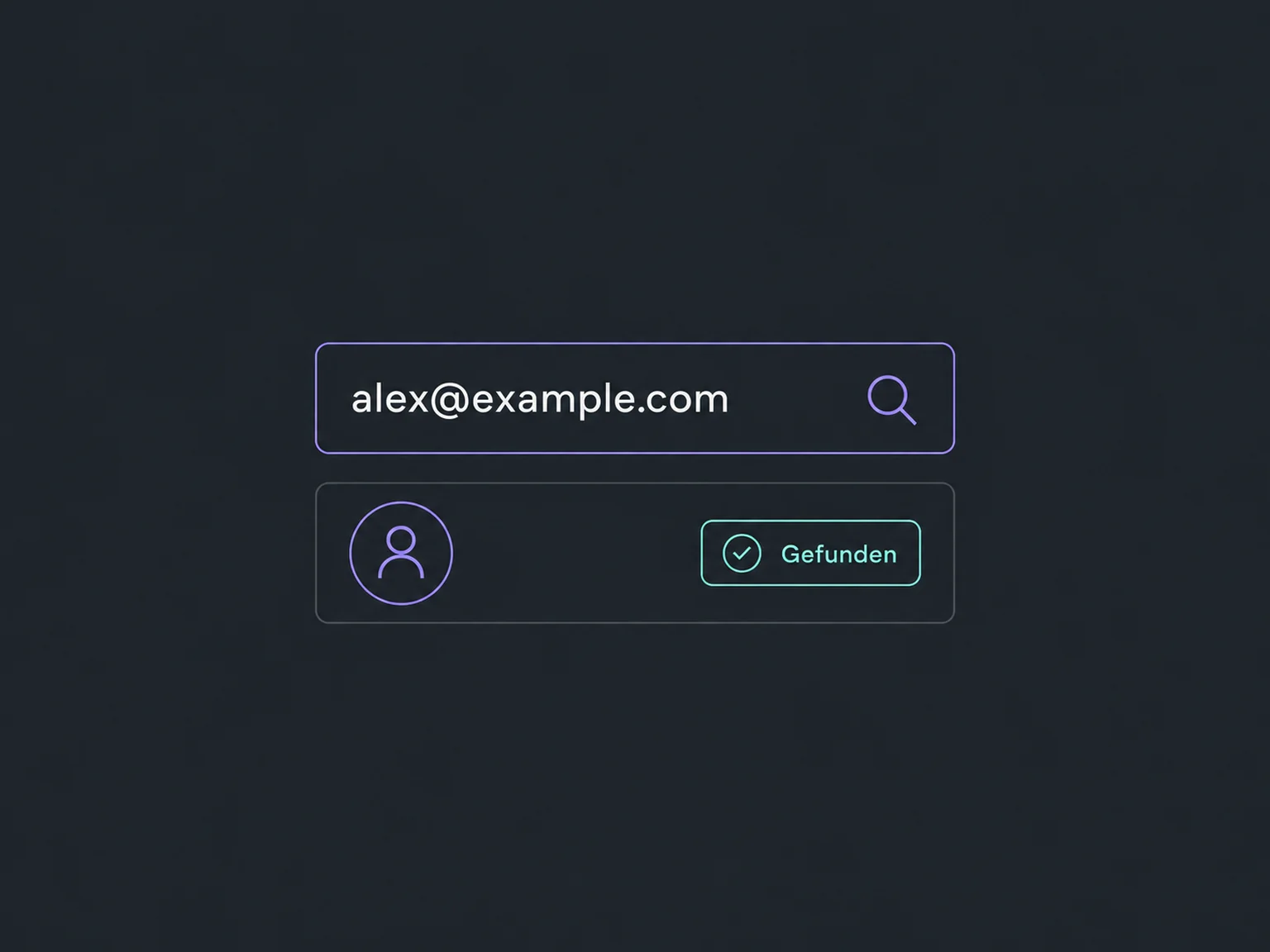
A lookup can check the email address before creating or updating a record. Matching is tested against your data.
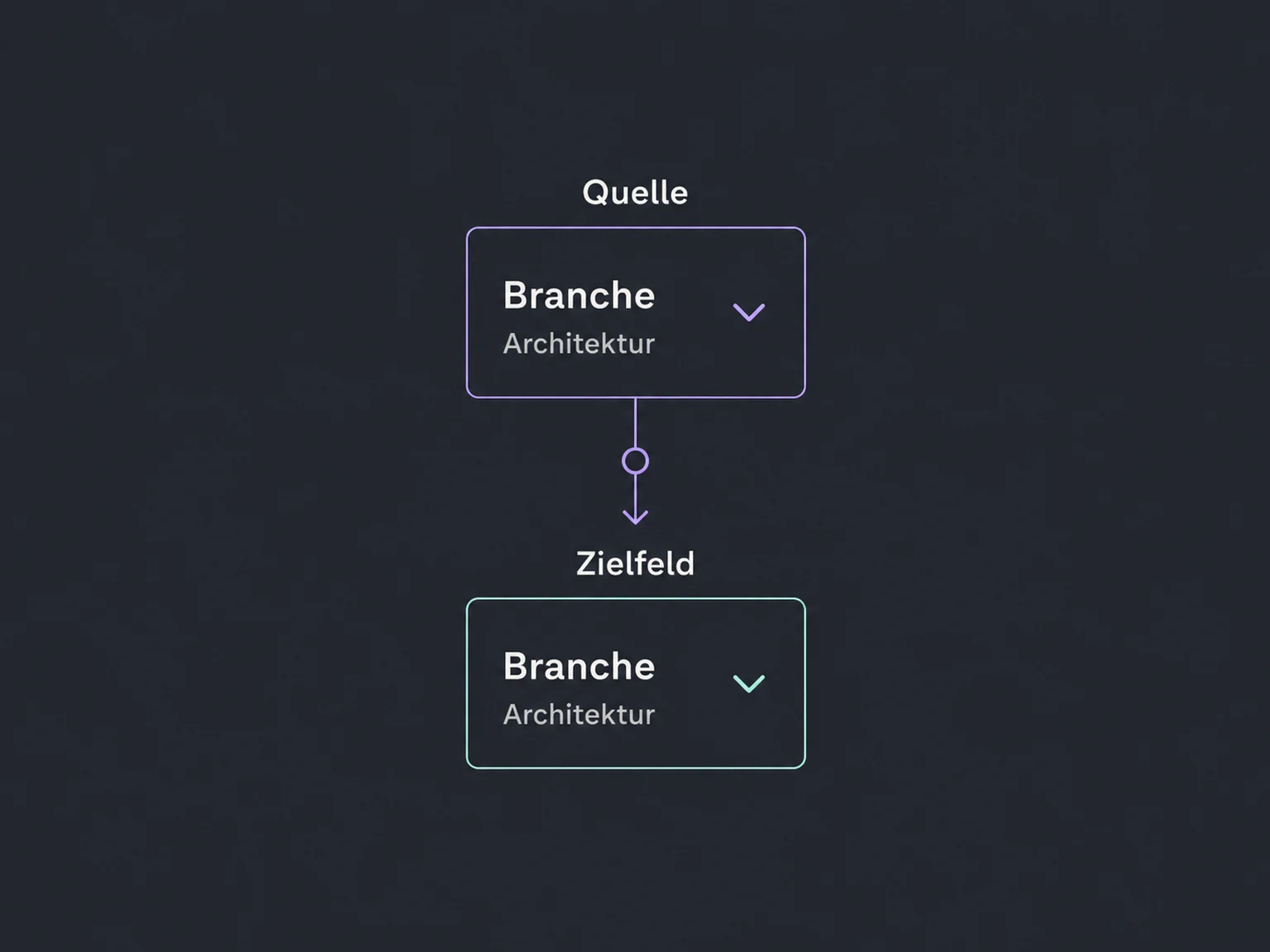
For a custom connection, we define which information goes where. Prebuilt integrations may have fixed field rules.
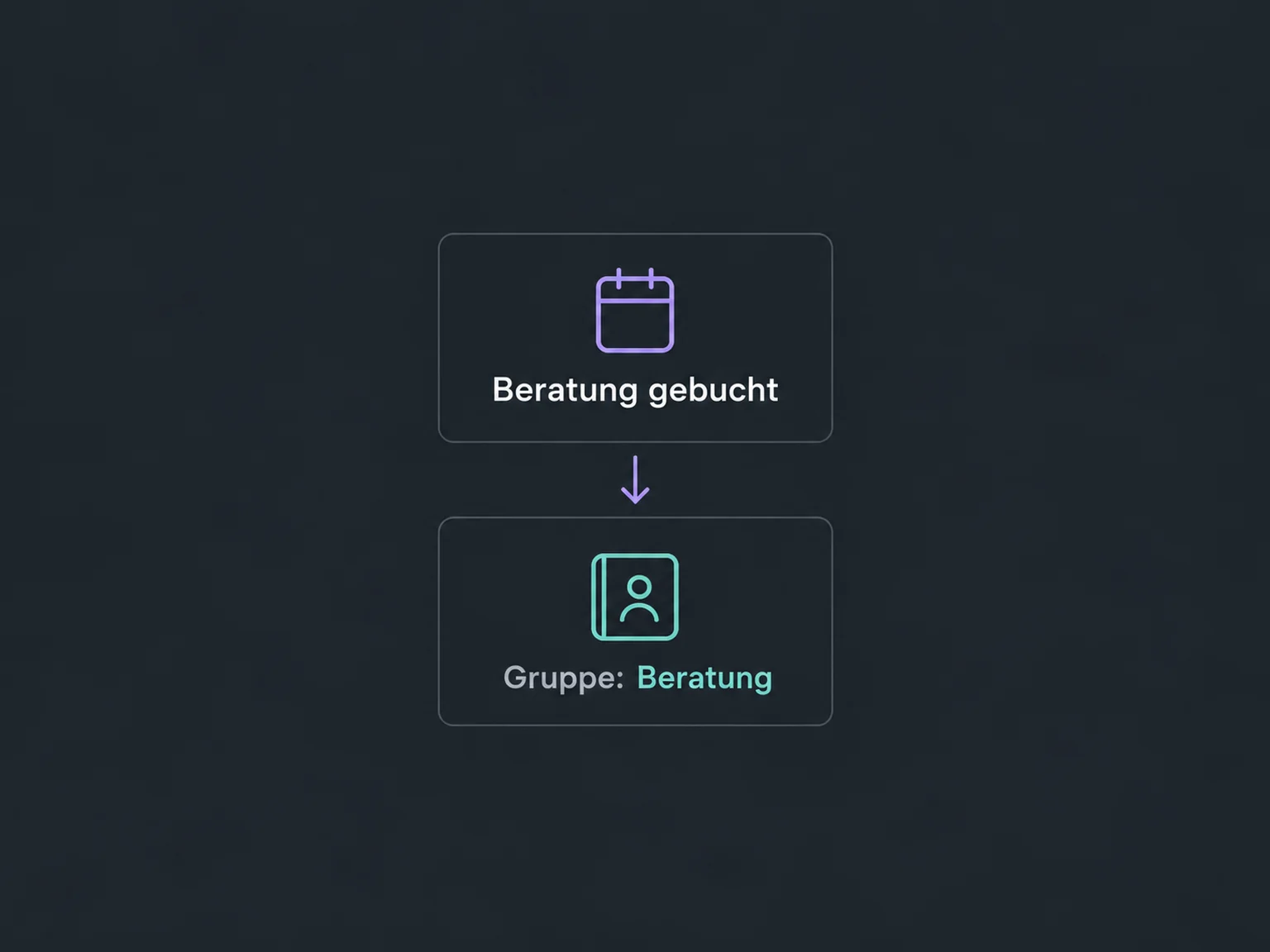
A connected address-book workflow can add contacts to a suitable group, for example after a consultation booking. That makes them easier to find again.
Each connection needs suitable account permissions. We review the requested access and connect only the systems your process needs.
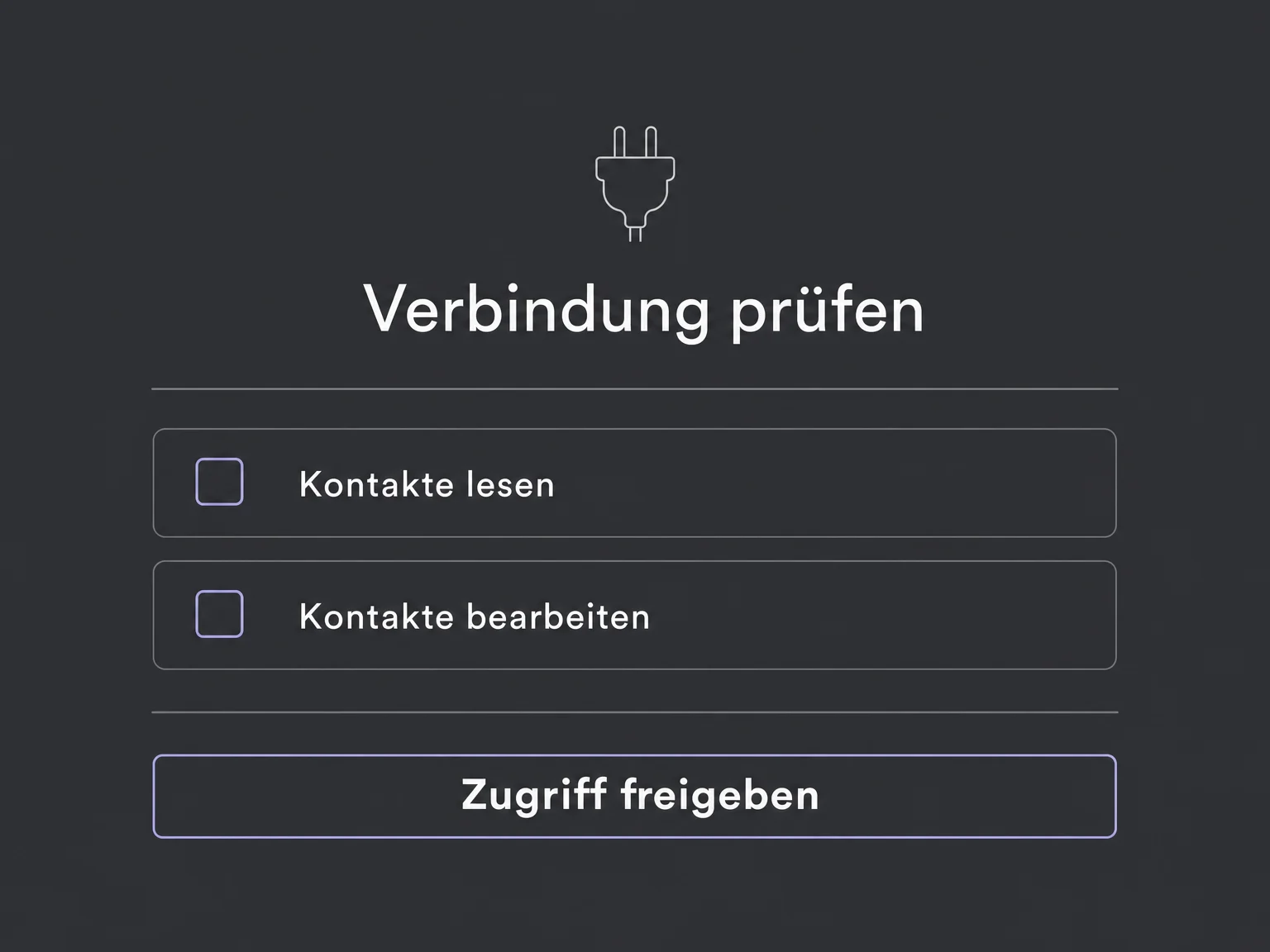
For configured workflows, execution history shows which steps worked. Errors can be investigated instead of leaving missing data unnoticed.
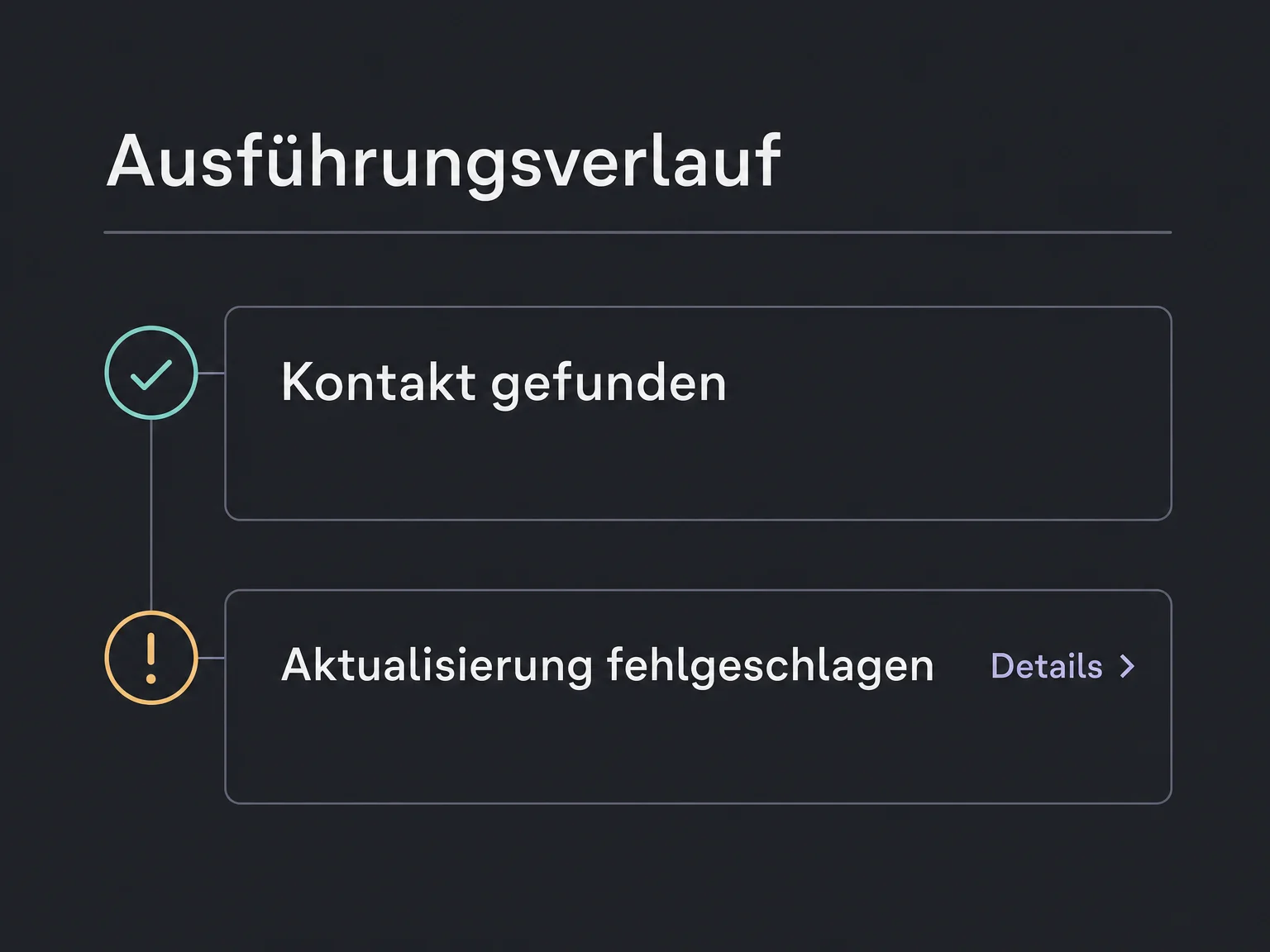
Simplified examples, not live account data.
We check the systems, permissions and supported data, then agree the direction, matching and error handling. Custom connections may require additional setup, external plans and ongoing maintenance.
Import and sync remain separate: import brings over existing records, while the configured sync processes later changes. Messages or other follow-up actions require separately defined workflows.
Availability and any add-on or usage costs are confirmed for your ONE LOOP account before implementation.
No. A CSV import transfers a selected snapshot. Syncing then processes supported changes through a configured connection. Both can be useful, but they are different operations.
No. Direction, data types and editable fields depend on the connection. A shop might send orders to ONE LOOP without accepting changes back. Deletions are not automatically propagated either.
That depends on the trigger and connection. Some changes are sent as events; others are checked at intervals. We test the actual process rather than promising instant updates everywhere.
We establish the behaviour of the specific connection before starting. Some integrations only fill empty contact fields; others can replace selected values. Reliable matching and test cases cannot prevent every error, but make the rules verifiable before use.
Let’s explore your use case and what the setup requires.
Book a demo