01
Create an accurate location profile.
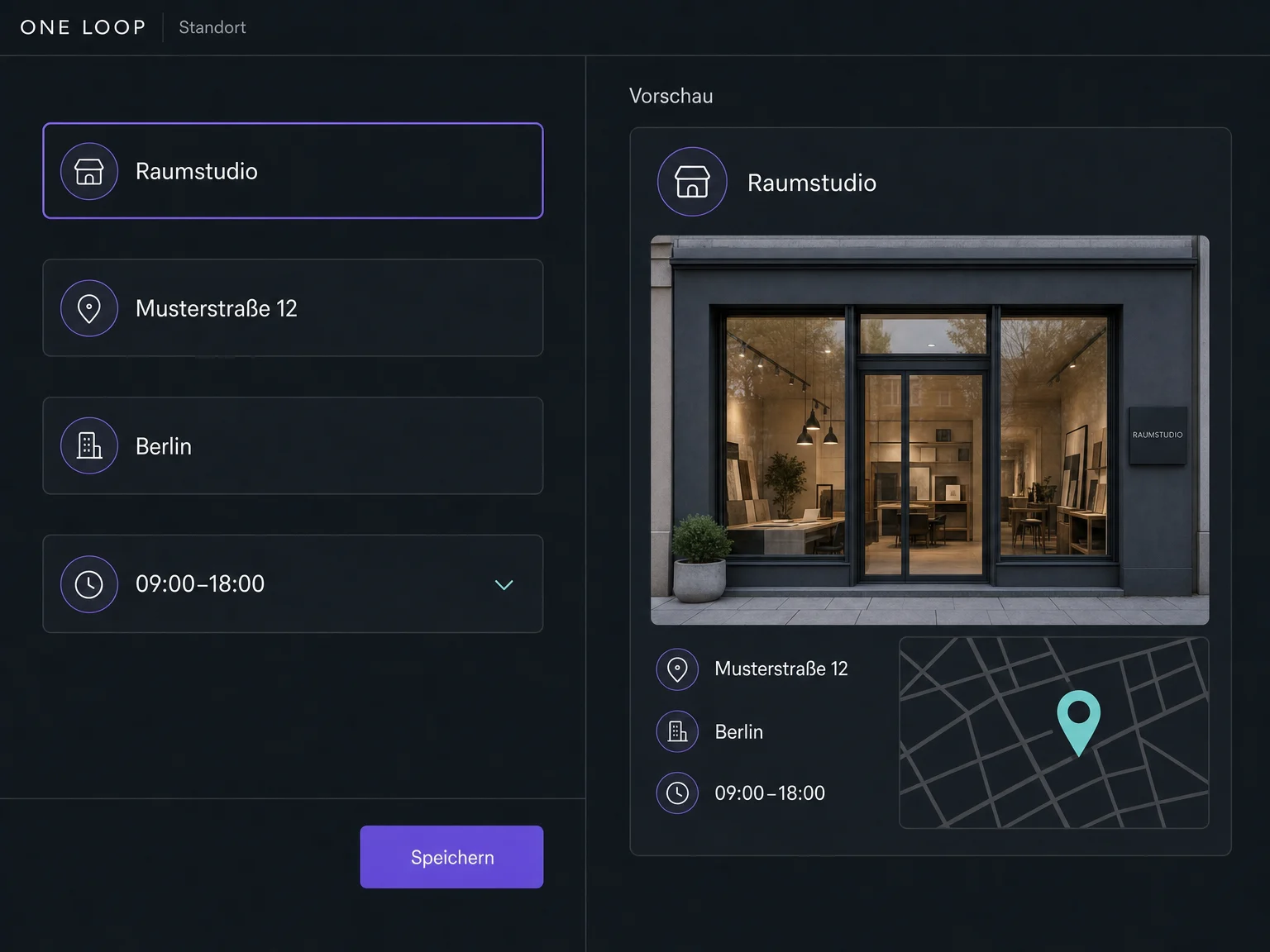
Enter the business name, address, phone, website and category for each location. Review existing profiles before setting up the connection.

Listings
Manage your address, phone number and opening hours centrally in ONE LOOP. Configured connections send updates to your supported business profiles and directories.
Three examples show how you can use Listings.
Enter the business name, address, phone, website and category for each location. Review existing profiles before setting up the connection.
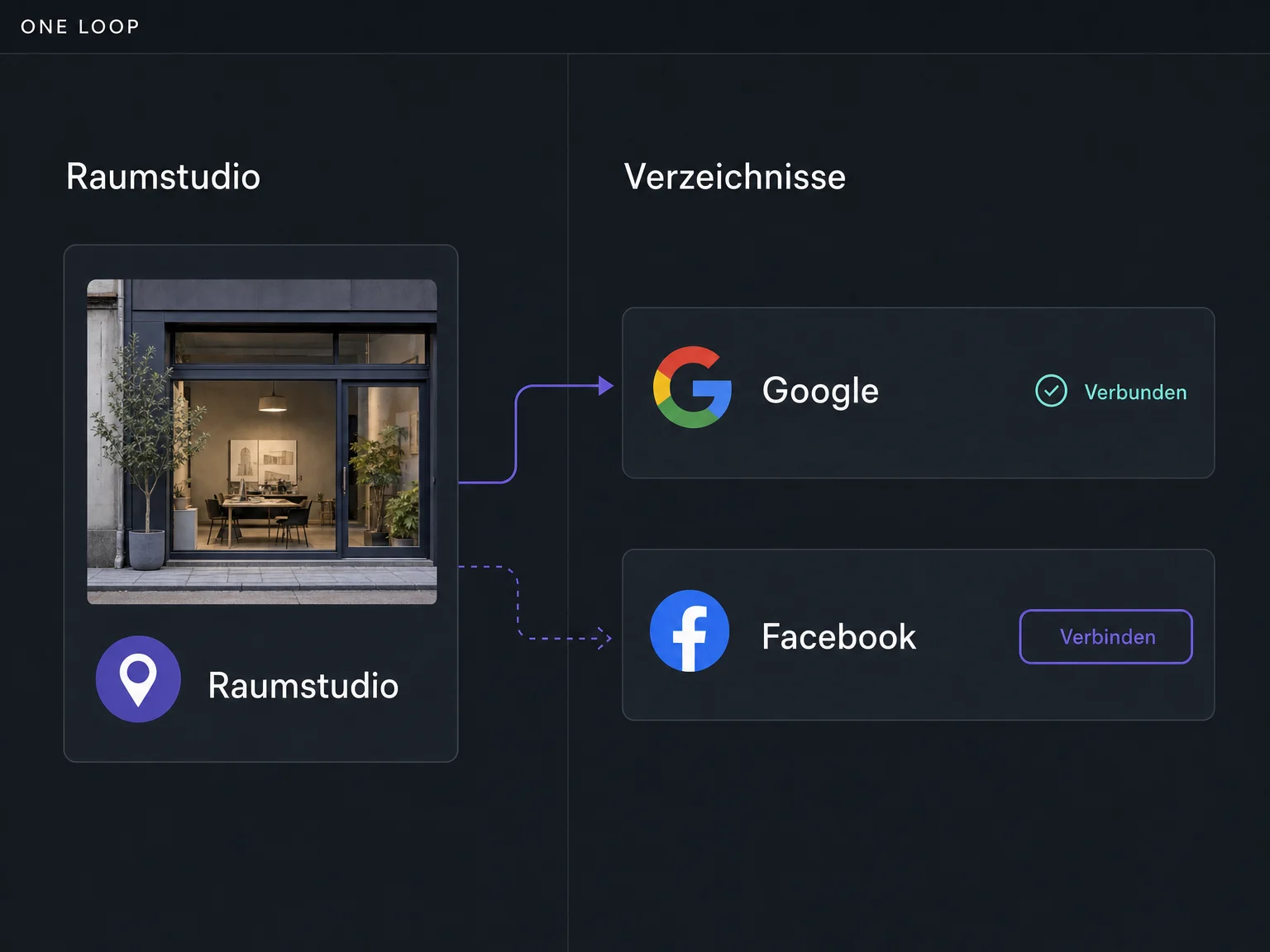
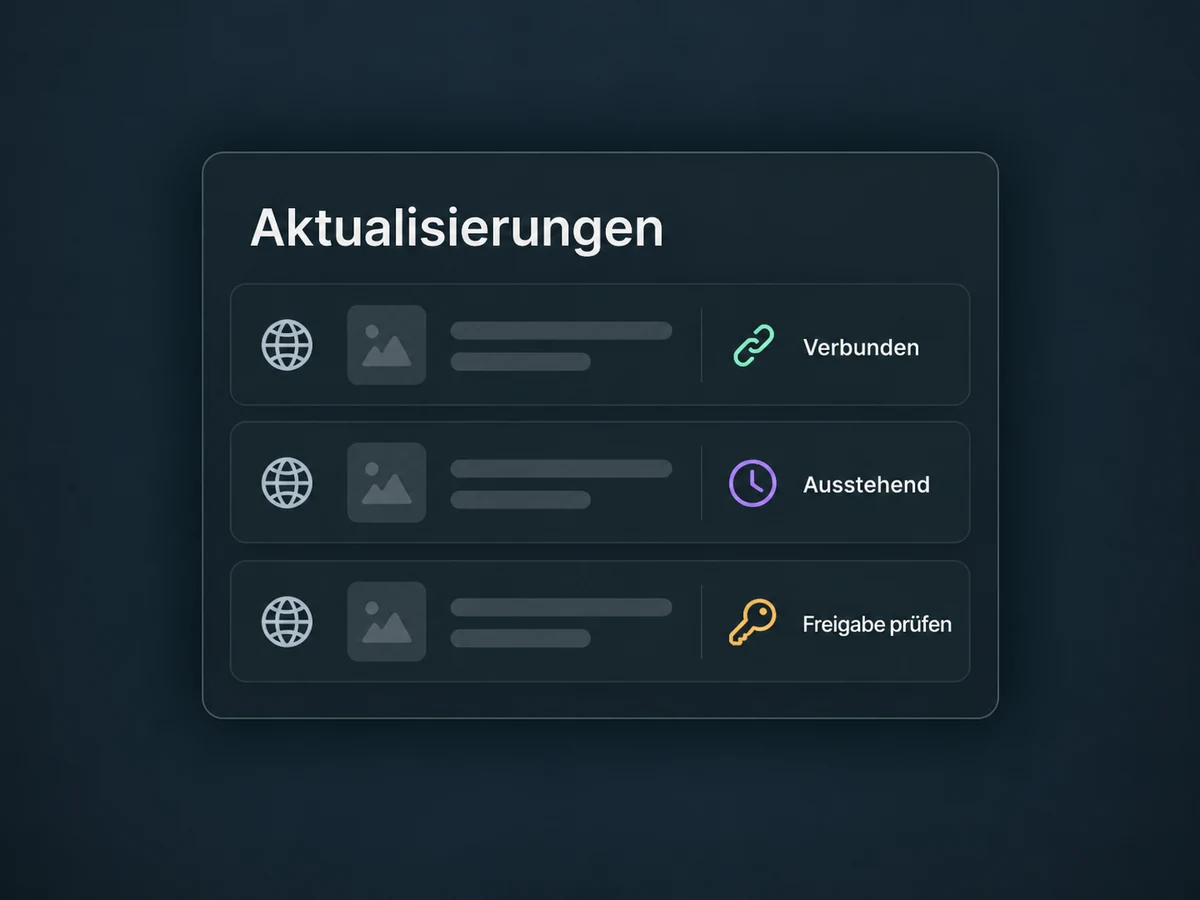
Connect your Google Business Profile and Facebook Page, for example, using the required permissions. Other directories depend on your location and enabled Listings coverage.
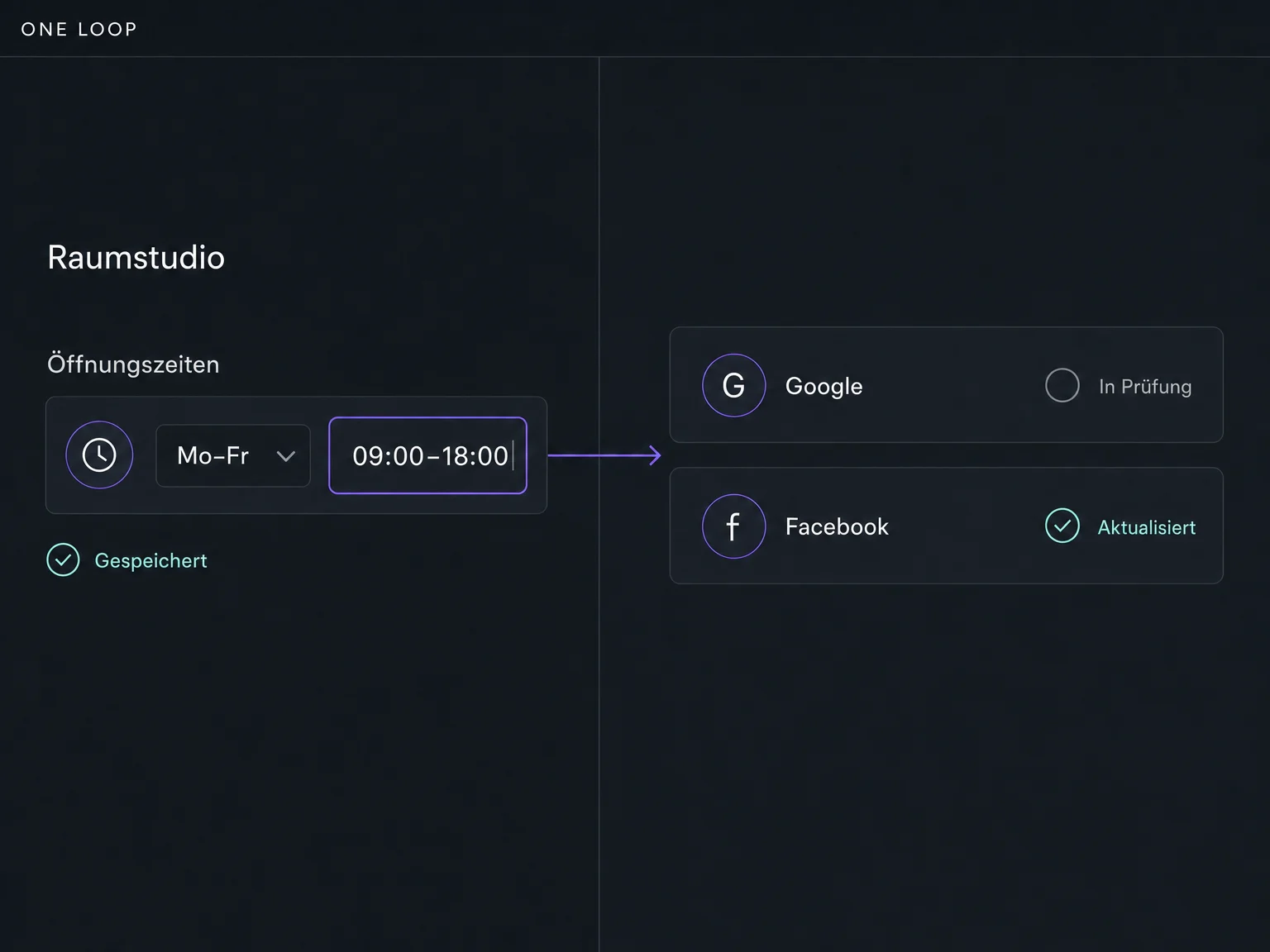
New phone number or changed opening hours? Update the details centrally and check each listing’s status. Every directory processes updates according to its own rules.
The practical benefits of Listings.
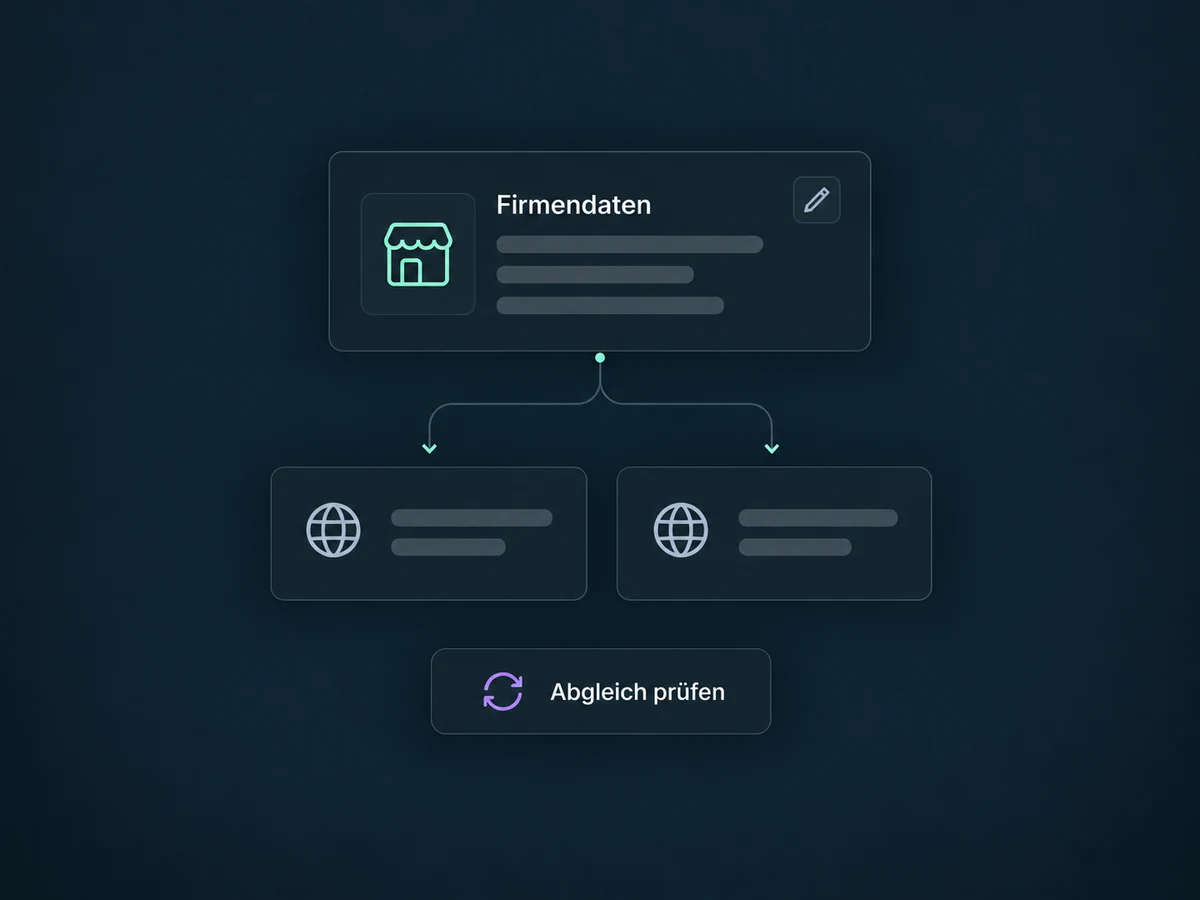
Use configured syncing for supported profiles instead of entering the same change in each place.
Set regular hours or split time blocks. How those hours appear depends on each directory.
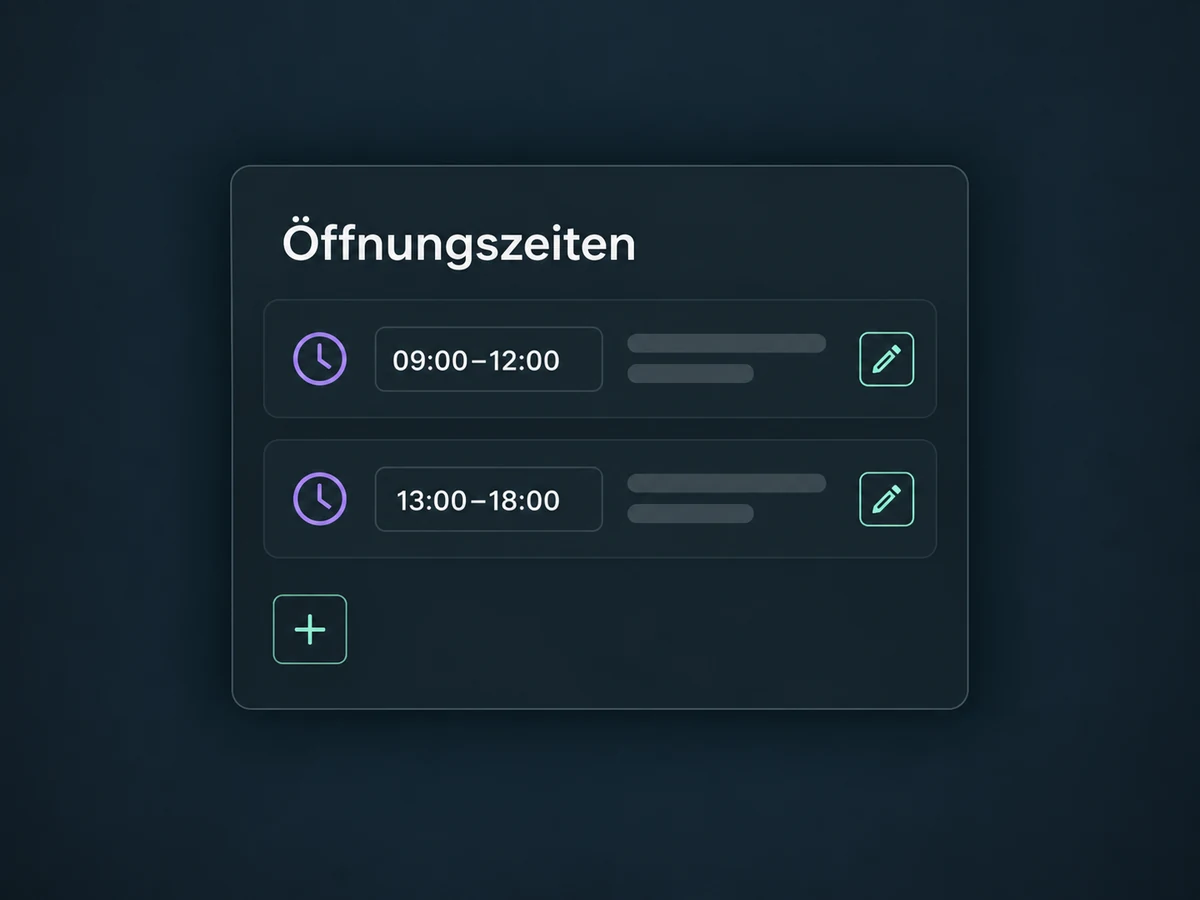
A consistent name, correct address and current phone number help customers reach the right location.
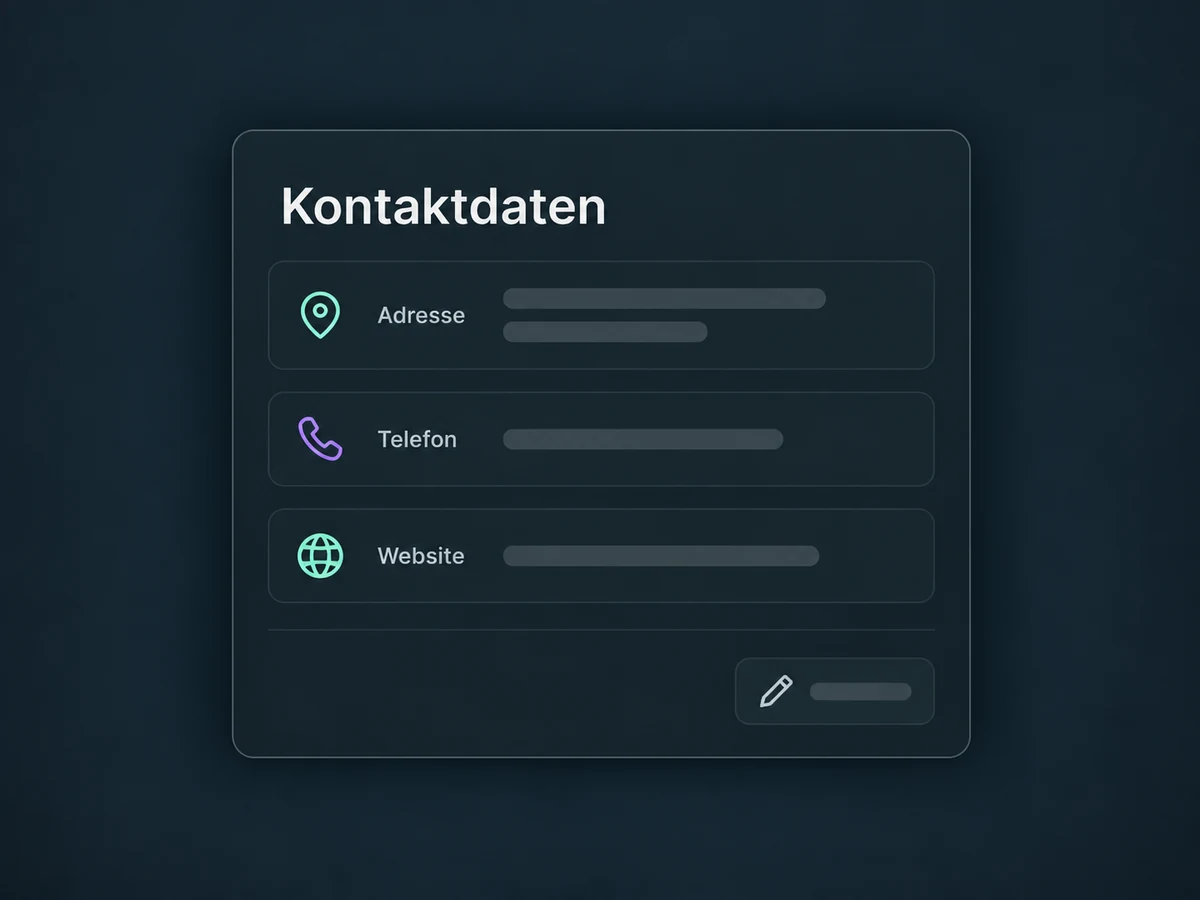
Review status messages and missing permissions. Saving a change does not mean every directory has published it.
Maintain each configured location separately so addresses and opening hours are not mixed up.
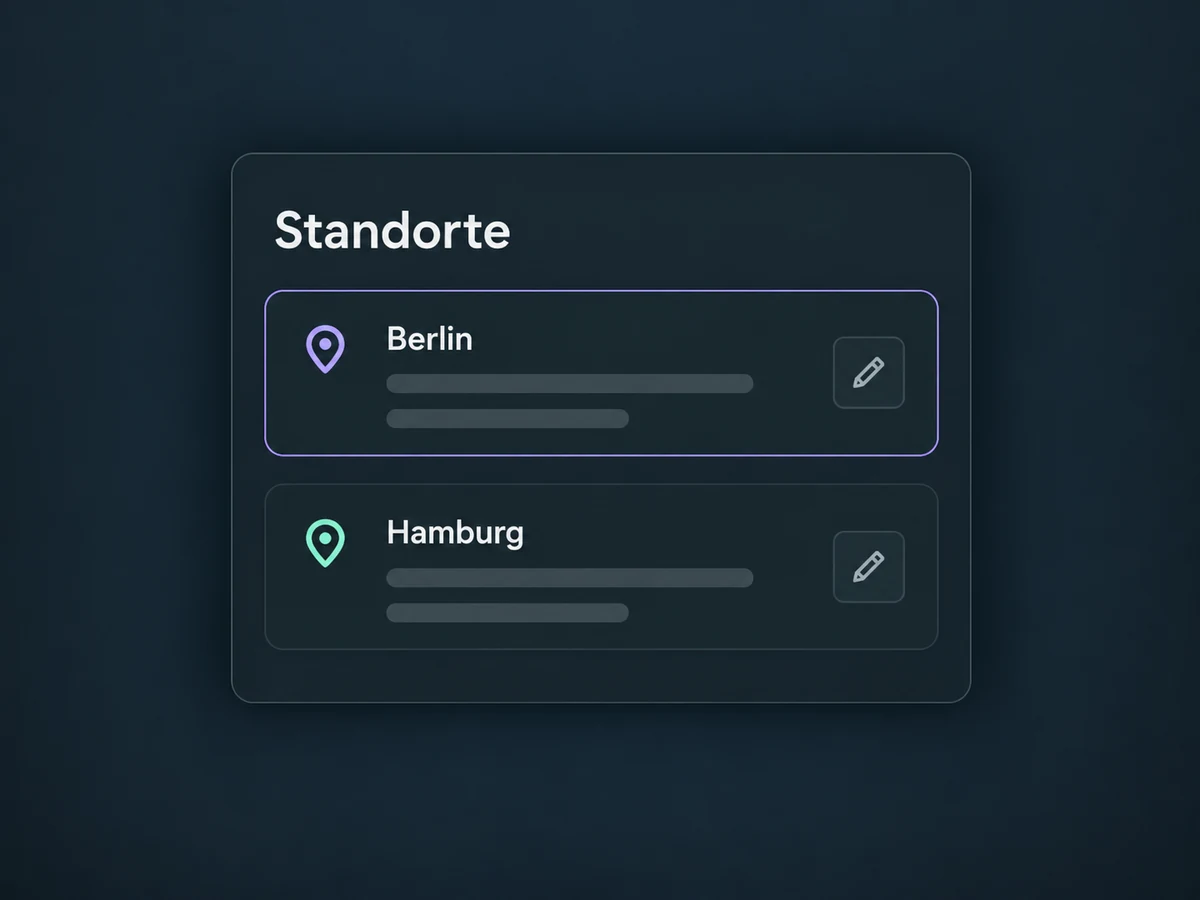
Simplified examples, not live account data.
Listings requires appropriate activation. We check costs, country coverage, supported directories and scope per location. Google and Facebook require the right profile permissions; existing profiles and verification are reviewed before connecting.
Listings maintains business information. Collecting and replying to reviews belongs to the separate Reviews & Reputation feature. Listings neither creates better reviews automatically nor guarantees a search ranking.
Availability and any add-on or usage costs are confirmed for your ONE LOOP account before implementation.
Google Business Profile and Facebook Page can connect with the appropriate permissions. Other supported directories and fields depend on region, location and the enabled service. We verify the actual list before starting.
No. A central update is distributed through configured connections, but directories have their own review processes and timings. Check status and, when needed, the published listing.
No. Listings keeps location and business details current. Review management handles customer reviews, feedback requests and replies. They complement each other but are separate features.
Not automatically. Activation, recurring costs and scope per location are checked for your ONE LOOP offer. Additional options such as reviewing duplicate listings also depend on the specific service.
Let’s explore your use case and what the setup requires.
Book a demo