01
Describe the job, not every step
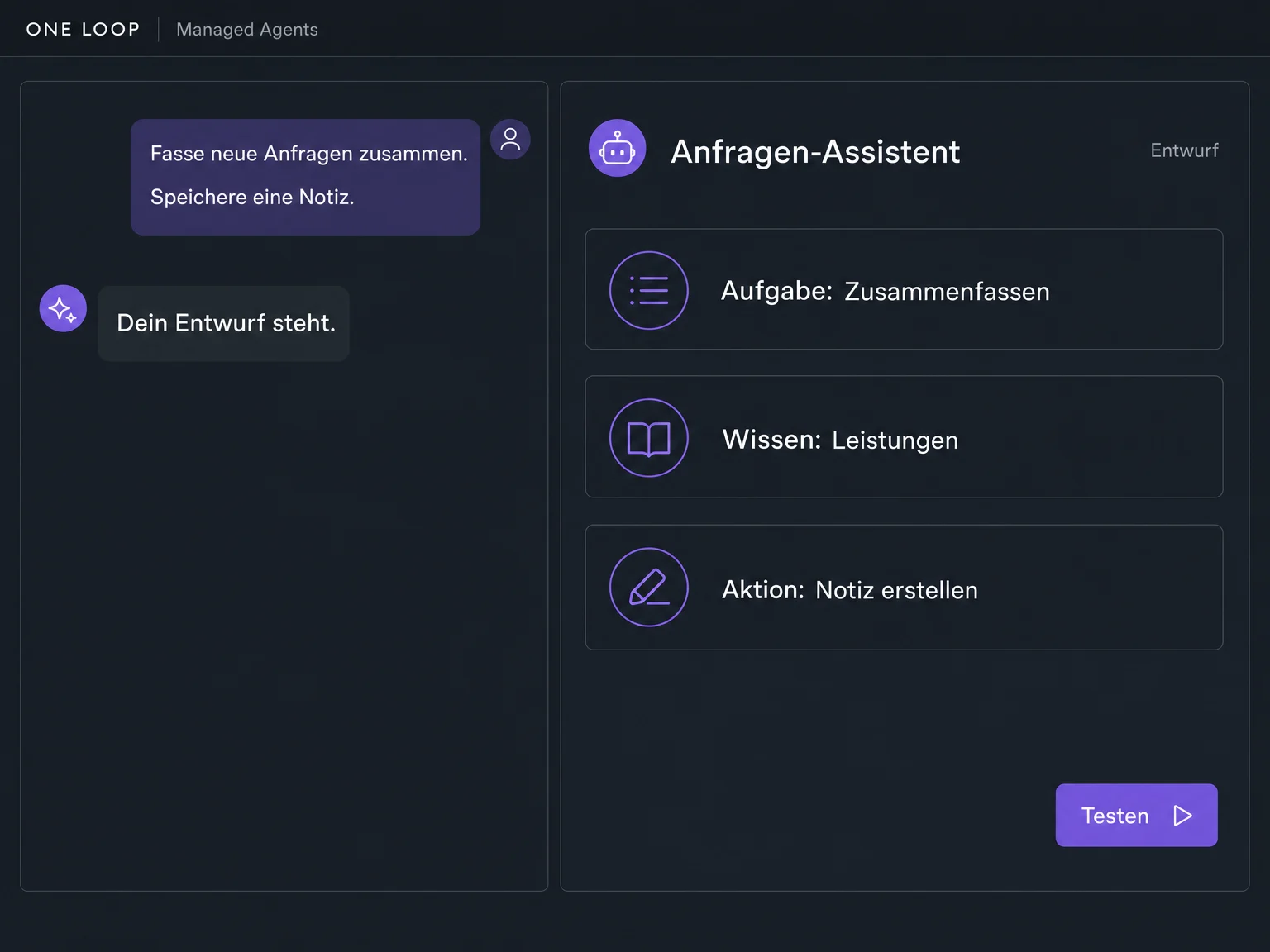
Tell the chat what result you need — for example, summarise new enquiries and save a note. Your description becomes an agent draft; refine its rules and behaviour through conversation.

Managed Agents
Summarise enquiries, update contacts, prepare content: describe the job you want your agent to do. Connect knowledge and suitable actions, test it, then publish it for use.
Three examples show how you can use Managed Agents.
Tell the chat what result you need — for example, summarise new enquiries and save a note. Your description becomes an agent draft; refine its rules and behaviour through conversation.
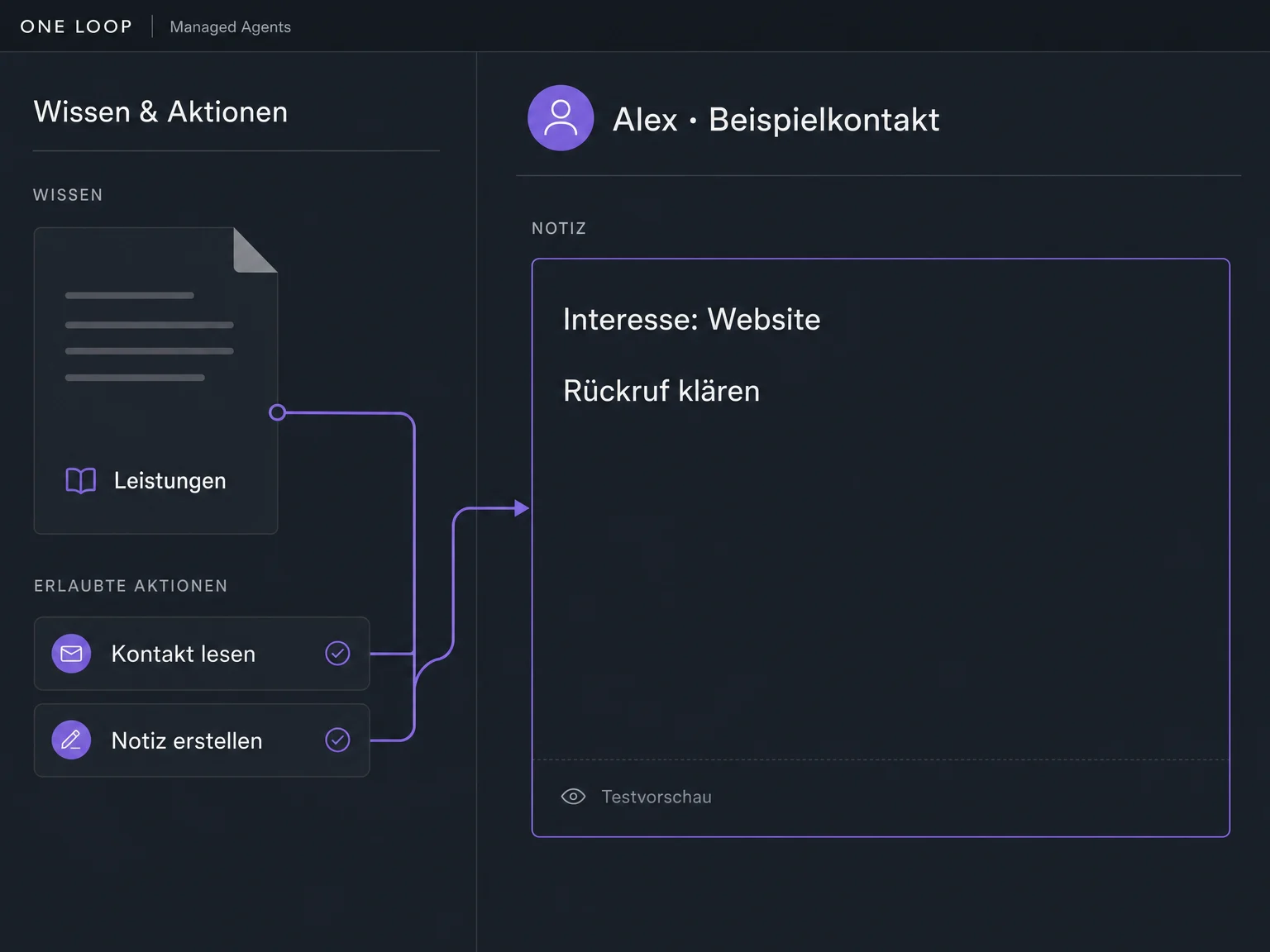
Connect your knowledge base and choose the tools the task needs. The agent can then read contact information and add an internal note, for example. Other apps require their own connection and appropriate access permissions.
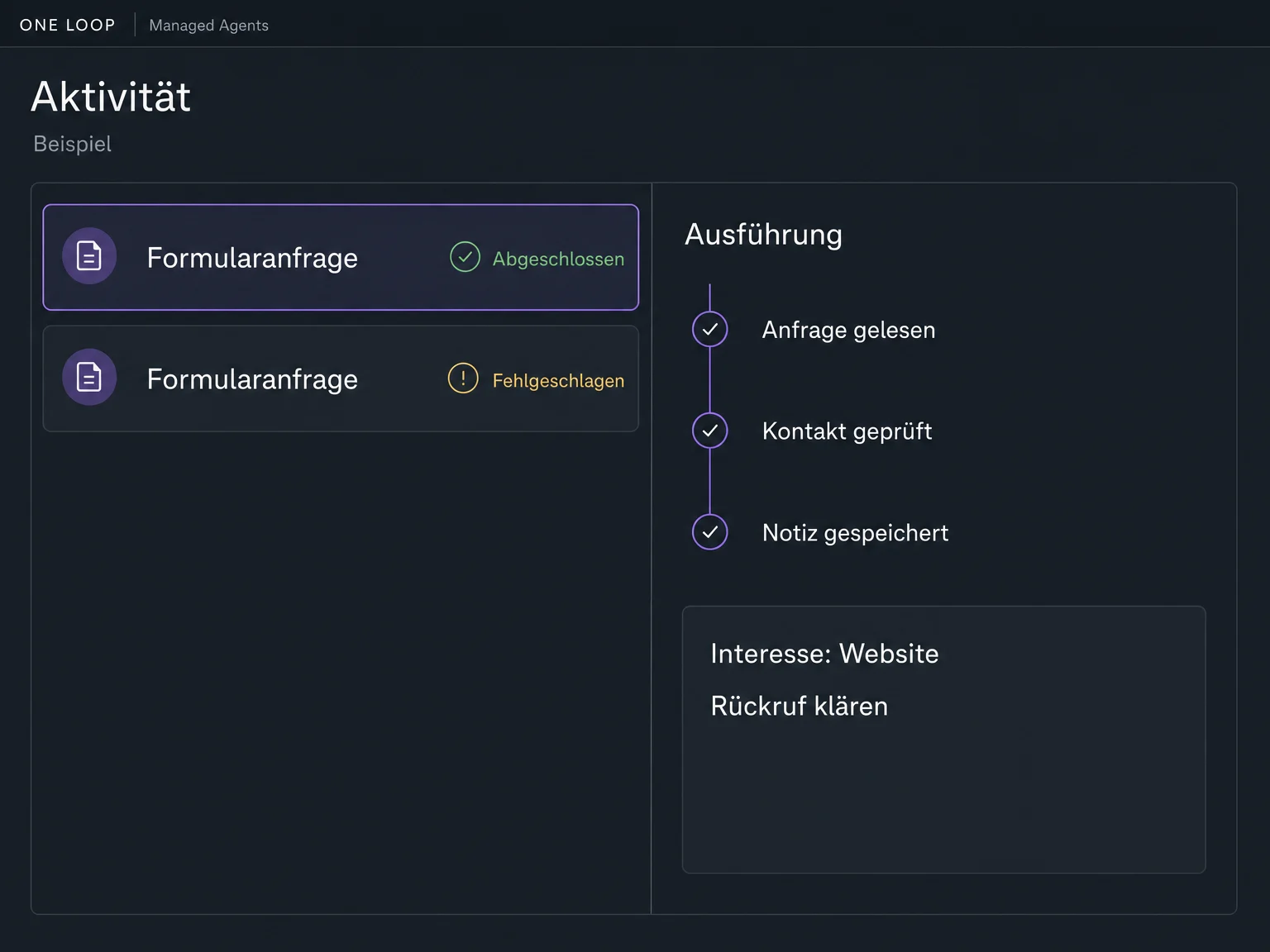
Before launch, test incomplete and difficult enquiries too. The activity feed then shows the trigger, status, tools used and results of individual runs — including failed ones.
The practical benefits of Managed Agents.
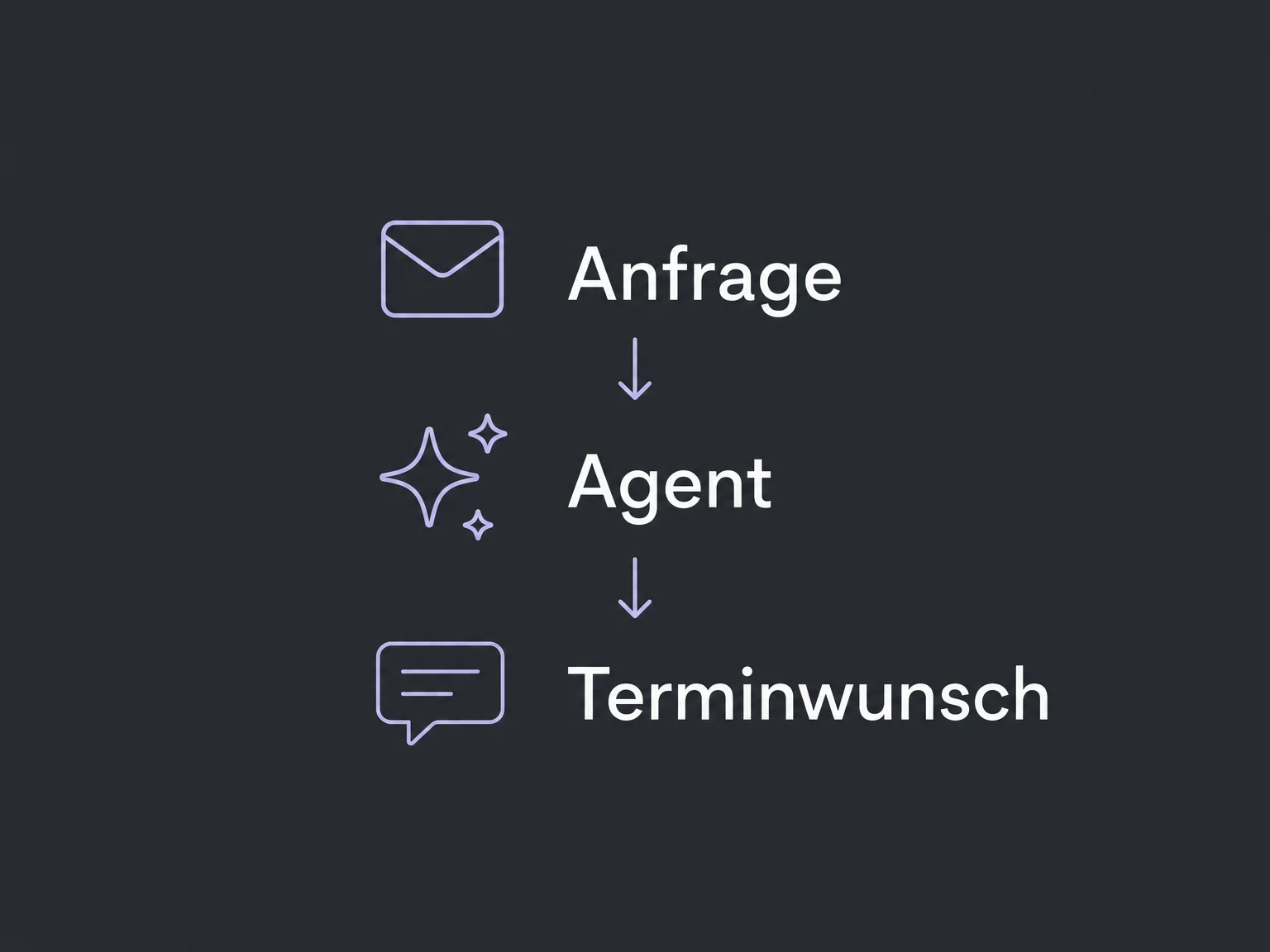
Let the agent classify an enquiry. Your configured workflow can use its response in the next step.
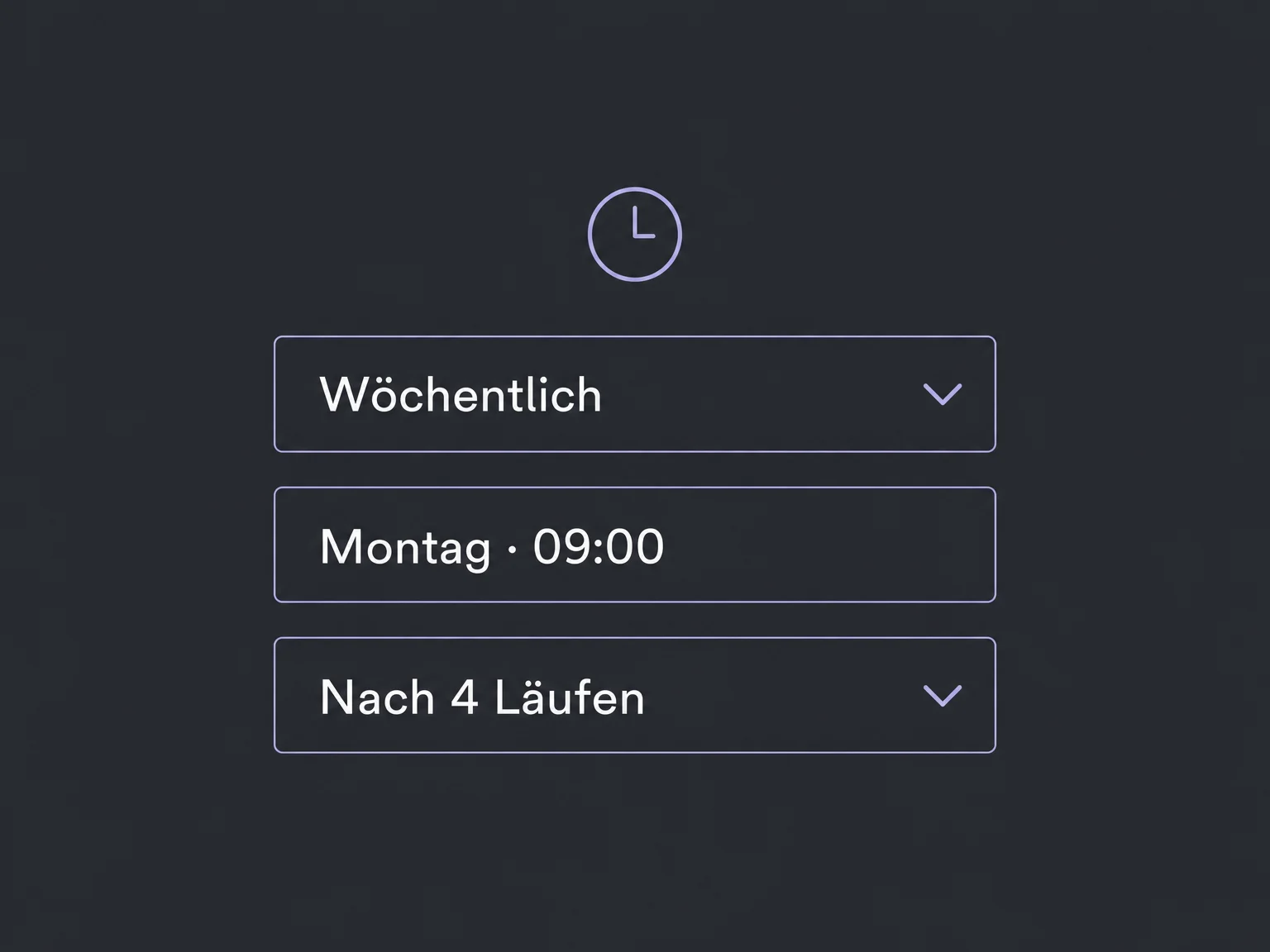
Start a published agent at a set time or at regular intervals. Choose the schedule duration and number of repeats.
Supported MCP connections give the agent selected tools from other systems. Review the account, permissions and available actions first.
With media capabilities enabled, an agent can generate images, audio or video. Review the results before any separately configured publishing action.
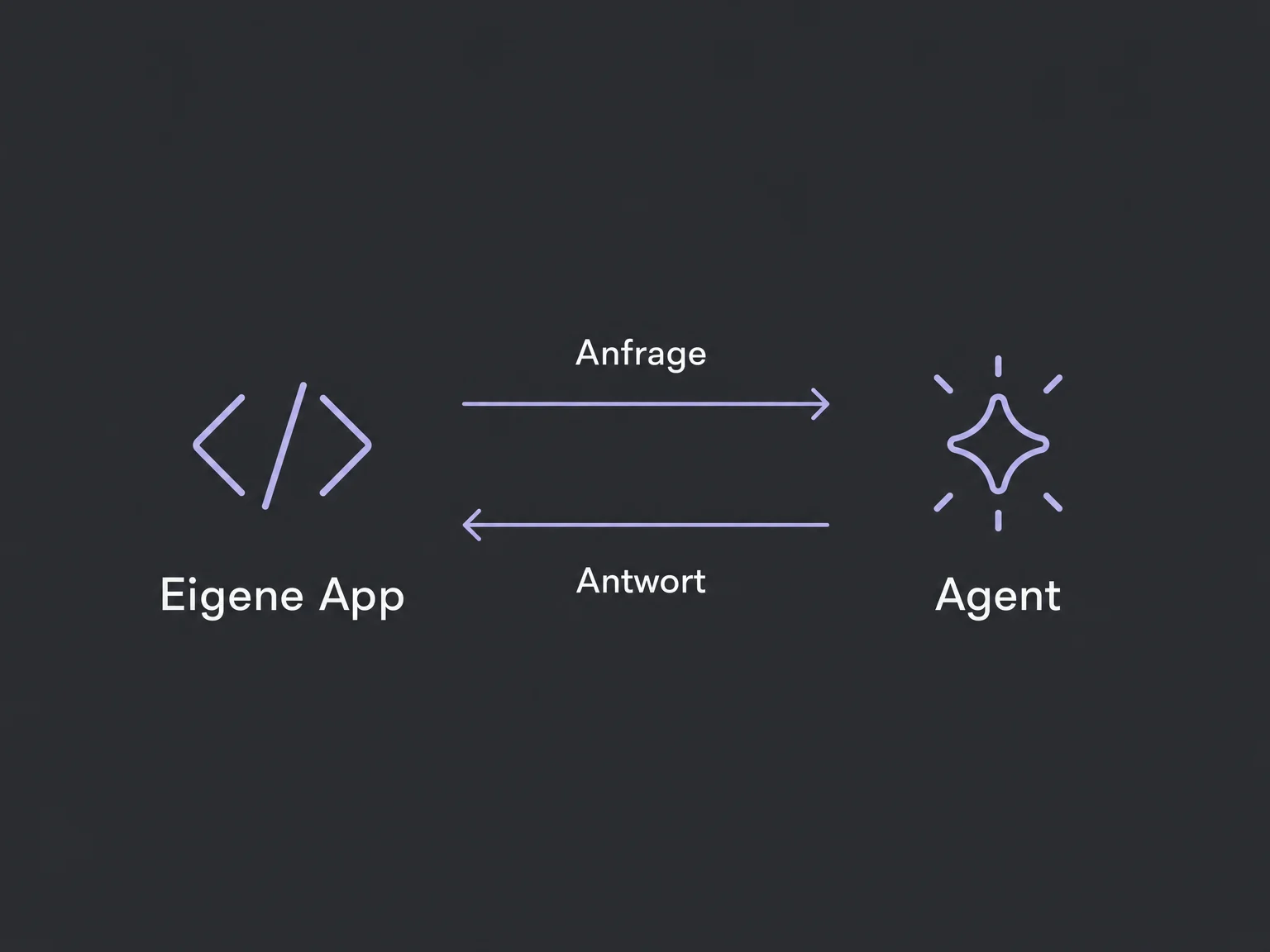
A published agent can receive tasks through a configured API integration. This requires the matching trigger and an authorised connection.
Simplified examples, not live account data.
Confirm access and a usage budget. Choose knowledge, tools and triggers for the task, then test with sample contacts. Tests using connected tools can also make real changes. Publish only after review.
A form, contact event or workflow can start your agent when the matching trigger is configured. Workflow invocation requires a published agent configured for that purpose. Keep fixed sequences in the workflow and let AI handle interpretation.
Availability and any add-on or usage costs are confirmed for your ONE LOOP account before implementation.
It means an AI agent you create in chat and operate through its configuration, not an included human support team. Setup and ongoing management by ONE LOOP are agreed separately.
No. A chatbot focuses on conversations; a workflow follows defined steps. A Managed Agent handles tasks using knowledge and tools. It can run inside a workflow or from other configured events, without automatically replacing existing bots or processes.
Enable only the tools and account access needed, define clear boundaries and test exceptions. A chat instruction is not a technical access restriction or a guarantee of error-free results. Sensitive changes need a suitable human review step.
We check this for your ONE LOOP account. Access, included runs and additional usage charges depend on your offer. Connected apps, media generation or messaging can add costs. Unlimited usage is not promised.
Let’s explore your use case and what the setup requires.
Book a demo