01
Bring your knowledge together
Add relevant web pages, documents and your own answers. Review the imported content before using it with your agent.

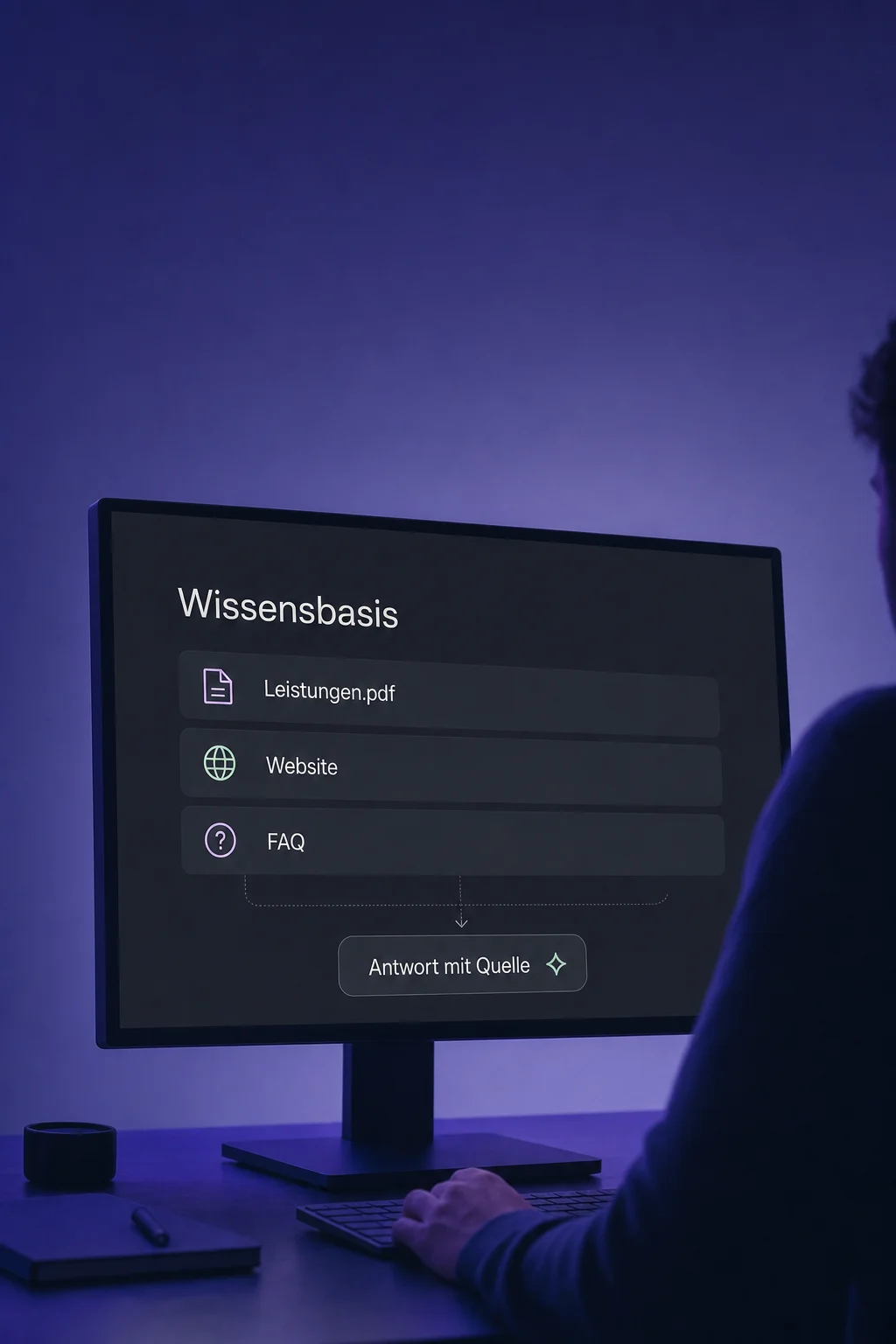
Knowledge Base
Services, processes and common questions in one place: give your AI agents the information they need for customer conversations.
Three examples show how you can use Knowledge Base.
Add relevant web pages, documents and your own answers. Review the imported content before using it with your agent.
Select the appropriate knowledge base in your AI agent. Creating one does not automatically connect it to every agent.

Ask typical questions in the knowledge tester and review the answer and retrieved source. Fill gaps, then test the full agent's behaviour as well.

The practical benefits of Knowledge Base.
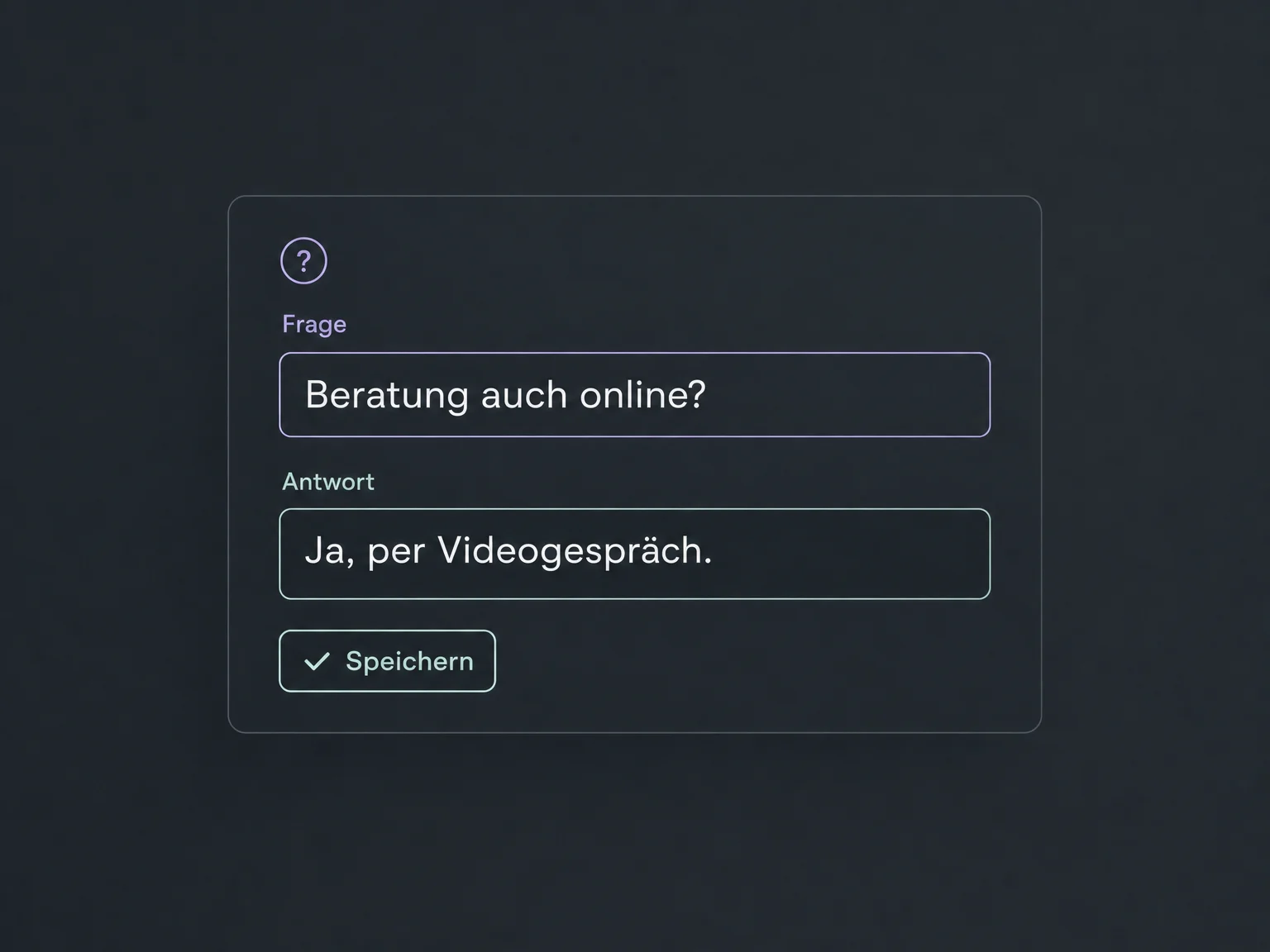
Maintain specific questions and answers as a dedicated FAQ source. Give AI a clear reference rather than scattered notes.
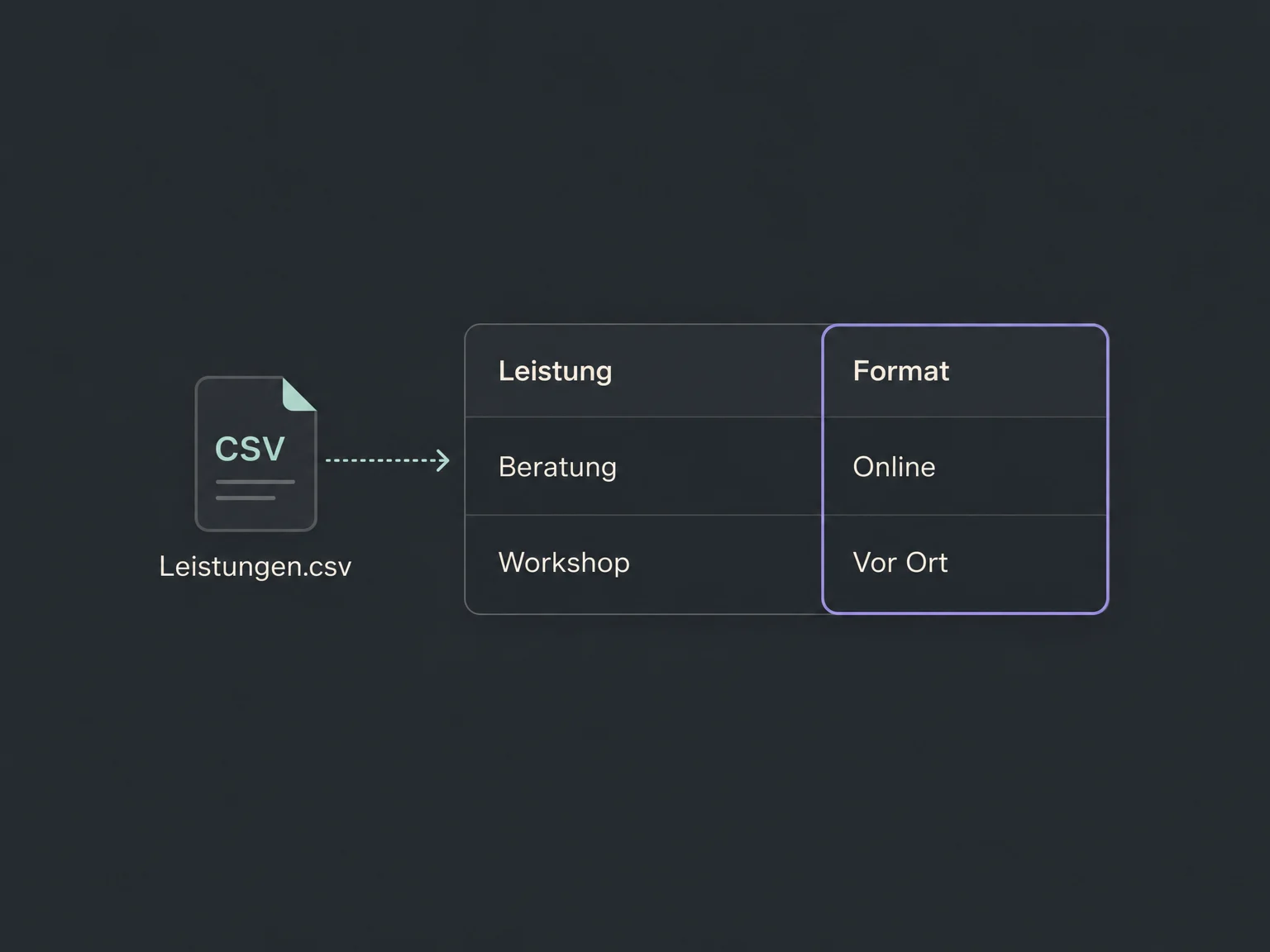
Import a CSV table and select relevant columns. AI can find matching entries; an imported file is not a live connection to your inventory.
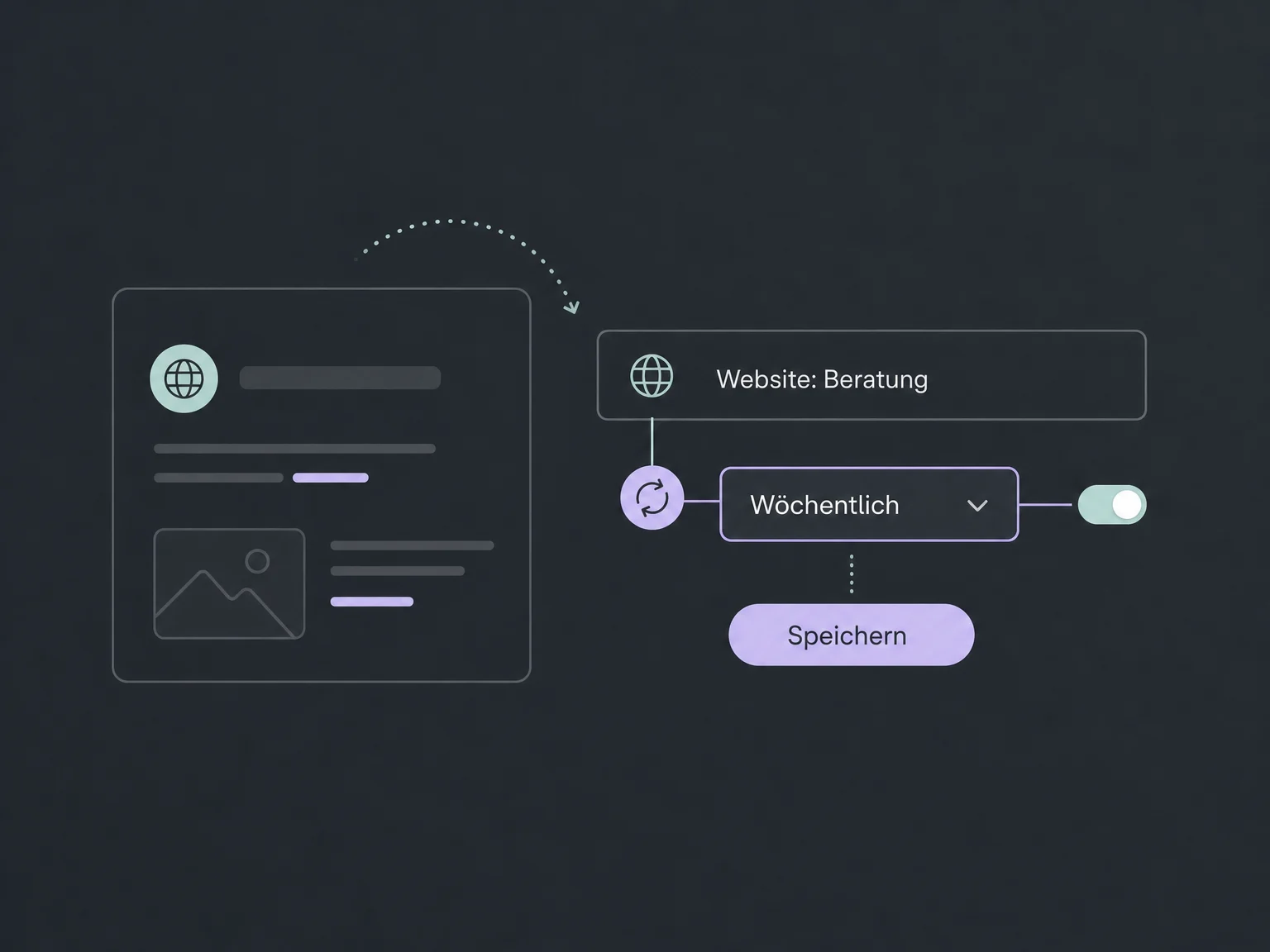
Schedule daily, weekly or monthly updates for website sources. Check their status so failed refreshes do not go unnoticed.
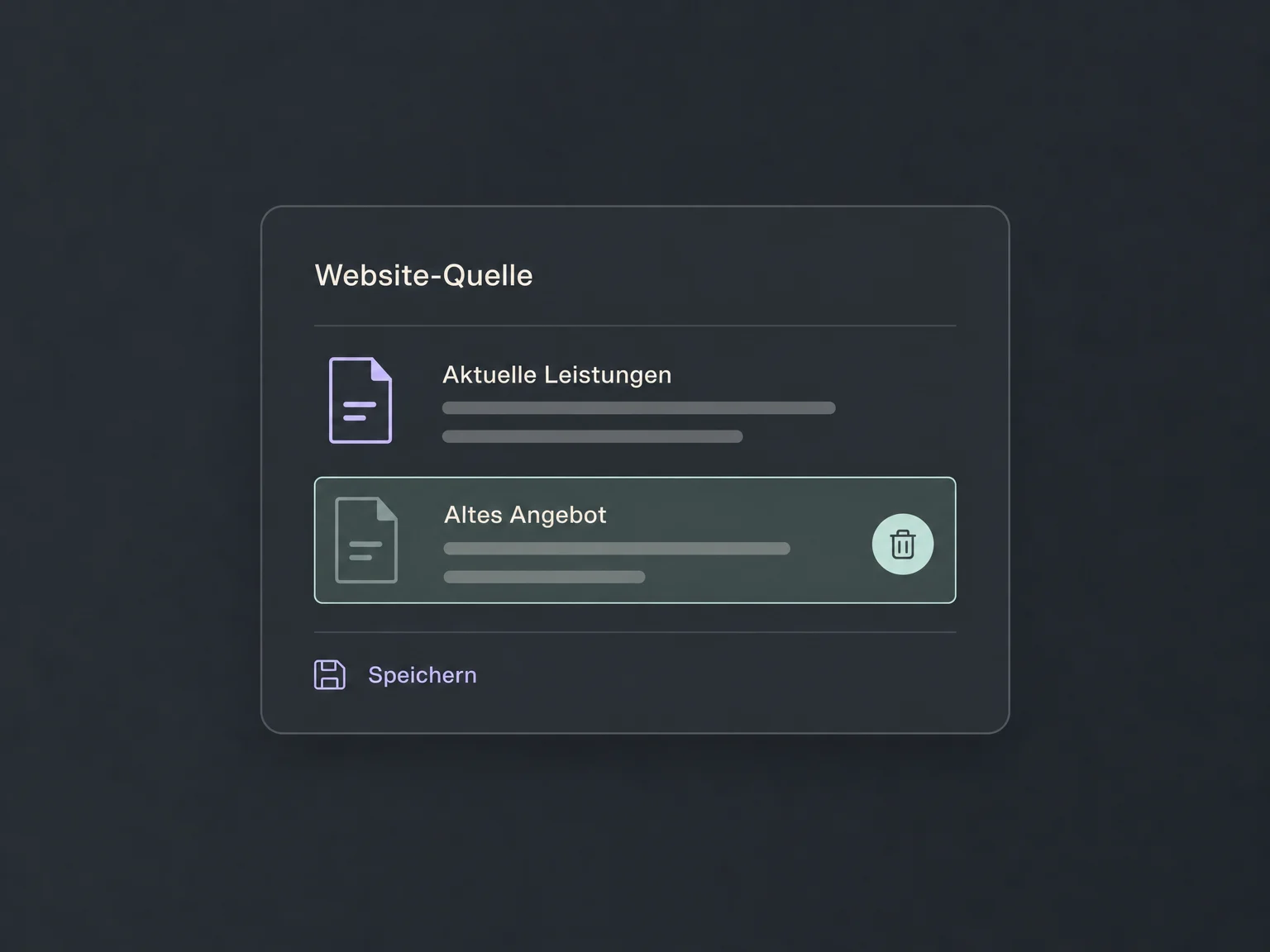
Edit imported website text when outdated offers or unnecessary menus get in the way. Your public website remains unchanged.
Open response details for supported AI messages. Review the knowledge sources used and correct supported entries.
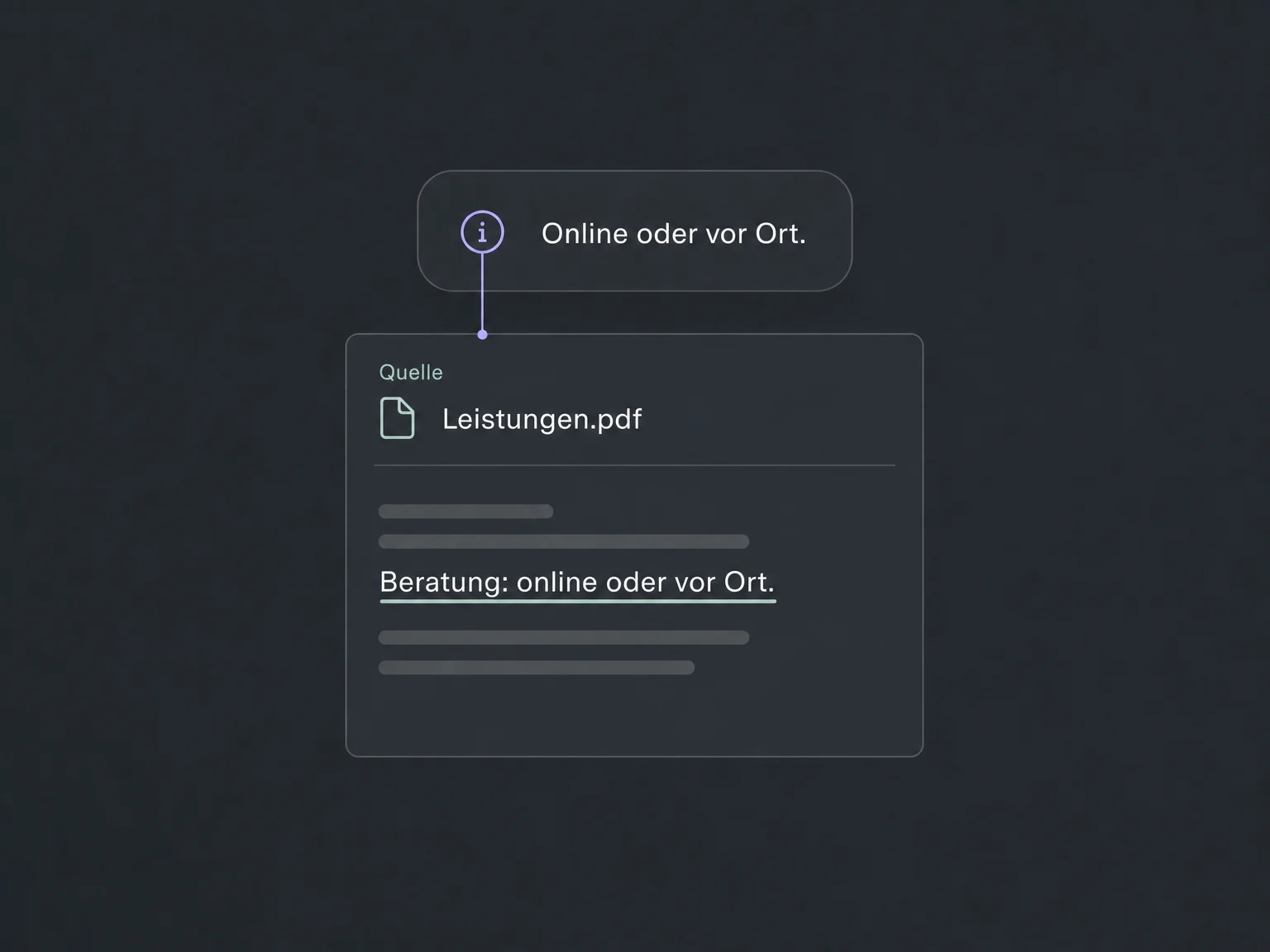
Simplified examples, not live account data.
We choose approved sources, review the content and connect it to the right agents. Access, supported formats, size limits and any AI charges are confirmed for your account.
The knowledge base supplies background information to configured AI chatbots and supported voice agents. Response rules, actions and human handoff are configured separately.
Availability and any add-on or usage costs are confirmed for your ONE LOOP account before implementation.
Supported sources include public web pages, custom FAQs, rich text, CSV tables and DOC, DOCX or PDF files. Document import reads text and skips embedded images. Image-only scans need to be converted to readable text first. Check the formats available in your account and only provide content the particular agent is allowed to use.
No. You can schedule regular refreshes for website sources. Custom FAQs and manually uploaded files need their own maintenance. Processing must finish after an update. Re-crawling a website can replace manual edits; if a refresh fails, previous knowledge remains available. Recheck status and important answers.
No. You edit only the copy of website content in the knowledge base. If the public website is also wrong, it needs a separate correction. Updating knowledge does not change AI messages that have already been sent.
No. Even with reviewed sources, AI can select or phrase information incorrectly. The knowledge tester checks retrieval, not every agent rule and action. Test full conversations as well, including knowledge gaps and difficult questions, and configure a suitable human handoff.
Let’s explore your use case and what the setup requires.
Book a demo