01
Listen and ask the right questions
The agent answers incoming calls and asks what the caller needs. You define which details it should collect and which questions it should answer.


AI Voice Agent
Your AI voice agent answers questions, books appointments or connects callers to your team. You define its role, knowledge and rules for each next step.
Three examples show how you can use AI Voice Agent.
The agent answers incoming calls and asks what the caller needs. You define which details it should collect and which questions it should answer.
Connect an eligible booking calendar. The agent offers available times, collects required details and can book the chosen appointment during the call.

When someone needs personal help, the agent can transfer the call to a configured phone number. Set up and test transfer conditions and what happens if nobody answers.

The practical benefits of AI Voice Agent.
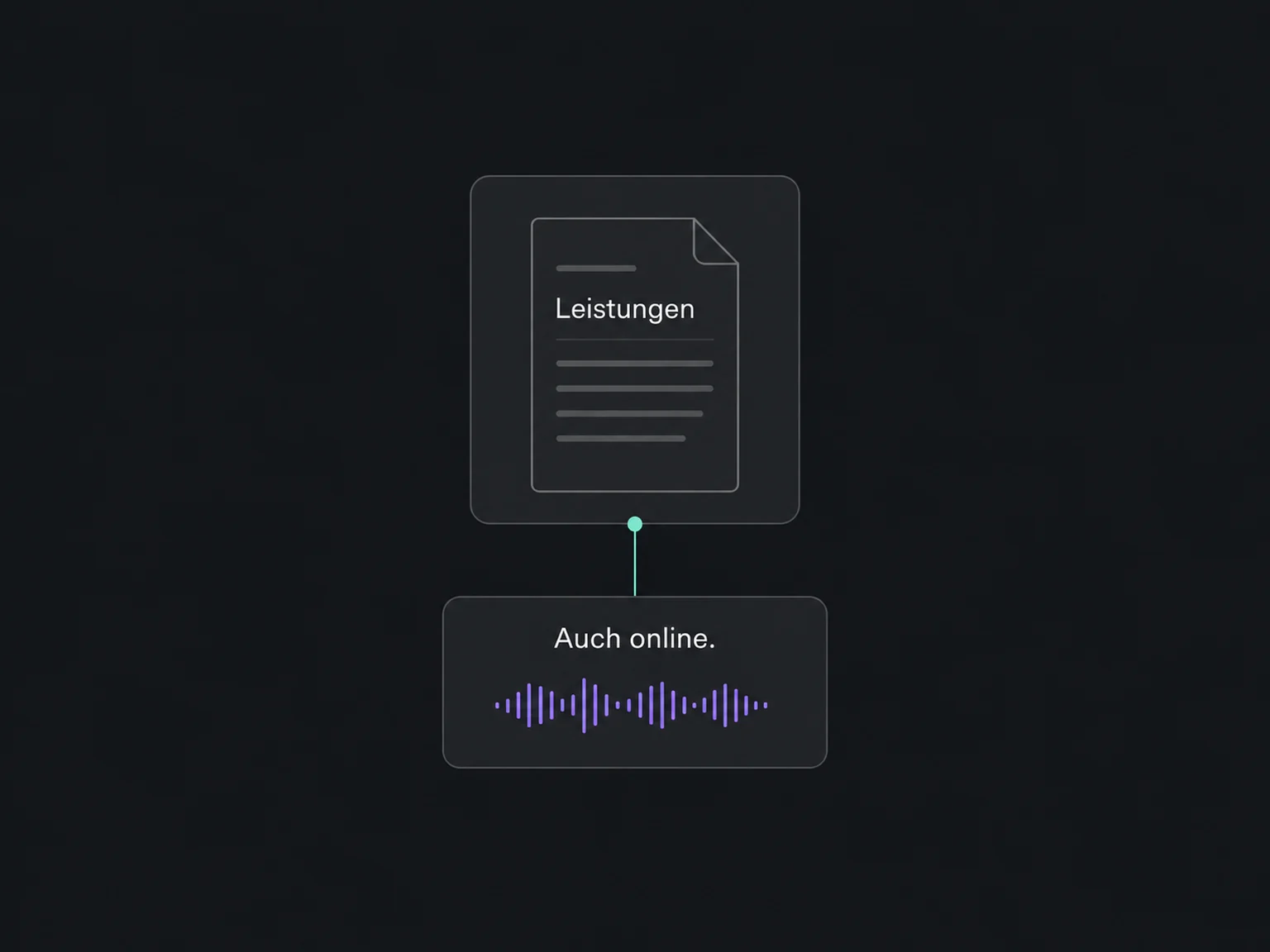
Connect reviewed service or opening-hour information and define when the agent should consult that knowledge.
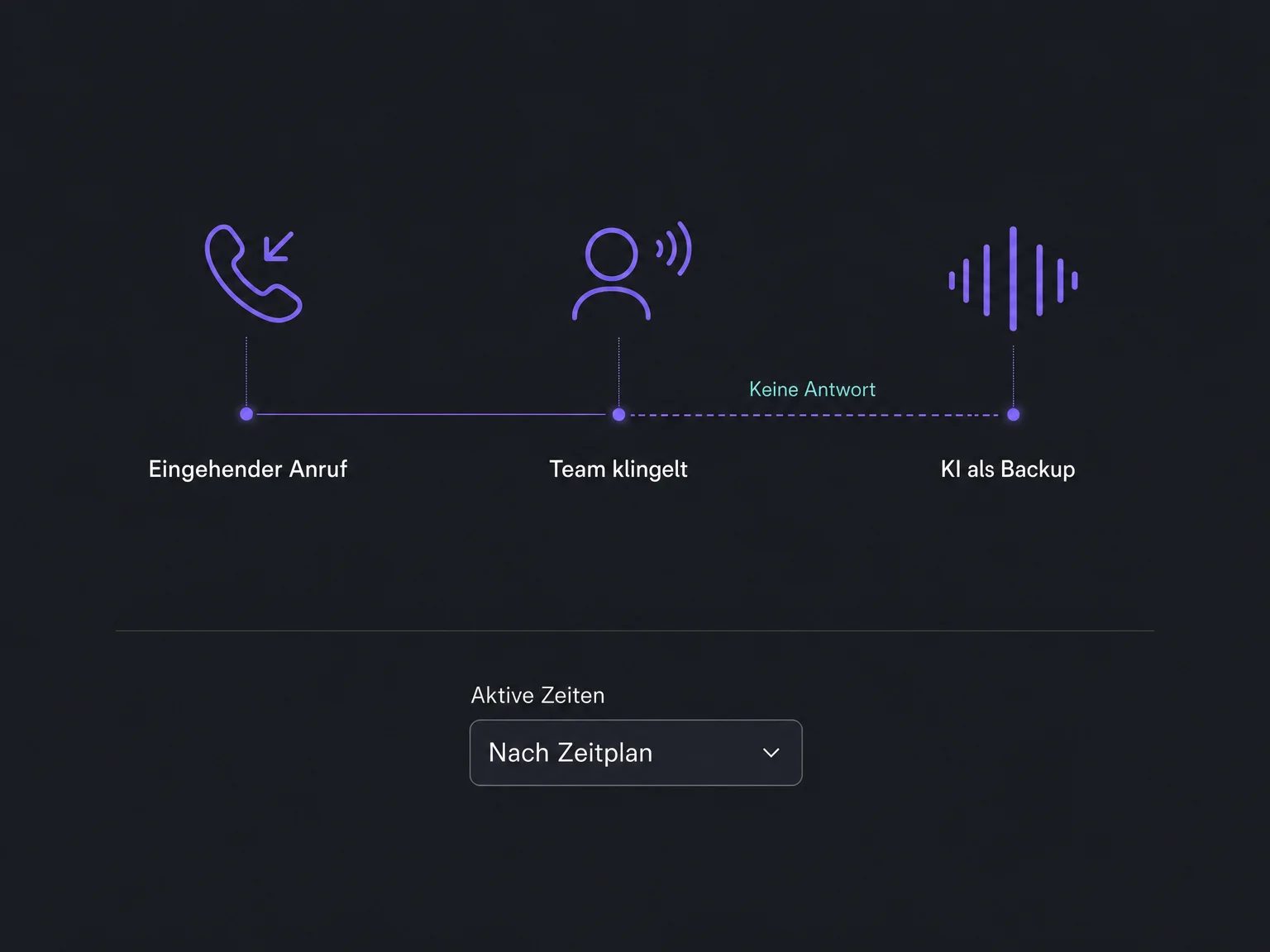
Let your team ring first and use AI as backup. Match its active hours to the complete inbound call flow.
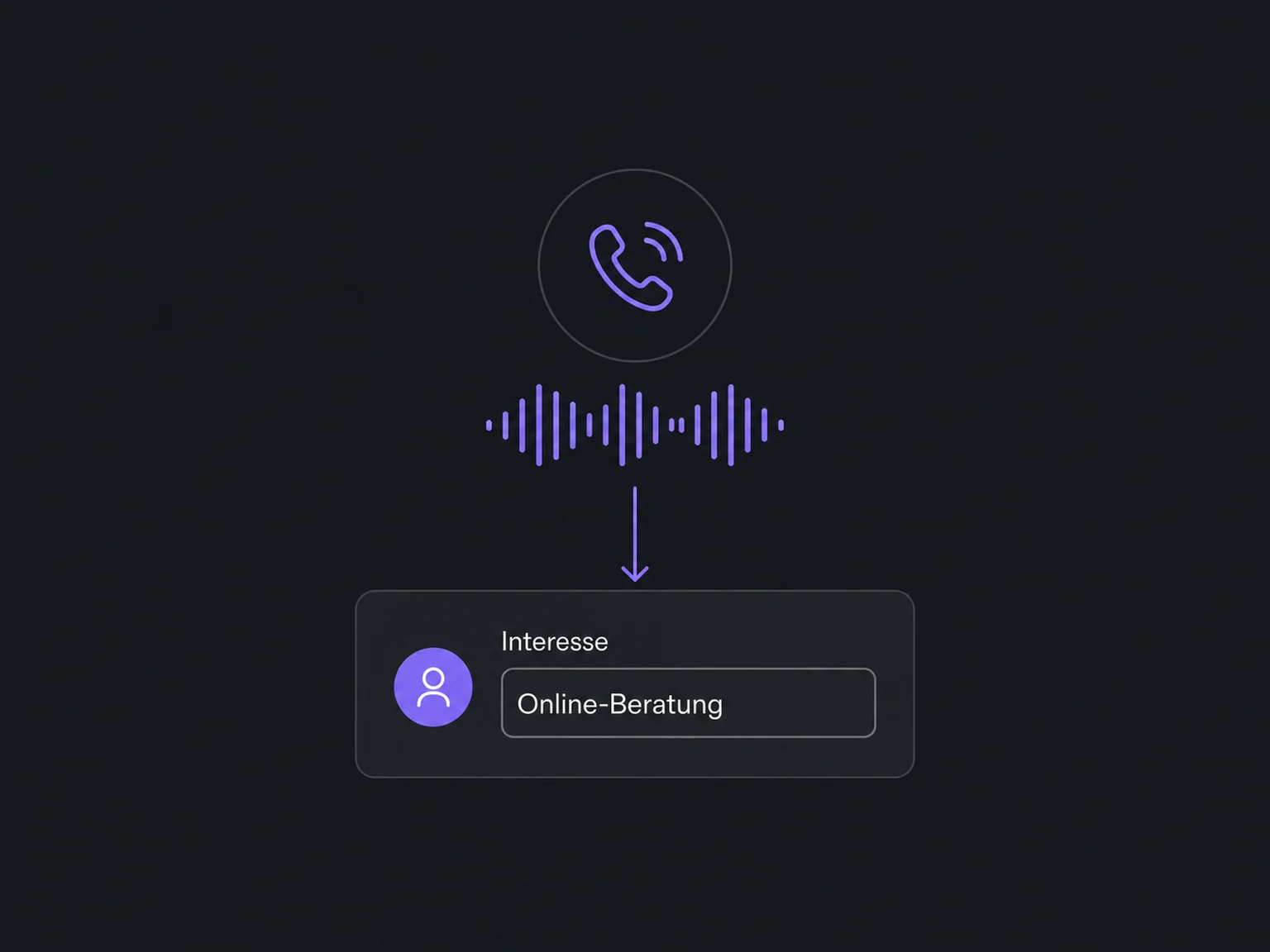
Map collected information to a contact field. Choose whether it updates during the conversation or after the call ends.
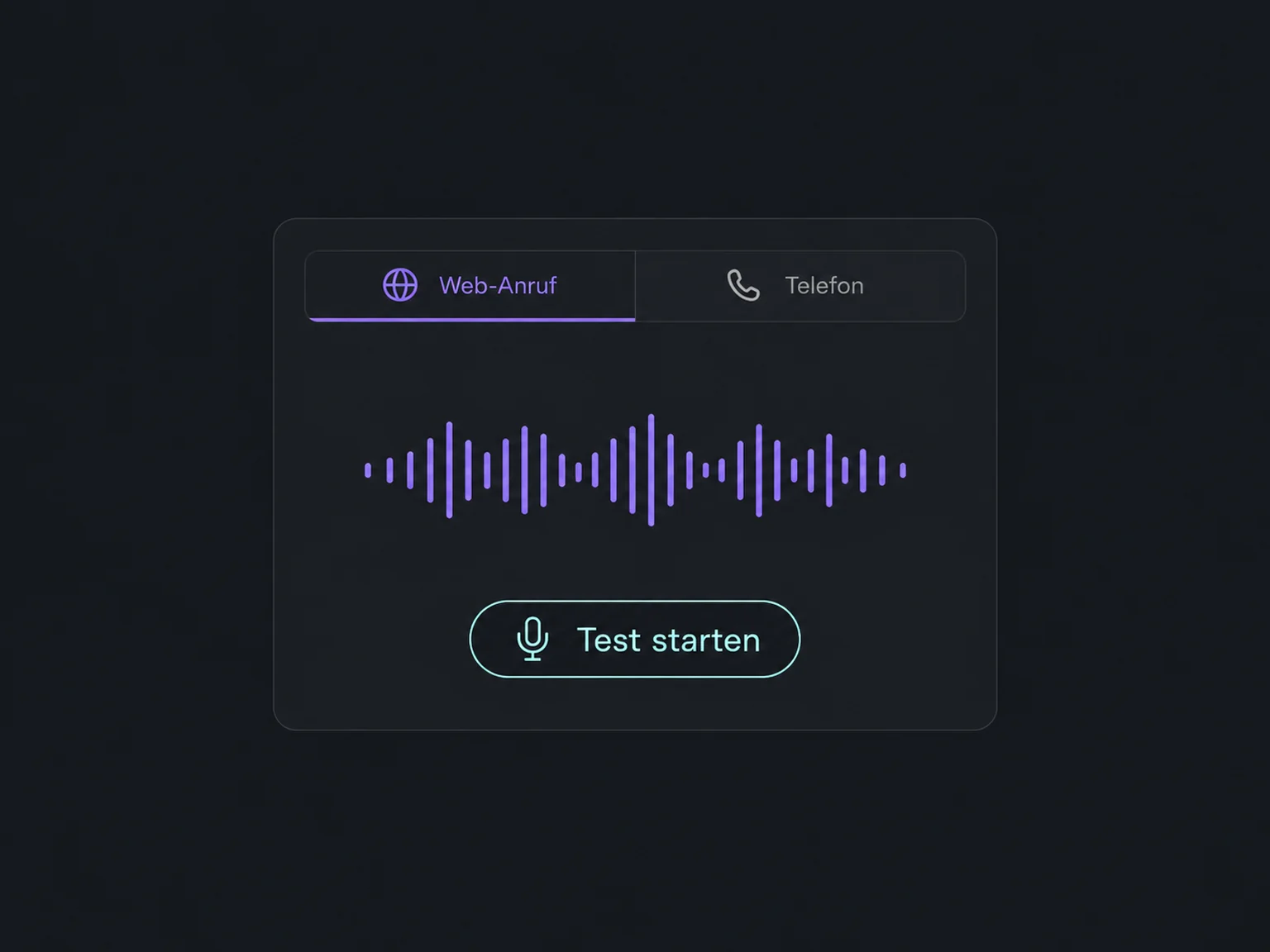
Try questions and interruptions in a web call. Also use a phone test to check number routing and actual call transfers.
Review available summaries, transcripts and action results in the call log to see where your agent needs improvement.
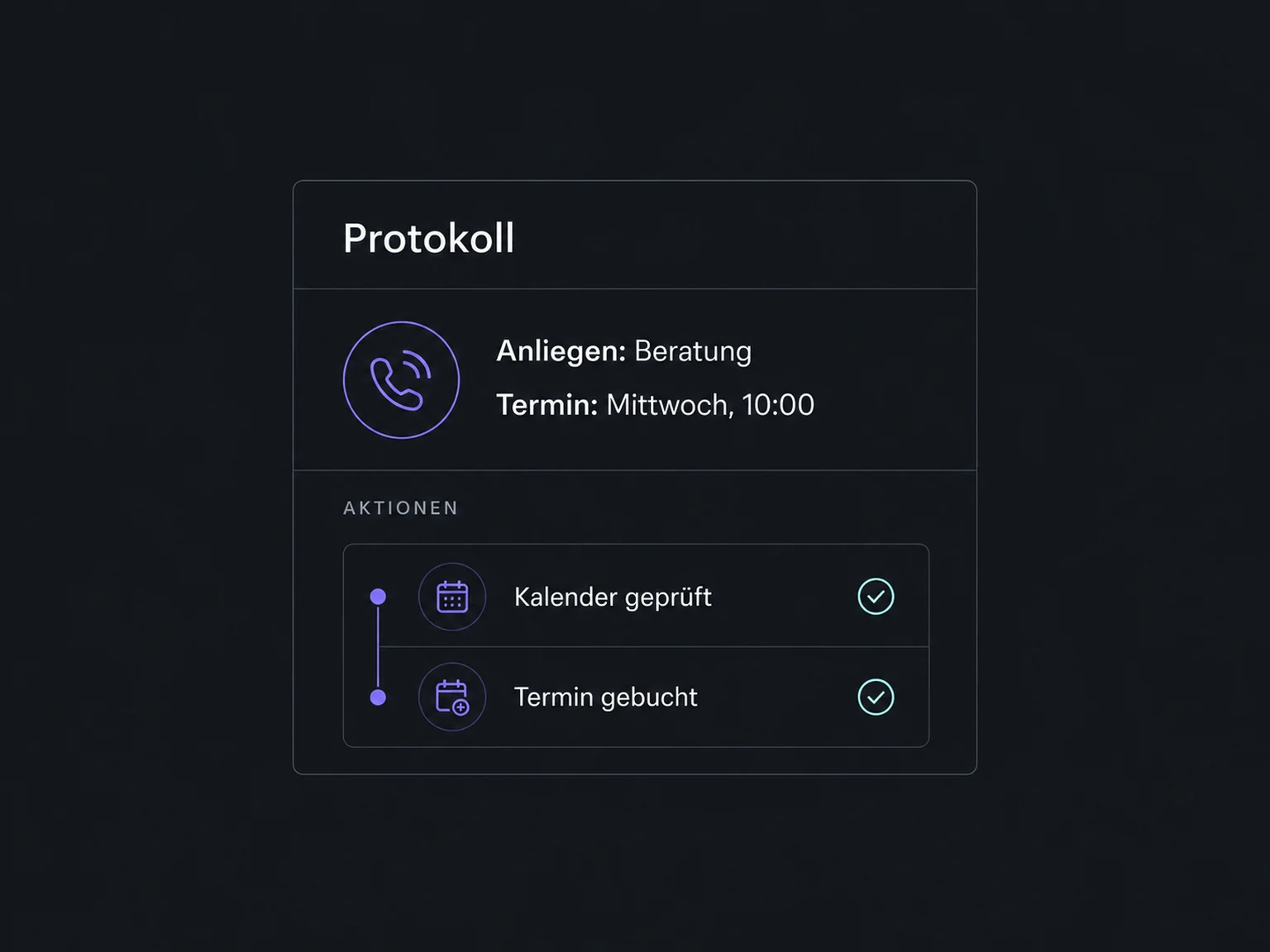
Simplified examples, not live account data.
Before launch, we check access, user permissions, an eligible phone number, telephony and AI costs, and your data-handling and recording requirements. Then we test typical calls, boundaries and fallback routes.
Telephony, booking calendars and contact fields are connected deliberately. Follow-up workflows and notifications need their own rules; an appointment confirmation is not the same as a call summary.
Availability and any add-on or usage costs are confirmed for your ONE LOOP account before implementation.
No. Assigning a number is not enough. Direct-answer or backup mode, active hours, forwarding and voicemail affect the call path. We test the configured number from an outside phone; this is not a guarantee of continuous availability.
The agent uses one or more eligible, configured booking calendars. Availability, buffers and other booking rules come from each calendar. Services booking is not currently a supported calendar mode for this voice feature. Booking confirmations are configured in the calendar, separately from call summaries.
No. A call transfer dials a phone number, such as your team’s number. An agent transfer continues the same call with another AI voice agent. Both need clear conditions. Real phone transfers cannot be tested in a web call; they require a phone test.
Outbound AI calls are a separate flow with their own access and verification requirements. A working inbound agent does not authorise automated marketing calls. The purpose, permission, AI disclosure and opt-out arrangements must be reviewed before use.
Let’s explore your use case and what the setup requires.
Book a demo