01
Turn your knowledge into an answer
Connect approved FAQs, website content or documents to your bot so it can answer service questions using your business information.

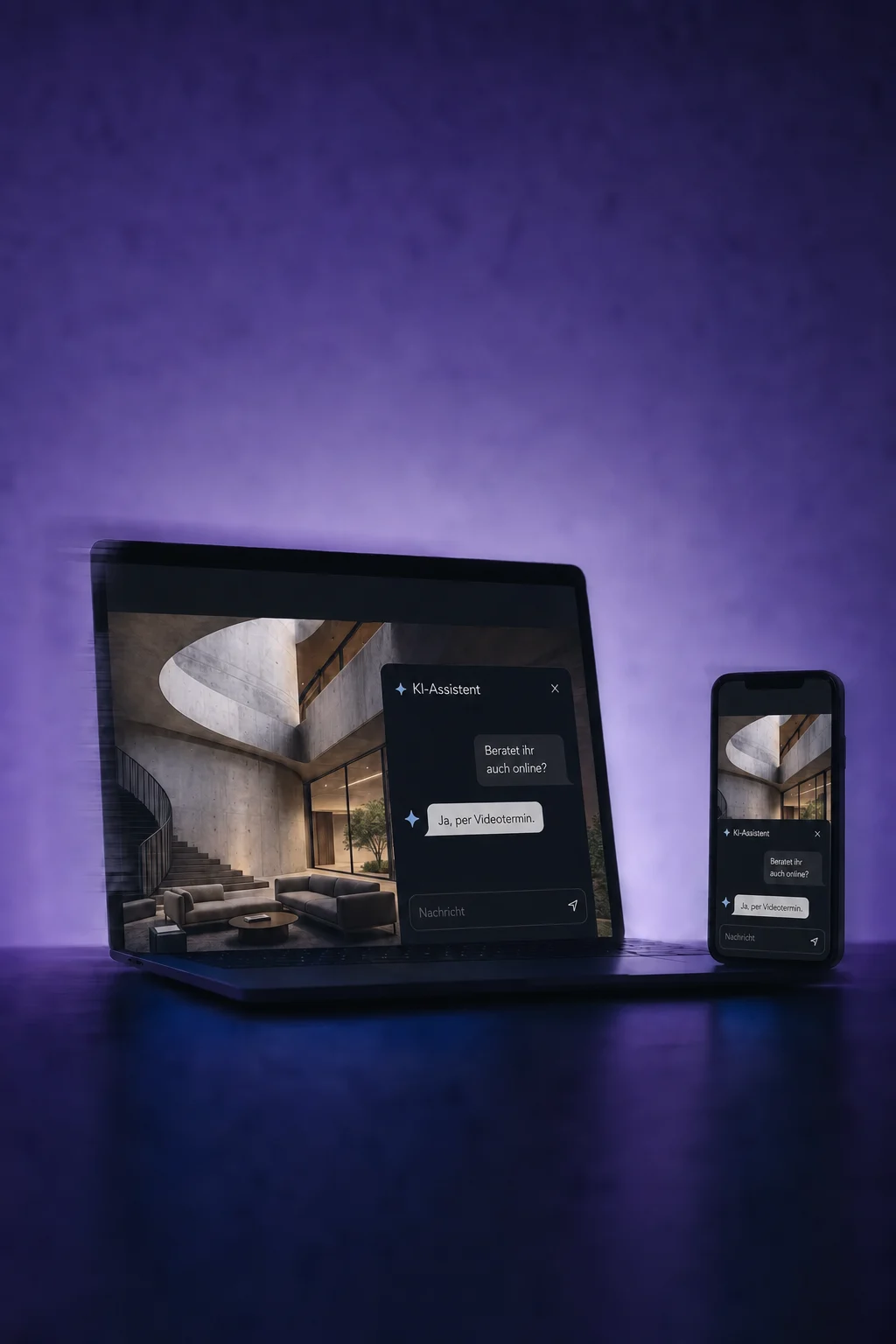
AI Chatbots
Your AI chatbot answers common questions, asks what customers need and helps them book. You decide what it should know and when your team should take over.
Three examples show how you can use AI Chatbots.
Connect approved FAQs, website content or documents to your bot so it can answer service questions using your business information.
Have the bot ask what the customer needs. With contact capture configured, it can save the required details to suitable empty contact fields.

Connect your booking calendar. The bot can offer available times, collect required contact details and book the chosen appointment.

The practical benefits of AI Chatbots.
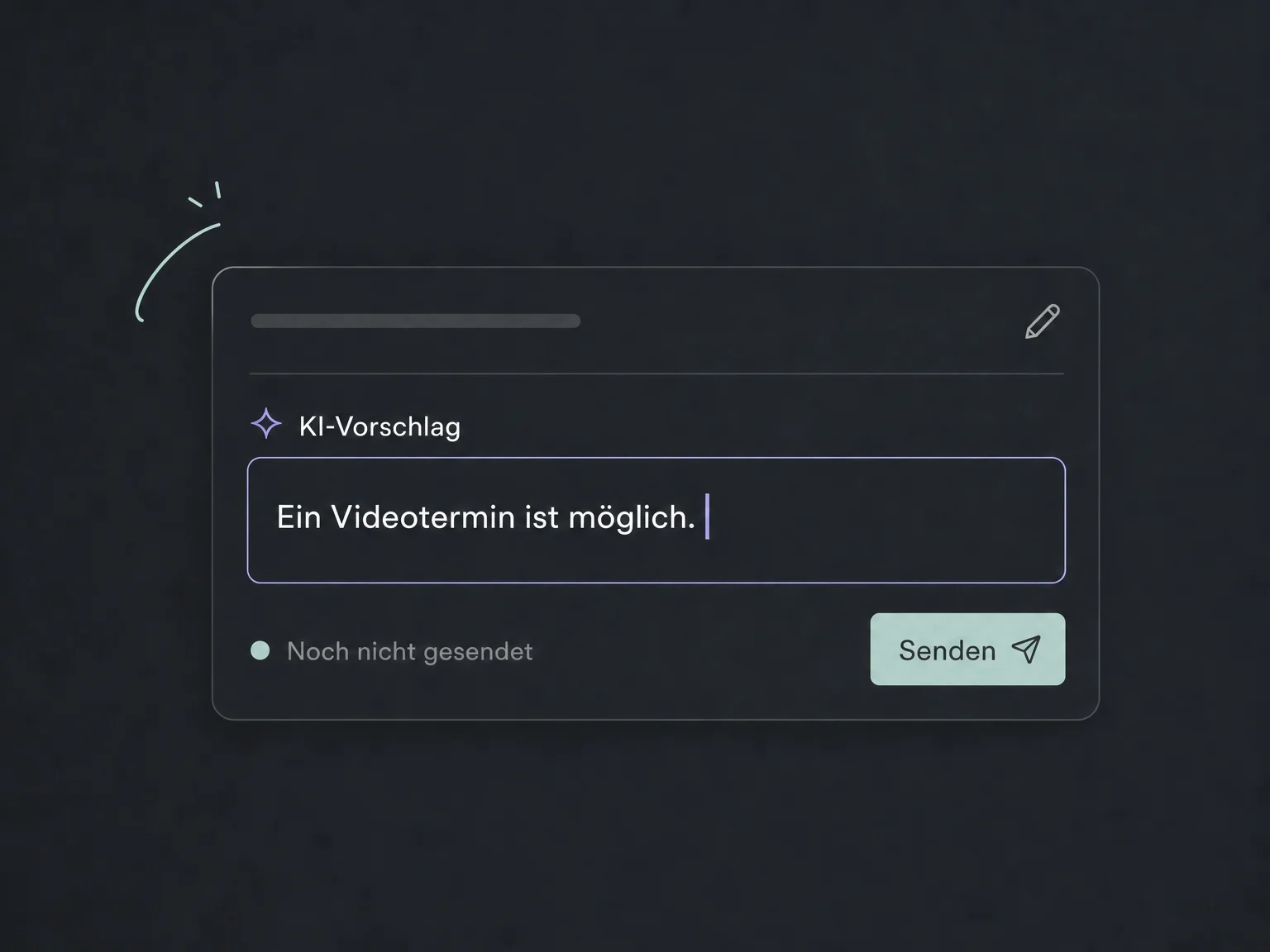
Start with suggested replies: your team reads the draft, edits it if needed and sends it.
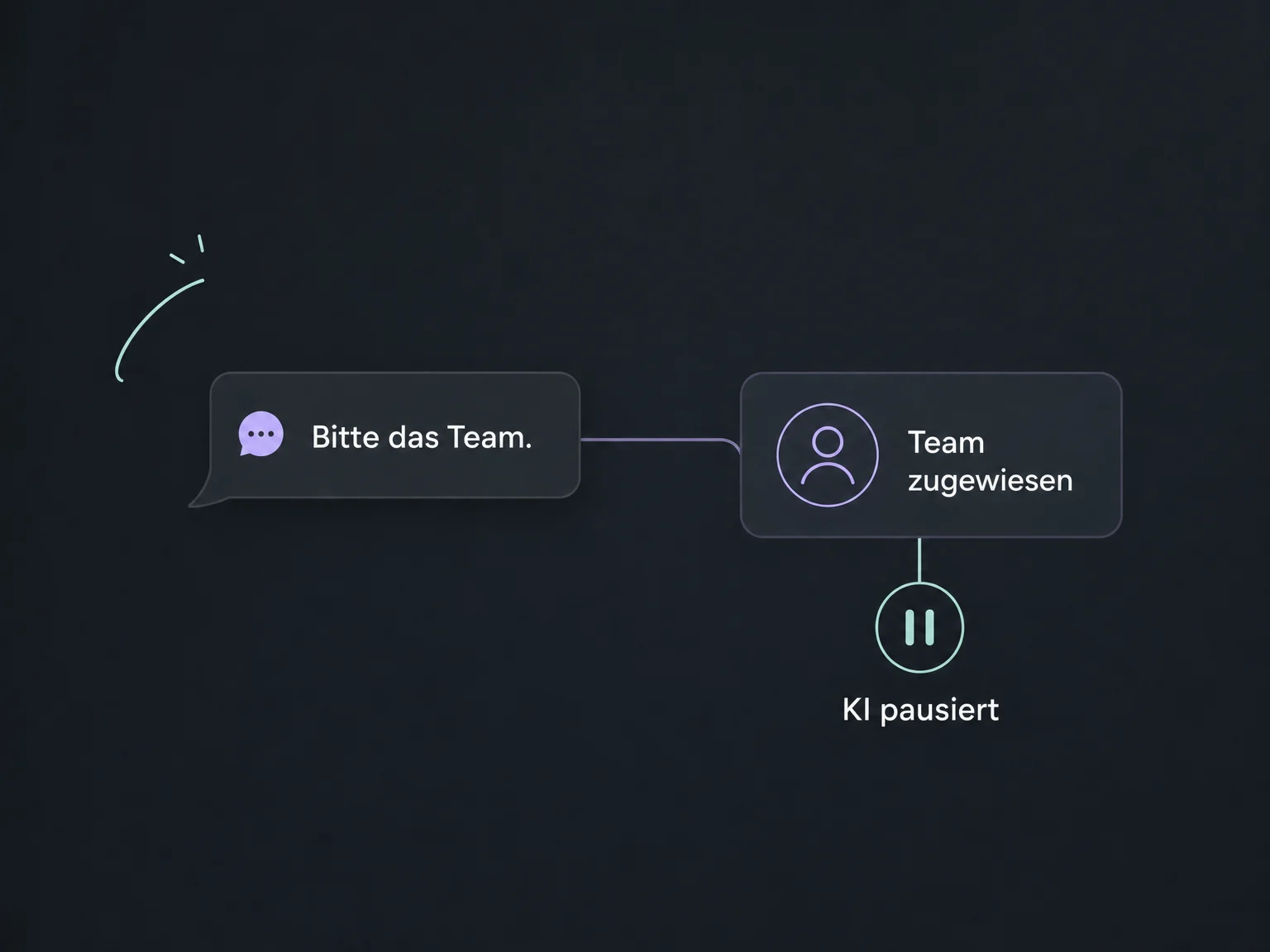
Set up a handover when someone asks for your team, including assignment, notifications and a pause for the bot.
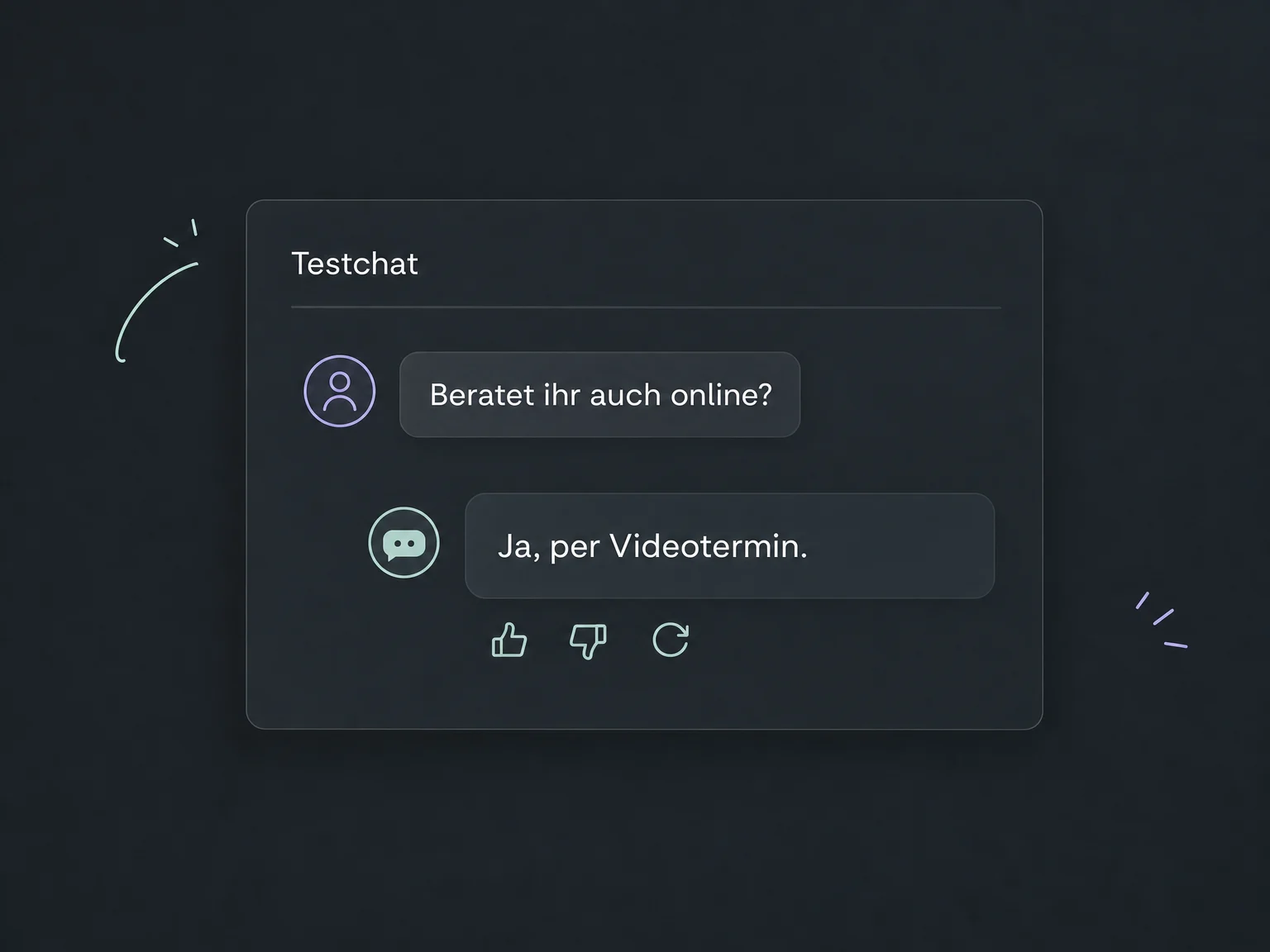
Use the test chat for common questions and difficult exceptions. Review replies and refine knowledge or instructions before launch.
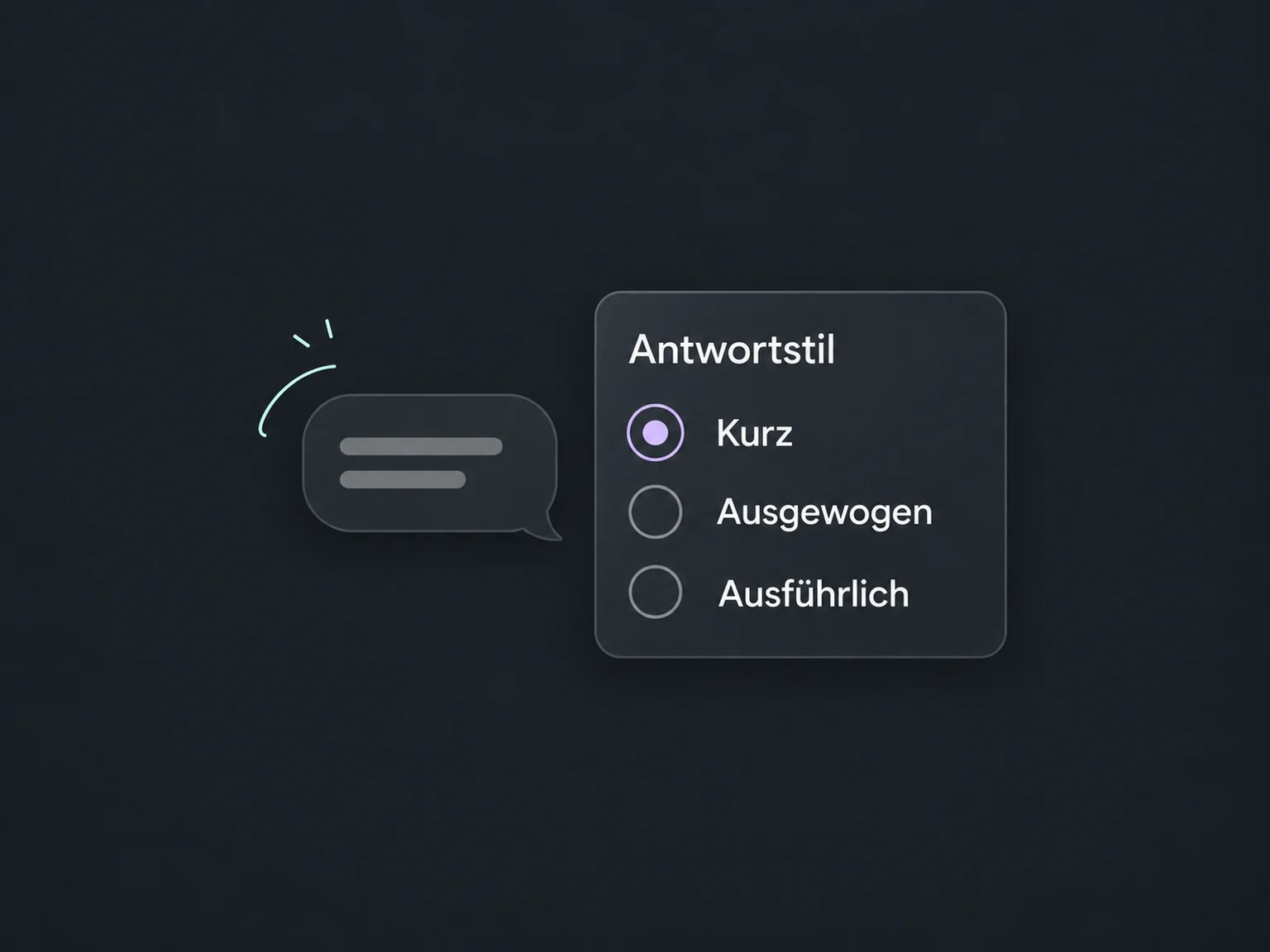
Choose a concise, balanced or detailed response style. The actual length also depends on the question.
Open a conversation's activity log to review messages and executed actions, such as a calendar availability check.
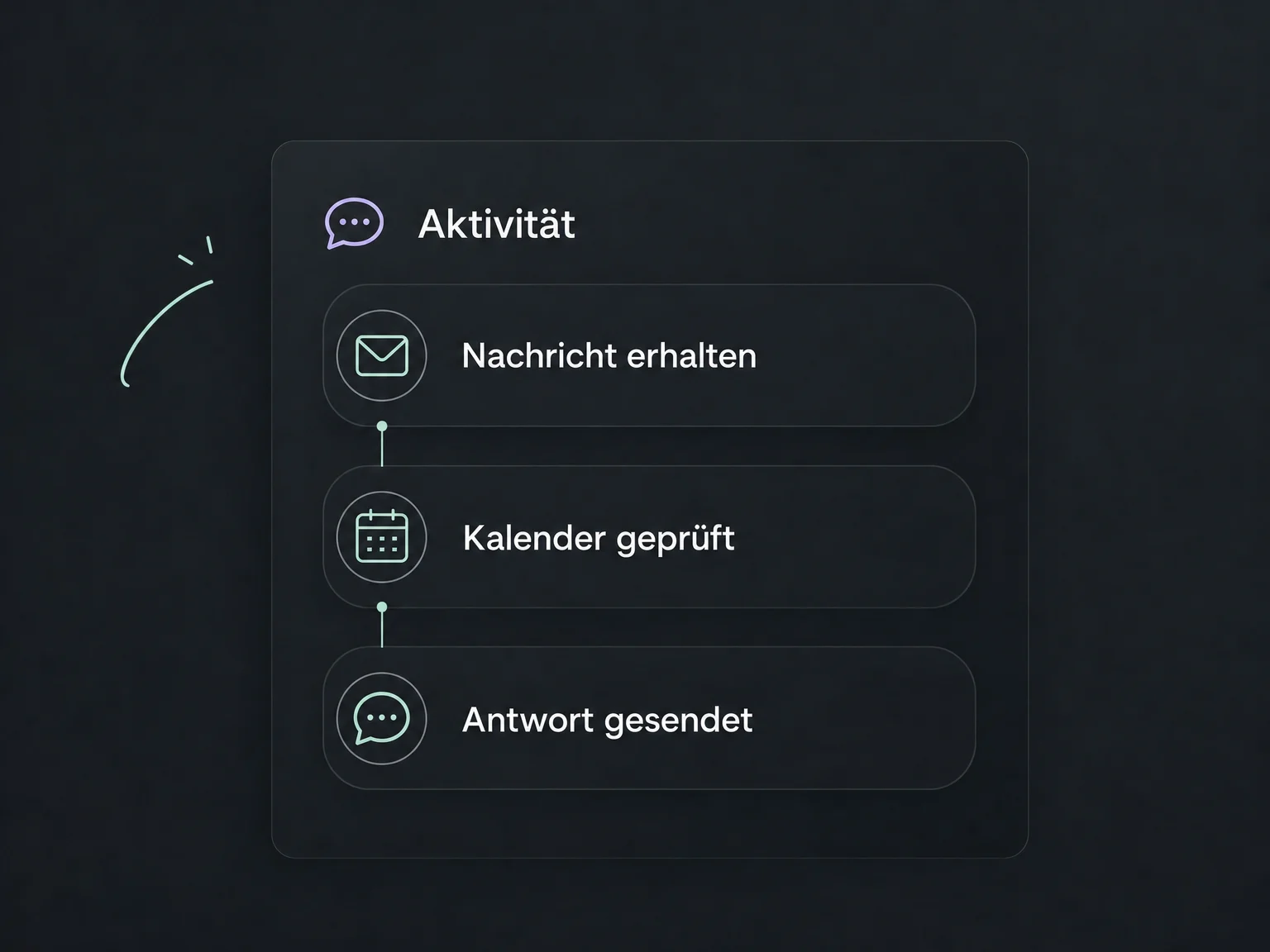
Simplified examples, not live account data.
We configure knowledge sources, supported channels, response mode and handover rules, then test calendars and notifications. Access, package scope and any AI or messaging charges are confirmed for your account.
Your team can continue the conversation in the inbox. Contact fields, appointment booking and follow-up actions are configured deliberately; a chatbot does not replace personal advice or human review of sensitive requests.
Availability and any add-on or usage costs are confirmed for your ONE LOOP account before implementation.
You choose the mode. With suggested replies, your team reviews and sends each message. For automatic replies, enable the bot on configured channels and define its tasks, limits and pauses. Test the flow before using it with real customers.
Options include website live chat, SMS, WhatsApp, Instagram and Facebook Messenger. The channel must be connected and assigned to the bot. We check which channels, reply modes and message types are available in your account; a feature is not automatically available everywhere.
AI can give incorrect answers even with good sources. Keep knowledge current, test both common and out-of-scope questions, and review live conversations. You can configure a handover for missing information or requests for a person. Your team still needs ownership and availability; a handover does not guarantee an immediate response.
With booking enabled and a connected calendar, it can offer available times and book an appointment. Alternatively, it can send only the booking link. Contact details, availability and follow-up actions must be configured. Before launch, check not just the chat reply but also that the appointment reaches the calendar correctly.
Let’s explore your use case and what the setup requires.
Book a demo