01
Define when to hand over
Enable suitable triggers: someone asks for a person, the AI lacks information or the issue remains unresolved.

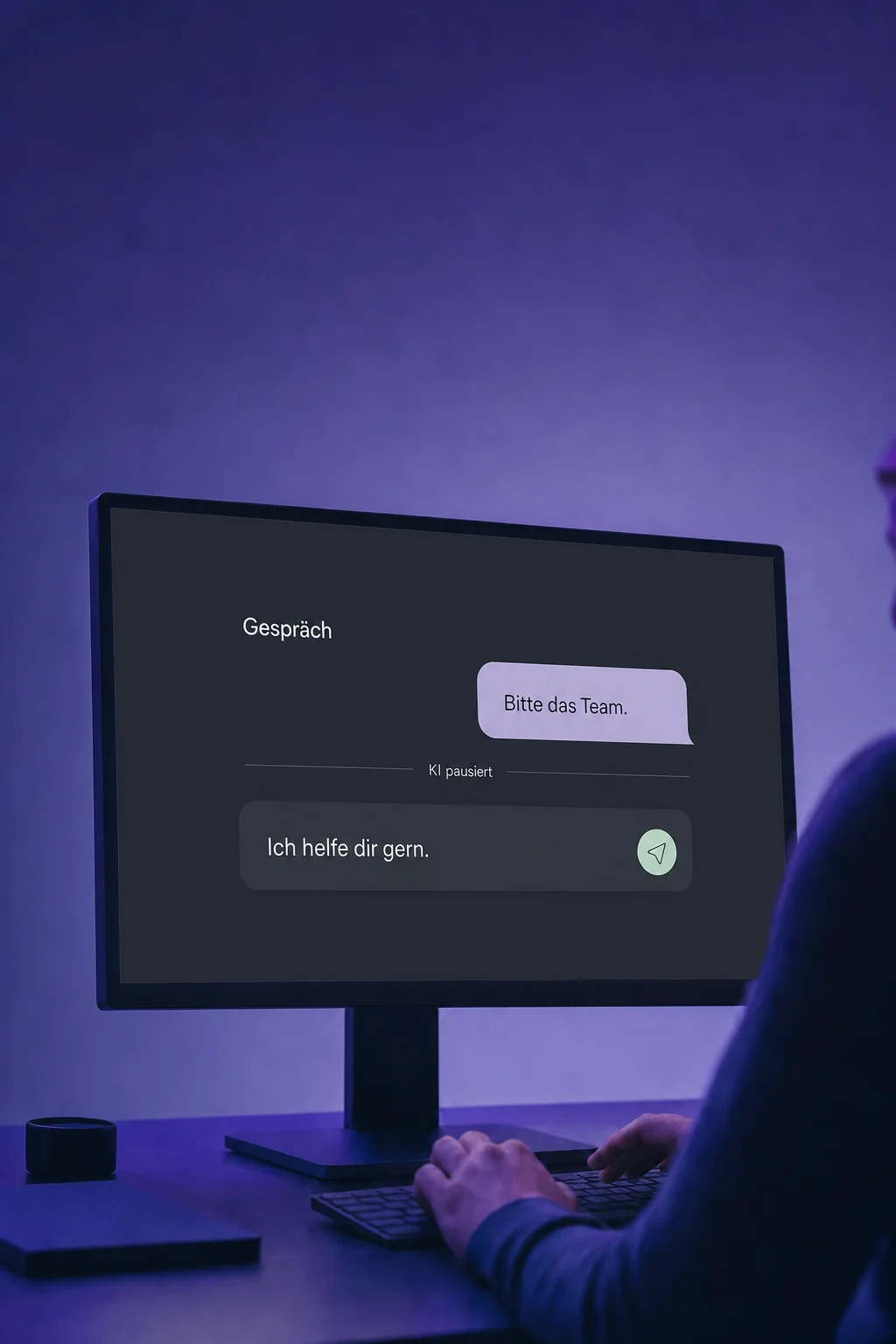
Human Handoff
When an enquiry needs a person, the conversation should not have to start over. Set up a handoff from AI chat to the right team member.
Three examples show how you can use Human Handoff.
Enable suitable triggers: someone asks for a person, the AI lacks information or the issue remains unresolved.
Choose an assignee, write the bot's closing message and configure its pause. The handoff is prepared before your team replies.

Your team reads the existing thread and answers the open question in the inbox. AI stays quiet during the configured pause.

The practical benefits of Human Handoff.
Create a contact task during handoff. The outstanding work stays visible even before anyone has replied.

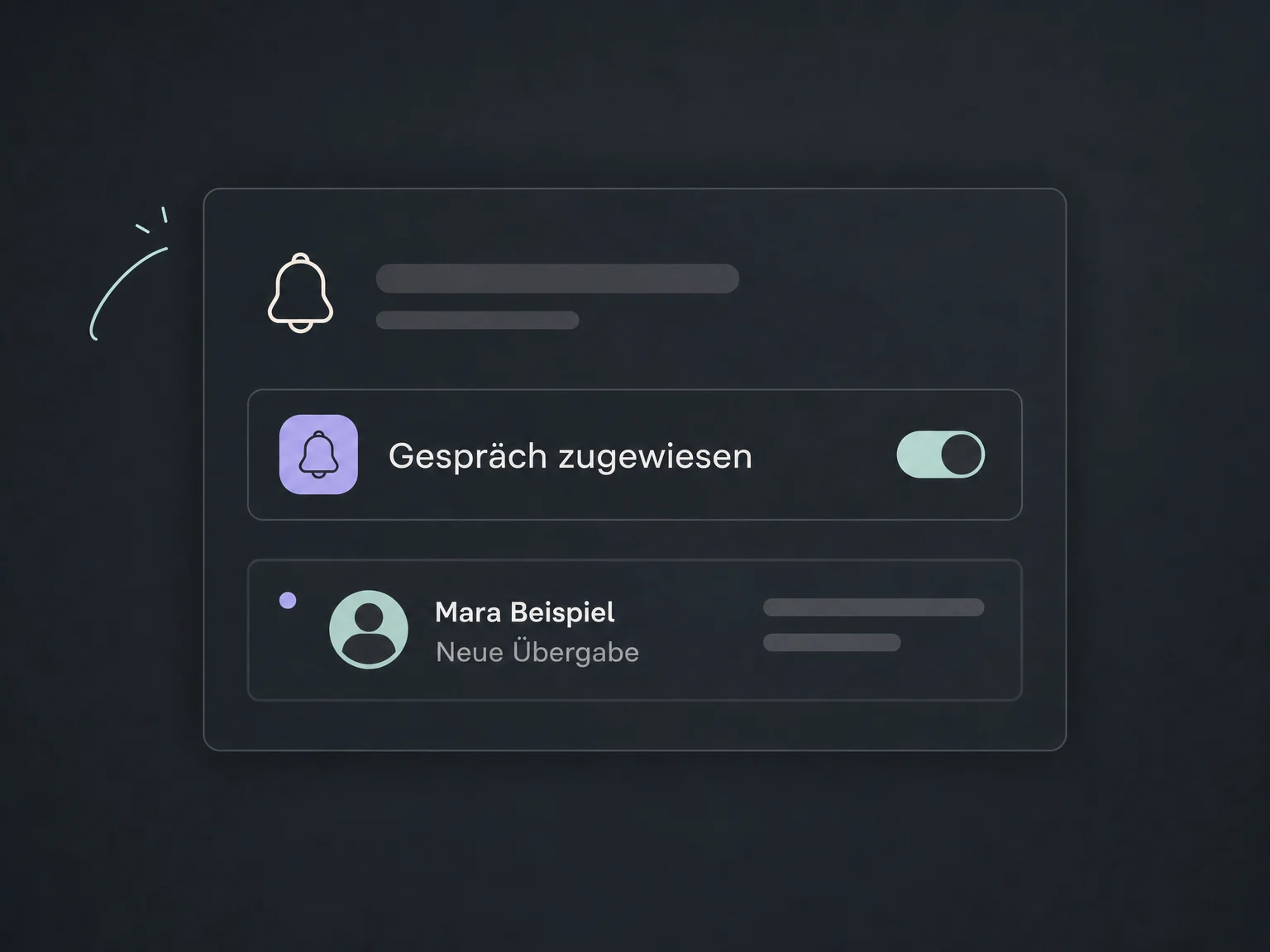
Enable alerts for assigned conversations and tasks. Configure notification channels and access for each person.
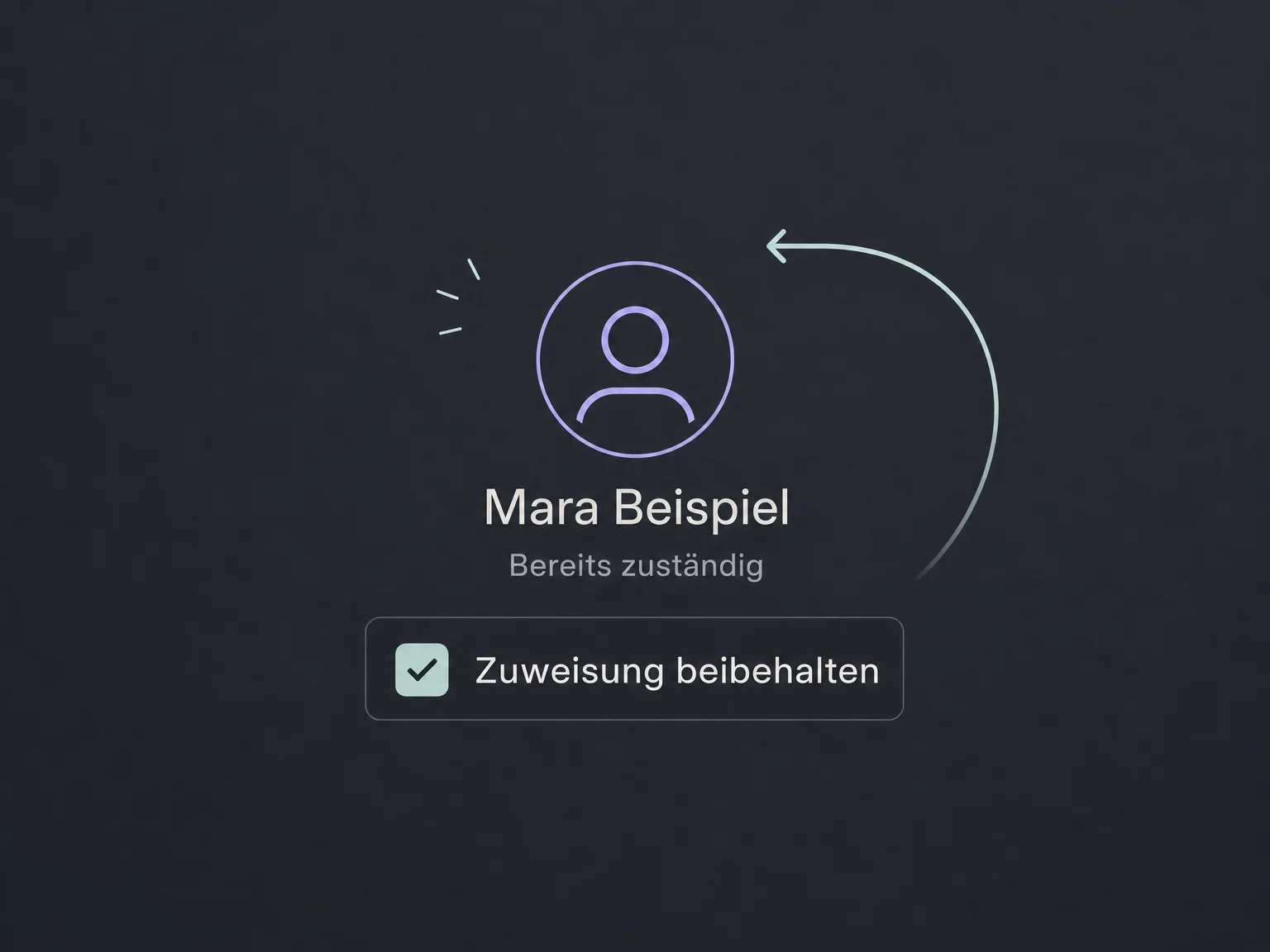
An existing assignment can be preserved during handoff. New enquiries go to the configured person.
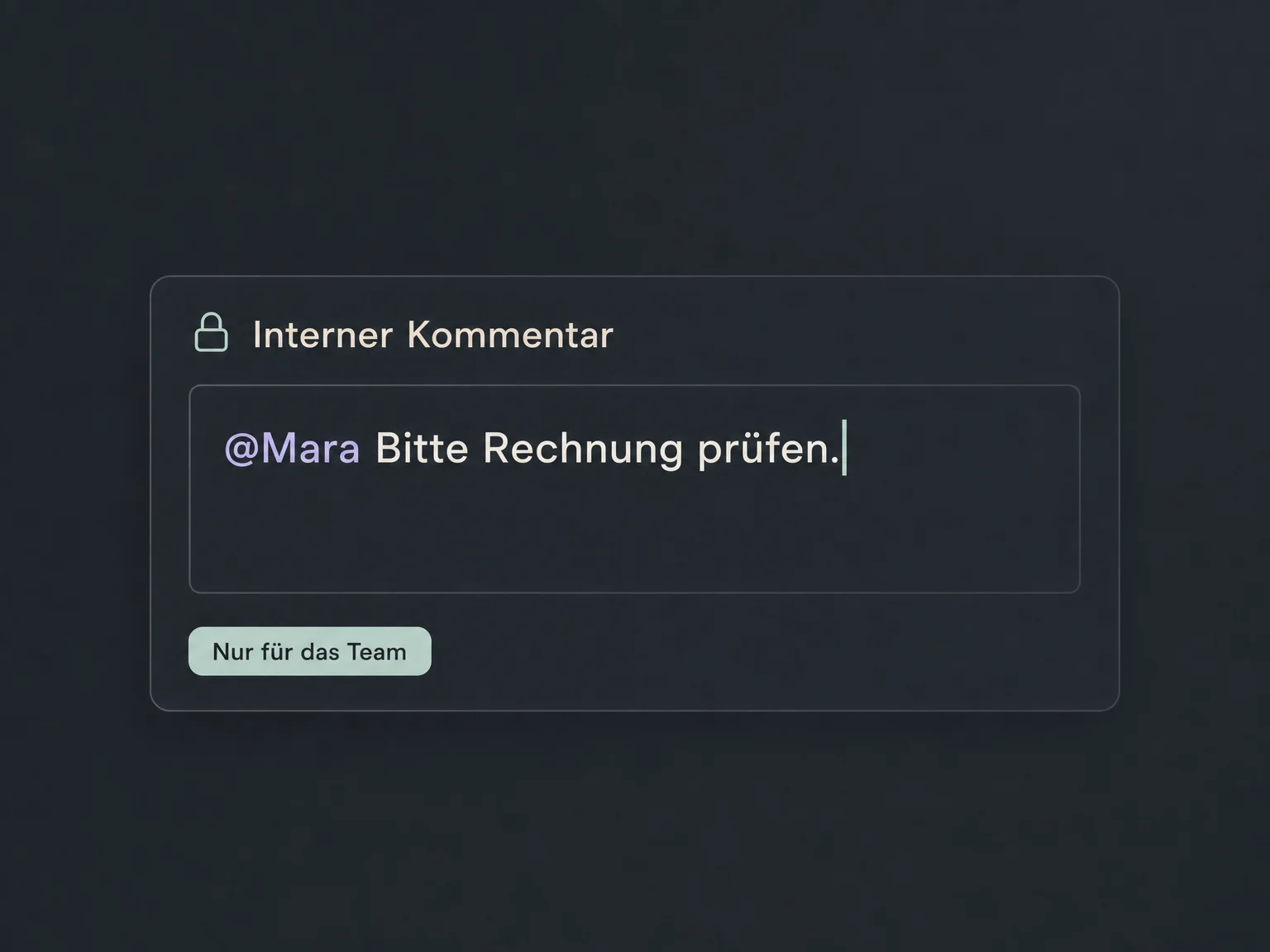
Add an internal comment to the conversation and mention a colleague if needed. This note is not sent to the customer.
Review executed handoff actions and the conversation in AI activity logs. Spot where your rules need refinement.
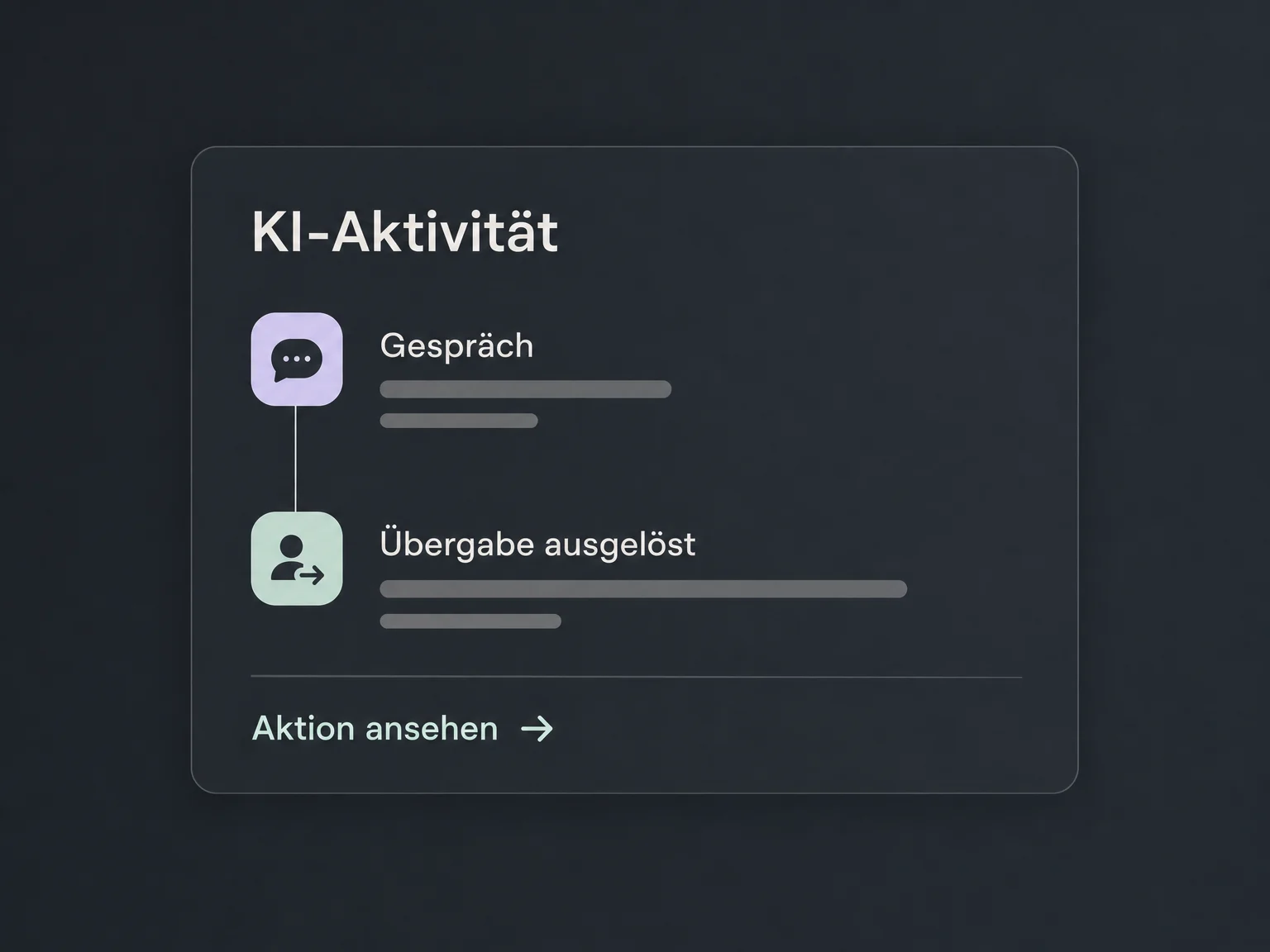
Simplified examples, not live account data.
We coordinate triggers, assignment, notifications, pauses and team availability. Access, supported channels and any AI or messaging charges are checked for your account.
Handoff connects AI chatbots with the omnichannel inbox. Additional workflows are configured separately; an AI pause does not automatically stop other automations.
Availability and any add-on or usage costs are confirmed for your ONE LOOP account before implementation.
Not automatically. Assignment, tasks and alerts prepare the work; your team still needs to be available and take over. Match the bot's closing message to your actual response times and decide who checks unassigned conversations.
With a timed pause, AI can become active again after the configured duration. You can also deactivate the bot for an individual contact without automatic reactivation. Check pauses, manual replies and other workflows together to avoid unwanted overlapping responses.
No. Internal comments are for your team within the conversation and are not sent to the contact. Check that internal-comment mode is selected before writing. Posted internal comments currently cannot be edited or deleted.
Test common questions, knowledge gaps and explicit requests for a person. Check assignment, alerts, tasks, bot status and what happens next. Use suitable test contacts and resources: configured actions can execute for real during AI tests.
Let’s explore your use case and what the setup requires.
Book a demo