01
Get the context before a conversation
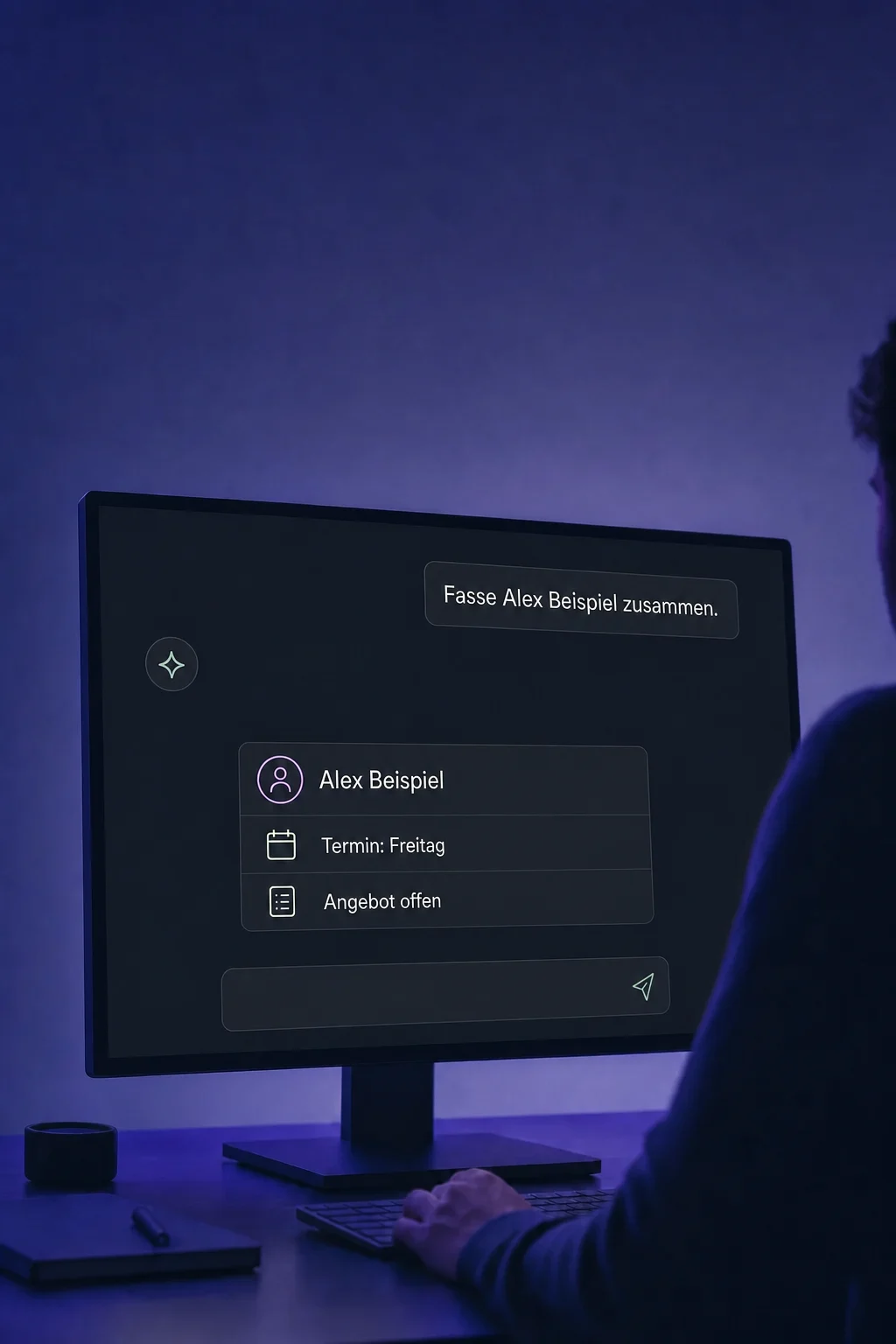
Select the right contact. The assistant summarises existing messages, appointments and tasks to help you prepare for your next conversation.

AI Assistant
Summarise a contact, ask follow-up questions and prepare the next step directly in chat.
Three examples show how you can use AI Assistant.
Select the right contact. The assistant summarises existing messages, appointments and tasks to help you prepare for your next conversation.
Ask in the same chat: what is still pending, or when is the next appointment? Answers use the available contact information.

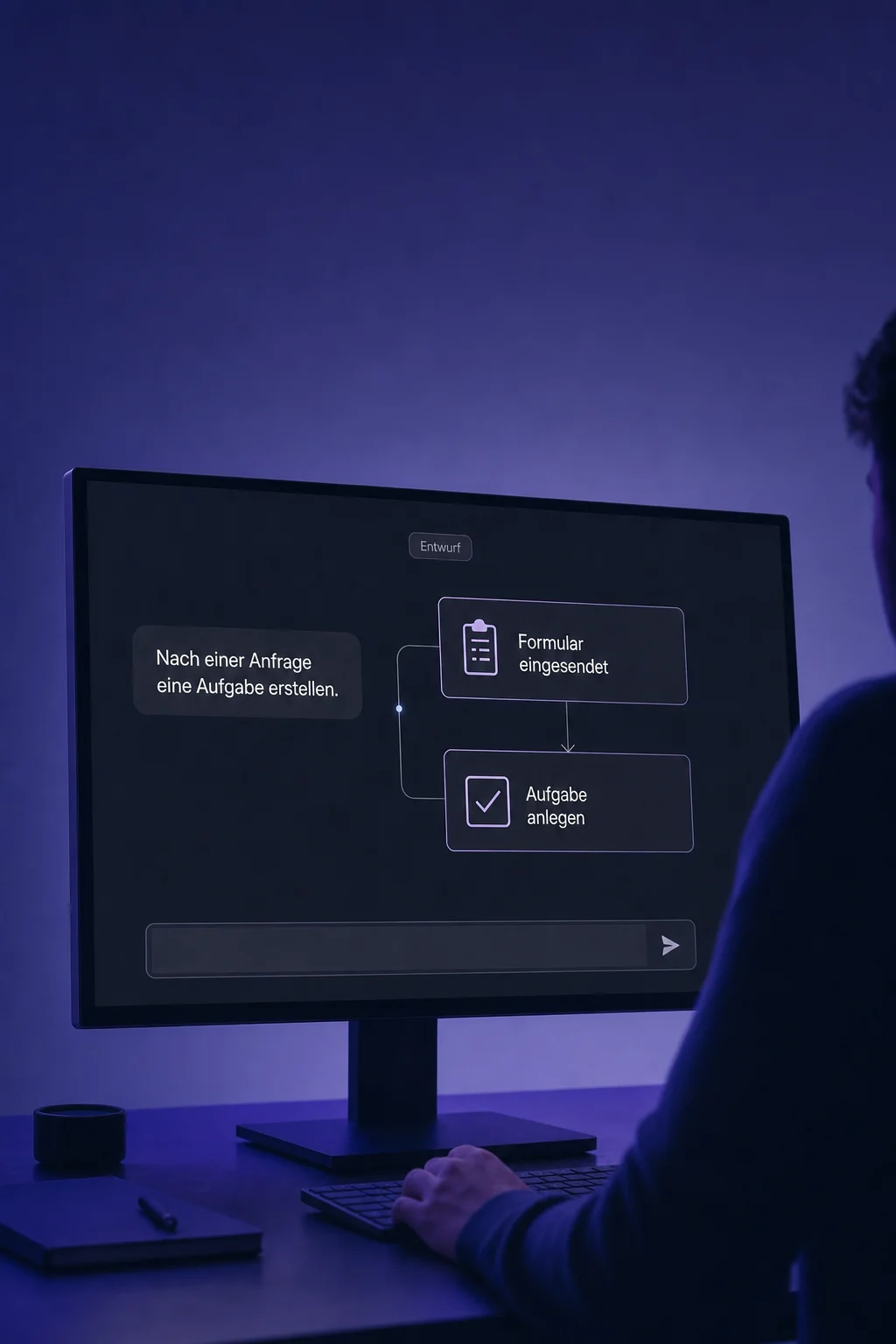
Ask for a callback task, for example. Check the contact, task and assignee in the proposed action before approving it. Then check the entry in the contact record.

The practical benefits of AI Assistant.
Choose an available task, such as setting up a booking calendar. The assistant asks for the information it needs. Your permissions determine which templates appear.

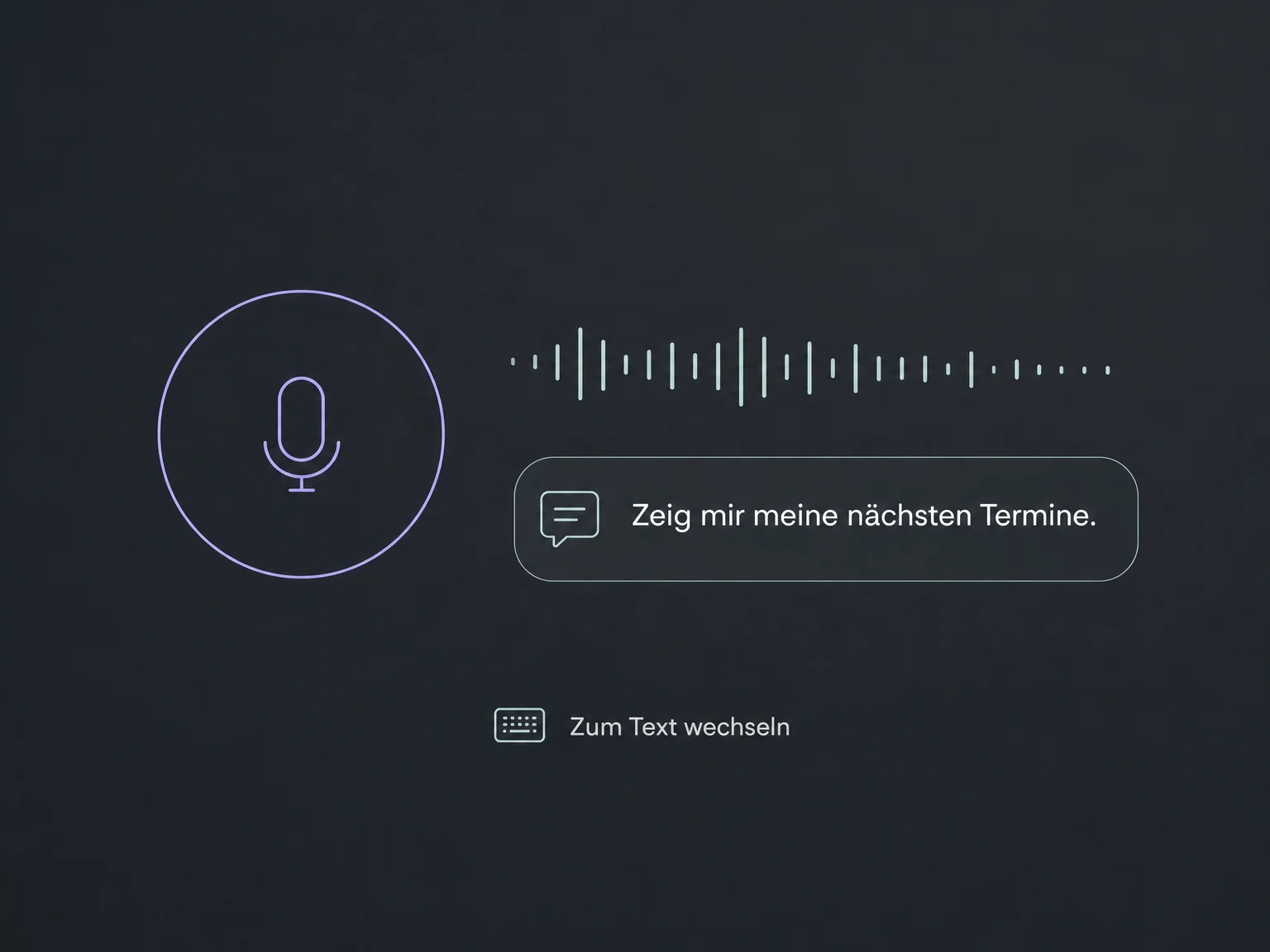
Ask in voice mode, listen to the reply and switch back to text when needed. Your browser needs permission to use the microphone.
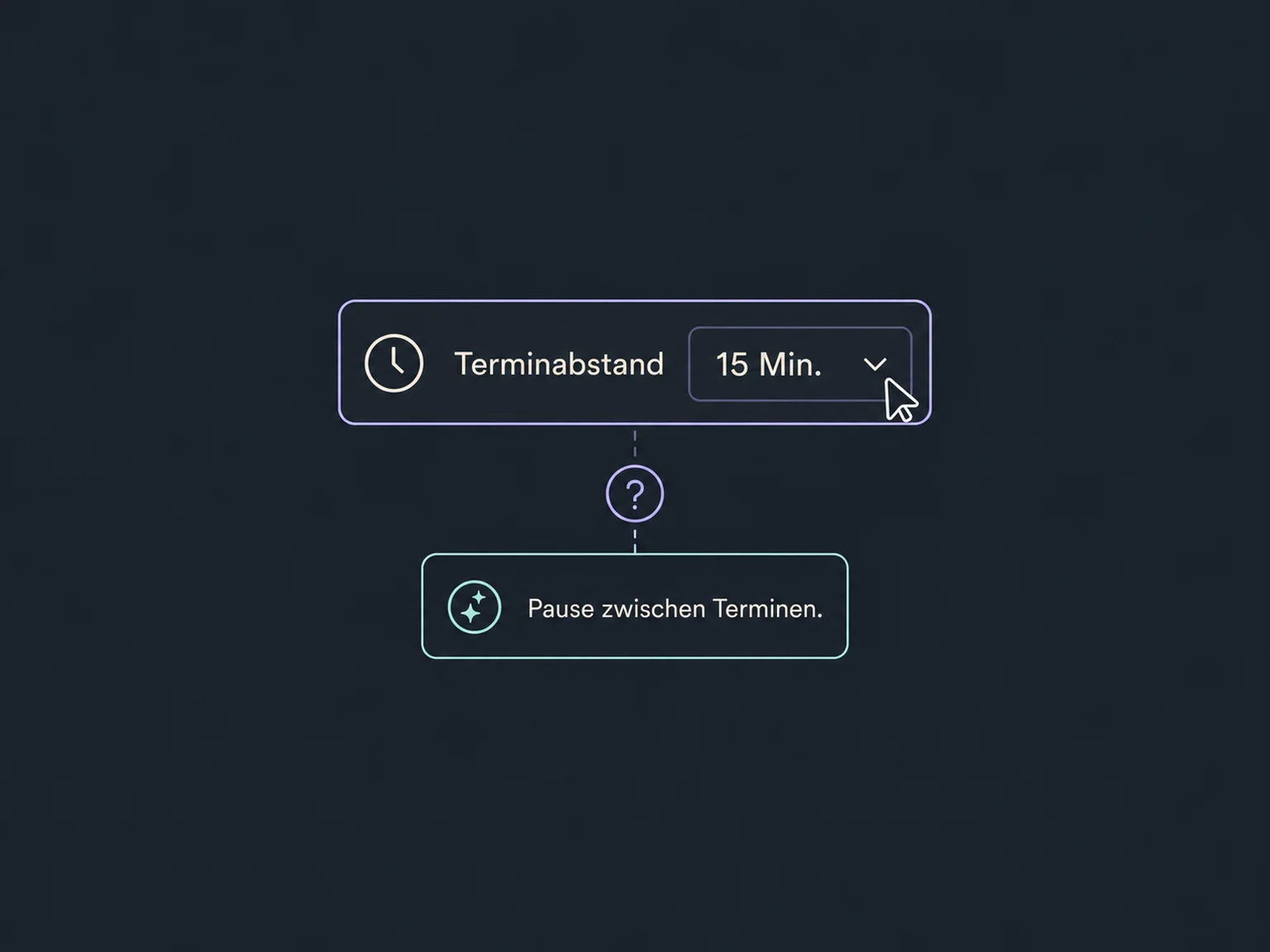
Select a field on the page and ask what it means. This works with the assistant alongside the page, not in its standalone full-screen view.
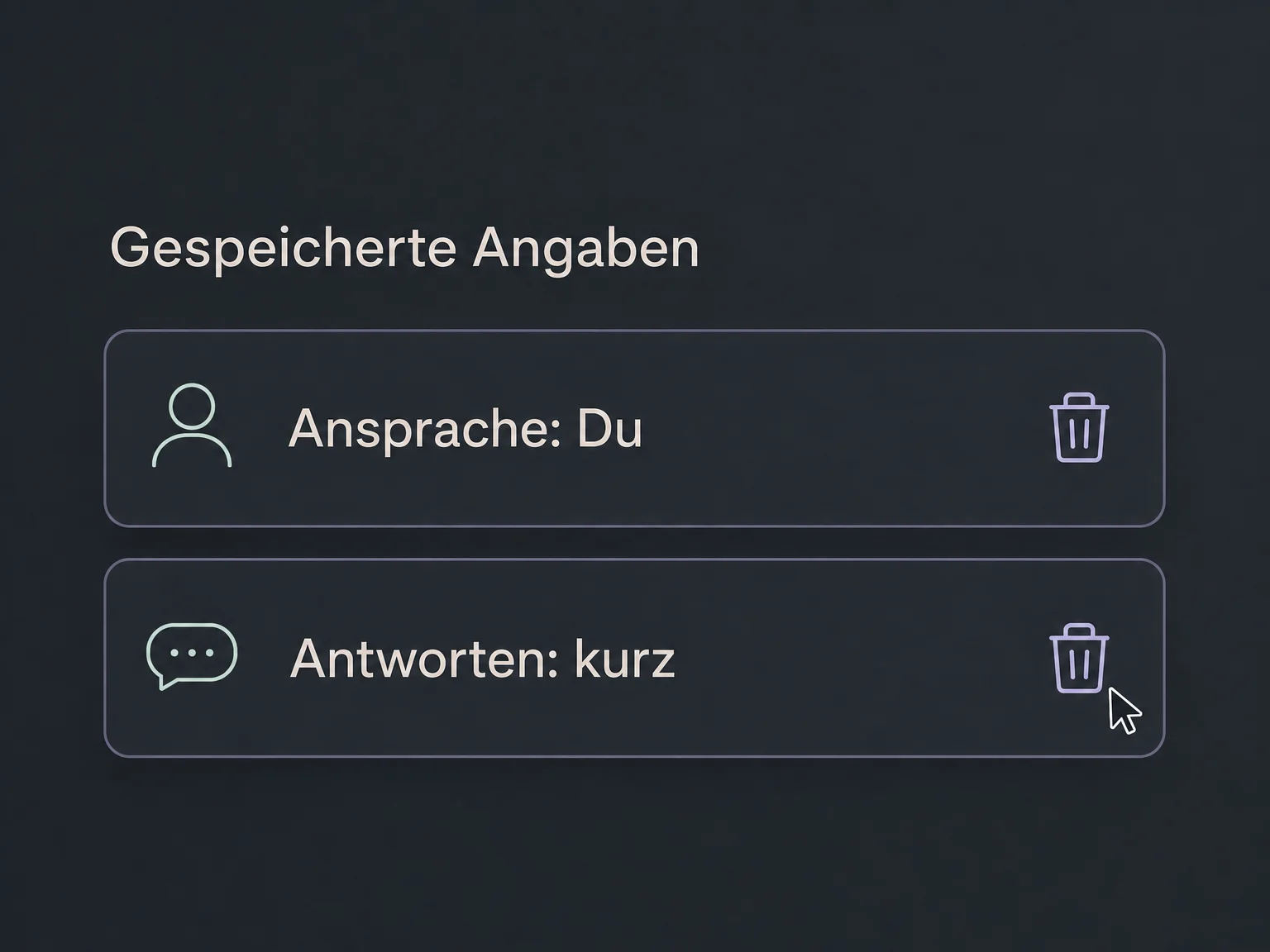
Saved information can inform future answers, such as your preferred tone. Review the stored context and remove outdated or irrelevant entries.
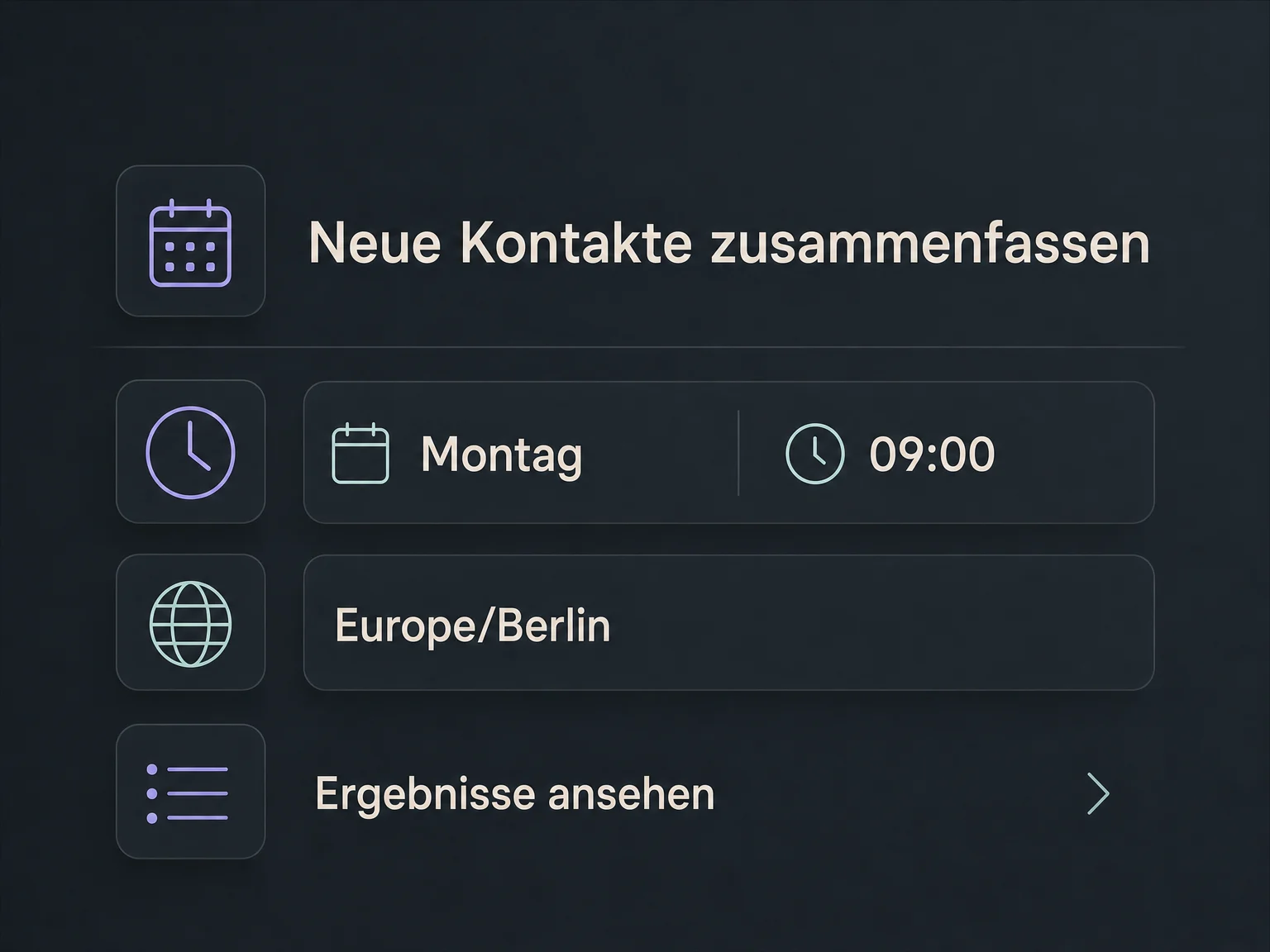
Schedule a contact summary every Monday, for example. Check the time and time zone, then find results in the run history. This does not automatically send an email.
Simplified examples, not live account data.
We check access, user permissions and supported tools in your account. Some actions need additional connections. AI usage and scheduled runs may incur costs; scope and billing are clarified before setup.
The AI Assistant helps your team work inside the account. Separately configured AI chatbots handle customer conversations. Use Workflow AI in the Workflow Builder to create or edit workflow steps.
Availability and any add-on or usage costs are confirmed for your ONE LOOP account before implementation.
No. You and your team use the AI Assistant inside the account for lookup, preparation and supported actions. Customer conversations on a website, messenger or phone use separately configured agents.
No. Access and capabilities depend on the account and available tools. For example, the assistant can list existing workflows but cannot edit their steps; that is what Workflow AI is for. It cannot directly control the website builder or listings either.
A lookup does not change data. For supported write actions in chat, the assistant presents an approval for review. Check the target, content and scope carefully, then verify the result. An AI answer or confirmation does not replace your own review.
That depends on your agreed scope. Complexity, tools and generated media can affect usage. A scheduled run also counts as AI usage. We clarify access and billing before you activate recurring tasks.
Let’s explore your use case and what the setup requires.
Book a demo