01
Turn lengthy text into a short overview
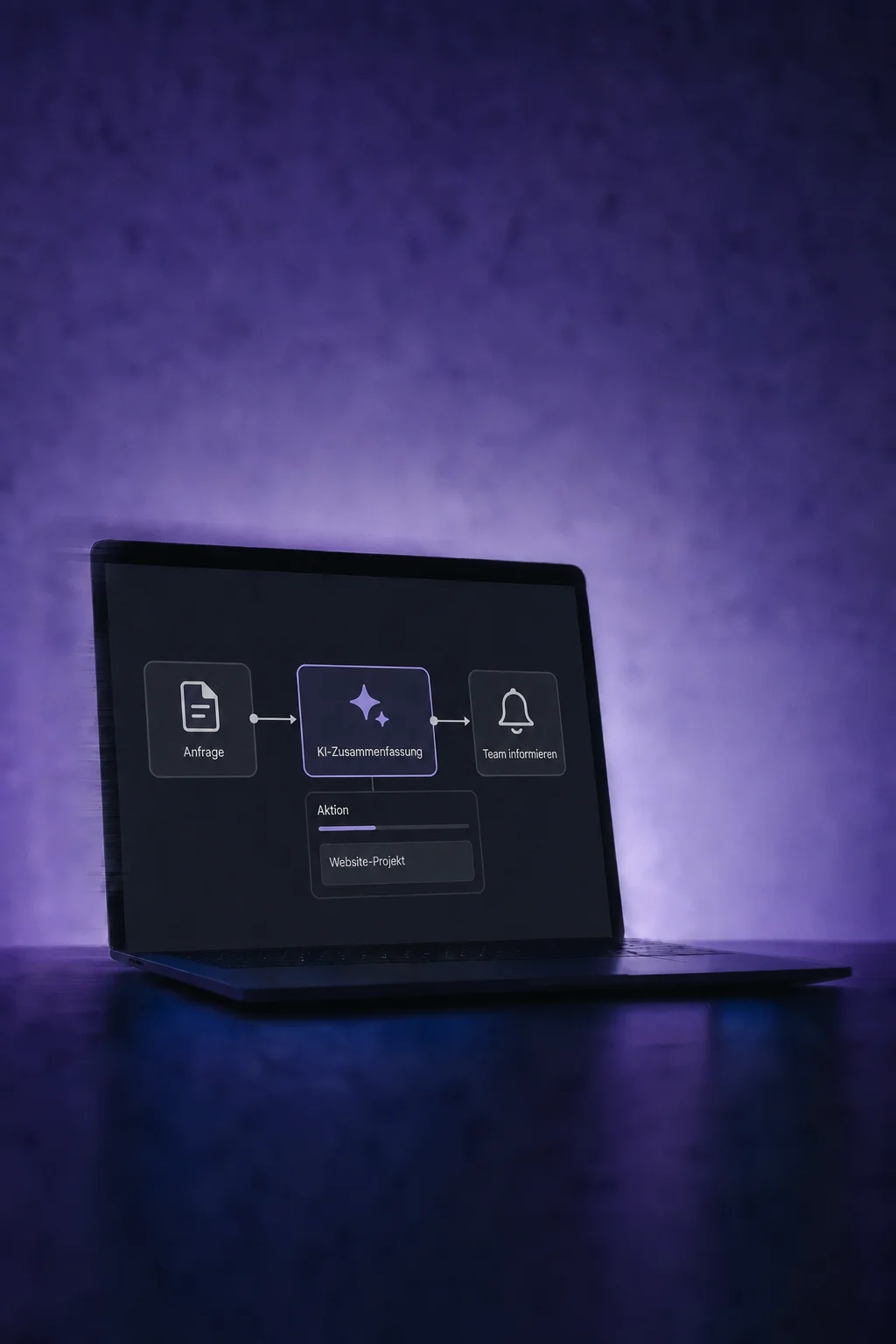
Provide the enquiry text and the desired length. AI creates a summary you can use in an internal notification, for example.

AI Actions
Use AI to summarise text, extract details from messages and classify requests. Put the results to work in your configured workflows.
Three examples show how you can use AI Actions.
Provide the enquiry text and the desired length. AI creates a summary you can use in an internal notification, for example.
Define the details you need, such as a name and email address. AI extracts them from the supplied text. A separate step then saves the values to the contact.

Describe how requests should be classified. An AI decision can select a workflow branch. Configure the default branch for cases that do not match.

The practical benefits of AI Actions.
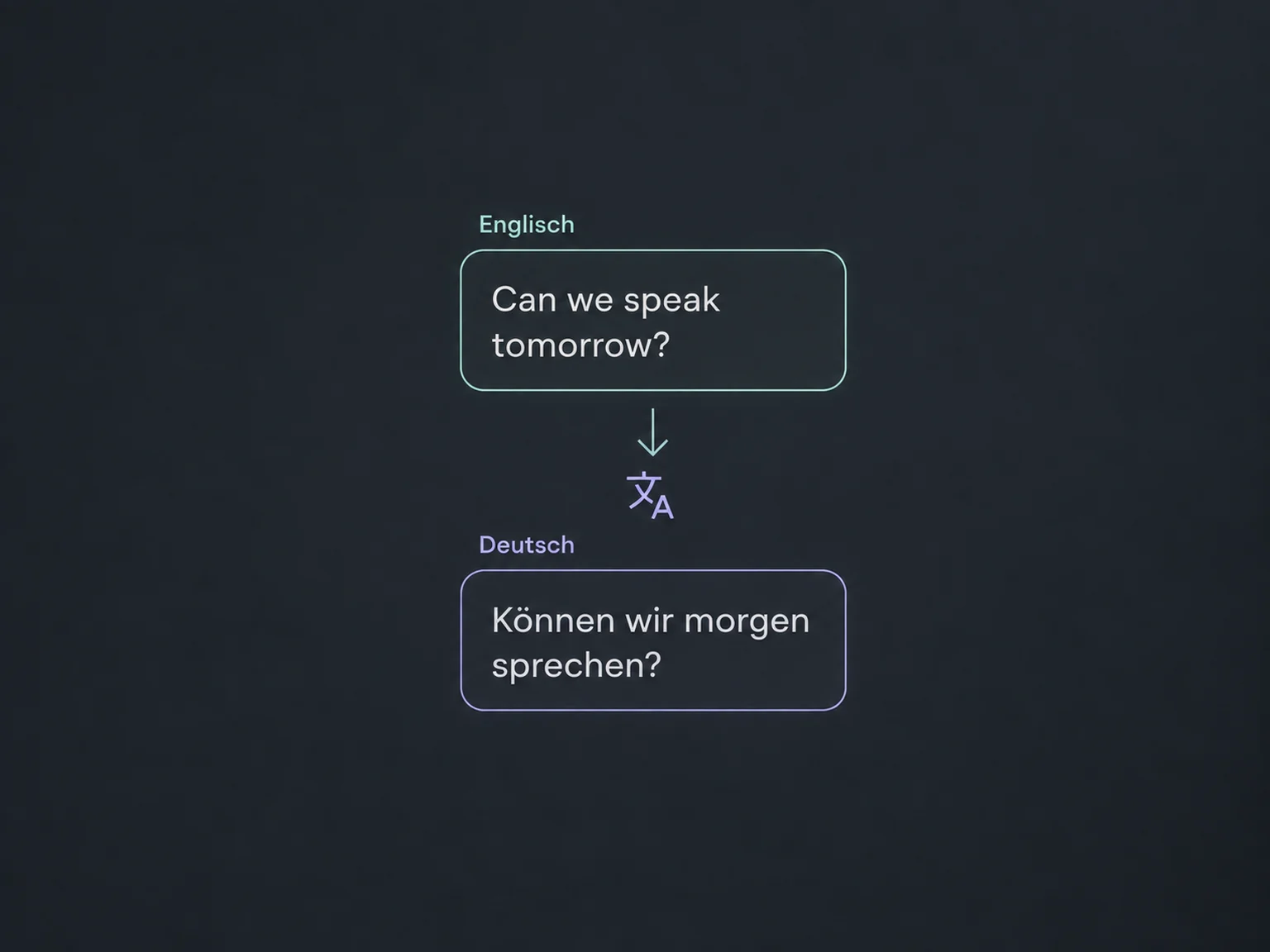
Choose the source and target language. The translation is ready for the next step; your team reviews important statements.
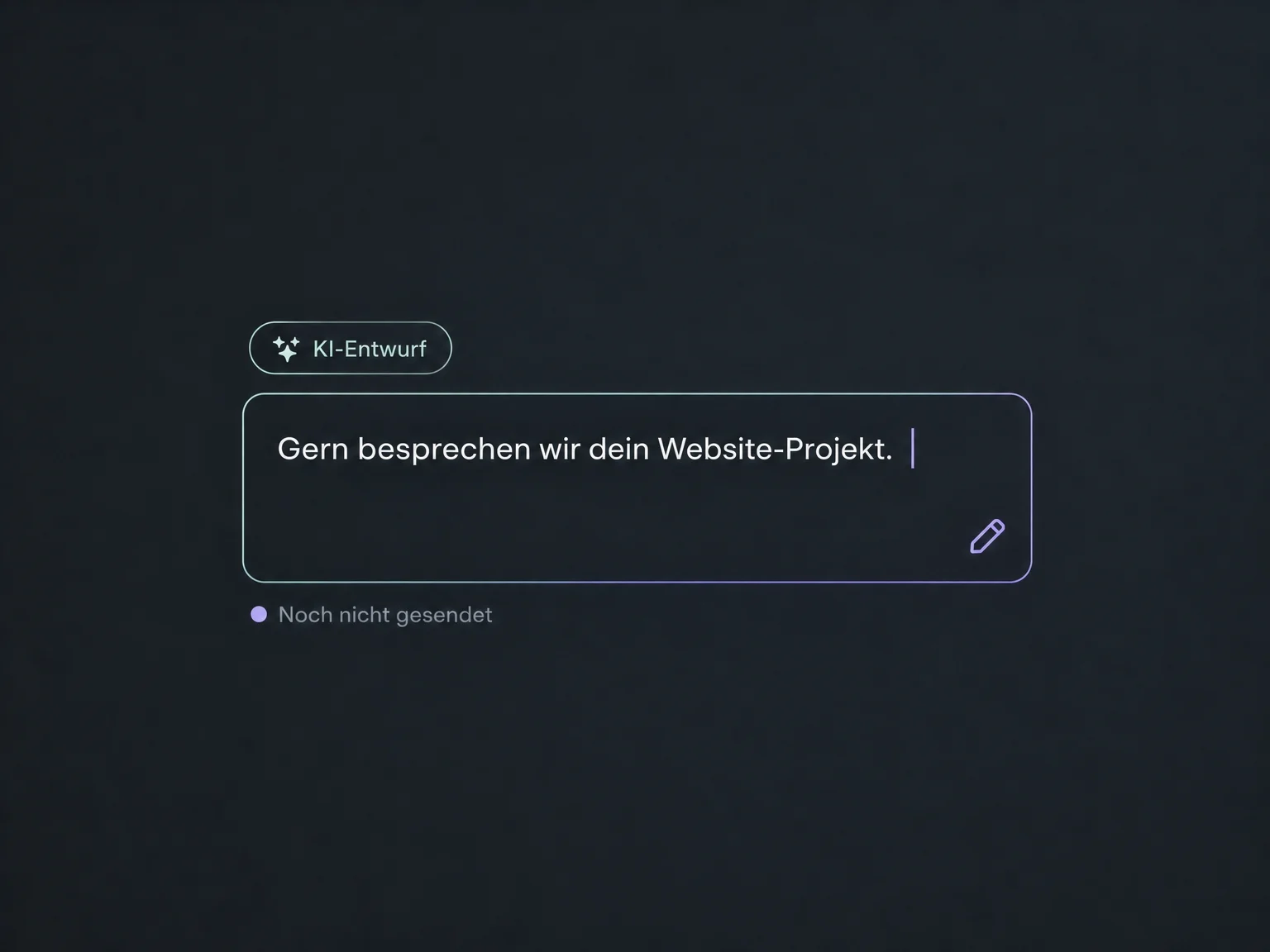
Prepare a reply using a clear instruction. Decide whether and how to send it in a separate step.
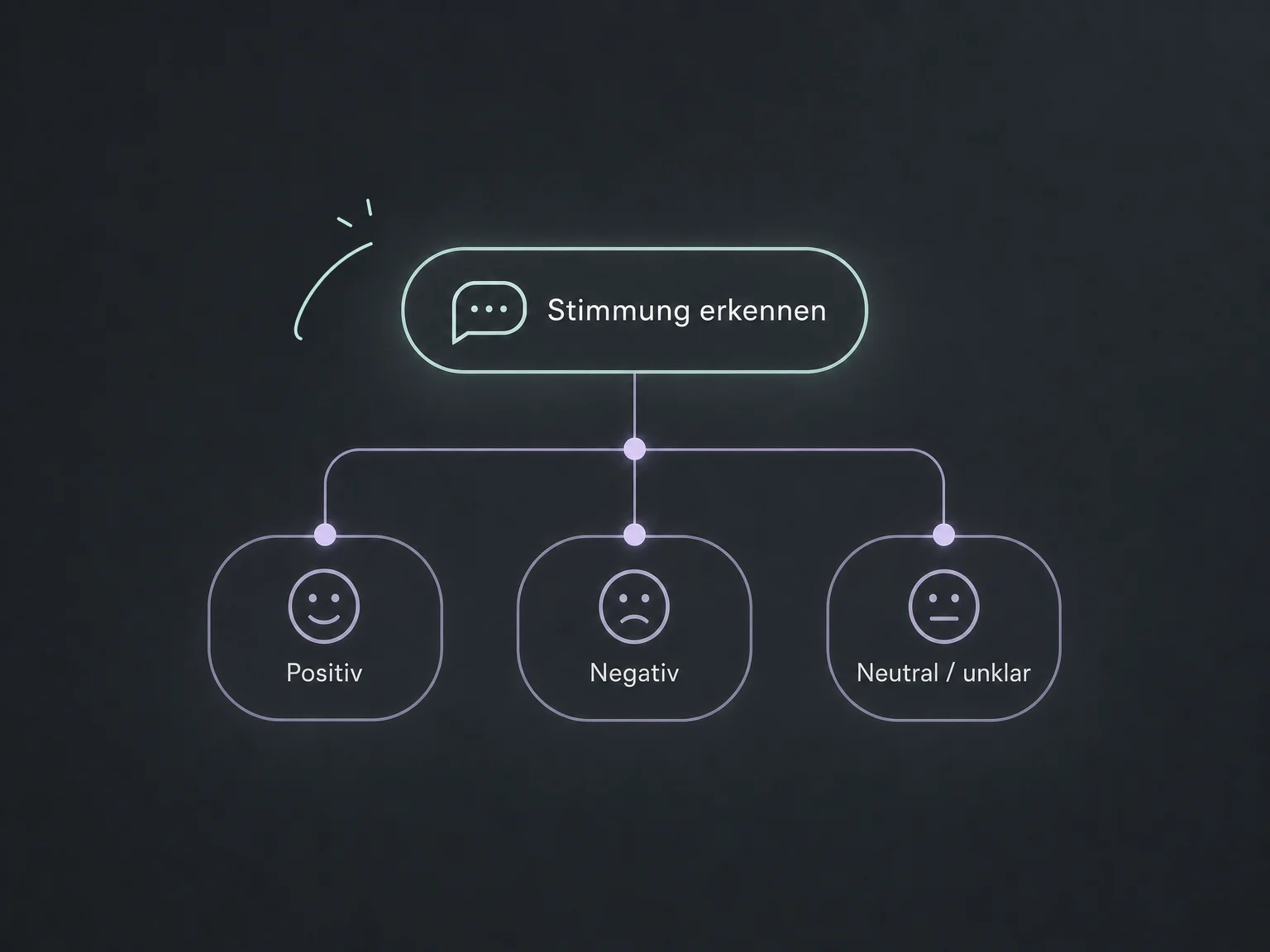
Sentiment analysis separates positive, negative and neutral or unclear feedback. Configure a suitable next action for each branch.
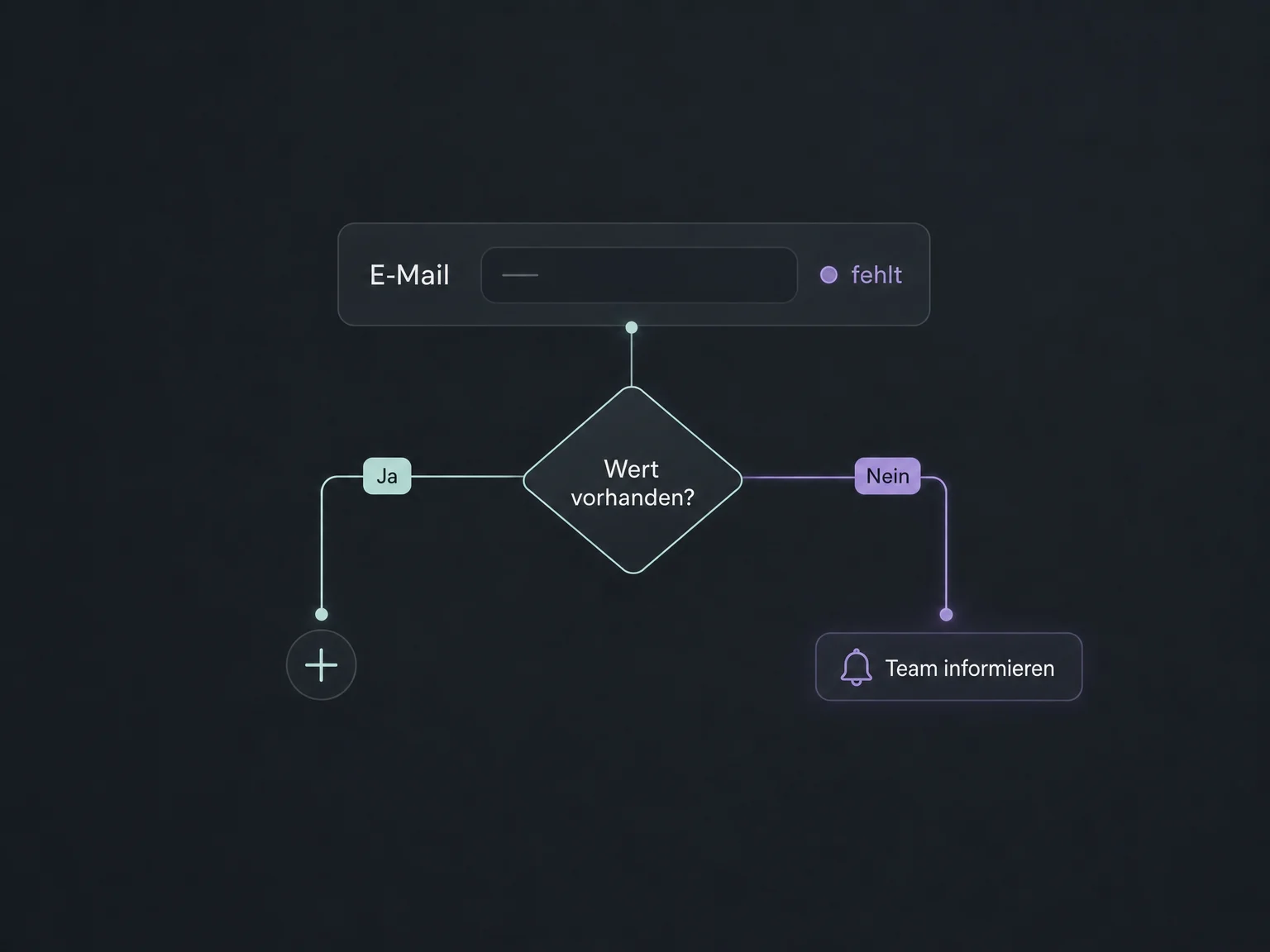
Details not found during extraction remain empty. Check required values with a condition before using them further.
Execution history shows which branch a contact took. Review examples and refine your instructions accordingly.
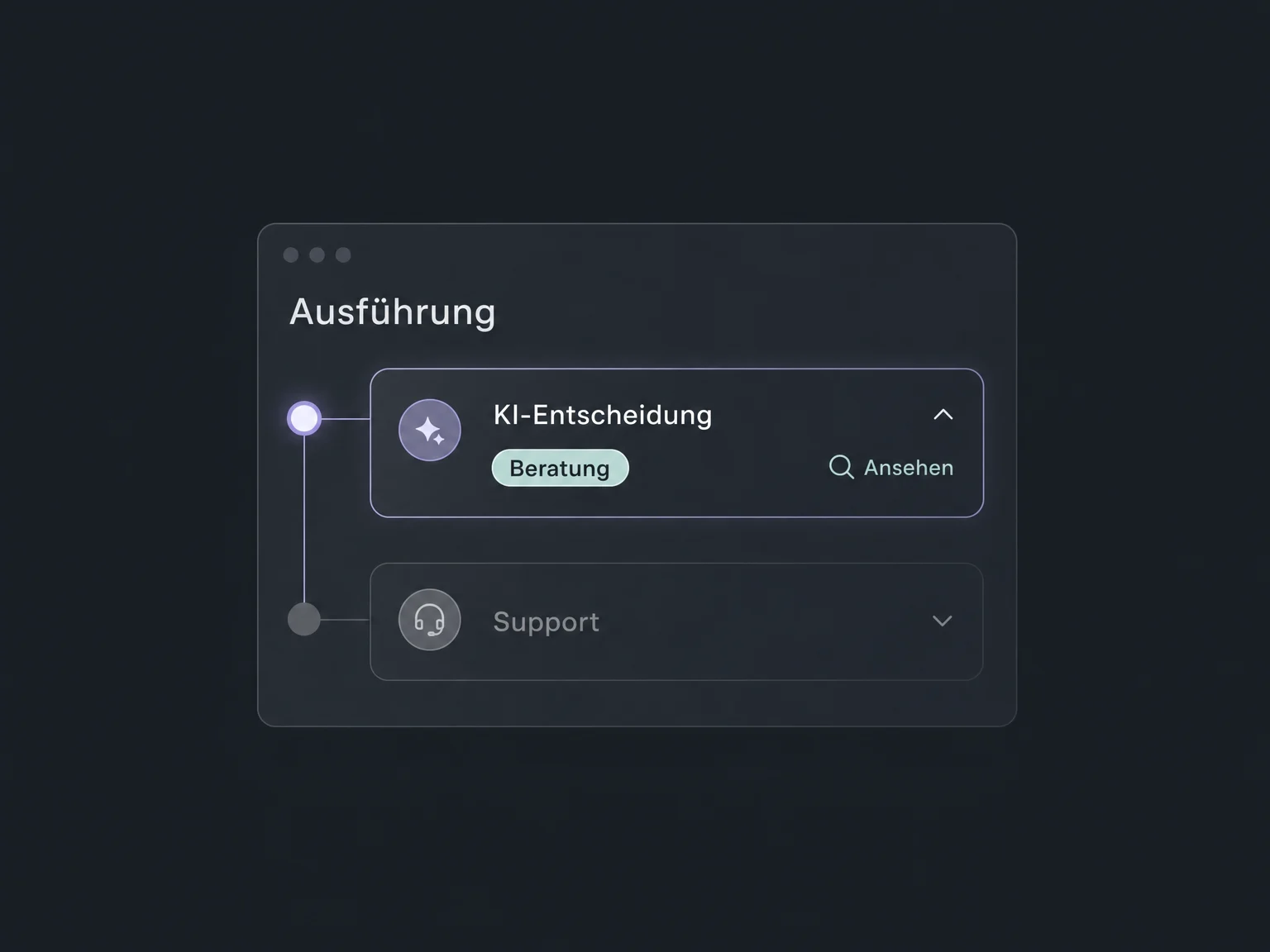
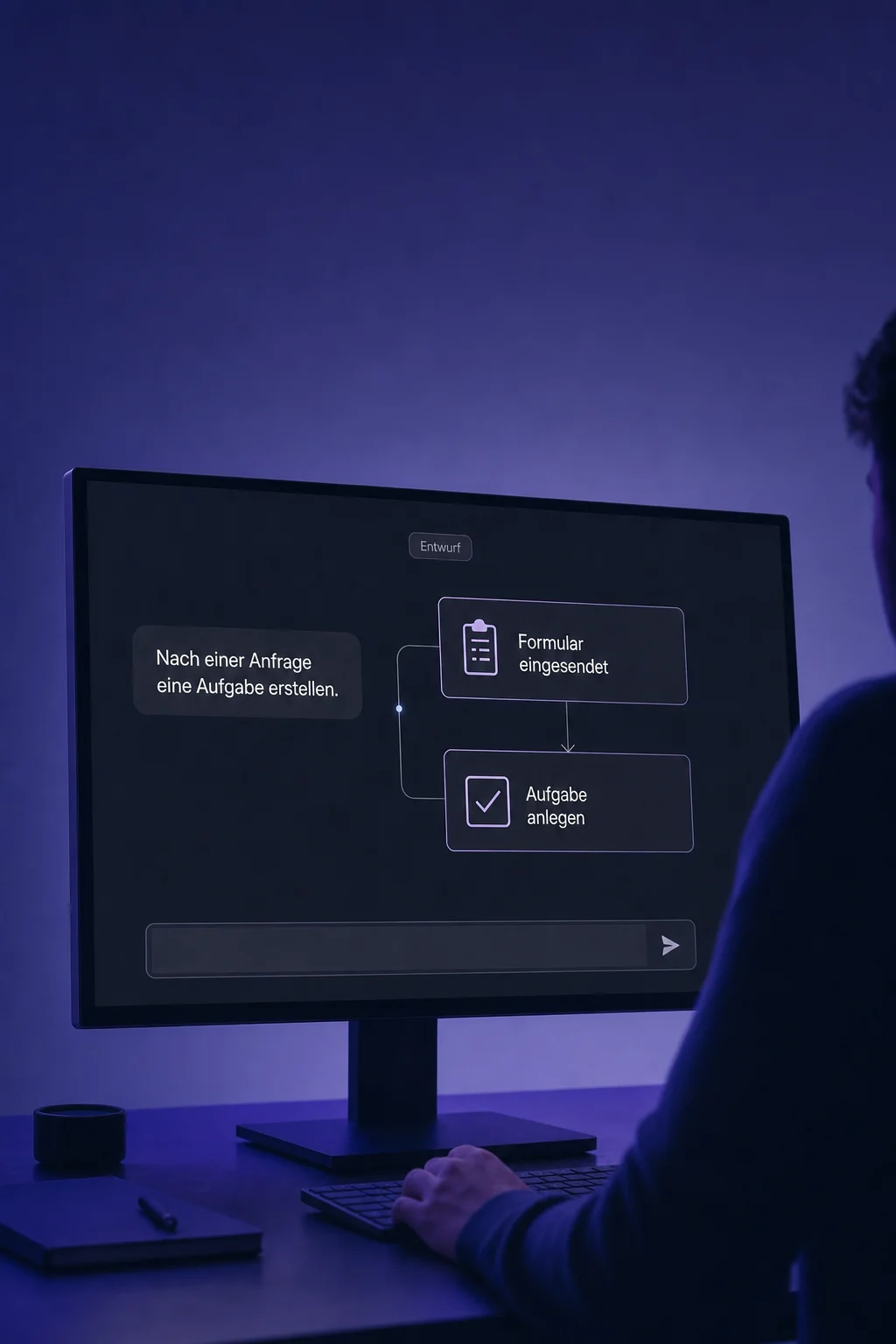
Simplified examples, not live account data.
We define inputs, tasks, follow-up actions and how to handle unclear results. Available AI actions and possible execution or model-usage charges are checked for your account.
AI actions add capabilities to individual steps in the Workflow Builder. They are separate from a full AI chatbot and from the AI assistant that helps you build a workflow.
Availability and any add-on or usage costs are confirmed for your ONE LOOP account before implementation.
You supply available text or variables from your workflow, such as a message, form details or a previous step's output. The entire contact history is not included automatically. Choose only the data needed and check that it is approved for processing.
No. Extraction first produces values for later workflow steps. Permanent storage requires an appropriate contact or record action. Check for empty values first and decide which existing details may be overwritten.
No. Summaries, translations and classifications can contain errors. Test common and difficult examples, review results and configure a safe next step for missing details or unsuitable classifications. A default branch does not automatically catch every incorrect AI decision. Sensitive decisions need human review.
They run within a workflow but may require separate access and usage charges. AI assistance while building a flow is not the same as paid AI actions during execution. We confirm the available actions and billing for your account before setup.
Let’s explore your use case and what the setup requires.
Book a demo