01
Design your certificate
Choose a template or start with a blank canvas. Adjust colours, borders and the signature, then review the preview with recipient details.

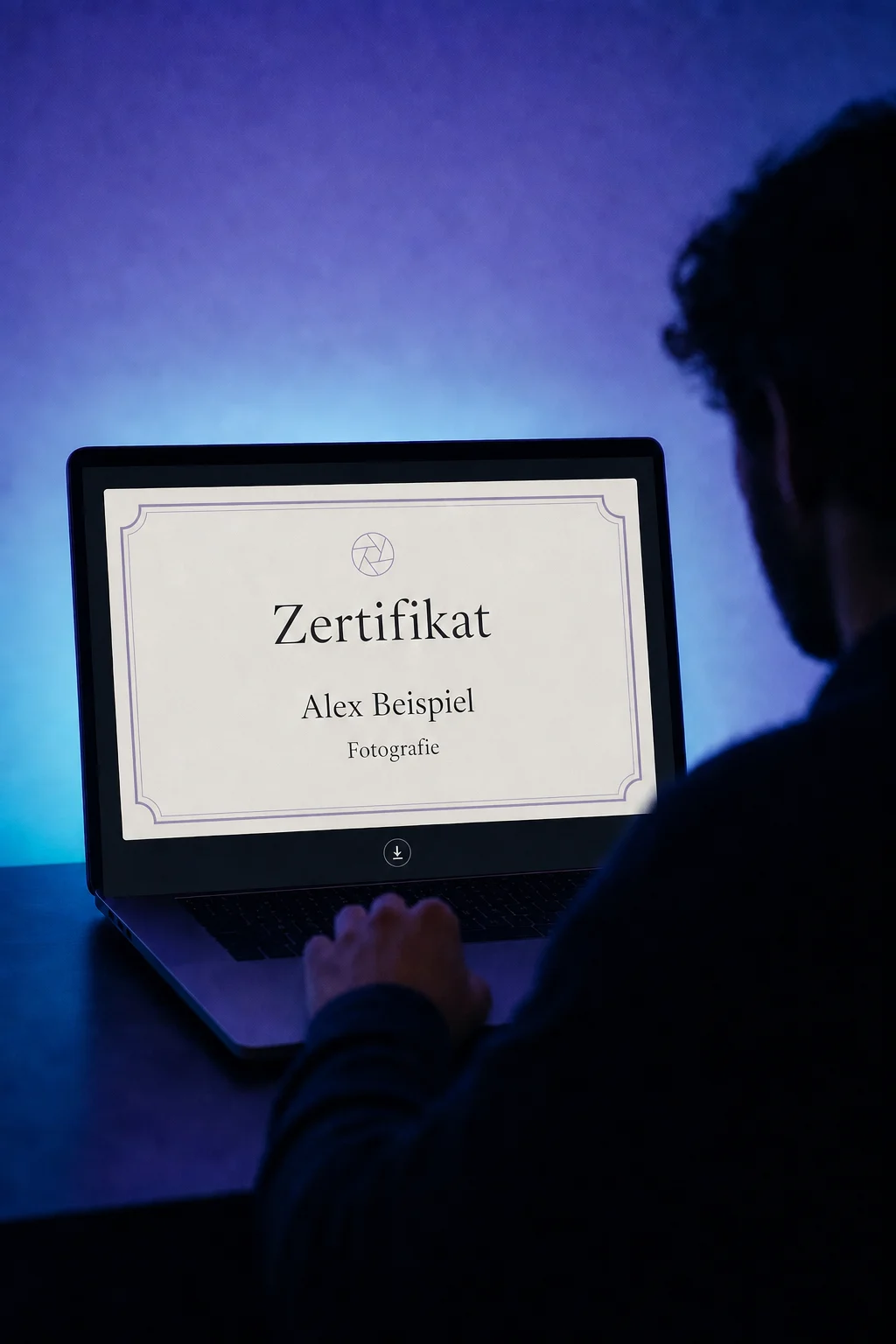
Certificates & Badges
Design your own certificates, issue them after course completion and give learners a record they can download and share.
Three examples show how you can use Certificates & Badges.
Choose a template or start with a blank canvas. Adjust colours, borders and the signature, then review the preview with recipient details.
Assign a published certificate template to your course. When learners complete the course, they receive an email linking to their certificate.

Learners open their certificate preview, download it as a PNG or share its link. The issuer and validity details remain visible.

The practical benefits of Certificates & Badges.
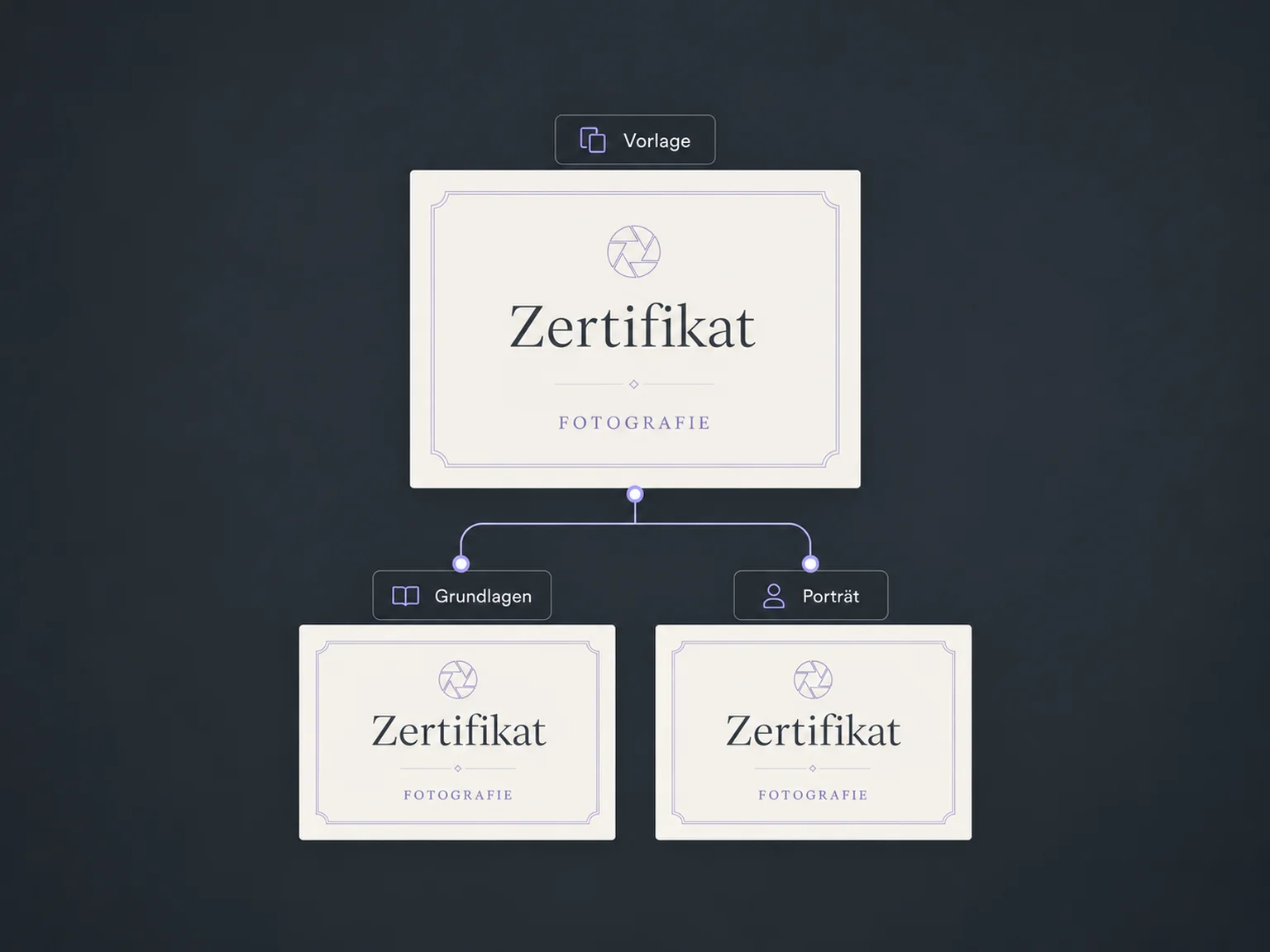
Save your certificate as a template and reuse its design for other courses.
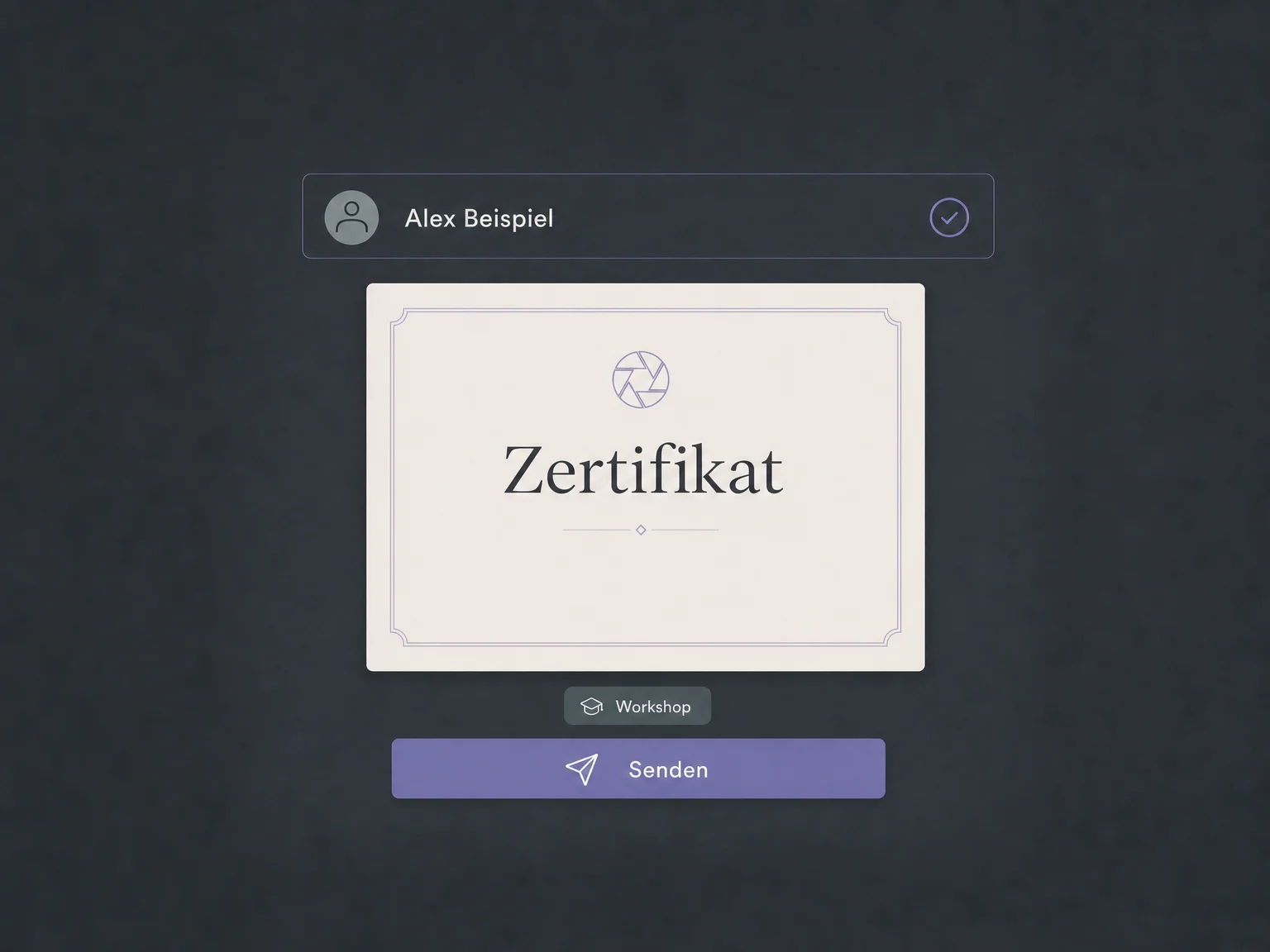
Select a contact and issue their certificate manually. This also lets you recognise training delivered outside your online courses.
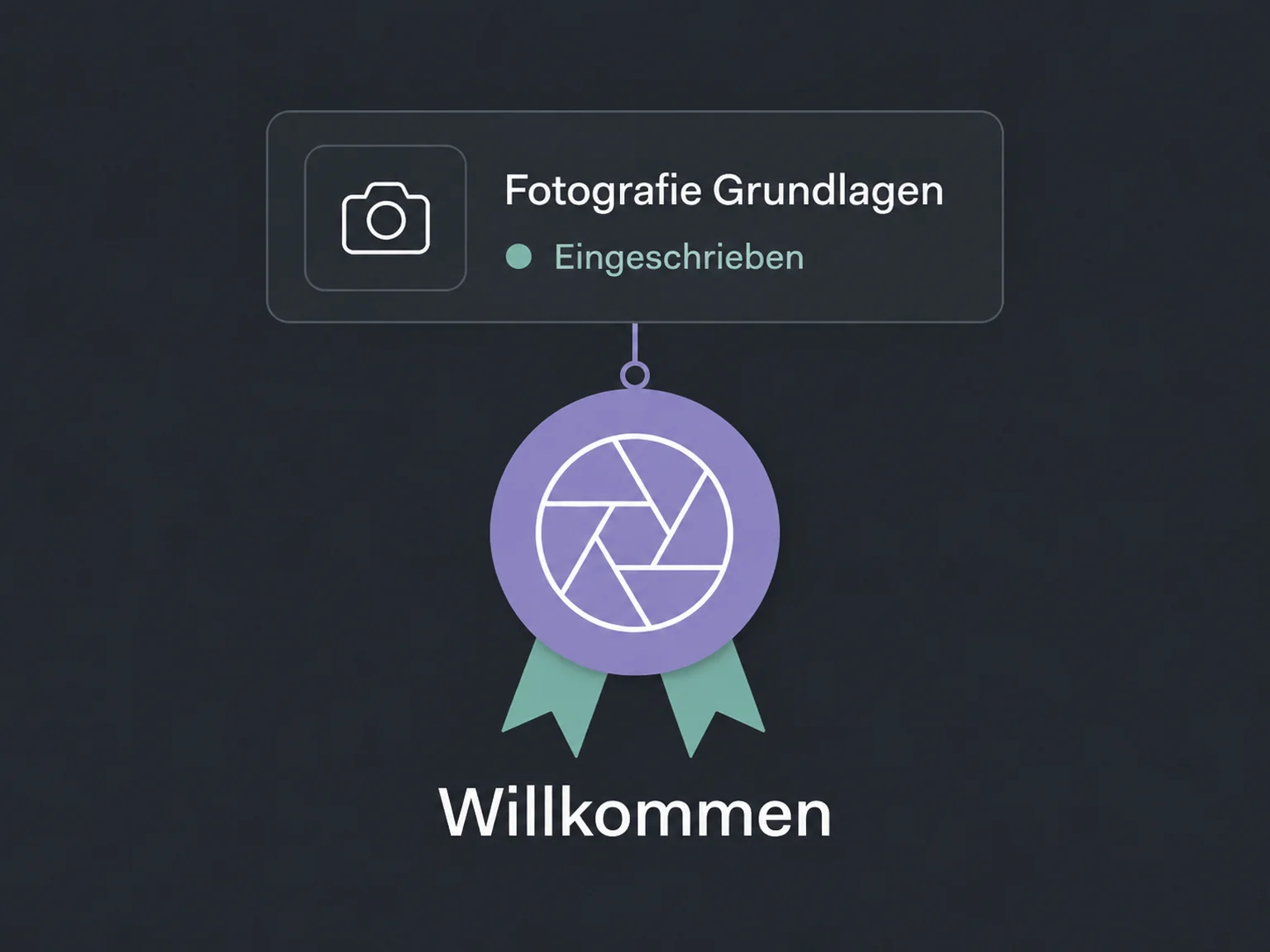
A welcome badge recognises a learner's first enrolment in a new course. It marks their arrival, not course completion.
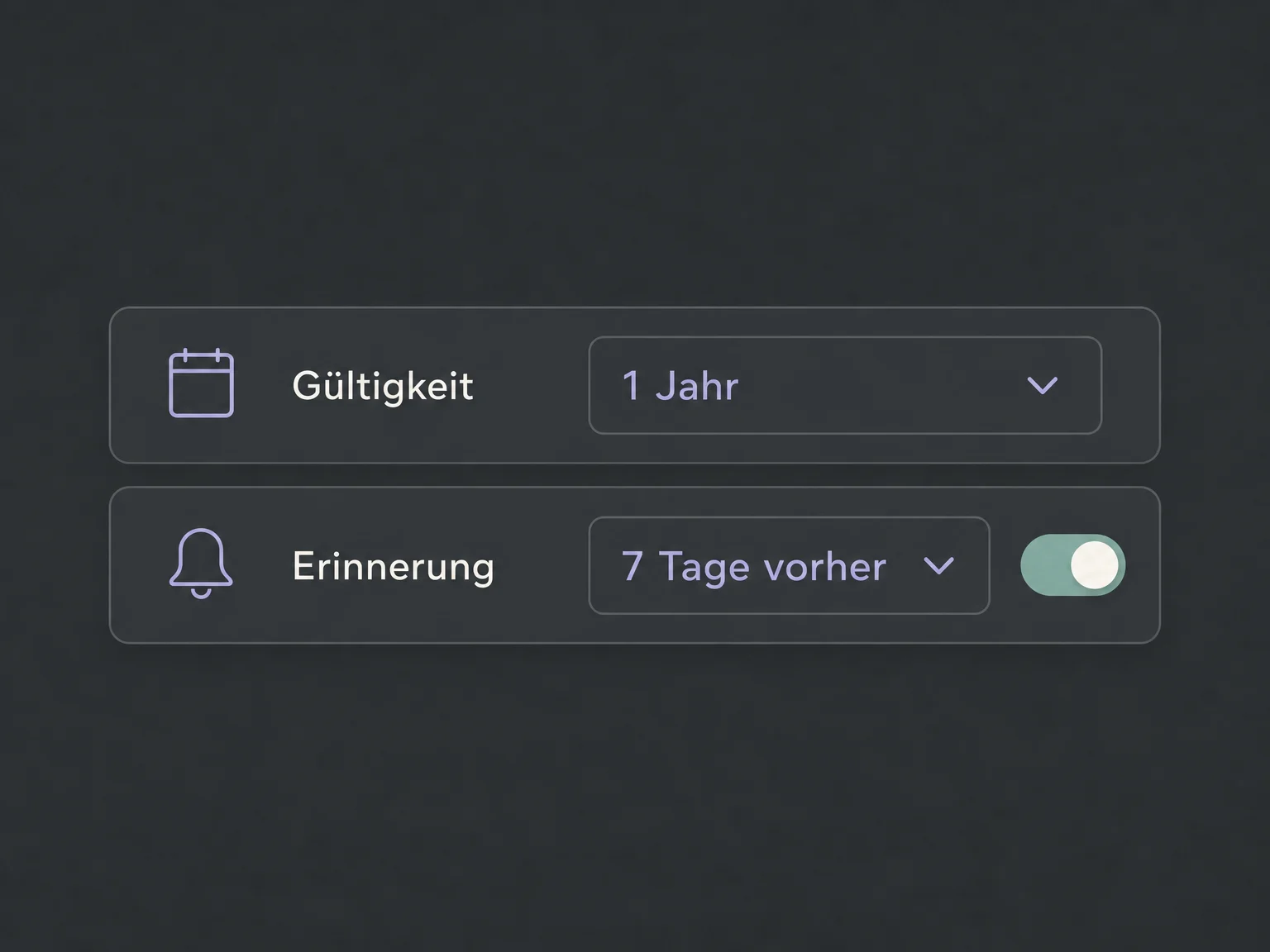
Set a validity period when needed and enable email reminders before expiry. You choose how far ahead to send them.
See who has received a certificate. Export records for a selected date range as a CSV for your own reporting.
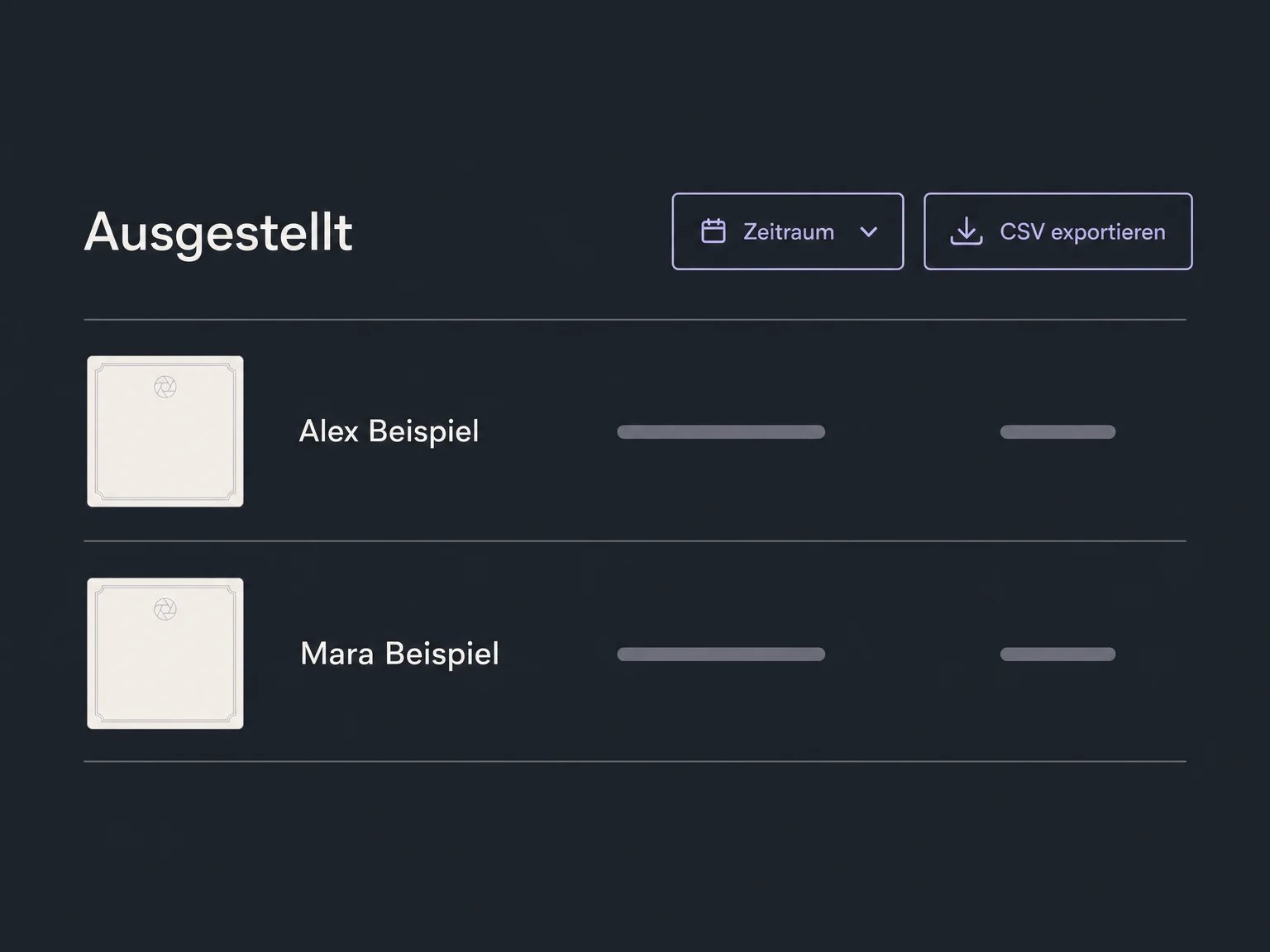
Simplified examples, not live account data.
We check availability and your package, design the template and test recipient details, course completion and email delivery. You decide what the certificate recognises and whether it expires.
Certificates connect to your courses; you can also issue manual certificates to existing contacts. Additional follow-up actions and custom rules are configured separately.
Availability and any add-on or usage costs are confirmed for your ONE LOOP account before implementation.
When a published template is attached to the course and the learner completes it. New courses can already include a default certificate: review its design and status before launching. A course section can have its own certificate when you attach a template to it.
The welcome badge is issued on first enrolment. It is included with newly created courses, not added retrospectively to existing courses. A completion certificate recognises a finished course instead. Set an unwanted badge to draft to stop it being issued.
No. You are issuing your own participation or completion record. ONE LOOP does not confer official recognition or replace an independent assessment or accreditation.
Anyone with the public link can open the preview without signing in, so include only details intended for sharing. The preview download is a PNG image. After expiry or access revocation, the preview is no longer available; this does not delete copies already downloaded.
Let’s explore your use case and what the setup requires.
Book a demo