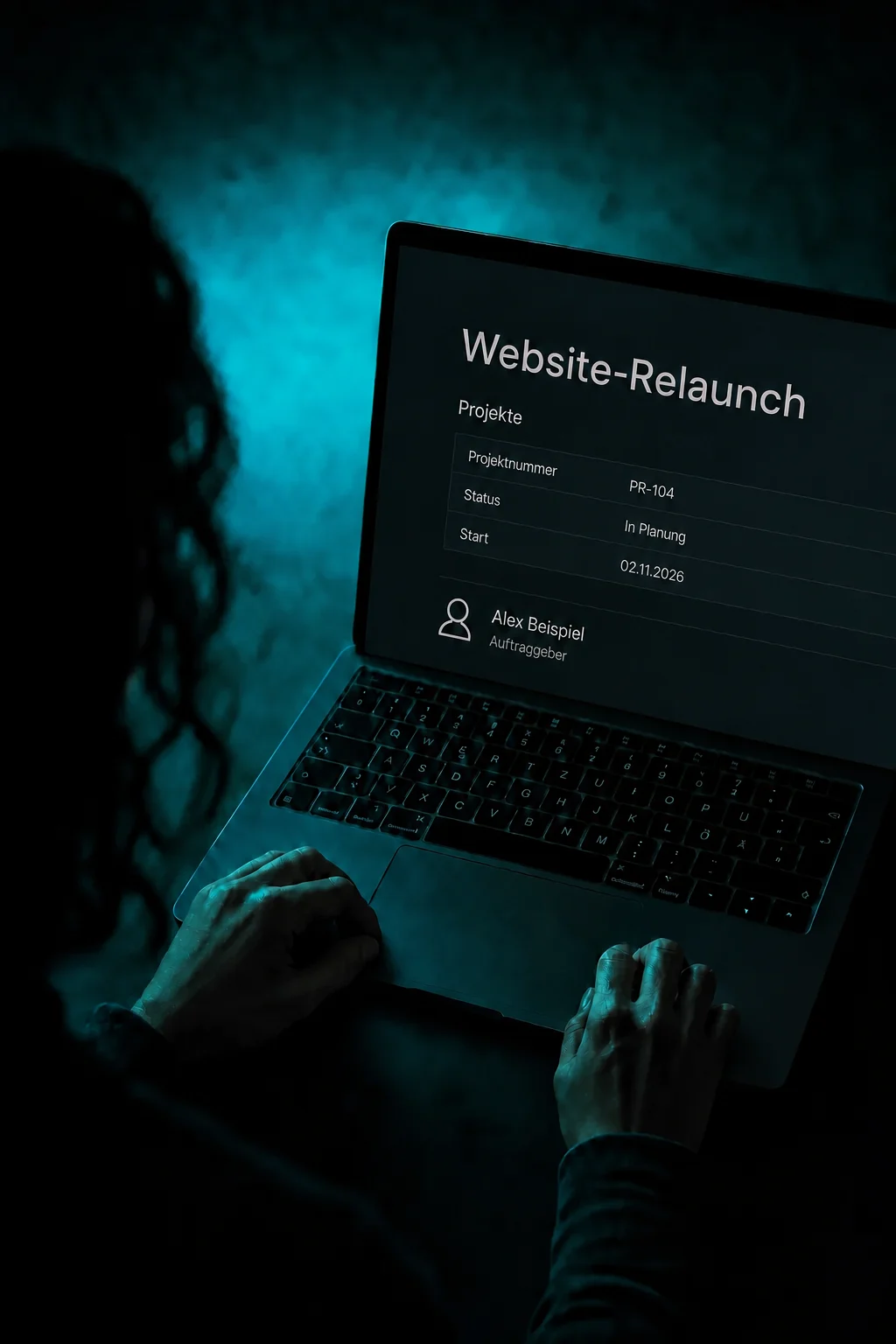
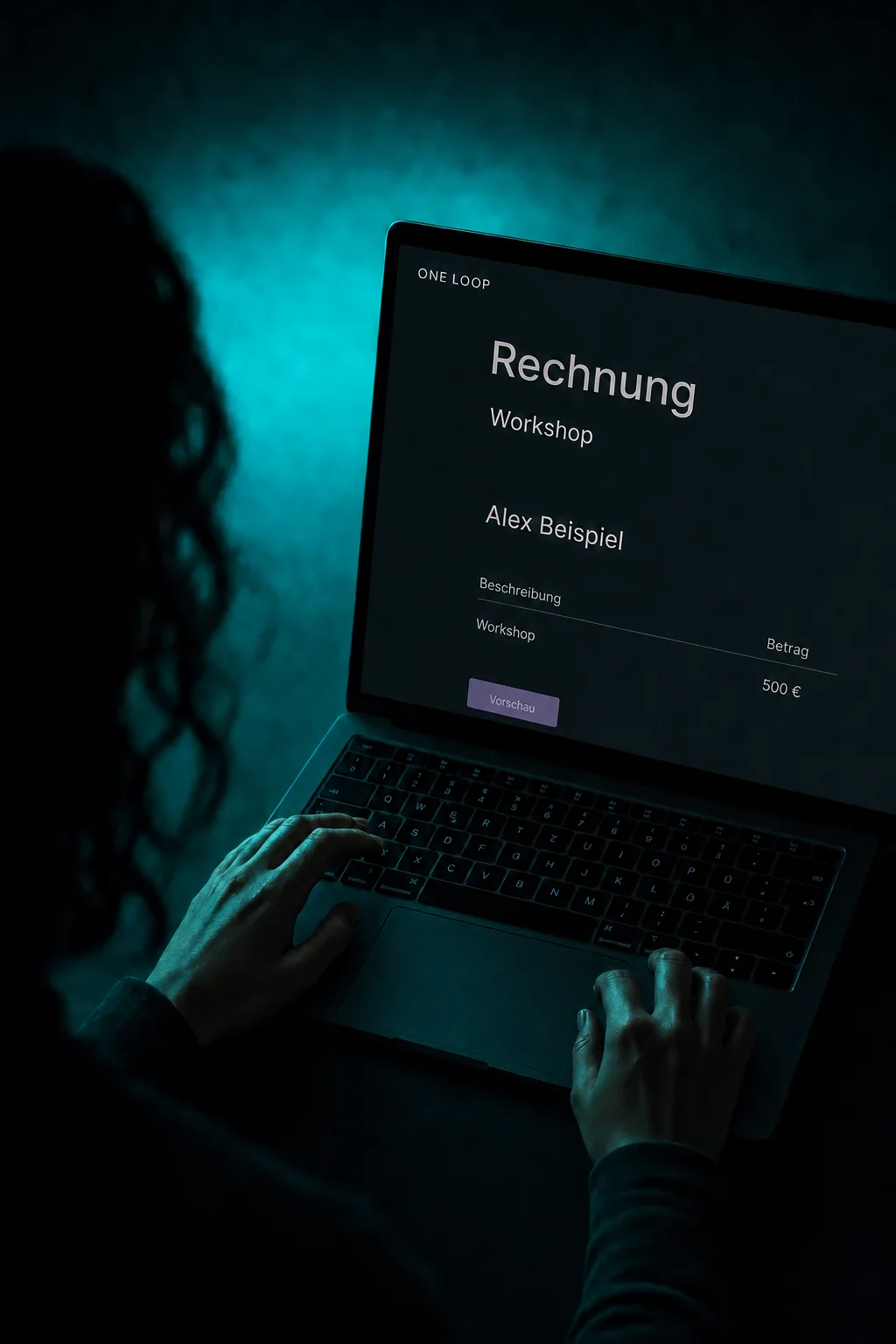
01
Turn your inventory into a rental listing.
Create a listing for a room, equipment or vehicle with a photo, price and stock quantity. This example sets up three camera kits for rental. Categories help customers find what they need.


Rentals & Resources
Show what you rent out, let customers choose a period and keep track of stock. Pickup, return and booking details stay together in ONE LOOP.
Three examples show how you can use Rentals & Resources.
Create a listing for a room, equipment or vehicle with a photo, price and stock quantity. This example sets up three camera kits for rental. Categories help customers find what they need.
Customers choose the rental period and quantity on your booking page. You decide whether they select exact times, dates only or fixed durations. Your settings determine the price and availability.

The calendar shows occupied periods. Open a booking for the customer, quantity, pickup and return times. Internal notes can tell your team where to hand over the camera kit.

The practical benefits of Rentals & Resources.
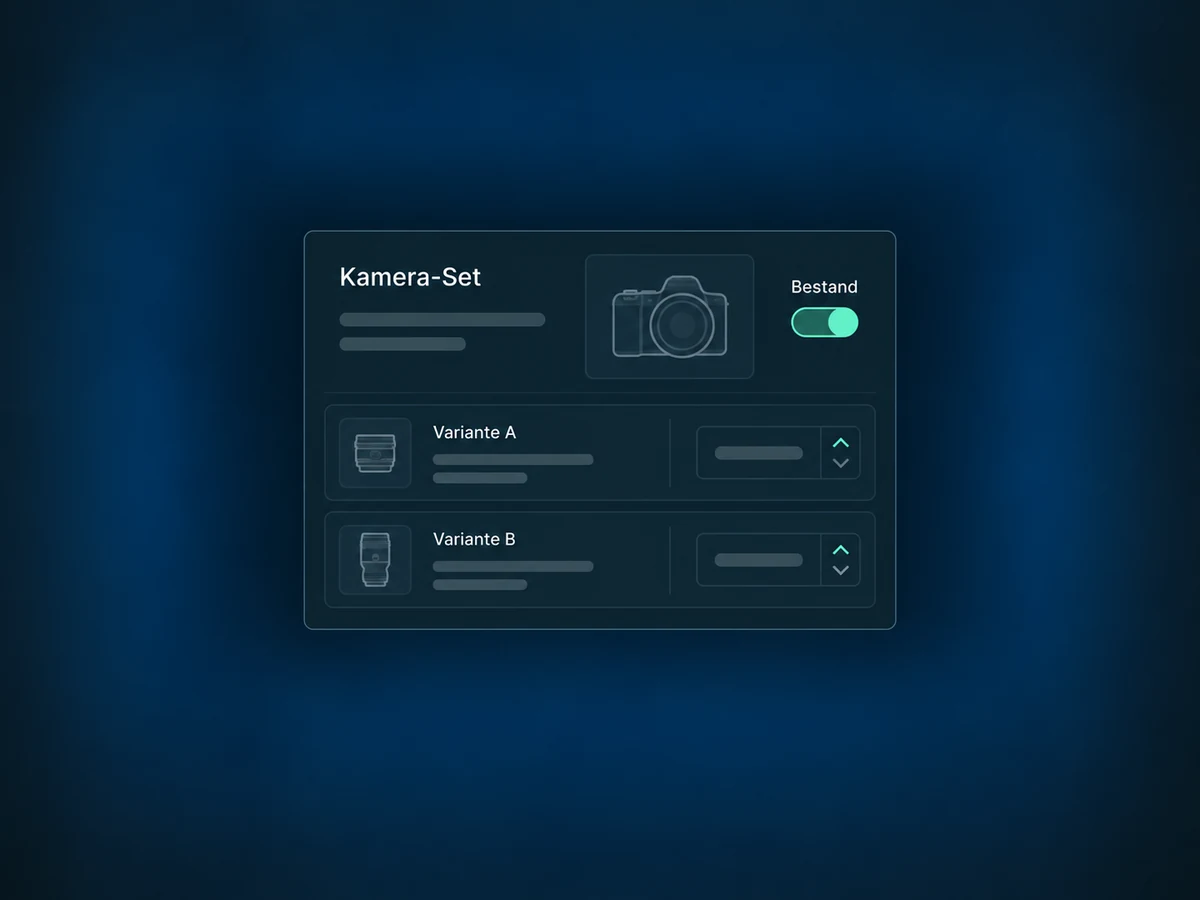
Enable inventory tracking and enter your stock quantity. For different versions, create variants with their own stock and price.
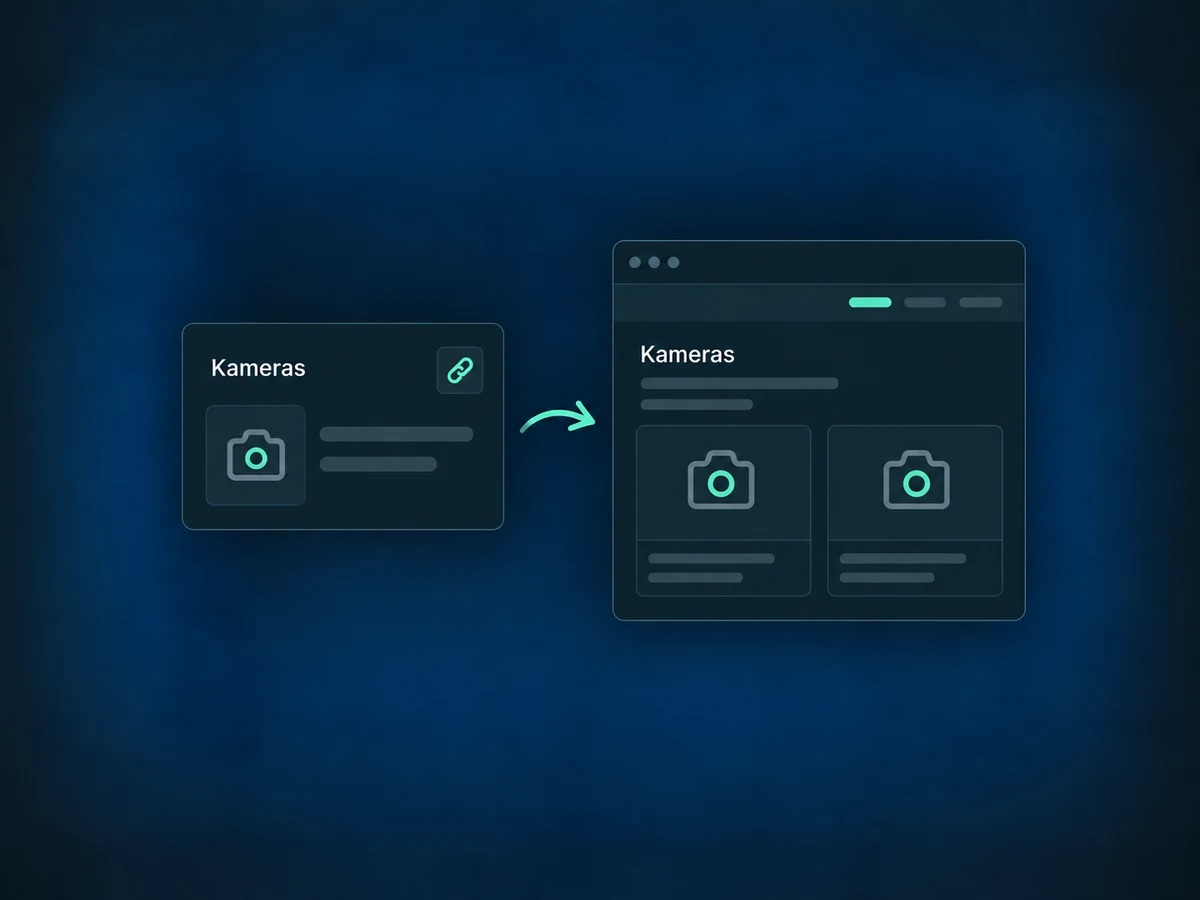
Share a link to a specific listing or category. Someone asking about cameras can go straight to your camera rentals.
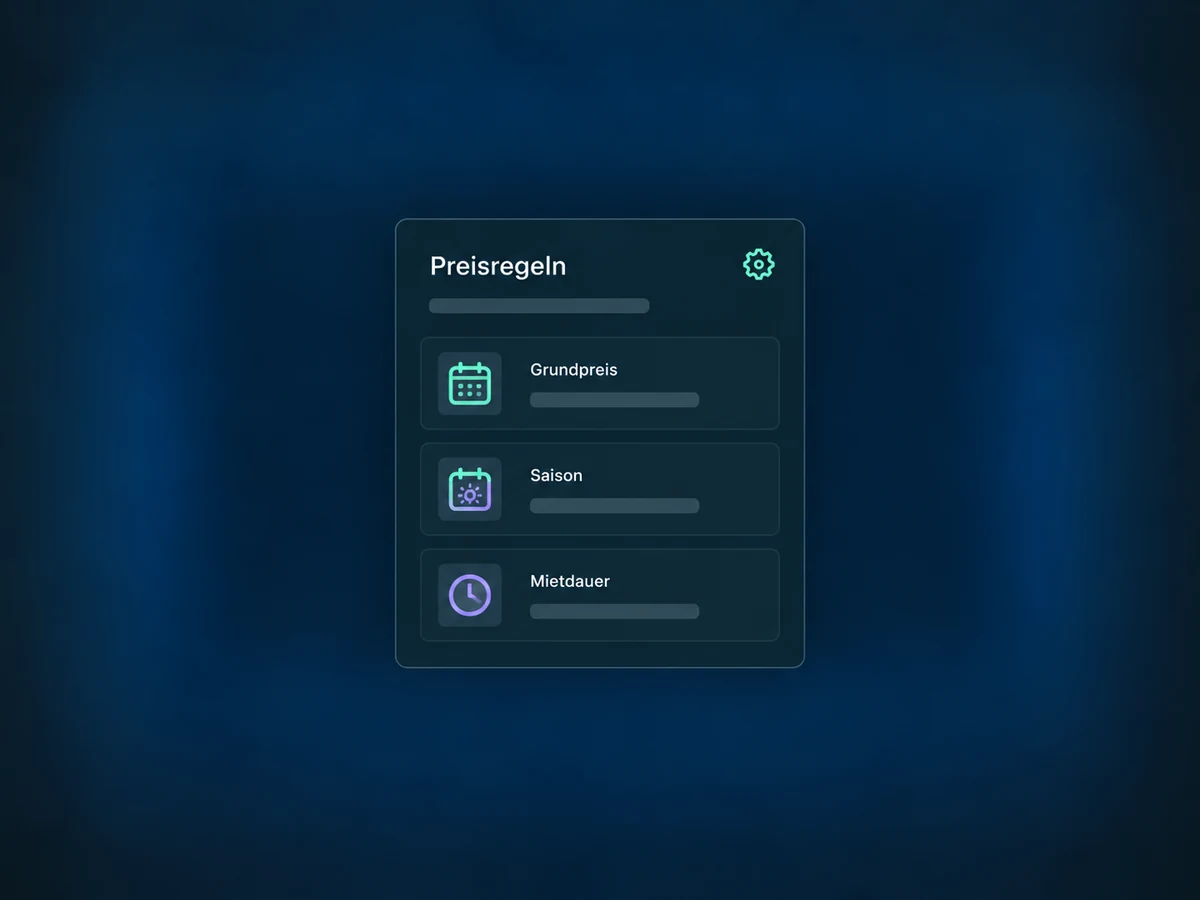
Set a base rate and optionally add seasonal pricing or discounts for longer rentals. Quantity discounts are available with inventory tracking enabled.
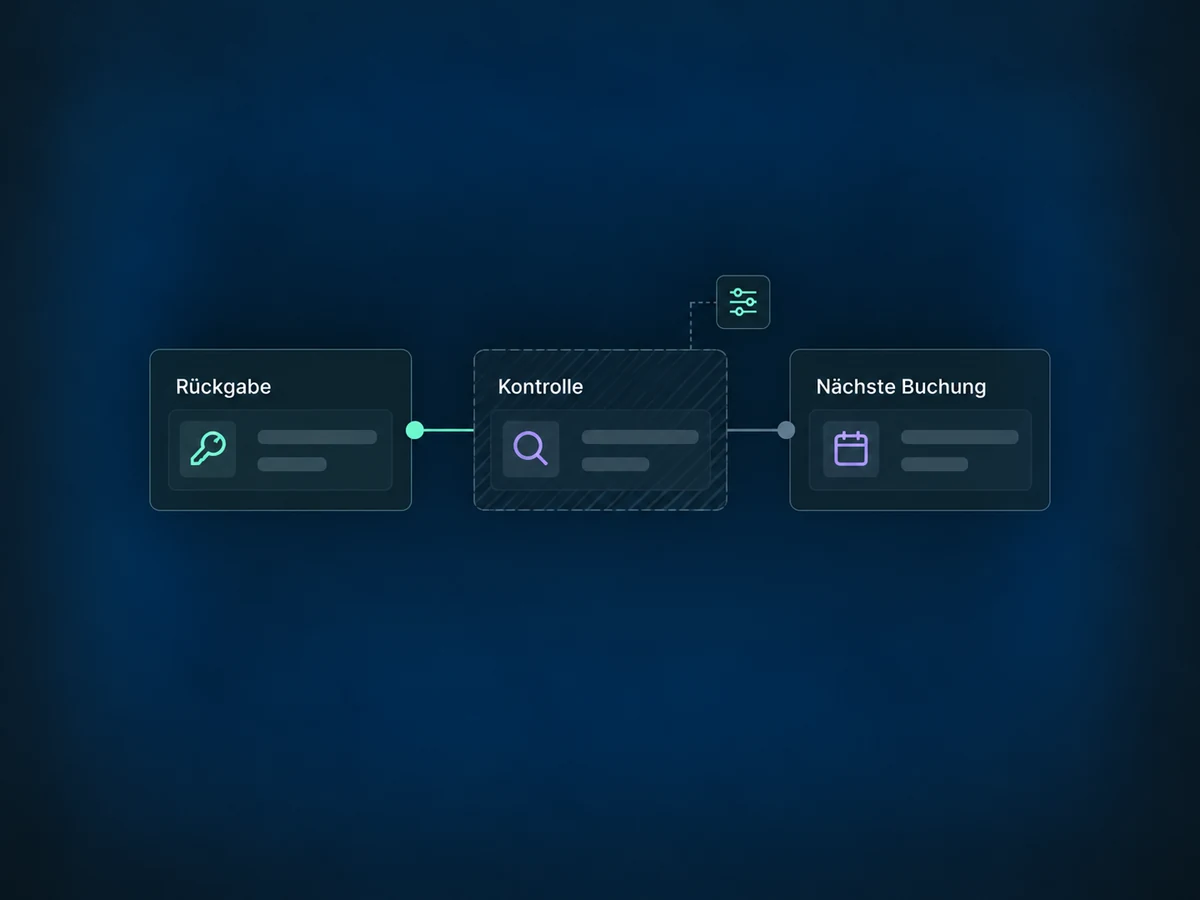
Buffers before and after bookings leave time for checks, cleaning or preparation. You can also set booking notice and rental duration limits.
Block a period for equipment maintenance or internal use of a room. There is no need to create a customer or rental order.
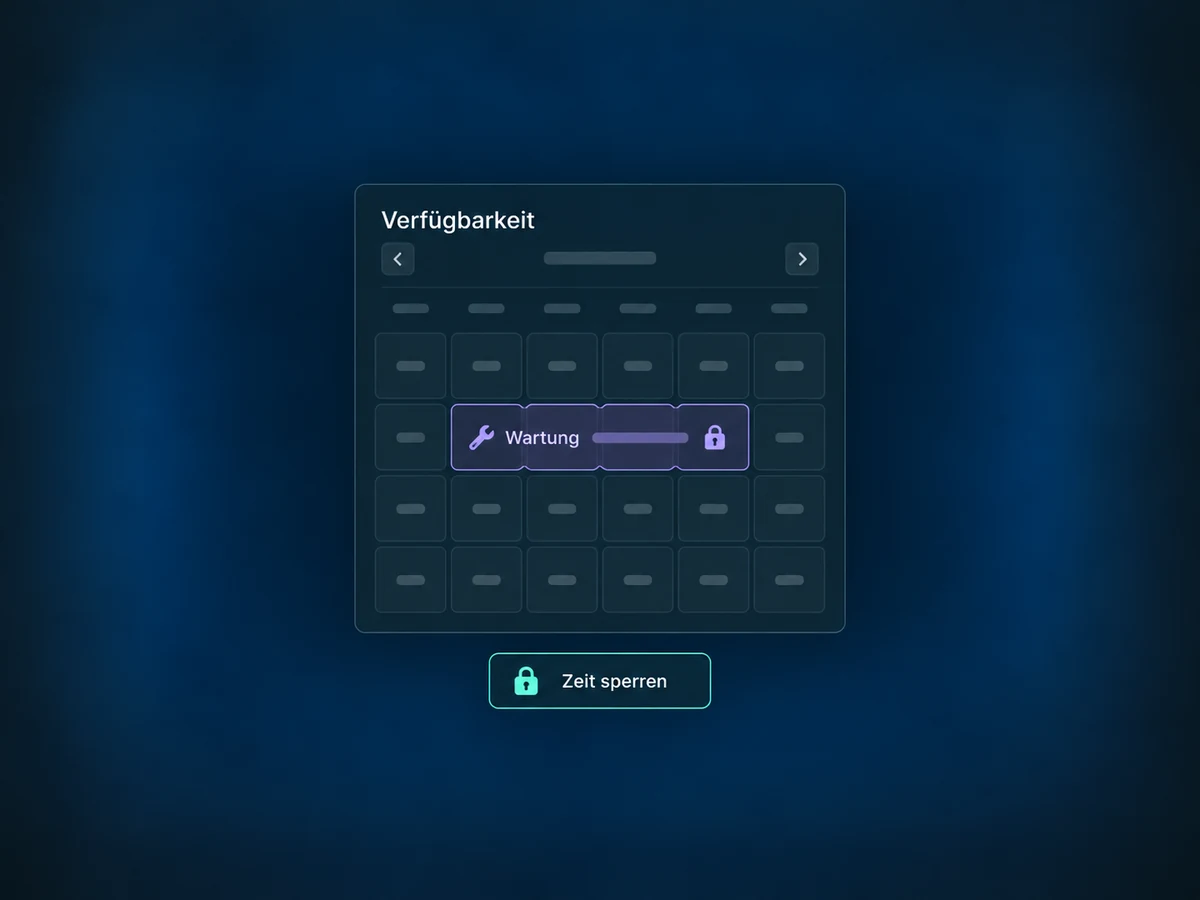
Simplified examples, not live account data.
We check feature access and configure listings, stock, rental periods and prices. We match payment methods and terms to your offer, then test fully booked periods, buffers and the booking flow.
A rental booking links the contact to the rented items and their payment status. Each item appears separately in the list; opening its details shows the whole booking. Online payments require a configured payment provider. Creating an invoice does not automatically send it to the customer.
Availability and any add-on or usage costs are confirmed for your ONE LOOP account before implementation.
No. Rentals focus on a room or item for a rental period, with stock, variants and a rental rate. Service bookings start with a service and may involve choosing staff. Each has its own settings and booking flow.
Yes. A booking can include several listings, such as a camera and lighting. Each item has its own period and quantity. In the management list, items appear as separate rows but still belong to the same booking.
Yes, you can create bookings internally. This lets you override rules such as operating hours or minimum rental duration. Stock and configured buffers are still checked. Use these exceptions deliberately and review the times before saving.
Supported iCal connections can import and export occupied periods. Imports are delayed, not instant. For listings with variants, an imported period currently affects only the first variant; with inventory enabled, it blocks all stock for that period. We therefore check the connection and its availability effects before use.
Let’s explore your use case and what the setup requires.
Book a demo